
Good Morning Find your assigned seat Check first


- Slides: 14
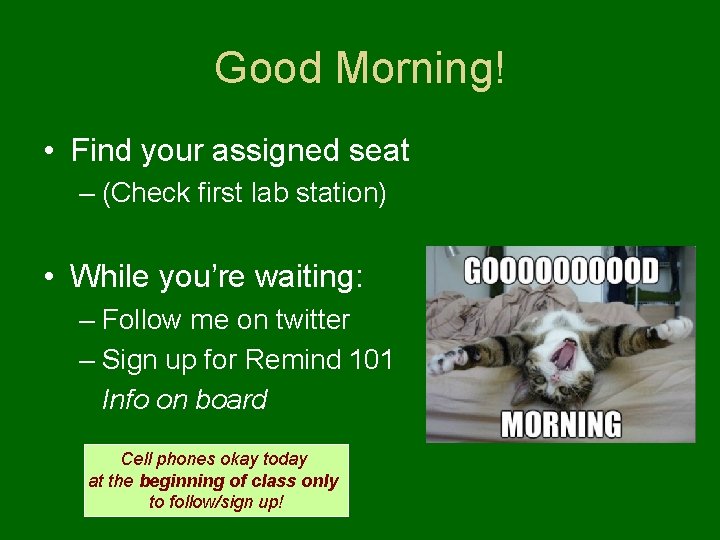
Good Morning! • Find your assigned seat – (Check first lab station) • While you’re waiting: – Follow me on twitter – Sign up for Remind 101 Info on board Cell phones okay today at the beginning of class only to follow/sign up!
Recap Yesterday • What do you remember? – Major topics covered – Syllabus items • Grade scale • Attendance/tardies • Cell phone policy – Who is Mr. Ludwikowski – Course website
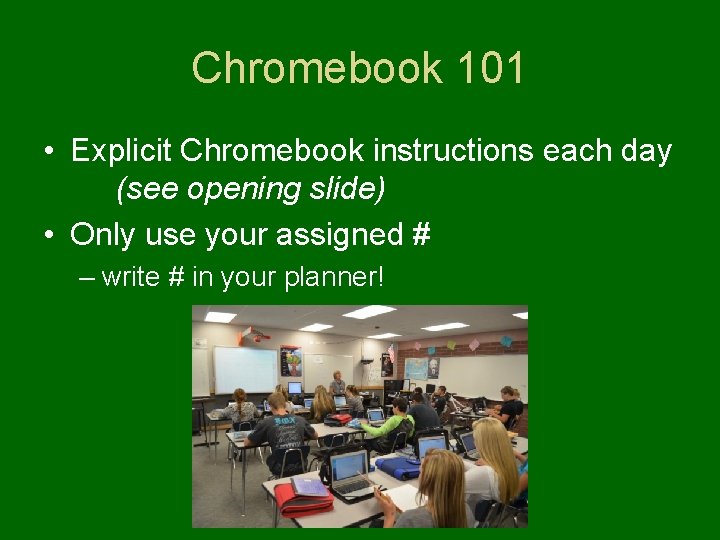
Chromebook 101 • Explicit Chromebook instructions each day (see opening slide) • Only use your assigned # – write # in your planner!
Grab a Chromebook!
When you’re logged in… • Explore the Chromebook – You. Tube (use headphones!) – Email – Schoolview
Website Exploration • Go to: ludwikowskiscience. weebly. com Navigate around, get to know our site
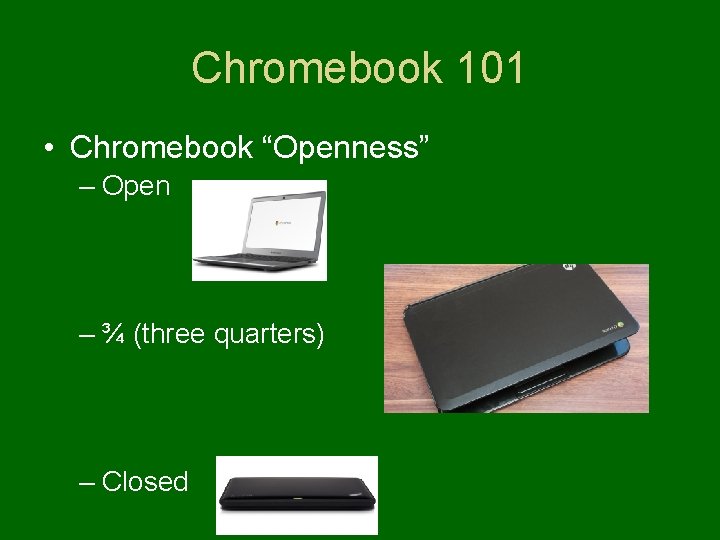
Chromebook 101 • Chromebook “Openness” – Open – ¾ (three quarters) – Closed
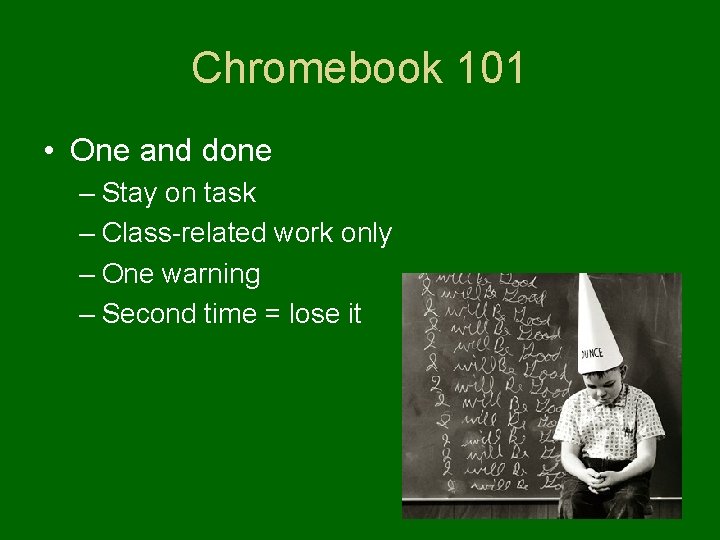
Chromebook 101 • One and done – Stay on task – Class-related work only – One warning – Second time = lose it
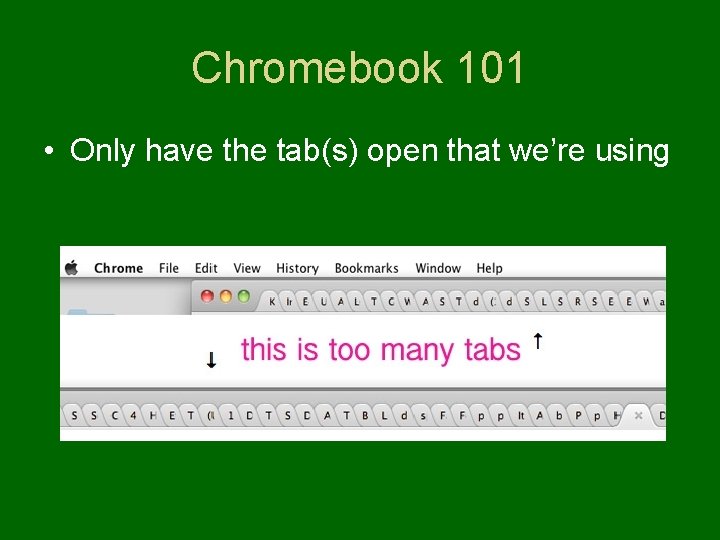
Chromebook 101 • Only have the tab(s) open that we’re using
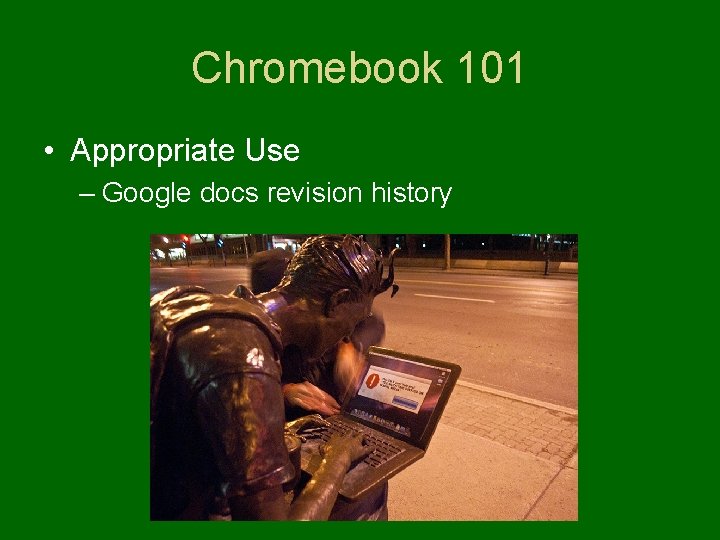
Chromebook 101 • Appropriate Use – Google docs revision history
Chromebook 101 • Do not plug things into Chromebooks • Remember: No phones anyway!
Chromebook Use TPS • How have you used Chromebooks in the past? • How could Chromebooks be used in our classroom?
Chromebook Use • How will we be using Chromebooks in Science? – Follow-along instruction (pear deck) – Labs – Exit Slips – Conclusion Writing – Miscellaneous Activities
Getting to Know You • On my website: – Physical Science • Unit 1: Measurment and Scientific Processes – “GETTING TO KNOW YOU” link to Google form *Make sure to click “Mr. Ludwikowski” as your teacher **Take your time, be open and honest!