
Good Graph UNI Plant Physiology Spring 2005 Why






- Slides: 23
Good Graph! UNI Plant Physiology Spring 2005
Why make graphs? • To summarize your data • To contrast treatments • To show what happens over time (conc. , distance, etc. ) • To tell a story rather than give numbers • Because you have to
Two main kinds • Scatter plot (dots) • Bar graph
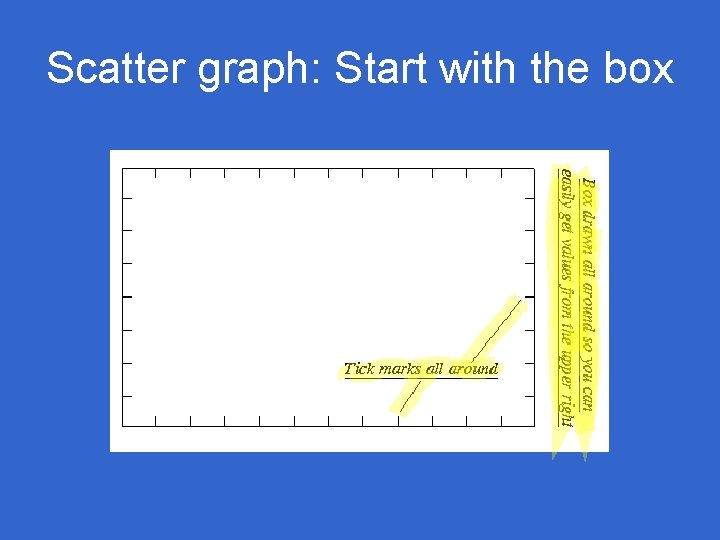
Scatter graph: Start with the box
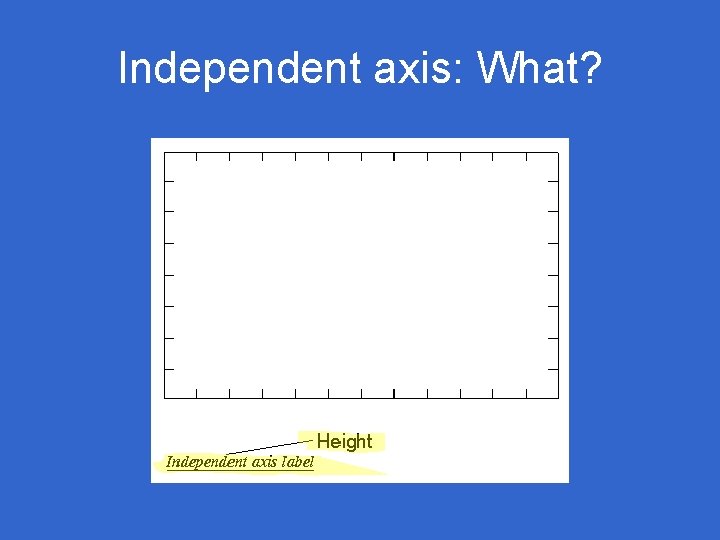
Independent axis: What?
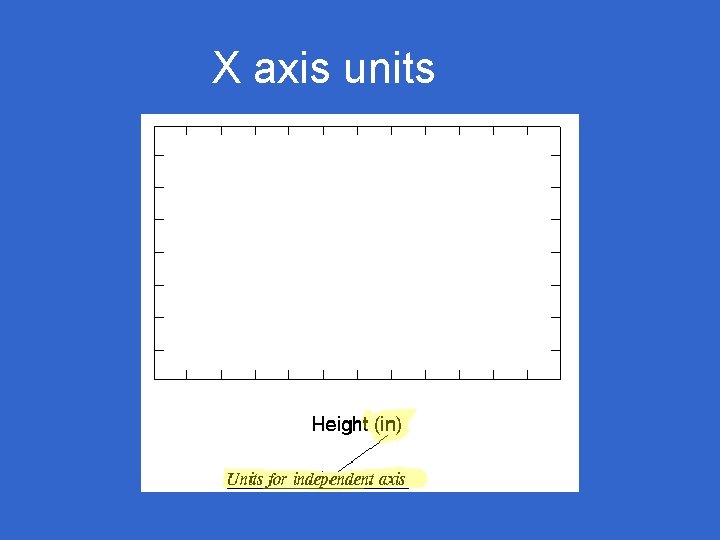
X axis units
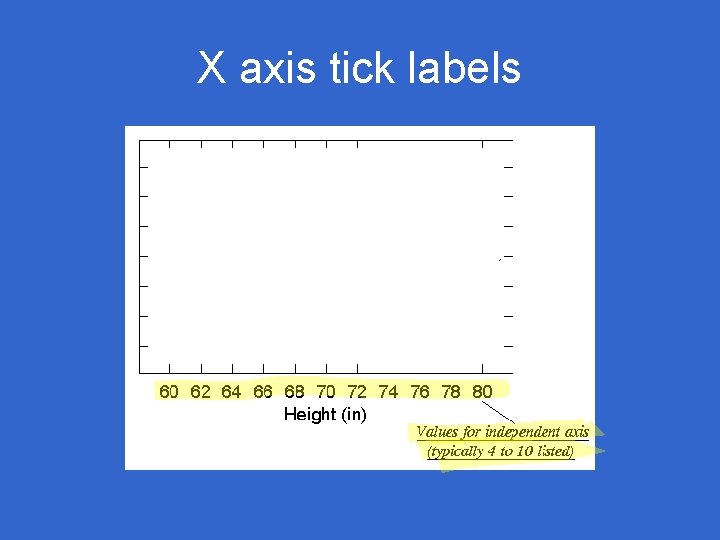
X axis tick labels
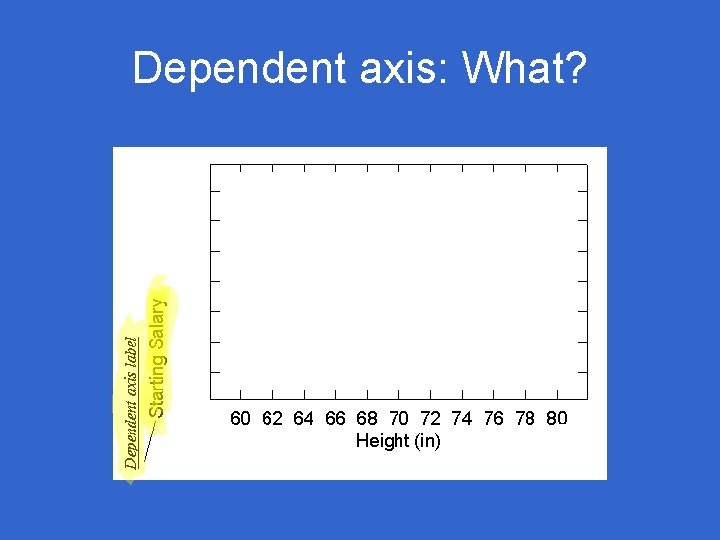
Dependent axis: What?
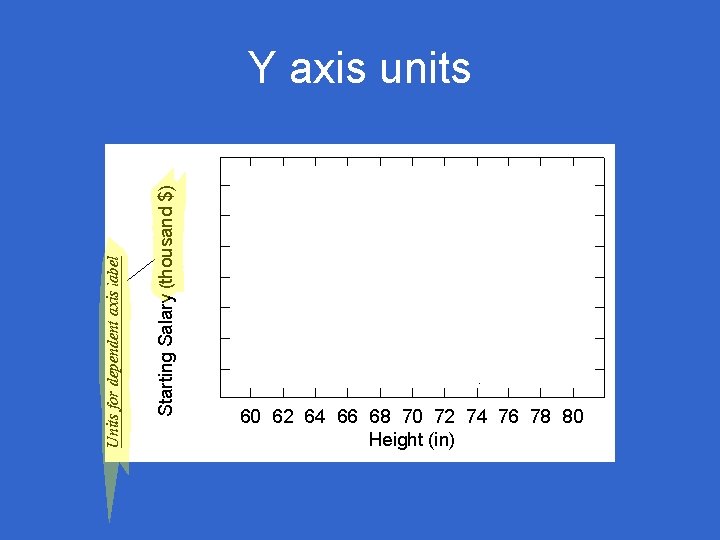
Y axis units
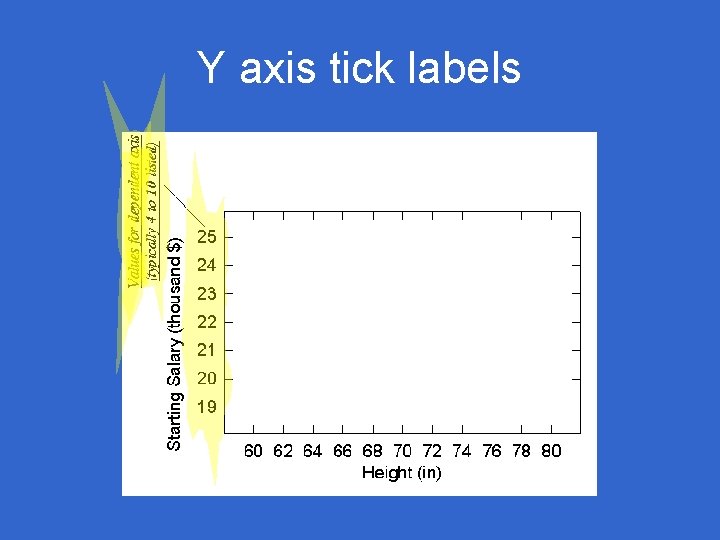
Y axis tick labels
Title: What’s it about?
Add the data at last
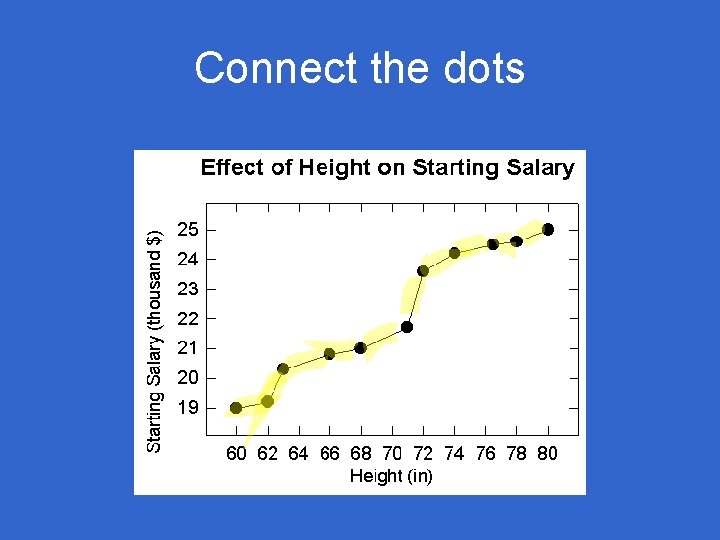
Connect the dots
Good Scatter Plot
Scatter or bar graph? • Continuous variable (x) – Examples: temperature, size, weight – Scatter – Connect the lines • Discontinuous variable (x) – Examples: pet type, number of feet, car model – Bar graph
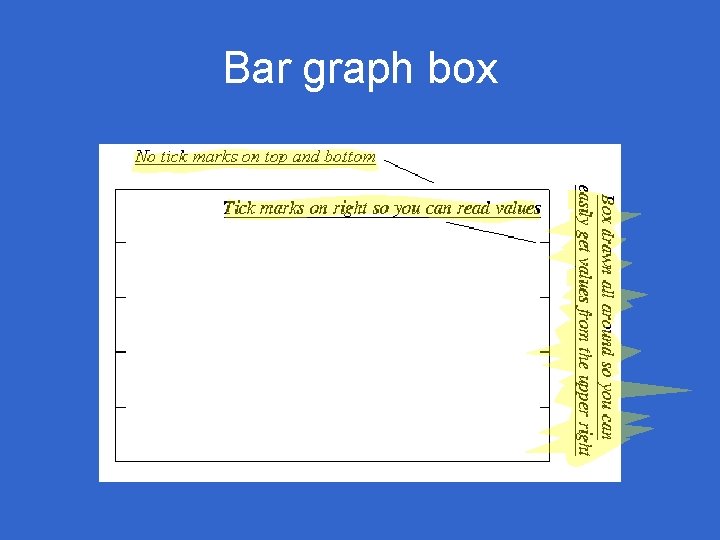
Bar graph box
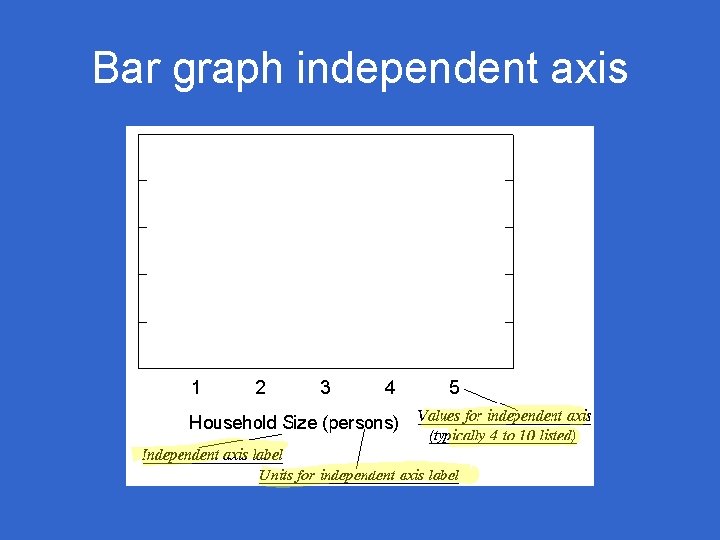
Bar graph independent axis
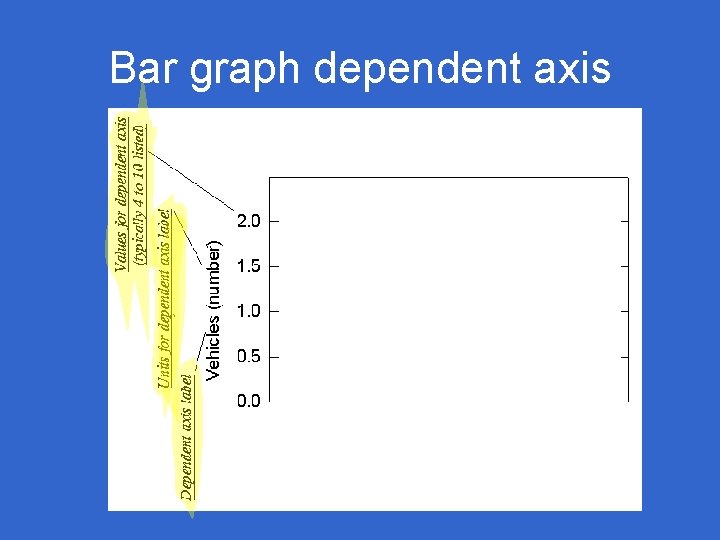
Bar graph dependent axis
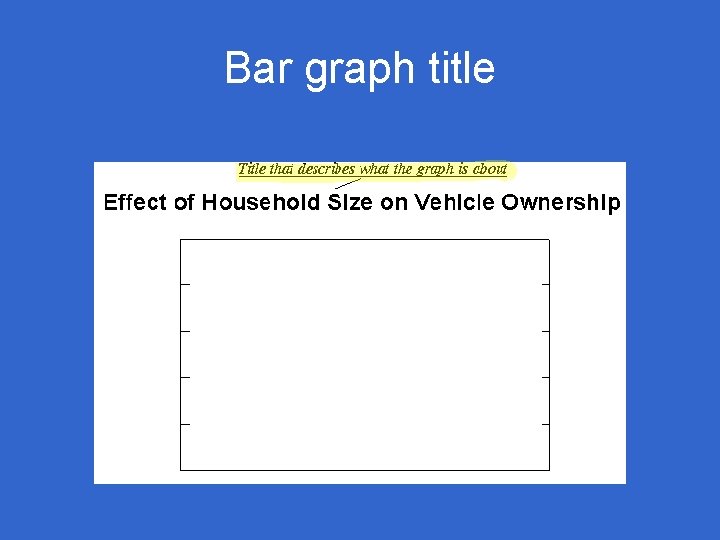
Bar graph title
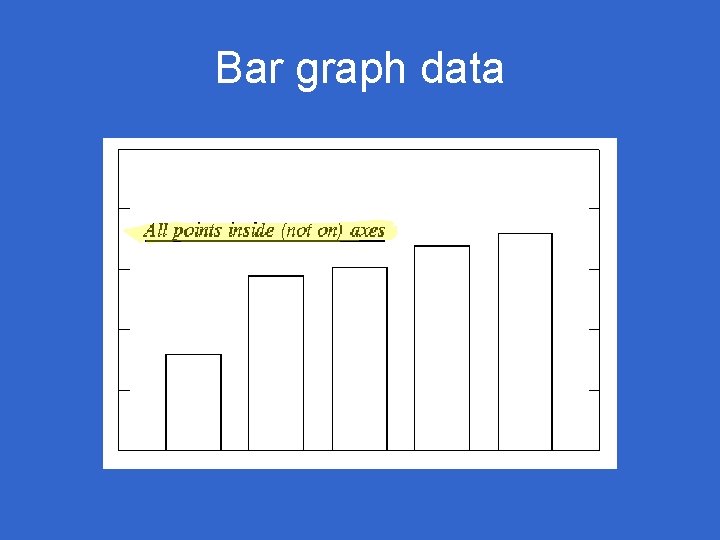
Bar graph data
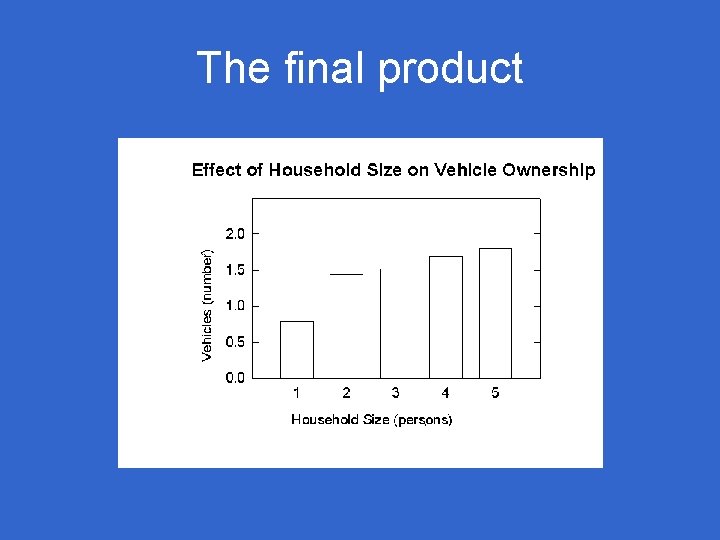
The final product
FAQs • Does it matter if I do a good job? – You make your story clear – You get extra points – You understand other’s graphs – You get your manuscript accepted • How can I remember all of this? – You can’t (yet) – It’s all in the lab manual – With a checklist
The easy way • Use a computer program • Tell it exactly what you want – Graph type – Title – Axis labels (with units), ranges – Data and line types – Lots more possibilities