
GOMS Analysis Web Site Usability Melody Y Ivory
GOMS Analysis & Web Site Usability Melody Y. Ivory (UCB CS) SIMS 213, UI Design & Development April 15, 1999
GOMS Analysis Outline GOMS at a glance l Model Human Processor revisited l Original GOMS (CMN-GOMS) l Variants of GOMS l GOMS in practice l Summary l 2
GOMS at a glance l Proposed by Card, Moran & Newell in 1983 – apply psychology to CS » user model (MHP) to predict performance of tasks in UI l task completion time, short-term memory requirements – applicable to » user interface design and evaluation » training and documentation 3
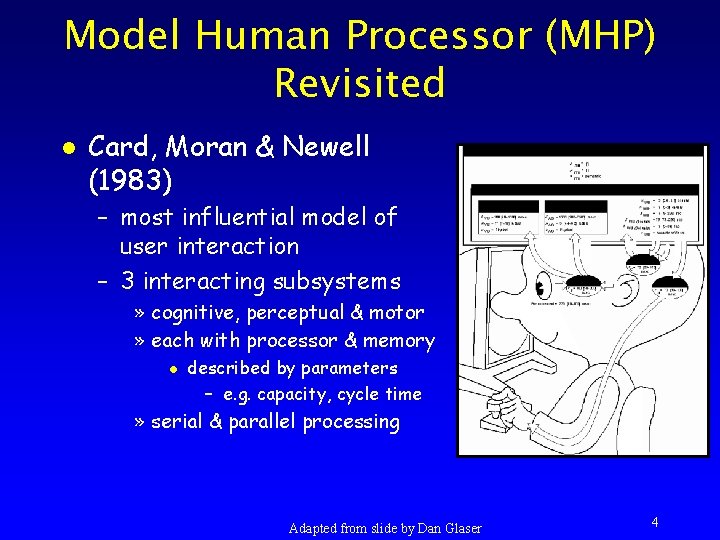
Model Human Processor (MHP) Revisited l Card, Moran & Newell (1983) – most influential model of user interaction – 3 interacting subsystems » cognitive, perceptual & motor » each with processor & memory l described by parameters – e. g. capacity, cycle time » serial & parallel processing Adapted from slide by Dan Glaser 4
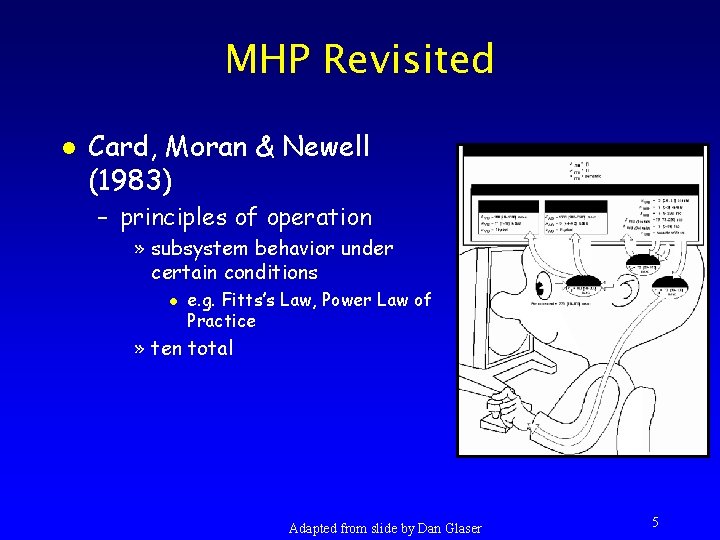
MHP Revisited l Card, Moran & Newell (1983) – principles of operation » subsystem behavior under certain conditions l e. g. Fitts’s Law, Power Law of Practice » ten total Adapted from slide by Dan Glaser 5
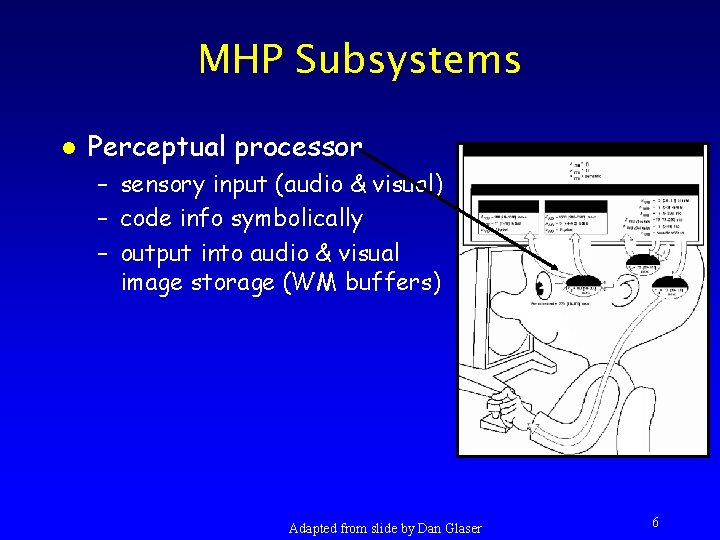
MHP Subsystems l Perceptual processor – sensory input (audio & visual) – code info symbolically – output into audio & visual image storage (WM buffers) Adapted from slide by Dan Glaser 6
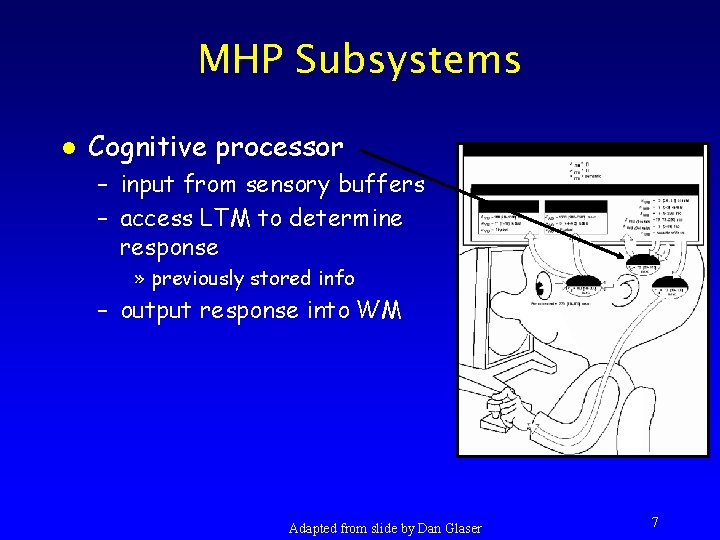
MHP Subsystems l Cognitive processor – input from sensory buffers – access LTM to determine response » previously stored info – output response into WM Adapted from slide by Dan Glaser 7
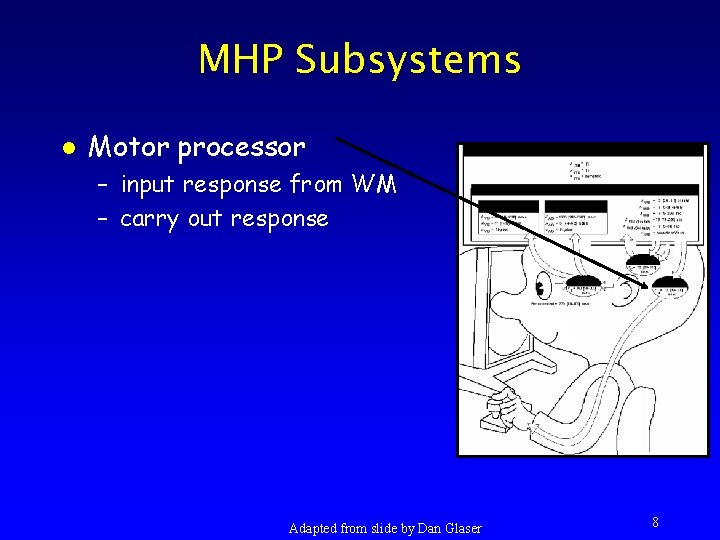
MHP Subsystems l Motor processor – input response from WM – carry out response Adapted from slide by Dan Glaser 8
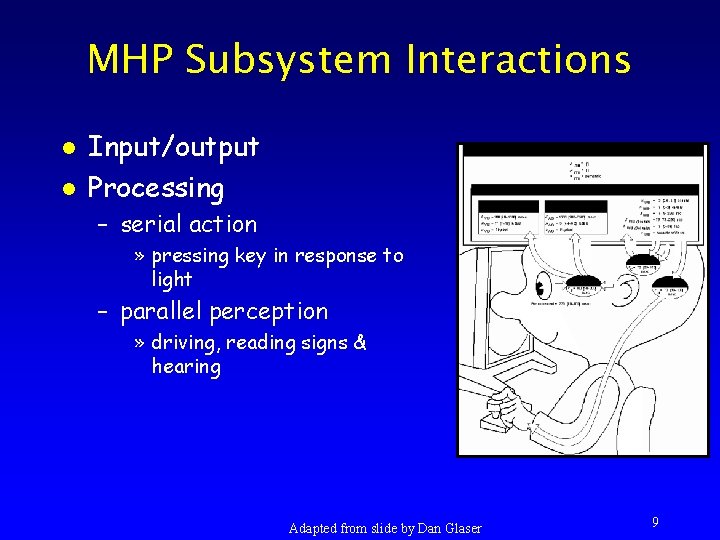
MHP Subsystem Interactions l l Input/output Processing – serial action » pressing key in response to light – parallel perception » driving, reading signs & hearing Adapted from slide by Dan Glaser 9
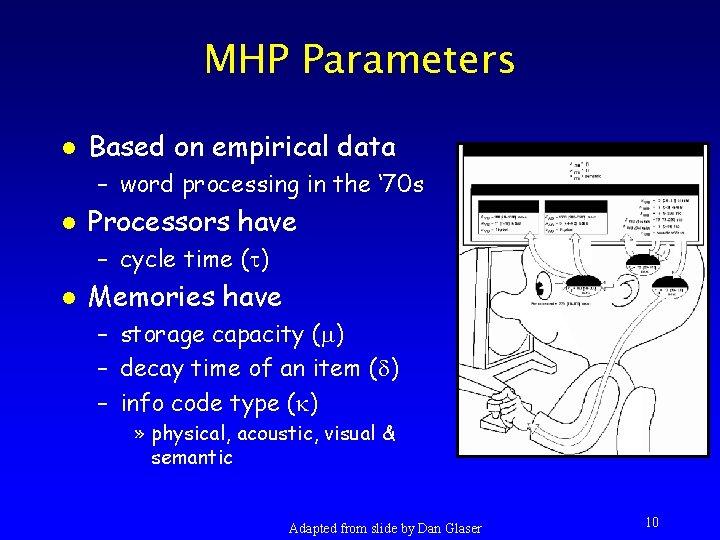
MHP Parameters l Based on empirical data – word processing in the ‘ 70 s l Processors have – cycle time ( ) l Memories have – storage capacity ( ) – decay time of an item ( ) – info code type ( ) » physical, acoustic, visual & semantic Adapted from slide by Dan Glaser 10
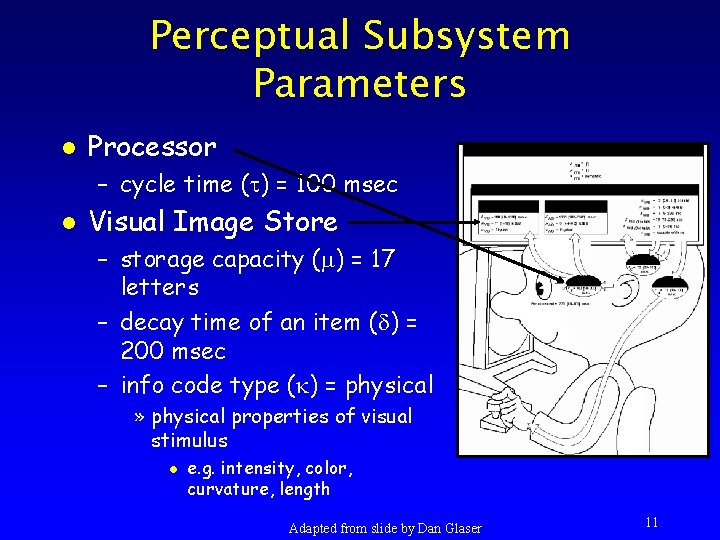
Perceptual Subsystem Parameters l Processor – cycle time ( ) = 100 msec l Visual Image Store – storage capacity ( ) = 17 letters – decay time of an item ( ) = 200 msec – info code type ( ) = physical » physical properties of visual stimulus l e. g. intensity, color, curvature, length Adapted from slide by Dan Glaser 11
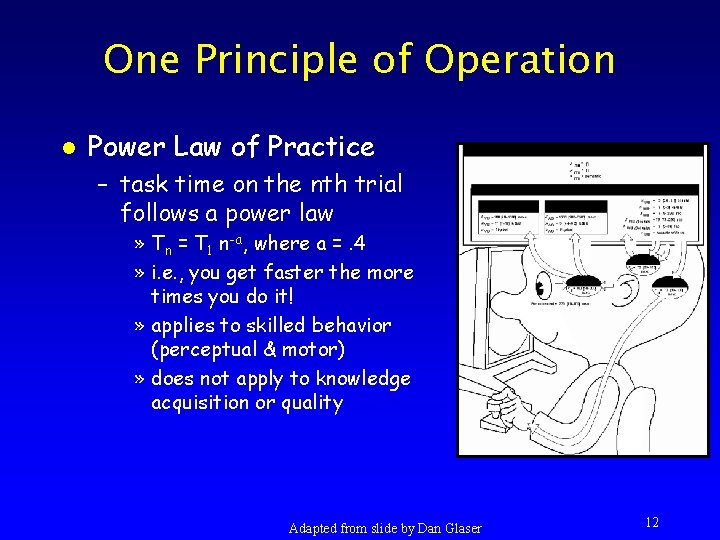
One Principle of Operation l Power Law of Practice – task time on the nth trial follows a power law » Tn = T 1 n-a, where a =. 4 » i. e. , you get faster the more times you do it! » applies to skilled behavior (perceptual & motor) » does not apply to knowledge acquisition or quality Adapted from slide by Dan Glaser 12
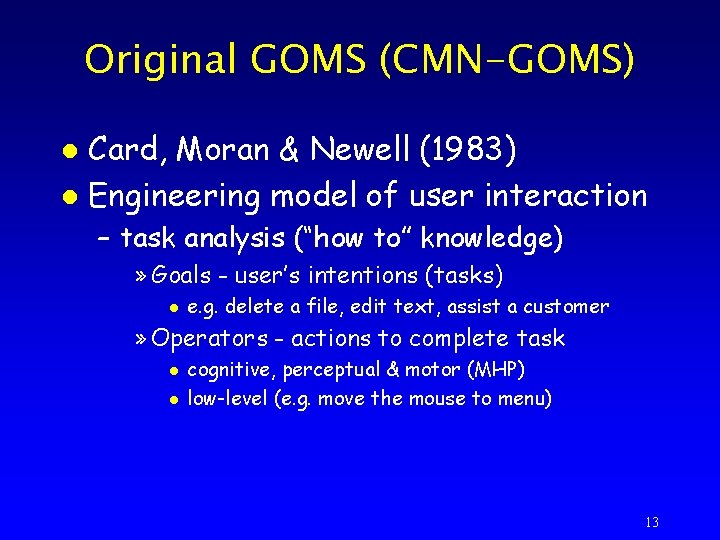
Original GOMS (CMN-GOMS) Card, Moran & Newell (1983) l Engineering model of user interaction l – task analysis (“how to” knowledge) » Goals - user’s intentions (tasks) l e. g. delete a file, edit text, assist a customer » Operators - actions to complete task l l cognitive, perceptual & motor (MHP) low-level (e. g. move the mouse to menu) 13
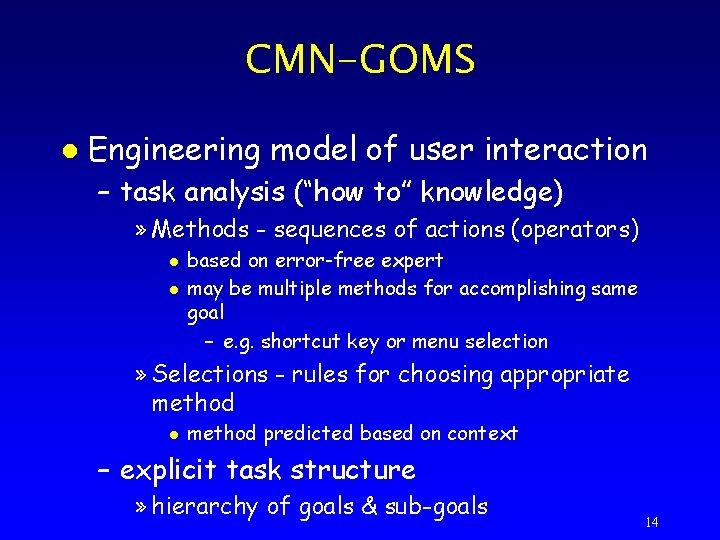
CMN-GOMS l Engineering model of user interaction – task analysis (“how to” knowledge) » Methods - sequences of actions (operators) l l based on error-free expert may be multiple methods for accomplishing same goal – e. g. shortcut key or menu selection » Selections - rules for choosing appropriate method l method predicted based on context – explicit task structure » hierarchy of goals & sub-goals 14
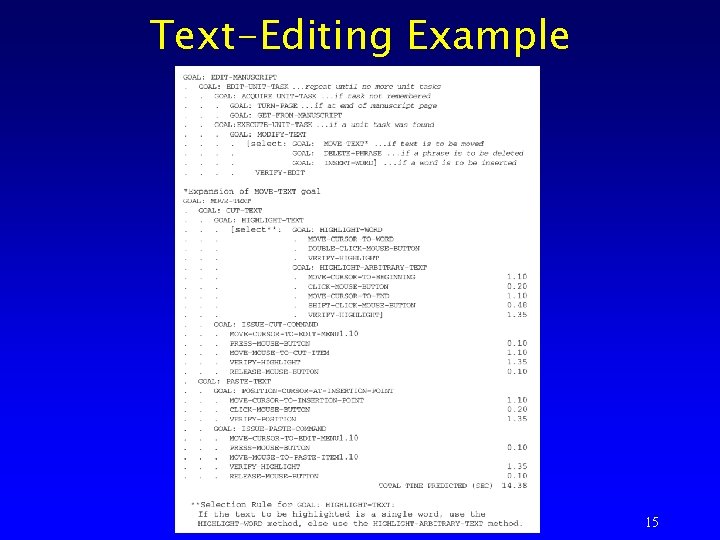
Text-Editing Example 15
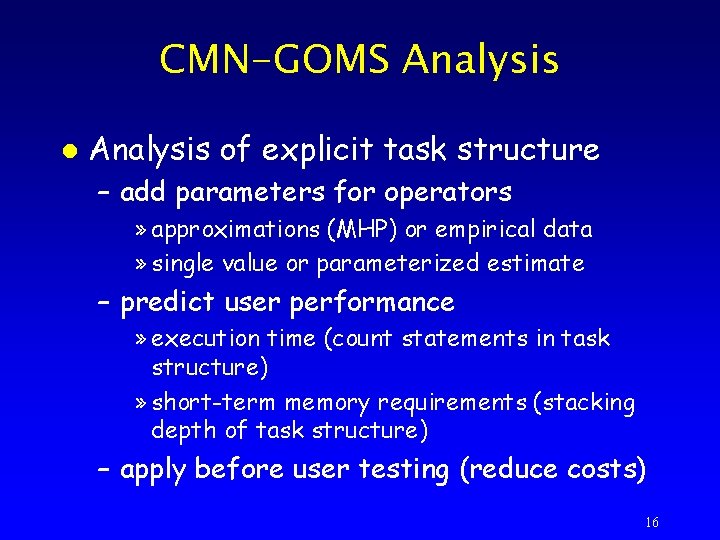
CMN-GOMS Analysis l Analysis of explicit task structure – add parameters for operators » approximations (MHP) or empirical data » single value or parameterized estimate – predict user performance » execution time (count statements in task structure) » short-term memory requirements (stacking depth of task structure) – apply before user testing (reduce costs) 16
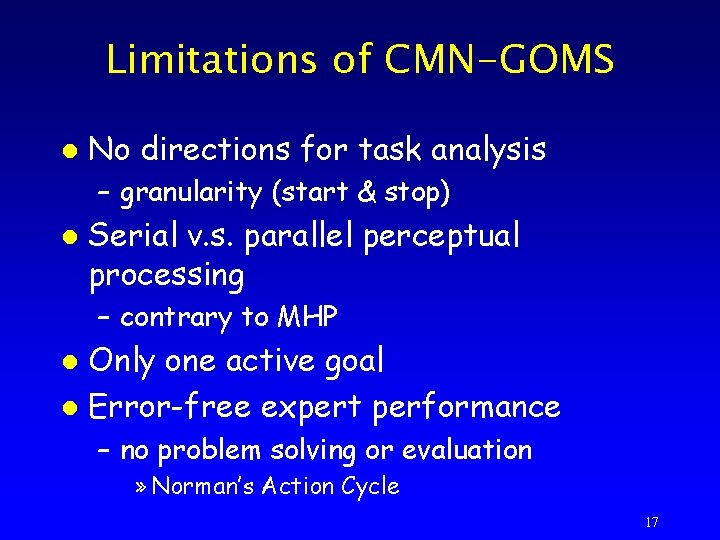
Limitations of CMN-GOMS l No directions for task analysis – granularity (start & stop) l Serial v. s. parallel perceptual processing – contrary to MHP Only one active goal l Error-free expert performance l – no problem solving or evaluation » Norman’s Action Cycle 17
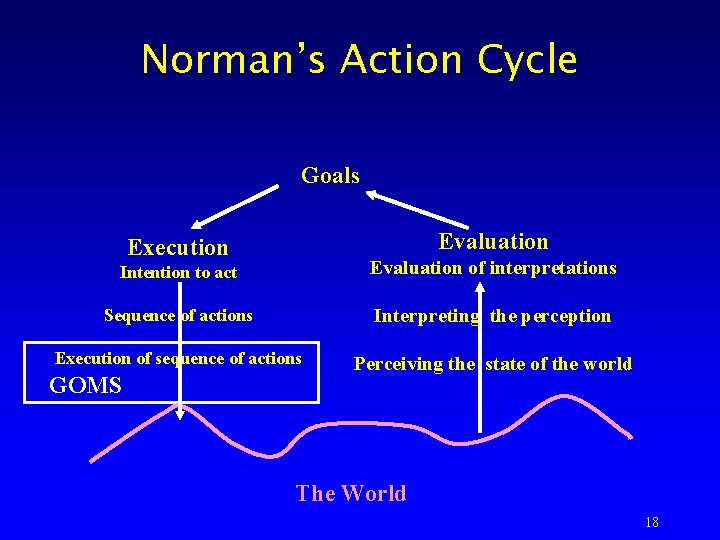
Norman’s Action Cycle Goals Evaluation Execution Intention to act Evaluation of interpretations Sequence of actions Interpreting the perception Execution of sequence of actions Perceiving the state of the world GOMS The World 18
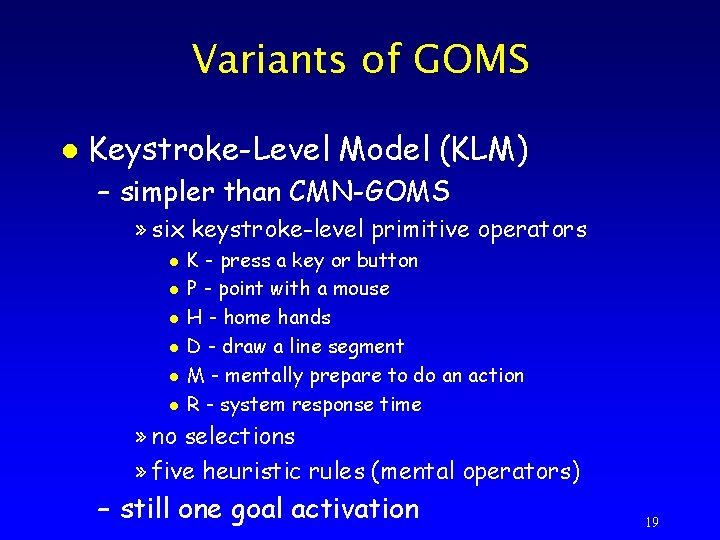
Variants of GOMS l Keystroke-Level Model (KLM) – simpler than CMN-GOMS » six keystroke-level primitive operators l l l K - press a key or button P - point with a mouse H - home hands D - draw a line segment M - mentally prepare to do an action R - system response time » no selections » five heuristic rules (mental operators) – still one goal activation 19
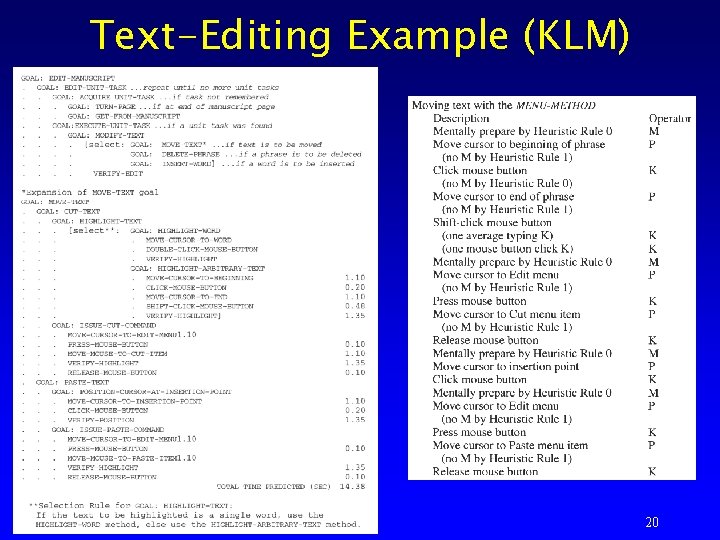
Text-Editing Example (KLM) 20
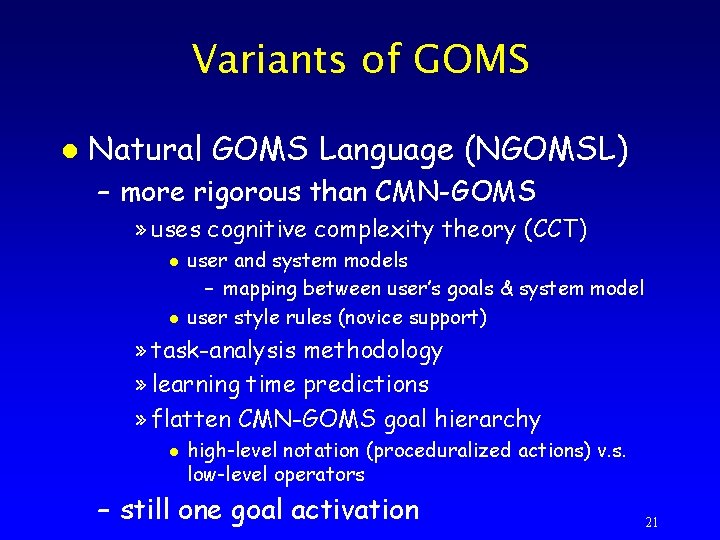
Variants of GOMS l Natural GOMS Language (NGOMSL) – more rigorous than CMN-GOMS » uses cognitive complexity theory (CCT) l l user and system models – mapping between user’s goals & system model user style rules (novice support) » task-analysis methodology » learning time predictions » flatten CMN-GOMS goal hierarchy l high-level notation (proceduralized actions) v. s. low-level operators – still one goal activation 21
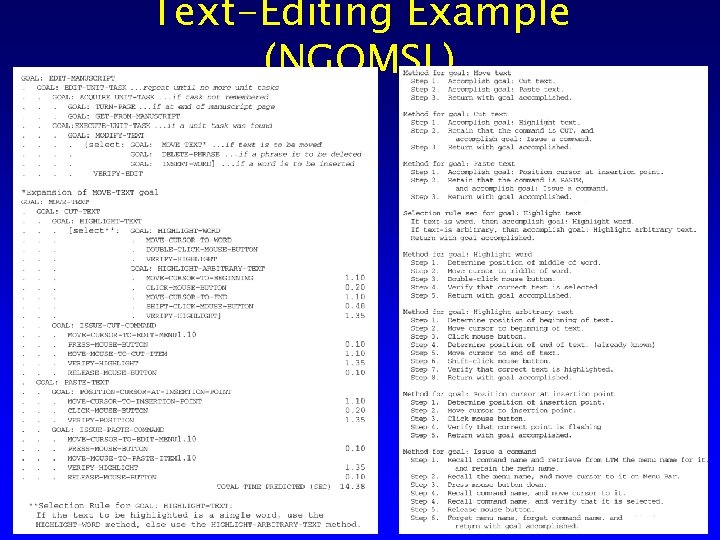
Text-Editing Example (NGOMSL) 22
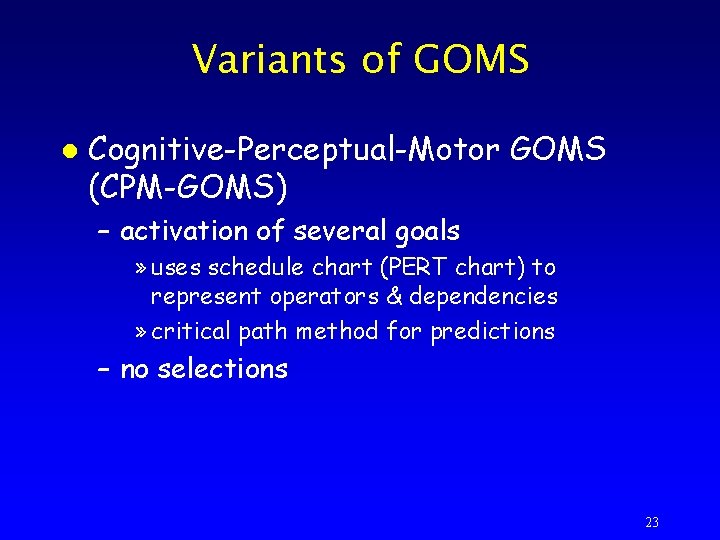
Variants of GOMS l Cognitive-Perceptual-Motor GOMS (CPM-GOMS) – activation of several goals » uses schedule chart (PERT chart) to represent operators & dependencies » critical path method for predictions – no selections 23
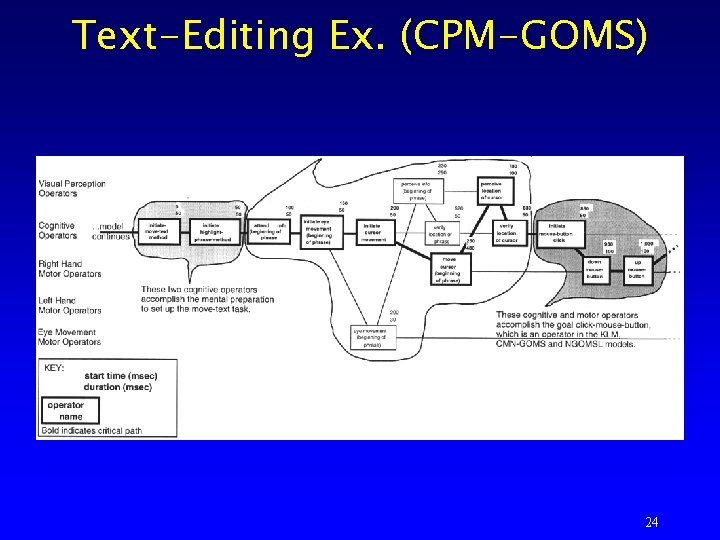
Text-Editing Ex. (CPM-GOMS) 24
GOMS in Practice Mouse-driven text editor (KLM) l CAD system (KLM) l Television control system (NGOMSL) l Minimalist documentation (NGOMSL) l Telephone assistance operator workstation (CMP-GOMS) l – saved about $2 million a year 25
Summary l GOMS in general – The analysis of knowledge of how to do a task in terms of the components of goals, operators, methods & selection rules. (John & Kieras 94) – CMN-GOMS, KLM, NGOMSL, CPMGOMS l Analysis entails » task-analysis » parameterization of operators » predictions l execution time, learning time (NGOMSL), shortterm memory requirements 26
Web Site Usability Outline The Spool Study l Major Implications l 27
The Spool Study l Jared Spool et al. (96 -97) – Web Site Usability: A Designer’s Guide l Usability on the Web – shift from most E-Commerce studies » converting clicks into sales – focus on people finding information to make decisions (purchases) » sites that provide info to support sales 28
Usability Testing of Web Sites l Sites (Interfaces) – 9 popular sites (products & info) l Tasks – information retrieval (4 types of tasks) l Users – familiar with Web browsers l Not a formal usability study – experiment design, number of users & experience, testing procedure? 29
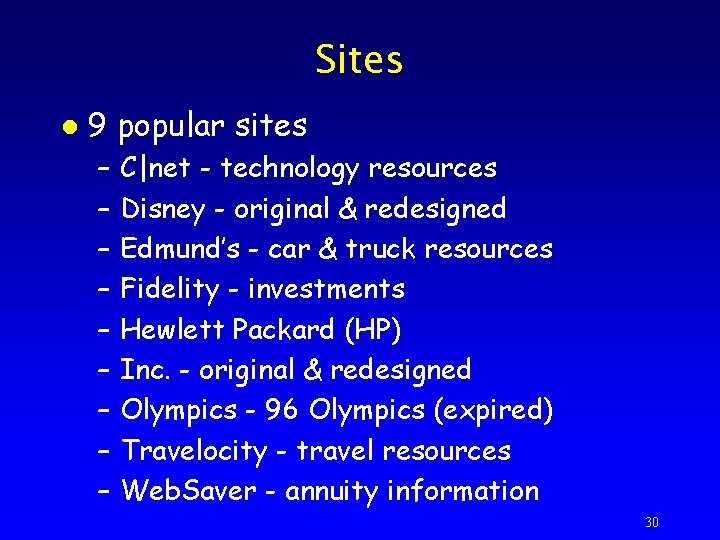
Sites l 9 popular sites – – – – – C|net - technology resources Disney - original & redesigned Edmund’s - car & truck resources Fidelity - investments Hewlett Packard (HP) Inc. - original & redesigned Olympics - 96 Olympics (expired) Travelocity - travel resources Web. Saver - annuity information 30
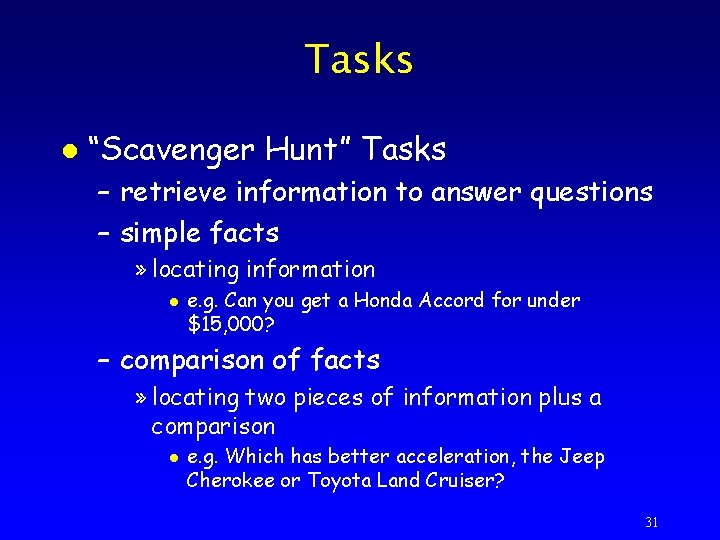
Tasks l “Scavenger Hunt” Tasks – retrieve information to answer questions – simple facts » locating information l e. g. Can you get a Honda Accord for under $15, 000? – comparison of facts » locating two pieces of information plus a comparison l e. g. Which has better acceleration, the Jeep Cherokee or Toyota Land Cruiser? 31
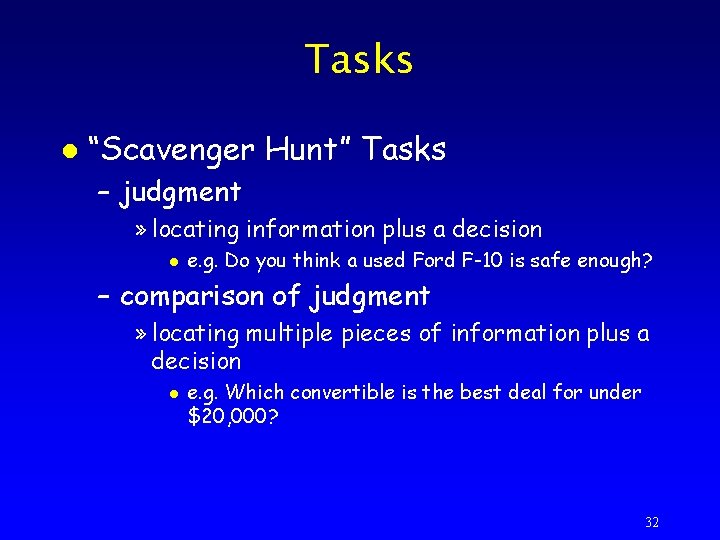
Tasks l “Scavenger Hunt” Tasks – judgment » locating information plus a decision l e. g. Do you think a used Ford F-10 is safe enough? – comparison of judgment » locating multiple pieces of information plus a decision l e. g. Which convertible is the best deal for under $20, 000? 32
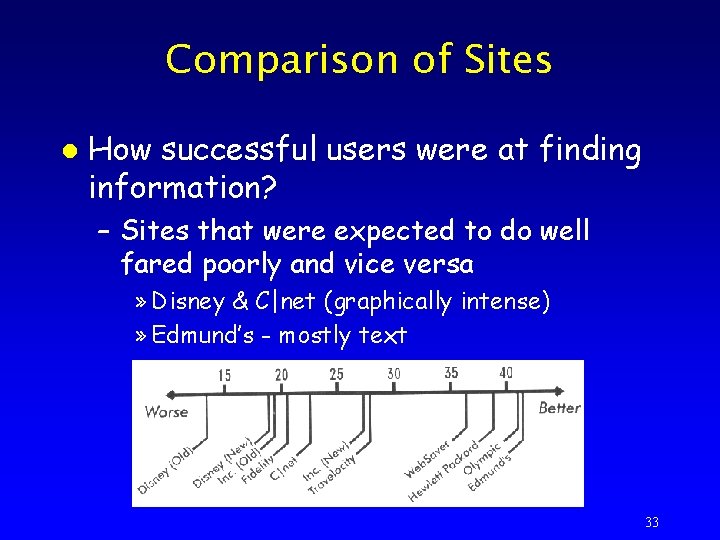
Comparison of Sites l How successful users were at finding information? – Sites that were expected to do well fared poorly and vice versa » Disney & C|net (graphically intense) » Edmund’s - mostly text 33
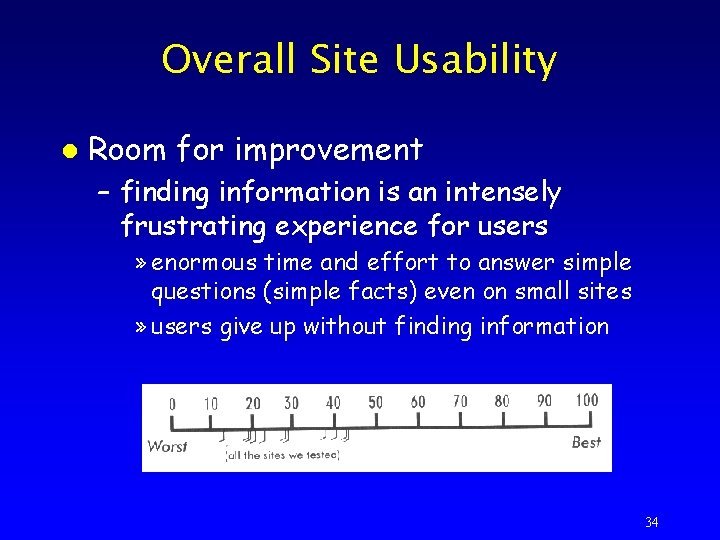
Overall Site Usability l Room for improvement – finding information is an intensely frustrating experience for users » enormous time and effort to answer simple questions (simple facts) even on small sites » users give up without finding information 34
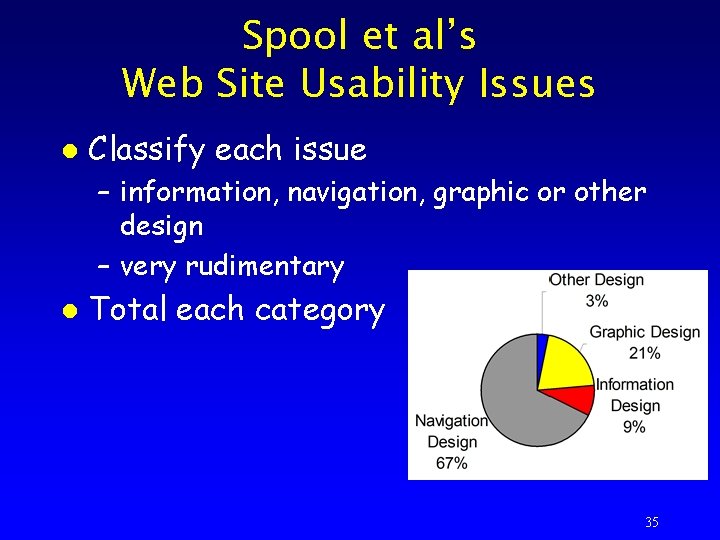
Spool et al’s Web Site Usability Issues l Classify each issue – information, navigation, graphic or other design – very rudimentary l Total each category 35
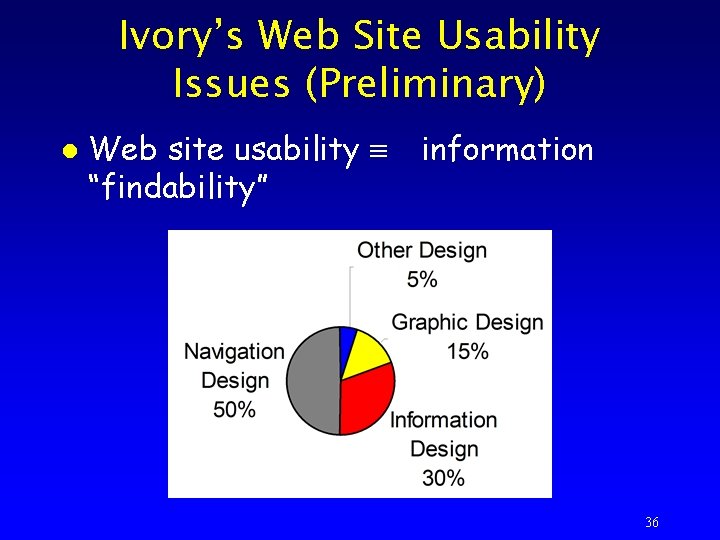
Ivory’s Web Site Usability Issues (Preliminary) l Web site usability “findability” information 36
Web Site Usability Issues l Navigation design – number of links, location of links – within-page, wrapped, embedded, image links l Graphic design – too much white space, unrelated or distracting graphics 37
Web Site Usability Issues l Information design – no support for comparisons, poor readability l Other design – waiting for server 38
Major Implications l Graphic design neither helps nor hurts – users may report as issue, but does not correlate with users’ success l Text links are vital – downloading delays 39
Major Implications l Navigation and content are inseparable – shell strategy leads to many generic links l Information retrieval is different than surfing – implies different design approach » surfing - need to attract users » information retrieval - help users find information, more focused 40
Major Implications l Web sites aren’t like software – software » success with product implies preference – Web » success on site does not imply preference l content is important 41
- Slides: 41