
Go Basic Computer Concepts Objective 4 Identify Types
Go! Basic Computer Concepts Objective 4 Identify Types of Software And Their Uses
Software ü Software provides the instructions or commands that tell the computer what to do. These instructions are called programs. ü We have two categories of computer software: System software Application software
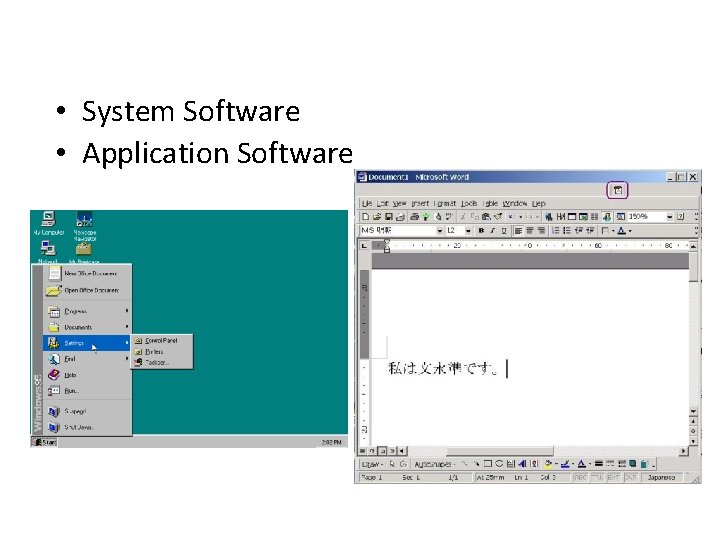
• System Software • Application Software
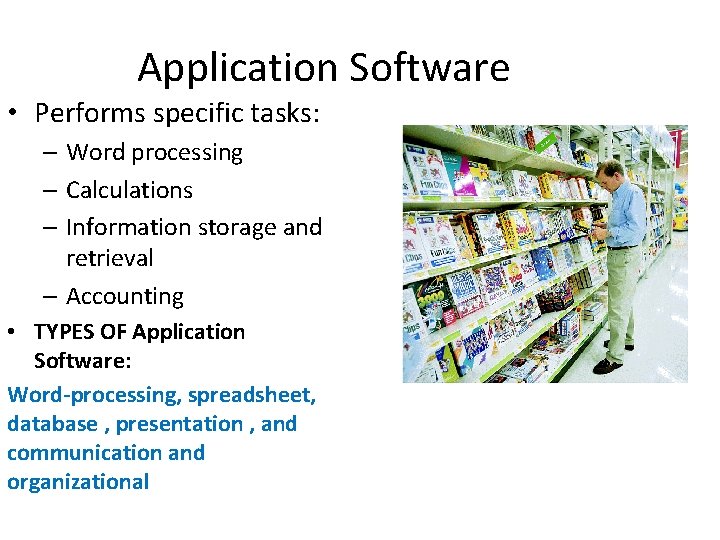
Application Software • Performs specific tasks: – Word processing – Calculations – Information storage and retrieval – Accounting • TYPES OF Application Software: Word-processing, spreadsheet, database , presentation , and communication and organizational
System Software ü System software provides the instructions that the computer needs to run known as the boot process. ü The boot process is the start-up system that ensures everything is working properly. ü System software consist of two programs: Operating System Utility Programs
Utility Programs ü Management and maintenance of your computer system are efficient due to your utility programs. ü Utility programs for Windows are the following: Windows Explorer, Task Manager, Control Panel, Administrative Tools, and Security.
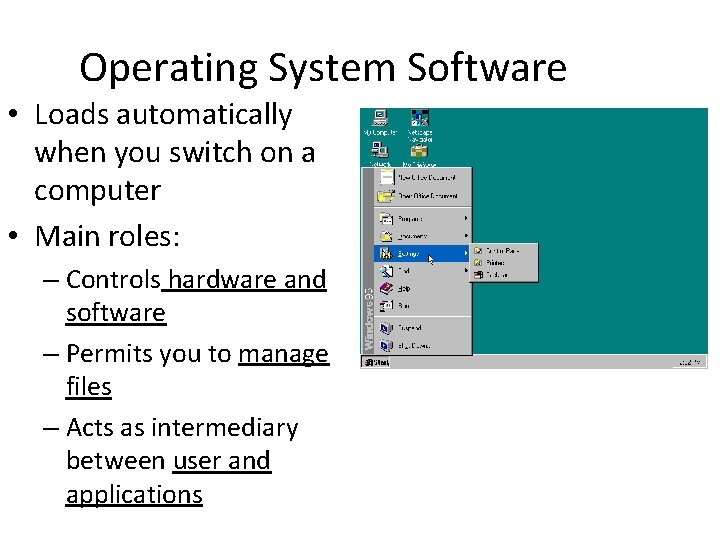
Operating System Software • Loads automatically when you switch on a computer • Main roles: – Controls hardware and software – Permits you to manage files – Acts as intermediary between user and applications
User Interface ü A user interface helps you to interact and communicate with the computer. ü Disk Operating System (DOS) was first used, but not very user friendly because you had to possess a knowledge of special commands that had to be typed accurately. ü Graphical user interface (GUI) are more user friendly and intuitive because you can use a mouse to interact with icons or menus or dialog boxes.
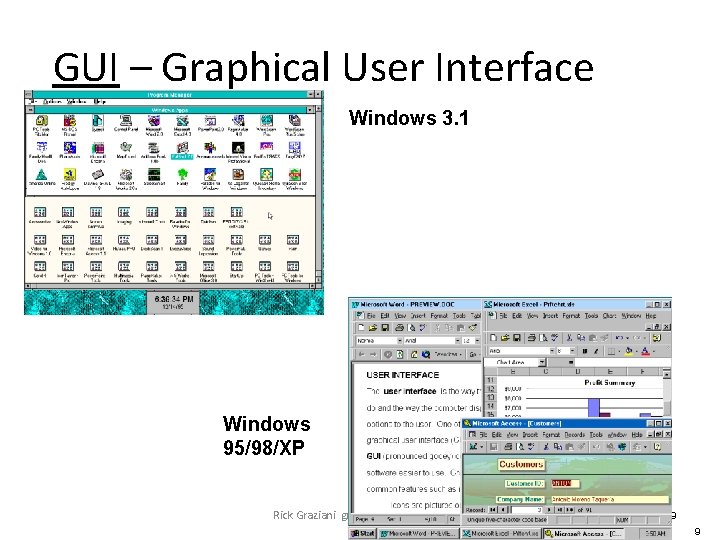
GUI – Graphical User Interface Windows 3. 1 Windows 95/98/XP Rick Graziani graziani@cabrillo. edu 9 9
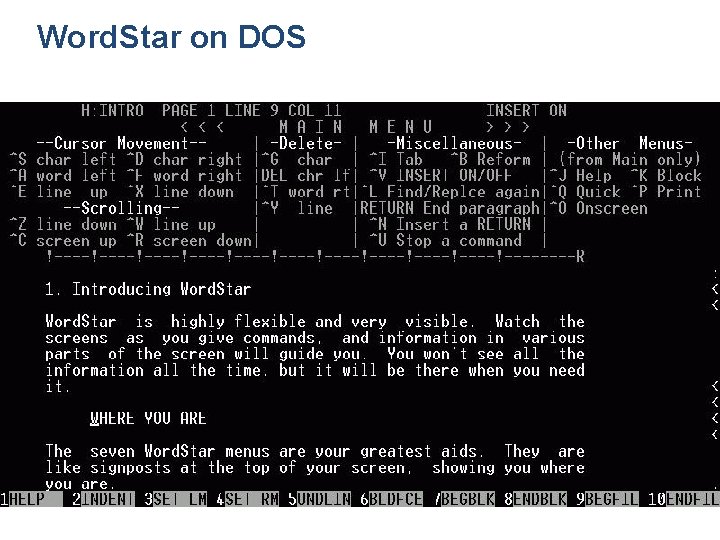
Word. Star on DOS
Do all computers need an operating system? Yes! The operating system is a critical part of a computer system to be able to fulfill the four main functions: v. Gathers data (users input data) v. Processes data into information v. Outputs data or information v. Stores data and information
Operating System ü Operating System (OS) is a special computer program that is present on every computer, notebook, PDAs or mainframes. ü The operating systems manages the various hardware components, including memory, storage devices, peripheral and network devices.
What are the Operating Systems? Microsoft Windows is the largest market of operating systems. It is the first to introduce the graphical user interface in 1995. About 93% of computers use Windows. Mac OS is an operating system for Apple’s Macintosh computers. Only 5% of all computers operate with an Macintosh operating system. http: //www. youtube. com/watch? v=Uuvuwf 5 m. HUw Linux is an alternative operating system developed for mainframe computers in 1991. It is an opensource operating system which means it is not owned by a single company and some versions are available at no cost. www. ubuntu. com/desktop/take-the-tour UNIX is a similar operating system like Linux, developed by AT&T in 1969, however does not have a large market, but can be found on many high end mainframes, workstations and servers in large corporations. IBM is an operating system (OS/2) created between a partnership IBM and Microsoft. However the partnership split in 1990, only Windows became popular and IBM stop marketing the operating system (OS/2).
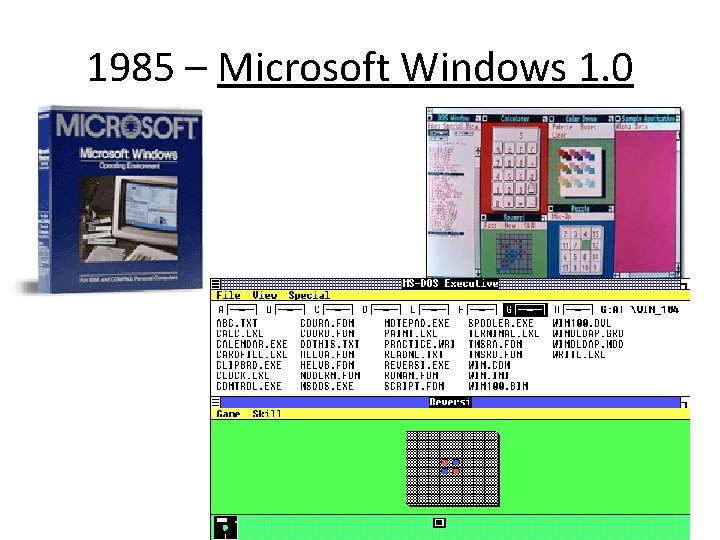
1985 – Microsoft Windows 1. 0 Rick Graziani graziani@cabrillo. edu 14
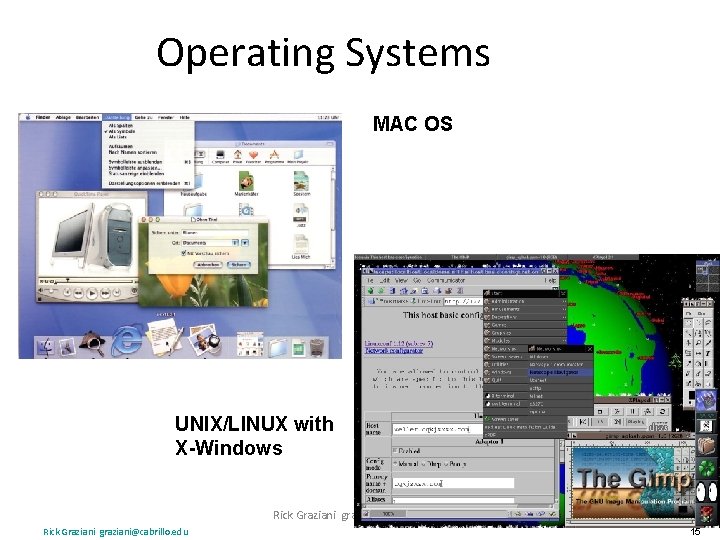
Operating Systems MAC OS UNIX/LINUX with X-Windows Rick Graziani graziani@cabrillo. edu 15 15
- Slides: 15