
Go Basic Computer Concepts Objective 3 Part 1
Go! Basic Computer Concepts Objective 3 Part 1 Describe Hardware Devices & Their Uses
What is Hardware and Peripherals? Hardware is the computer and any equipment connected to it. Peripherals are the items such as monitor, keyboard, mouse, and printer.

System Unit The computer itself is known as the system unit. System unit contains Motherboard Microprocessor chipcentral processing unit CPU Memory modules Expansion slots and cards Ports
Motherboard Features Motherboard/System board • Main computer circuit board in which all components are plugged into and it sits inside the case called the system unit. CPU also known as the Processor • Central processing unit is responsible for getting data from Memory Performing arithmetic (ALU) and logical control operations Converting data to information
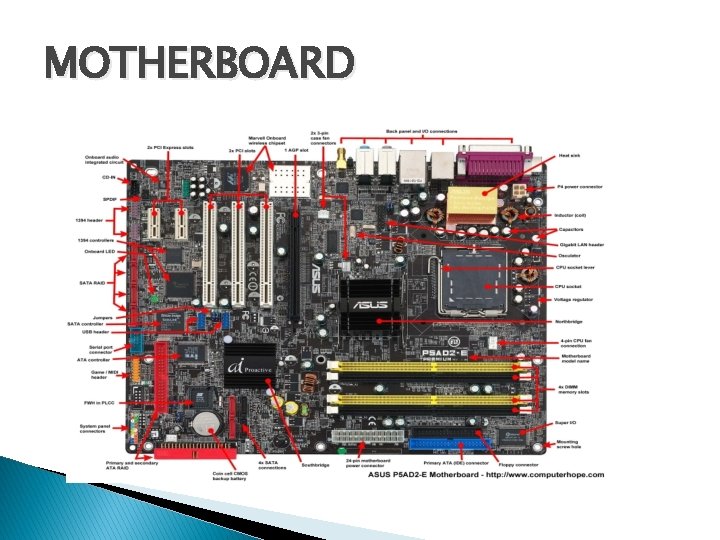
MOTHERBOARD
• Memory Motherboard Features modules = RAM and ROM Memory means storage: temporary or volatile and permanent or nonvolatile • Temporary memory is Random Access Memory, (RAM) • Permanent memory is Read-Only Memory, (ROM) RAM is the center of flow of data and information within the information processing cycle and is the computer’s short-term memory and stores data and program instructions waiting to be processed. It is volatile because it can be erased when the computer is turned off. ROM is prerecorded on the chip and cannot be changed, removed, or rewritten and is nonvolatile memory because it retains its information even when computer is turned off.
• RAM More tasks and programs you are running, the more RAM is used. • If your computer slows down or stops responding you may need more RAM Reduce the number of programs that you are running or disable some features of the operating system • • Add more RAM to your system.
ROM Class of storage medium used in computers and other electronic devices. • Data stored in ROM can only be modified slowly or with difficulty. • • RAM and ROM
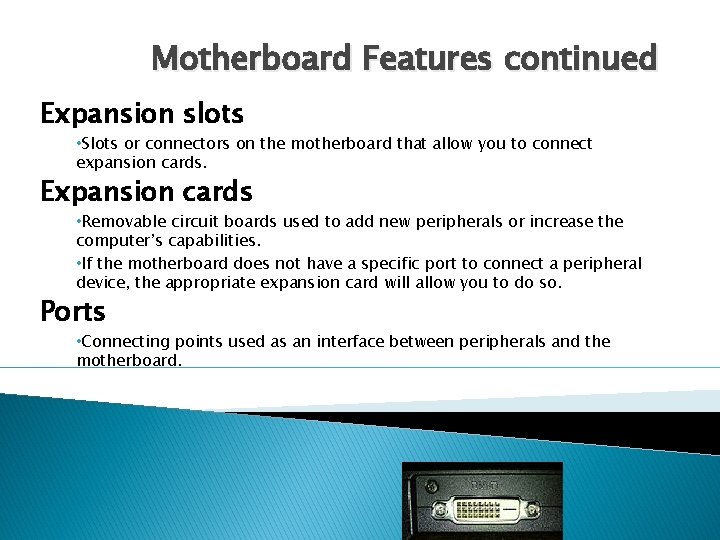
Motherboard Features continued Expansion slots • Slots or connectors on the motherboard that allow you to connect expansion cards. Expansion cards • Removable circuit boards used to add new peripherals or increase the computer’s capabilities. • If the motherboard does not have a specific port to connect a peripheral device, the appropriate expansion card will allow you to do so. Ports • Connecting points used as an interface between peripherals and the motherboard.
Input Devices An input device is any hardware device that sends data to the computer, without any input devices, a computer would only be a display device and not allow users to interact with it, much like a TV. Keyboard Mouse Speakers
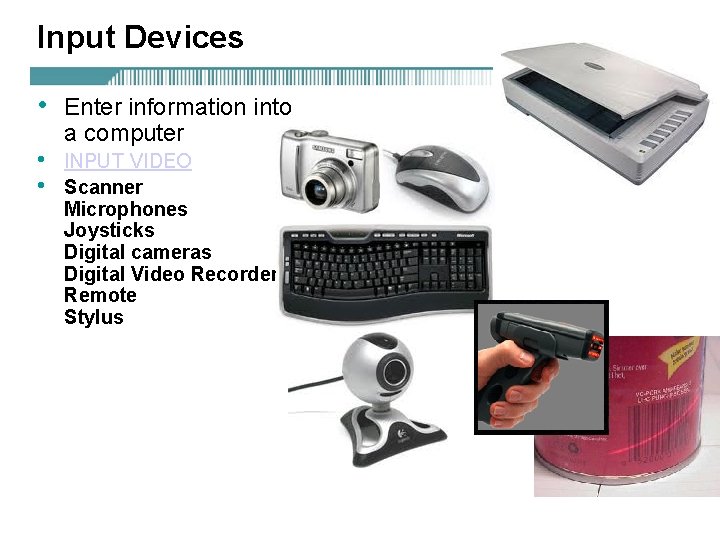
Input Devices • • • Enter information into a computer INPUT VIDEO Scanner Microphones Joysticks Digital cameras Digital Video Recorders Remote Stylus
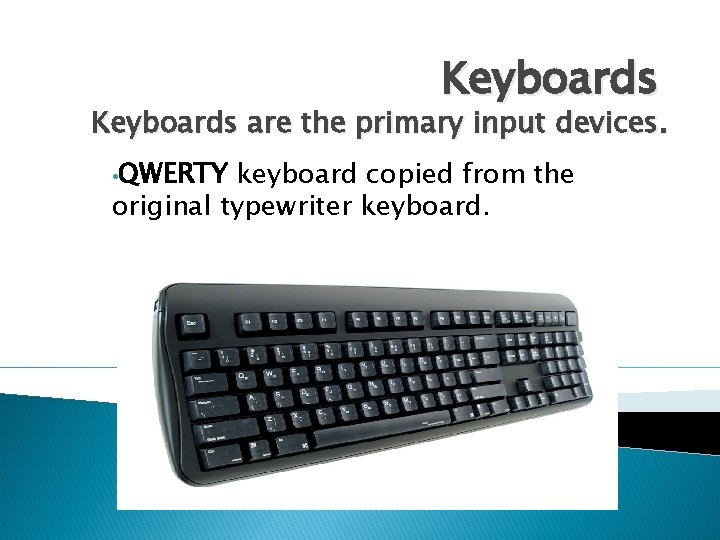
Keyboards are the primary input devices. • QWERTY keyboard copied from the original typewriter keyboard.
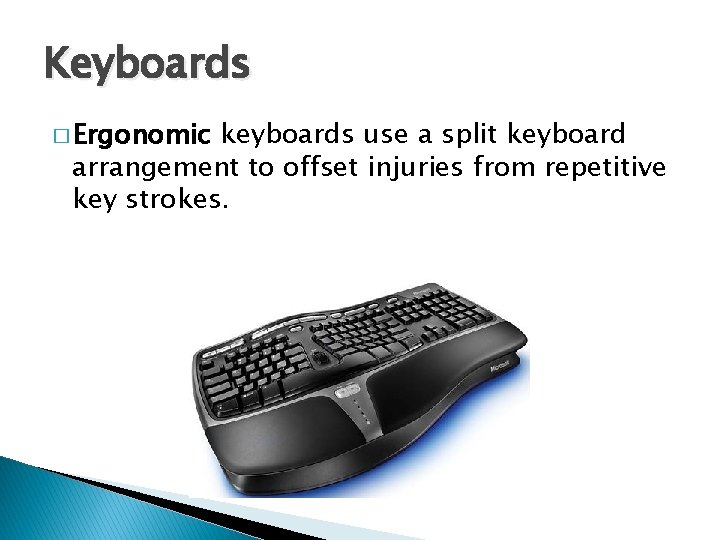
Keyboards � Ergonomic keyboards use a split keyboard arrangement to offset injuries from repetitive key strokes.
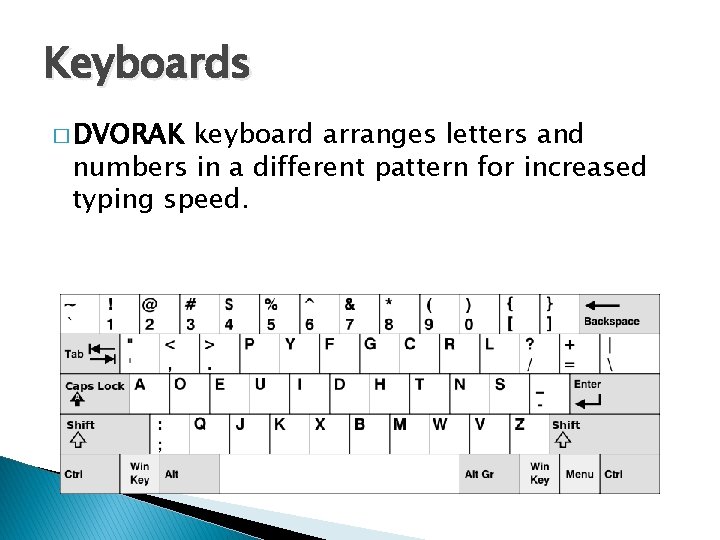
Keyboards � DVORAK keyboard arranges letters and numbers in a different pattern for increased typing speed.
- Slides: 14