
GLUTOpen GL Introduction Presented by Mitch Parry Slides
GLUT/Open. GL Introduction Presented by Mitch Parry Slides adapted from Dr. Luebke @ UVa
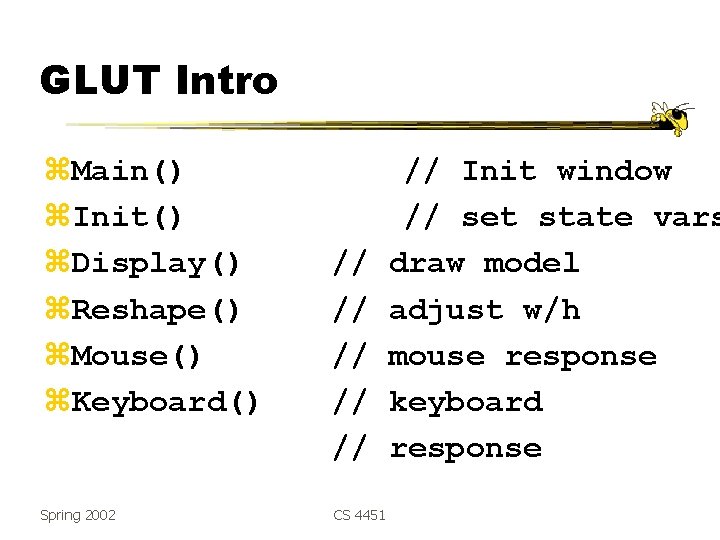
GLUT Intro z. Main() z. Init() z. Display() z. Reshape() z. Mouse() z. Keyboard() Spring 2002 // // // CS 4451 // Init window // set state vars draw model adjust w/h mouse response keyboard response
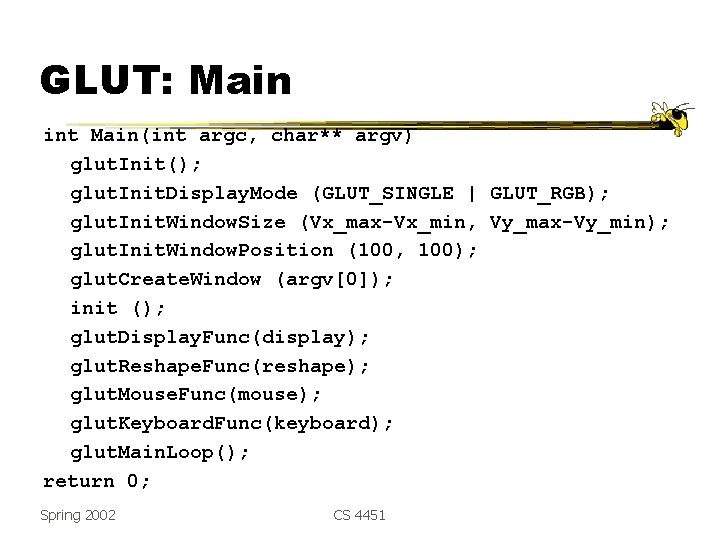
GLUT: Main int Main(int argc, char** argv) glut. Init(); glut. Init. Display. Mode (GLUT_SINGLE | GLUT_RGB); glut. Init. Window. Size (Vx_max-Vx_min, Vy_max-Vy_min); glut. Init. Window. Position (100, 100); glut. Create. Window (argv[0]); init (); glut. Display. Func(display); glut. Reshape. Func(reshape); glut. Mouse. Func(mouse); glut. Keyboard. Func(keyboard); glut. Main. Loop(); return 0; Spring 2002 CS 4451
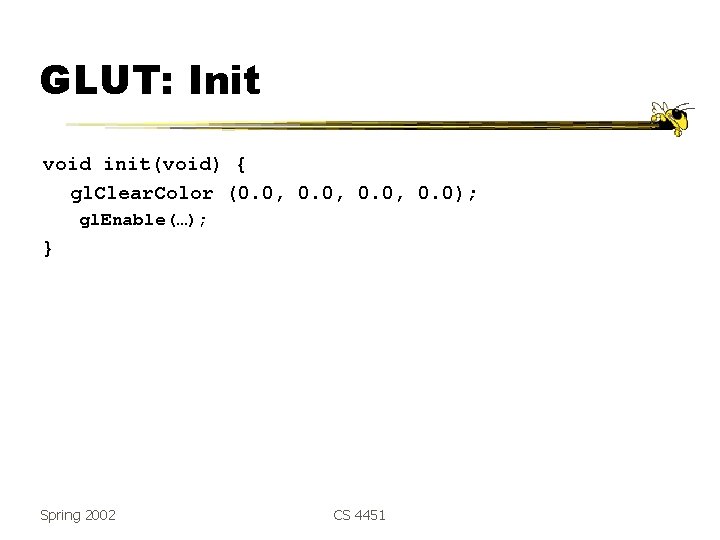
GLUT: Init void init(void) { gl. Clear. Color (0. 0, 0. 0); gl. Enable(…); } Spring 2002 CS 4451
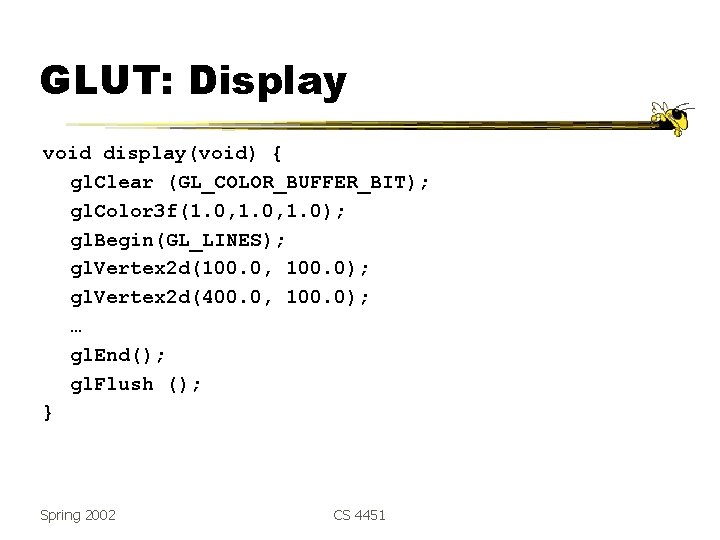
GLUT: Display void display(void) { gl. Clear (GL_COLOR_BUFFER_BIT); gl. Color 3 f(1. 0, 1. 0); gl. Begin(GL_LINES); gl. Vertex 2 d(100. 0, 100. 0); gl. Vertex 2 d(400. 0, 100. 0); … gl. End(); gl. Flush (); } Spring 2002 CS 4451
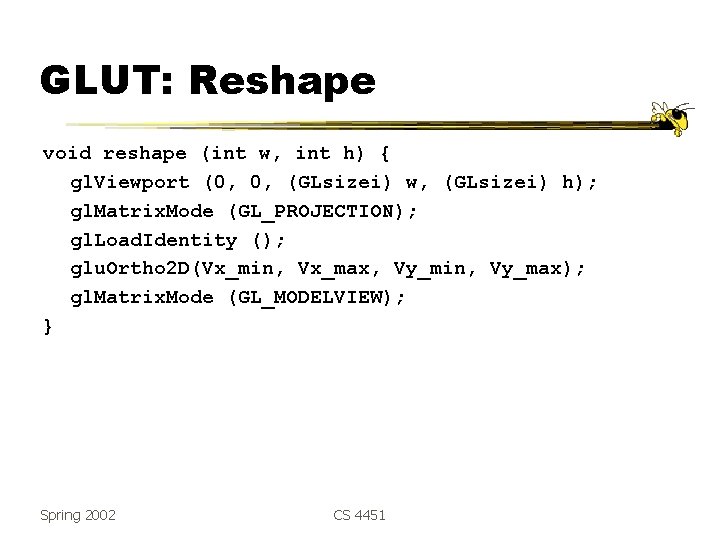
GLUT: Reshape void reshape (int w, int h) { gl. Viewport (0, 0, (GLsizei) w, (GLsizei) h); gl. Matrix. Mode (GL_PROJECTION); gl. Load. Identity (); glu. Ortho 2 D(Vx_min, Vx_max, Vy_min, Vy_max); gl. Matrix. Mode (GL_MODELVIEW); } Spring 2002 CS 4451
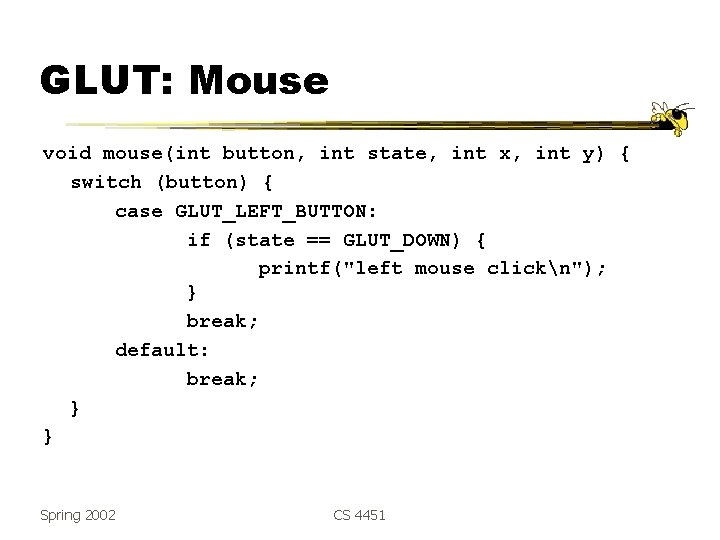
GLUT: Mouse void mouse(int button, int state, int x, int y) { switch (button) { case GLUT_LEFT_BUTTON: if (state == GLUT_DOWN) { printf("left mouse clickn"); } break; default: break; } } Spring 2002 CS 4451
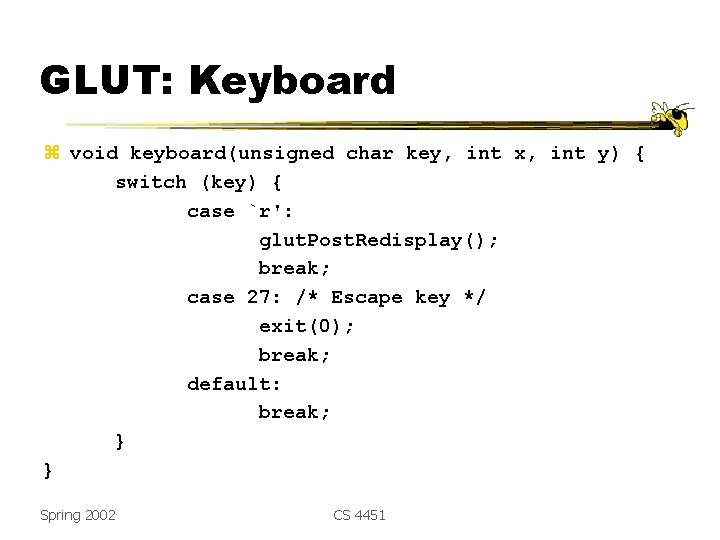
GLUT: Keyboard z void keyboard(unsigned char key, int x, int y) { switch (key) { case `r': glut. Post. Redisplay(); break; case 27: /* Escape key */ exit(0); break; default: break; } } Spring 2002 CS 4451

Open. GL: Conventions z Functions in Open. GL start with gl y. Functions starting with glu are utility functions (i. e. , glu. Look. At()) z Function names indicate argument type/# y. Functions ending with f take floats y. Functions ending with i take ints, functions that end with v take an array, with b take byte, etc. y. Ex: gl. Color 3 f() takes 3 floats, but gl. Color 4 fv() takes an array of 4 floats Spring 2002 CS 4451
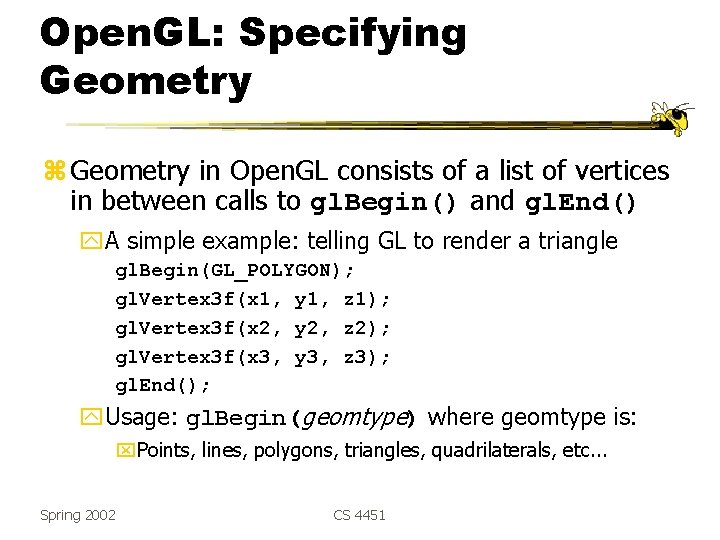
Open. GL: Specifying Geometry z Geometry in Open. GL consists of a list of vertices in between calls to gl. Begin() and gl. End() y. A simple example: telling GL to render a triangle gl. Begin(GL_POLYGON); gl. Vertex 3 f(x 1, y 1, z 1); gl. Vertex 3 f(x 2, y 2, z 2); gl. Vertex 3 f(x 3, y 3, z 3); gl. End(); y. Usage: gl. Begin(geomtype) where geomtype is: x. Points, lines, polygons, triangles, quadrilaterals, etc. . . Spring 2002 CS 4451

Open. GL: More Examples z. Example: GL supports quadrilaterals: gl. Begin(GL_QUADS); gl. Vertex 3 f(-1, 1, 0); gl. Vertex 3 f(-1, 0); gl. Vertex 3 f(1, 1, 0); gl. End(); y. This type of operation is called immediatemode rendering; each command happens immediately Spring 2002 CS 4451
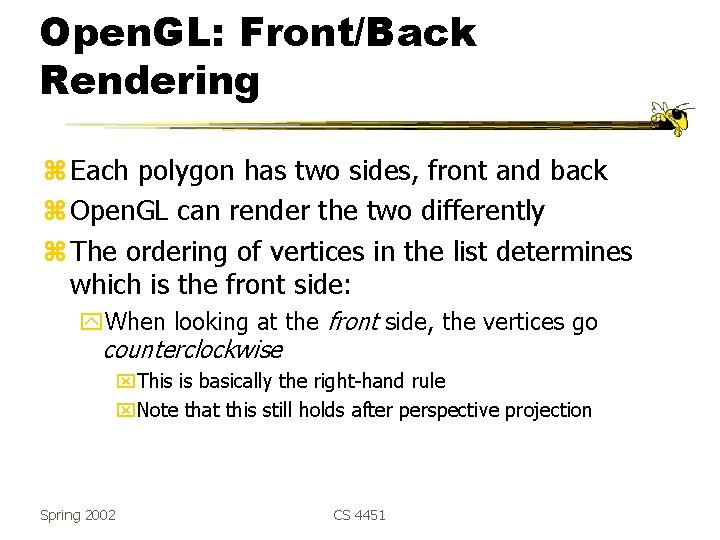
Open. GL: Front/Back Rendering z Each polygon has two sides, front and back z Open. GL can render the two differently z The ordering of vertices in the list determines which is the front side: y. When looking at the front side, the vertices go counterclockwise x. This is basically the right-hand rule x. Note that this still holds after perspective projection Spring 2002 CS 4451
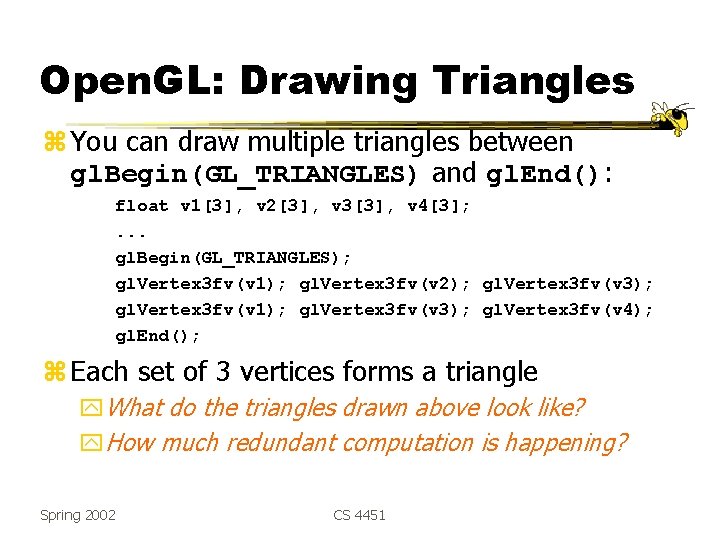
Open. GL: Drawing Triangles z You can draw multiple triangles between gl. Begin(GL_TRIANGLES) and gl. End(): float v 1[3], v 2[3], v 3[3], v 4[3]; . . . gl. Begin(GL_TRIANGLES); gl. Vertex 3 fv(v 1); gl. Vertex 3 fv(v 2); gl. Vertex 3 fv(v 3); gl. Vertex 3 fv(v 1); gl. Vertex 3 fv(v 3); gl. Vertex 3 fv(v 4); gl. End(); z Each set of 3 vertices forms a triangle y. What do the triangles drawn above look like? y. How much redundant computation is happening? Spring 2002 CS 4451

Open. GL: Triangle Strips z An Open. GL triangle strip primitive reduces this redundancy by sharing vertices: gl. Begin(GL_TRIANGLE_STRIP); gl. Vertex 3 fv(v 0); gl. Vertex 3 fv(v 1); v 0 gl. Vertex 3 fv(v 2); gl. Vertex 3 fv(v 3); gl. Vertex 3 fv(v 4); gl. Vertex 3 fv(v 5); v 1 gl. End(); ytriangle Spring 2002 0 1 2 3 is is v 0, v 2, v 4, v 1, v 3, v 2 v 4 v 5 v 3 v 2 v 3 (why not v 1, v 2, v 3? ) v 4 v 5 (again, not v 3, v 4, v 5) CS 4451
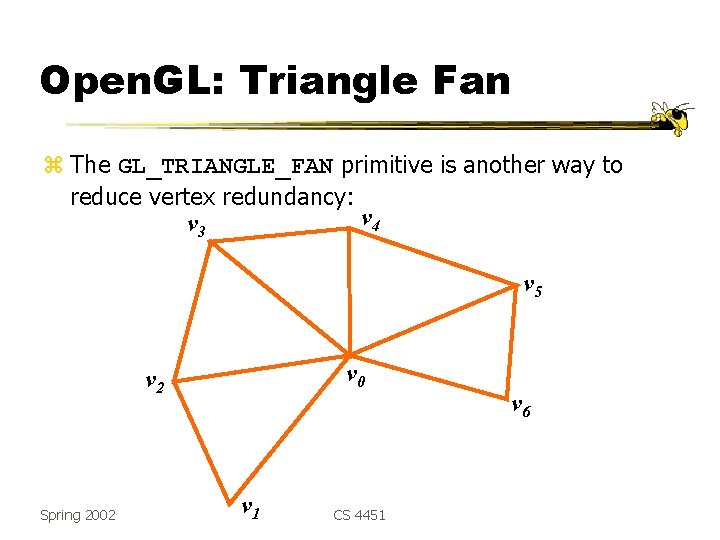
Open. GL: Triangle Fan z The GL_TRIANGLE_FAN primitive is another way to reduce vertex redundancy: v 4 v 3 v 5 v 0 v 2 Spring 2002 v 1 CS 4451 v 6
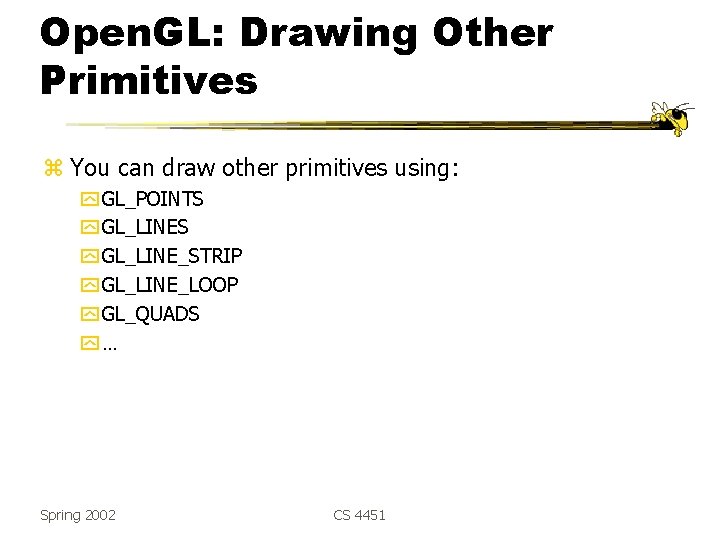
Open. GL: Drawing Other Primitives z You can draw other primitives using: y GL_POINTS y GL_LINE_STRIP y GL_LINE_LOOP y GL_QUADS y… Spring 2002 CS 4451
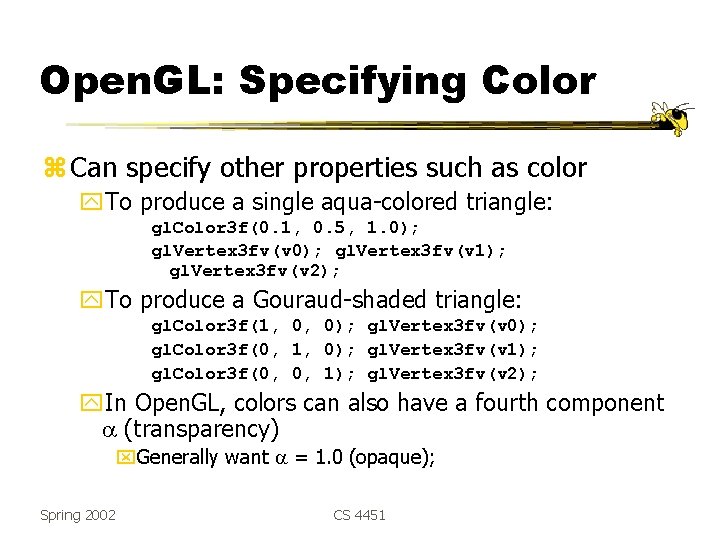
Open. GL: Specifying Color z Can specify other properties such as color y. To produce a single aqua-colored triangle: gl. Color 3 f(0. 1, 0. 5, 1. 0); gl. Vertex 3 fv(v 1); gl. Vertex 3 fv(v 2); y. To produce a Gouraud-shaded triangle: gl. Color 3 f(1, 0, 0); gl. Vertex 3 fv(v 0); gl. Color 3 f(0, 1, 0); gl. Vertex 3 fv(v 1); gl. Color 3 f(0, 0, 1); gl. Vertex 3 fv(v 2); y. In Open. GL, colors can also have a fourth component (transparency) x. Generally want = 1. 0 (opaque); Spring 2002 CS 4451
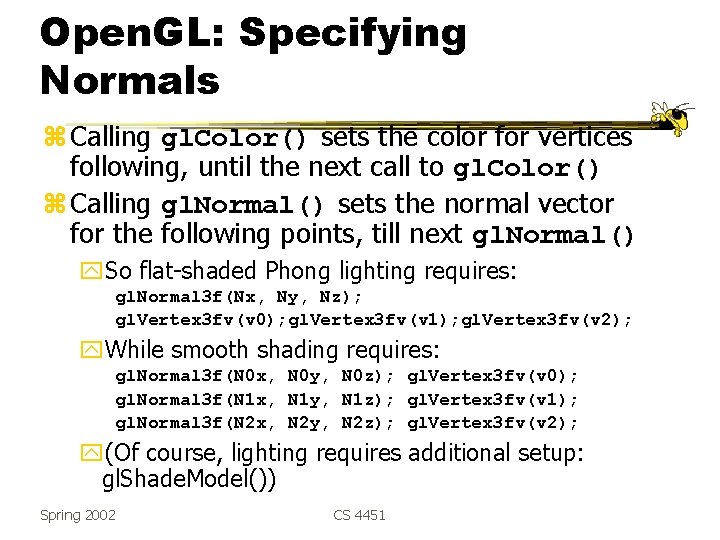
Open. GL: Specifying Normals z Calling gl. Color() sets the color for vertices following, until the next call to gl. Color() z Calling gl. Normal() sets the normal vector for the following points, till next gl. Normal() y. So flat-shaded Phong lighting requires: gl. Normal 3 f(Nx, Ny, Nz); gl. Vertex 3 fv(v 0); gl. Vertex 3 fv(v 1); gl. Vertex 3 fv(v 2); y. While smooth shading requires: gl. Normal 3 f(N 0 x, N 0 y, N 0 z); gl. Vertex 3 fv(v 0); gl. Normal 3 f(N 1 x, N 1 y, N 1 z); gl. Vertex 3 fv(v 1); gl. Normal 3 f(N 2 x, N 2 y, N 2 z); gl. Vertex 3 fv(v 2); y(Of course, lighting requires additional setup: gl. Shade. Model()) Spring 2002 CS 4451
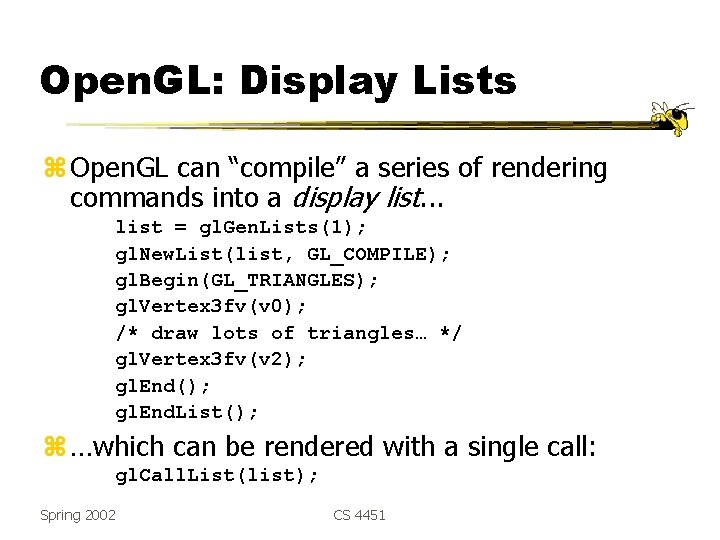
Open. GL: Display Lists z Open. GL can “compile” a series of rendering commands into a display list. . . list = gl. Gen. Lists(1); gl. New. List(list, GL_COMPILE); gl. Begin(GL_TRIANGLES); gl. Vertex 3 fv(v 0); /* draw lots of triangles… */ gl. Vertex 3 fv(v 2); gl. End(); gl. End. List(); z …which can be rendered with a single call: gl. Call. List(list); Spring 2002 CS 4451
Open. GL: Display Lists z. Display lists can contain: y. Geometry y. Color, material, and texture specifications y. Matrix transforms y. Other display lists! z. Display lists are not only handy, they usually increase performance Spring 2002 CS 4451
Open. GL: Matrix Manipulation z Open. GL keeps two matrices that vertices are multiplied by upon calling gl. Vertex() y. The modelview matrix combines all modeling transforms and the viewing transform y. The projection matrix performs the projection (usually a perspective projection) y. Various commands affect the current matrix y. You need to specify which matrix is current: x. E. g. , gl. Matrix. Mode(GL_MODELVIEW) or gl. Matrix. Mode(GL_PROJECTION) ygl. Load. Identity() replaces the contents of the current matrix with the identity matrix Spring 2002 CS 4451
Open. GL: Modeling Transforms z. Some Open. GL commands generate transformation matrices: gl. Translatef(Tx, Ty, Tz); gl. Rotatef(angle. Degrees, Ax, Ay, Az); gl. Scalef(Sx, Sy, Sz); z. The resulting matrix concatenates to the right of the current matrix Spring 2002 CS 4451
Open. GL: Modeling Transforms z Example: gl. Matrix. Mode(GL_MODELVIEW); gl. Load. Identity(); gl. Translatef(…); gl. Rotatef(…); z Result: the modelview matrix is set to: I • T • R == T • R which then multiplies all following vertices y. Thus transformations appearing last in the program have the first effect on the geometry Spring 2002 CS 4451
Open. GL: Viewing Transforms z Viewing transforms are treated the same way z Ex: glu. Look. At() computes a lookat matrix and concatenates it with the current matrix: glu. Look. At(eye. X, eye. Y, eye. Z, center. X, center. Y, center. Z, up. X, up. Y, up. Z); y. Again, this matrix postmultiplies the current matrix Spring 2002 CS 4451
Open. GL: Projection Transforms z The projection matrix is generally used for the perspective projection matrix y. Why do you suppose Open. GL separates the modelview and projection matrices? z glu. Ortho 2 D() creates a matrix for projecting 2 D coordinates onto the screen and multiplies the current projection matrix by it. glu. Ortho 2 D(double left, double right, double bottom, double top); Spring 2002 CS 4451
The Scene Graph z Instancing means using the same geometry for multiple objects y. Example: 4 wheels on car y. How might we use display lists for instancing? x. Compile geometry (say a car tire, centered about the origin) into a display list x. Set up matrices: viewing transform + modeling transform(s) to put origin at front left corner of car x. Call display list for tire x. Set up matrices, this time putting origin at front right of car x. Call display list for tire [Etc…] y. Why is this inefficient? Spring 2002 CS 4451
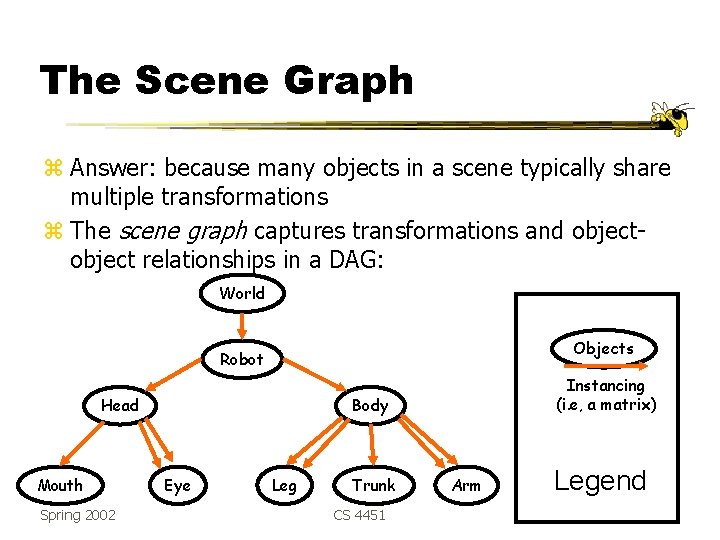
The Scene Graph z Answer: because many objects in a scene typically share multiple transformations z The scene graph captures transformations and object relationships in a DAG: World Objects Robot Head Mouth Spring 2002 Instancing (i. e, a matrix) Body Eye Leg Trunk CS 4451 Arm Legend
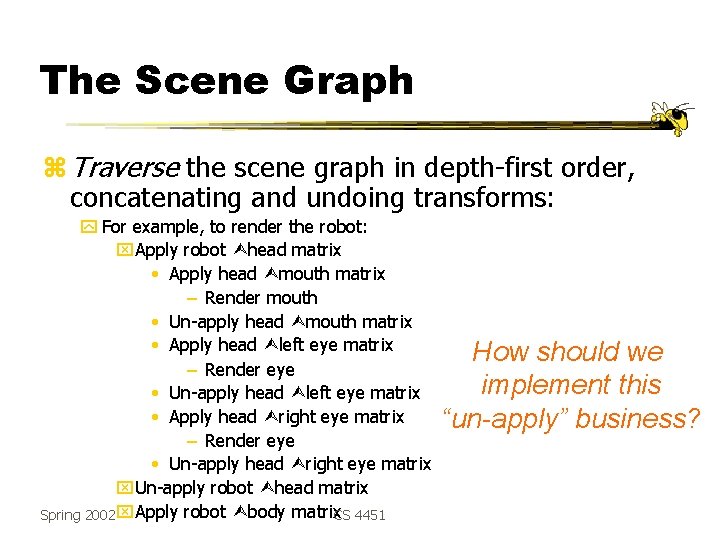
The Scene Graph z Traverse the scene graph in depth-first order, concatenating and undoing transforms: y For example, to render the robot: x. Apply robot head matrix • Apply head mouth matrix – Render mouth • Un-apply head mouth matrix • Apply head left eye matrix – Render eye • Un-apply head left eye matrix • Apply head right eye matrix – Render eye • Un-apply head right eye matrix x. Un-apply robot head matrix Spring 2002 x. Apply robot body matrix CS 4451 How should we implement this “un-apply” business?
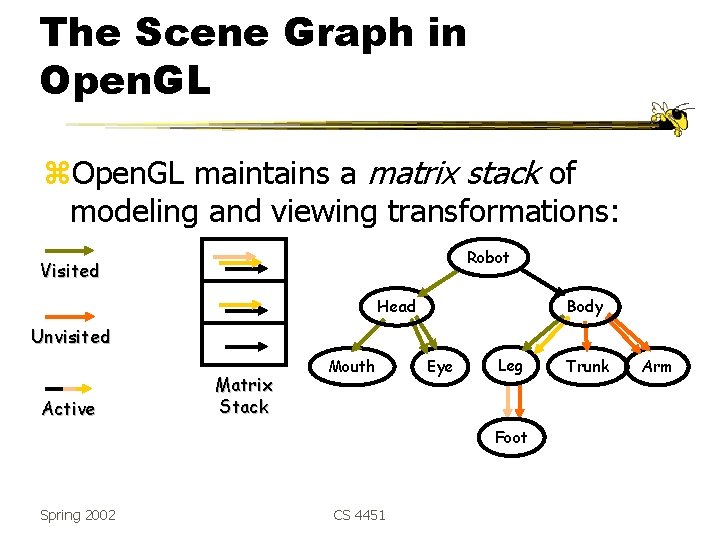
The Scene Graph in Open. GL z. Open. GL maintains a matrix stack of modeling and viewing transformations: Robot Visited Head Body Unvisited Active Matrix Stack Mouth Eye Leg Foot Spring 2002 CS 4451 Trunk Arm
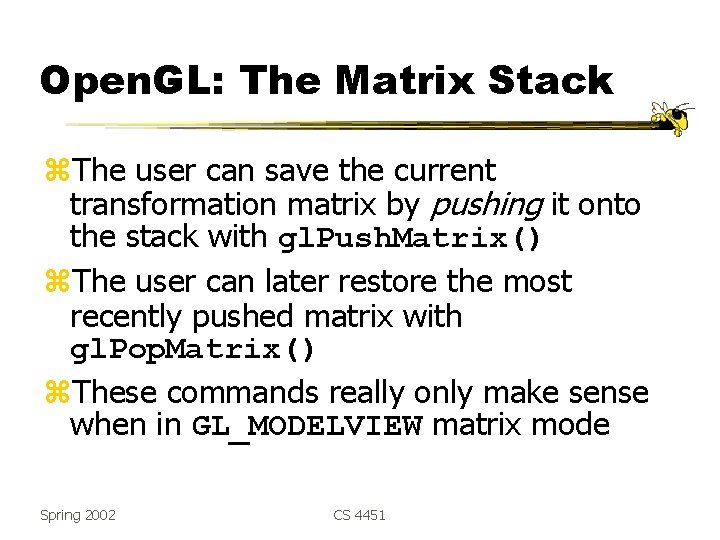
Open. GL: The Matrix Stack z. The user can save the current transformation matrix by pushing it onto the stack with gl. Push. Matrix() z. The user can later restore the most recently pushed matrix with gl. Pop. Matrix() z. These commands really only make sense when in GL_MODELVIEW matrix mode Spring 2002 CS 4451
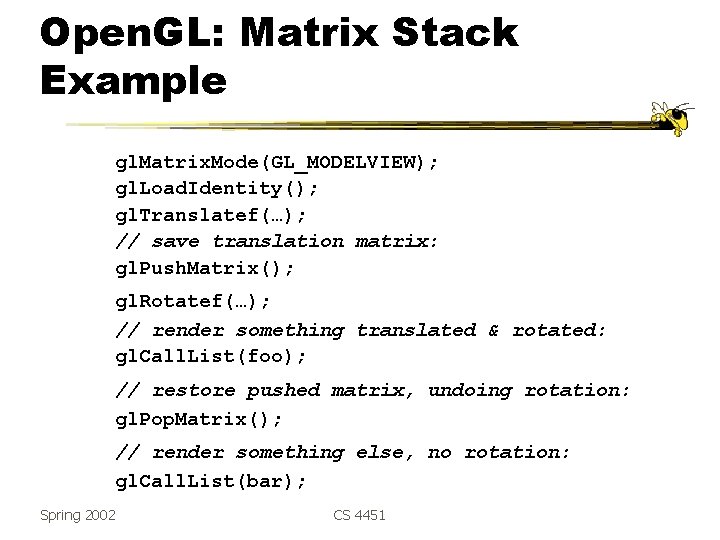
Open. GL: Matrix Stack Example gl. Matrix. Mode(GL_MODELVIEW); gl. Load. Identity(); gl. Translatef(…); // save translation matrix: gl. Push. Matrix(); gl. Rotatef(…); // render something translated & rotated: gl. Call. List(foo); // restore pushed matrix, undoing rotation: gl. Pop. Matrix(); // render something else, no rotation: gl. Call. List(bar); Spring 2002 CS 4451
- Slides: 31