
GLFW Slide Set 2 08 Why Needed Open
- Slides: 6
GLFW Slide Set 2. 08
Why Needed? ■ Open. GL does not define how to interface to the OS – Creating windows – Handling events ■ Various libraries over the years have been created – GLUT, but not updated for a long time – FREEGLUT based on GLUT ■ GLFW has good documentation and is kept up-to-date 2
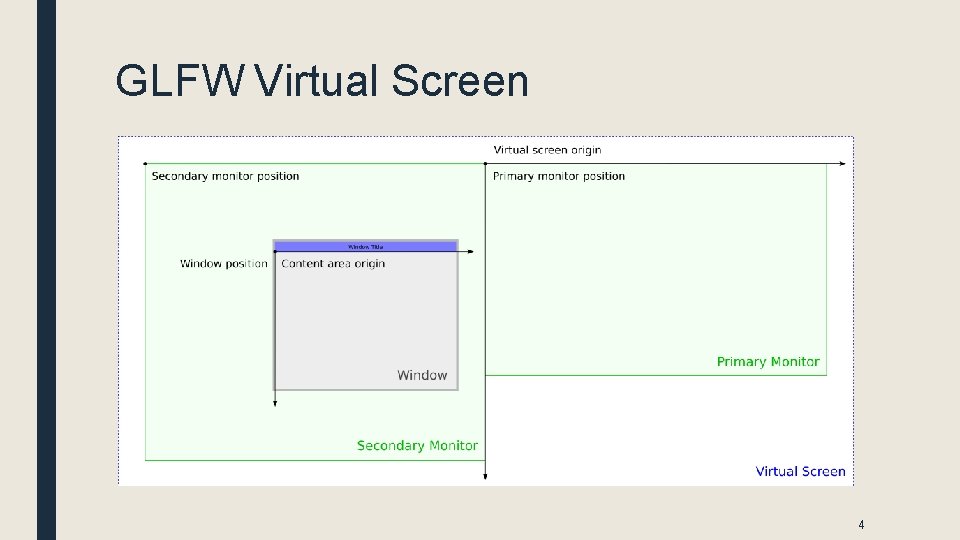
Windows ■ One of the first tasks for GLFW is to create a window ■ There are many options ■ Windows are sized and place using virtual screen coordinates. – Figure on next slide is from the GLFW manual – Notice that the secondary monitor is in the negative range of the x axis here – Monitor sizes don’t have to match ■ Windows can also be full screen 3
GLFW Virtual Screen 4
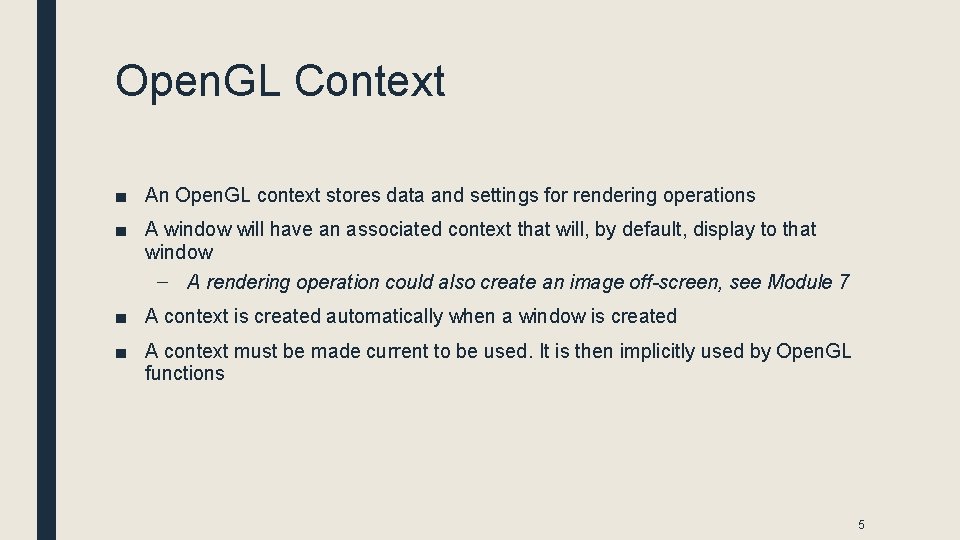
Open. GL Context ■ An Open. GL context stores data and settings for rendering operations ■ A window will have an associated context that will, by default, display to that window – A rendering operation could also create an image off-screen, see Module 7 ■ A context is created automatically when a window is created ■ A context must be made current to be used. It is then implicitly used by Open. GL functions 5
Error Handling ■ GLFW provides a mechanism to register a function to be called whenever there is an error. ■ The function can display the error message or whatever other action it wishes to take, including ending the program 6