
GitGithub Safa Prepared for the course COP 4331
Git-Github Safa Prepared for the course COP 4331 – Fall 2016
• Git – version control system – SVN, Star. Team • Github – repository site
• https: //git-scm. com/book/en/v 2/Getting. Started-Installing-Git • https: //git-scm. com/download/win • Let’s define ourselves first – git config --global user. email "you@example. com" – git config --global user. name "Your Name"
Local first • first lets make a git folder in our computer – git init • add a file to the folder – git add newfile – git commit -m “new file added” newfile – If you don’t provide file after the comment, everything you have done will be committed.
Ignore? • Create a file called. gitignore – Write the file names that should be ignored by git – Commit the file
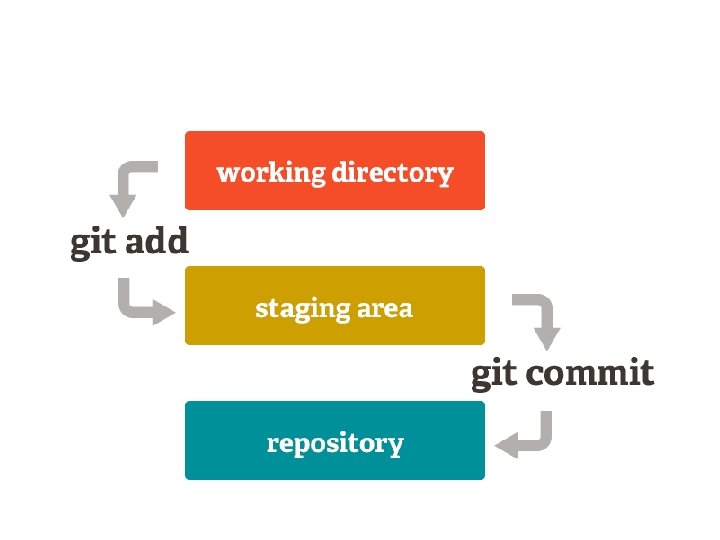
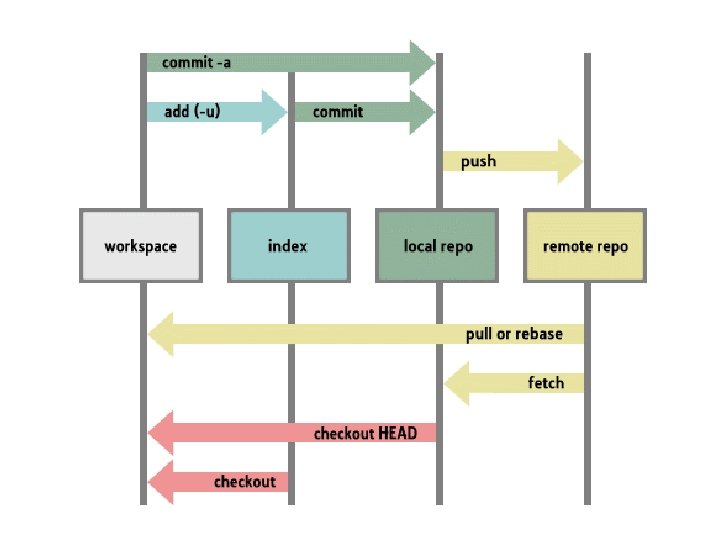

Pulling a repository/editing • lets pull a repository from github – git pull https: //github. com/cosai/test – git remote add origin https: //github. com/cosai/test – I defined the link as origin. No need to write this link every time. • Edit the file a. txt • git commit –am ‘something added’ • git push origin
Remove a file • git rm somefile. txt • git commit –m ‘removed’ • git push origin
Conflict • git commit -am 'Conflicts resolved‘
Go back to ies • Git log – Show me the logs git • See the commit id – git reset --hard c 1 ac 571 d 9 af 5 fe 1126 ecdf 64 c 57 d 6 ef 4 a 5990 a 60 && git clean -f • Destroys the local modifications! • Removes untracked files!
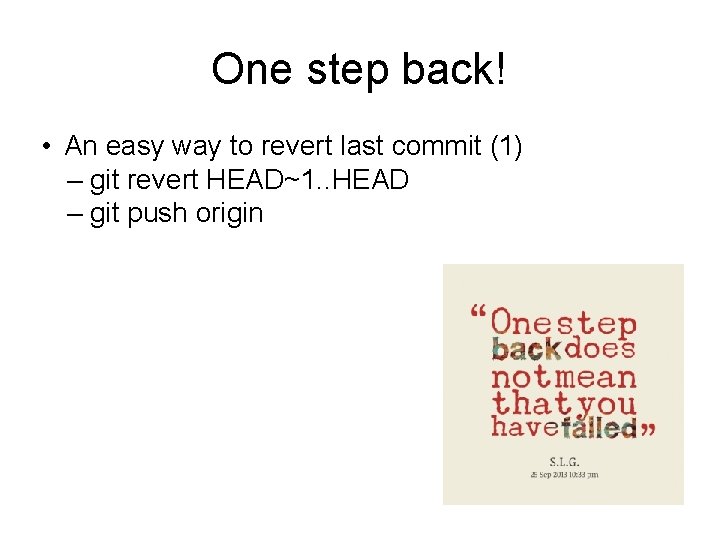
One step back! • An easy way to revert last commit (1) – git revert HEAD~1. . HEAD – git push origin
Don’t want to enter username? • • $ git config credential. helper store $ git push http: //example. com/repo. git Username: <type your username> Password: <type your password> • http: //stackoverflow. com/questions/114034 07/git-asks-for-username-everytime-i-push
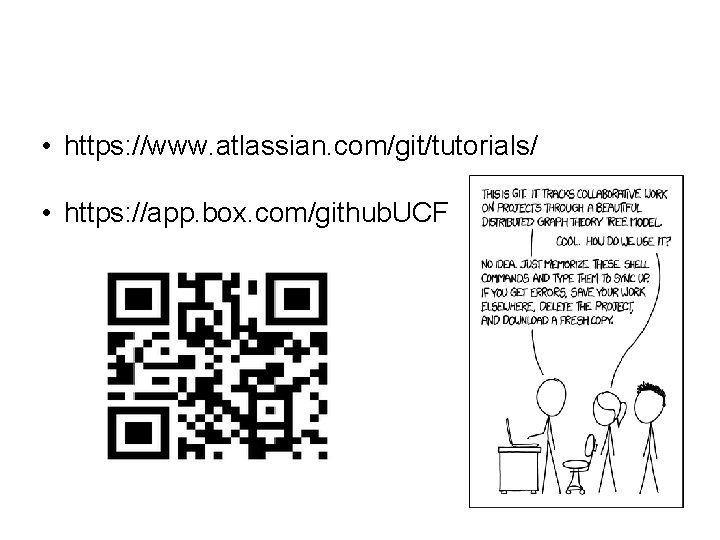
• https: //www. atlassian. com/git/tutorials/ • https: //app. box. com/github. UCF
- Slides: 16