
GIS Table data Tabular information is the basis
GIS Table data • • • Tabular information is the basis of geographic features, allowing you to visualize, query, and analyze your data. In the simplest terms, tables are made up of rows and columns, and all rows have the same columns. File-based tables are stored in folders on disk – d. BASE, the format used with shapefiles – text files such as those created in a text editor and delimited by commas or tabs – many other sorts of tables, including those generated in other programs, such as Microsoft Excel and Access, either accessed directly or through the OLE DB functionality • Database tables are stored using DBMS. i. e. a client-server architecture – can be locally stored as well (e. g. Spatialite) – can be spatially enabled (“geodatabase”) – a DBMS provides additional functionality, such as security, integrity, transactions, versioning, etc.
GIS Table data Field and file naming • Some guidelines: – Spaces and certain characters are not supported in field names. Special characters include hyphens (such as in “x-coord”); parentheses; brackets; and symbols such as $, %, and #. Essentially, eliminate anything that is not alphanumeric or an underscore. – Avoid starting field names with a number or an underscore. – Avoid using field names that contain words that are considered reserved keywords such as “date”, “day”, “month”, “table”, “text”, “when”, etc. Each underlying DBMS can have its own set of reserved keywords. – Include a unique primary key as record identifier, using “ID” as suffix. – Use meaningful field names. – Whenever possible, specify the measurement unit, e. g. “elev_m” is better than “elevation”. – In a DBMS table and field names can usually be up to 64 characters. Shapefiles and. dbf field names can be up to 10 characters long. In addition, the underlying DBMS may impose other restrictions on field names. – A d. Base file alone (not as part of a shapefile) cannot be more than 8 characters long. – Many organisations provide guidelines for naming conventions (extend also to folder names and directory structure).
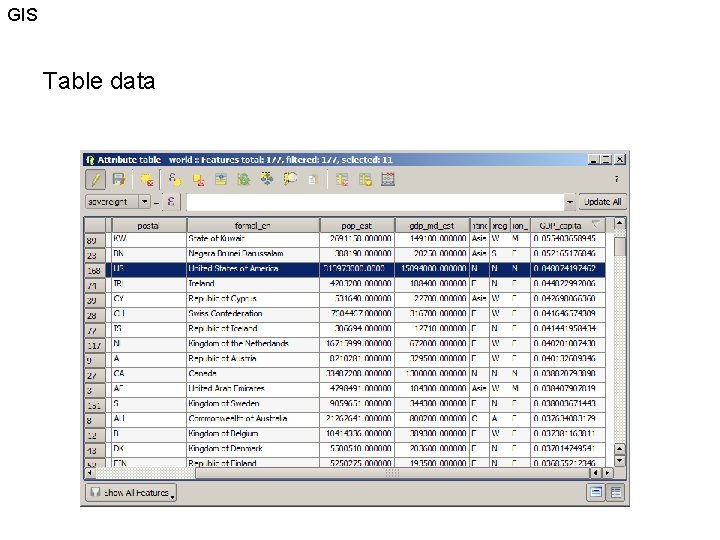
GIS Table data
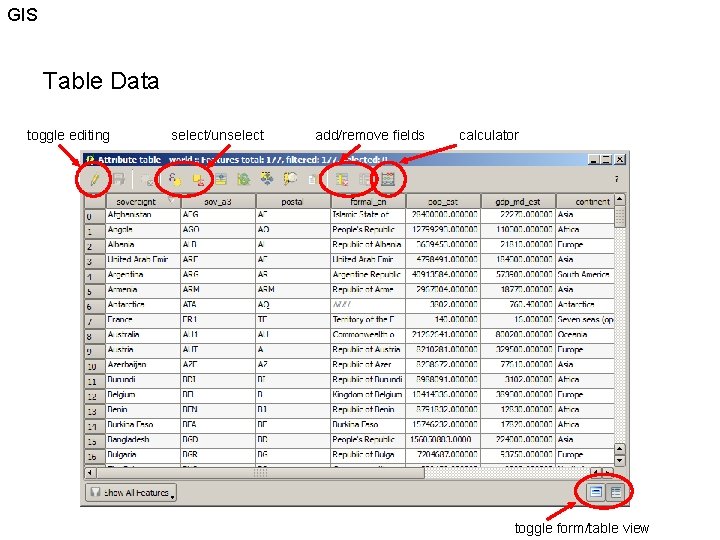
GIS Table Data toggle editing select/unselect add/remove fields calculator toggle form/table view

GIS Table Data Querying
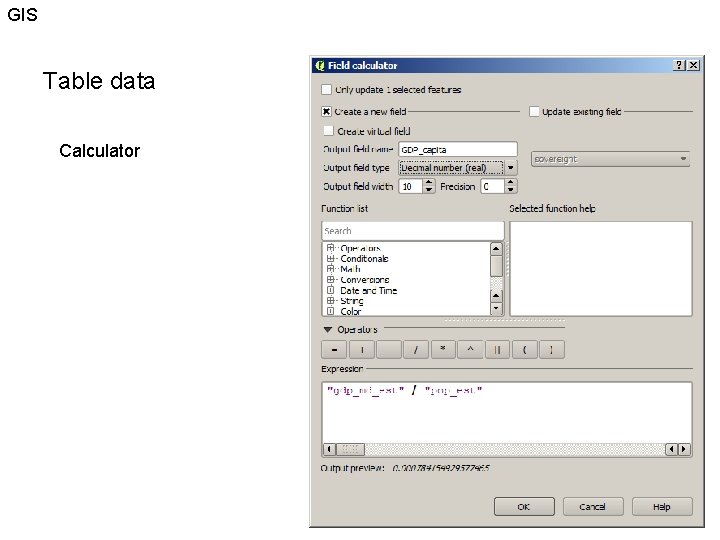
GIS Table data Calculator
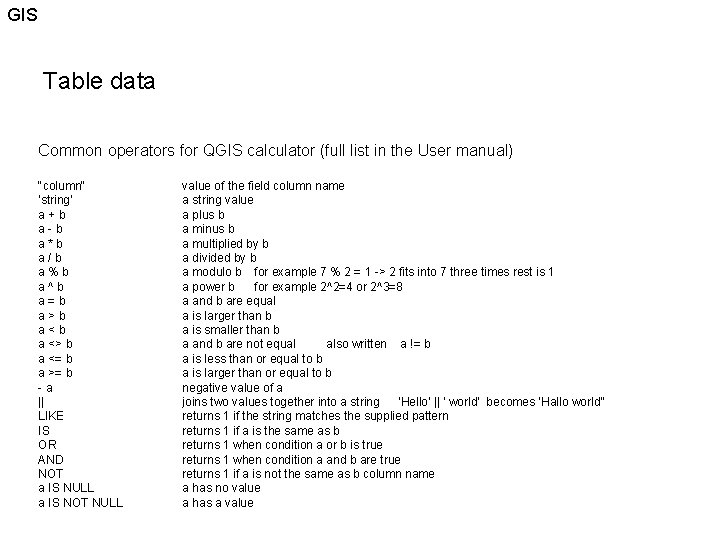
GIS Table data Common operators for QGIS calculator (full list in the User manual) "column" 'string' a+b a-b a*b a/b a%b a^b a=b a>b a<b a <> b a <= b a >= b -a || LIKE IS OR AND NOT a IS NULL a IS NOT NULL value of the field column name a string value a plus b a minus b a multiplied by b a divided by b a modulo b for example 7 % 2 = 1 -> 2 fits into 7 three times rest is 1 a power b for example 2^2=4 or 2^3=8 a and b are equal a is larger than b a is smaller than b a and b are not equal also written a != b a is less than or equal to b a is larger than or equal to b negative value of a joins two values together into a string 'Hello' || ' world' becomes ‘Hallo world” returns 1 if the string matches the supplied pattern returns 1 if a is the same as b returns 1 when condition a or b is true returns 1 when condition a and b are true returns 1 if a is not the same as b column name a has no value a has a value
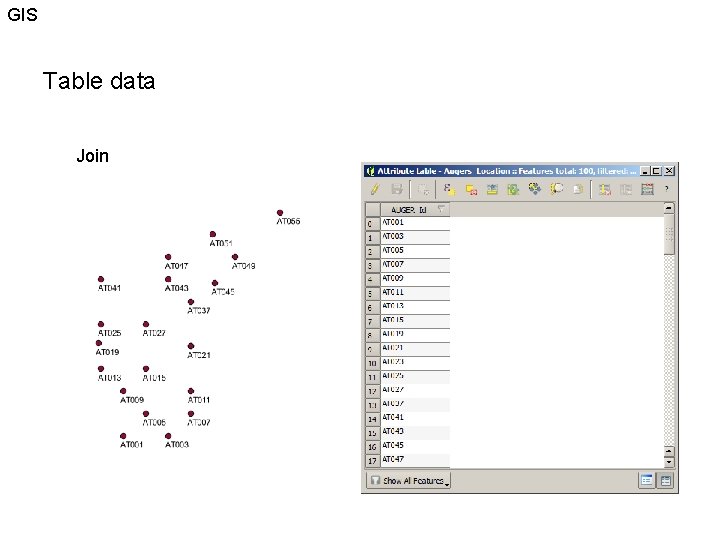
GIS Table data Join
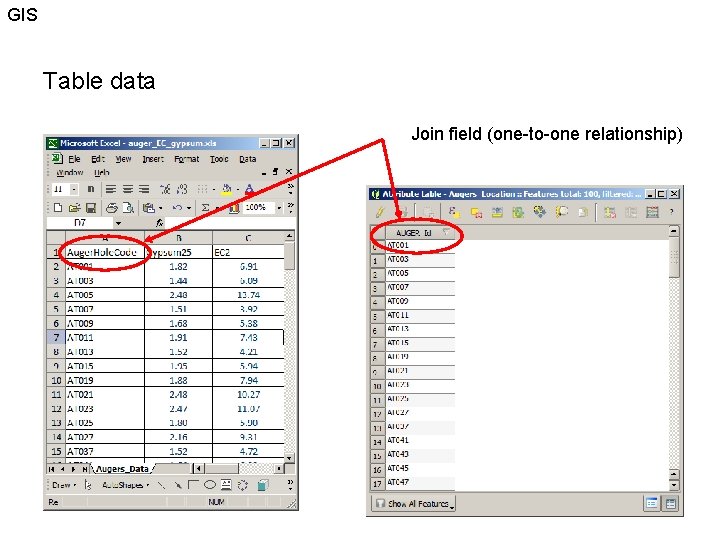
GIS Table data Join field (one-to-one relationship)
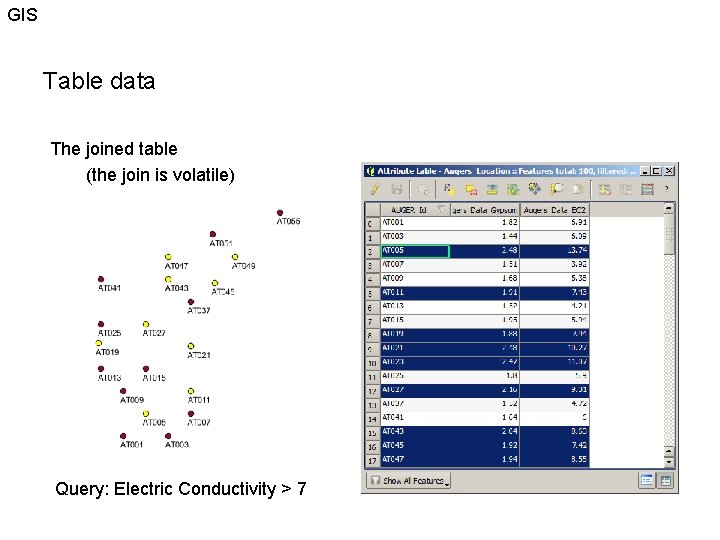
GIS Table data The joined table (the join is volatile) Query: Electric Conductivity > 7
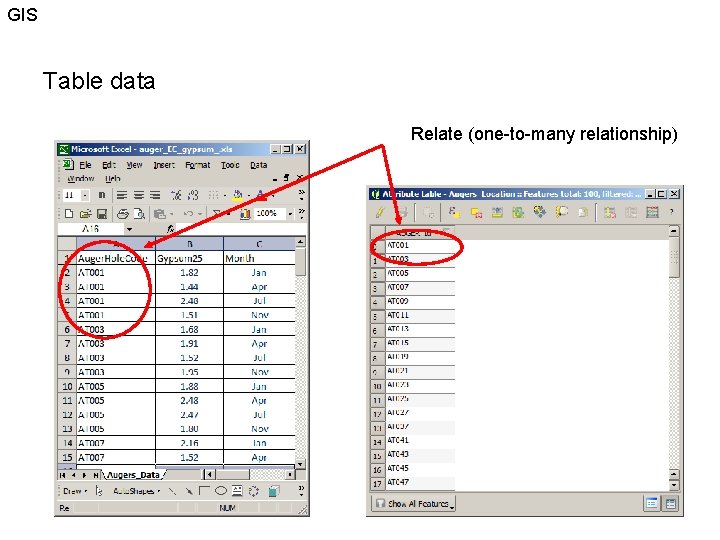
GIS Table data Relate (one-to-many relationship)
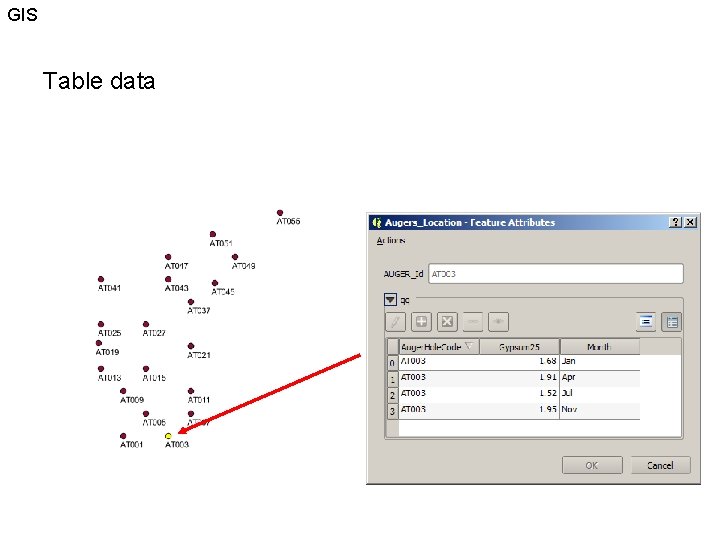
GIS Table data
- Slides: 12