
GIS Support for Survey Data Caltrans District 5
- Slides: 28
GIS Support for Survey Data Caltrans District 5 Andy Richardson Andy. Richardson@dot. ca. gov
Overview • • • Role of GIS in Caltrans D 5 Surveys Survey GIS Viewer Datasets included in GIS Viewer Role of Surveys Database End user tools included in the viewer Data conversion and processing tools
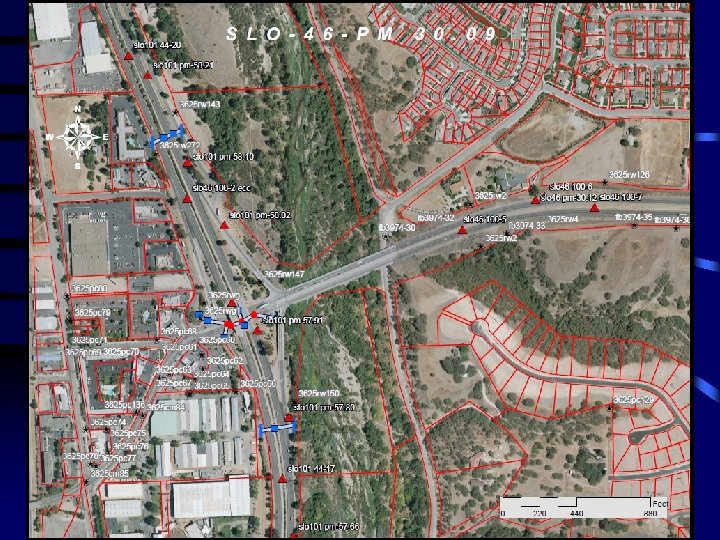
Role of GIS in Surveys • Primarily as an index to survey data • Tools to view and search for available survey data • Secondarily as a mapping tool • Generally for the purposes of providing maps to field surveyors to help located control, or for mission planning • Users • Primarily Survey staff • Also Design and other staff
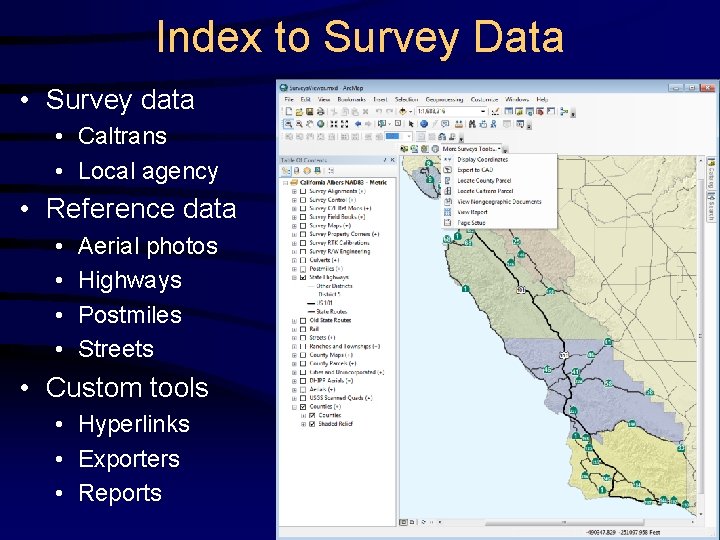
Index to Survey Data • Survey data • Caltrans • Local agency • Reference data • • Aerial photos Highways Postmiles Streets • Custom tools • Hyperlinks • Exporters • Reports
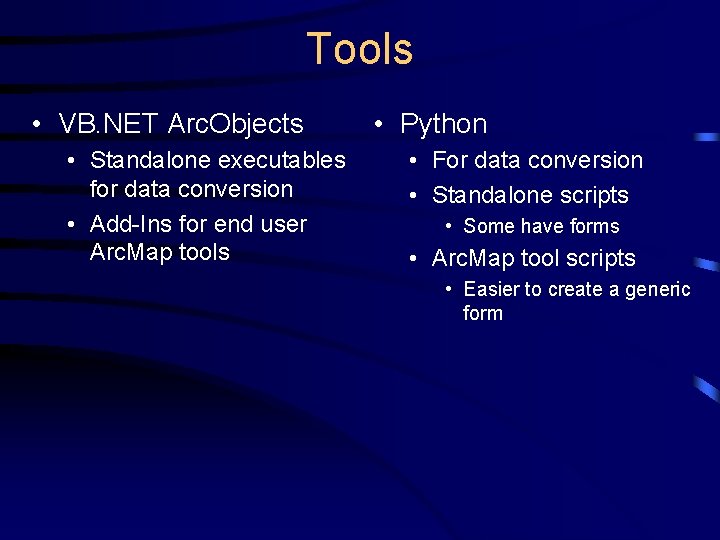
Tools • VB. NET Arc. Objects • Standalone executables for data conversion • Add-Ins for end user Arc. Map tools • Python • For data conversion • Standalone scripts • Some have forms • Arc. Map tool scripts • Easier to create a generic form
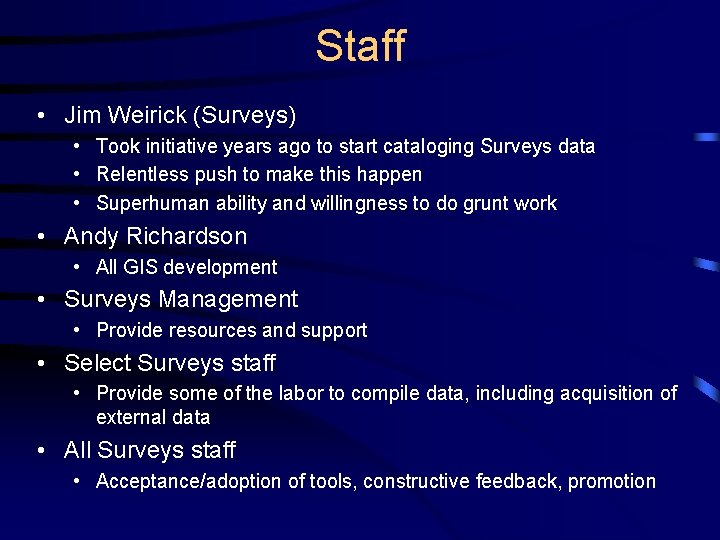
Staff • Jim Weirick (Surveys) • Took initiative years ago to start cataloging Surveys data • Relentless push to make this happen • Superhuman ability and willingness to do grunt work • Andy Richardson • All GIS development • Surveys Management • Provide resources and support • Select Surveys staff • Provide some of the labor to compile data, including acquisition of external data • All Surveys staff • Acceptance/adoption of tools, constructive feedback, promotion
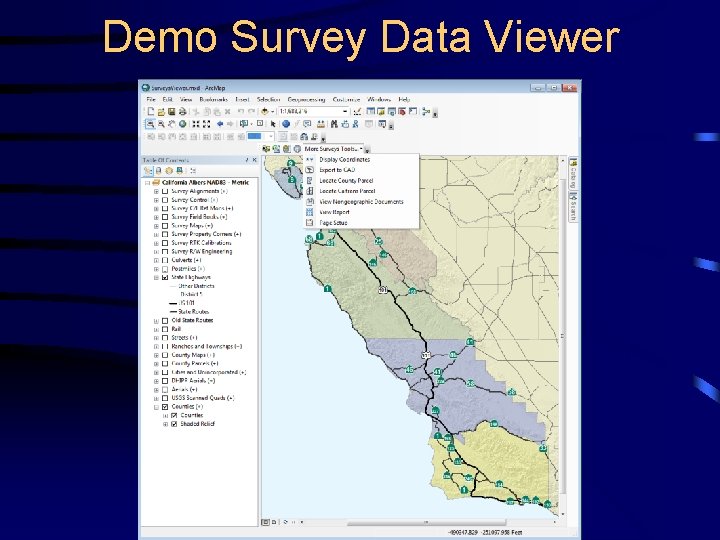
Demo Survey Data Viewer
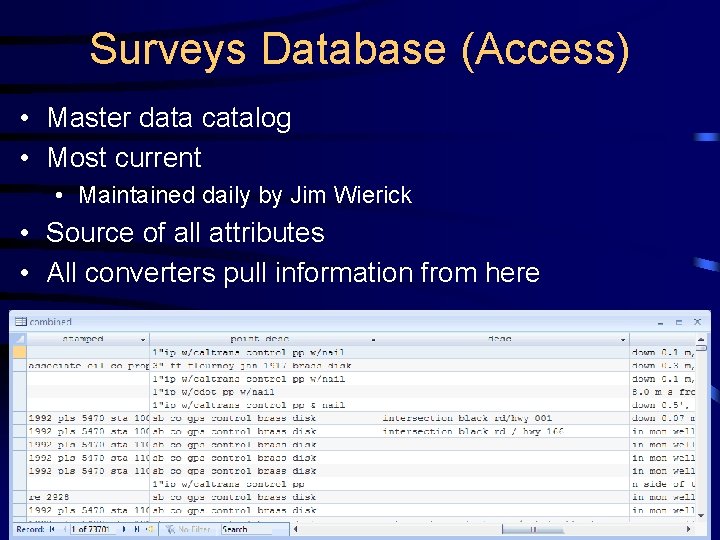
Surveys Database (Access) • Master data catalog • Most current • Maintained daily by Jim Wierick • Source of all attributes • All converters pull information from here
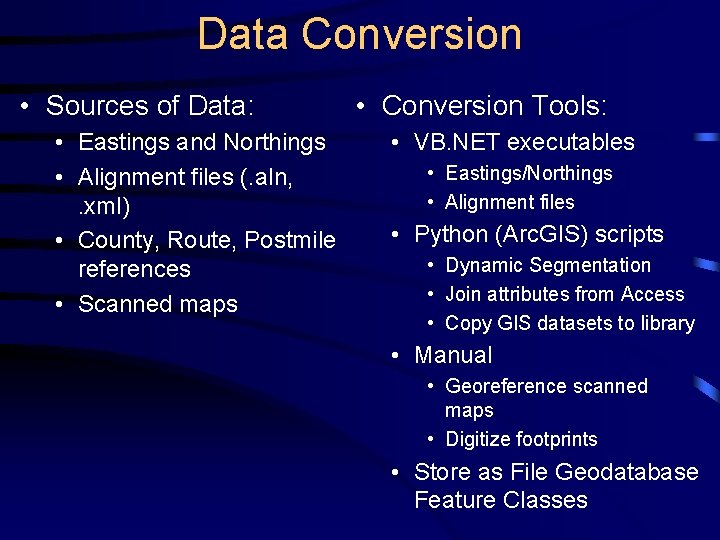
Data Conversion • Sources of Data: • Eastings and Northings • Alignment files (. aln, . xml) • County, Route, Postmile references • Scanned maps • Conversion Tools: • VB. NET executables • Eastings/Northings • Alignment files • Python (Arc. GIS) scripts • Dynamic Segmentation • Join attributes from Access • Copy GIS datasets to library • Manual • Georeference scanned maps • Digitize footprints • Store as File Geodatabase Feature Classes
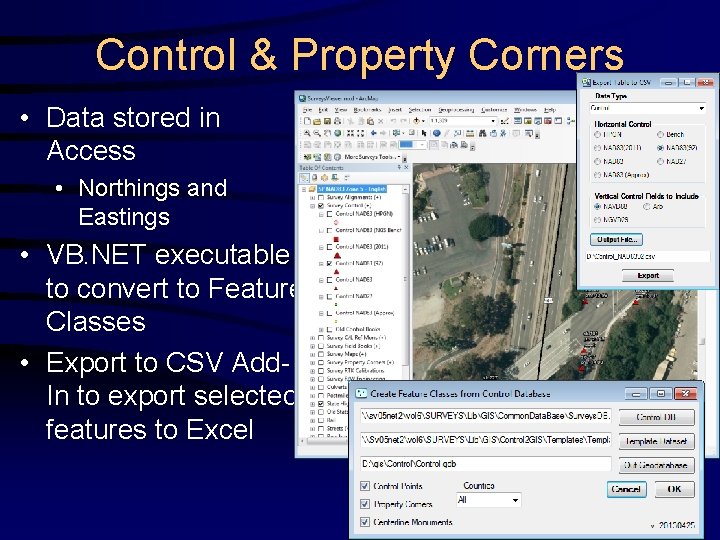
Control & Property Corners • Data stored in Access • Northings and Eastings • VB. NET executable to convert to Feature Classes • Export to CSV Add. In to export selected features to Excel
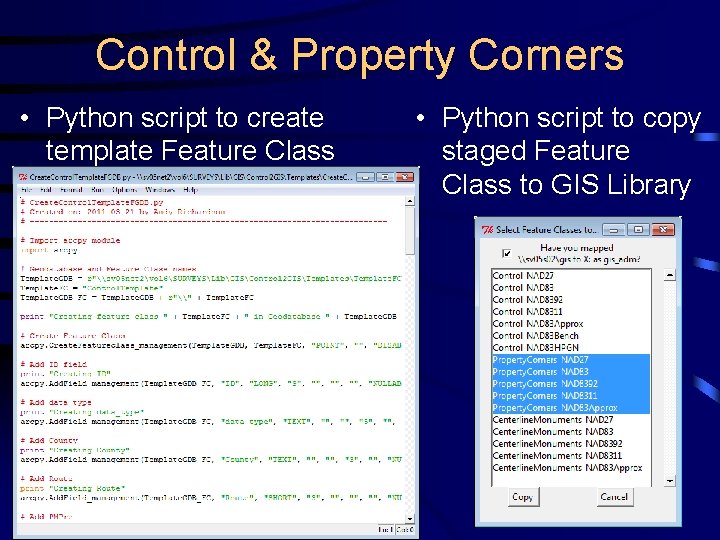
Control & Property Corners • Python script to create template Feature Class • Python script to copy staged Feature Class to GIS Library
DEMO Control Centerline Monuments Property Corners
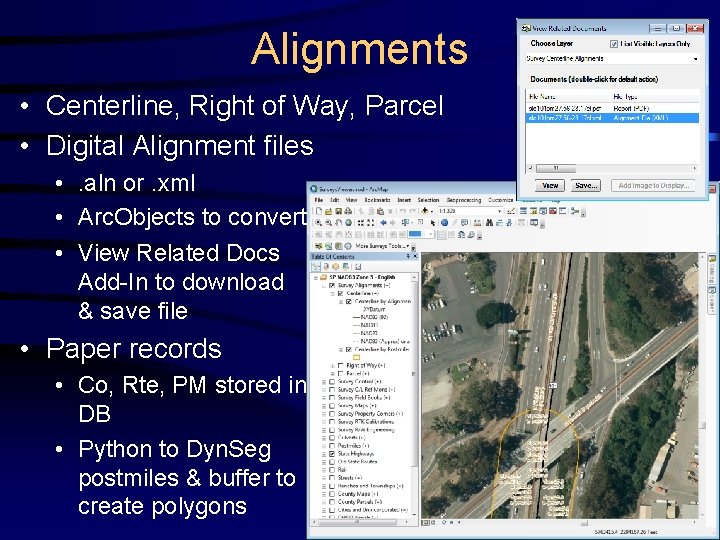
Alignments • Centerline, Right of Way, Parcel • Digital Alignment files • . aln or. xml • Arc. Objects to convert • View Related Docs Add-In to download & save file • Paper records • Co, Rte, PM stored in DB • Python to Dyn. Seg postmiles & buffer to create polygons
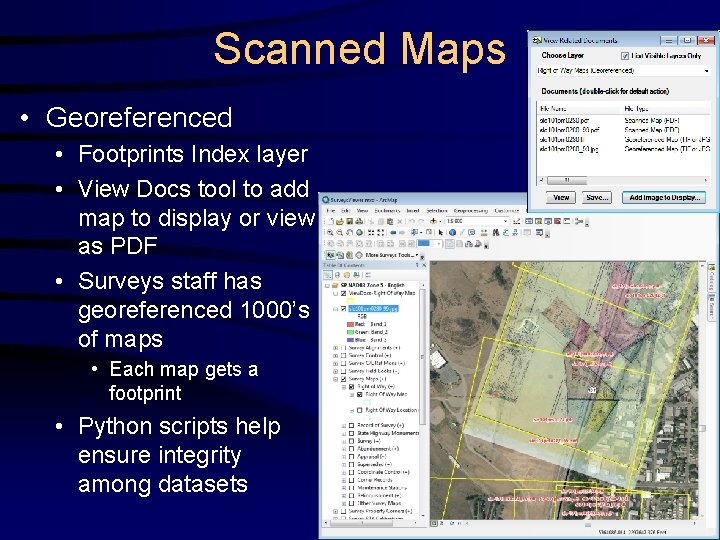
Scanned Maps • Georeferenced • Footprints Index layer • View Docs tool to add map to display or view as PDF • Surveys staff has georeferenced 1000’s of maps • Each map gets a footprint • Python scripts help ensure integrity among datasets
DEMO Scanned Maps
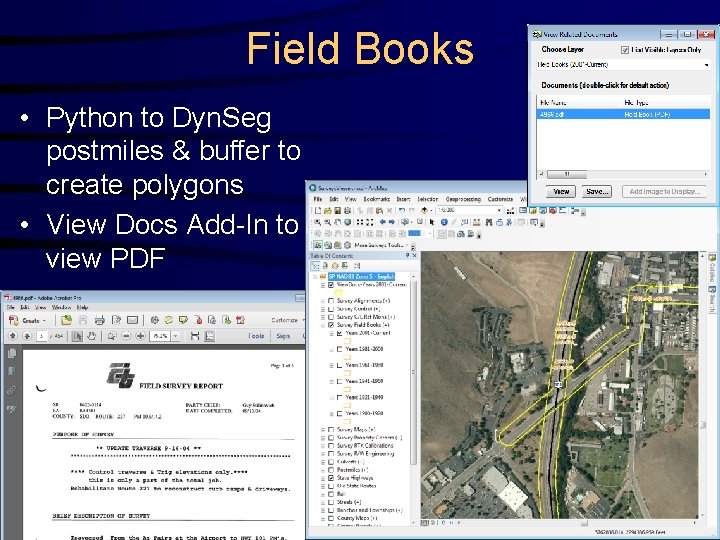
Field Books • Python to Dyn. Seg postmiles & buffer to create polygons • View Docs Add-In to view PDF
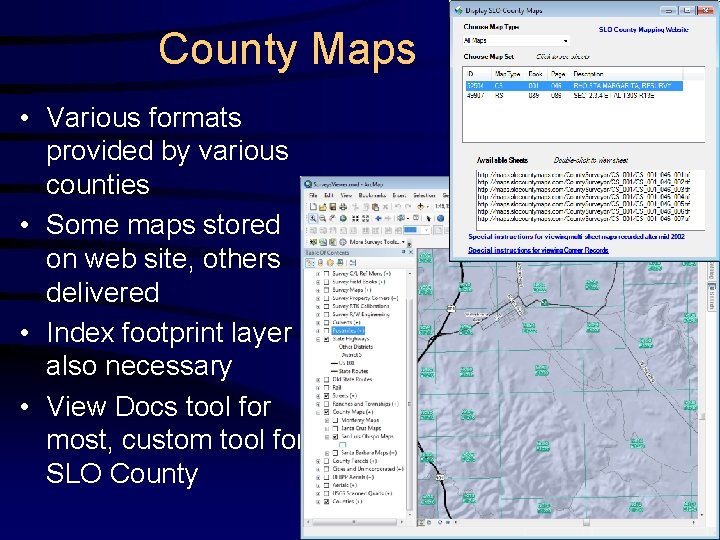
County Maps • Various formats provided by various counties • Some maps stored on web site, others delivered • Index footprint layer also necessary • View Docs tool for most, custom tool for SLO County
DEMO County Mapping
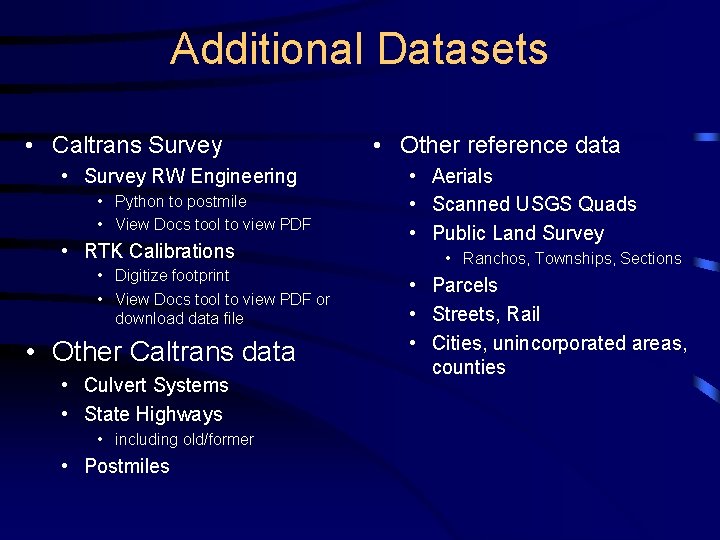
Additional Datasets • Caltrans Survey • Survey RW Engineering • Python to postmile • View Docs tool to view PDF • RTK Calibrations • Digitize footprint • View Docs tool to view PDF or download data file • Other Caltrans data • Culvert Systems • State Highways • including old/former • Postmiles • Other reference data • Aerials • Scanned USGS Quads • Public Land Survey • Ranchos, Townships, Sections • Parcels • Streets, Rail • Cities, unincorporated areas, counties
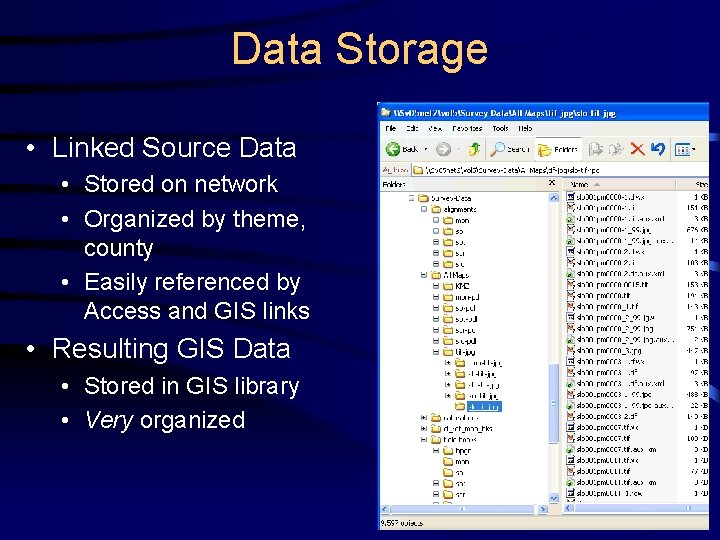
Data Storage • Linked Source Data • Stored on network • Organized by theme, county • Easily referenced by Access and GIS links • Resulting GIS Data • Stored in GIS library • Very organized
Dynamic Segmentation (postmiling) • Method for converting tables containing County, Route, and Postmile(s) into GIS points or lines based on location along state highway • Requires reference linework (routes) with measures (postmiles) • AKA a Linear Referencing System (LRS) • Requires application to perform Dyn. Seg • Python used for survey converters • Points and lines are buffered to create polygons • Resulting polygons are coded with Access attributes, and generally have links to related documents • Polygons are generally stacked on top of each other, representing multiple data in same locations
Tools – Arc. Objects Add-Ins • Written in VB. NET or C# • Used for end-user Arc. Map buttons and tools • Much faster and more professional than Python • Very highly functional forms • Add-Ins don’t require install program or DLL registration for each PC • • This was a problem prior to Add-Ins We have established an Add-In network folder Each PC gets this registry setting as a part of Arc. GIS install Result is that buttons and tools added to an Arc. Map document are automatically there for all District GIS users
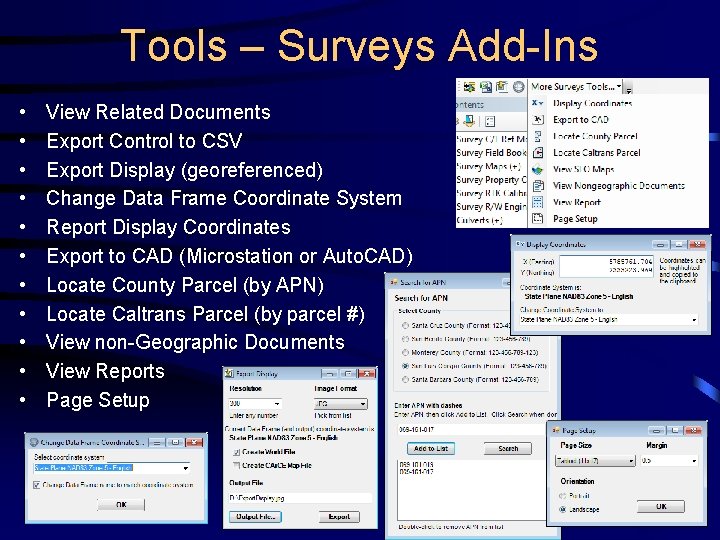
Tools – Surveys Add-Ins • • • View Related Documents Export Control to CSV Export Display (georeferenced) Change Data Frame Coordinate System Report Display Coordinates Export to CAD (Microstation or Auto. CAD) Locate County Parcel (by APN) Locate Caltrans Parcel (by parcel #) View non-Geographic Documents View Reports Page Setup
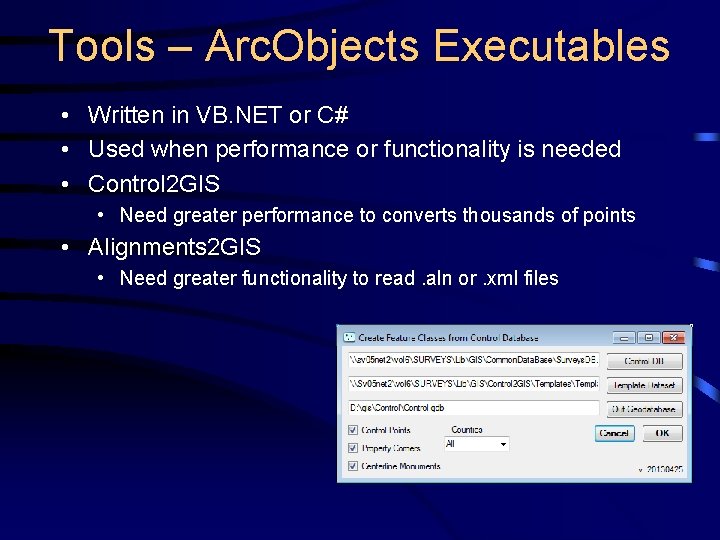
Tools – Arc. Objects Executables • Written in VB. NET or C# • Used when performance or functionality is needed • Control 2 GIS • Need greater performance to converts thousands of points • Alignments 2 GIS • Need greater functionality to read. aln or. xml files
Tools - Python • Much simpler/quicker development than Arc. Objects • Great solution for small and knowledgeable user base • We use for: • Template Feature Class creation • Conversion of smaller datasets to GIS format • Copy staged Feature Classes to GIS library • Standalone • Run from Python editor or DOS • Arc. Map tool script • Very easy to create input form • Standalone with Python form • Why use Arc. Map just to get an input form? • Python forms are a bit hokey though
Export Tools (planned) • Primarily to support external customers • Currently performed on an Ad hoc basis • Plans to develop Python tools to automate • Pick a county… • Copy datasets and supporting documents to staging folder • Transfer folder to requestor
Limitations • Using Access and not a multi-user database • SQL Server, Postgre. SQL? • Not using a web-based solution • Current Caltrans solution is Google Earth • Arc. GIS Server/Arc. GIS Online? Open source? Image Services for aerials? • No web-based access to data • Georeferenced images stored on internal file server and not on external web server • Web Feature Services (WFS) to support external customers?