
GIS Geographic Information Systems MAP SHEETS Zoning Poly




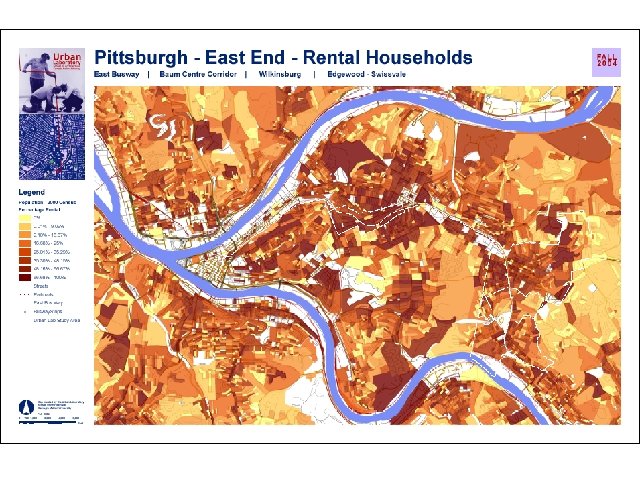
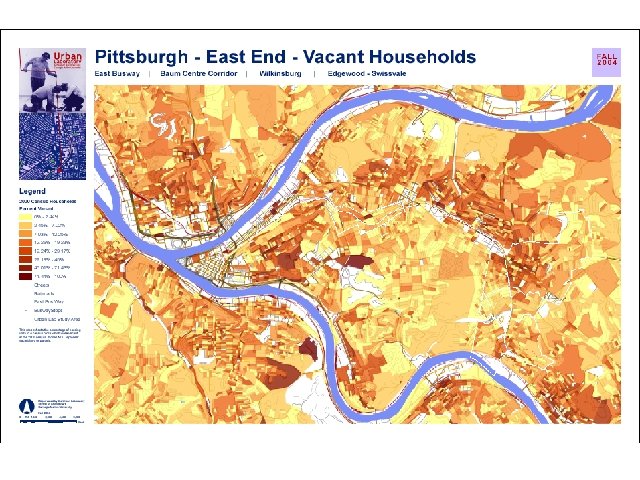
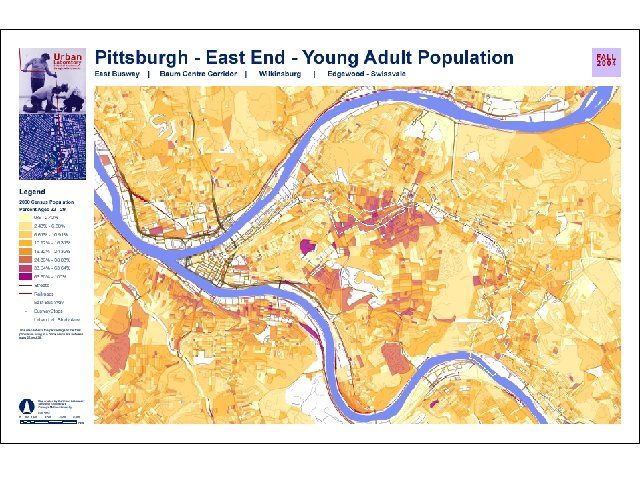
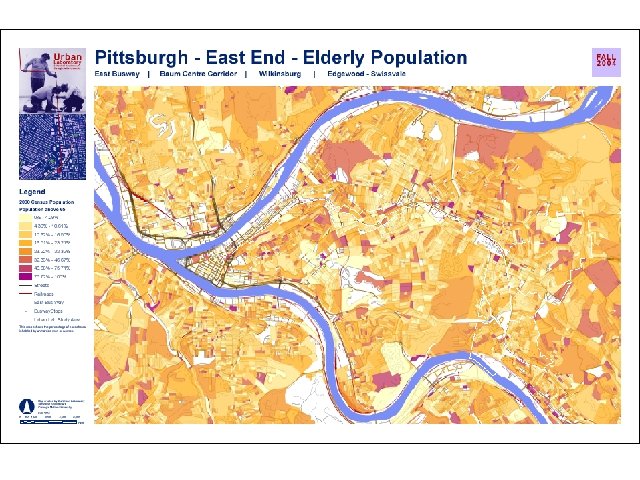


- Slides: 76
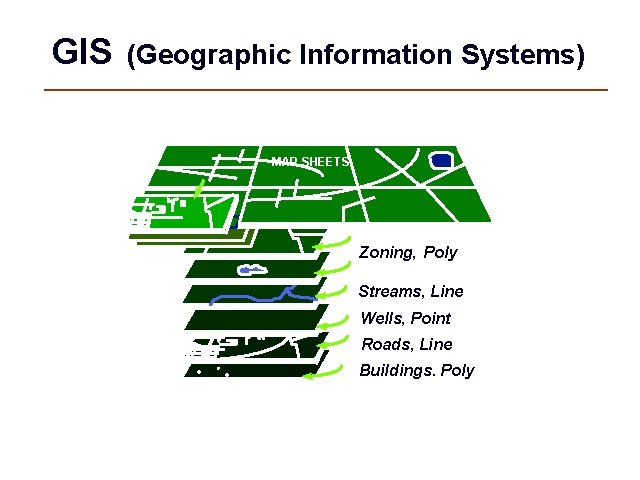
GIS (Geographic Information Systems) MAP SHEETS Zoning, Poly Streams, Line Wells, Point Roads, Line Buildings. Poly
GIS Overview
What is GIS? GIS (Geographic Information System): computer information system that can input, store, manipulate, analyze, and display geographically referenced (spatial) data to support decision making processes.
Tools for a GIS • Hardware - Computer - Printer / Plotter - Digitizer - Scanner • GIS Desktop Software (ESRI, Inc. – Arc. View) • CAD Software (Auto. Desk - Auto. CAD) • Multimedia (Photos, Video, 3 D Models) • World Wide Web (ESRI, Inc. – ARCIMS) • Personnel
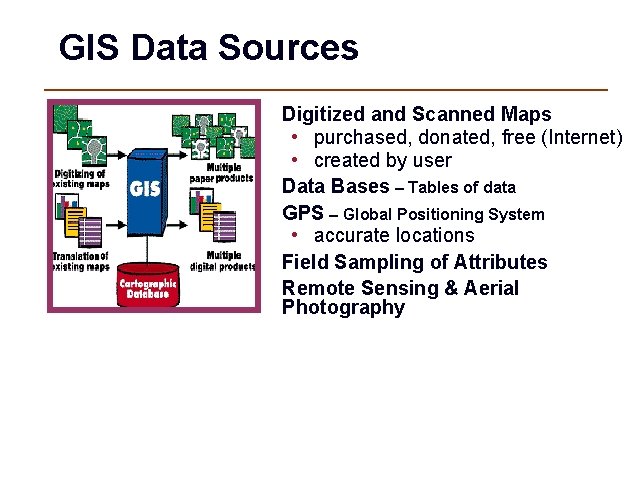
GIS Data Sources Digitized and Scanned Maps • purchased, donated, free (Internet) • created by user Data Bases – Tables of data GPS – Global Positioning System • accurate locations Field Sampling of Attributes Remote Sensing & Aerial Photography
Conventional Information Systems • Answer the following questions: - Who ? - What ? - When ? - Why ? - How ?
GIS answers the following • Location: What is at. . . ? • Condition: Where is it? • Trends: What has changed since. . . ? • Patterns: What spatial patterns exist? • Modeling: What if…? Exploring data using GIS turns data into information into knowledge
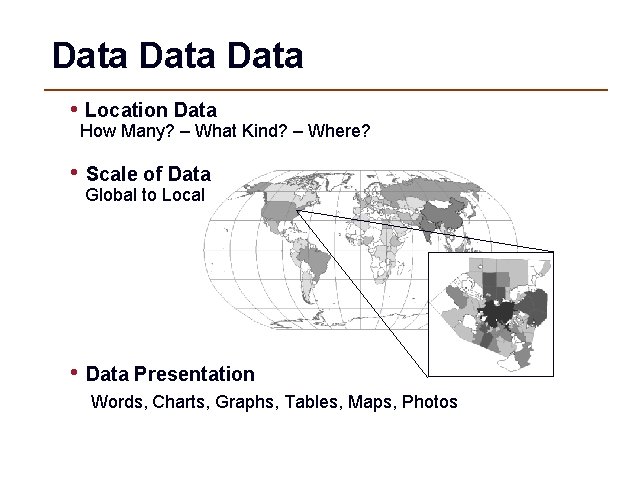
Data • Location Data How Many? – What Kind? – Where? • Scale of Data Global to Local • Data Presentation Words, Charts, Graphs, Tables, Maps, Photos
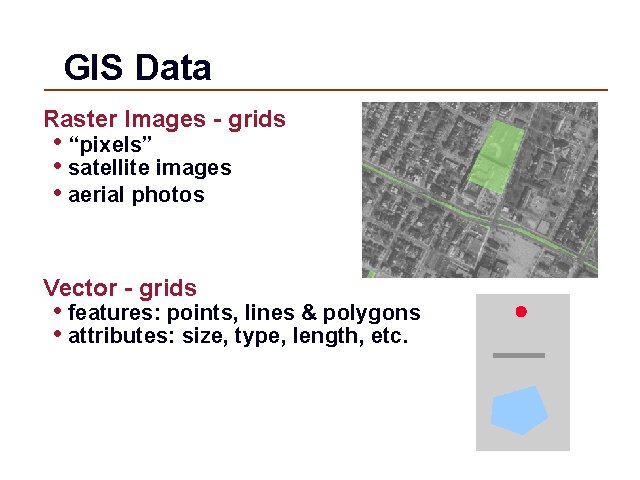
GIS Data Raster Images - grids • “pixels” • satellite images • aerial photos Vector - grids • features: points, lines & polygons • attributes: size, type, length, etc.
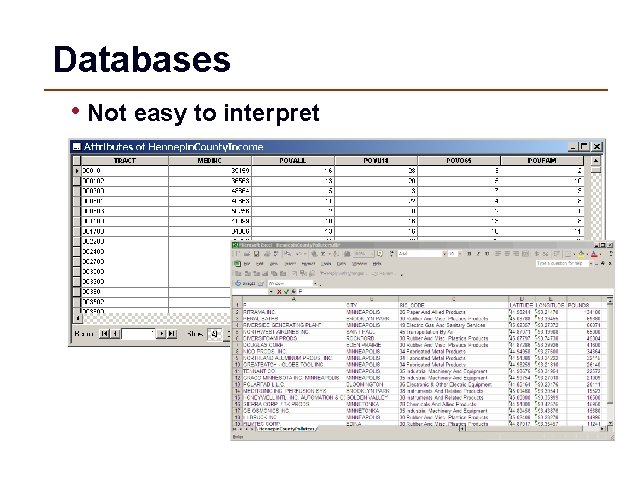
Databases • Not easy to interpret
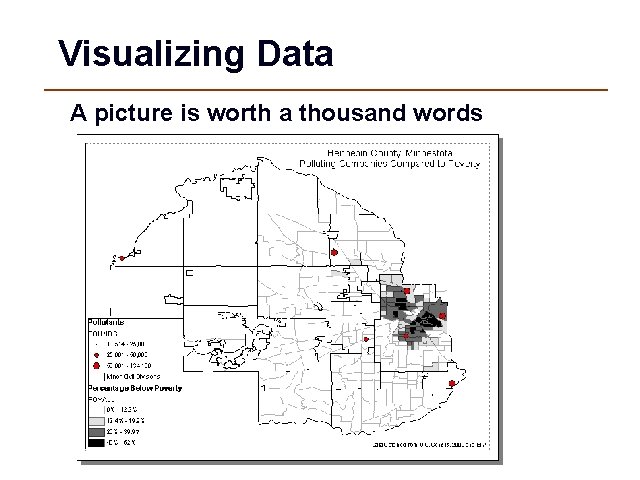
Visualizing Data A picture is worth a thousand words
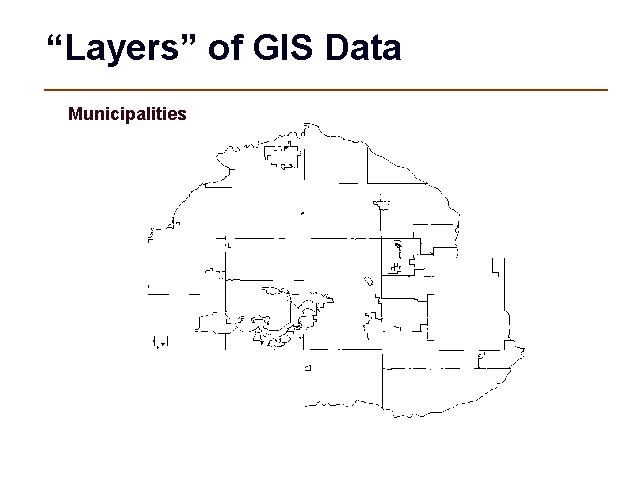
“Layers” of GIS Data Municipalities
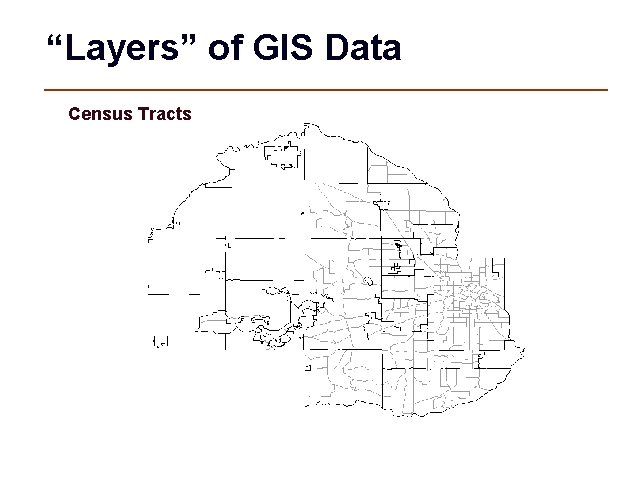
“Layers” of GIS Data Census Tracts
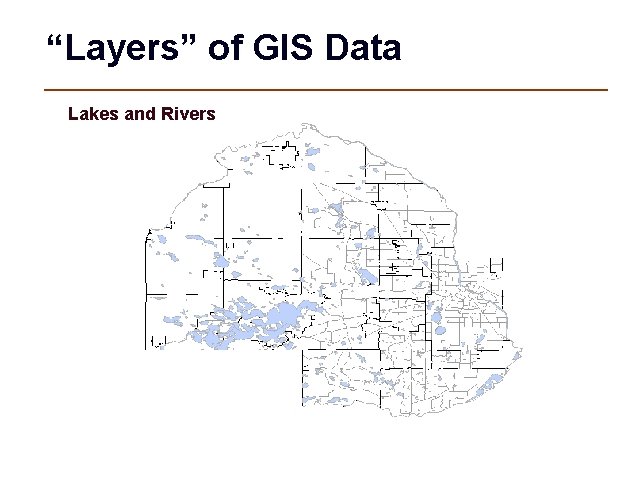
“Layers” of GIS Data Lakes and Rivers
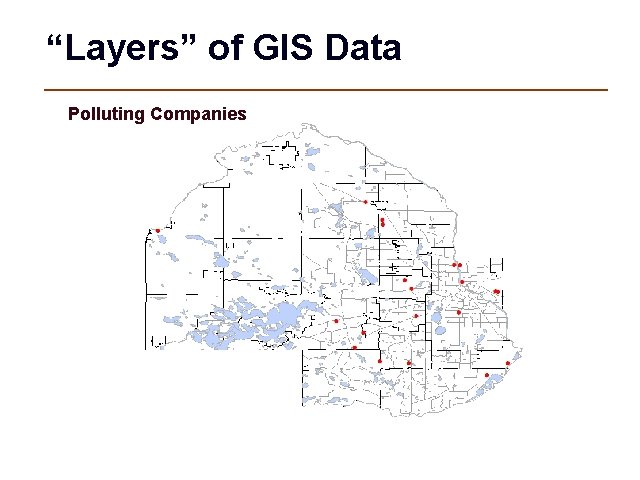
“Layers” of GIS Data Polluting Companies
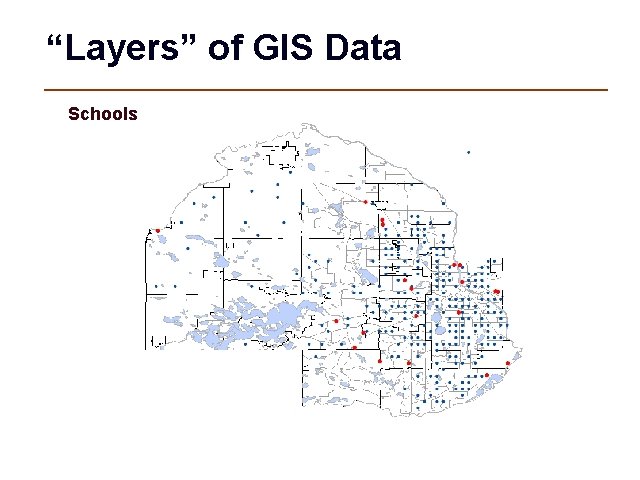
“Layers” of GIS Data Schools
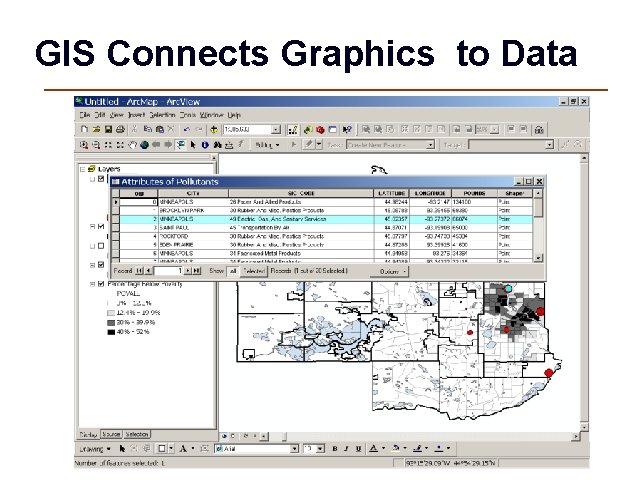
GIS Connects Graphics to Data
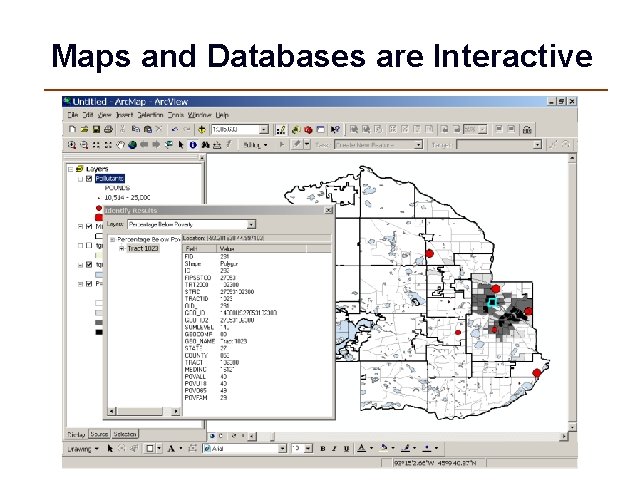
Maps and Databases are Interactive
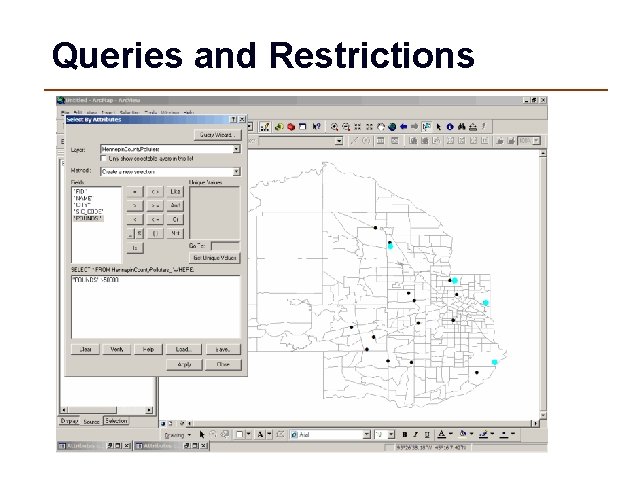
Queries and Restrictions
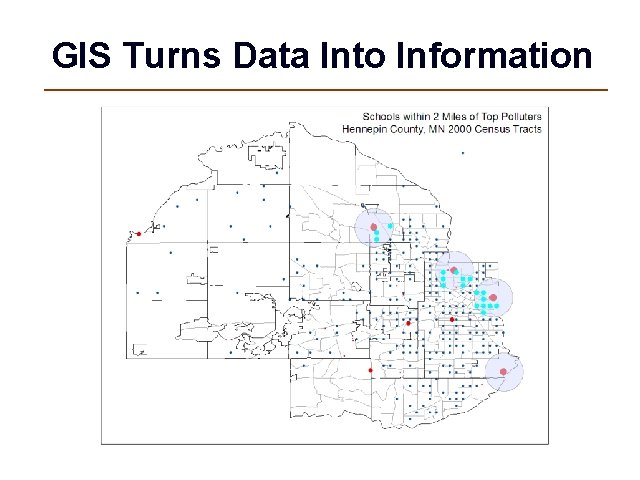
GIS Turns Data Into Information
GIS Examples
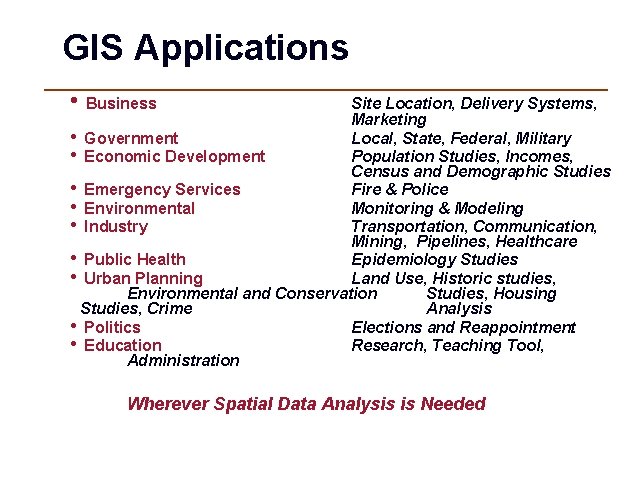
GIS Applications • Business Site Location, Delivery Systems, Marketing • Government Local, State, Federal, Military • Economic Development Population Studies, Incomes, Census and Demographic Studies • Emergency Services Fire & Police • Environmental Monitoring & Modeling • Industry Transportation, Communication, Mining, Pipelines, Healthcare • Public Health Epidemiology Studies • Urban Planning Land Use, Historic studies, Environmental and Conservation Studies, Housing Studies, Crime Analysis • Politics Elections and Reappointment • Education Research, Teaching Tool, Administration Wherever Spatial Data Analysis is Needed
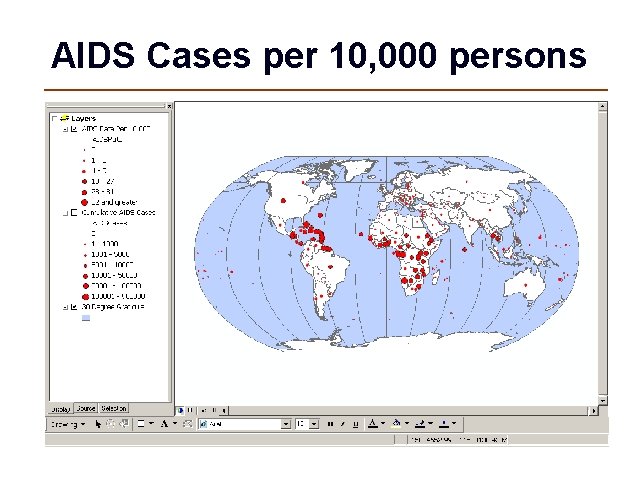
Global Example
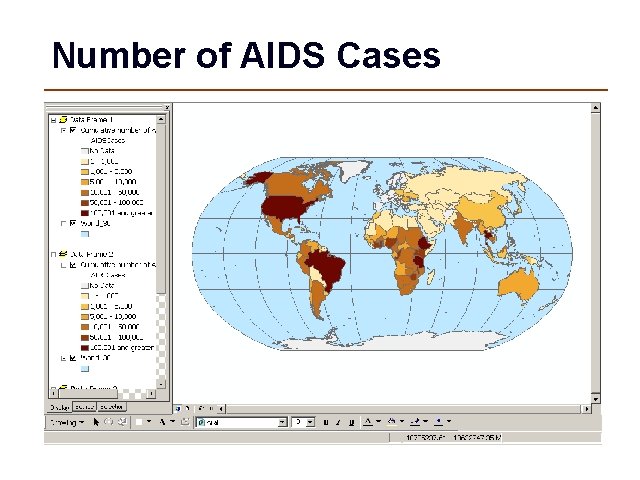
Number of AIDS Cases
AIDS Cases per 10, 000 persons
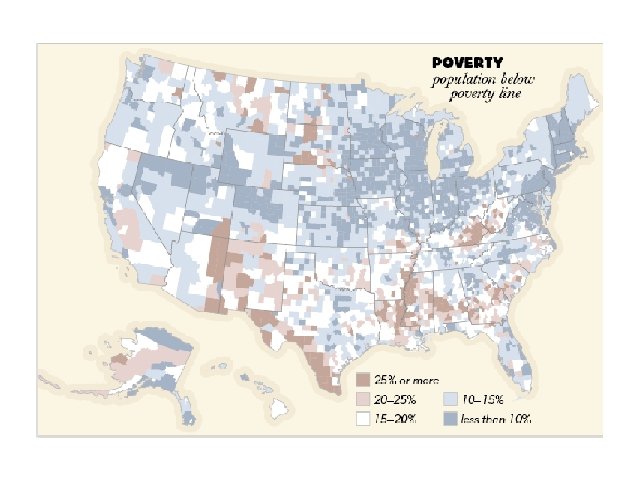
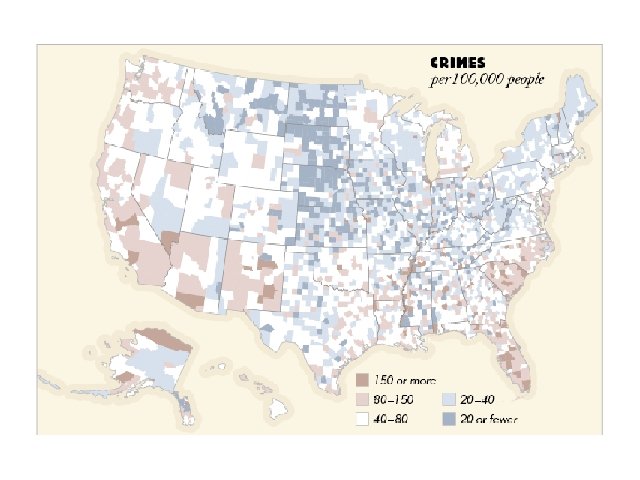
National Level
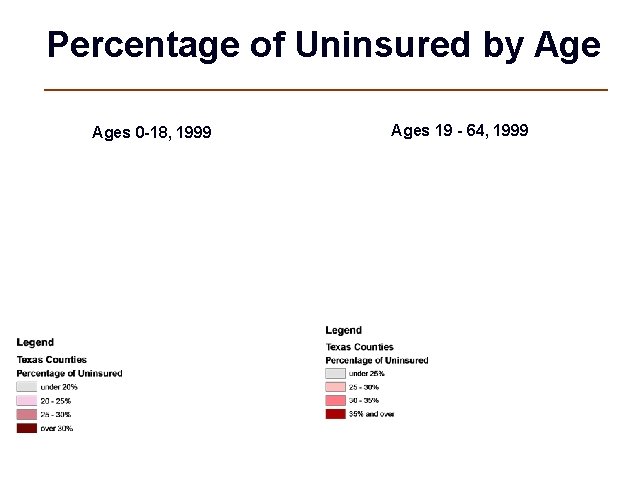
State Level Maps
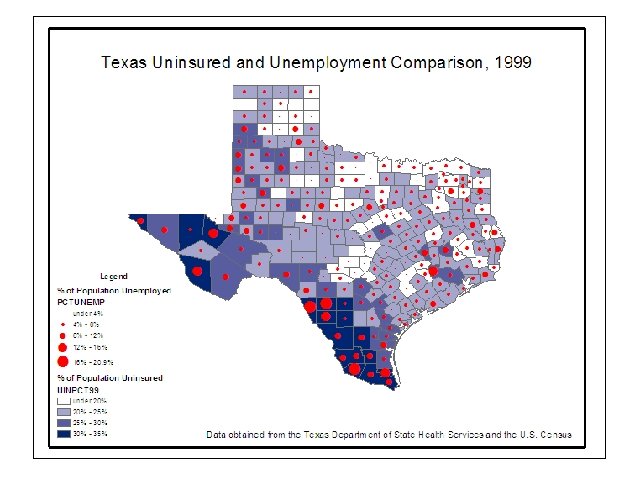
Percentage of Uninsured by Ages 0 -18, 1999 Ages 19 - 64, 1999
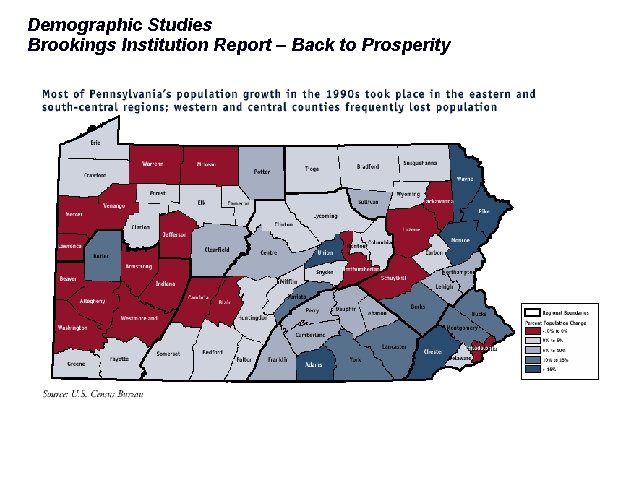
Demographic Studies Brookings Institution Report – Back to Prosperity
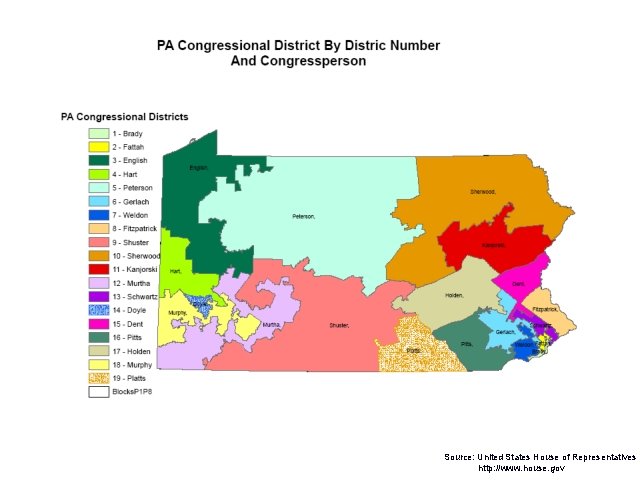
Source: United States House of Representatives http: //www. house. gov
Source: The Washington Post http: //www. washingtonpost. com/wp-srv/elections/2004/pa/
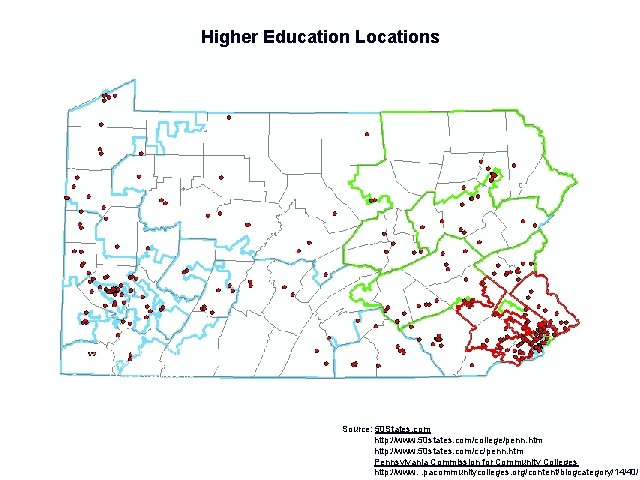
Higher Education Locations Note the proliferation of schools located in SW Pennsylvania where the majority of Competitive Districts lie. Source: 50 States. com http: //www. 50 states. com/college/penn. htm http: //www. 50 states. com/cc/penn. htm Pennsylvania Commission for Community Colleges http: //www. . pacommunitycolleges. org/content/blogcategory/14/40/
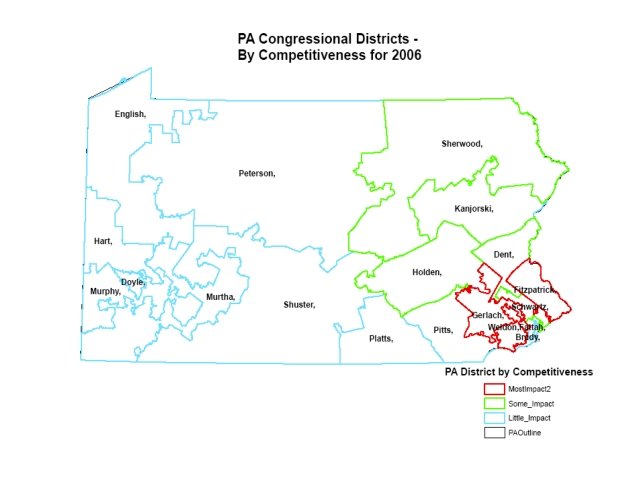
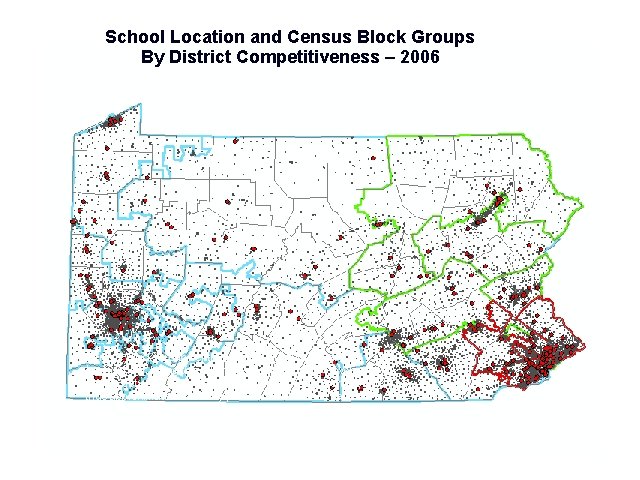
School Location and Census Block Groups By District Competitiveness – 2006 Census Block Group centroids and 2 -Mile buffers around each school. Using this method we can calculate how many people between 18 -24 live within 2 miles of each school, and thus approximate how many persons 18 -24 live in each Congressional District. Source: U. S. Census 2000
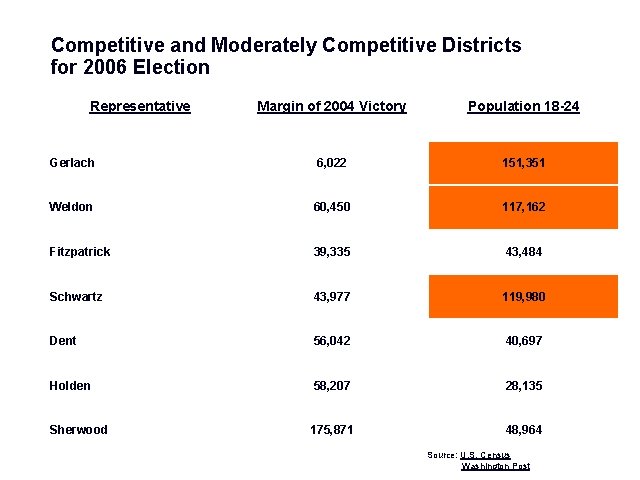
Competitive and Moderately Competitive Districts for 2006 Election Representative Margin of 2004 Victory Population 18 -24 Gerlach 6, 022 151, 351 Weldon 60, 450 117, 162 Fitzpatrick 39, 335 43, 484 Schwartz 43, 977 119, 980 Dent 56, 042 40, 697 Holden 58, 207 28, 135 Sherwood 175, 871 48, 964 Source: U. S. Census Washington Post
Regional Level
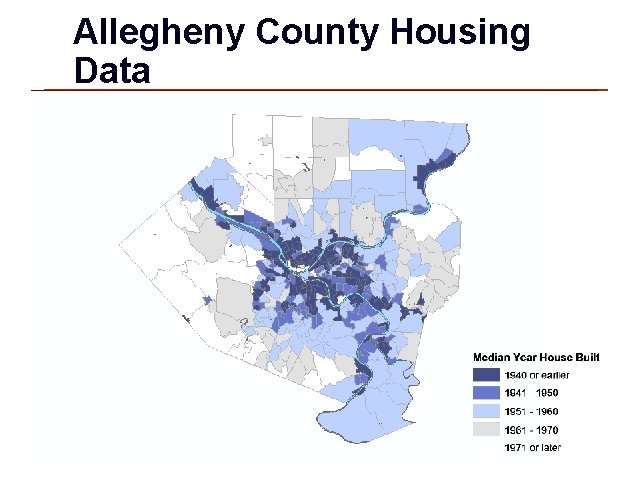
Allegheny County Housing Data obtained from U. S. Census
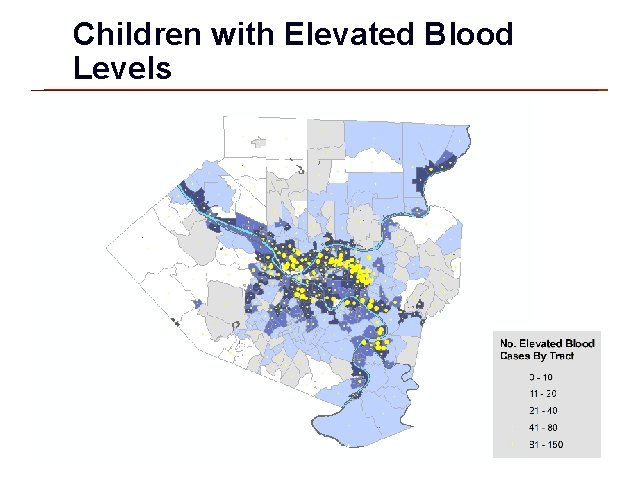
Children with Elevated Blood Levels Note: Cases aggregated to Census Tracts Data obtained from U. S. Census and Allegheny County Health Dept
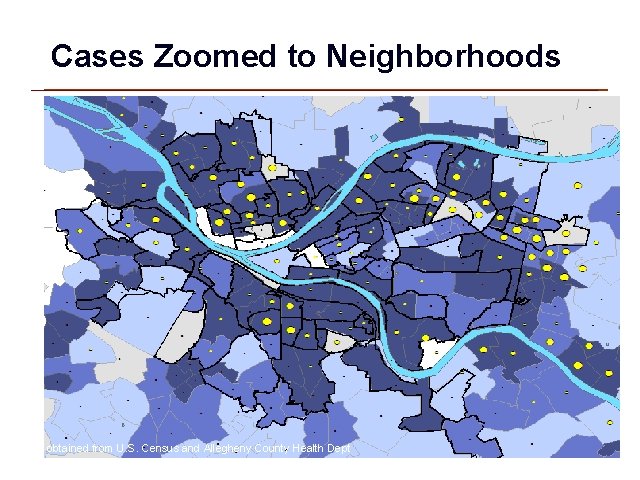
Cases Zoomed to Neighborhoods Data obtained from U. S. Census and Allegheny County Health Dept
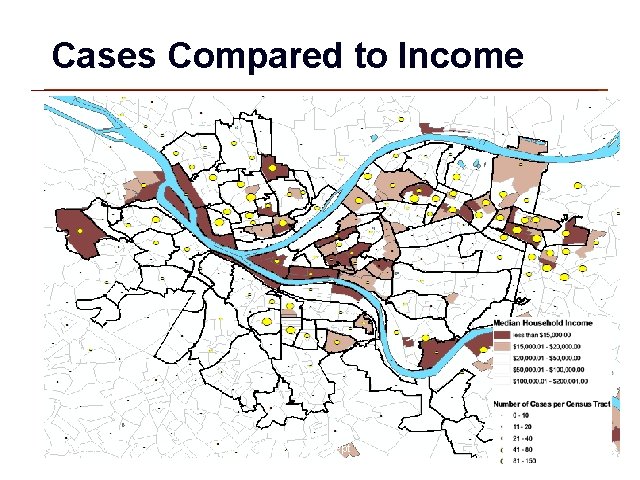
Cases Compared to Income Data obtained from U. S. Census and Allegheny County Health Dept
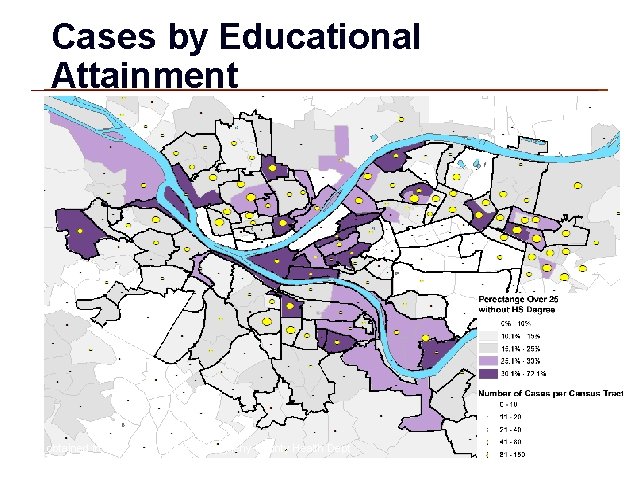
Cases by Educational Attainment Data obtained from U. S. Census and Allegheny County Health Dept
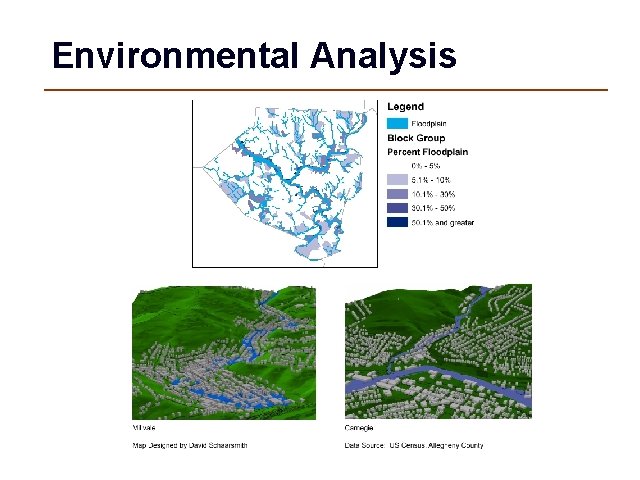
Environmental Analysis
Neighborhood Level
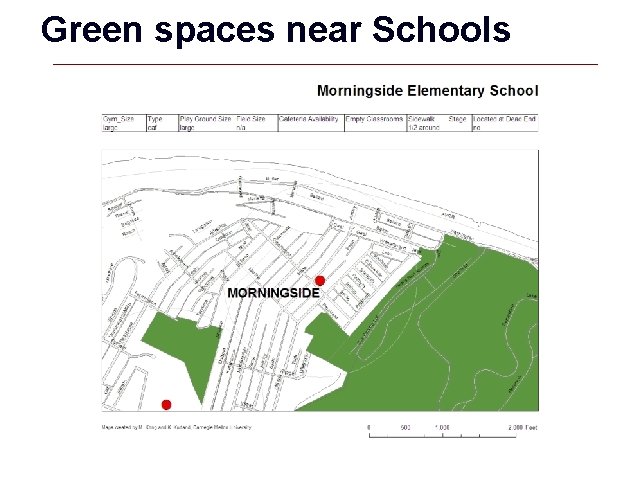
Green spaces near Schools
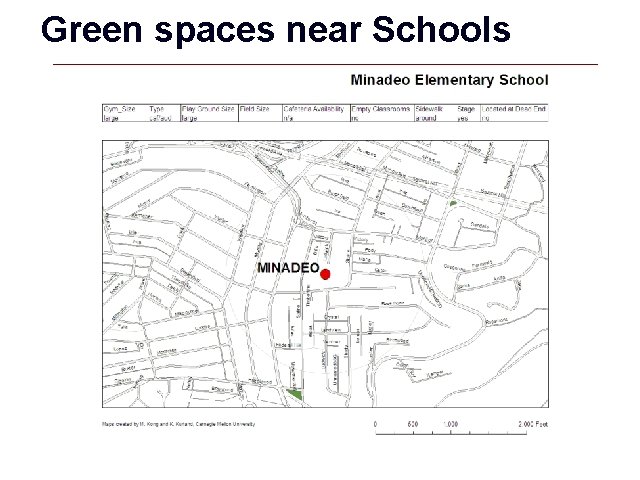
Green spaces near Schools
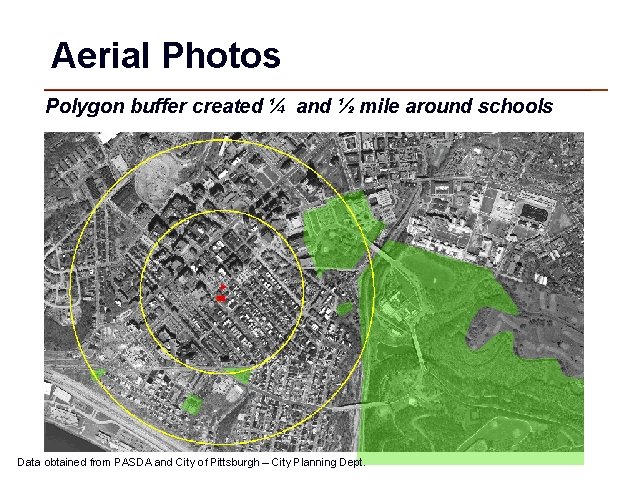
Aerial Photos Polygon buffer created ¼ and ½ mile around schools Data obtained from PASDA and City of Pittsburgh – City Planning Dept.
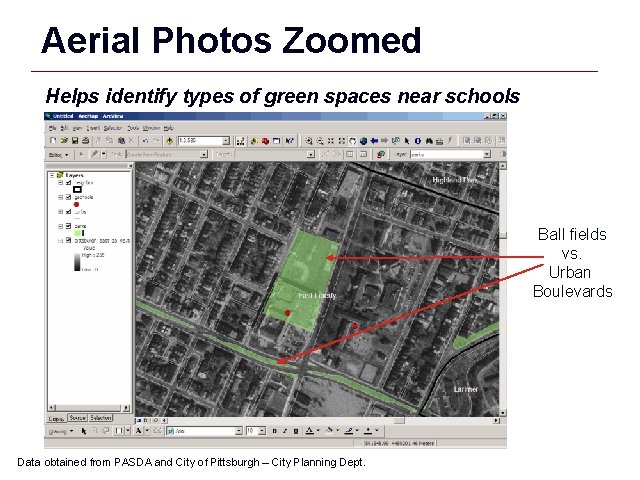
Aerial Photos Zoomed Helps identify types of green spaces near schools Ball fields vs. Urban Boulevards Data obtained from PASDA and City of Pittsburgh – City Planning Dept.
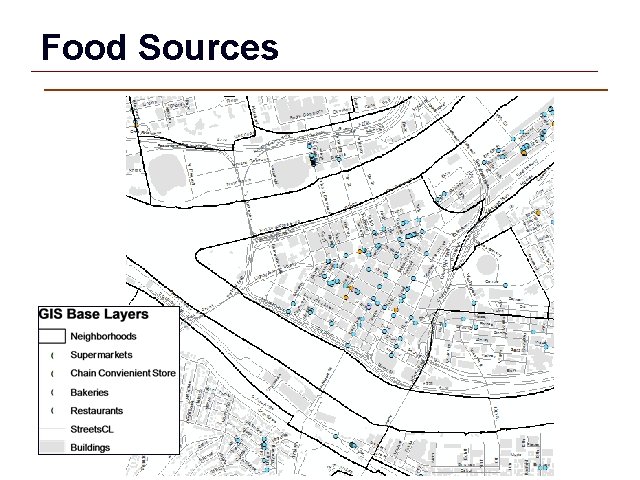
Food Sources Data source US Census
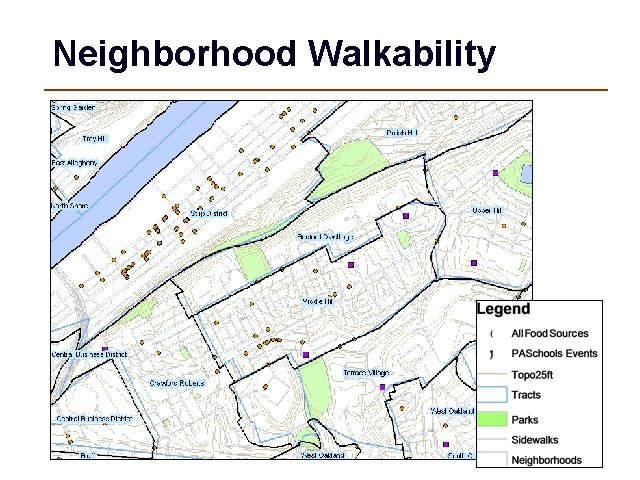
Neighborhood Walkability
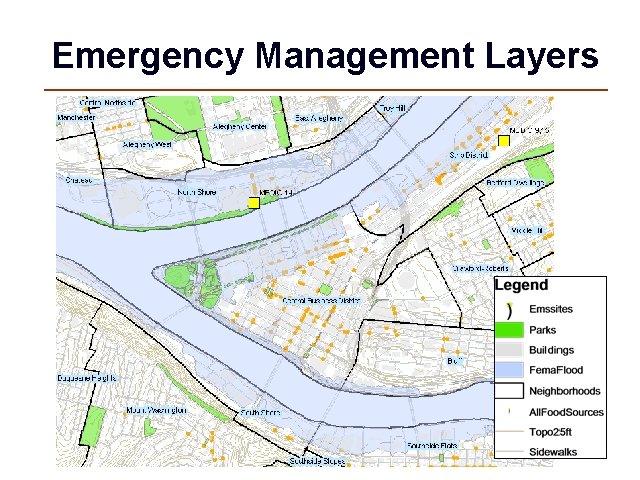
Emergency Management Layers
ESRI To learn more, visit: http: //www. esri. com/industries. html
GIS Lab Overview
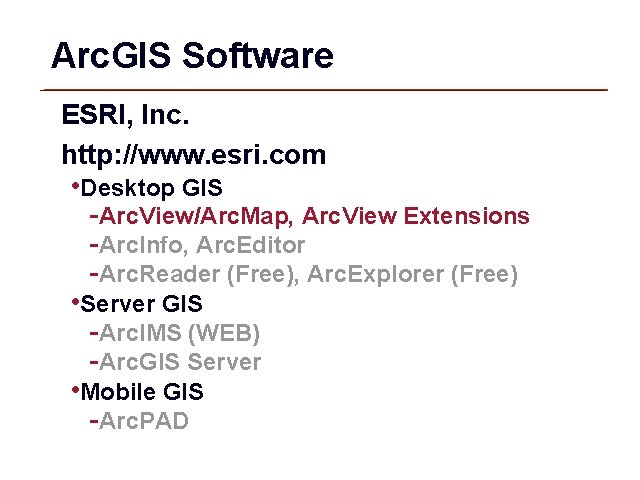
Arc. GIS Software ESRI, Inc. http: //www. esri. com • Desktop GIS -Arc. View/Arc. Map, Arc. View Extensions -Arc. Info, Arc. Editor -Arc. Reader (Free), Arc. Explorer (Free) • Server GIS -Arc. IMS (WEB) -Arc. GIS Server • Mobile GIS -Arc. PAD
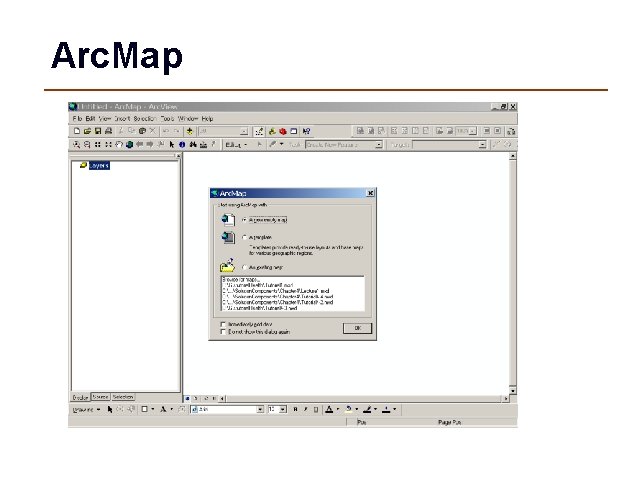
Arc. Map
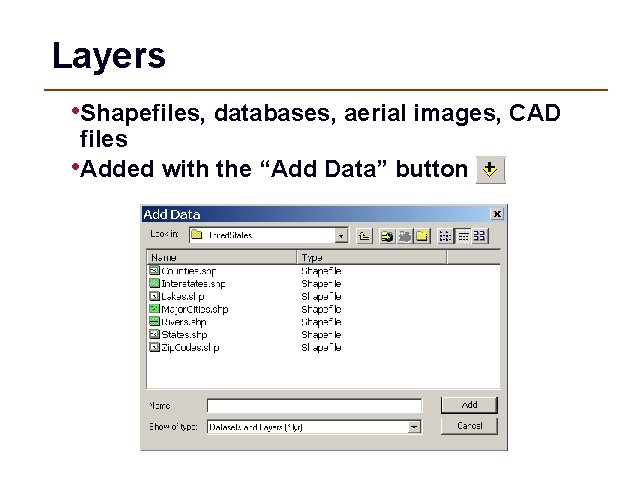
Layers • Shapefiles, databases, aerial images, CAD files • Added with the “Add Data” button
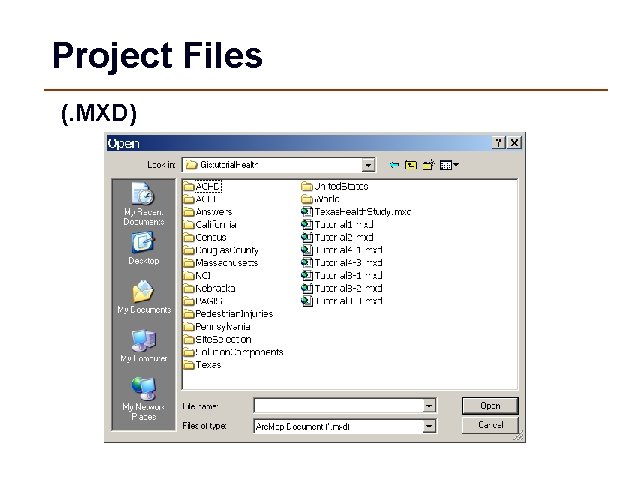
Project Files (. MXD)
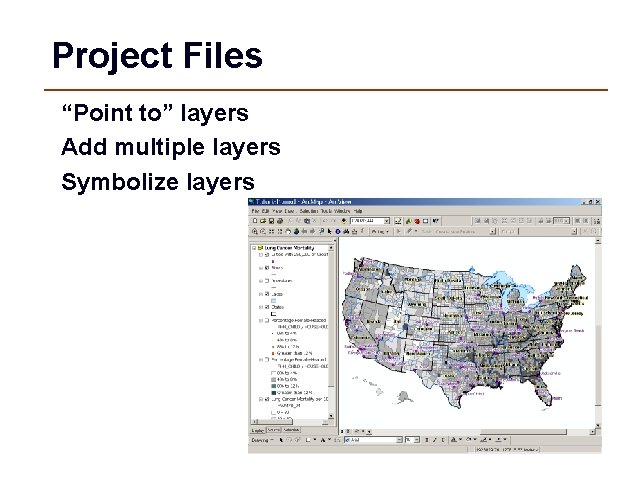
Project Files “Point to” layers Add multiple layers Symbolize layers
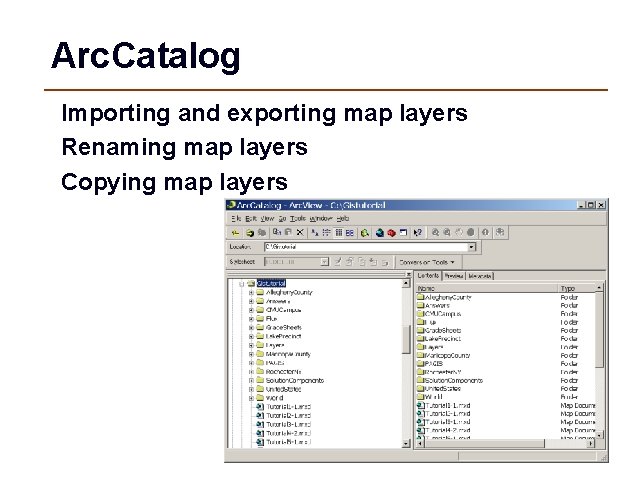
Arc. Catalog Importing and exporting map layers Renaming map layers Copying map layers
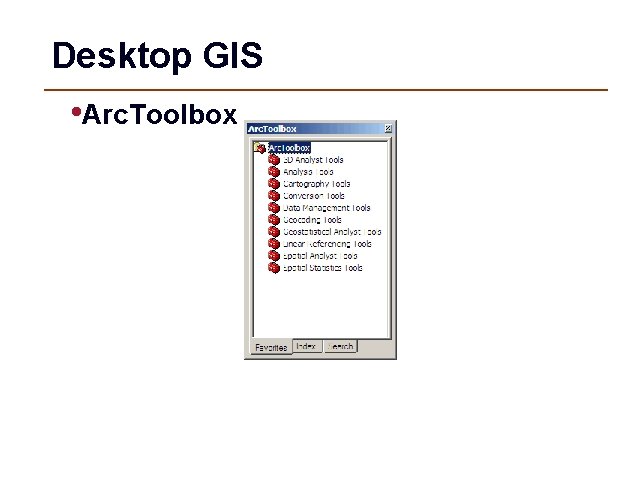
Desktop GIS • Arc. Toolbox
WEB Based GIS • Arc. IMS -An Internet map server for geopublishing maps, data, and metadata: implementing portals; and leveraging Web services.
Desktop GIS Arc. Info – used by • GIS professionals who build and maintain comprehensive GIS processes. • Cartographers • Scientists • Data administrators or data providers • GIS professionals and administrators who import and export data between many sources
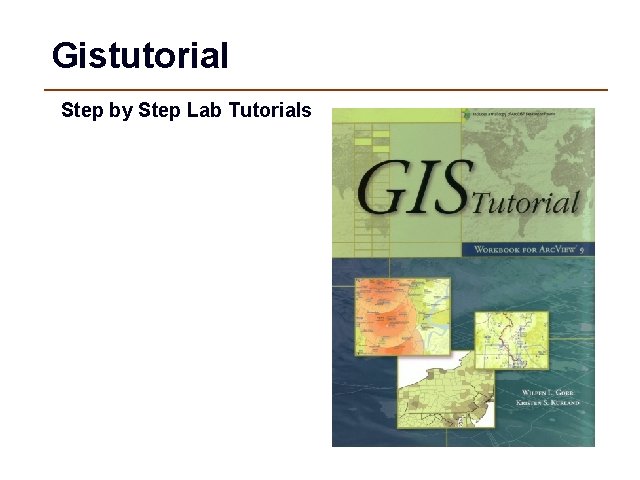
Gistutorial Step by Step Lab Tutorials
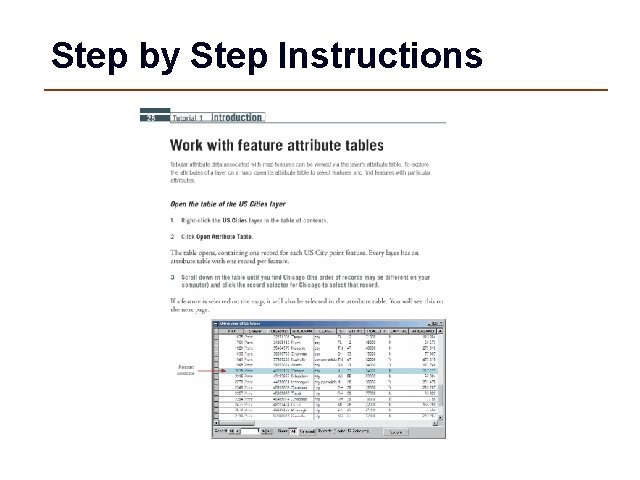
Step by Step Instructions
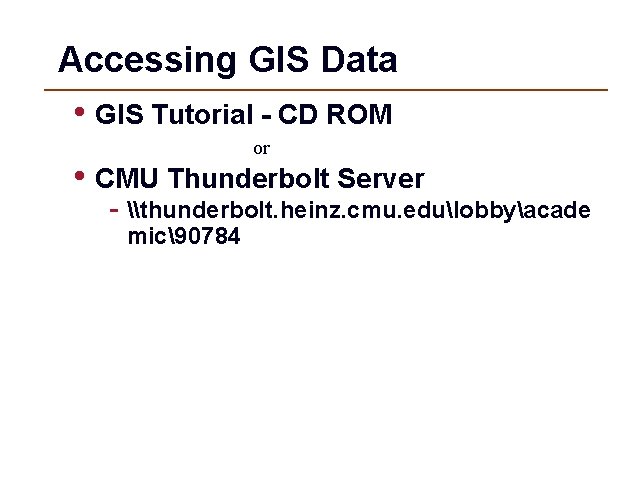
Accessing GIS Data • GIS Tutorial - CD ROM or • CMU Thunderbolt Server - \thunderbolt. heinz. cmu. edulobbyacade mic90784
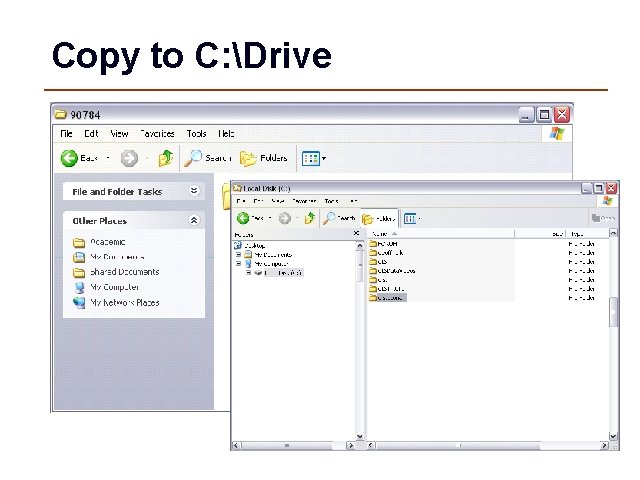
Copy to C: Drive
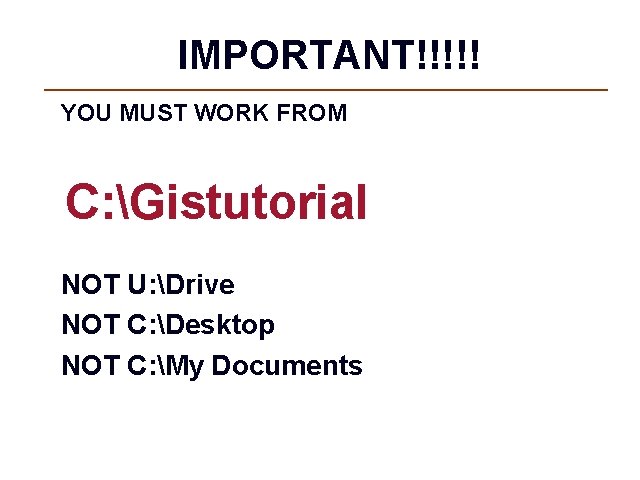
IMPORTANT!!!!! YOU MUST WORK FROM C: Gistutorial NOT U: Drive NOT C: Desktop NOT C: My Documents
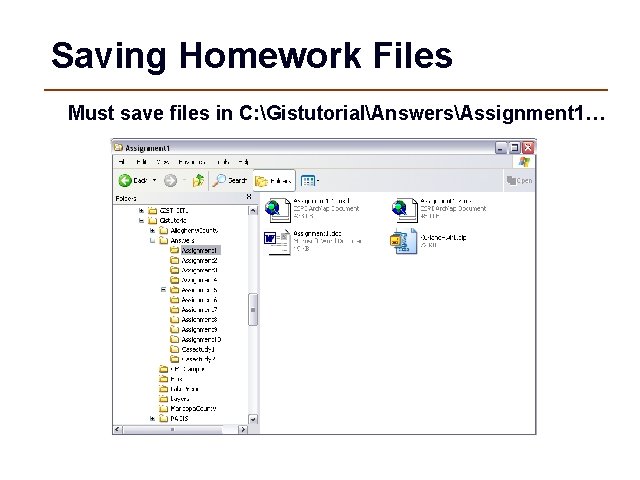
Saving Homework Files Must save files in C: GistutorialAnswersAssignment 1…
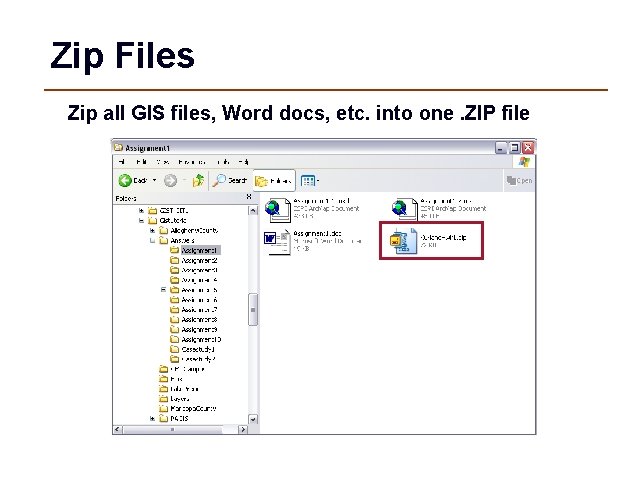
Zip Files Zip all GIS files, Word docs, etc. into one. ZIP file
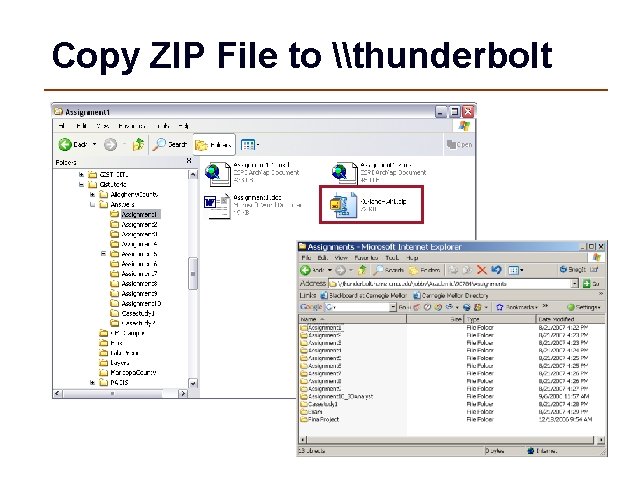
Copy ZIP File to \thunderbolt