
Gillani Extending Informix 4 GL Programming Capabilities Using
Gillani Extending Informix 4 GL Programming Capabilities Using Four. Gen® CASE Tools
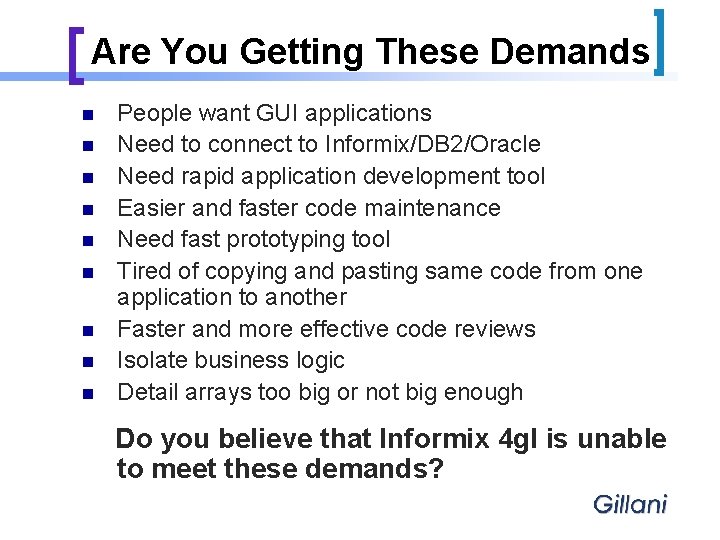
Are You Getting These Demands n n n n n People want GUI applications Need to connect to Informix/DB 2/Oracle Need rapid application development tool Easier and faster code maintenance Need fast prototyping tool Tired of copying and pasting same code from one application to another Faster and more effective code reviews Isolate business logic Detail arrays too big or not big enough Do you believe that Informix 4 gl is unable to meet these demands?
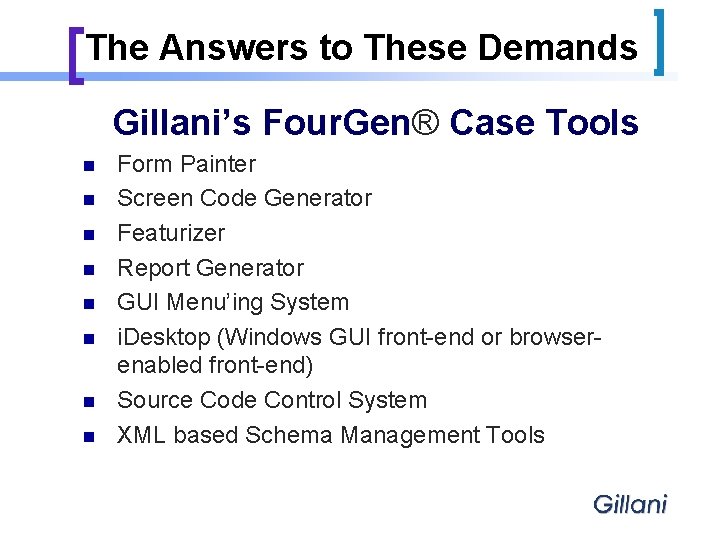
The Answers to These Demands Gillani’s Four. Gen® Case Tools n n n n Form Painter Screen Code Generator Featurizer Report Generator GUI Menu’ing System i. Desktop (Windows GUI front-end or browserenabled front-end) Source Code Control System XML based Schema Management Tools
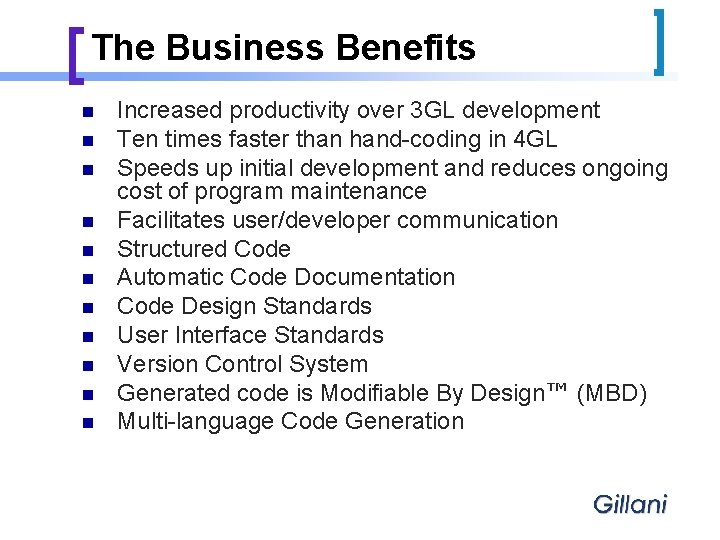
The Business Benefits n n n Increased productivity over 3 GL development Ten times faster than hand-coding in 4 GL Speeds up initial development and reduces ongoing cost of program maintenance Facilitates user/developer communication Structured Code Automatic Code Documentation Code Design Standards User Interface Standards Version Control System Generated code is Modifiable By Design™ (MBD) Multi-language Code Generation
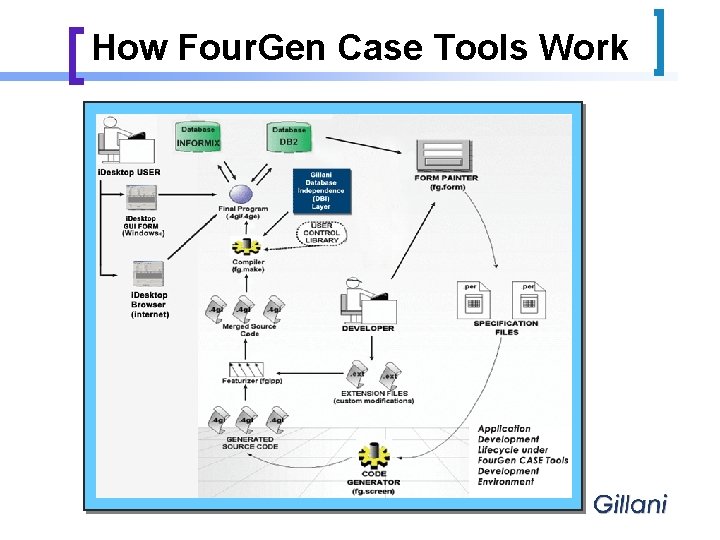
How Four. Gen Case Tools Work
Four. Gen Case – Form Painter n n n n Create new or update existing. per forms Creates 100% Informix 4 GL compatible. per’s Various types of forms supported – header, header/detail, query, zooms etc. Easy to define zooms, lookups & validation functionality Link many forms – easily & effectively Developer-friendly interface Detail Explosion – Present additional detail data on same screen
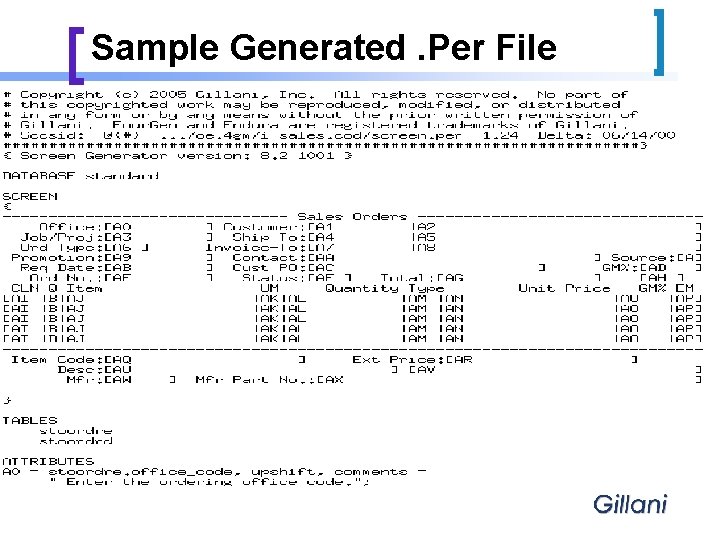
Sample Generated. Per File
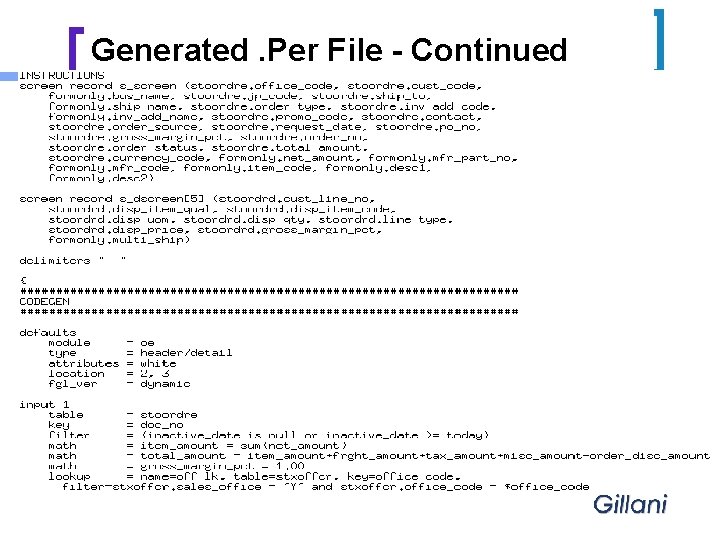
Generated. Per File - Continued
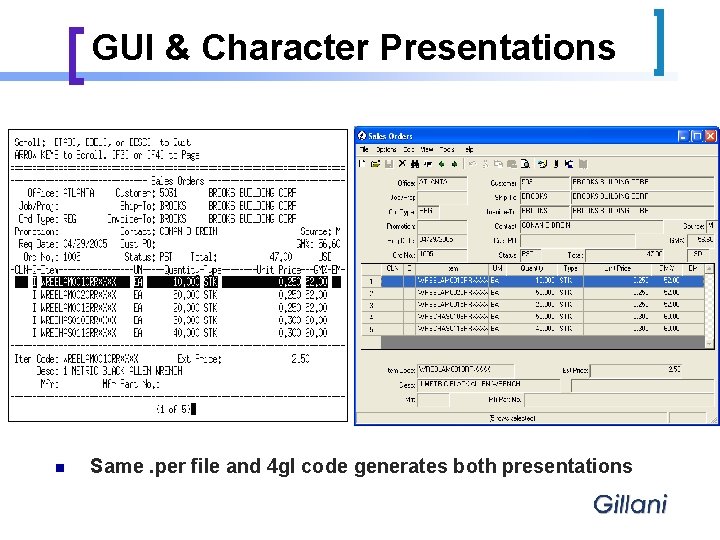
GUI & Character Presentations n Same. per file and 4 gl code generates both presentations
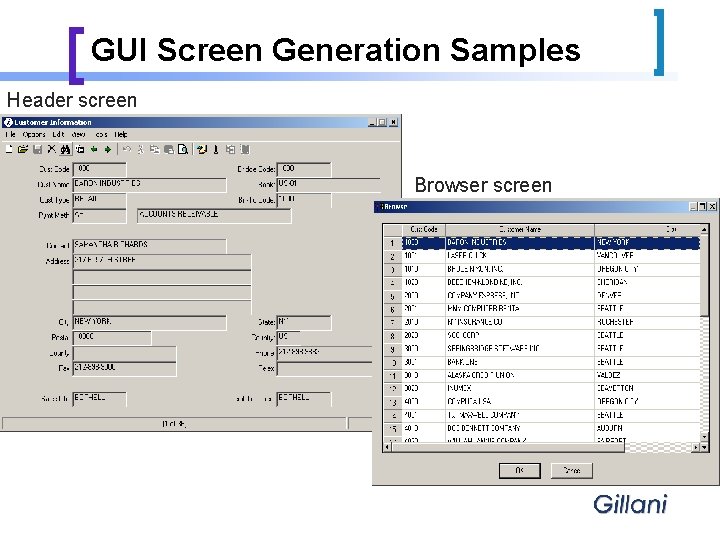
GUI Screen Generation Samples Header screen Browser screen
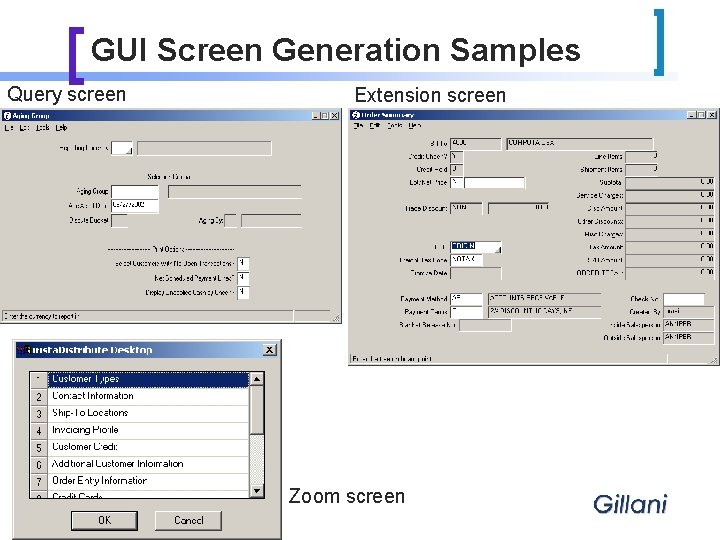
GUI Screen Generation Samples Query screen Extension screen Zoom screen
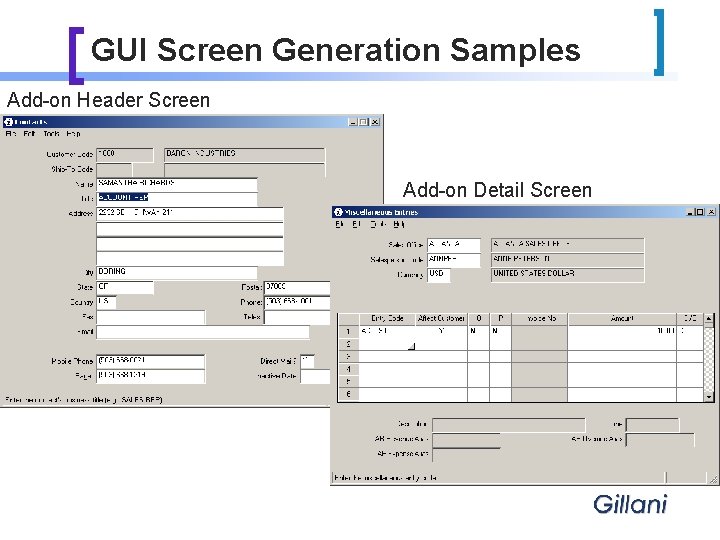
GUI Screen Generation Samples Add-on Header Screen Add-on Detail Screen
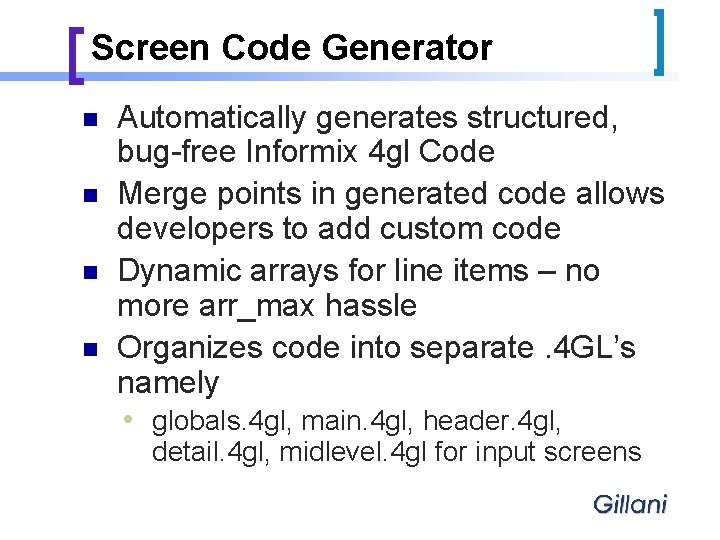
Screen Code Generator n n Automatically generates structured, bug-free Informix 4 gl Code Merge points in generated code allows developers to add custom code Dynamic arrays for line items – no more arr_max hassle Organizes code into separate. 4 GL’s namely i globals. 4 gl, main. 4 gl, header. 4 gl, detail. 4 gl, midlevel. 4 gl for input screens
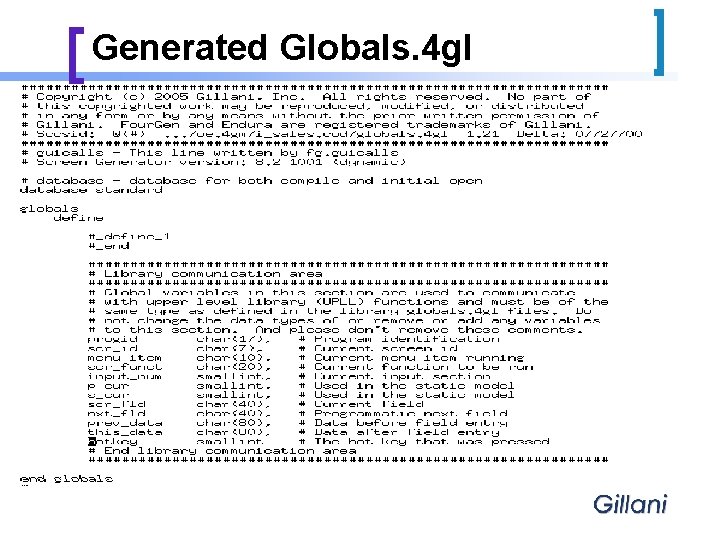
Generated Globals. 4 gl
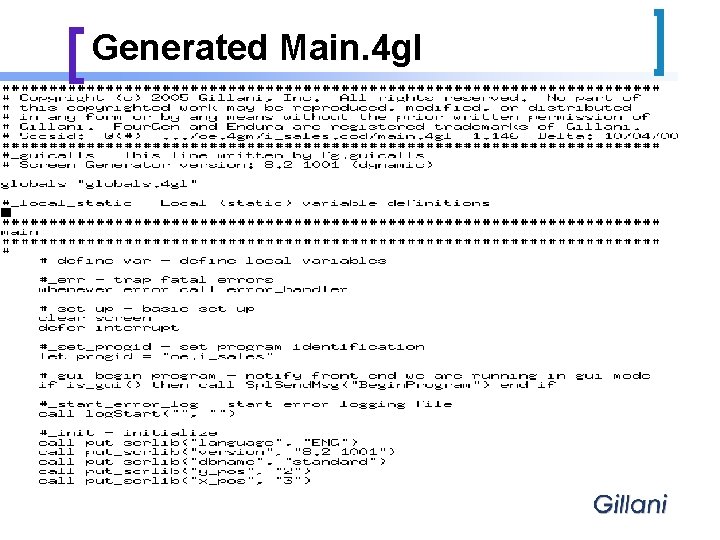
Generated Main. 4 gl
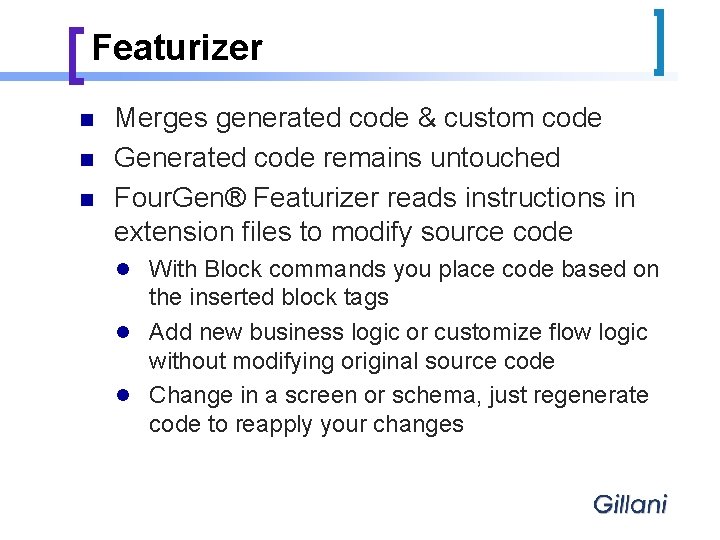
Featurizer n n n Merges generated code & custom code Generated code remains untouched Four. Gen® Featurizer reads instructions in extension files to modify source code n n n With Block commands you place code based on the inserted block tags Add new business logic or customize flow logic without modifying original source code Change in a screen or schema, just regenerate code to reapply your changes
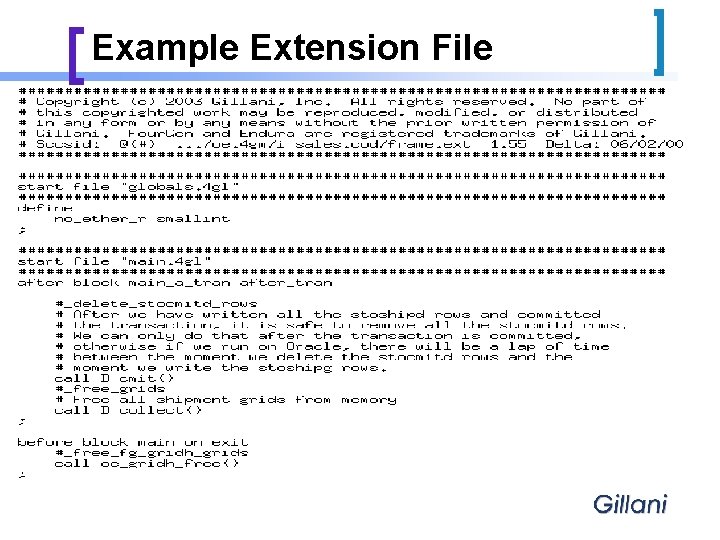
Example Extension File
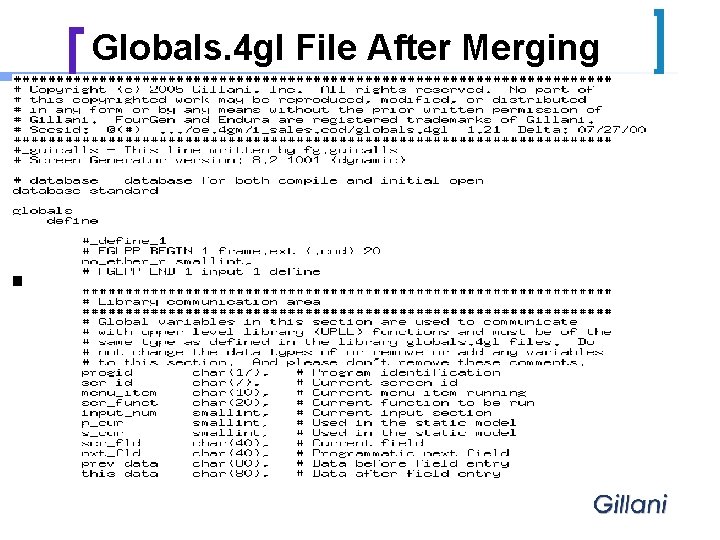
Globals. 4 gl File After Merging
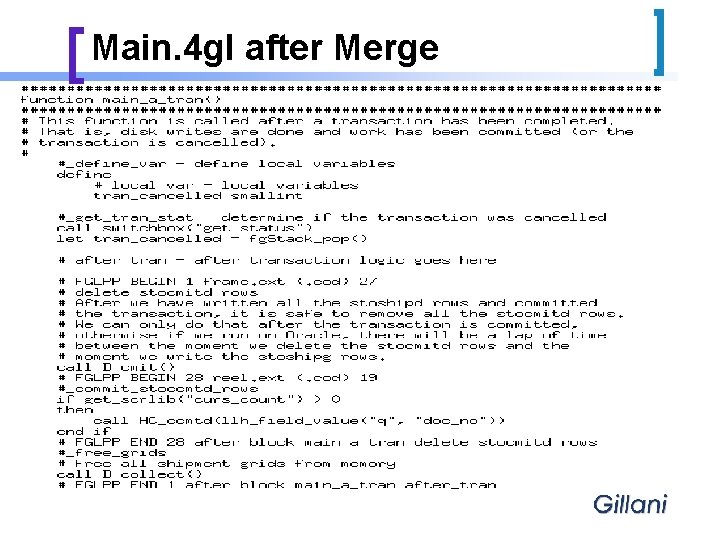
Main. 4 gl after Merge
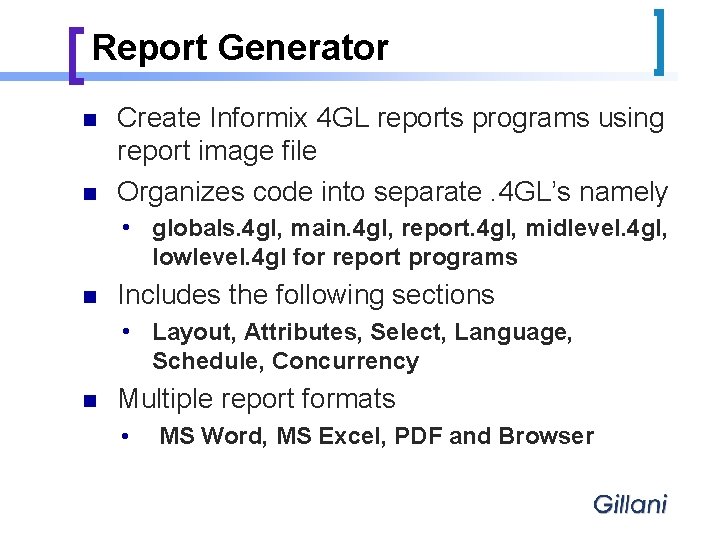
Report Generator n n Create Informix 4 GL reports programs using report image file Organizes code into separate. 4 GL’s namely i n Includes the following sections i n globals. 4 gl, main. 4 gl, report. 4 gl, midlevel. 4 gl, lowlevel. 4 gl for report programs Layout, Attributes, Select, Language, Schedule, Concurrency Multiple report formats h MS Word, MS Excel, PDF and Browser
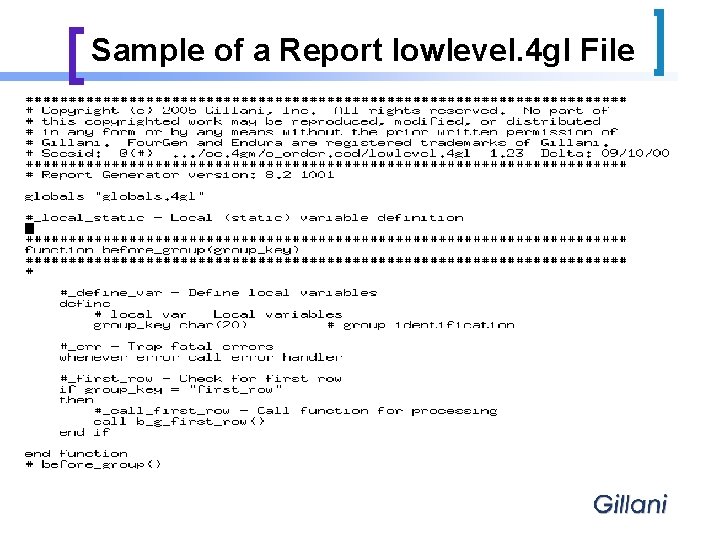
Sample of a Report lowlevel. 4 gl File
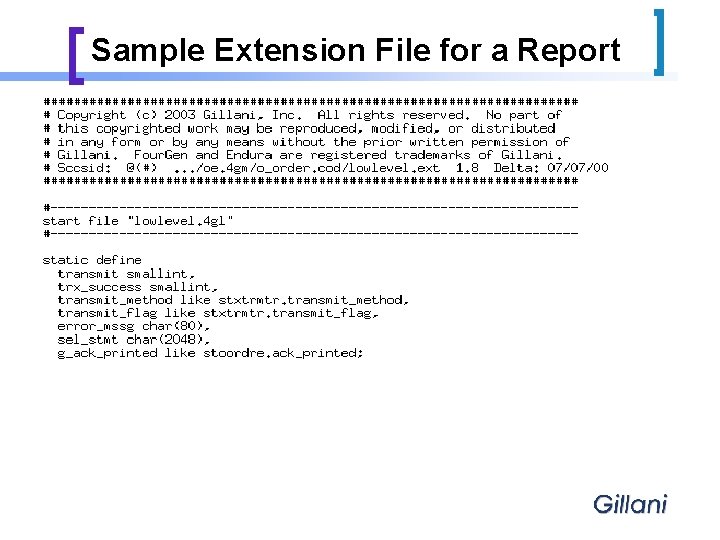
Sample Extension File for a Report
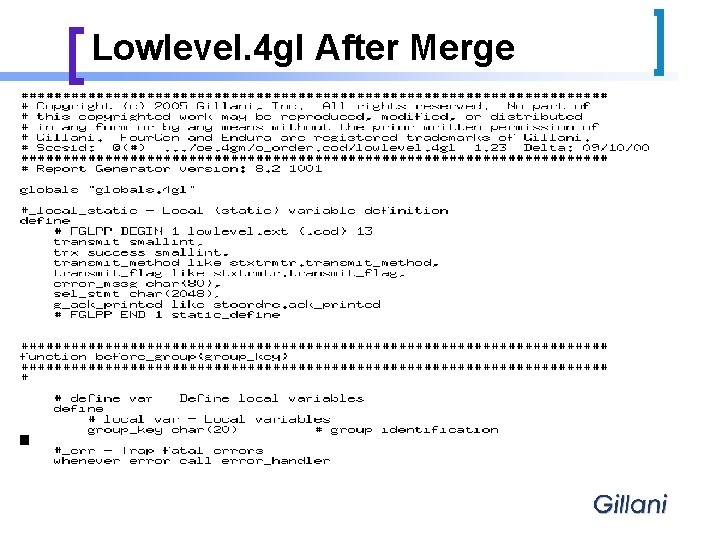
Lowlevel. 4 gl After Merge
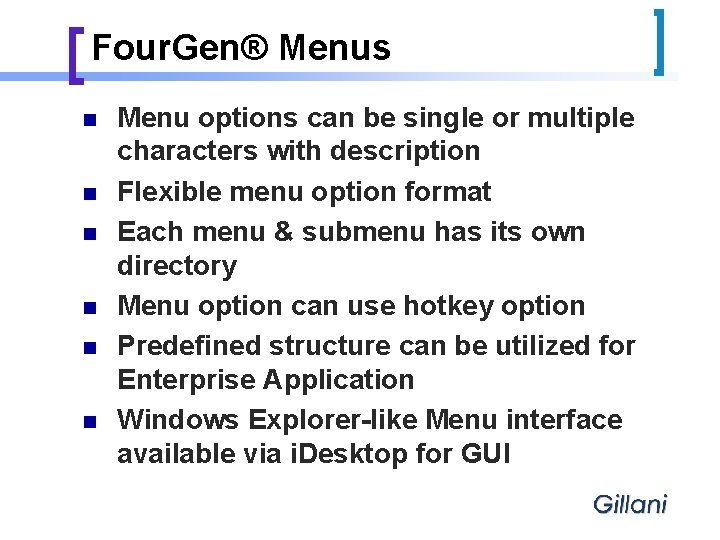
Four. Gen® Menus n n n Menu options can be single or multiple characters with description Flexible menu option format Each menu & submenu has its own directory Menu option can use hotkey option Predefined structure can be utilized for Enterprise Application Windows Explorer-like Menu interface available via i. Desktop for GUI
Enterprise i. Desktop - Features n Windows based GUI generator i i n n n Reads database for screens that make up a program Generates VB Forms from Informix Forms Creates GUI Executables from VB Forms SSH communication for added security GUI menu program presents menus in WIN Explorer-like format Report output rendered in Browser, MS Word, MS Excel & PDF format
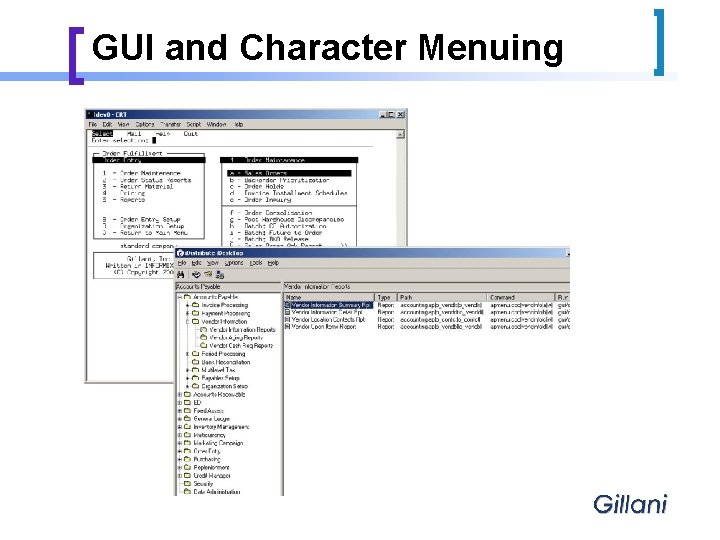
GUI and Character Menuing
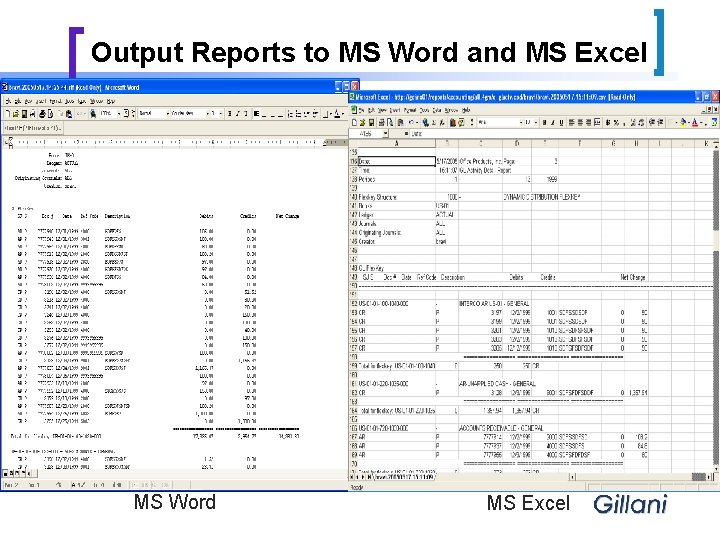
Output Reports to MS Word and MS Excel MS Word MS Excel
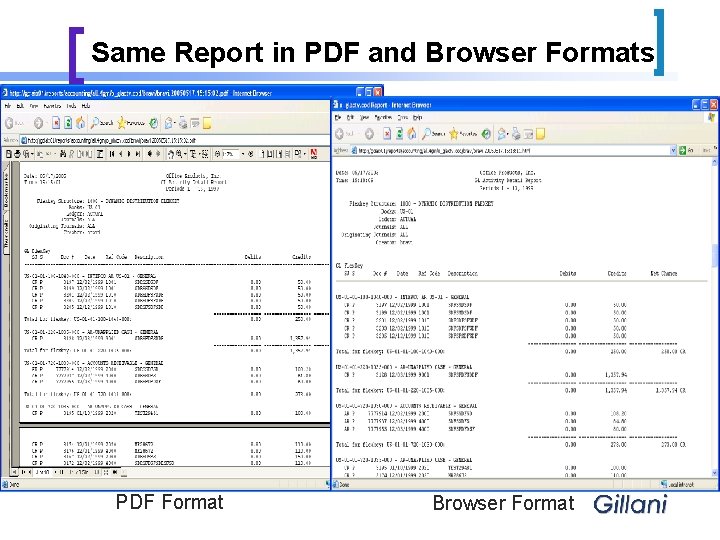
Same Report in PDF and Browser Formats PDF Format Browser Format
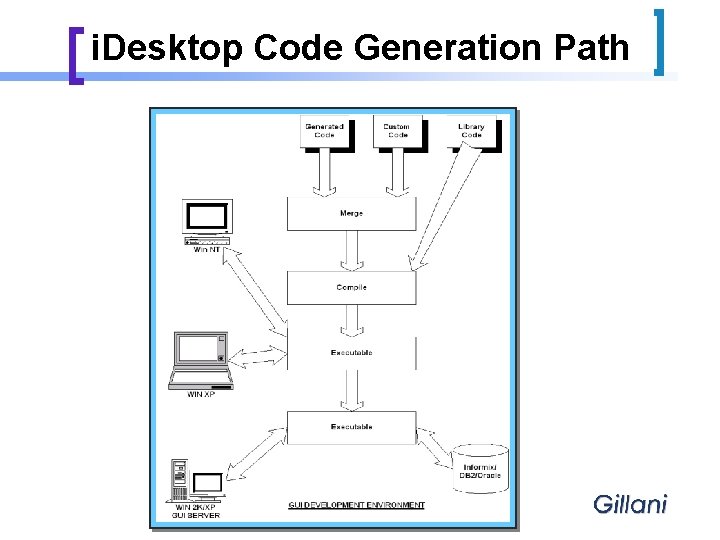
i. Desktop Code Generation Path
Four. Gen® SCCS n n Builds on top of sccs utilities in UNIX Advantages i i Extremely robust Easy to use Tight control of code Included in Four. Gen® CASE Tools
Four. Gen DBmerge n Schema Management Tools i i i Allows you to control schema Provides audit trail of schema changes when used with Four. Gen® SCCS All schema information & standard data stored in XML format
Additional Features in Four. Gen Case Tools § User Defined Notes on Screens – Multiple note types and notes for each line of detail. § Add-on hdr/dtl, add-on view hdr/dtl, extension hdr/dtl etc. are a few of new Form Types § Grids replace temporary tables – index ‘em, random access ‘em, unload ‘em even in. csv formats § Primary Keys instead of Row ID’s § Function Metrics – Trace your program control within functions § Defer or force referential constraints using Library Functions § Encryption Functions available – handy for securing your data § Document attachment feature available with GUI Front-End § Archive & Purge - Set your own selection and rejection rules and save them as catalogs for successive runs or run these programs as batch jobs § Support of native databases like DB 2 UDB, DB 2 Express, IDS V 10
We Even Use the Stuff!! Gillani’s i. Distribute and Financials v 8. 2 n i. Distribute - A complete end-to-end Supply Chain/Distribution Management solution (formerly Four. Gen/Endura SCM) delivering extraordinary business results for users since 1983. n n The system provides advanced Order Management capabilities, integrated with a comprehensive Warehouse and Branch Inventory Management, Purchasing and Replenishment System. Financials - An Integrated ERP, Accounting System (formerly Four. Gen Accounting, Four. Gen Enterprise, Endura Enterprise) providing GL, AP, AR, FA, Budget Management, Credit Management and Financial Reporting functionality. WRITTEN USING FOURGEN CASE TOOLS ! CORNERSTONE OF “MODIFIABILITY BY DESIGN™” CONCEPT !
Comments and Questions n n n Four. Gen Case Tools Gillani i. Distribute Gillani Financials Contact: Sales – sales@gillani. com Phone: (972) 918 -0400 URL: www. gillani. com
- Slides: 34