
Ghost Solution Suite 3 0 Webcast September 30
Ghost Solution Suite 3. 0 Webcast September 30, 2015 Shawn Schneider and Eric Olsen Symantec Customer Engineering and Support
Today’s Agenda 1 GSS Standard Tools vs. Console 2 GSS Standard Tools Install 3 Locating and Adding Drivers 4 Helpful Links
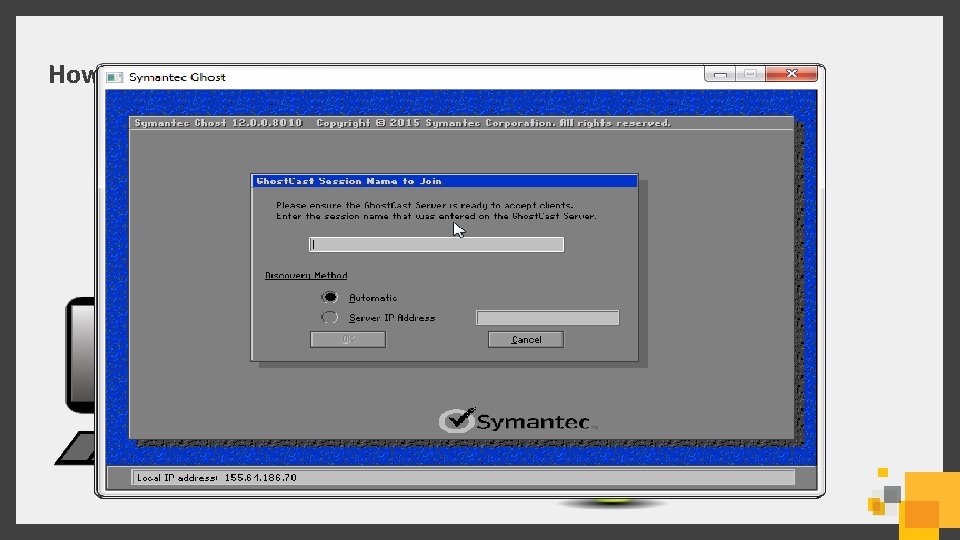
How did you use Ghost Solution Suite 2. 5?


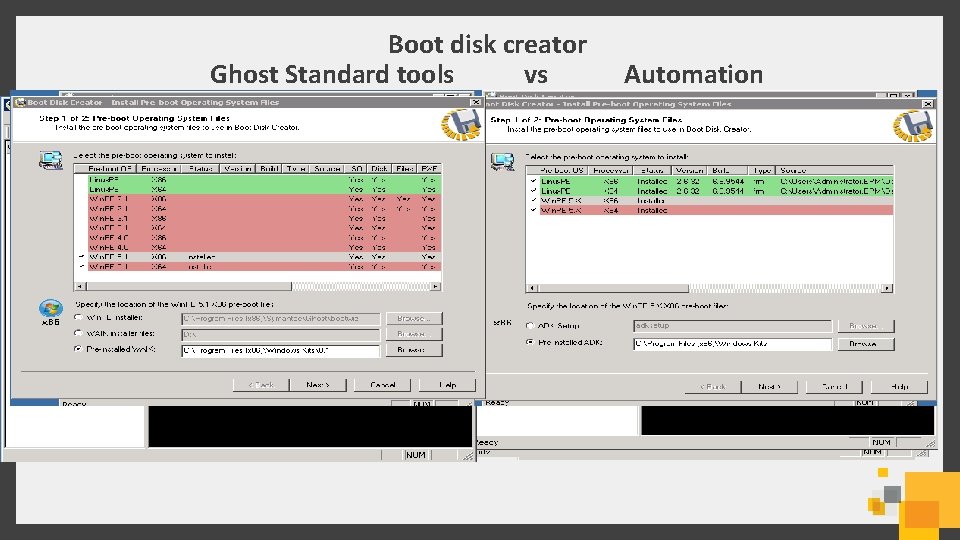
Boot disk creator Ghost Standard tools vs Automation
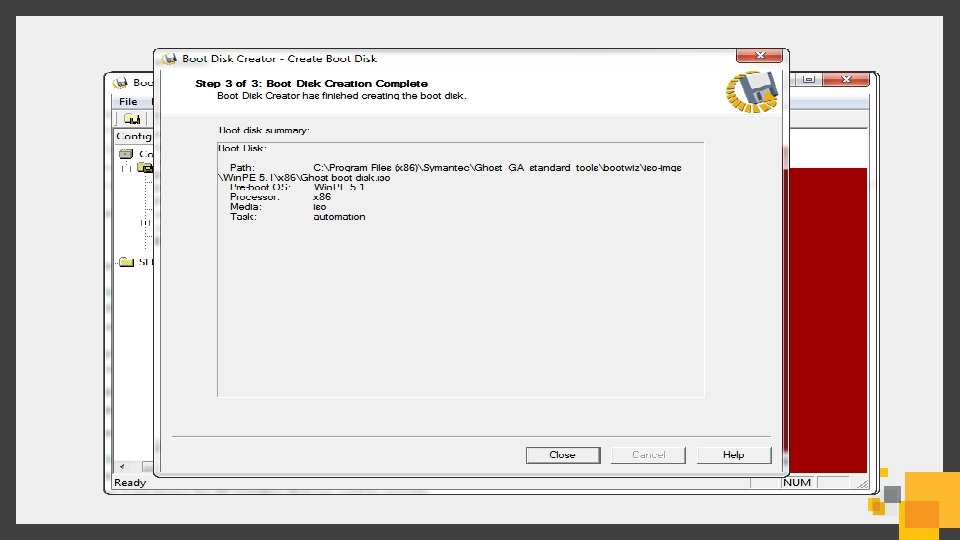
Locating and Adding Drivers
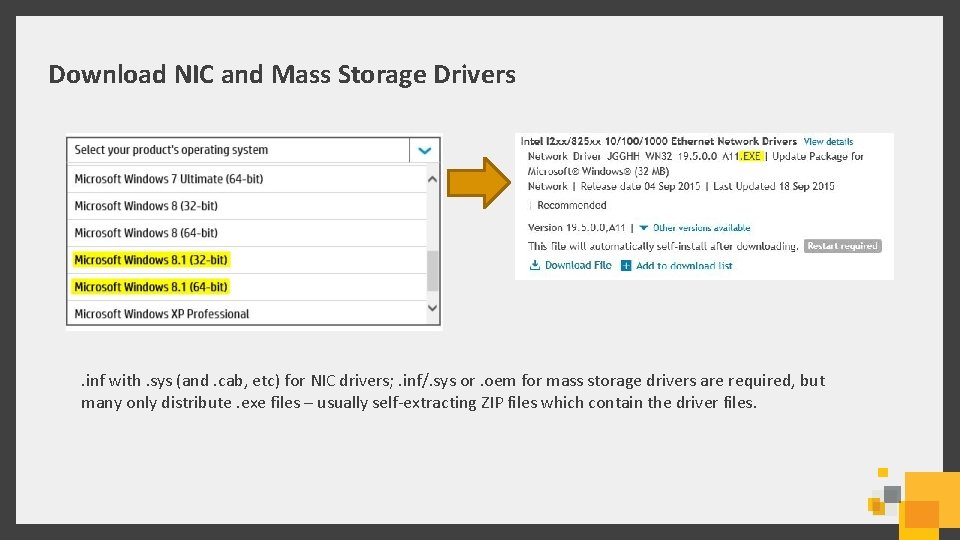
Download NIC and Mass Storage Drivers . inf with. sys (and. cab, etc) for NIC drivers; . inf/. sys or. oem for mass storage drivers are required, but many only distribute. exe files – usually self-extracting ZIP files which contain the driver files.
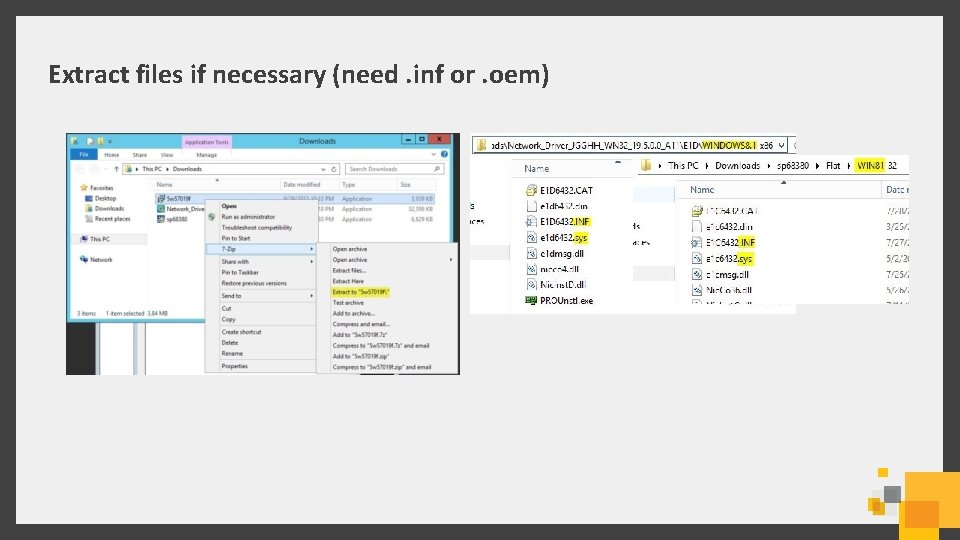
Extract files if necessary (need. inf or. oem)
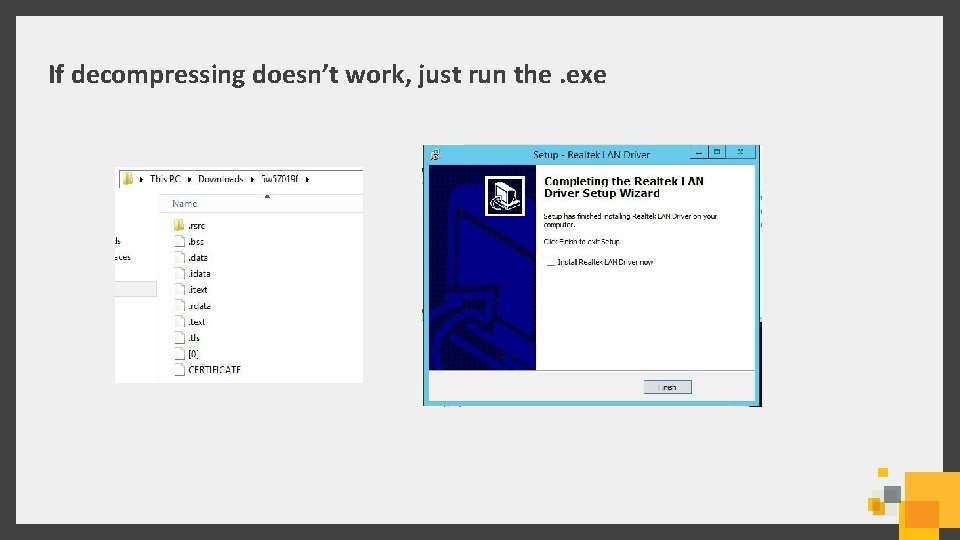
If decompressing doesn’t work, just run the. exe
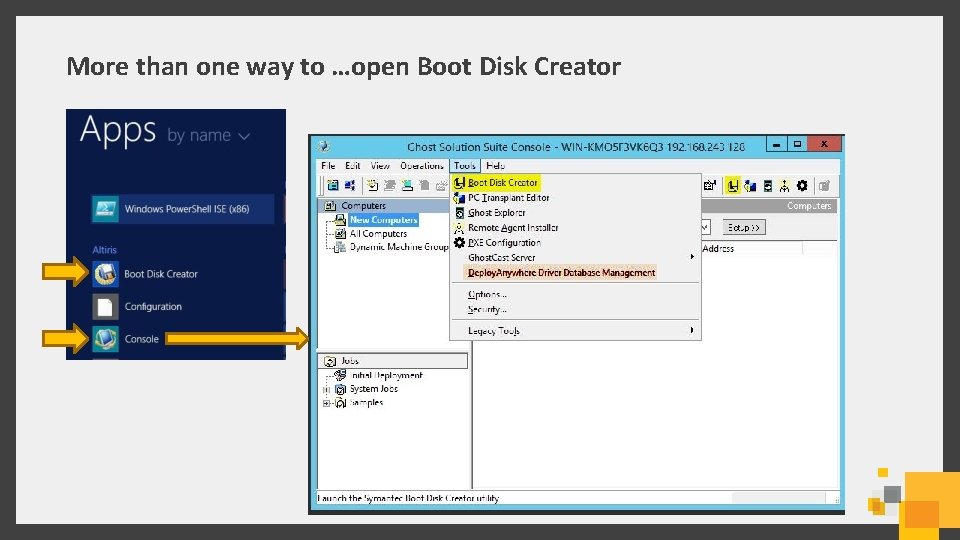
More than one way to …open Boot Disk Creator
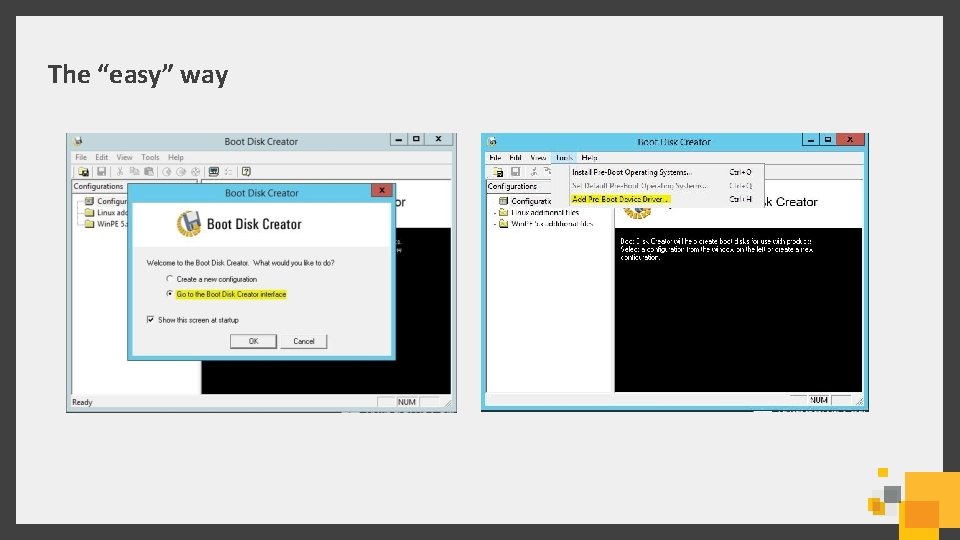
The “easy” way
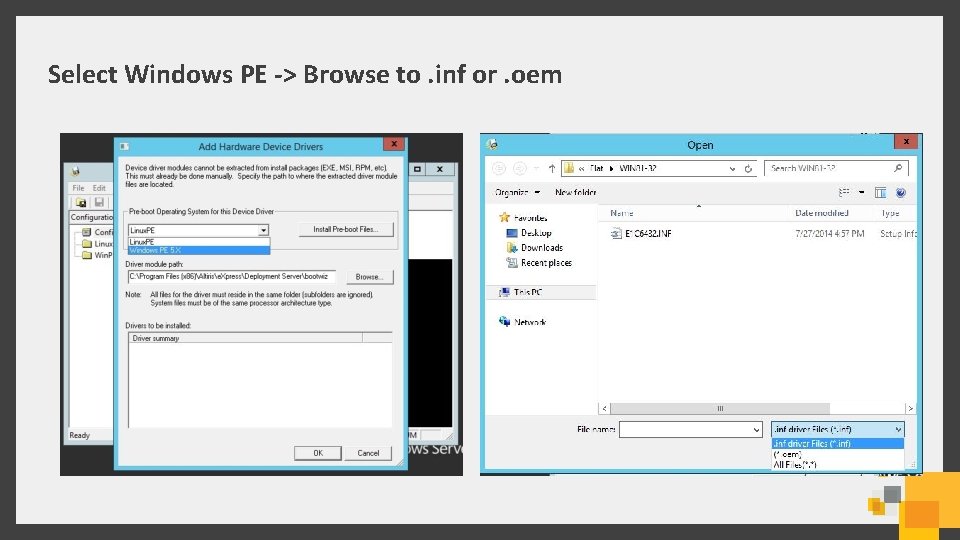
Select Windows PE -> Browse to. inf or. oem
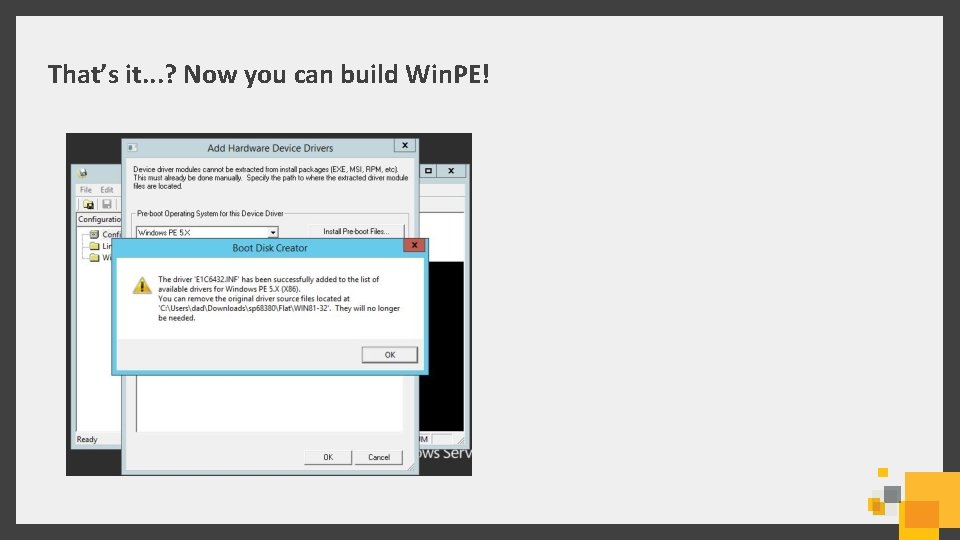
That’s it. . . ? Now you can build Win. PE!
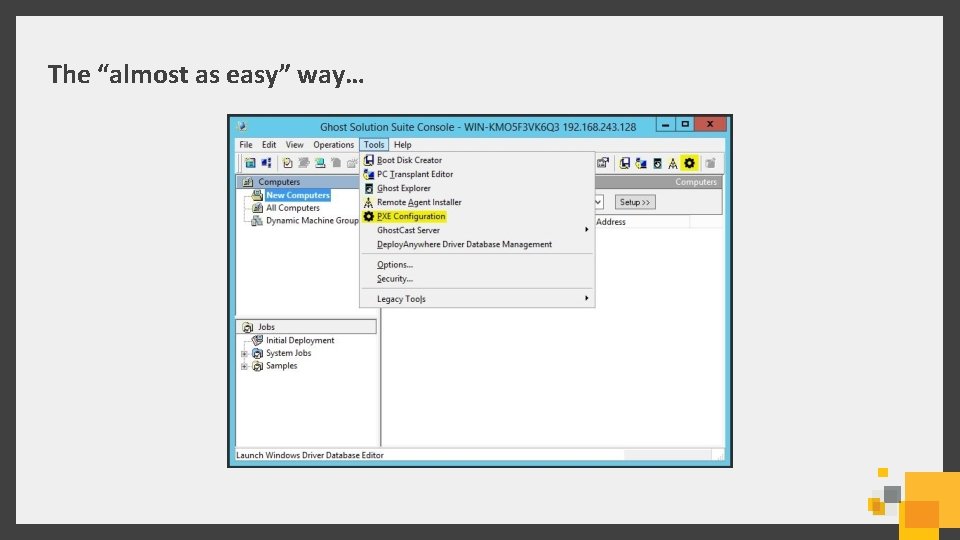
The “almost as easy” way…
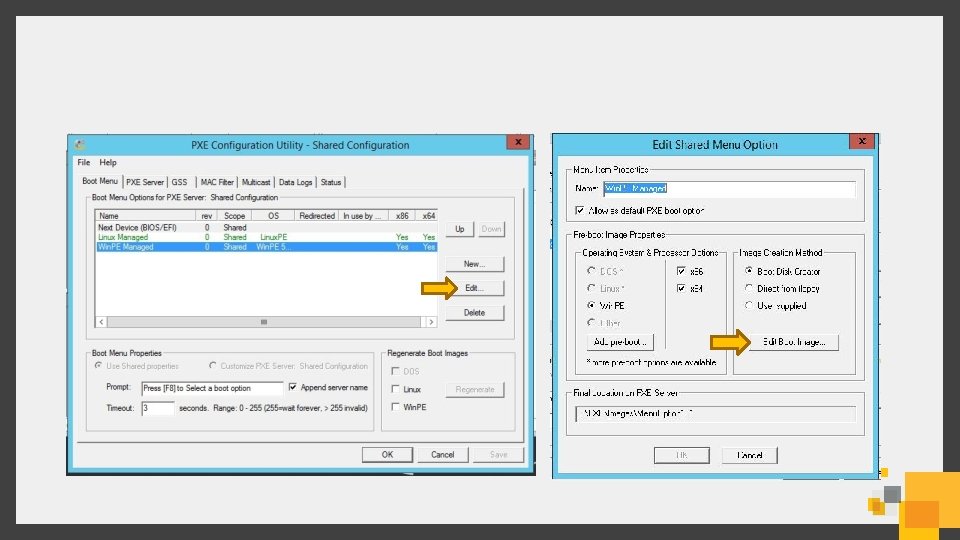
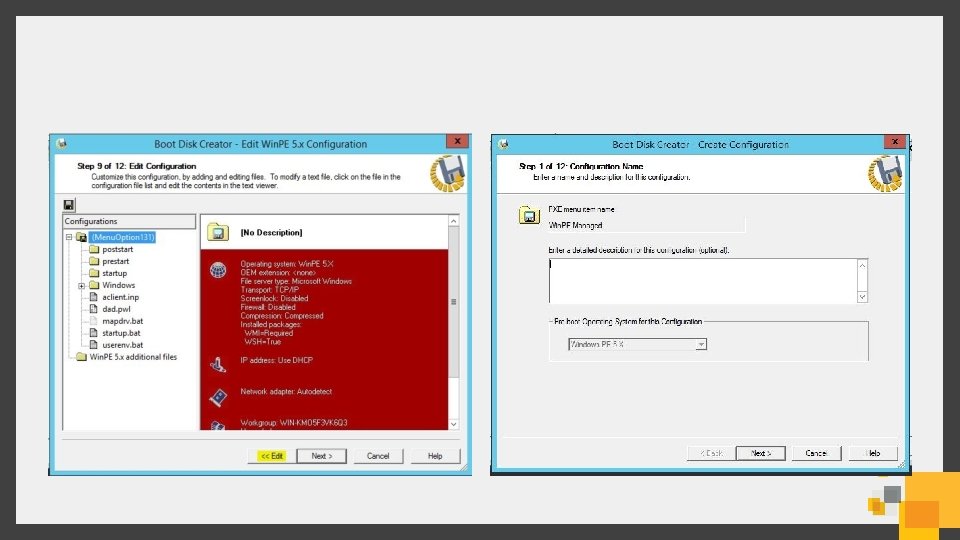
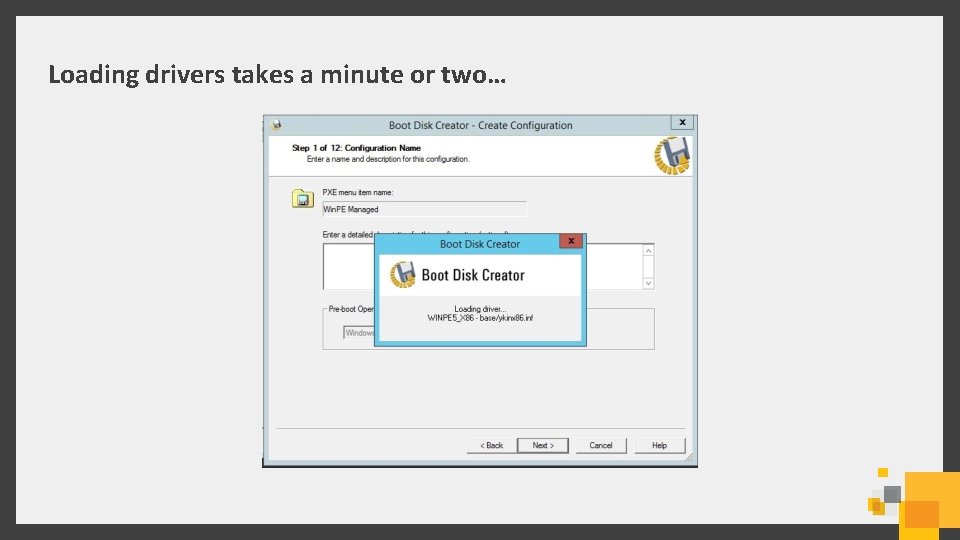
Loading drivers takes a minute or two…
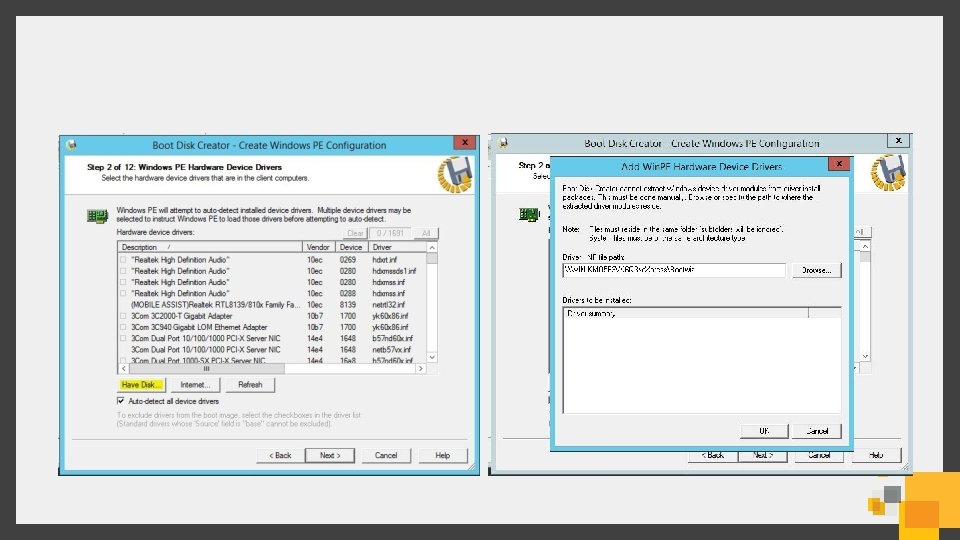
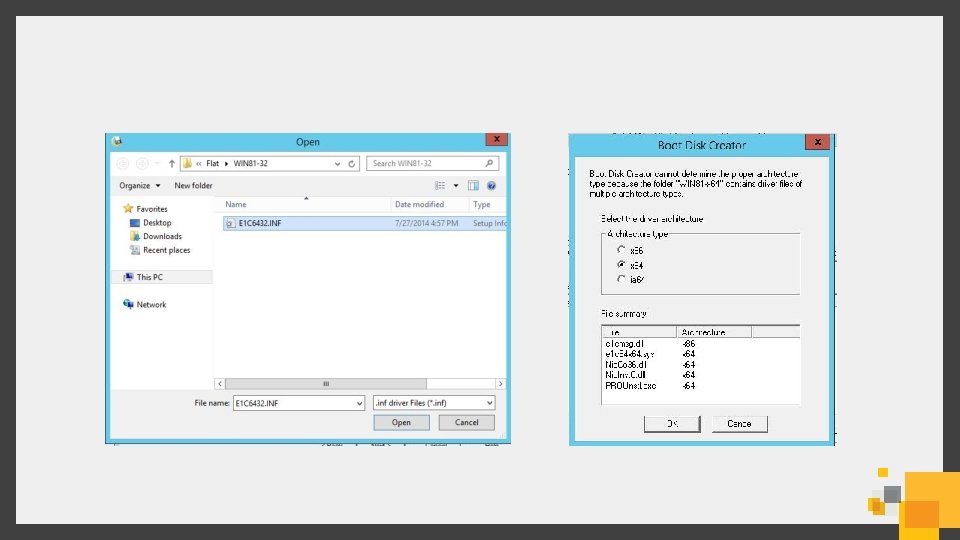
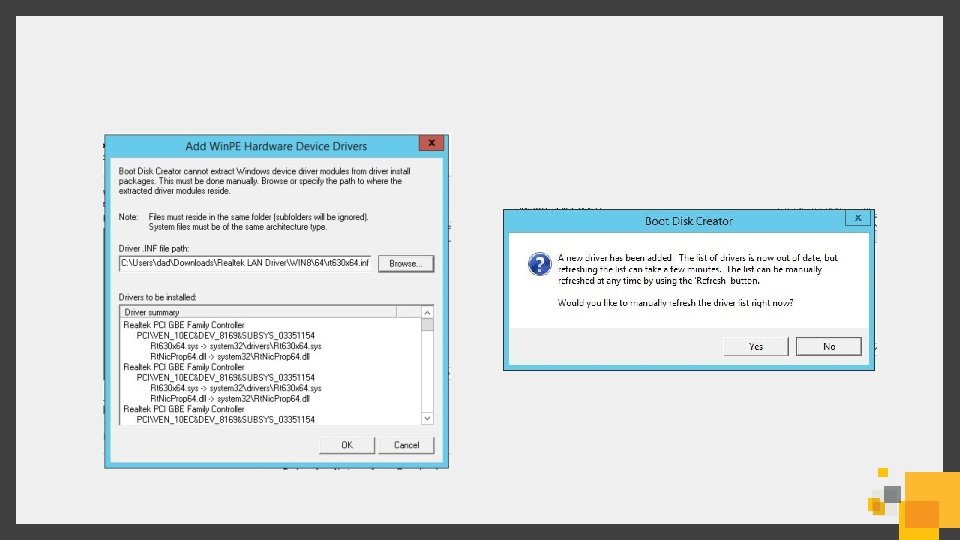
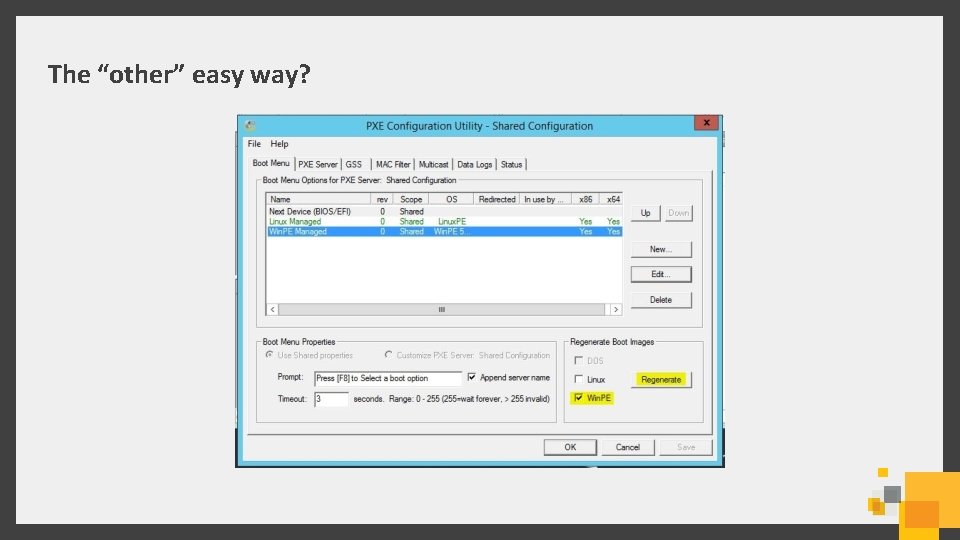
The “other” easy way?
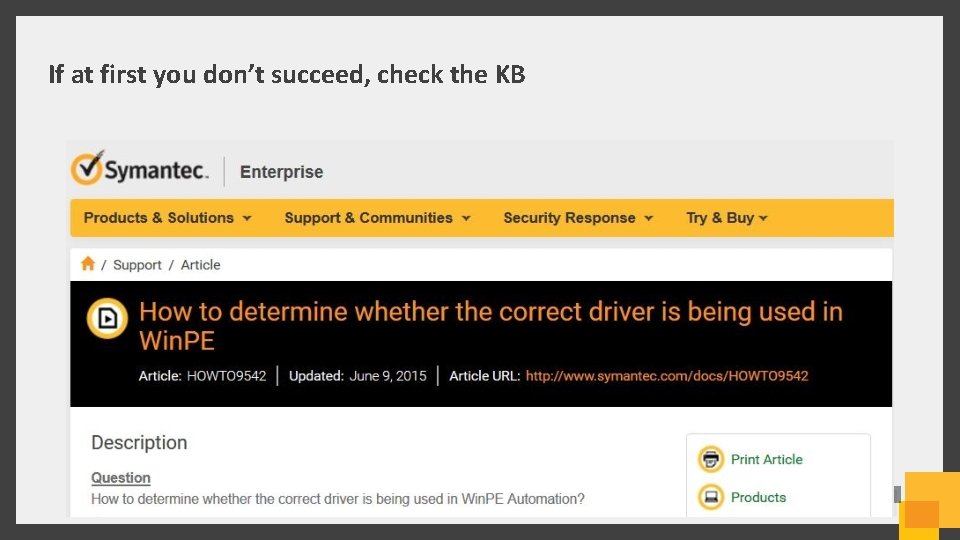
If at first you don’t succeed, check the KB

Helpful Links
GSS 3. 0 Pricing Promotion • If your maintenance for Ghost has expired, you can purchase GSS 3. 0 at the renewal price (instead of Version Upgrade price) which is substantial discount • No historical license time limit has been placed on this promotion so any 2. x perpetual license will be valid for this promotion • Visit the GSS 3. 0 License FAQ for more details
Learn more about GSS 3. 0 • 30 Day Free Trialware • GSS 3. 0 Pricing Promo • GSS 3. 0 License FAQ • Planning and Implementing GSS 3. 0 • Data Sheet • White Paper • User Guide • Installation and Upgrade Guide • Release Notes • “How-to” Videos • “How-to” Webcast Series Also visit www. ghost. com
- Slides: 27