
GFI LANguard N S S VS Ne WT
- Slides: 21
GFI LANguard N. S. S VS Ne. WT Security Scanner Presented by: Li, Guorui 1
Agenda Features comparison System requirements Installation Licensing Testing Conclusion Reference 2
Features comparison Flexible scanning Common Vulnerabilities and Exposures (CVE) compatible Easy vulnerability database updates Results Comparison 3
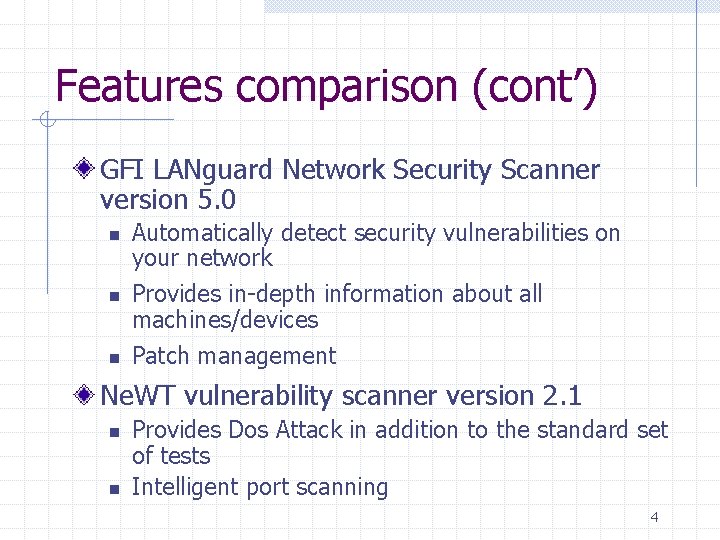
Features comparison (cont’) GFI LANguard Network Security Scanner version 5. 0 n n n Automatically detect security vulnerabilities on your network Provides in-depth information about all machines/devices Patch management Ne. WT vulnerability scanner version 2. 1 n n Provides Dos Attack in addition to the standard set of tests Intelligent port scanning 4
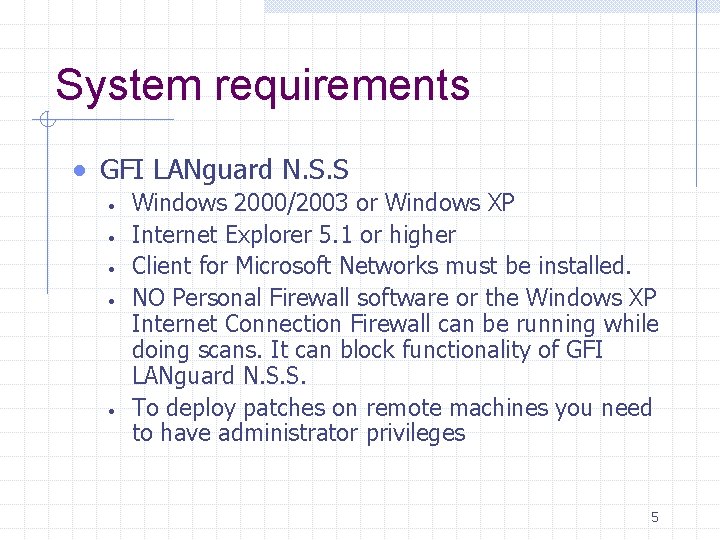
System requirements · GFI LANguard N. S. S · · · Windows 2000/2003 or Windows XP Internet Explorer 5. 1 or higher Client for Microsoft Networks must be installed. NO Personal Firewall software or the Windows XP Internet Connection Firewall can be running while doing scans. It can block functionality of GFI LANguard N. S. S. To deploy patches on remote machines you need to have administrator privileges 5
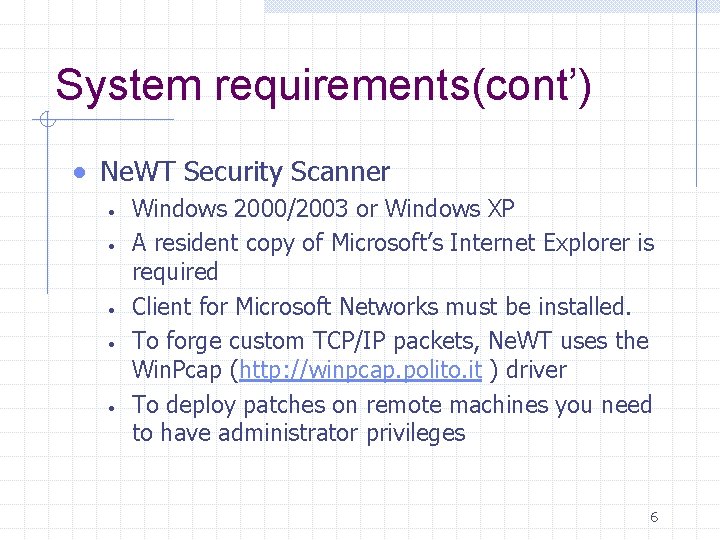
System requirements(cont’) · Ne. WT Security Scanner · · · Windows 2000/2003 or Windows XP A resident copy of Microsoft’s Internet Explorer is required Client for Microsoft Networks must be installed. To forge custom TCP/IP packets, Ne. WT uses the Win. Pcap (http: //winpcap. polito. it ) driver To deploy patches on remote machines you need to have administrator privileges 6
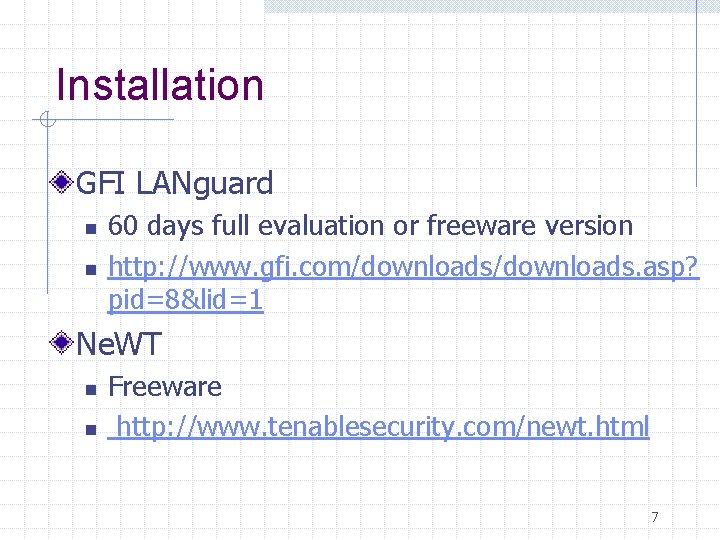
Installation GFI LANguard n n 60 days full evaluation or freeware version http: //www. gfi. com/downloads. asp? pid=8&lid=1 Ne. WT n n Freeware http: //www. tenablesecurity. com/newt. html 7
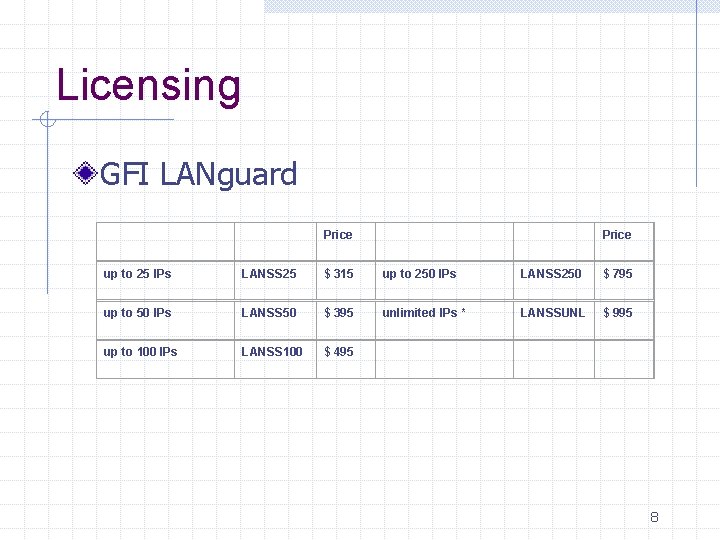
Licensing GFI LANguard Price up to 25 IPs LANSS 25 $ 315 up to 250 IPs LANSS 250 $ 795 up to 50 IPs LANSS 50 $ 395 unlimited IPs * LANSSUNL $ 995 up to 100 IPs LANSS 100 $ 495 8
Licensing Ne. WT Scanner n n n Free Local network only Ne. WT Pro is for commercially use ($6000) 9
Testing environment Server n n n Intel Celeron 1. 8 GHz 512 Mb of RAM Windows 2000 SP 4 Clients n n 2 Windows 2000 machines 2 Windows XP machines 10
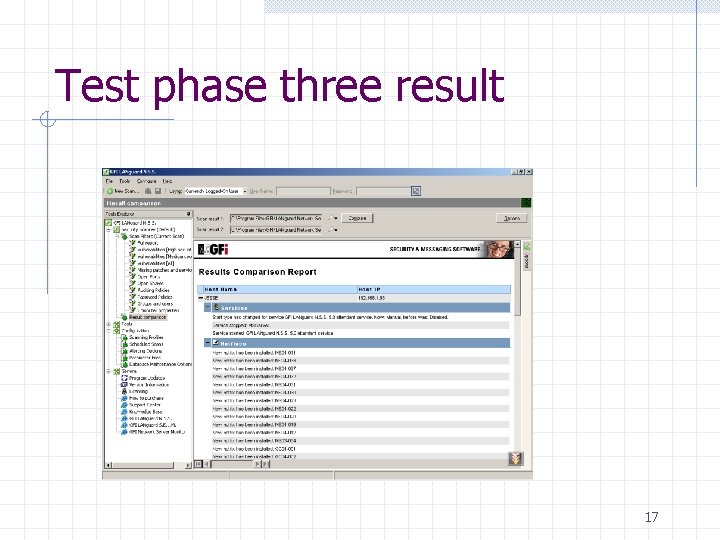
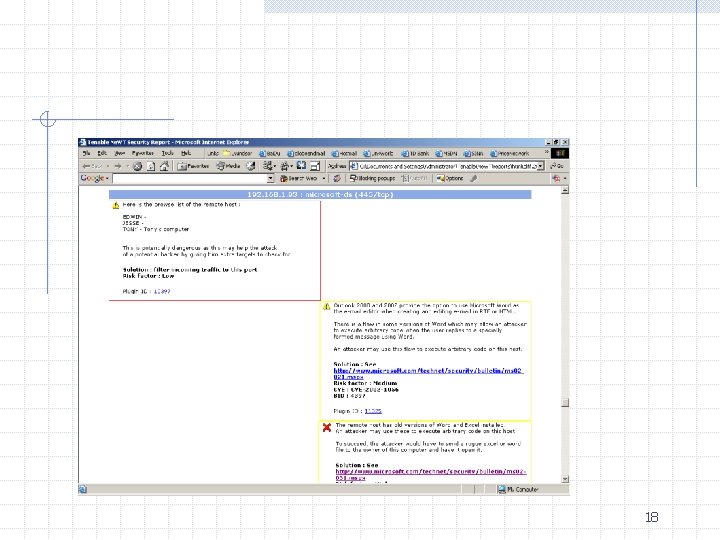
Testing environment Phase one n Perform default vulnerability tests of both software Phase two n n Install patches, updates Rescan system again Phase three n Compare result comparison function 11
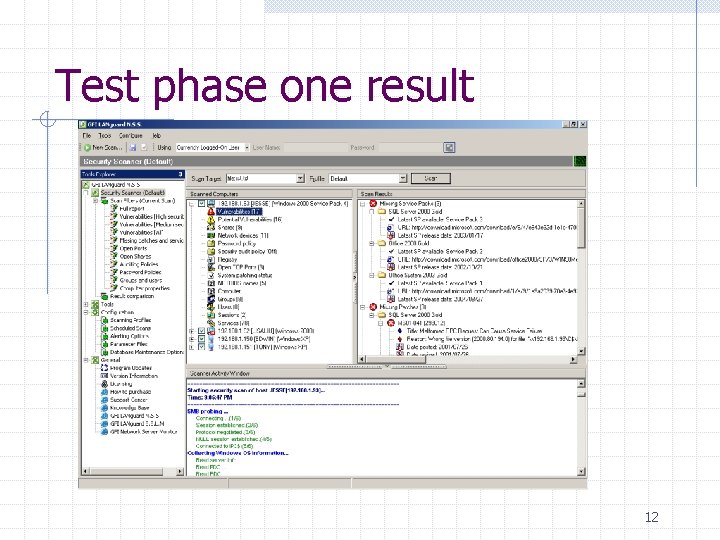
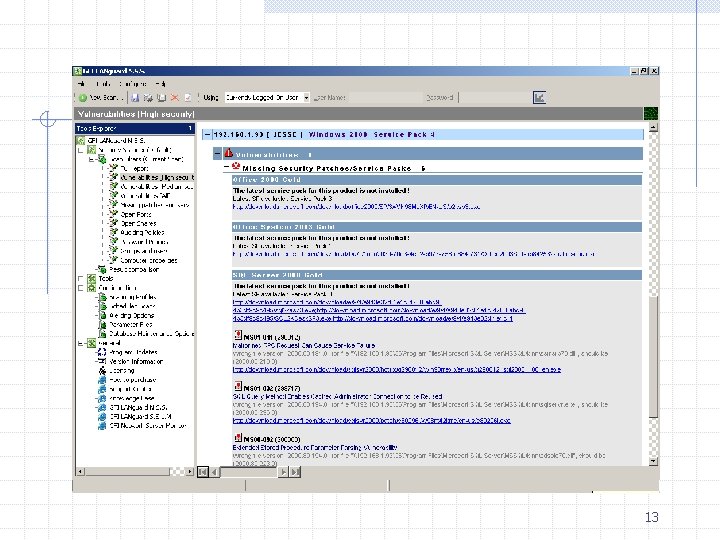
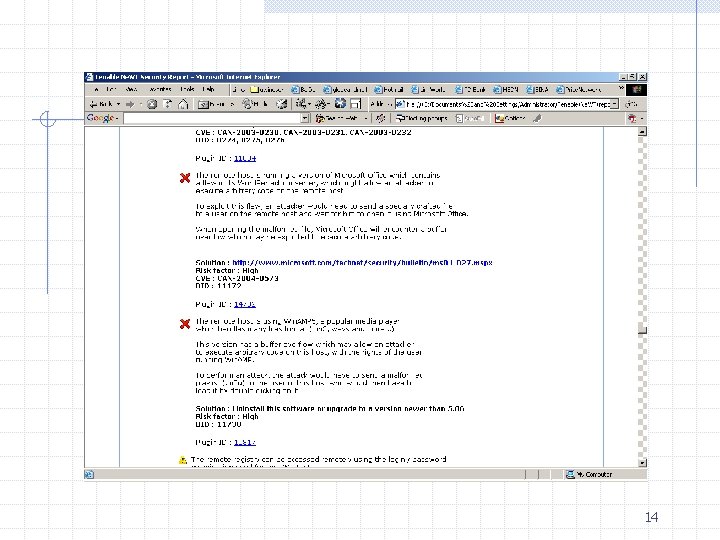
Test phase one result 12
13
14
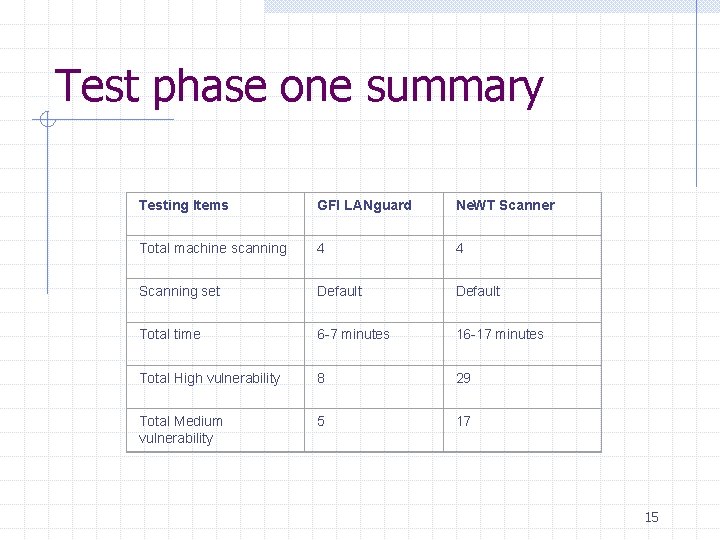
Test phase one summary Testing Items GFI LANguard Ne. WT Scanner Total machine scanning 4 4 Scanning set Default Total time 6 -7 minutes 16 -17 minutes Total High vulnerability 8 29 Total Medium vulnerability 5 17 15
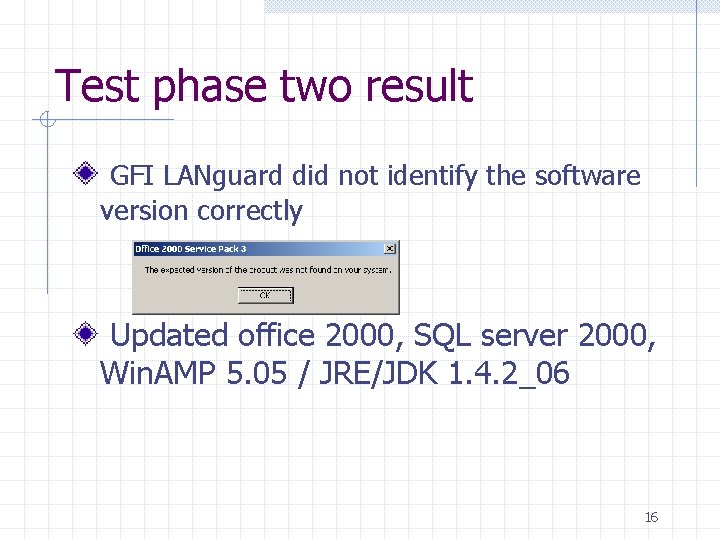
Test phase two result GFI LANguard did not identify the software version correctly Updated office 2000, SQL server 2000, Win. AMP 5. 05 / JRE/JDK 1. 4. 2_06 16
Test phase three result 17
18
Conclusion GFI LANguard n n n Fast Many extra features Buggy Ne. WT scanner n n n Powerful scanning ability Stable system performance A bit slow 19
Reference http: //www. tenablesecurity. com/newt. html Ne. WT user manual http: //www. gfi. com/languard/ GFI LANguard user manual 20
Questions 21