
GFI Files Graphics Interchange Format 1 GIF History
- Slides: 36
GFI Files Graphics Interchange Format 1
GIF History o Compu. Serve developed n 1987 n Versions 87 a, V 89 a n Because there was no standard 2
GIF Characteristics o Compressed n o o Less Space, Less loading time 8 -bit color (or less) Can contain more than one image Interlacing possible – image can develop from fuzzy to clear, rather than top to bottom Free – so became widely used 3
Problem o LZW Compression Algorithm n n n o o Lempel-Ziv-Welch Believed to be open for use Developers claimed patented PNG resulted GIF is still most widely used 4
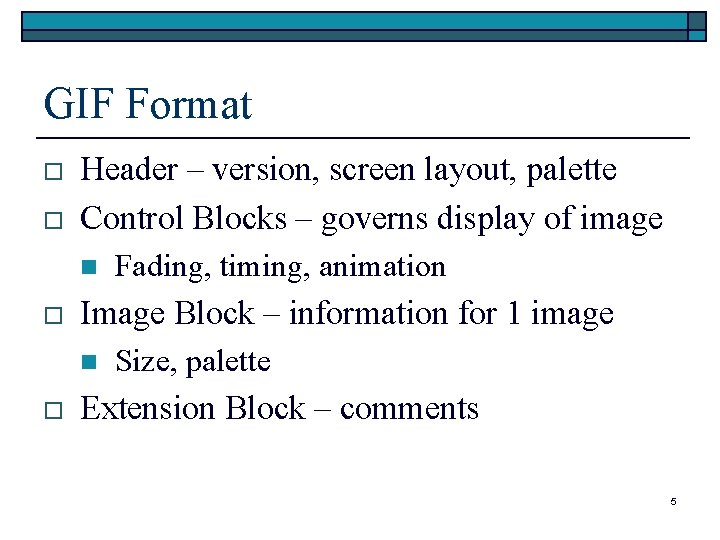
GIF Format o o Header – version, screen layout, palette Control Blocks – governs display of image n o Image Block – information for 1 image n o Fading, timing, animation Size, palette Extension Block – comments 5
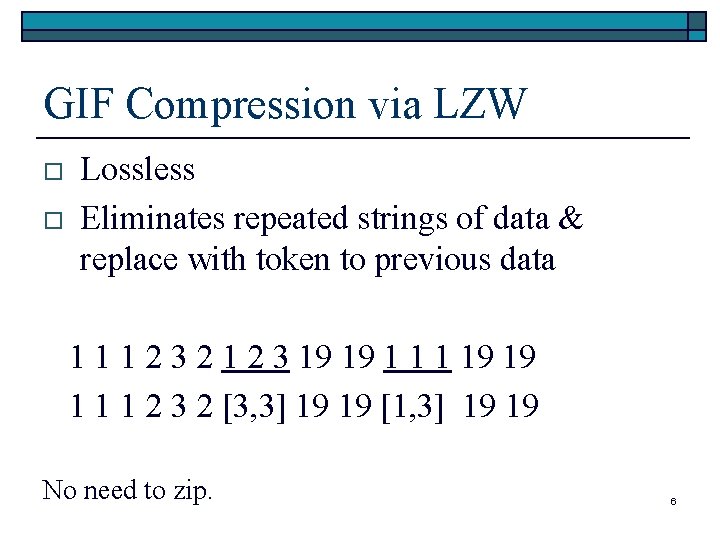
GIF Compression via LZW o o Lossless Eliminates repeated strings of data & replace with token to previous data 1 1 1 2 3 2 1 2 3 19 19 1 1 1 2 3 2 [3, 3] 19 19 [1, 3] 19 19 No need to zip. 6
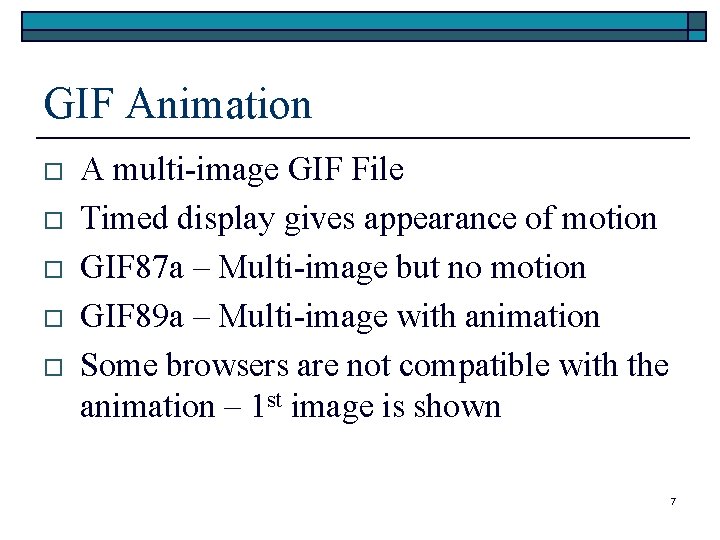
GIF Animation o o o A multi-image GIF File Timed display gives appearance of motion GIF 87 a – Multi-image but no motion GIF 89 a – Multi-image with animation Some browsers are not compatible with the animation – 1 st image is shown 7
JPEG Files Joint Photographic Experts Group 8
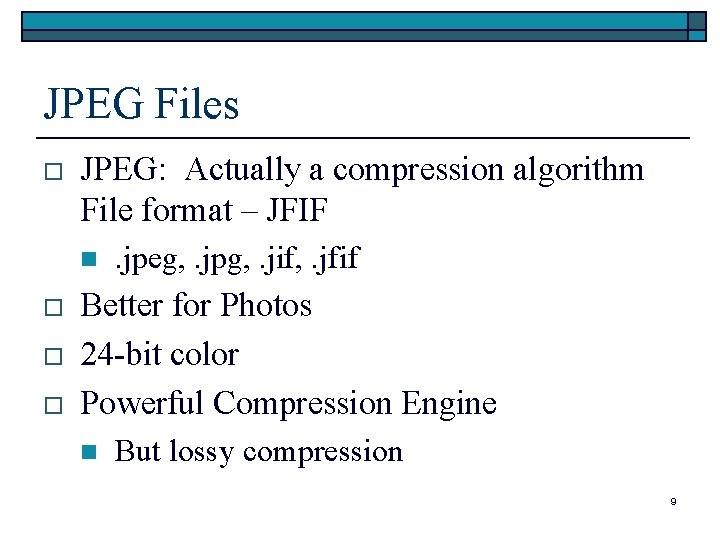
JPEG Files o JPEG: Actually a compression algorithm File format – JFIF n o o o . jpeg, . jpg, . jif, . jfif Better for Photos 24 -bit color Powerful Compression Engine n But lossy compression 9
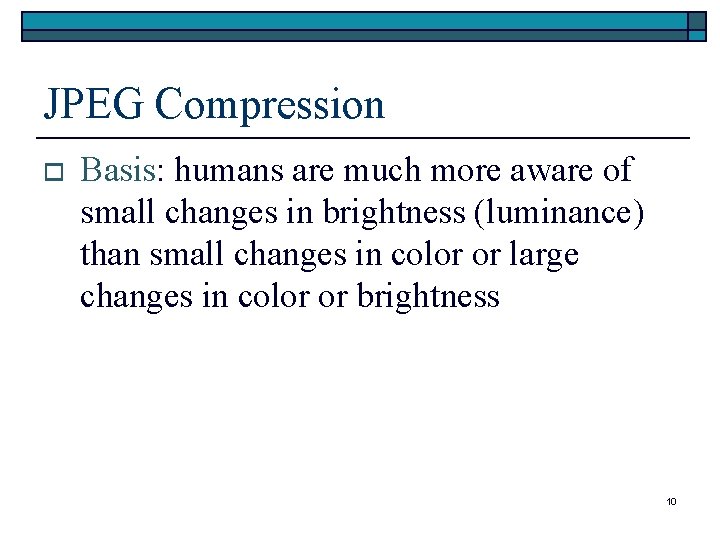
JPEG Compression o Basis: humans are much more aware of small changes in brightness (luminance) than small changes in color or large changes in color or brightness 10
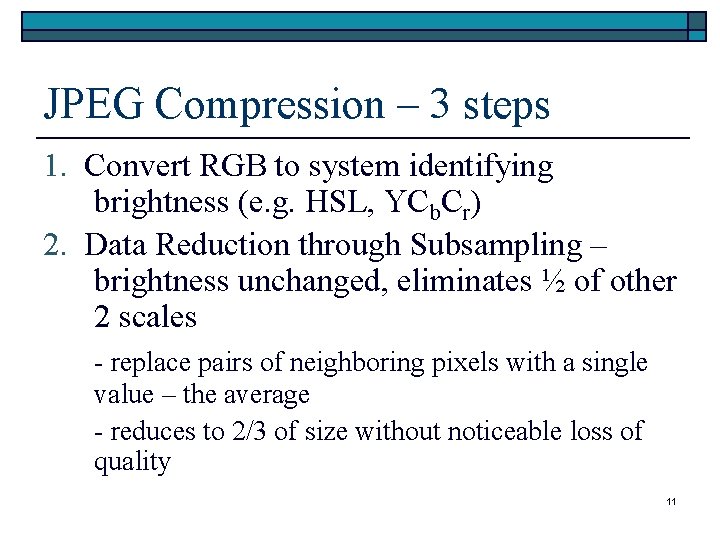
JPEG Compression – 3 steps 1. Convert RGB to system identifying brightness (e. g. HSL, YCb. Cr) 2. Data Reduction through Subsampling – brightness unchanged, eliminates ½ of other 2 scales - replace pairs of neighboring pixels with a single value – the average - reduces to 2/3 of size without noticeable loss of quality 11
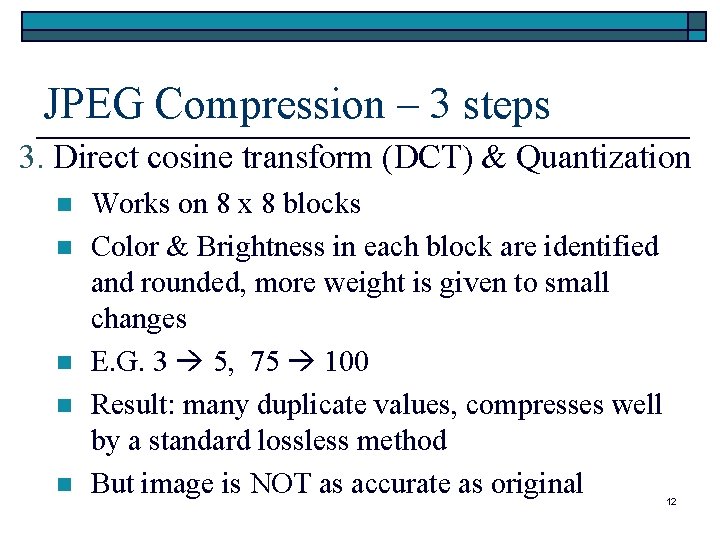
JPEG Compression – 3 steps 3. Direct cosine transform (DCT) & Quantization n n Works on 8 x 8 blocks Color & Brightness in each block are identified and rounded, more weight is given to small changes E. G. 3 5, 75 100 Result: many duplicate values, compresses well by a standard lossless method But image is NOT as accurate as original 12
Compression vs. Quality o Always a tradeoff – 3 main factors n n n o More compression less quality Aggressiveness of rounding Accuracy of jpeg viewer – speed vs. quality Compression level – 1 to 100 (not %) n n E. G. 75 is sometimes default – good quality, medium compression – not consistent E. G. Lo-Med-Hi-Max 13
Progressive JPEG o o Image comes into focus slowly, like with interlaced GIF Not interlaced Starts with low quality image, then is replaced with higher quality images – appearance of coming into focus Same storage requirements 14
Transparent Color o o JPEG does not support transparent color Technically difficult due to the other aspects of storing the image 15
Compression Ratios - Comparison For Photos o GIF: 5: 1 (1/5 the storage) o JPEG: 10: 1 at lowest level 200: 1 at highest level o Typical: 30: 1 slightly noticeable reduction in quality 16
Conclusion o o JPEG is superior to other methods for photorealistic images – smooth edges & shading GIF is best for drawings – hard edges & sharp color changes 17
JPEG: Multiple Compressions o o Resaving without changes in image or compression level – quality is exactly same Each 8 x 8 block affected is recompressed & lose more quality – can affect image unevenly Cropping is most damaging Work in TIFF or PNG then save as JPEG 18
Final Comments o Consider your monitor n n o 256 colors vs. 16 M You can change by changing settings GIF JPEG conversion n n Degrades Can get decent results, see other sources 19
BMP Files Bit Map 20
BMP Files - Basics o Native format for Windows & OS/2 n o o o Backgrounds, graphics, wallpaper Not good for sending via Internet Only format for Windows wallpaper Only slightly compressed, or not at all, so large – can be zipped – load & display quickly, since no decompression 21
BMP File Format o File Header n o BM, number of bytes, file layout Information Header – describes image n n Dimension in pixels, color depth (1, 4, 8, 24 -bit), compression, number colors used, number colors considered important If all colors can’t be displayed, replaced or dithered; palette stored in order of importance e. g. Brown bear vs. American Flag 22
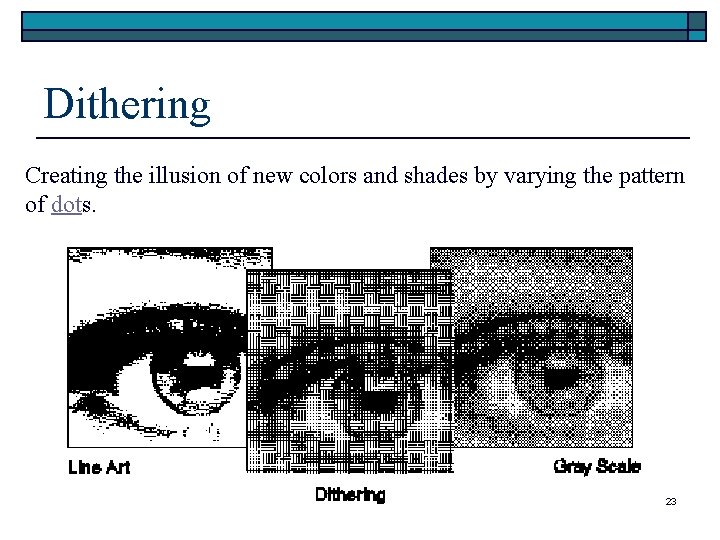
Dithering Creating the illusion of new colors and shades by varying the pattern of dots. 23
BMP Compression Only 4 & 8 -bit images o Run-length encoding (RLE) – lossless o Replaces string of identical bytes with token telling how many 10 11 11 15 15 15 6 7 8 8 8 10 [11, 4] [15, 3] 6 7 [8, 5] o Saves minimal space but decompresses fast o 24
DIB? o BMP files are referred to as n o o Device independent bit maps Can display on any monitor Sometimes. dib extension n Same as. bmp 25
Convert Image to Wallpaper o Software can help n n n o Microsoft Plus! Paint Shop Pro Web Browsers Paint Graphics Workshop o o RLE compressed bit map can be used a wallpaper – 4 -bit only Change extension to. bmp See handout 26
Other Graphic File Formats 27
PNG – Portable Network Graphics o o Developed due to legal problems with GIF compression algorithm Lossless Compression n o More than GIF, less than JPEG More changes than just compression 28
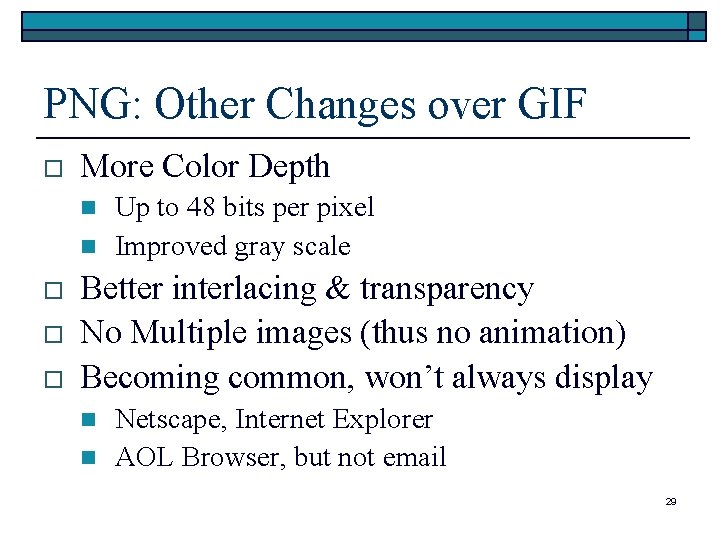
PNG: Other Changes over GIF o More Color Depth n n o o o Up to 48 bits per pixel Improved gray scale Better interlacing & transparency No Multiple images (thus no animation) Becoming common, won’t always display n n Netscape, Internet Explorer AOL Browser, but not email 29
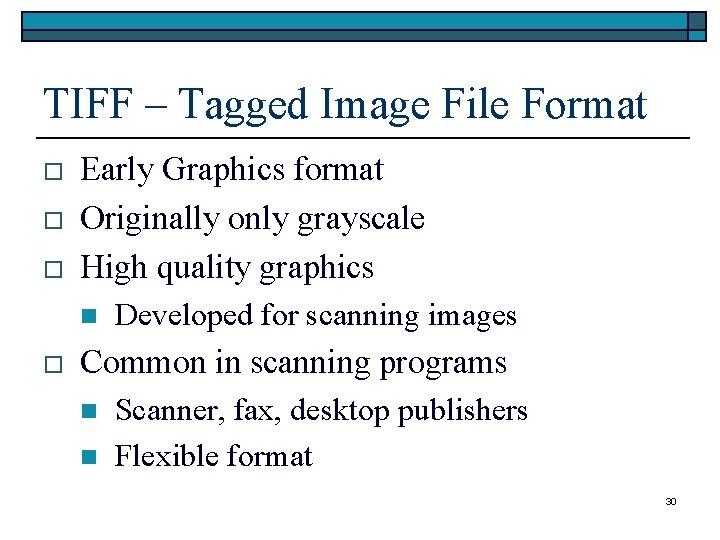
TIFF – Tagged Image File Format o o o Early Graphics format Originally only grayscale High quality graphics n o Developed for scanning images Common in scanning programs n n Scanner, fax, desktop publishers Flexible format 30
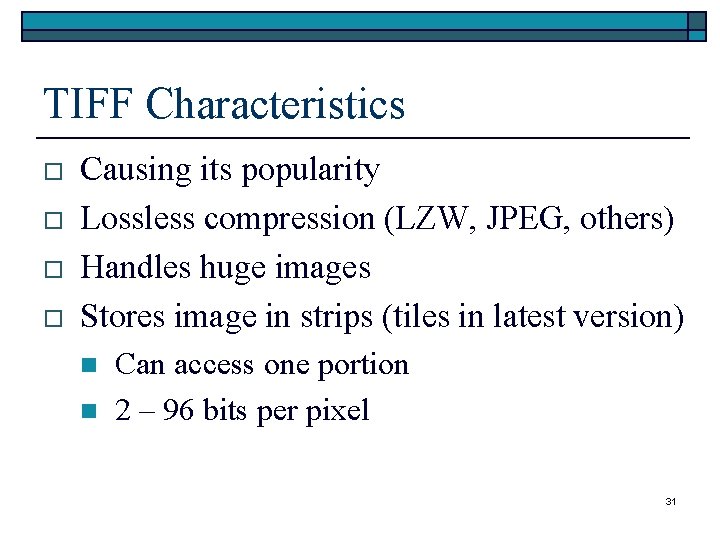
TIFF Characteristics o o Causing its popularity Lossless compression (LZW, JPEG, others) Handles huge images Stores image in strips (tiles in latest version) n n Can access one portion 2 – 96 bits per pixel 31
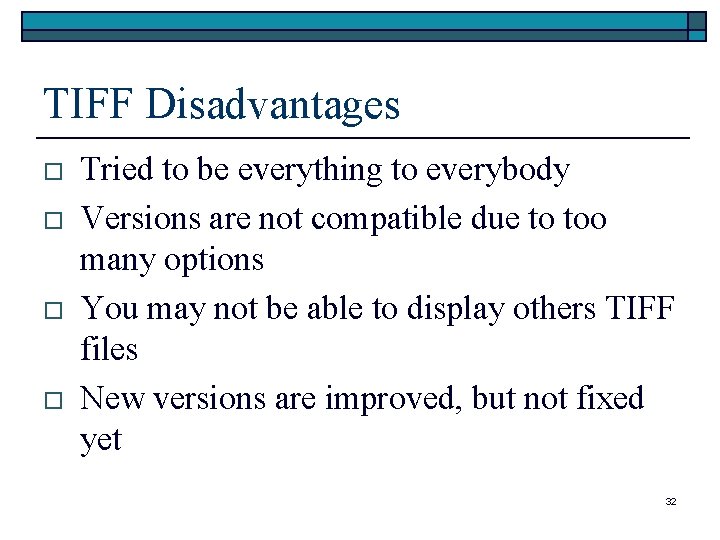
TIFF Disadvantages o o Tried to be everything to everybody Versions are not compatible due to too many options You may not be able to display others TIFF files New versions are improved, but not fixed yet 32
ICO – Windows Icon (. ico) o o o In toolbars, etc. Can store in. exe or. dll files 4 -bit, 32 x 32 pixel image n n n o Limited size & color Transparent color = screen color Image in inverse color, always shows Can create only icons with icon editor 33
ART – from AOL o Designed to download quickly n o o o Display time same, transmission faster Trades quality for size by compression Your downloads may be converted to ART AOL includes a converter n Necessary unless display only (email, use on web site, etc. ) 34
PCD – Photo CD from Kodak o o o For storing photo images on a CD-ROM About 100 images per CD Each photo is digitized at 5 - 6 resolutions n o o Chose one to work with Can convert to other formats Many editors will read n Paint Shop Pro, Graphics Workshop 35
Macintosh PICT o o Native format for Macintosh Like BMP is to Windows Can store 1 -bit to 32 -bit color information 8 -bit grayscale 36