
Getting Started with the Open Services Gateway Initiative
- Slides: 6
Getting Started with the Open Services Gateway Initiative (OSGi) CNT 5517 Dr. Sumi Helal, Ph. D. Professor Computer & Information Science & Engineering Department University of Florida, Gainesville, FL 32611 helal@cise. ufl. edu Most of this presentation was developed by Hen-I Yang
Outline • Introduction to OSGi • Introduction to the Knopflerfish reference implementation
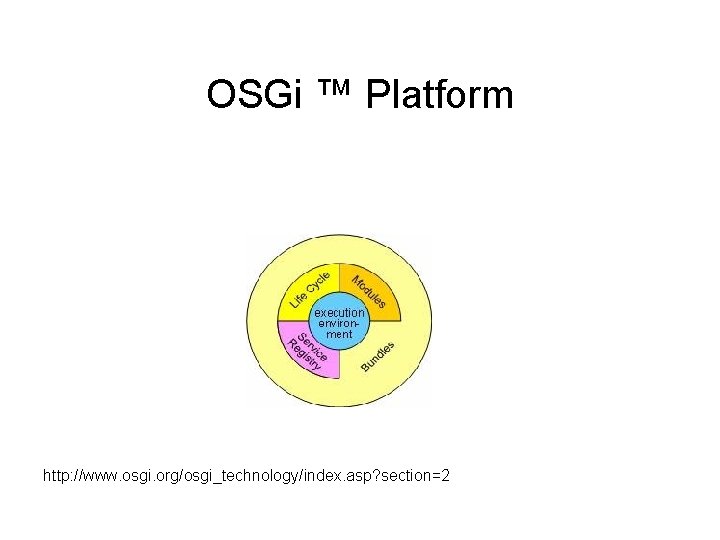
OSGi ™ Platform • A dynamic module system for Java™. – It provides the standardized primitives that allow applications to be constructed from small, reusable and collaborative components. – Components can be composed into an application and deployed. • Allow changing of the composition dynamically on the device of a variety of networks, without requiring restarts. • A service-oriented architecture that decouples components, and enables these components to dynamically discover each other for collaboration. • Many standard component interfaces for common functions like HTTP servers, configuration, logging, security, user administration, XML and many more available and welltested. http: //www. osgi. org/osgi_technology/index. asp? section=2
OSGi ™ Platform http: //www. osgi. org/osgi_technology/index. asp? section=2
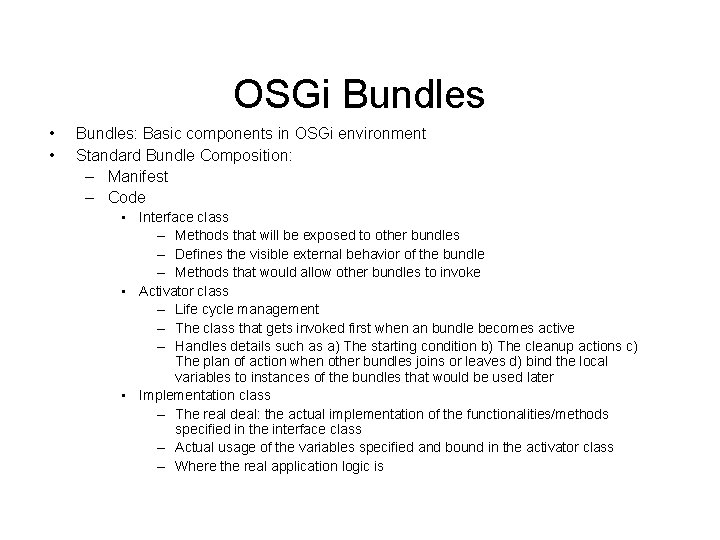
OSGi Bundles • • Bundles: Basic components in OSGi environment Standard Bundle Composition: – Manifest – Code • Interface class – Methods that will be exposed to other bundles – Defines the visible external behavior of the bundle – Methods that would allow other bundles to invoke • Activator class – Life cycle management – The class that gets invoked first when an bundle becomes active – Handles details such as a) The starting condition b) The cleanup actions c) The plan of action when other bundles joins or leaves d) bind the local variables to instances of the bundles that would be used later • Implementation class – The real deal: the actual implementation of the functionalities/methods specified in the interface class – Actual usage of the variables specified and bound in the activator class – Where the real application logic is
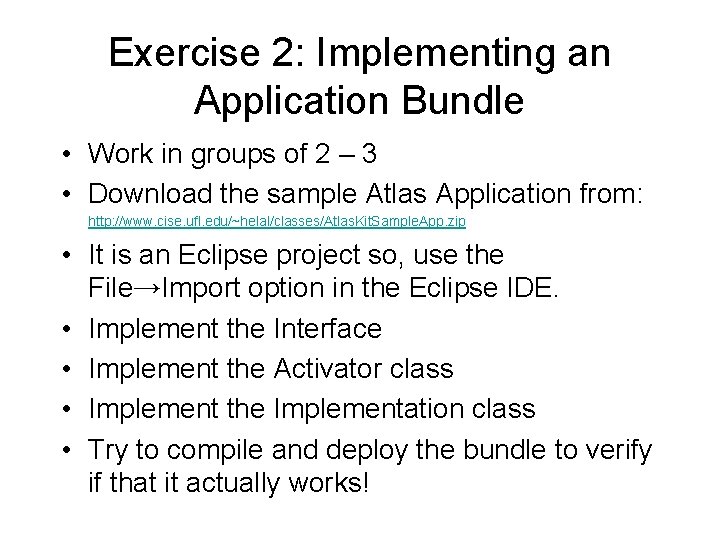
Exercise 2: Implementing an Application Bundle • Work in groups of 2 – 3 • Download the sample Atlas Application from: http: //www. cise. ufl. edu/~helal/classes/Atlas. Kit. Sample. App. zip • It is an Eclipse project so, use the File→Import option in the Eclipse IDE. • Implement the Interface • Implement the Activator class • Implement the Implementation class • Try to compile and deploy the bundle to verify if that it actually works!