
Getting Started with the INDIVIDUAL STUDENT ENROLLMENT SYSTEM


- Slides: 123
Getting Started with the INDIVIDUAL STUDENT ENROLLMENT SYSTEM Segment 1 (revised July 17, 2007) Wisconsin Department of Public Instruction
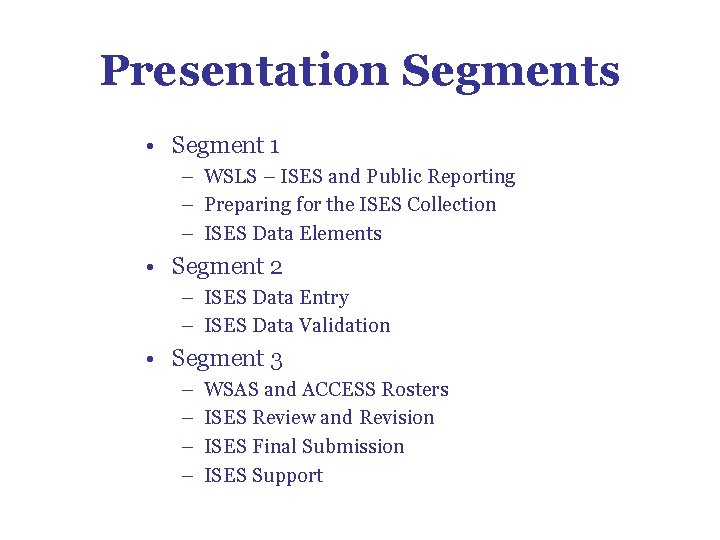
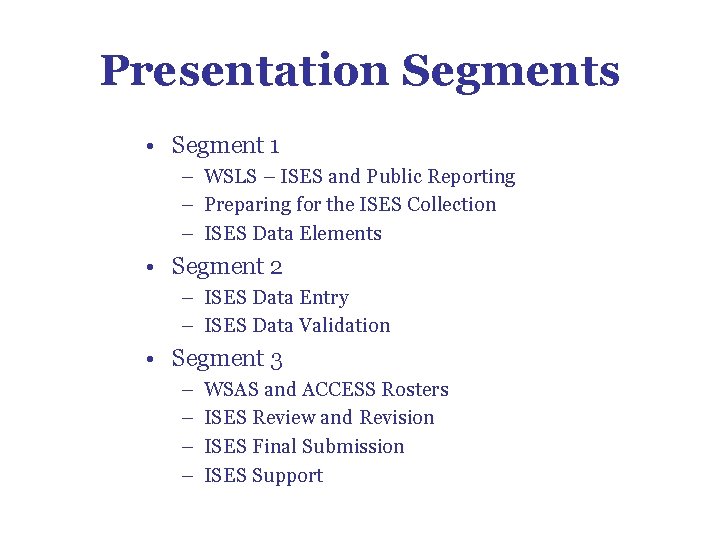
Presentation Segments • Segment 1 – WSLS – ISES and Public Reporting – Preparing for the ISES Collection – ISES Data Elements • Segment 2 – ISES Data Entry – ISES Data Validation • Segment 3 – – WSAS and ACCESS Rosters ISES Review and Revision ISES Final Submission ISES Support
WSLS – ISES and Public Reporting
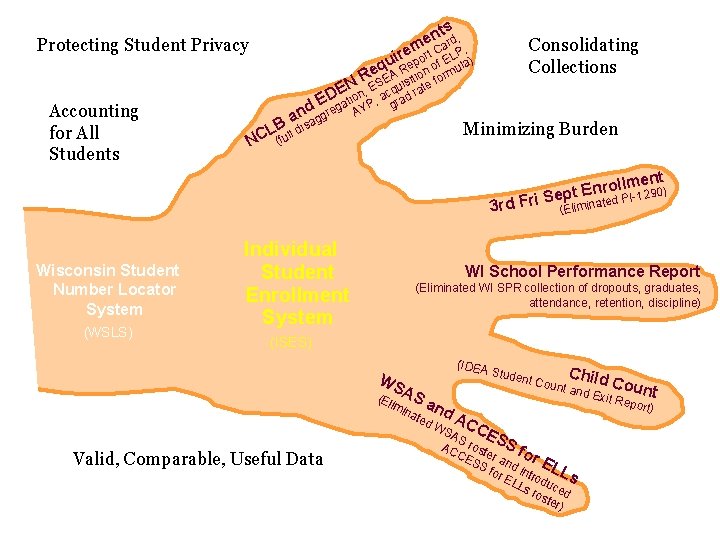
ntsrd, e m a Protecting Student Privacy Consolidating Collections ire port Cf ELPla) u q Re o u , Re. SEA isitione form N E , E qu rat D ation P, a rad E d g Y g c Accounting for All Students n ggre a B sa L NC (fu ll A Minimizing Burden di 3 rd Fri Wisconsin Student Number Locator System (WSLS) Individual Student Enrollment System ent m l l o r n 0) Sept E PI-129 ated (Elimin WI School Performance Report (Eliminated WI SPR collection of dropouts, graduates, attendance, retention, discipline) (ISES) (IDEA WS (El AS imi Valid, Comparable, Useful Data na an ted d. A C Chil nt Co unt an d Coun t d Exit Repo rt) Stude AS CES S AC rost CE er a for SS n E for d intr LL EL odu s Ls ros ced ter ) WS
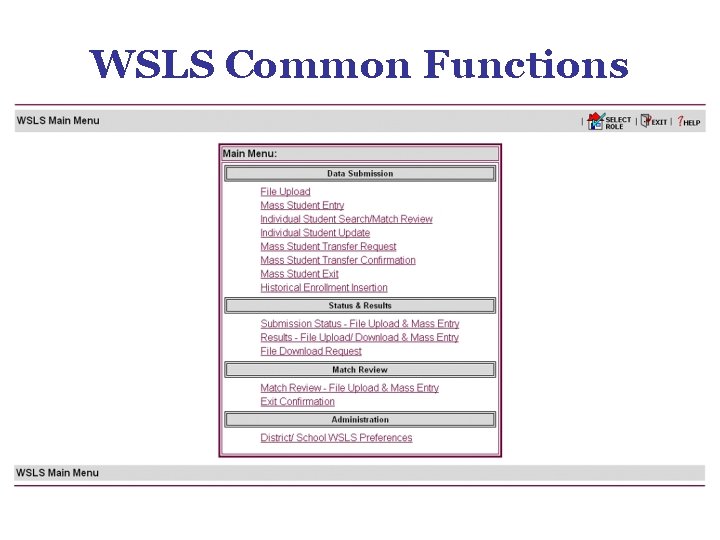
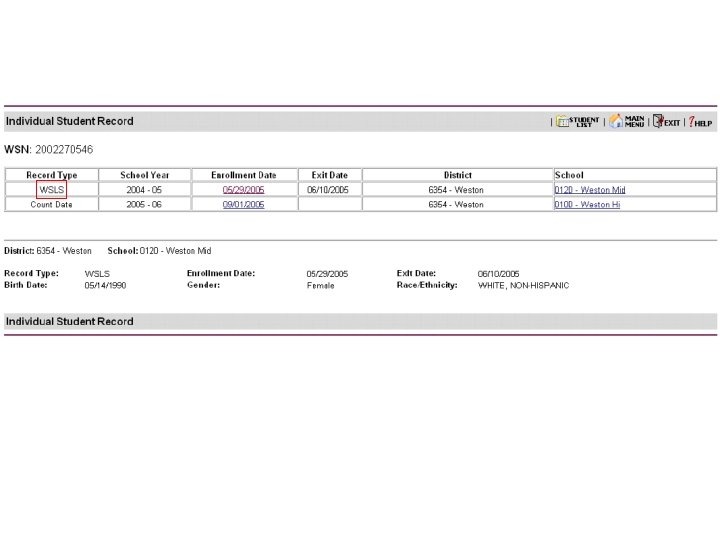
WSLS Common Functions
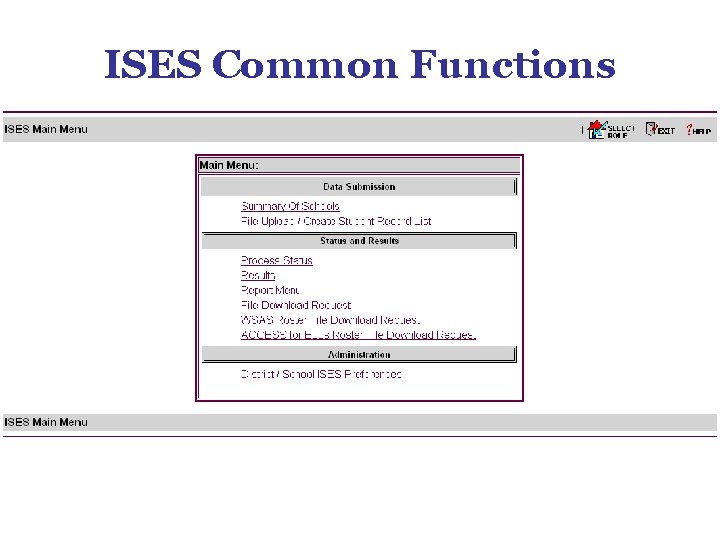
ISES Common Functions
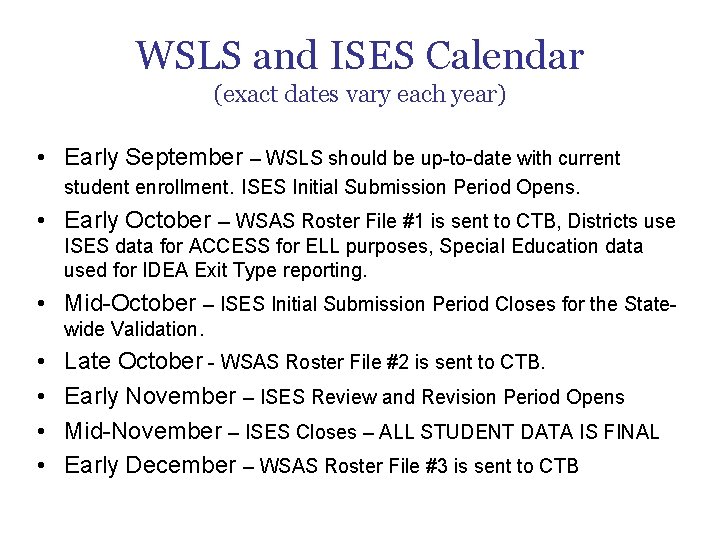
WSLS and ISES Calendar (exact dates vary each year) • Early September – WSLS should be up-to-date with current student enrollment. ISES Initial Submission Period Opens. • Early October -- WSAS Roster File #1 is sent to CTB, Districts use ISES data for ACCESS for ELL purposes, Special Education data used for IDEA Exit Type reporting. • Mid-October – ISES Initial Submission Period Closes for the Statewide Validation. • • Late October - WSAS Roster File #2 is sent to CTB. Early November – ISES Review and Revision Period Opens Mid-November – ISES Closes – ALL STUDENT DATA IS FINAL Early December – WSAS Roster File #3 is sent to CTB
Preparing for the ISES Collection
Accessing the WSLS and ISES – Authorization to access the WSLS and ISES is managed by each individual district. – An individual must first request a WAMS ID (Wisconsin Web Access Management System). – The Local WSLS/ISES Administrator must separately grant access to the WSLS and ISES to each local staff member. – The role selected by the Local WSLS/ISES Administrator will determine the functions which are available to each local staff member.
WAMS Profile Management – Obtain a Wisconsin User ID, if new to the WSLS/ISES – Verify profile includes current email address
Delegated Authority – Verify District Superintendent has access to the Delegated Authority application; access transfers to new Superintendents when they submit their WAMS IDs to DPI – Verify Local WSLS/ISES Administrator has been appointed and appoint an Assistant Administrator, if appropriate – Delegate authorization to access local student data in WSLS/ISES for new staff – Rescind authorization from staff that have left or no longer work in the WSLS/ISES
EXIT in the WSLS: – High School Completers – Students moving between Schools within your District – Students transferring out of your District or WSLS and other withdrawals
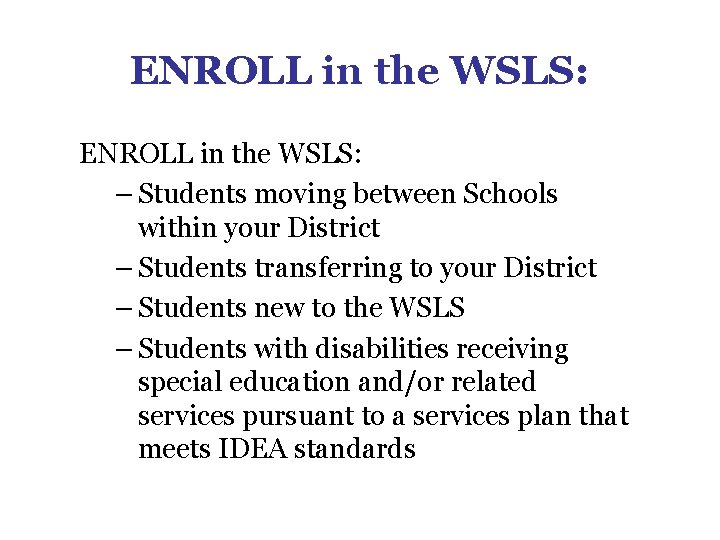
ENROLL in the WSLS: – Students moving between Schools within your District – Students transferring to your District – Students new to the WSLS – Students with disabilities receiving special education and/or related services pursuant to a services plan that meets IDEA standards
UPDATE in the WSLS: – Birth Location – Existing students, as needed
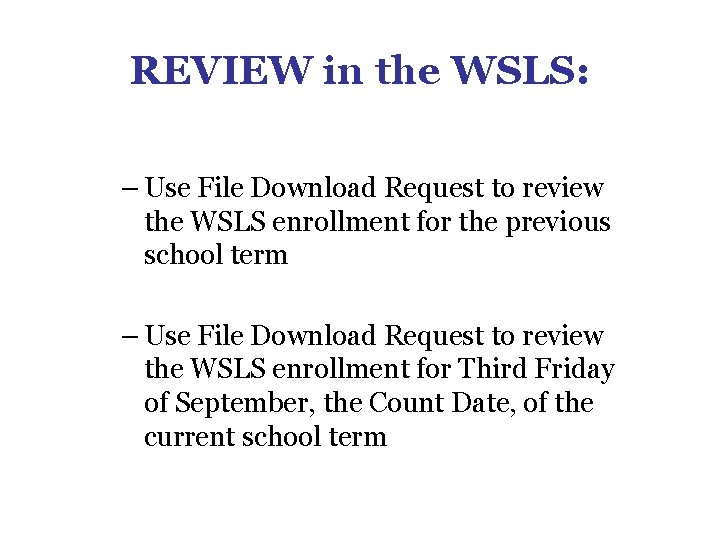
REVIEW in the WSLS: – Use File Download Request to review the WSLS enrollment for the previous school term – Use File Download Request to review the WSLS enrollment for Third Friday of September, the Count Date, of the current school term
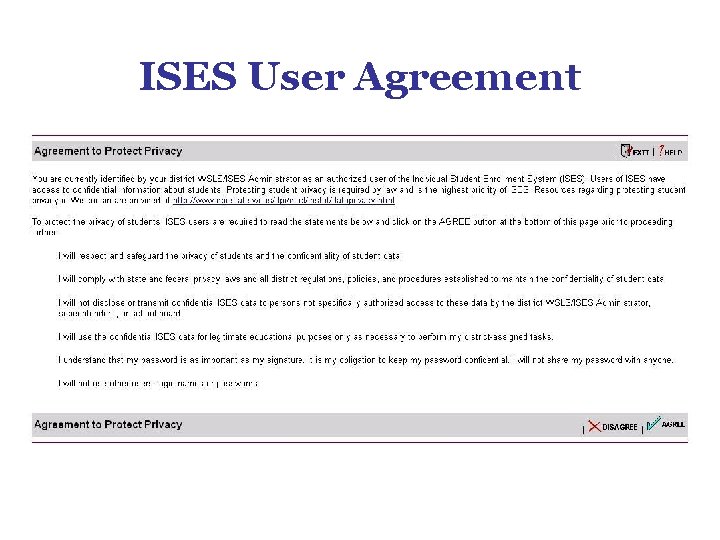
ISES User Agreement
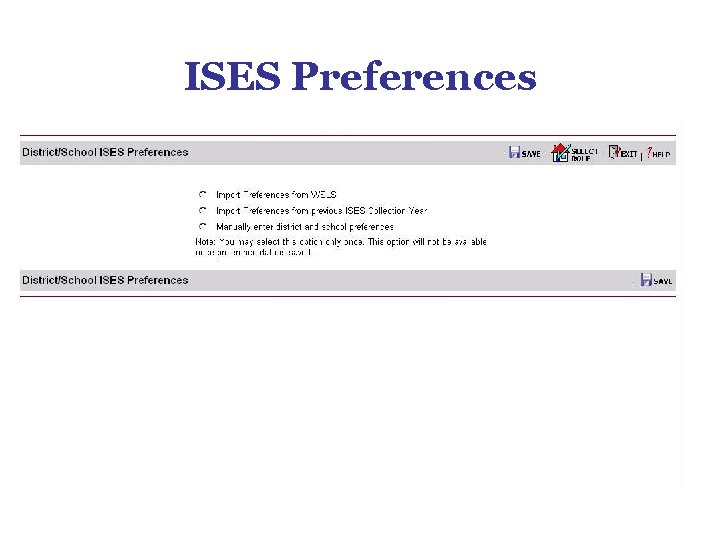
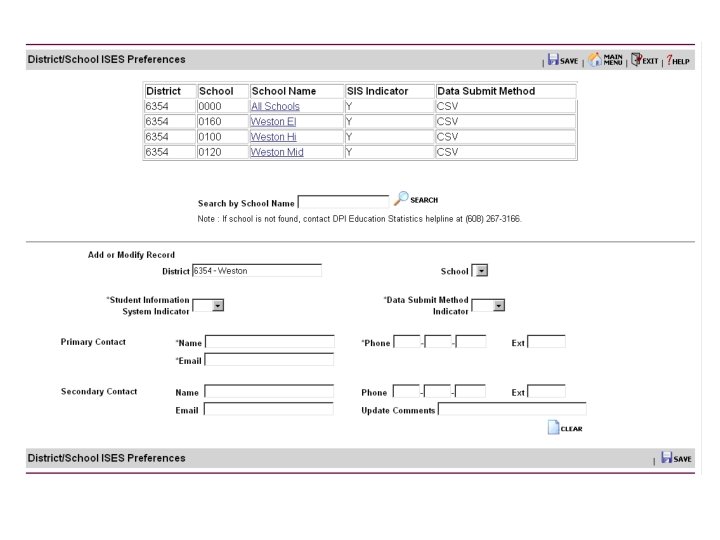
ISES Preferences
ISES Data Elements
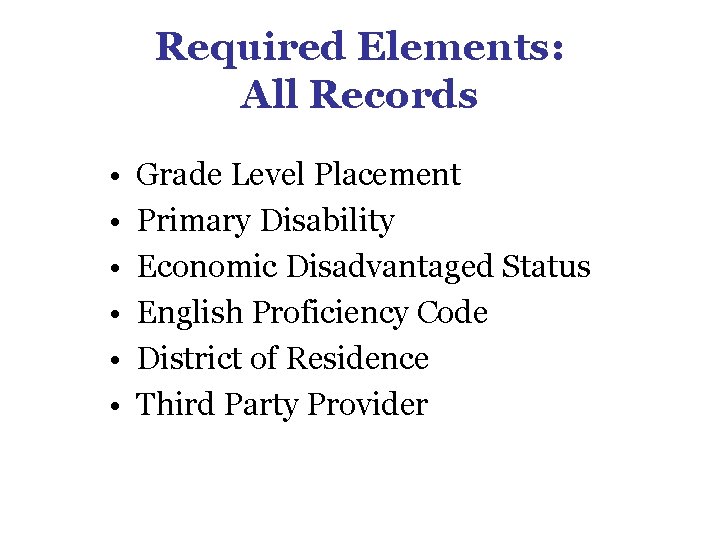
Required Elements: All Records • • • Grade Level Placement Primary Disability Economic Disadvantaged Status English Proficiency Code District of Residence Third Party Provider
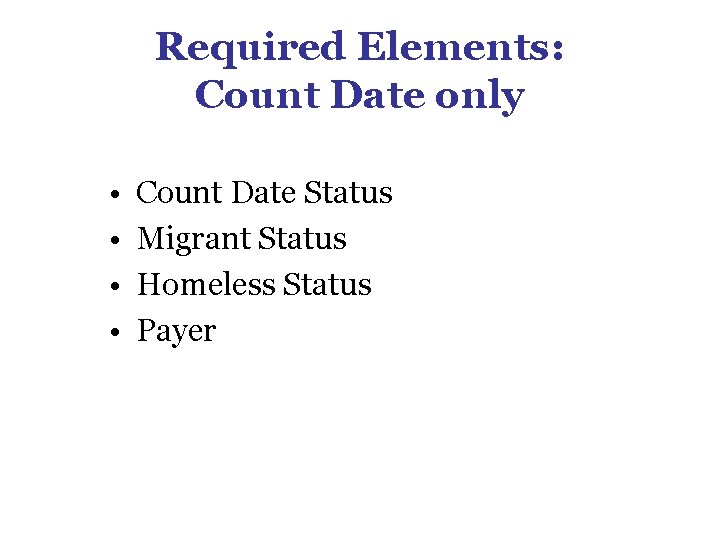
Required Elements: Count Date only • • Count Date Status Migrant Status Homeless Status Payer
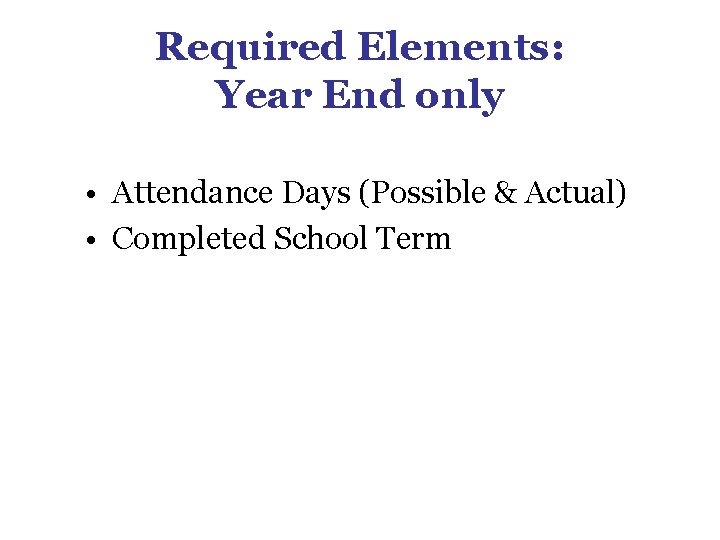
Required Elements: Year End only • Attendance Days (Possible & Actual) • Completed School Term
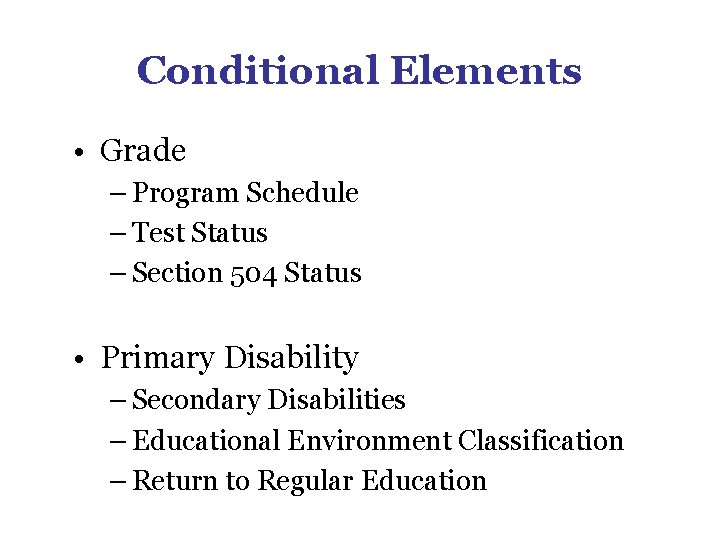
Conditional Elements • Grade – Program Schedule – Test Status – Section 504 Status • Primary Disability – Secondary Disabilities – Educational Environment Classification – Return to Regular Education
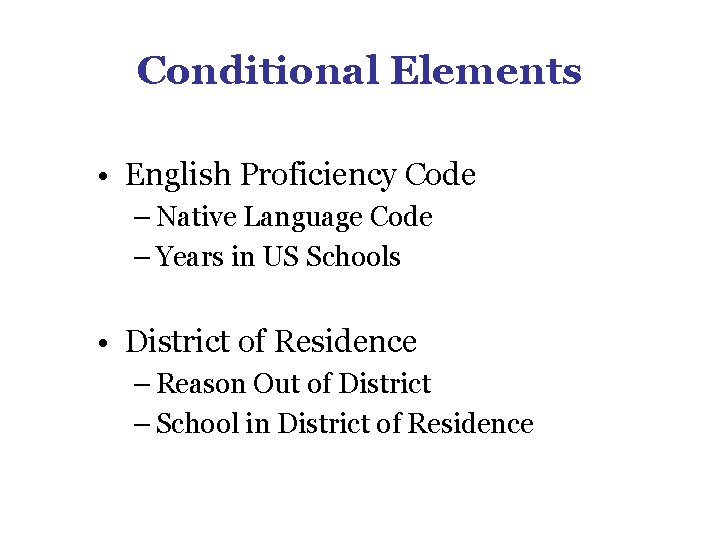
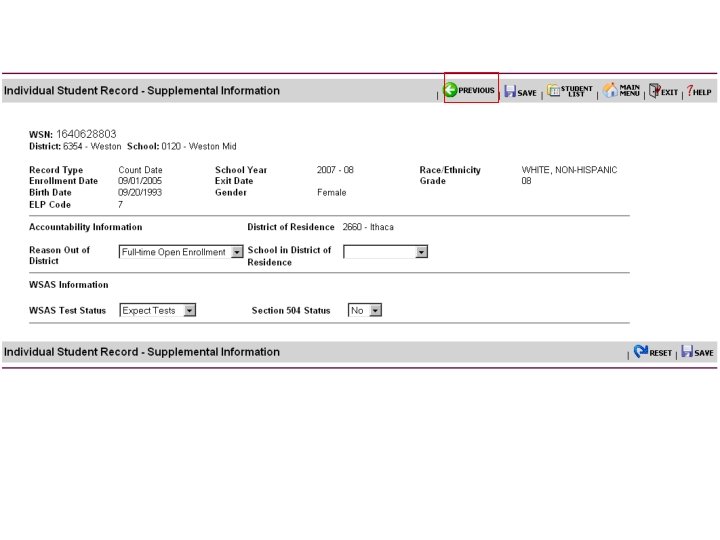
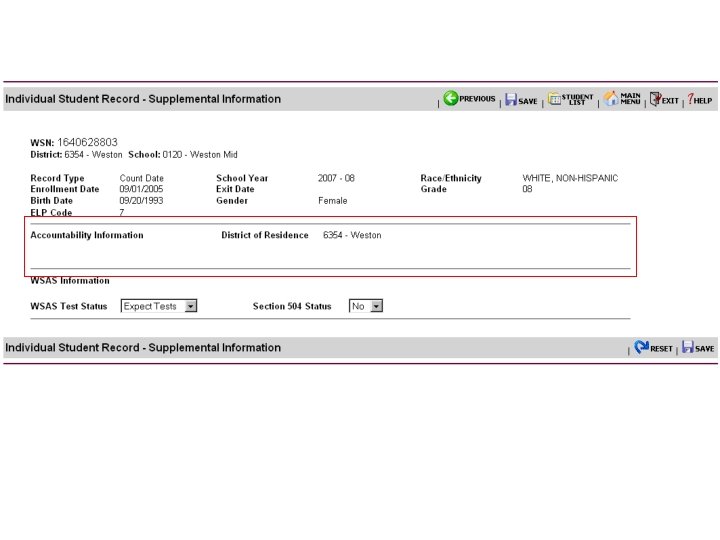
Conditional Elements • English Proficiency Code – Native Language Code – Years in US Schools • District of Residence – Reason Out of District – School in District of Residence
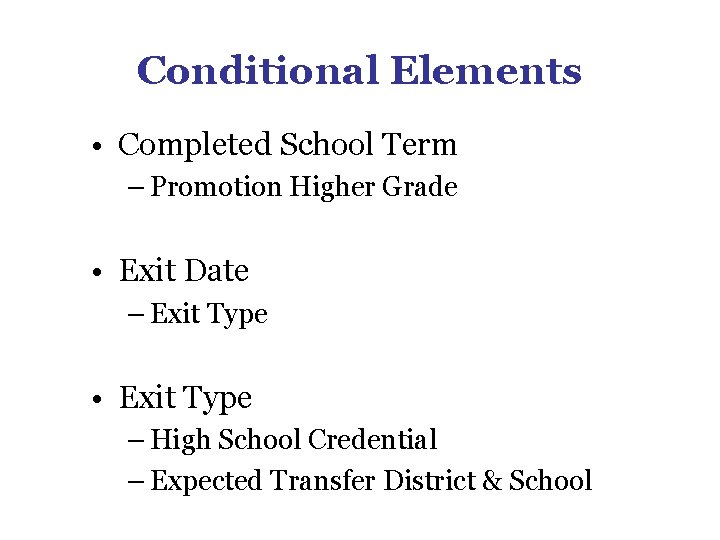
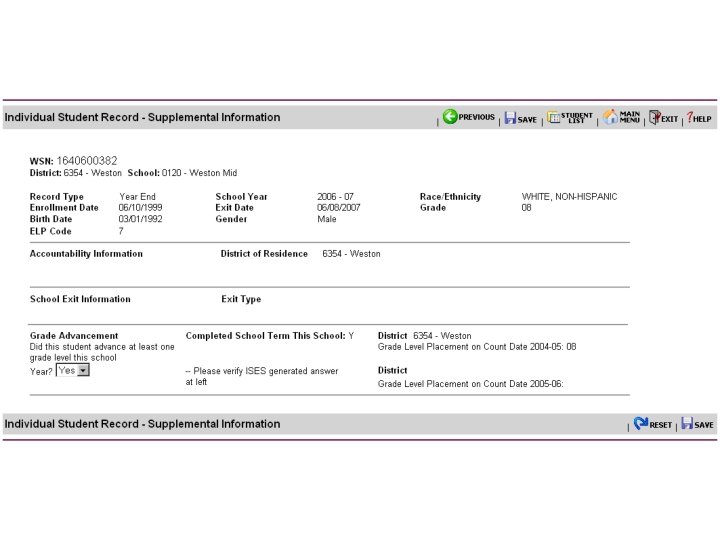
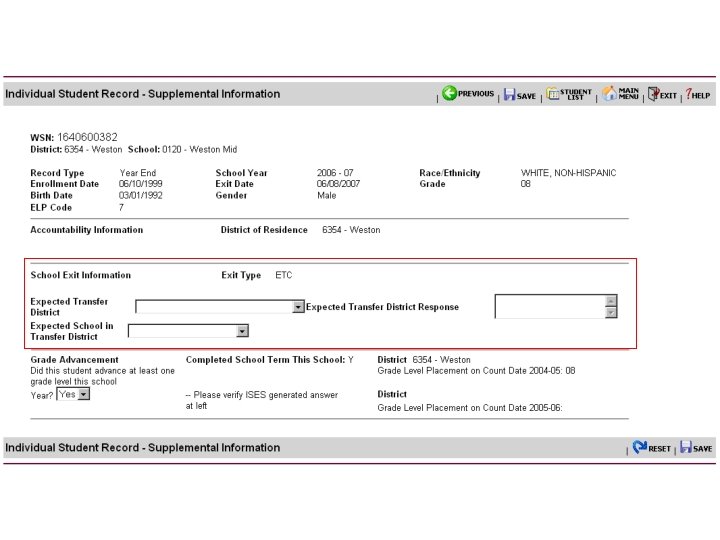
Conditional Elements • Completed School Term – Promotion Higher Grade • Exit Date – Exit Type • Exit Type – High School Credential – Expected Transfer District & School
Getting Started with the INDIVIDUAL STUDENT ENROLLMENT SYSTEM End Segment 1 Wisconsin Department of Public Instruction
Getting Started with the INDIVIDUAL STUDENT ENROLLMENT SYSTEM Segment 2 (revised July 17, 2007) Wisconsin Department of Public Instruction
Presentation Segments • Segment 1 – WSLS – ISES and Public Reporting – Preparing for the ISES Collection – ISES Data Elements • Segment 2 – ISES Data Entry – ISES Data Validation • Segment 3 – – WSAS and ACCESS Rosters ISES Review and Revision ISES Final Submission ISES Support
ISES Data Entry
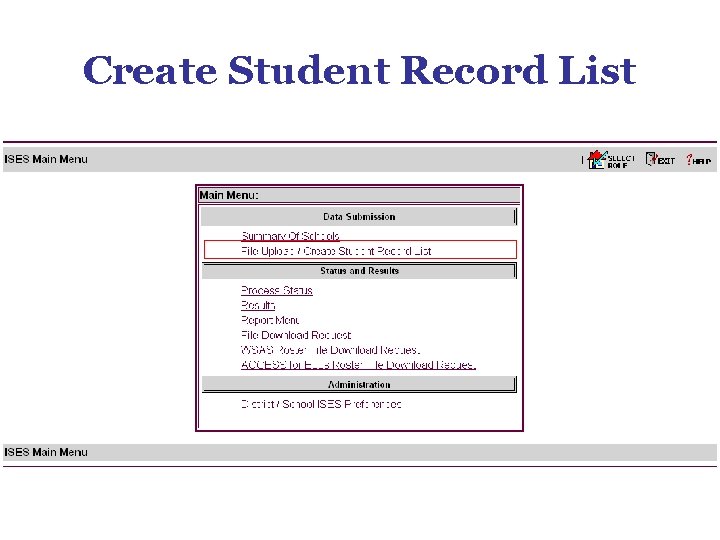
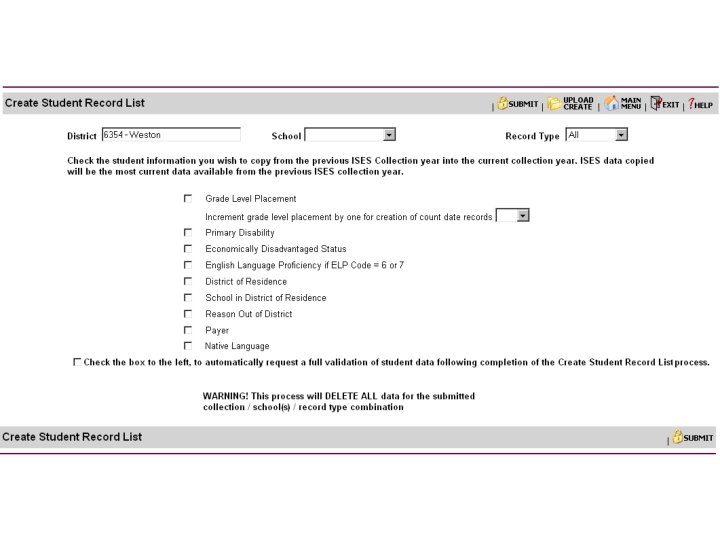
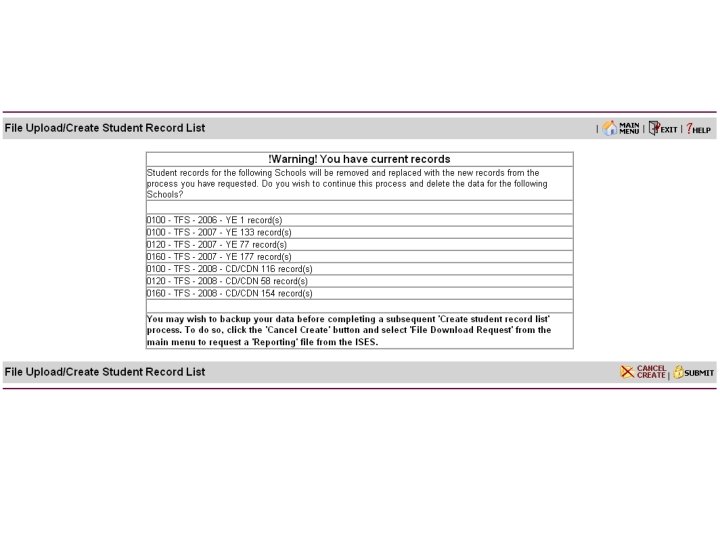
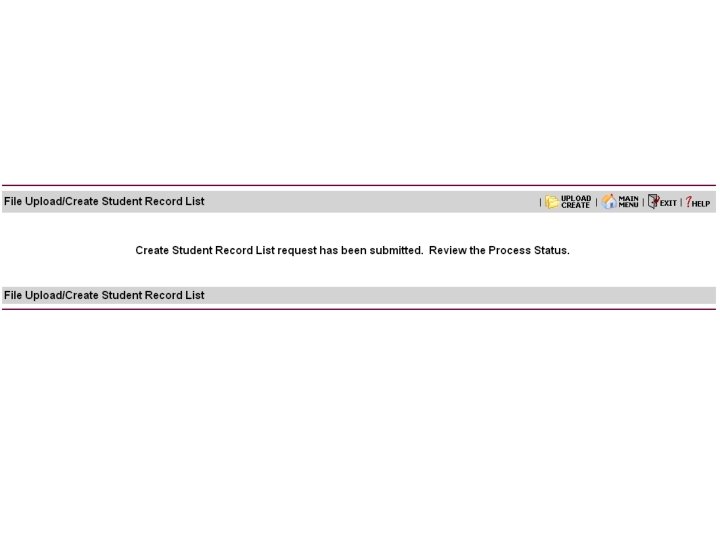
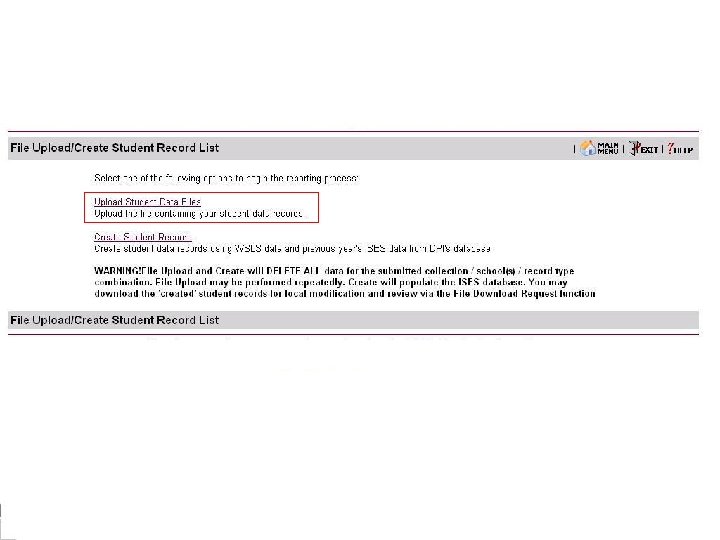
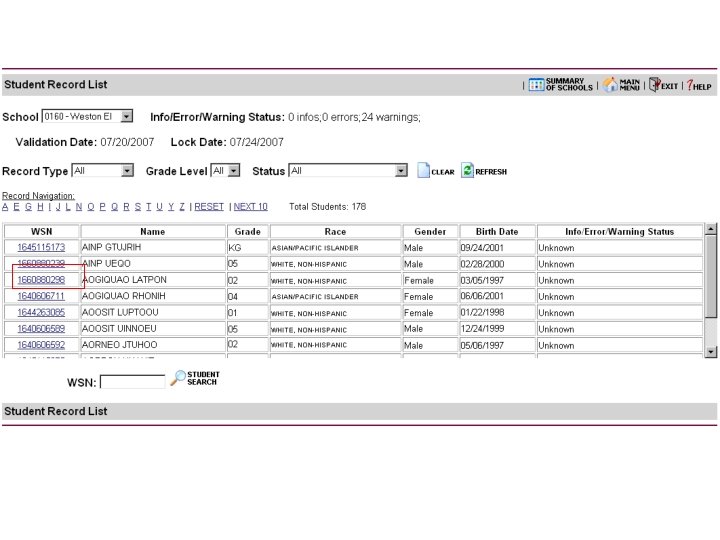
Create Student Record List
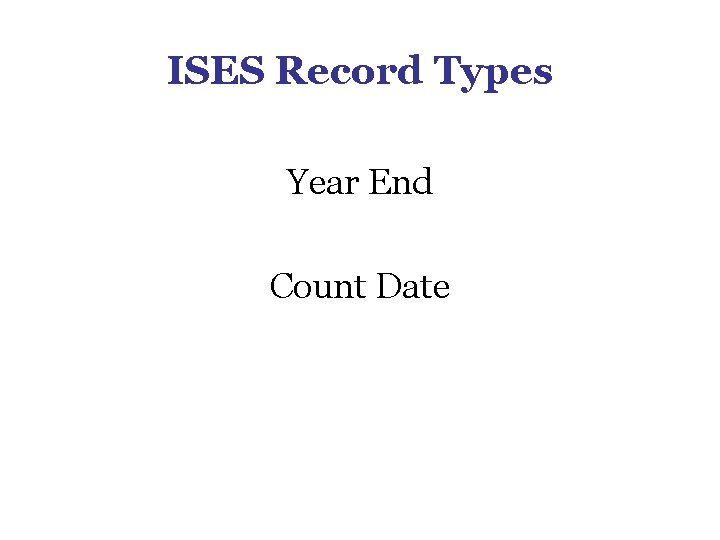
ISES Record Types Year End Count Date
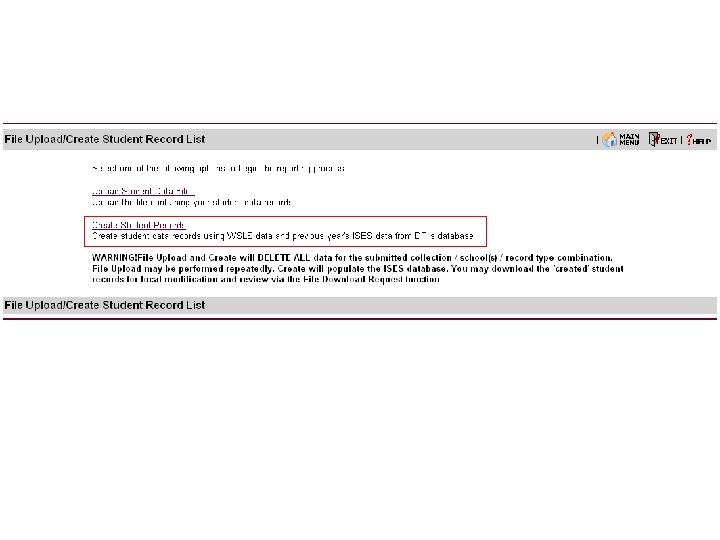
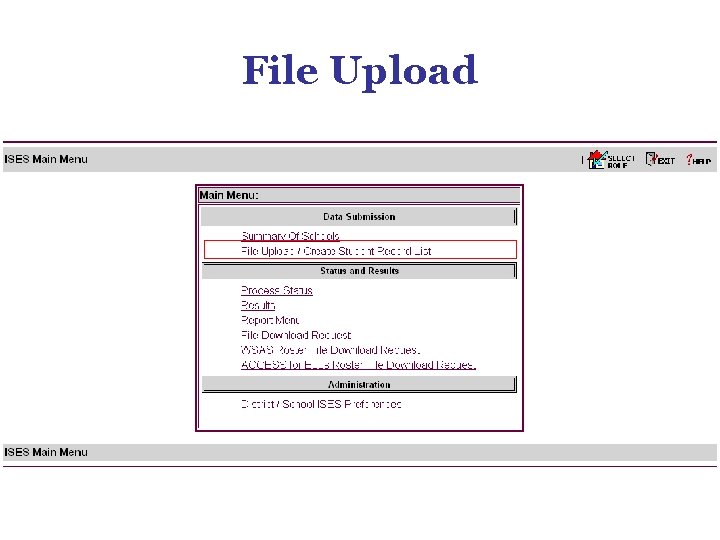
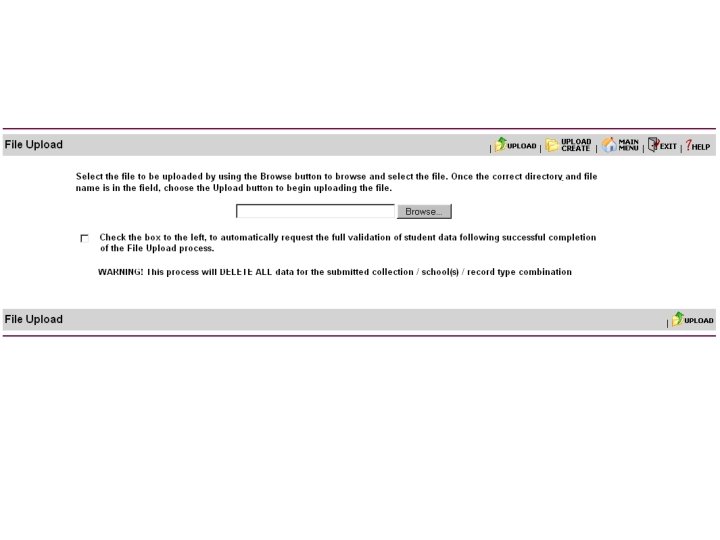
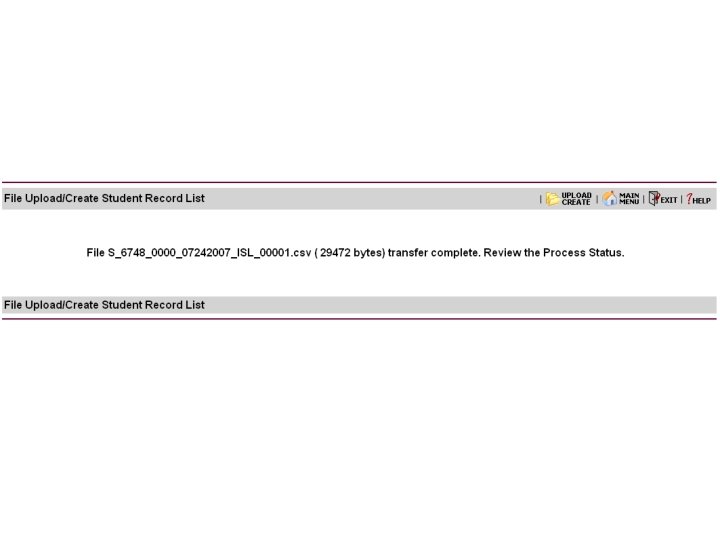
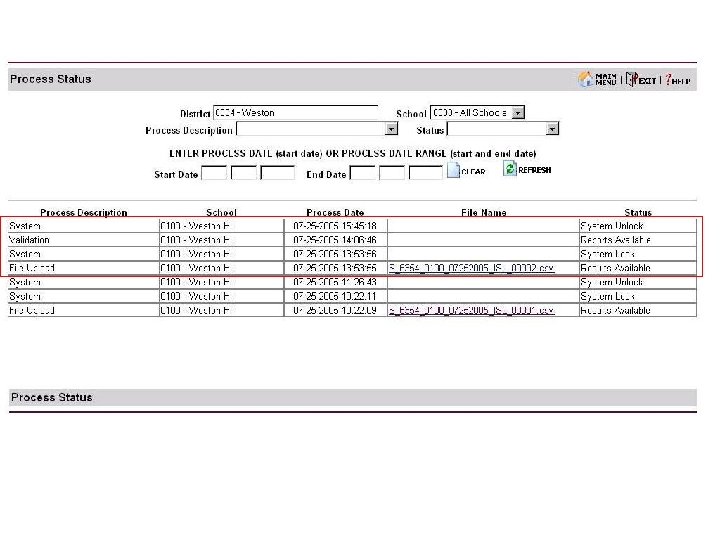
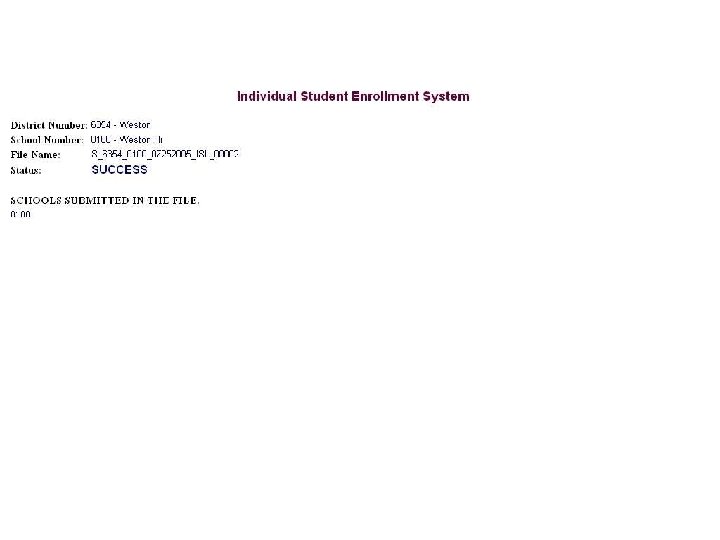
File Upload
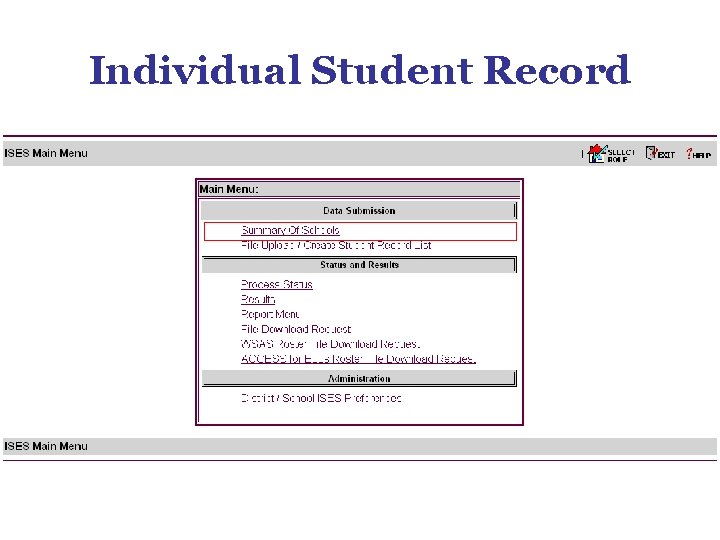
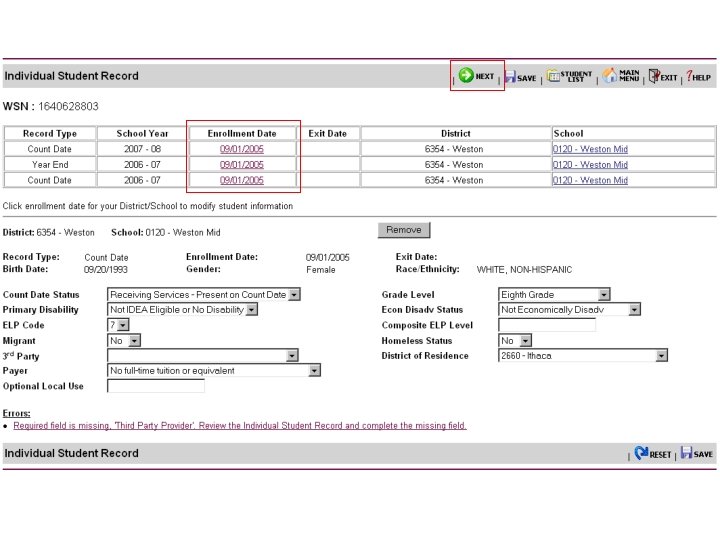
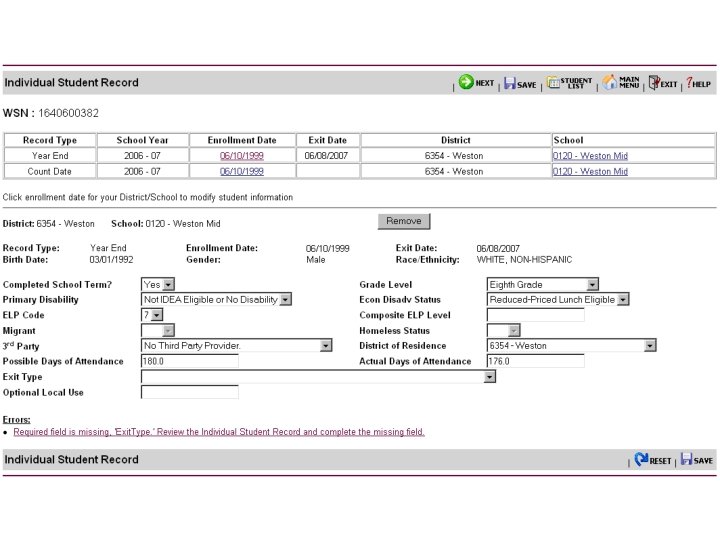
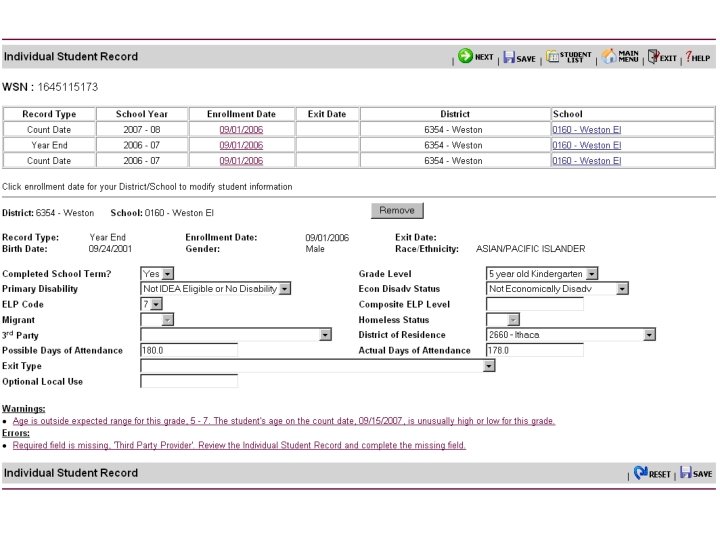
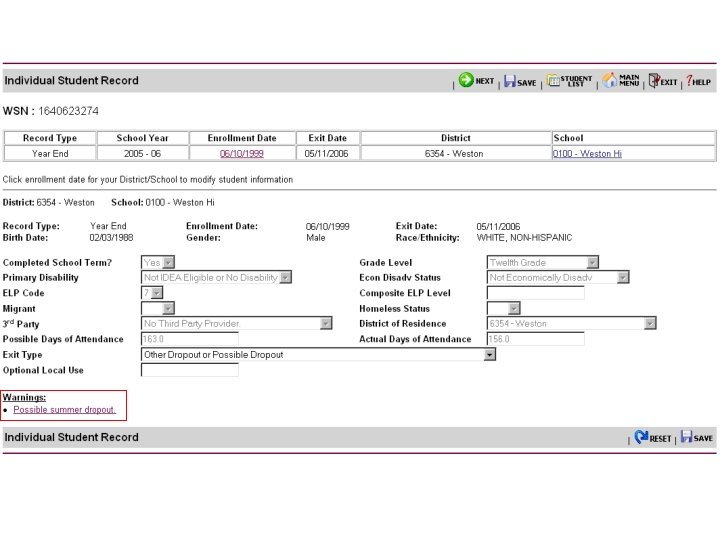
Individual Student Record
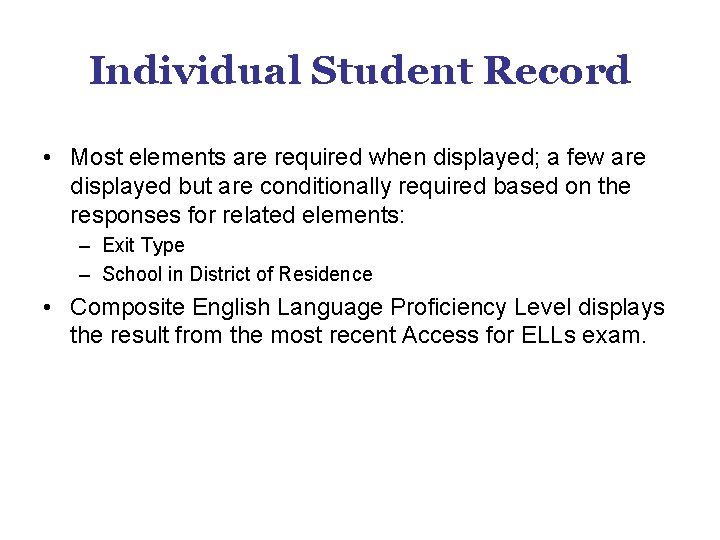
Individual Student Record • Most elements are required when displayed; a few are displayed but are conditionally required based on the responses for related elements: – Exit Type – School in District of Residence • Composite English Language Proficiency Level displays the result from the most recent Access for ELLs exam.
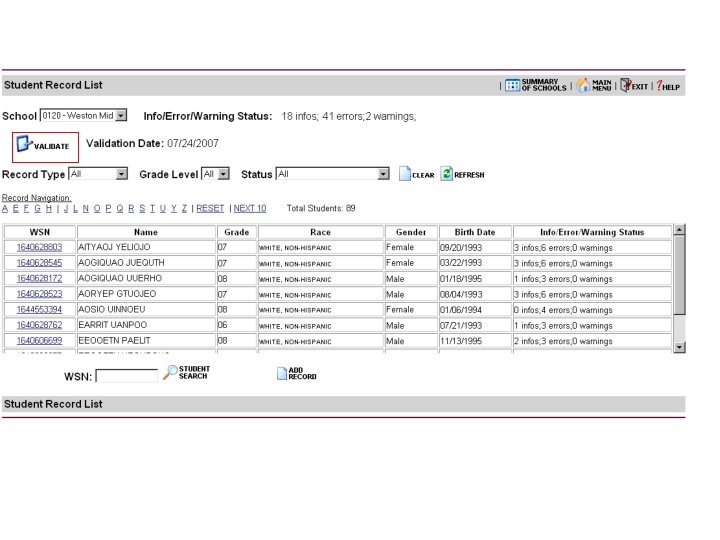
ISES Data Validation
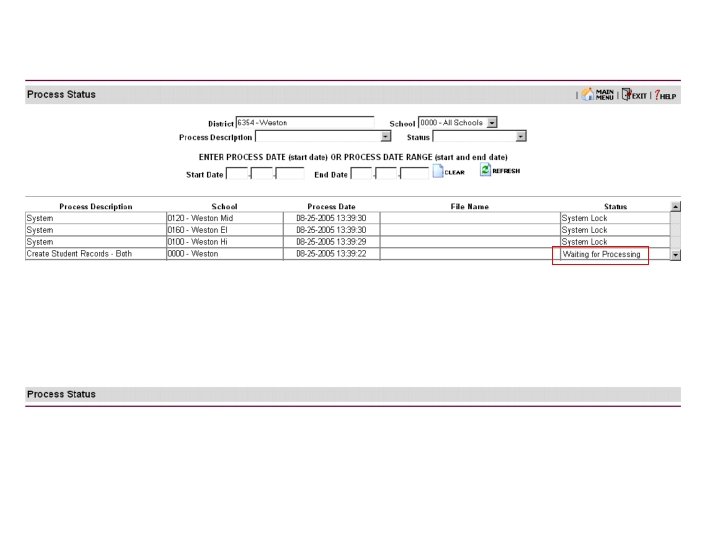
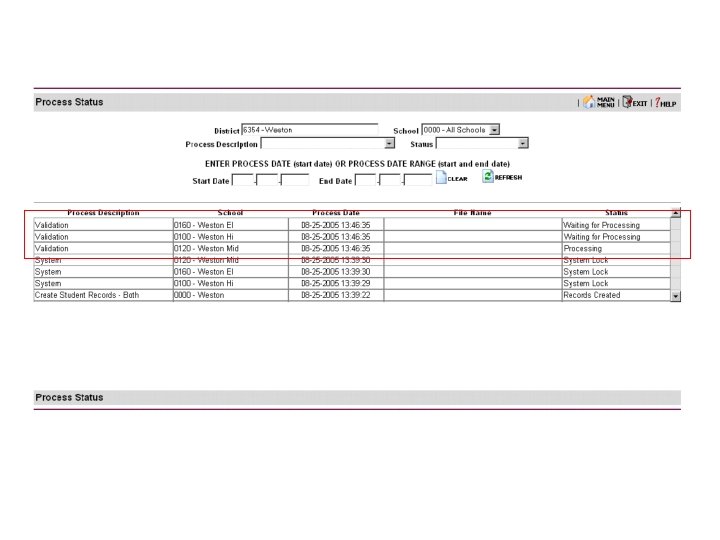
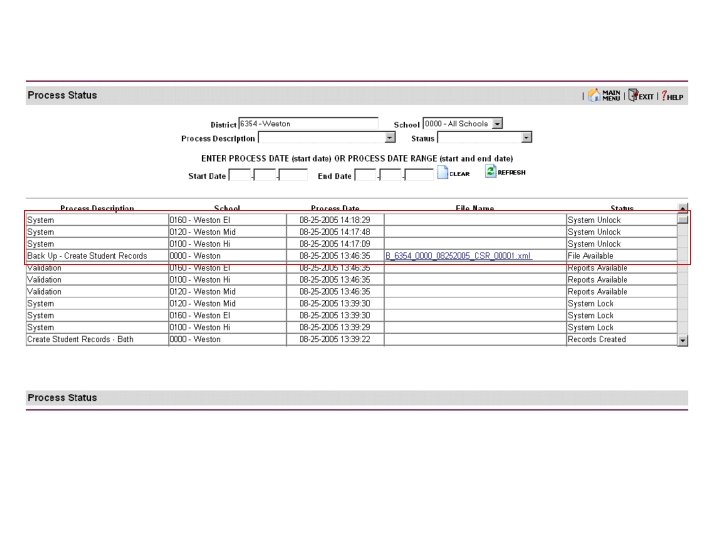
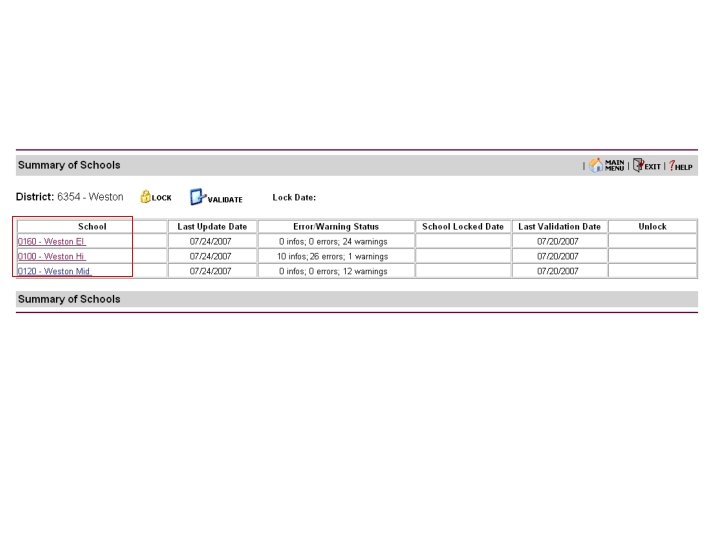
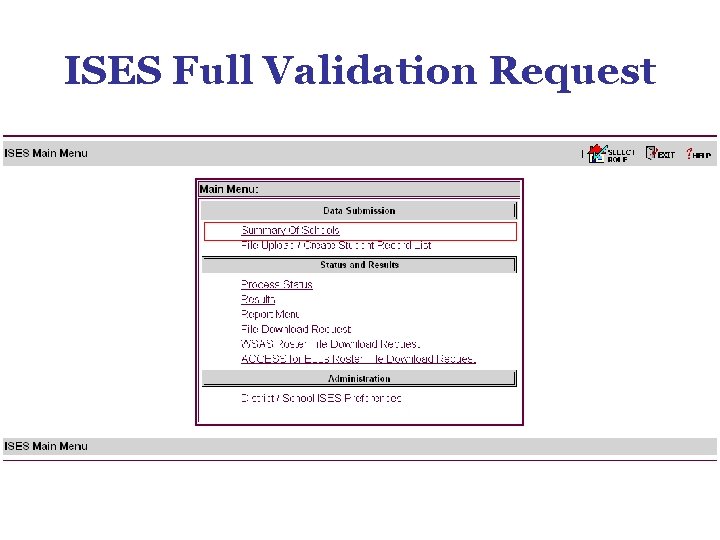
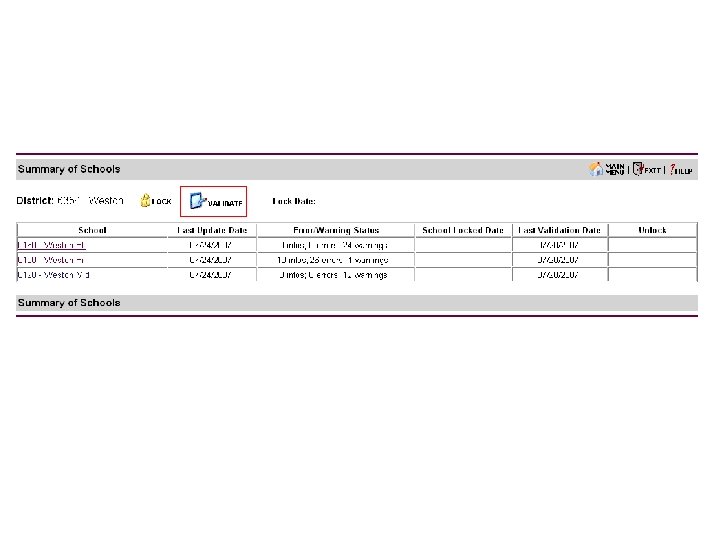
ISES Full Validation Request
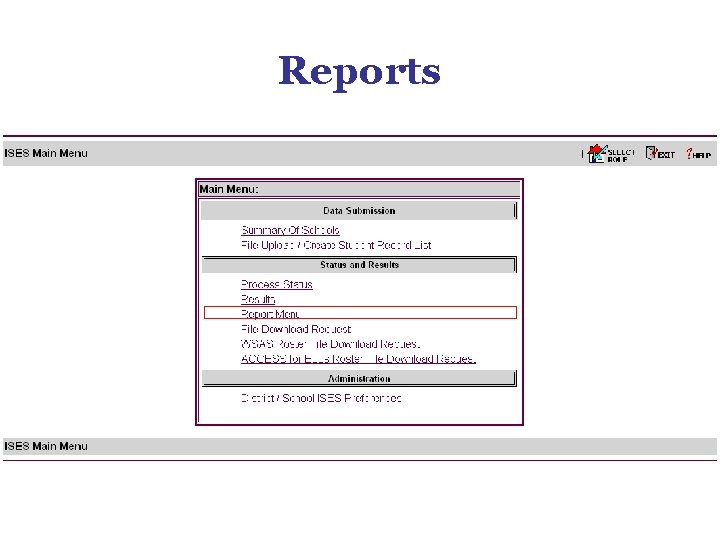
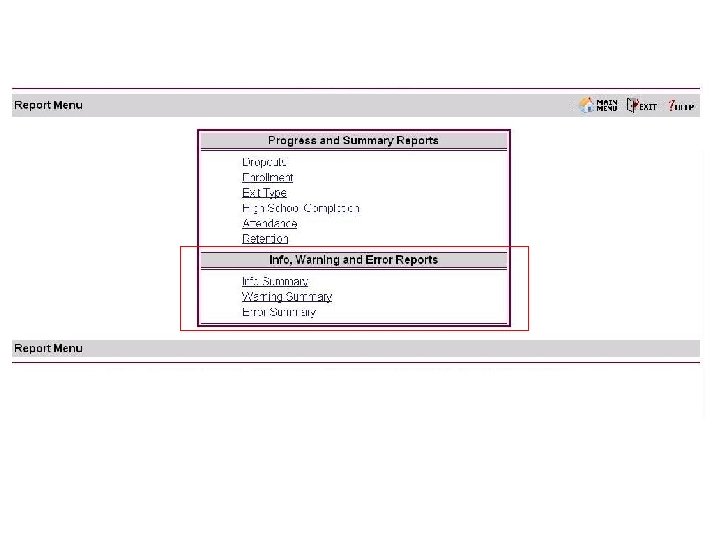
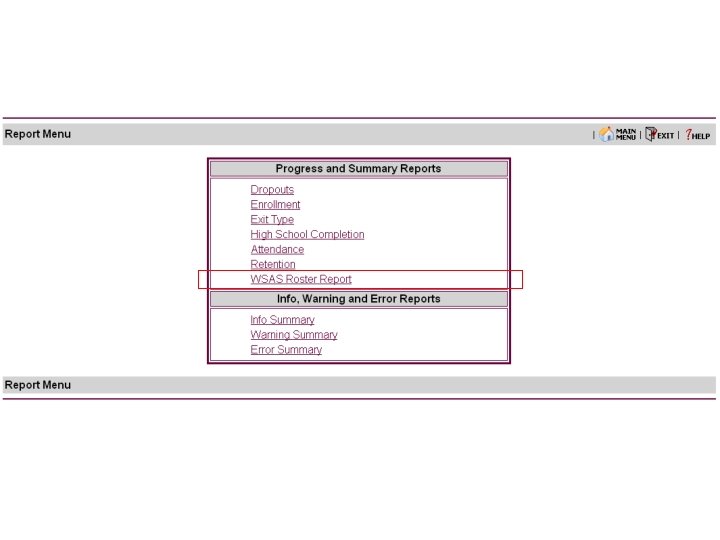
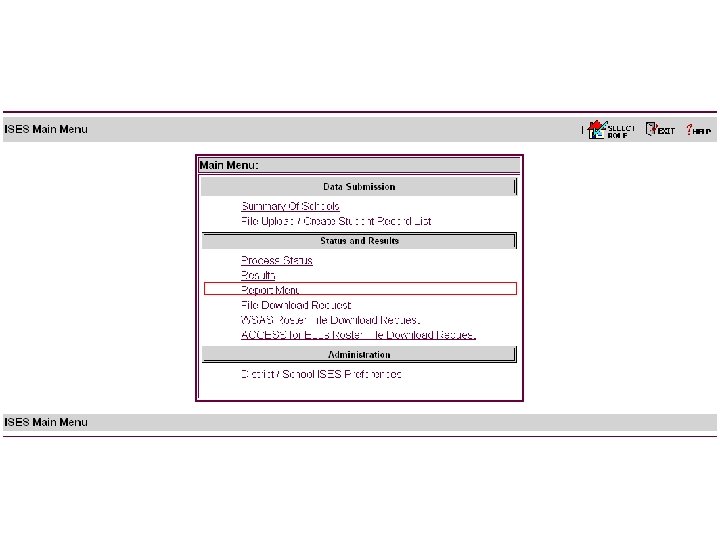
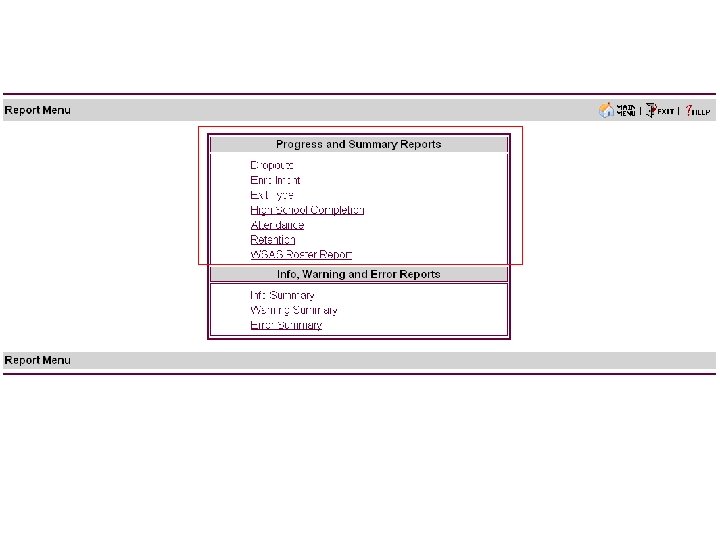
Reports
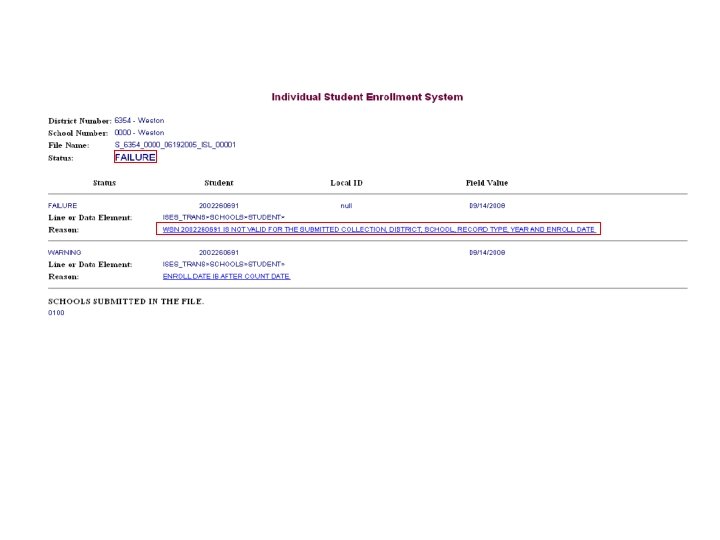
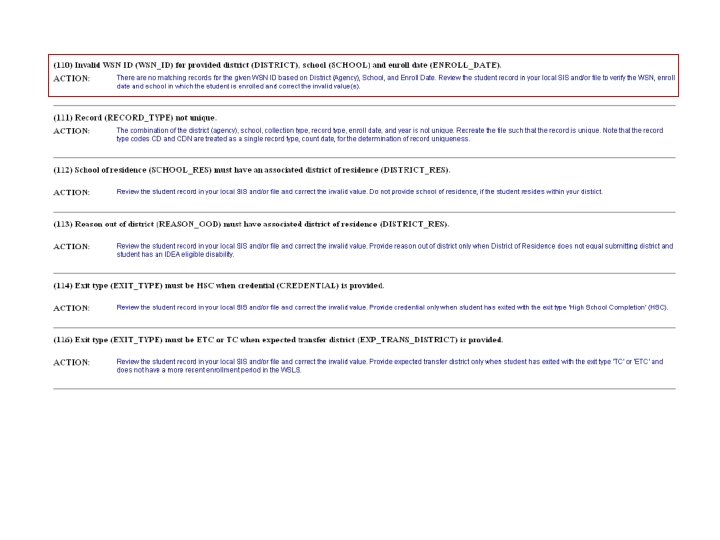
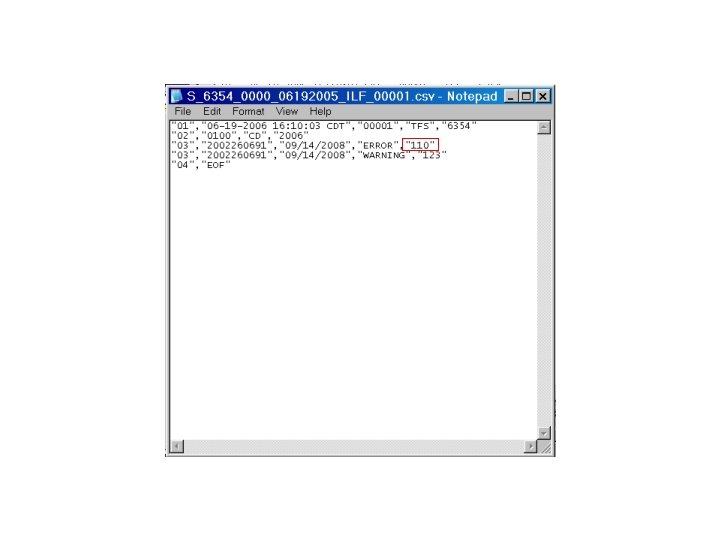
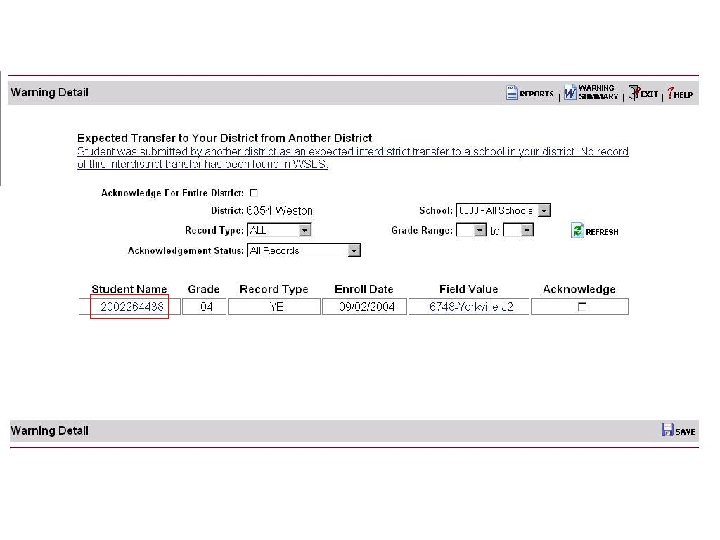
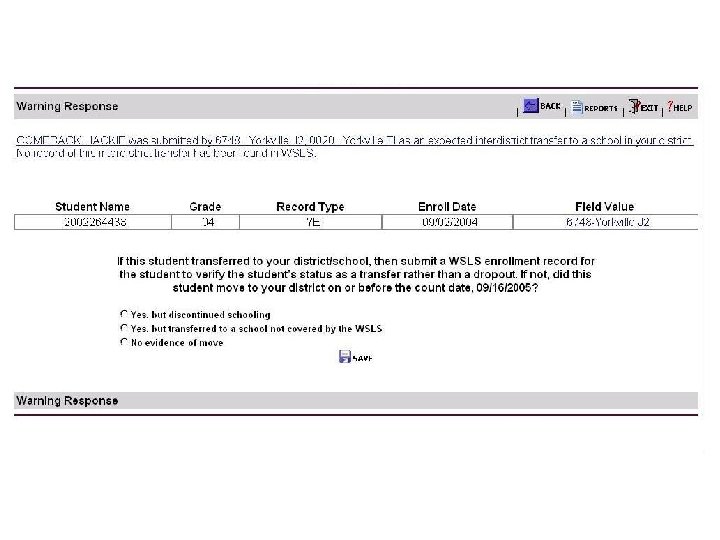
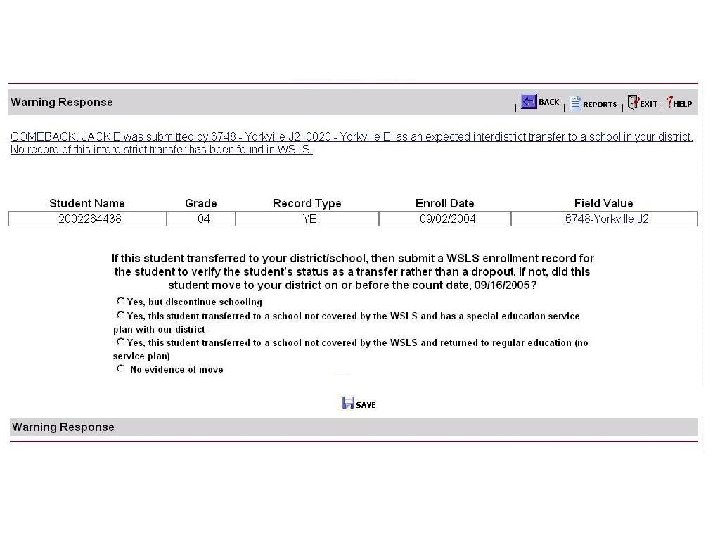
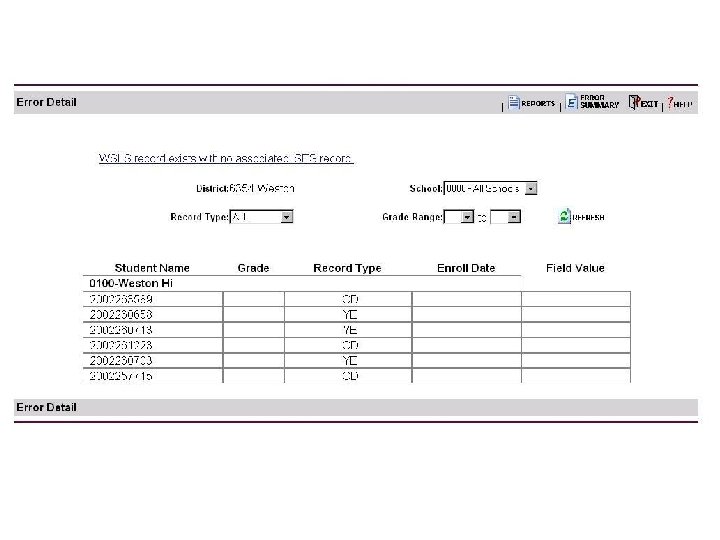
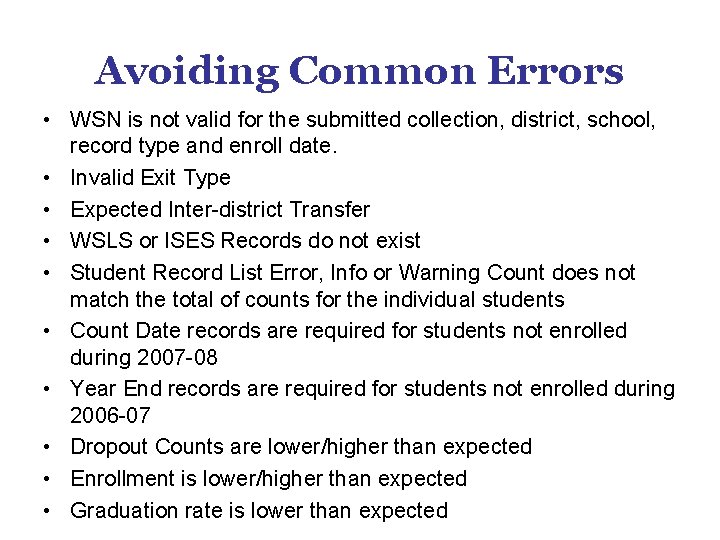
Avoiding Common Errors • WSN is not valid for the submitted collection, district, school, record type and enroll date. • Invalid Exit Type • Expected Inter-district Transfer • WSLS or ISES Records do not exist • Student Record List Error, Info or Warning Count does not match the total of counts for the individual students • Count Date records are required for students not enrolled during 2007 -08 • Year End records are required for students not enrolled during 2006 -07 • Dropout Counts are lower/higher than expected • Enrollment is lower/higher than expected • Graduation rate is lower than expected
Getting Started with the INDIVIDUAL STUDENT ENROLLMENT SYSTEM End Segment 2 Wisconsin Department of Public Instruction
Getting Started with the INDIVIDUAL STUDENT ENROLLMENT SYSTEM Segment 3 (revised July 17, 2007) Wisconsin Department of Public Instruction
Presentation Segments • Segment 1 – WSLS – ISES and Public Reporting – Preparing for the ISES Collection – ISES Data Elements • Segment 2 – ISES Data Entry – ISES Data Validation • Segment 3 – – WSAS and ACCESS Rosters ISES Review and Revision ISES Final Submission ISES Support
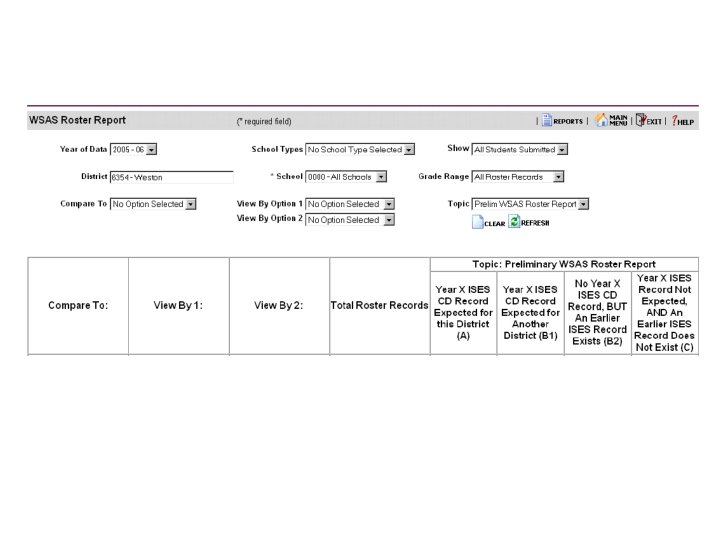
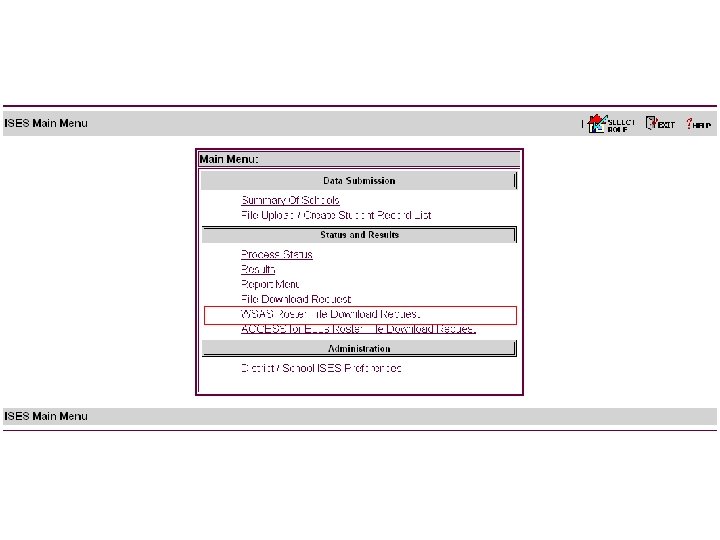
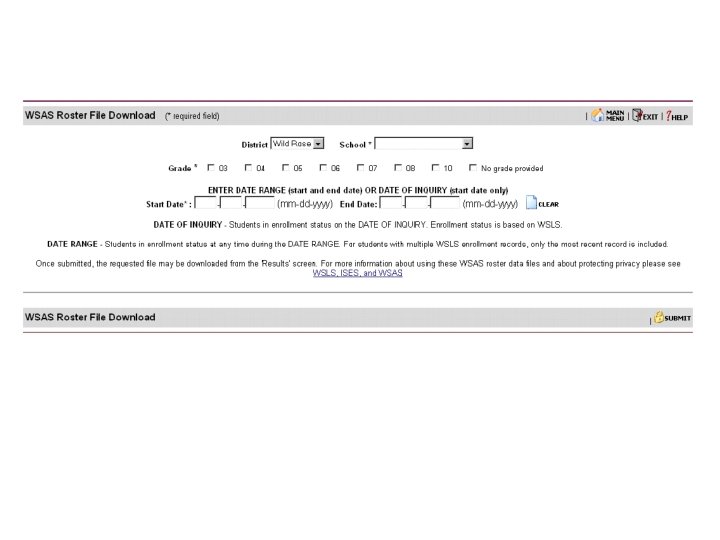
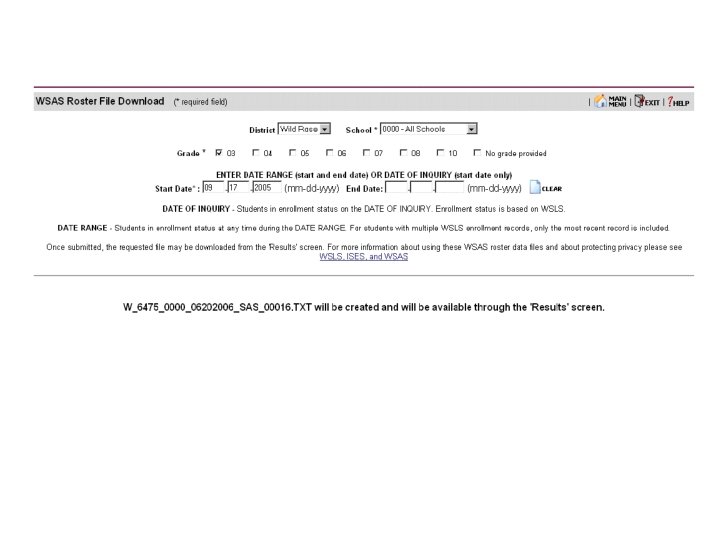
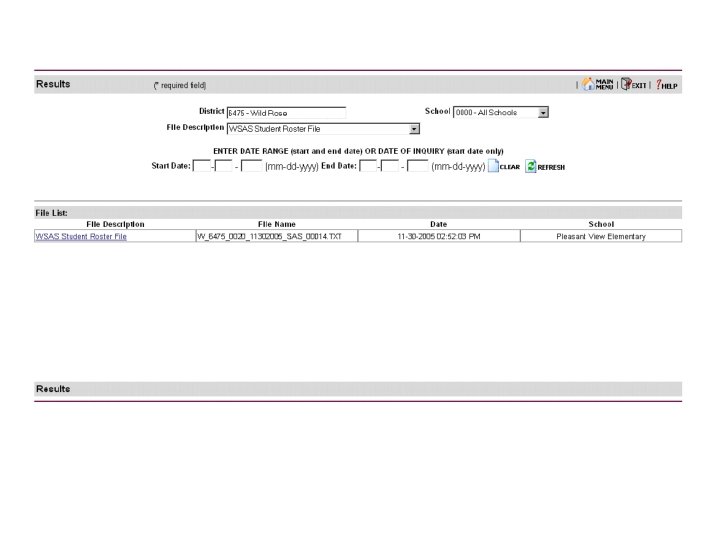
Wisconsin Student Assessment System (WSAS) Roster
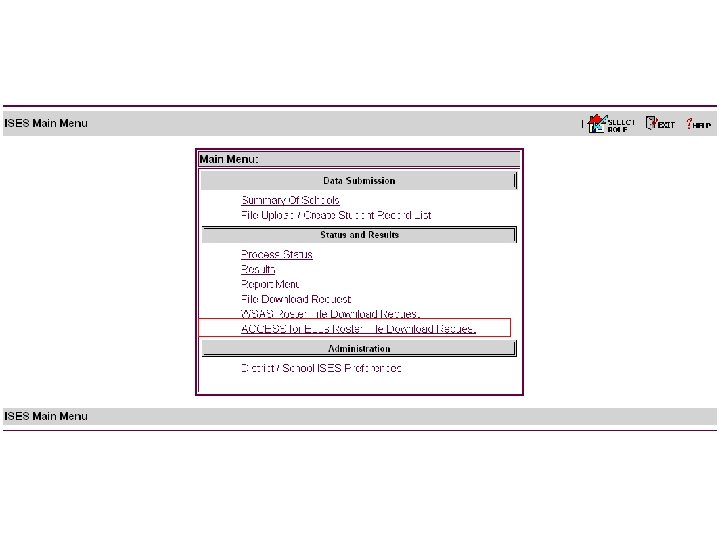
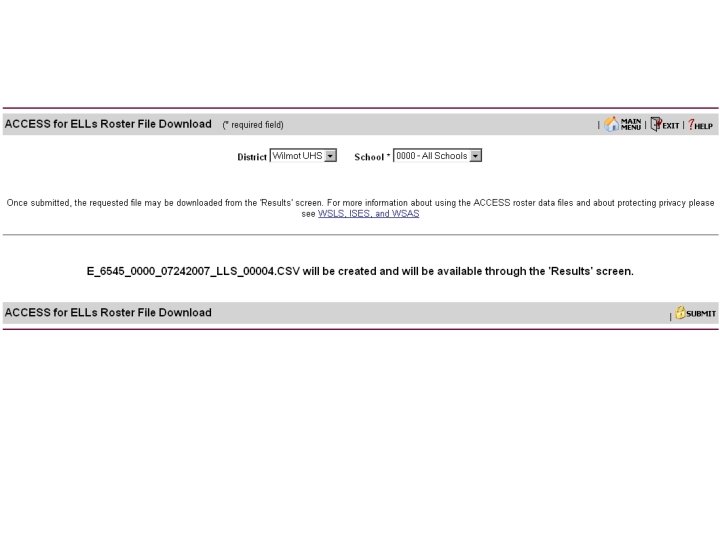
ACCESS for ELLs Roster
ISES Review and Revision
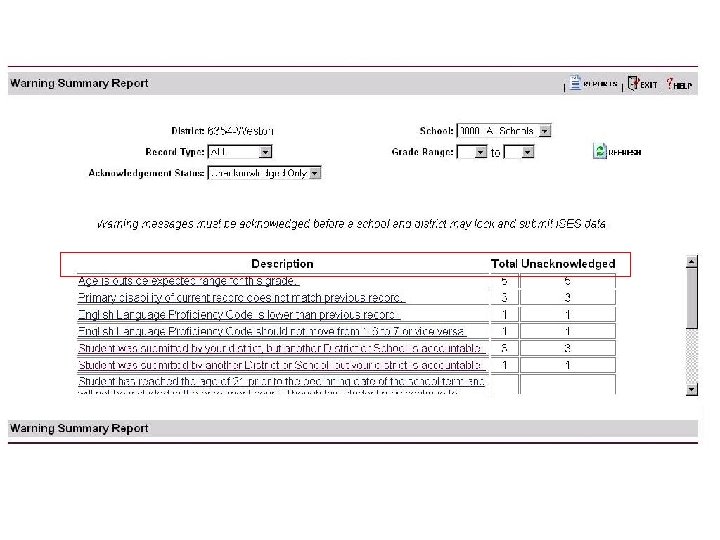
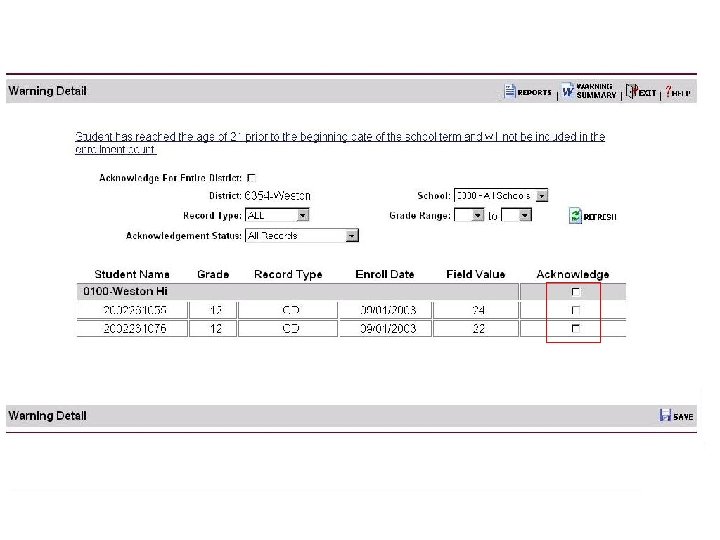
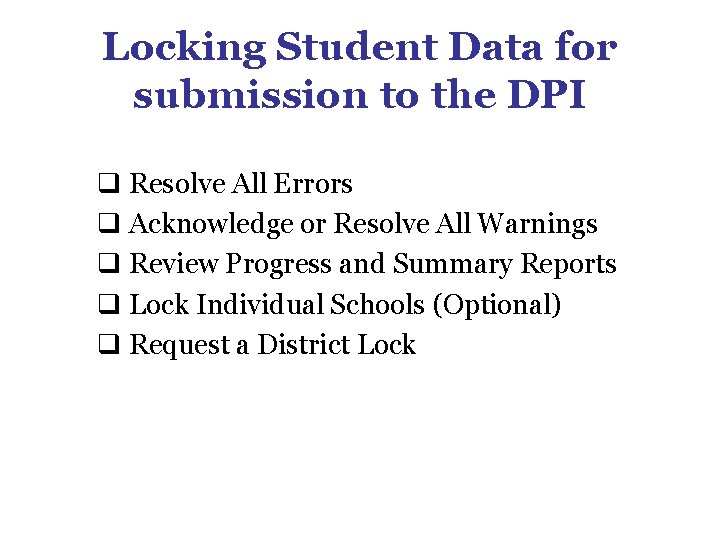
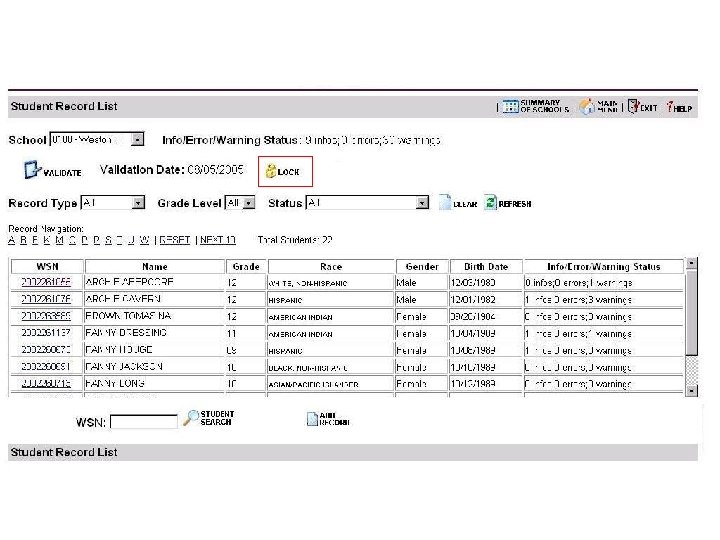
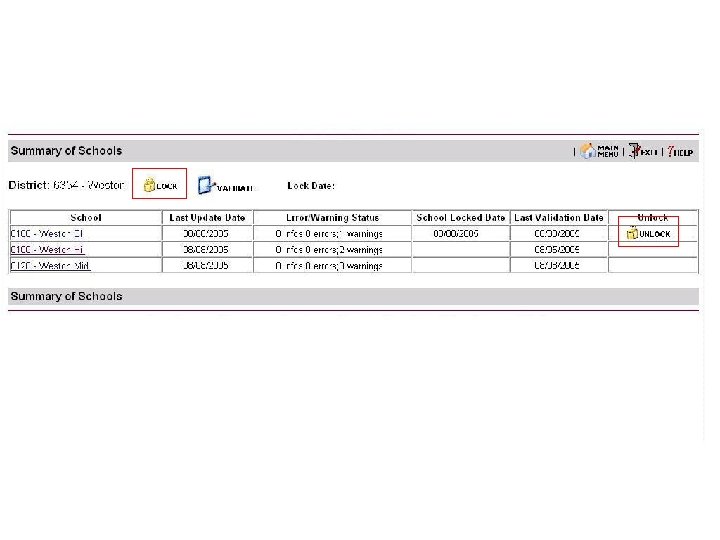
Locking Student Data for submission to the DPI q Resolve All Errors q Acknowledge or Resolve All Warnings q Review Progress and Summary Reports q Lock Individual Schools (Optional) q Request a District Lock
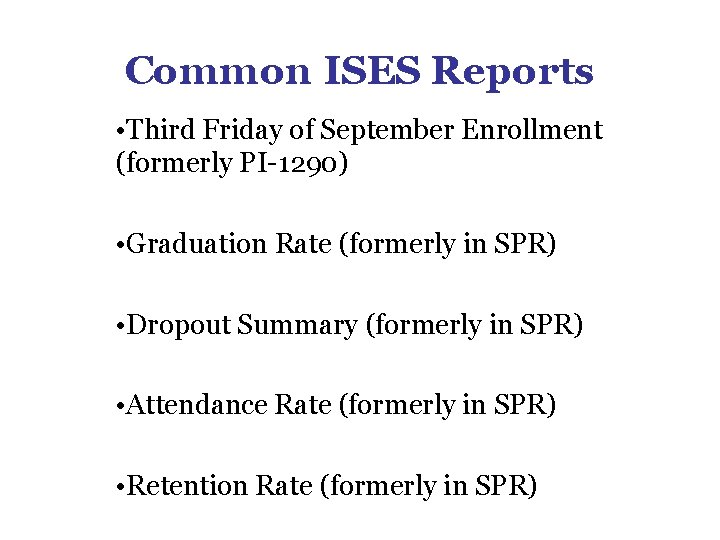
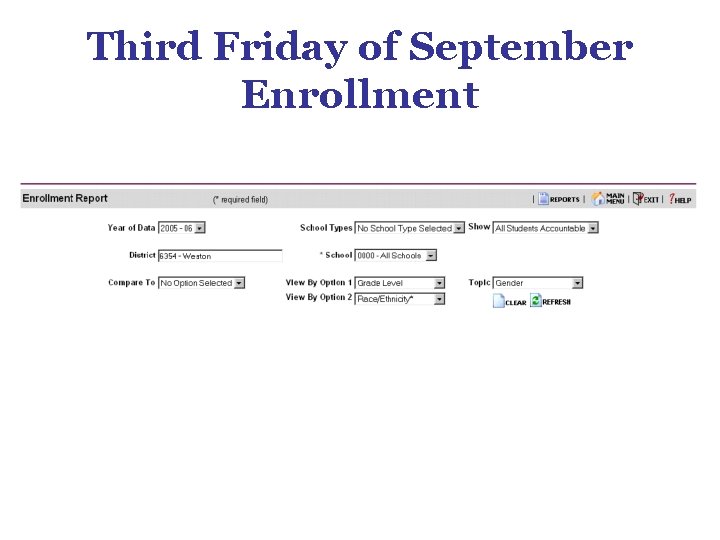
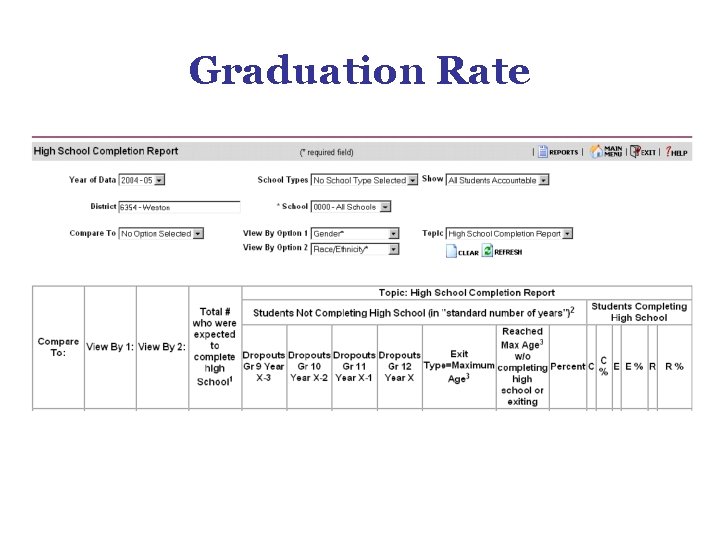
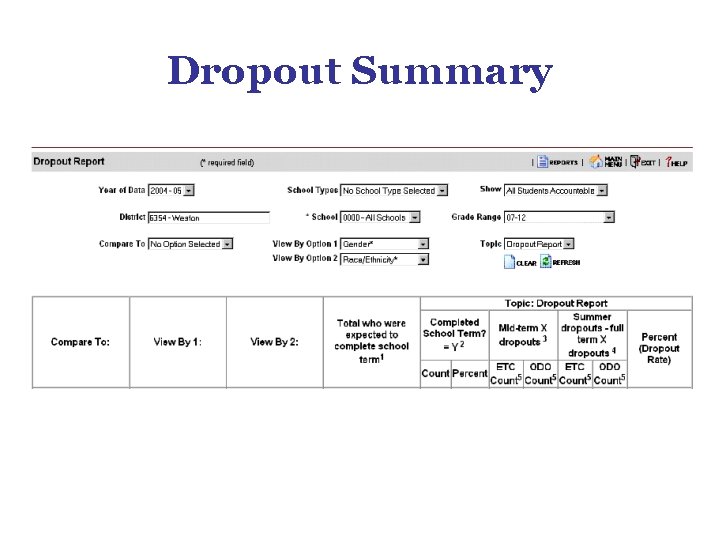
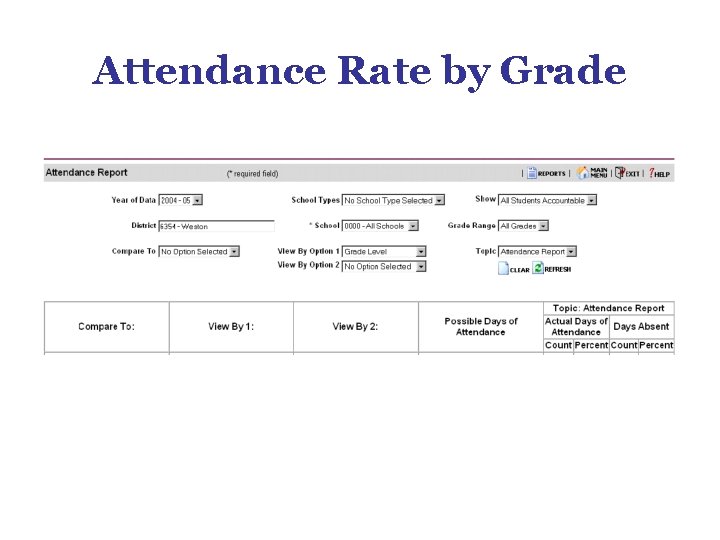
Common ISES Reports • Third Friday of September Enrollment (formerly PI-1290) • Graduation Rate (formerly in SPR) • Dropout Summary (formerly in SPR) • Attendance Rate (formerly in SPR) • Retention Rate (formerly in SPR)
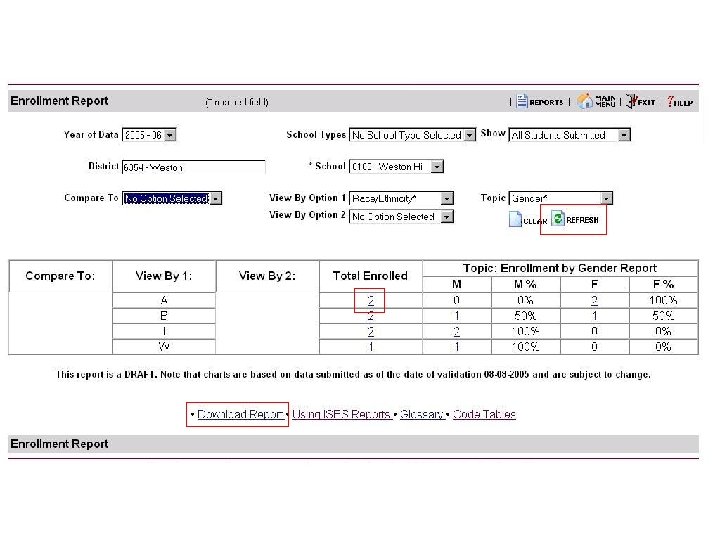
Third Friday of September Enrollment
Graduation Rate
Dropout Summary
Attendance Rate by Grade
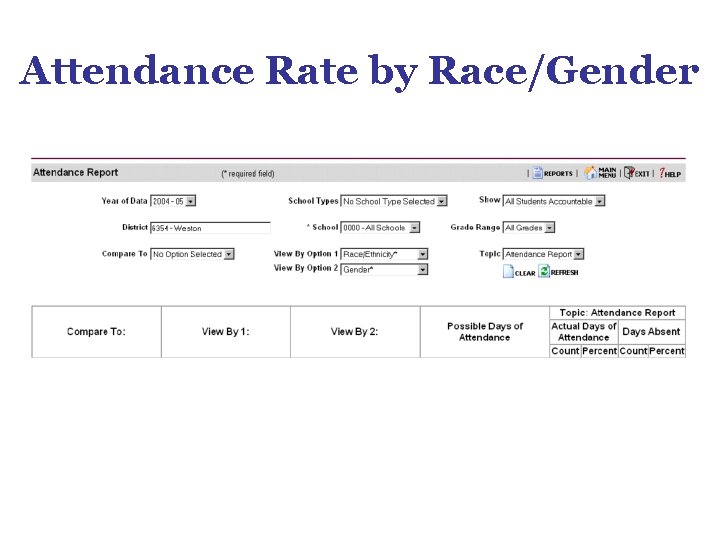
Attendance Rate by Race/Gender
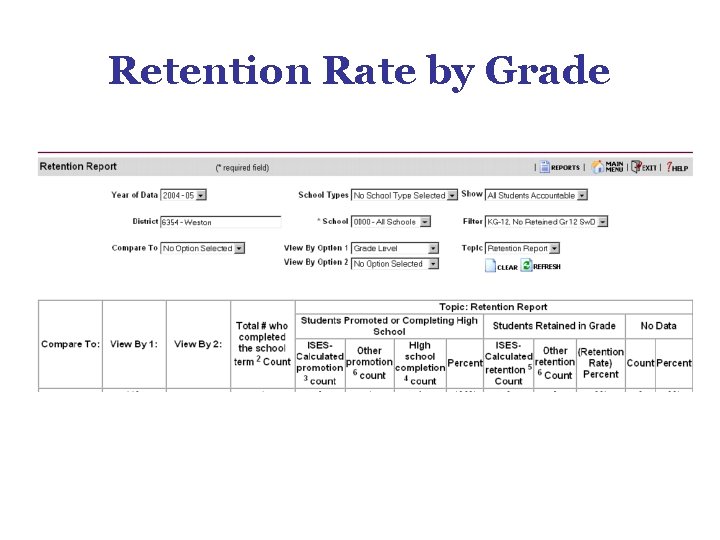
Retention Rate by Grade
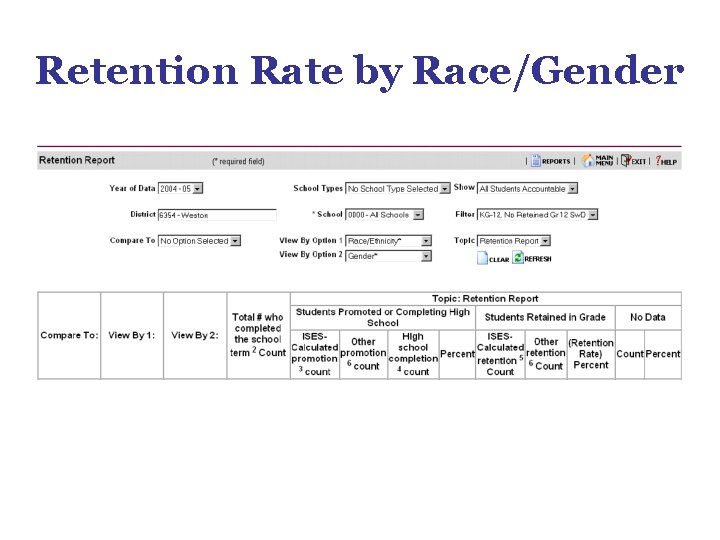
Retention Rate by Race/Gender
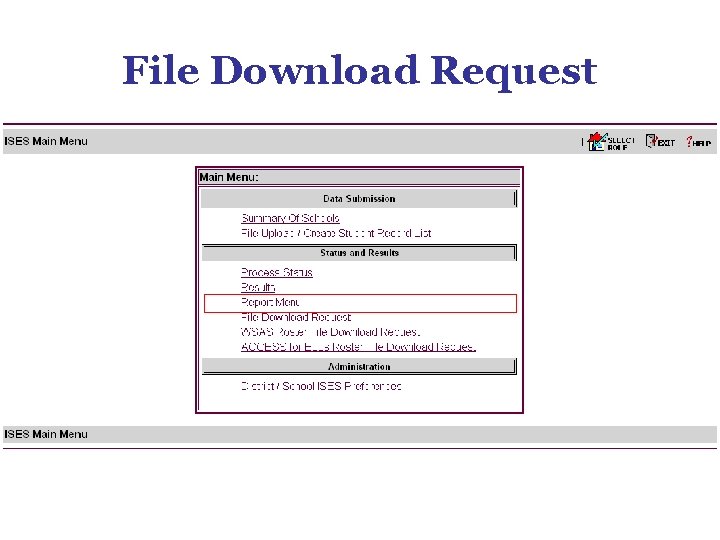
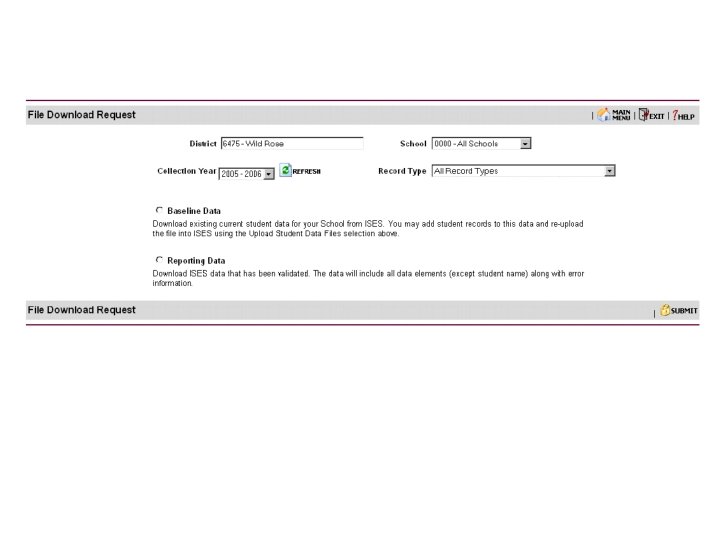
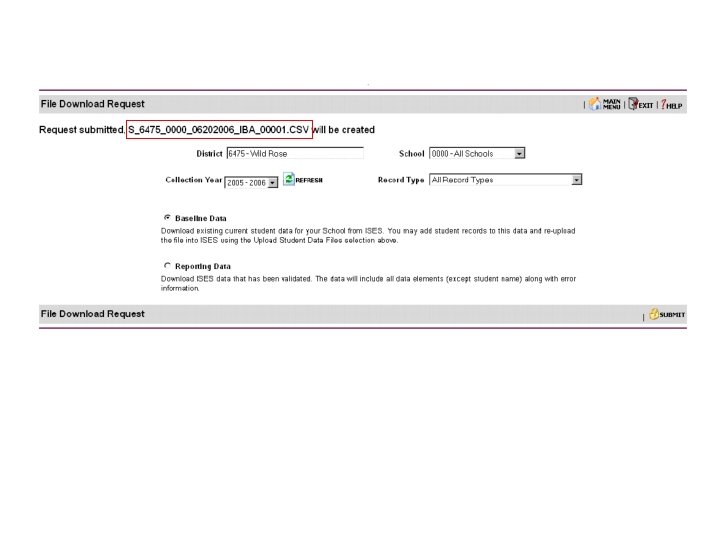
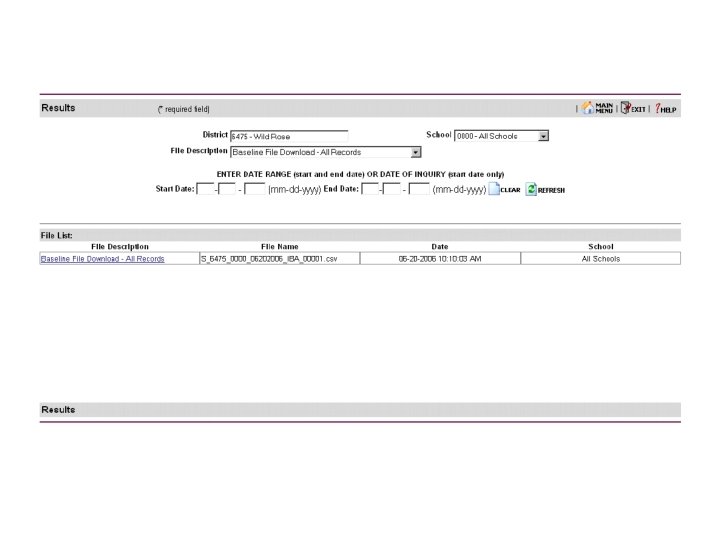
File Download Request
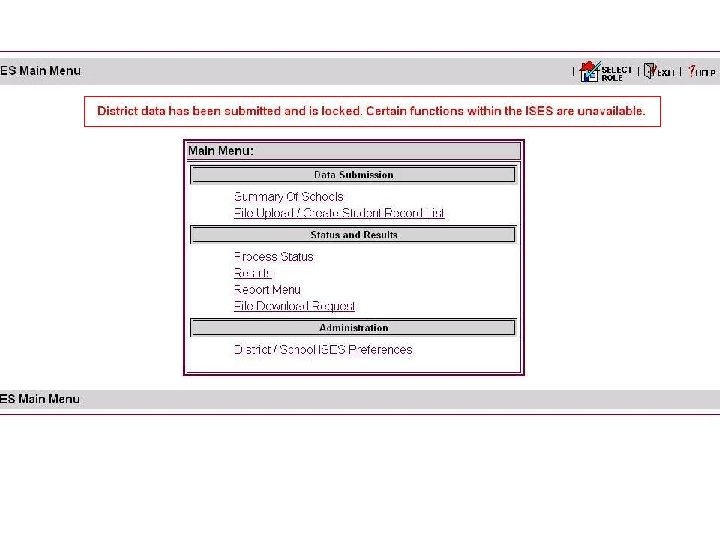
ISES Final Submission
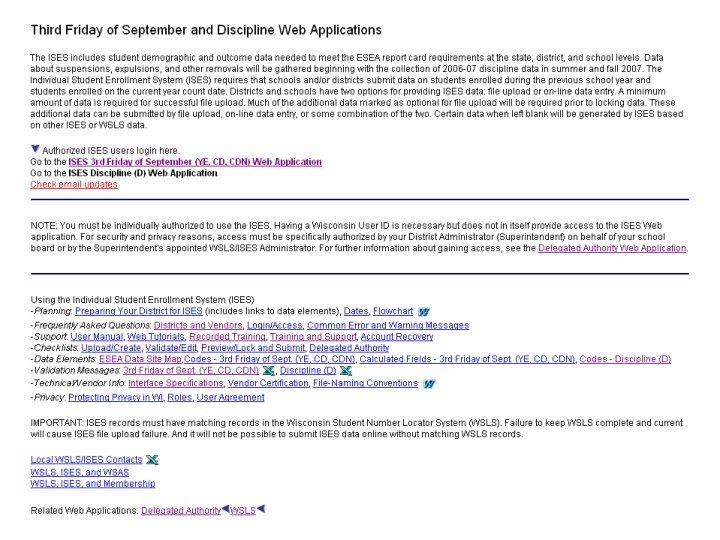
ISES Support
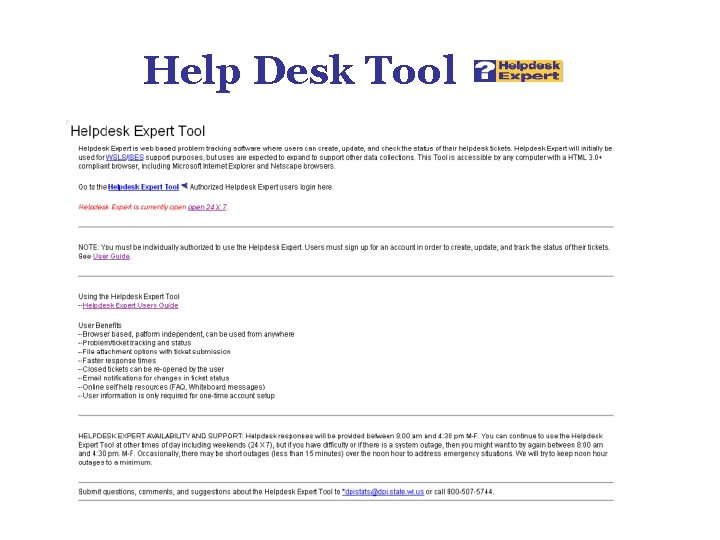
Help Desk Tool
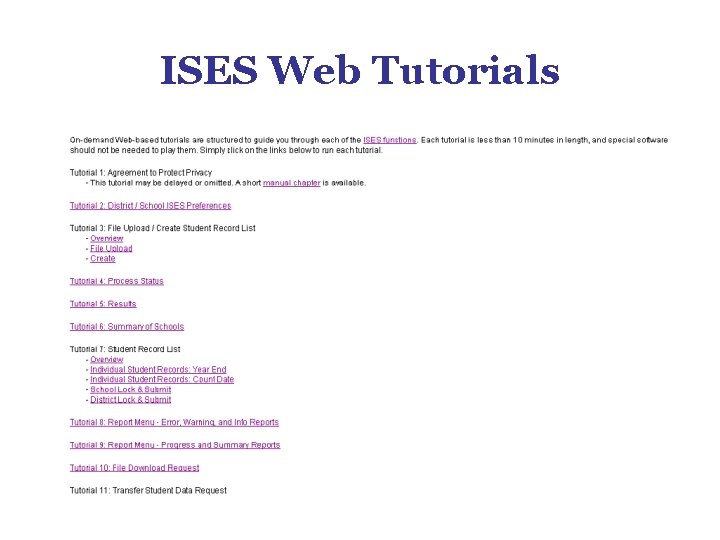
ISES Web Tutorials
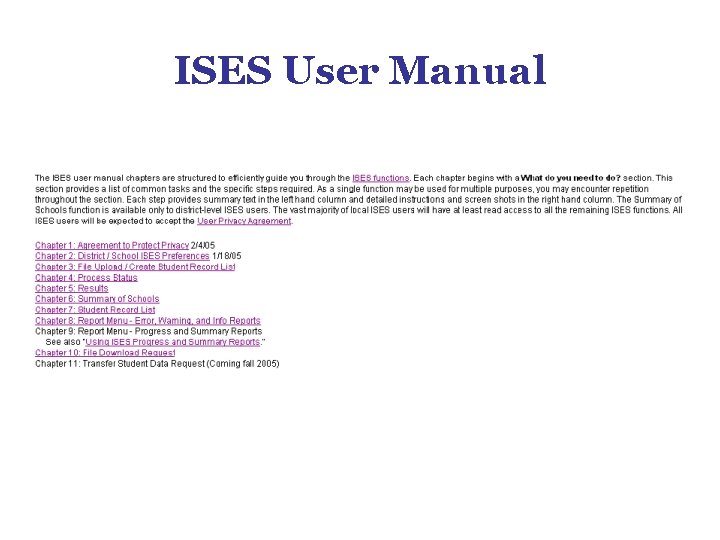
ISES User Manual
Getting Started with the INDIVIDUAL STUDENT ENROLLMENT SYSTEM End Segment 3 Wisconsin Department of Public Instruction