
Getting Started with Quizlet A Presentation for Teachers
- Slides: 19
Getting Started with Quizlet A Presentation for Teachers
Presentation Agenda ● Why use Quizlet? ○ Engaging study activities (that work!) ○ Quizlet Live: Building soft skills with review ○ Use material created by other teachers ○ Create your own custom material ○ Set up classes and track student progress ● Getting started on Quizlet ○ Signing up for an account ○ Quizlet Teacher upgrade options ○ Video overviews ● More resources
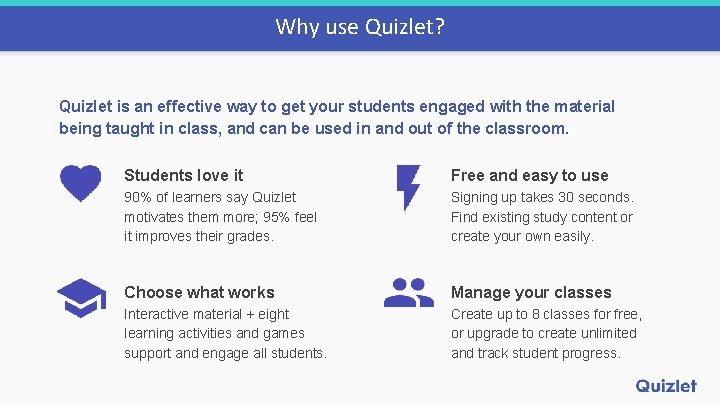
Why use Quizlet? Quizlet is an effective way to get your students engaged with the material being taught in class, and can be used in and out of the classroom. Students love it Free and easy to use 90% of learners say Quizlet motivates them more; 95% feel it improves their grades. Signing up takes 30 seconds. Find existing study content or create your own easily. Choose what works Manage your classes Interactive material + eight learning activities and games support and engage all students. Create up to 8 classes for free, or upgrade to create unlimited and track student progress.
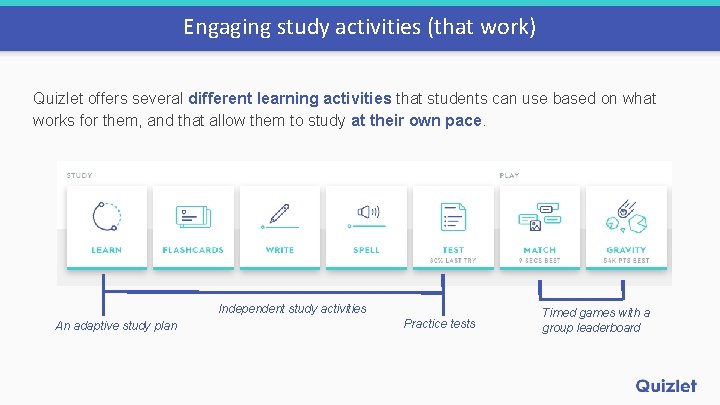
Engaging study activities (that work) Quizlet offers several different learning activities that students can use based on what works for them, and that allow them to study at their own pace. Independent study activities An adaptive study plan Practice tests Timed games with a group leaderboard
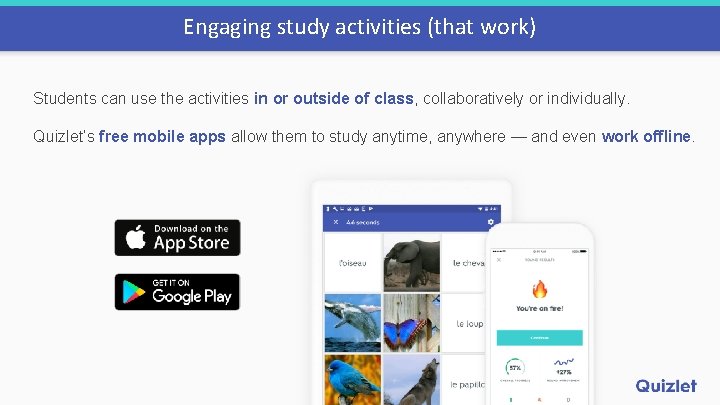
Engaging study activities (that work) Students can use the activities in or outside of class, collaboratively or individually. Quizlet’s free mobile apps allow them to study anytime, anywhere — and even work offline.
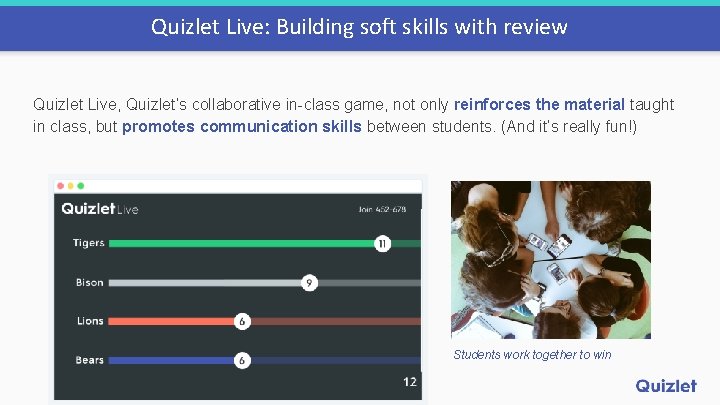
Quizlet Live: Building soft skills with review Quizlet Live, Quizlet’s collaborative in-class game, not only reinforces the material taught in class, but promotes communication skills between students. (And it’s really fun!) Students work together to win
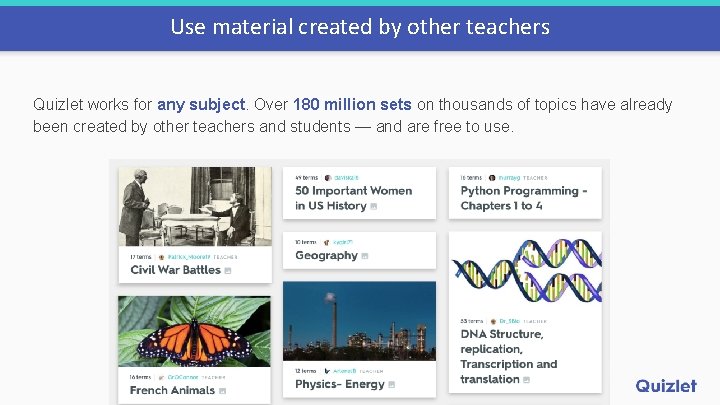
Use material created by other teachers Quizlet works for any subject. Over 180 million sets on thousands of topics have already been created by other teachers and students — and are free to use.
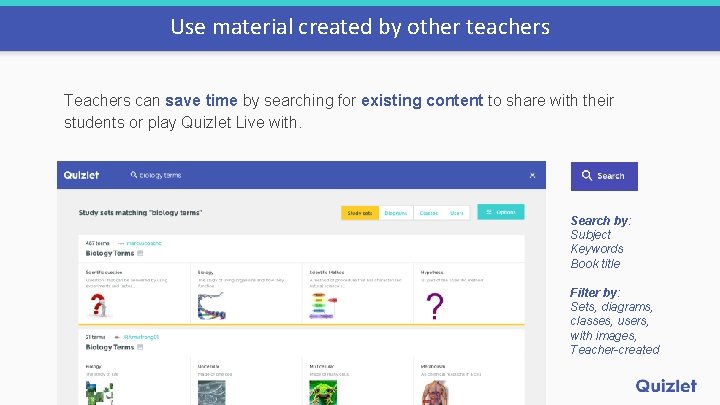
Use material created by other teachers Teachers can save time by searching for existing content to share with their students or play Quizlet Live with. Search by: Subject Keywords Book title Filter by: Sets, diagrams, classes, users, with images, Teacher-created
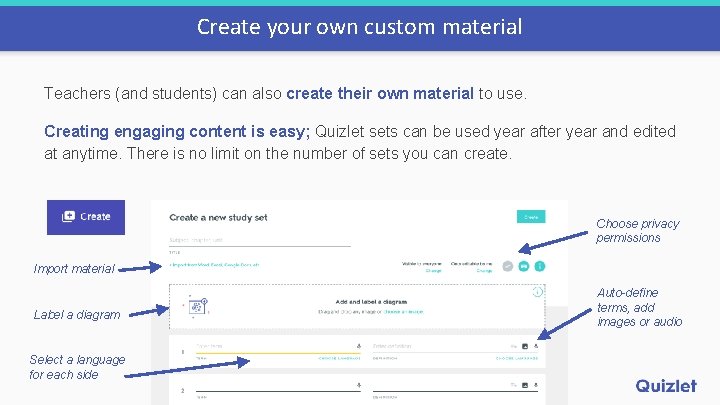
Create your own custom material Teachers (and students) can also create their own material to use. Creating engaging content is easy; Quizlet sets can be used year after year and edited at anytime. There is no limit on the number of sets you can create. Choose privacy permissions Import material Label a diagram Select a language for each side Auto-define terms, add images or audio
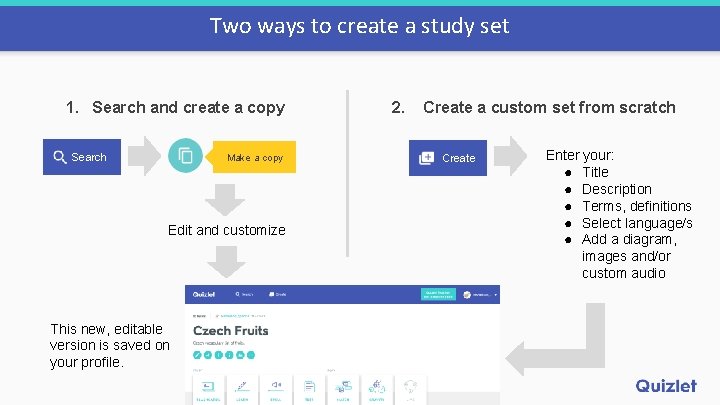
Two ways to create a study set 1. Search and create a copy Search Make a copy Edit and customize This new, editable version is saved on your profile. 2. Create a custom set from scratch Create Enter your: ● Title ● Description ● Terms, definitions ● Select language/s ● Add a diagram, images and/or custom audio
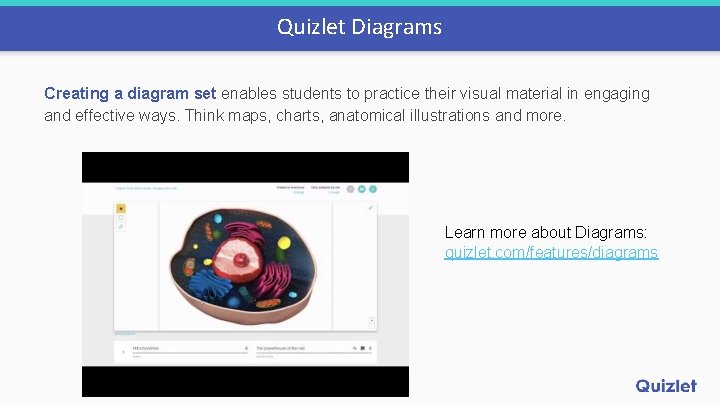
Quizlet Diagrams Creating a diagram set enables students to practice their visual material in engaging and effective ways. Think maps, charts, anatomical illustrations and more. Learn more about Diagrams: quizlet. com/features/diagrams
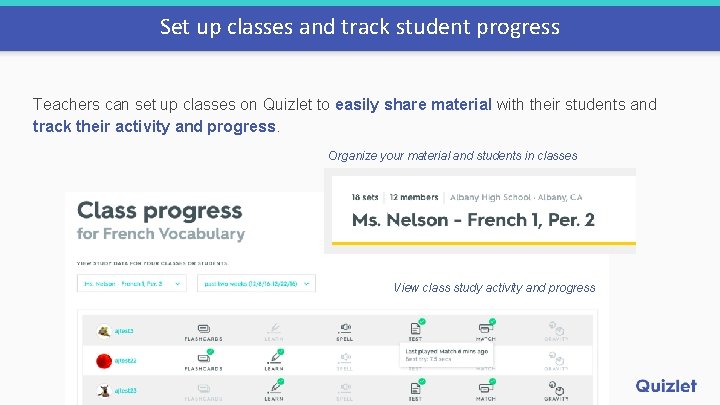
Set up classes and track student progress Teachers can set up classes on Quizlet to easily share material with their students and track their activity and progress. Organize your material and students in classes View class study activity and progress
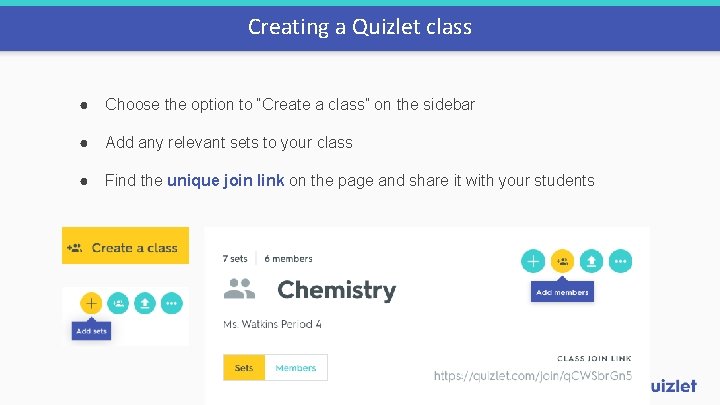
Creating a Quizlet class ● Choose the option to “Create a class” on the sidebar ● Add any relevant sets to your class ● Find the unique join link on the page and share it with your students
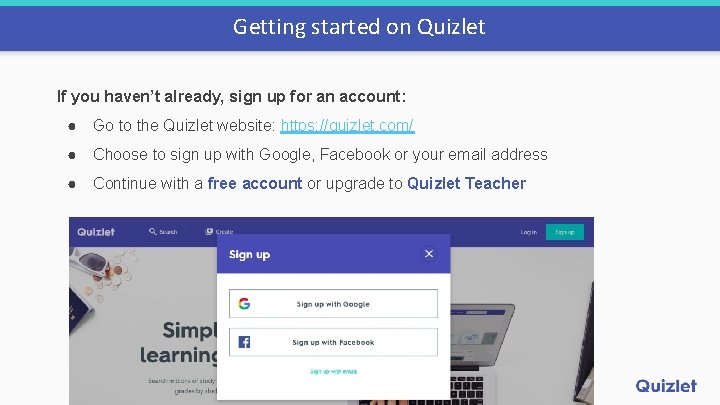
Getting started on Quizlet If you haven’t already, sign up for an account: ● Go to the Quizlet website: https: //quizlet. com/ ● Choose to sign up with Google, Facebook or your email address ● Continue with a free account or upgrade to Quizlet Teacher
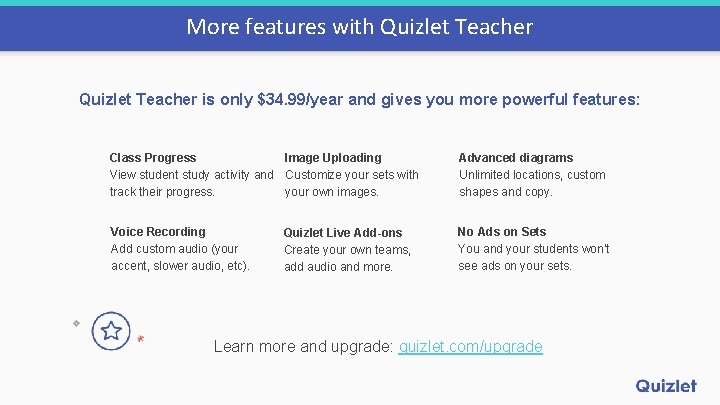
More features with Quizlet Teacher is only $34. 99/year and gives you more powerful features: Class Progress Image Uploading View student study activity and Customize your sets with track their progress. your own images. Advanced diagrams Unlimited locations, custom shapes and copy. Voice Recording Add custom audio (your accent, slower audio, etc). No Ads on Sets You and your students won’t see ads on your sets. Quizlet Live Add-ons Create your own teams, add audio and more. Learn more and upgrade: quizlet. com/upgrade
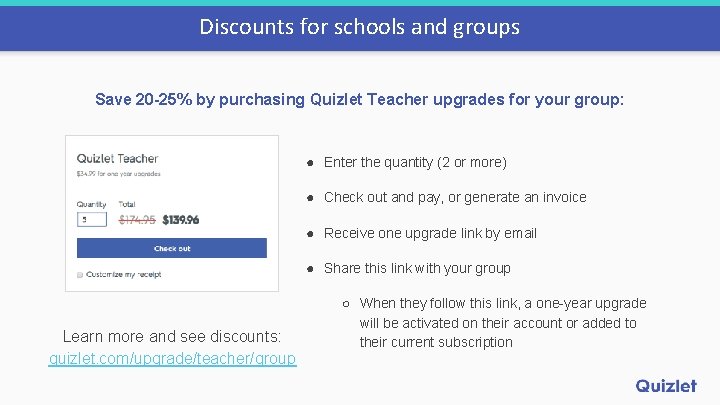
Discounts for schools and groups Save 20 -25% by purchasing Quizlet Teacher upgrades for your group: ● Enter the quantity (2 or more) ● Check out and pay, or generate an invoice ● Receive one upgrade link by email ● Share this link with your group Learn more and see discounts: quizlet. com/upgrade/teacher/group ○ When they follow this link, a one-year upgrade will be activated on their account or added to their current subscription
How to use Quizlet video overview Educator Jennifer Gonzalez goes over how to create a set and use study modes:
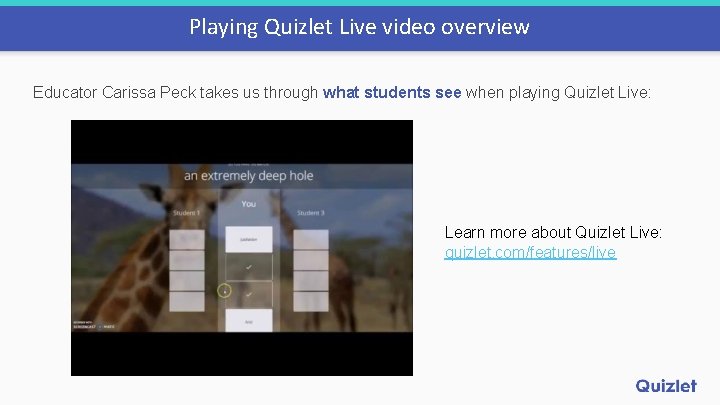
Playing Quizlet Live video overview Educator Carissa Peck takes us through what students see when playing Quizlet Live: Learn more about Quizlet Live: quizlet. com/features/live
More teacher resources For Teachers: quizlet. com/teachers Quizlet Help Center: quizlet. com/help Blog: quizlet. com/blog Facebook: facebook. com/quizlet Twitter: twitter. com/quizlet