
Getting Started with EPICS Lecture Series InputOutput Controller
- Slides: 47
Getting Started with EPICS Lecture Series Input/Output Controller (IOC) Overview Eric Norum October 21, 2004 Argonne National Laboratory Office of Science U. S. Department of Energy A U. S. Department of Energy Office of Science Laboratory Operated by The University of Chicago
IOC Overview • • • What is an EPICS Input/Output Controller How to create a new IOC application How to build an IOC application How to run an IOC application on various platforms Console interaction with an IOC application (iocsh) Pioneering Science and Technology Office of Science U. S. Department of Energy
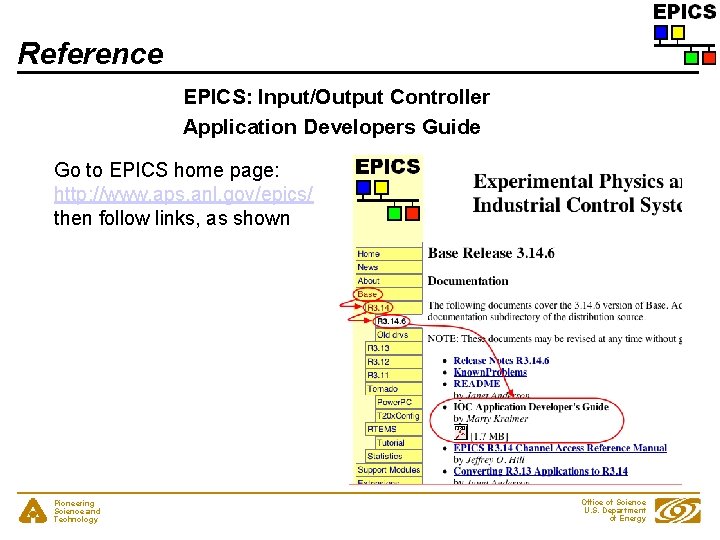
Reference EPICS: Input/Output Controller Application Developers Guide Go to EPICS home page: http: //www. aps. anl. gov/epics/ then follow links, as shown Pioneering Science and Technology Office of Science U. S. Department of Energy
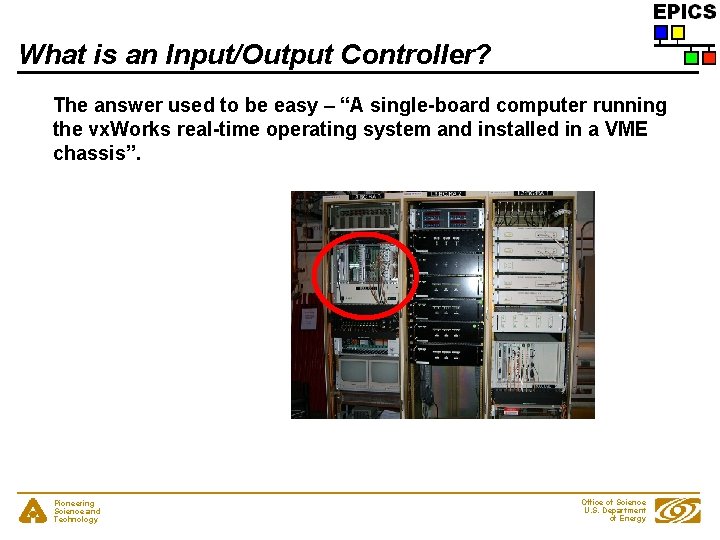
What is an Input/Output Controller? The answer used to be easy – “A single-board computer running the vx. Works real-time operating system and installed in a VME chassis”. Pioneering Science and Technology Office of Science U. S. Department of Energy
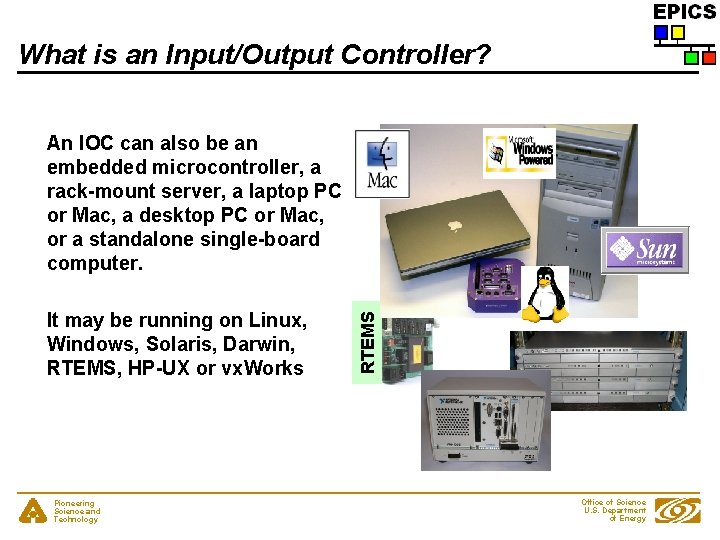
What is an Input/Output Controller? It may be running on Linux, Windows, Solaris, Darwin, RTEMS, HP-UX or vx. Works Pioneering Science and Technology RTEMS An IOC can also be an embedded microcontroller, a rack-mount server, a laptop PC or Mac, a desktop PC or Mac, or a standalone single-board computer. Office of Science U. S. Department of Energy
What is an Input/Output Controller? Some definitions from the first lecture: • A computer running ioc. Core, a set of EPICS routines used to define process variables and implement real-time control algorithms • ioc. Core uses database records to define process variables and their behavior Pioneering Science and Technology Office of Science U. S. Department of Energy
What does an Input/Output Controller do? • • • As its name implies, an IOC often performs input/output operations to attached hardware devices. An IOC associates the values of EPICS process variables with the results of these input/output operations. An IOC can perform sequencing operations, closedloop control and other computations. Pioneering Science and Technology Office of Science U. S. Department of Energy
‘Host-based’ and ‘Target’ IOCs • • ‘Host-based’ IOC - Runs in the same environment as which it was compiled - ‘Native’ software development tools (compilers, linkers) - Sometimes called a ‘Soft’ IOC - IOC is an program like any other on the machine - Possible to have many IOCs on a single machine ‘Target’ IOC - Runs in a different environment than where compiled - ‘Cross’ software development tools - vx. Works, RTEMS - IOC boots from some medium (usually network) - IOC is the only program running on the machine Pioneering Science and Technology Office of Science U. S. Department of Energy
IOC Software Development Area • IOC software is usually divided into different <top> areas - Each <top> provides a place to collect files and configuration data associated with one or more similar IOCs - Each <top> is managed separately - A <top> may use products from other <top> areas (EPICS base, for example can be thought of as just another <top>) Pioneering Science and Technology Office of Science U. S. Department of Energy
IOC Software Development Tools • • EPICS uses the GNU version of make - Almost every directory from the <top> on down contains a ‘Makefile’ - Make recursively descends through the directory tree - Determines what needs to be [re]built - Invokes compilers and other tools as instructed in Makefile - GNU C/C++ compilers or vendor compilers can be used No fancy ‘integrated development environment’ Pioneering Science and Technology Office of Science U. S. Department of Energy
IOC Application Development Examples The following slides provide step-by-step examples of how to: • • Create, build, run the example IOC application on a 'host' machine (Linux, Solaris, Darwin, etc. ) Create, build, run the example IOC application on a vx. Works 'target’ machine Each example begins with the use of ‘make. Base. App. pl’ Pioneering Science and Technology Office of Science U. S. Department of Energy
The ‘make. Base. App. pl’ program • • • Part of EPICS base distribution Populates a new, or adds files to an existing, <top> area Requires that your environment contain a valid EPICS_HOST_ARCH (EPICS base contains scripts which can set this as part of your login sequence) - linux-x 86, darwin-ppc, solaris-sparc, win 32 -x 86 • Creates different directory structures based on a selection of different templates Commonly-used templates include - ioc - Generic IOC application skeleton - example - Example IOC application • Pioneering Science and Technology Office of Science U. S. Department of Energy
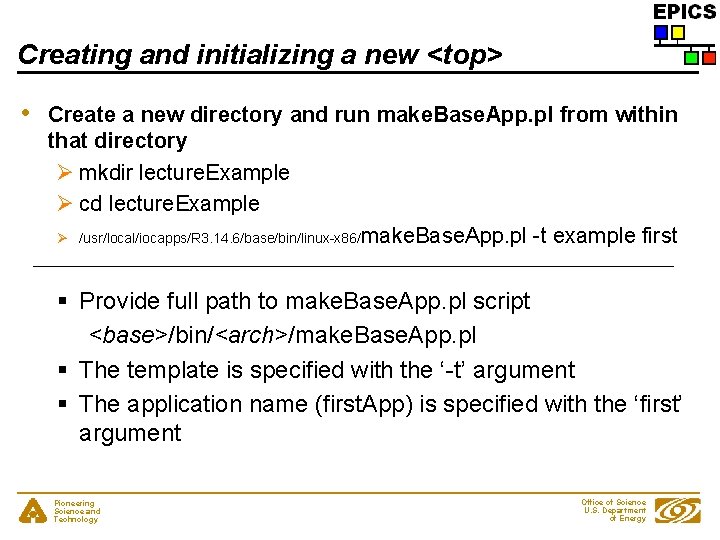
Creating and initializing a new <top> • Create a new directory and run make. Base. App. pl from within that directory Ø mkdir lecture. Example Ø cd lecture. Example Ø /usr/local/iocapps/R 3. 14. 6/base/bin/linux-x 86/make. Base. App. pl -t example first § Provide full path to make. Base. App. pl script <base>/bin/<arch>/make. Base. App. pl § The template is specified with the ‘-t’ argument § The application name (first. App) is specified with the ‘first’ argument Pioneering Science and Technology Office of Science U. S. Department of Energy
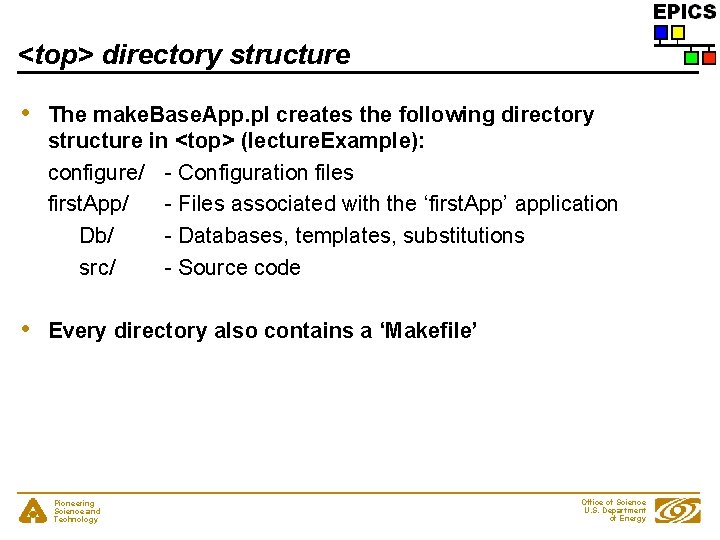
<top> directory structure • The make. Base. App. pl creates the following directory structure in <top> (lecture. Example): configure/ - Configuration files first. App/ - Files associated with the ‘first. App’ application Db/ - Databases, templates, substitutions src/ - Source code • Every directory also contains a ‘Makefile’ Pioneering Science and Technology Office of Science U. S. Department of Energy
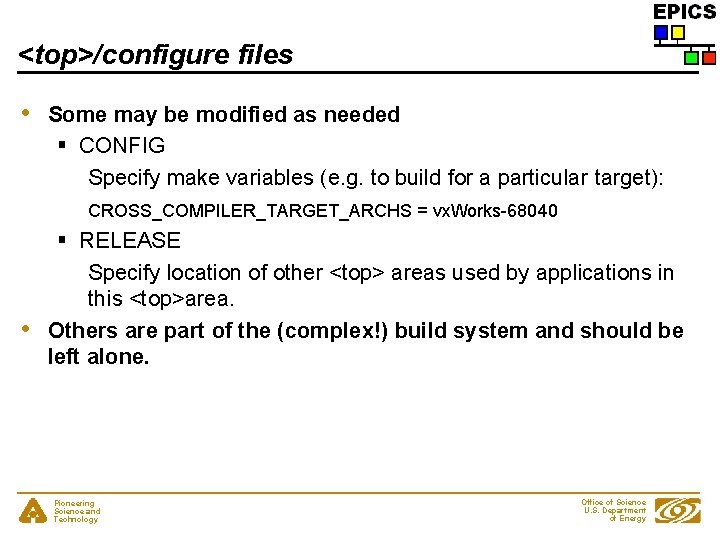
<top>/configure files • Some may be modified as needed § CONFIG Specify make variables (e. g. to build for a particular target): CROSS_COMPILER_TARGET_ARCHS = vx. Works-68040 • § RELEASE Specify location of other <top> areas used by applications in this <top>area. Others are part of the (complex!) build system and should be left alone. Pioneering Science and Technology Office of Science U. S. Department of Energy
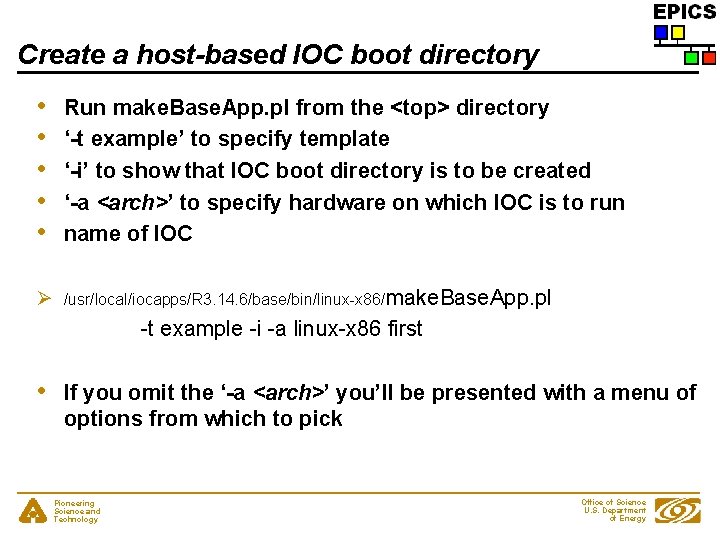
Create a host-based IOC boot directory • • • Run make. Base. App. pl from the <top> directory ‘-t example’ to specify template ‘-i’ to show that IOC boot directory is to be created ‘-a <arch>’ to specify hardware on which IOC is to run name of IOC Ø /usr/local/iocapps/R 3. 14. 6/base/bin/linux-x 86/make. Base. App. pl -t example -i -a linux-x 86 first • If you omit the ‘-a <arch>’ you’ll be presented with a menu of options from which to pick Pioneering Science and Technology Office of Science U. S. Department of Energy
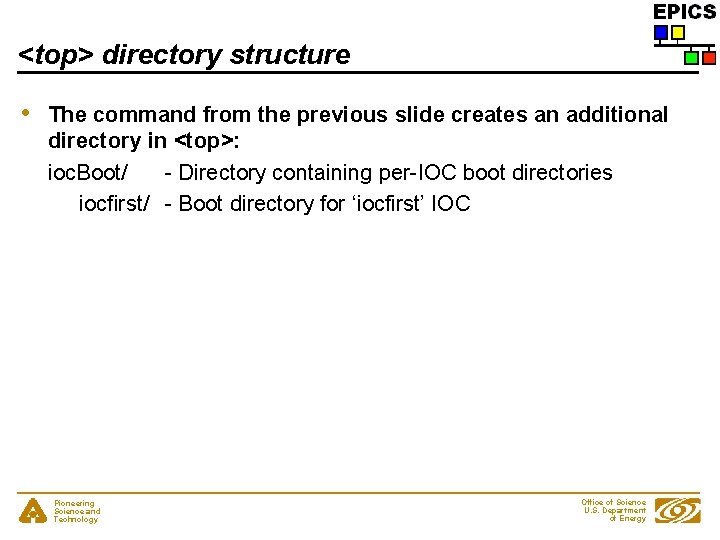
<top> directory structure • The command from the previous slide creates an additional directory in <top>: ioc. Boot/ - Directory containing per-IOC boot directories iocfirst/ - Boot directory for ‘iocfirst’ IOC Pioneering Science and Technology Office of Science U. S. Department of Energy
Build the application • Run the GNU make program - ‘make’ on Darwin, Linux, Windows - ‘gnumake’ on Solaris Ø make or Ø make -w • Runs lots of commands Pioneering Science and Technology Office of Science U. S. Department of Energy
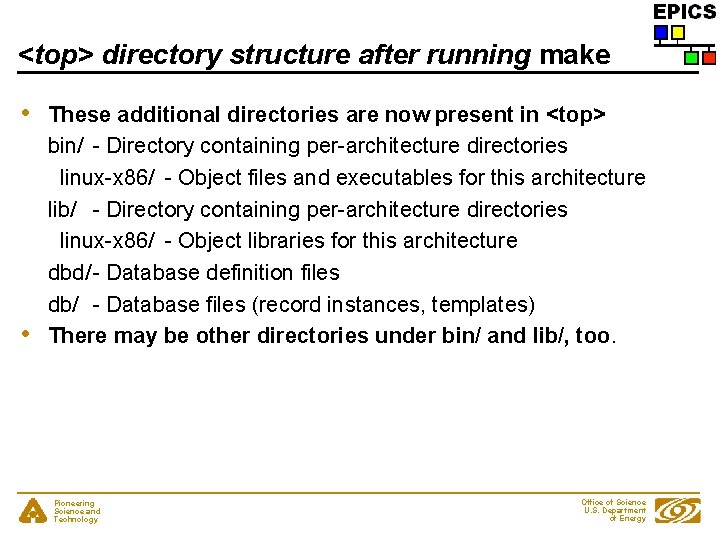
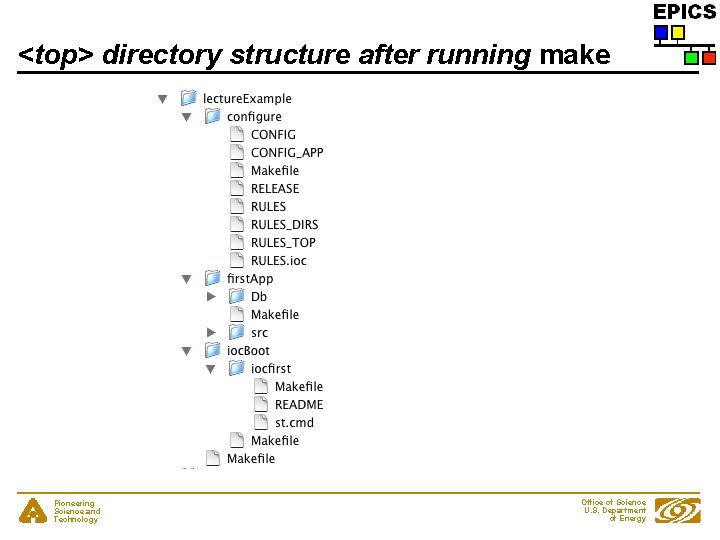
<top> directory structure after running make • • These additional directories are now present in <top> bin/ - Directory containing per-architecture directories linux-x 86/ - Object files and executables for this architecture lib/ - Directory containing per-architecture directories linux-x 86/ - Object libraries for this architecture dbd/ - Database definition files db/ - Database files (record instances, templates) There may be other directories under bin/ and lib/, too. Pioneering Science and Technology Office of Science U. S. Department of Energy
<top> directory structure after running make Pioneering Science and Technology Office of Science U. S. Department of Energy
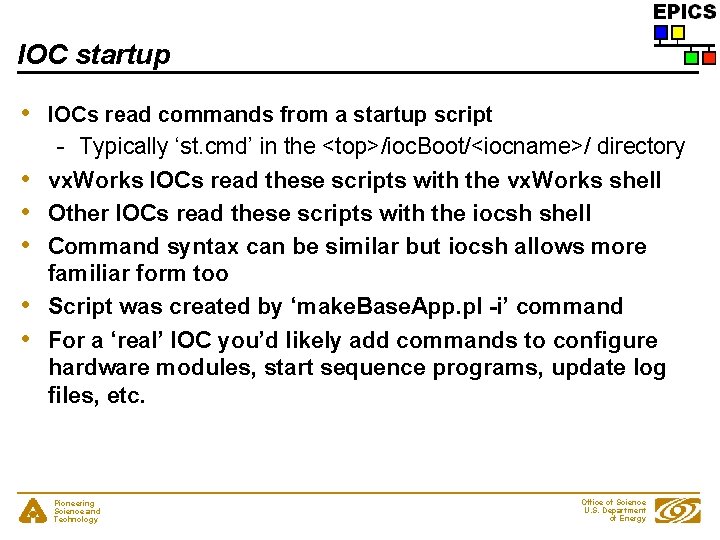
IOC startup • IOCs read commands from a startup script - Typically ‘st. cmd’ in the <top>/ioc. Boot/<iocname>/ directory • • • vx. Works IOCs read these scripts with the vx. Works shell Other IOCs read these scripts with the iocsh shell Command syntax can be similar but iocsh allows more familiar form too Script was created by ‘make. Base. App. pl -i’ command For a ‘real’ IOC you’d likely add commands to configure hardware modules, start sequence programs, update log files, etc. • • Pioneering Science and Technology Office of Science U. S. Department of Energy
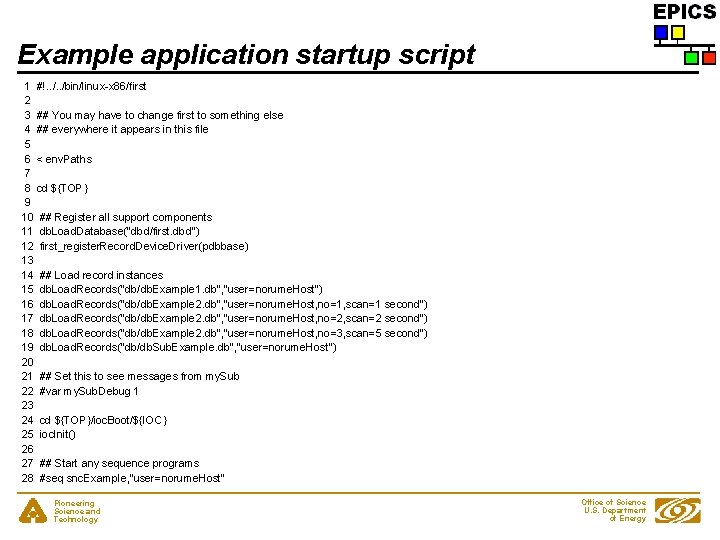
Example application startup script 1 #!. . /bin/linux-x 86/first 2 3 ## You may have to change first to something else 4 ## everywhere it appears in this file 5 6 < env. Paths 7 8 cd ${TOP} 9 10 ## Register all support components 11 db. Load. Database("dbd/first. dbd") 12 first_register. Record. Device. Driver(pdbbase) 13 14 ## Load record instances 15 db. Load. Records("db/db. Example 1. db", "user=norume. Host") 16 db. Load. Records("db/db. Example 2. db", "user=norume. Host, no=1, scan=1 second") 17 db. Load. Records("db/db. Example 2. db", "user=norume. Host, no=2, scan=2 second") 18 db. Load. Records("db/db. Example 2. db", "user=norume. Host, no=3, scan=5 second") 19 db. Load. Records("db/db. Sub. Example. db", "user=norume. Host") 20 21 ## Set this to see messages from my. Sub 22 #var my. Sub. Debug 1 23 24 cd ${TOP}/ioc. Boot/${IOC} 25 ioc. Init() 26 27 ## Start any sequence programs 28 #seq snc. Example, "user=norume. Host” Pioneering Science and Technology Office of Science U. S. Department of Energy
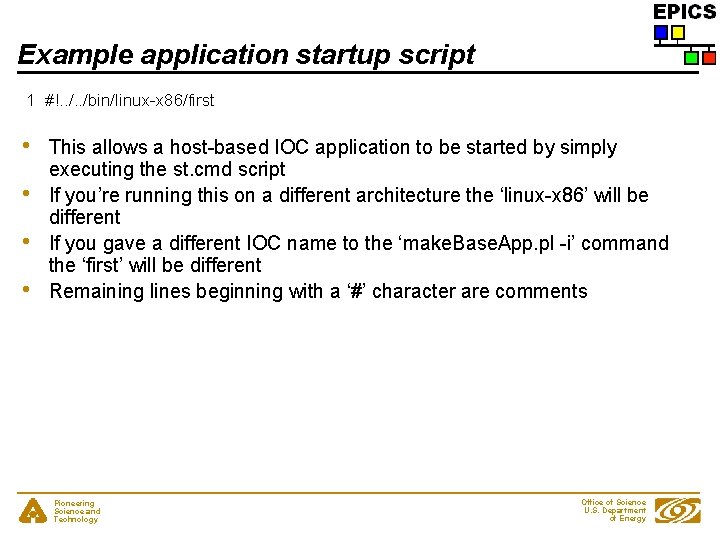
Example application startup script 1 #!. . /bin/linux-x 86/first • • This allows a host-based IOC application to be started by simply executing the st. cmd script If you’re running this on a different architecture the ‘linux-x 86’ will be different If you gave a different IOC name to the ‘make. Base. App. pl -i’ command the ‘first’ will be different Remaining lines beginning with a ‘#’ character are comments Pioneering Science and Technology Office of Science U. S. Department of Energy
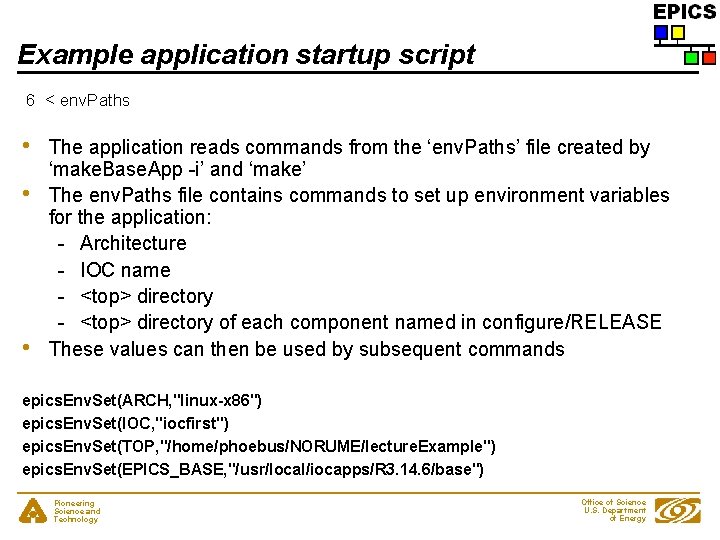
Example application startup script 6 < env. Paths • • • The application reads commands from the ‘env. Paths’ file created by ‘make. Base. App -i’ and ‘make’ The env. Paths file contains commands to set up environment variables for the application: - Architecture - IOC name - <top> directory of each component named in configure/RELEASE These values can then be used by subsequent commands epics. Env. Set(ARCH, "linux-x 86") epics. Env. Set(IOC, "iocfirst") epics. Env. Set(TOP, "/home/phoebus/NORUME/lecture. Example") epics. Env. Set(EPICS_BASE, "/usr/local/iocapps/R 3. 14. 6/base") Pioneering Science and Technology Office of Science U. S. Department of Energy
Example application startup script 8 cd ${TOP} • • The working directory is set to the value of the ${TOP} environment variable (as set by the commands in ‘env. Paths’) Allows use of relative path names in subsequent commands Pioneering Science and Technology Office of Science U. S. Department of Energy
Example application startup script 11 db. Load. Database("dbd/first. dbd") • • Loads the database definition file for this application Describes record layout, menus, drivers Pioneering Science and Technology Office of Science U. S. Department of Energy
Example application startup script 12 first_register. Record. Device. Driver(pdbbase) • Registers the information read from the database definition files Pioneering Science and Technology Office of Science U. S. Department of Energy
Example application startup script 15 16 17 18 19 db. Load. Records("db/db. Example 1. db", "user=norume. Host") db. Load. Records("db/db. Example 2. db", "user=norume. Host, no=1, scan=1 second") db. Load. Records("db/db. Example 2. db", "user=norume. Host, no=2, scan=2 second") db. Load. Records("db/db. Example 2. db", "user=norume. Host, no=3, scan=5 second") db. Load. Records("db/db. Sub. Example. db", "user=norume. Host") • Read the application database files - These define the records which this IOC will maintain - A given file can be read more than once (with different macro definitions) Pioneering Science and Technology Office of Science U. S. Department of Energy
Example application startup script 24 cd ${TOP}/ioc. Boot/${IOC} • The working directory is set to the per-IOC startup directory Pioneering Science and Technology Office of Science U. S. Department of Energy
Example application startup script 25 ioc. Init() • • Activates everything After reading the last line of the ‘st. cmd’ script the IOC continues reading commands from the console - Diagnostic commands - Configuration changes Pioneering Science and Technology Office of Science U. S. Department of Energy
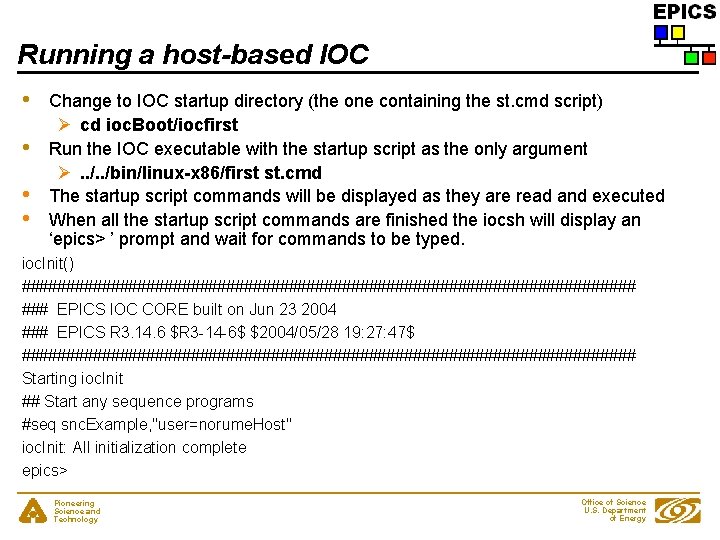
Running a host-based IOC • • Change to IOC startup directory (the one containing the st. cmd script) Ø cd ioc. Boot/iocfirst Run the IOC executable with the startup script as the only argument Ø. . /bin/linux-x 86/first st. cmd The startup script commands will be displayed as they are read and executed When all the startup script commands are finished the iocsh will display an ‘epics> ’ prompt and wait for commands to be typed. ioc. Init() ################################### ### EPICS IOC CORE built on Jun 23 2004 ### EPICS R 3. 14. 6 $R 3 -14 -6$ $2004/05/28 19: 27: 47$ ################################### Starting ioc. Init ## Start any sequence programs #seq snc. Example, "user=norume. Host" ioc. Init: All initialization complete epics> Pioneering Science and Technology Office of Science U. S. Department of Energy
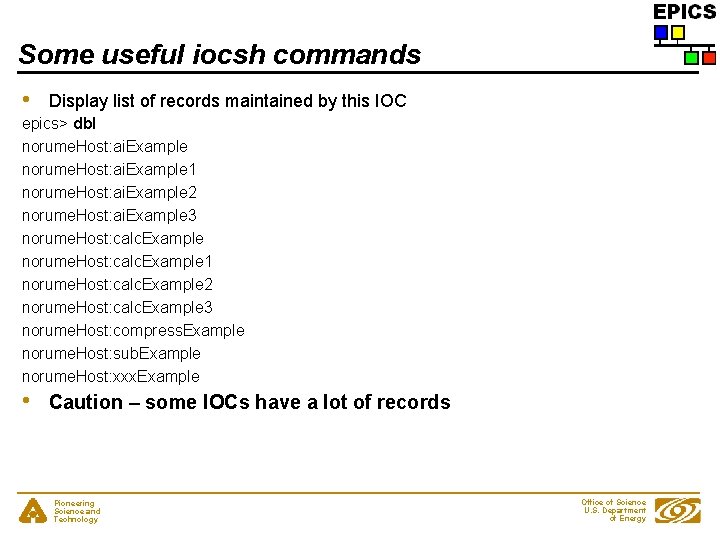
Some useful iocsh commands • Display list of records maintained by this IOC epics> dbl norume. Host: ai. Example 1 norume. Host: ai. Example 2 norume. Host: ai. Example 3 norume. Host: calc. Example 1 norume. Host: calc. Example 2 norume. Host: calc. Example 3 norume. Host: compress. Example norume. Host: sub. Example norume. Host: xxx. Example • Caution – some IOCs have a lot of records Pioneering Science and Technology Office of Science U. S. Department of Energy
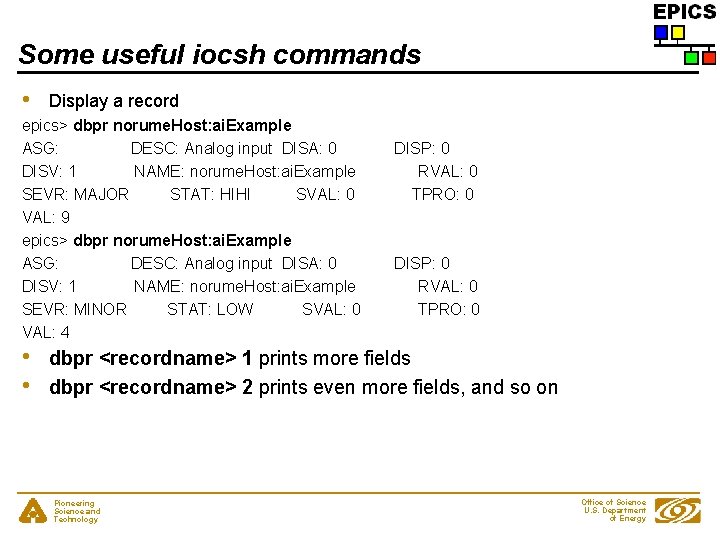
Some useful iocsh commands • Display a record epics> dbpr norume. Host: ai. Example ASG: DESC: Analog input DISA: 0 DISV: 1 NAME: norume. Host: ai. Example SEVR: MAJOR STAT: HIHI SVAL: 0 VAL: 9 epics> dbpr norume. Host: ai. Example ASG: DESC: Analog input DISA: 0 DISV: 1 NAME: norume. Host: ai. Example SEVR: MINOR STAT: LOW SVAL: 0 VAL: 4 • • DISP: 0 RVAL: 0 TPRO: 0 dbpr <recordname> 1 prints more fields dbpr <recordname> 2 prints even more fields, and so on Pioneering Science and Technology Office of Science U. S. Department of Energy
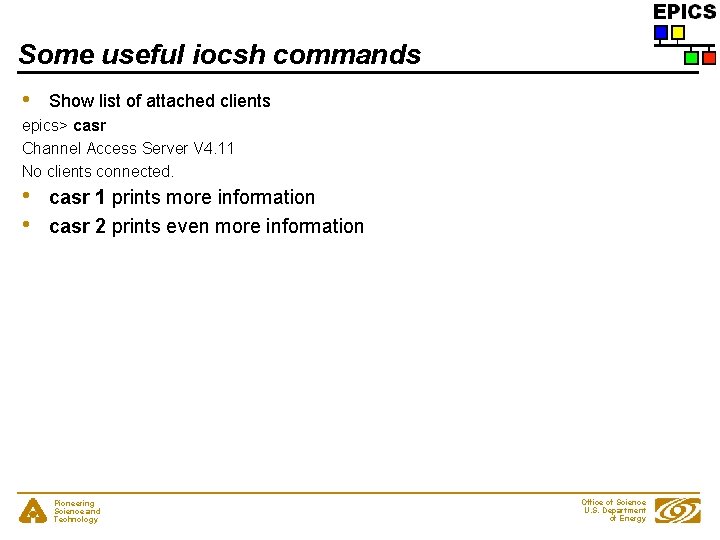
Some useful iocsh commands • Show list of attached clients epics> casr Channel Access Server V 4. 11 No clients connected. • • casr 1 prints more information casr 2 prints even more information Pioneering Science and Technology Office of Science U. S. Department of Energy
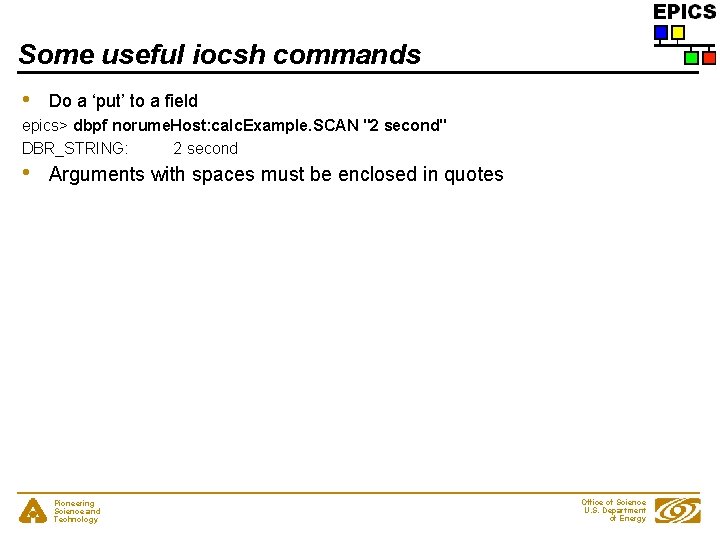
Some useful iocsh commands • Do a ‘put’ to a field epics> dbpf norume. Host: calc. Example. SCAN "2 second" DBR_STRING: 2 second • Arguments with spaces must be enclosed in quotes Pioneering Science and Technology Office of Science U. S. Department of Energy
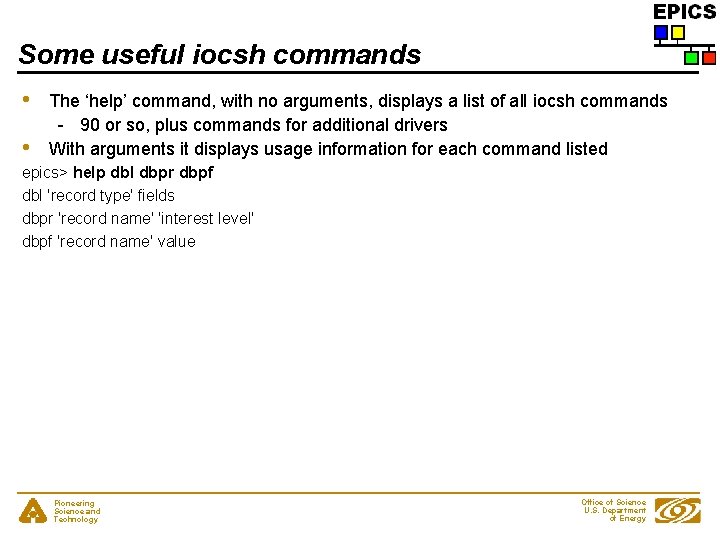
Some useful iocsh commands • • The ‘help’ command, with no arguments, displays a list of all iocsh commands - 90 or so, plus commands for additional drivers With arguments it displays usage information for each command listed epics> help dbl dbpr dbpf dbl 'record type' fields dbpr 'record name' 'interest level' dbpf 'record name' value Pioneering Science and Technology Office of Science U. S. Department of Energy
Terminating a host-based IOC • • • Type ‘exit’ to the iocsh prompt Type your ‘interrupt’ character (usually control-C) Kill the process from another terminal/window Pioneering Science and Technology Office of Science U. S. Department of Energy
Create a vx. Works IOC boot directory • • • Almost the same as for a host-based IOC - just the <arch> changes Run make. Base. App. pl from the <top> directory ‘-t example’ to specify template ‘-i’ to show that IOC boot directory is to be created ‘-a <arch>’ to specify hardware on which IOC is to run name of IOC Ø /usr/local/iocapps/R 3. 14. 6/bin/solaris-sparc/make. Base. App. pl -t example -i -a vx. Works-68040 first Pioneering Science and Technology Office of Science U. S. Department of Energy
vx. Works IOC startup script changes • • • The startup script created by ‘make. Base. App. pl -i’ for a vx. Works IOC is slightly different than one created for a host-based IOC A vx. Works IOC uses the vx. Works shell to read the script - a host-based IOC uses the iocsh shell A vx. Works IOC incrementally loads the application binary into the vx. Works system - A host-based IOC runs as a single executable image Pioneering Science and Technology Office of Science U. S. Department of Energy
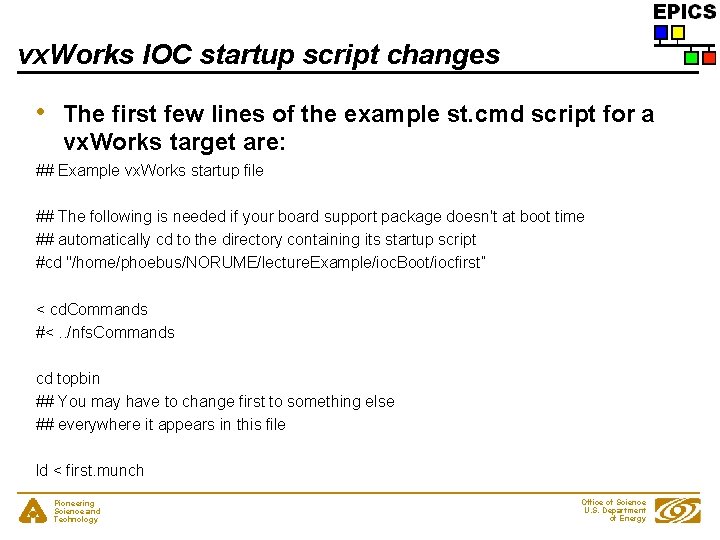
vx. Works IOC startup script changes • The first few lines of the example st. cmd script for a vx. Works target are: ## Example vx. Works startup file ## The following is needed if your board support package doesn't at boot time ## automatically cd to the directory containing its startup script #cd "/home/phoebus/NORUME/lecture. Example/ioc. Boot/iocfirst” < cd. Commands #<. . /nfs. Commands cd topbin ## You may have to change first to something else ## everywhere it appears in this file ld < first. munch Pioneering Science and Technology Office of Science U. S. Department of Energy
vx. Works IOC startup script changes • • There is no ‘#!’ line at the beginning of the script vx. Works IOCs can’t be started by simply executing the startup script Pioneering Science and Technology Office of Science U. S. Department of Energy
vx. Works IOC startup script changes • • The startup script reads more commands from cd. Commands rather than from env. Paths - Assigns values to vx. Works shell variables rather than to iocsh environment variables Subsequent ‘cd’ commands look like cd top rather than cd ${TOP} Pioneering Science and Technology Office of Science U. S. Department of Energy
vx. Works IOC startup script changes • The startup script contains command to load the binary files making up the IOC application ld < first. munch - Binary fragments have names ending in ‘. munch’ Pioneering Science and Technology Office of Science U. S. Department of Energy
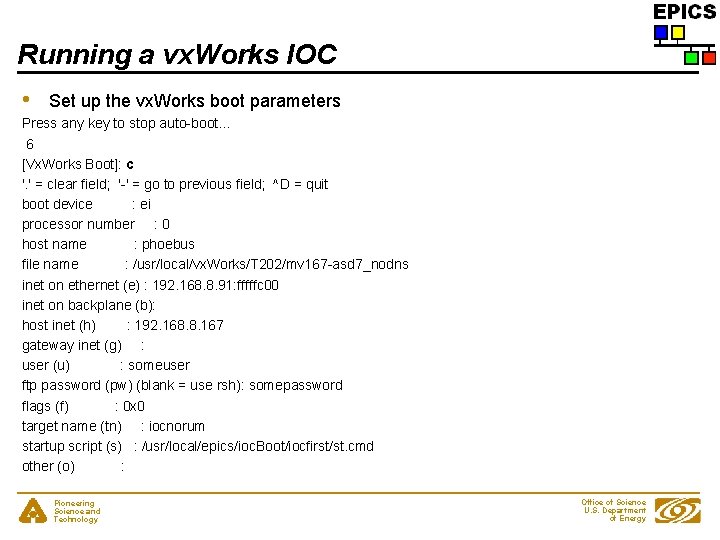
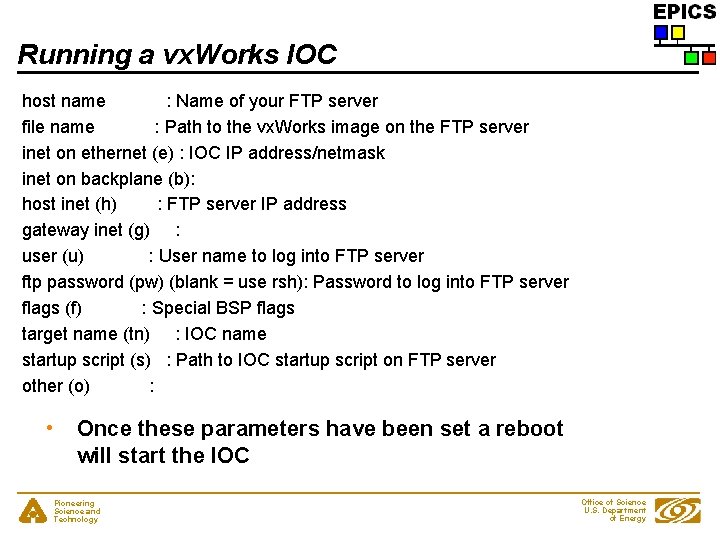
Running a vx. Works IOC • Set up the vx. Works boot parameters Press any key to stop auto-boot. . . 6 [Vx. Works Boot]: c '. ' = clear field; '-' = go to previous field; ^D = quit boot device : ei processor number : 0 host name : phoebus file name : /usr/local/vx. Works/T 202/mv 167 -asd 7_nodns inet on ethernet (e) : 192. 168. 8. 91: fffffc 00 inet on backplane (b): host inet (h) : 192. 168. 8. 167 gateway inet (g) : user (u) : someuser ftp password (pw) (blank = use rsh): somepassword flags (f) : 0 x 0 target name (tn) : iocnorum startup script (s) : /usr/local/epics/ioc. Boot/iocfirst/st. cmd other (o) : Pioneering Science and Technology Office of Science U. S. Department of Energy
Running a vx. Works IOC host name : Name of your FTP server file name : Path to the vx. Works image on the FTP server inet on ethernet (e) : IOC IP address/netmask inet on backplane (b): host inet (h) : FTP server IP address gateway inet (g) : user (u) : User name to log into FTP server ftp password (pw) (blank = use rsh): Password to log into FTP server flags (f) : Special BSP flags target name (tn) : IOC name startup script (s) : Path to IOC startup script on FTP server other (o) : • Once these parameters have been set a reboot will start the IOC Pioneering Science and Technology Office of Science U. S. Department of Energy
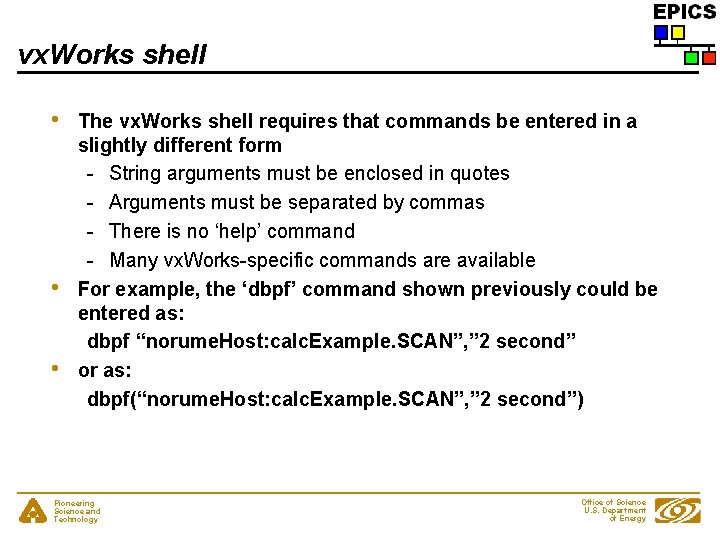
vx. Works shell • • • The vx. Works shell requires that commands be entered in a slightly different form - String arguments must be enclosed in quotes - Arguments must be separated by commas - There is no ‘help’ command - Many vx. Works-specific commands are available For example, the ‘dbpf’ command shown previously could be entered as: dbpf “norume. Host: calc. Example. SCAN”, ” 2 second” or as: dbpf(“norume. Host: calc. Example. SCAN”, ” 2 second”) Pioneering Science and Technology Office of Science U. S. Department of Energy
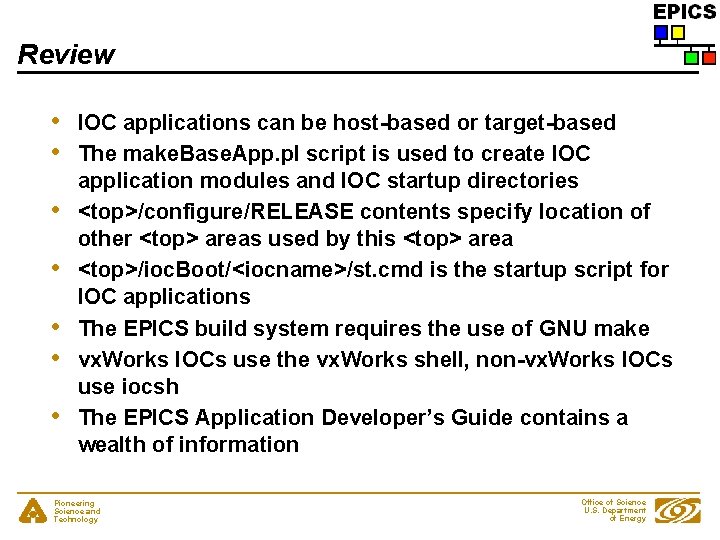
Review • • IOC applications can be host-based or target-based The make. Base. App. pl script is used to create IOC application modules and IOC startup directories <top>/configure/RELEASE contents specify location of other <top> areas used by this <top> area <top>/ioc. Boot/<iocname>/st. cmd is the startup script for IOC applications The EPICS build system requires the use of GNU make vx. Works IOCs use the vx. Works shell, non-vx. Works IOCs use iocsh The EPICS Application Developer’s Guide contains a wealth of information Pioneering Science and Technology Office of Science U. S. Department of Energy