
Getting Started with Enterprise Architect and Subversion Gerald

Getting Started with Enterprise Architect and Subversion Gerald R. Gray, Guiding Principle Consulting
Disclaimer • Not a celebrity spokes model • Not a Sparx. Systems representative
Agenda • • • EA Strengths/Weaknesses Pre-requisites Access Setup & Configuration Creating common Open. SG diagrams Model Baselines
EA Uses and Benefits • Supports IT system, software, and business processes • Model, design, build, and test software • Uses standard Unified Modeling Language (UML) • Central repository for process and IT system information • Interfaces with version control e. g. Subversion • Fast, built-in or custom document generation & HTML

EA Weaknesses • May be a poor choice for complex system diagrams – Visio is “prettier” – Power. Point also an option • Complex User Interface – Extensive feature set may lead to confusion – Time saving “tricks” difficult to learn • Diagrams not useful if team doesn’t see value – UML/BPM may be used currently at their site – Some users intimidated by tool
Pre-requisites • Sparx Enterprise Architect – http: //www. sparxsystems. com. au/ – $135 - $699 depending on version • Subversion – Command-line client (required) • http: //www. open. collab. net/downloads/subversion/ – Tortoise. SVN (optional) • http: //tortoisesvn. net/downloads

Repository Access • UCAIUG Microsoft Share. Point credentials • Added to the Source Code Access group in the UCAIUG Share. Point user management (Tony Adams, Kay Clinard) • Coordinate with the appropriate team, ie. , Open. ADE, Open. ADR, Open. AMIENT
Installation • Install – Enterprise Architect (v 7. 5 or greater) – Subversion command-line client • http: //www. collab. net/downloads/subversion/ – Tortoise. SVN (Windows) • http: //tortoisesvn. net/downloads
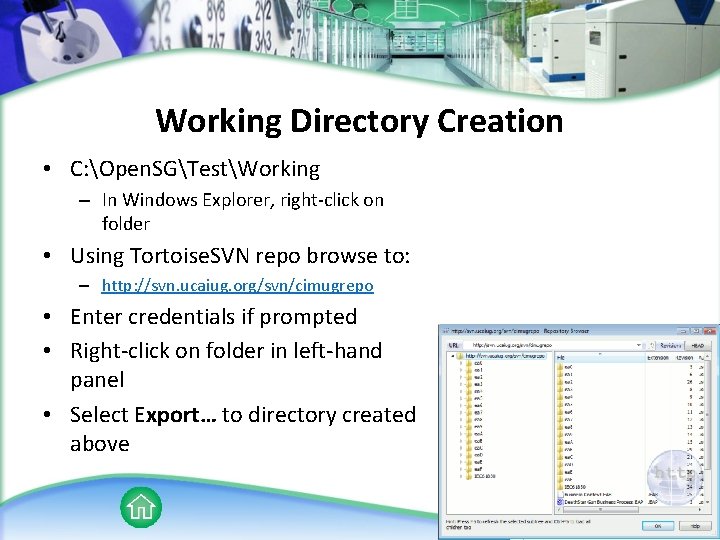
Working Directory Creation • C: Open. SGTestWorking – In Windows Explorer, right-click on folder • Using Tortoise. SVN repo browse to: – http: //svn. ucaiug. org/svn/cimugrepo • Enter credentials if prompted • Right-click on folder in left-hand panel • Select Export… to directory created above

EA Configuration • Start Enterprise Architect • Open the project • From main menu select – Project Version Control Settings…
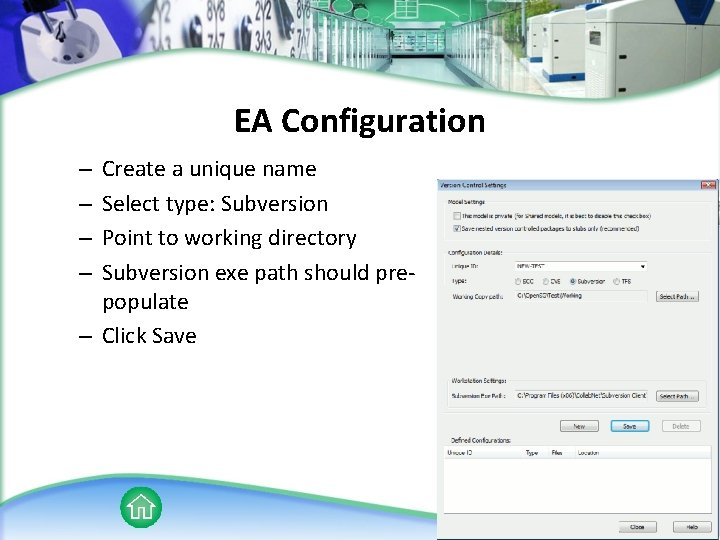
EA Configuration Create a unique name Select type: Subversion Point to working directory Subversion exe path should prepopulate – Click Save – –
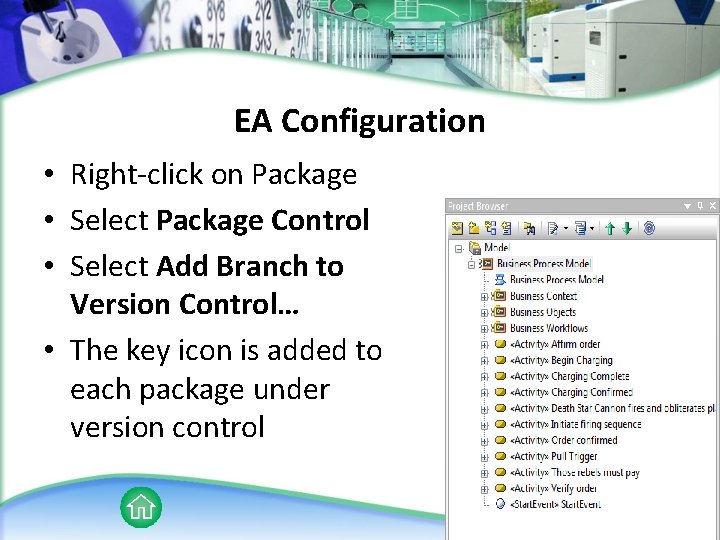
EA Configuration • Right-click on Package • Select Package Control • Select Add Branch to Version Control… • The key icon is added to each package under version control
Common Open. SG Diagrams • Use Case • Business Process (Activity) – Integration Requirements • Sequence Diagram
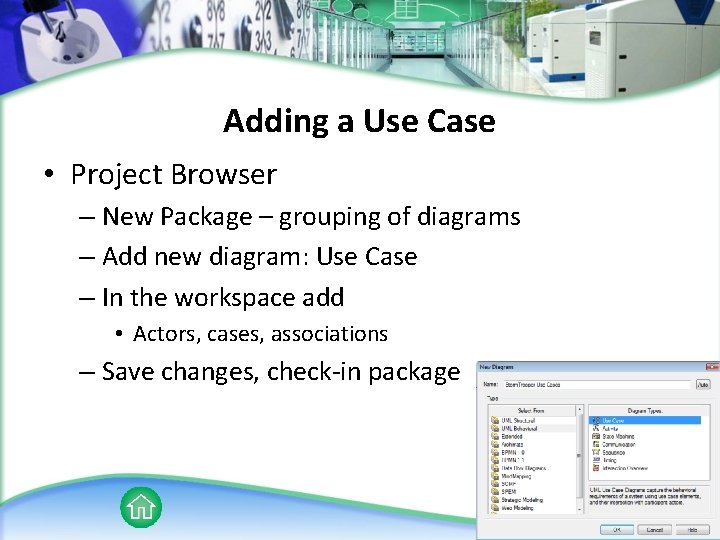
Adding a Use Case • Project Browser – New Package – grouping of diagrams – Add new diagram: Use Case – In the workspace add • Actors, cases, associations – Save changes, check-in package
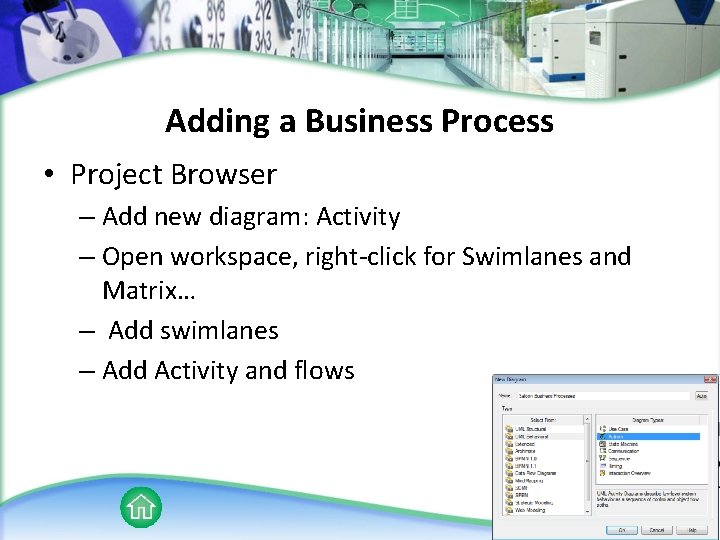
Adding a Business Process • Project Browser – Add new diagram: Activity – Open workspace, right-click for Swimlanes and Matrix… – Add swimlanes – Add Activity and flows
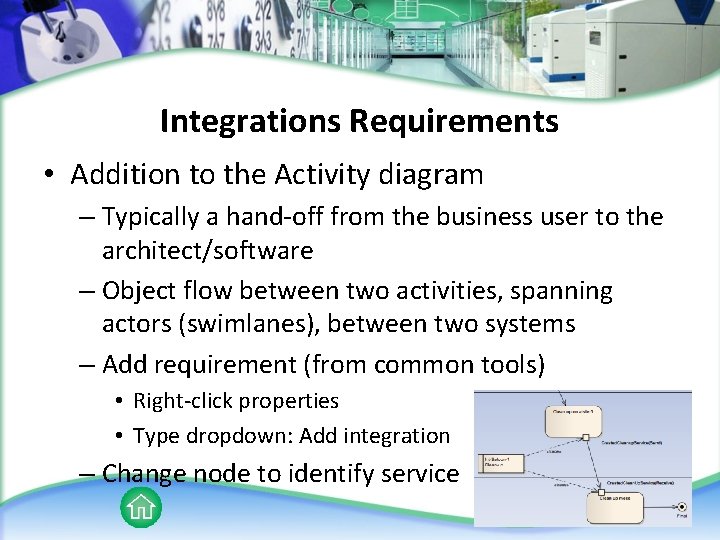
Integrations Requirements • Addition to the Activity diagram – Typically a hand-off from the business user to the architect/software – Object flow between two activities, spanning actors (swimlanes), between two systems – Add requirement (from common tools) • Right-click properties • Type dropdown: Add integration – Change node to identify service
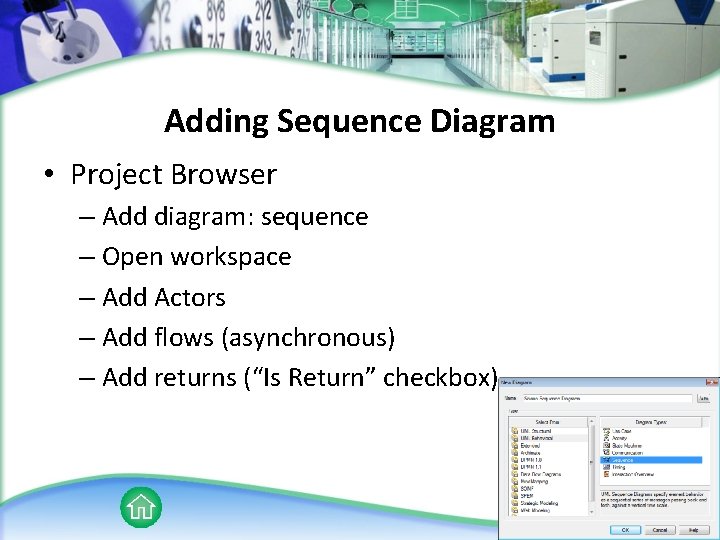
Adding Sequence Diagram • Project Browser – Add diagram: sequence – Open workspace – Add Actors – Add flows (asynchronous) – Add returns (“Is Return” checkbox)
Hands On Exercise • • • Create a package Create a use case Create activity Add integration requirement Create sequence diagram
Manage Baselines • Internal “version control” – Can be used in conjunction with DBMS • Baseline can be added to each package • Complements import/export of XMI – Import XMI replaces everything in a target package – Can be compared to XMI to replace only desired changes – Corporate version required*
Reference • EA Free Trial – http: //www. sparxsystems. com/products/ea/trial. html • Subversion Documentation – http: //svnbook. red-bean. com/en/1. 5/index. html • EA Tutorials and Online Help – http: //www. sparxsystems. com/resources/index. html • Test Repository – http: //svn. ucaiug. org/svn/Test. Repos/
Contact Gerald R. Gray gerald. gray@guiding-principle. com
- Slides: 21