
Getting Started with Contribution to Openstack Created by
Getting Started with Contribution to Openstack Created by: Yatin Karel IRC Nick: ykarel
Openstack Project Management that you need to know Source Code for Services/Libraries/Clients: https: //github. com/openstack/<project-name> Bugs are tracked at: https: //bugs. launchpad. net/<project-name> Code Review is done at: https: //review. openstack. org/#/q/project: openstack/< project-name>
Communication - IRC: - Each project has his own channel for discussion and meetings on freenode server https: //wiki. openstack. org/wiki/IRCpage - IRC Logs http: //eavesdrop. openstack. org/irclogs - Mailing lists: For open discussion/announcement across teams https: //wiki. openstack. org/wiki/Mailing_ Lists
Setup Accounts - - Launchpad: This will create single sign-on for review. openstack. org also https: //login. launchpad. net/3 n. NMopjf. RFPZ 7 i 5 t/+login Join as a Foundation member: https: //www. openstack. org/join/register/? me mbership-type=foundation Login to review. openstack. org, go to settings page: https: //review. openstack. org/#/settings/ and: - On “Profile” TAB set a username(can use same as launchpad username) - On “Agreements TAB”, sign ICLA(Join as Foundation member is required for this) - On “SSH Public Keys” TAB, add your public ssh key.

Contribution to openstack Contribution can be done in many ways: - Filing bugs on launchpad, but remember to give details for the bugs. - Triaging bugs on launchpad if you know the fix - Resolving queries on IRC/Mailing lists - Submitting patches: functional or nonfunctional - Reviewing patches - Drafting/Implementing features Not tried devstack yet, try it you will learn more. Reference from our last meetup: https: //review. rdoproject. org/etherpad/p/devstack_vm
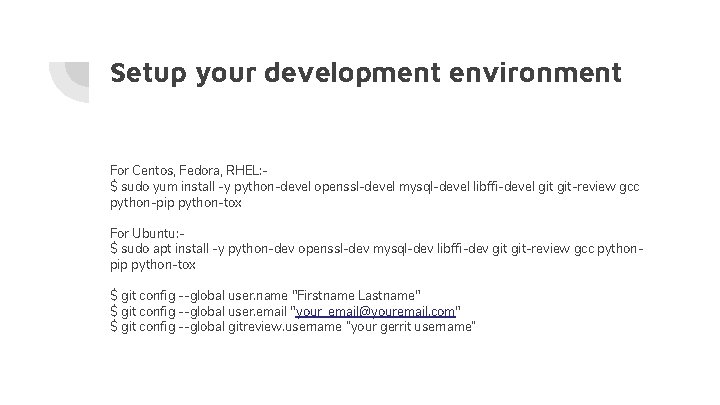
Setup your development environment For Centos, Fedora, RHEL: $ sudo yum install -y python-devel openssl-devel mysql-devel libffi-devel git-review gcc python-pip python-tox For Ubuntu: $ sudo apt install -y python-dev openssl-dev mysql-dev libffi-dev git-review gcc pythonpip python-tox $ git config --global user. name "Firstname Lastname" $ git config --global user. email "your_email@youremail. com" $ git config --global gitreview. username “your gerrit username”
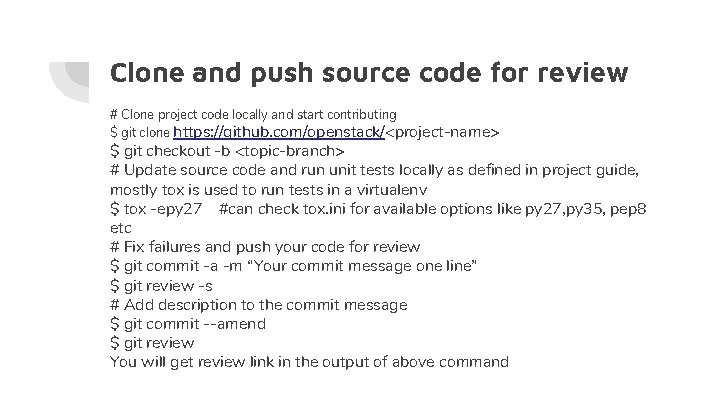
Clone and push source code for review # Clone project code locally and start contributing $ git clone https: //github. com/openstack/<project-name> $ git checkout -b <topic-branch> # Update source code and run unit tests locally as defined in project guide, mostly tox is used to run tests in a virtualenv $ tox -epy 27 #can check tox. ini for available options like py 27, py 35, pep 8 etc # Fix failures and push your code for review $ git commit -a -m “Your commit message one line” $ git review -s # Add description to the commit message $ git commit --amend $ git review You will get review link in the output of above command
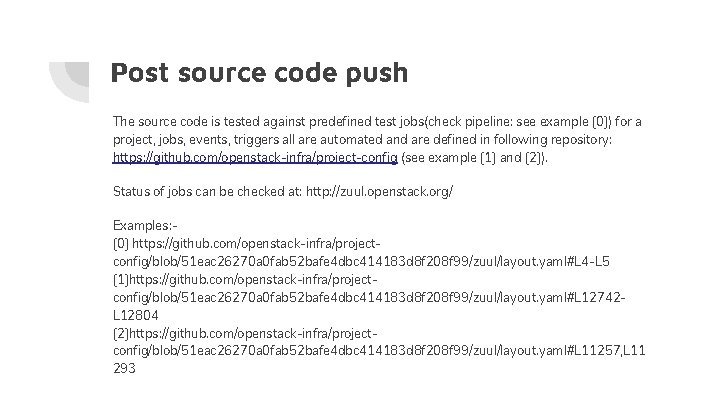
Post source code push The source code is tested against predefined test jobs(check pipeline: see example [0]) for a project, jobs, events, triggers all are automated and are defined in following repository: https: //github. com/openstack-infra/project-config (see example [1] and [2]). Status of jobs can be checked at: http: //zuul. openstack. org/ Examples: [0] https: //github. com/openstack-infra/projectconfig/blob/51 eac 26270 a 0 fab 52 bafe 4 dbc 414183 d 8 f 208 f 99/zuul/layout. yaml#L 4 -L 5 [1]https: //github. com/openstack-infra/projectconfig/blob/51 eac 26270 a 0 fab 52 bafe 4 dbc 414183 d 8 f 208 f 99/zuul/layout. yaml#L 12742 L 12804 [2]https: //github. com/openstack-infra/projectconfig/blob/51 eac 26270 a 0 fab 52 bafe 4 dbc 414183 d 8 f 208 f 99/zuul/layout. yaml#L 11257, L 11 293
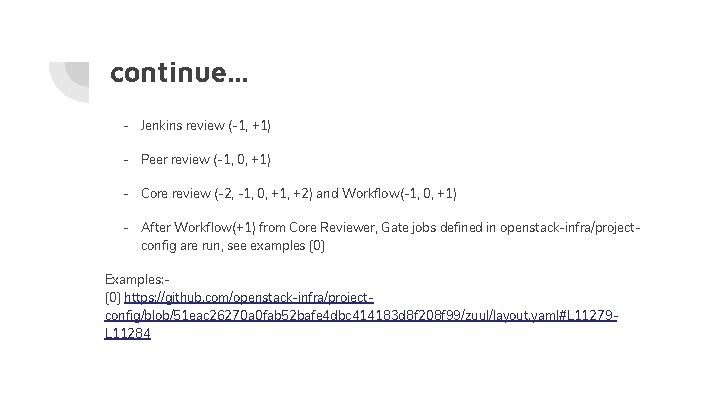
continue. . . - Jenkins review (-1, +1) - Peer review (-1, 0, +1) - Core review (-2, -1, 0, +1, +2) and Workflow(-1, 0, +1) - After Workflow(+1) from Core Reviewer, Gate jobs defined in openstack-infra/projectconfig are run, see examples [0] Examples: [0] https: //github. com/openstack-infra/projectconfig/blob/51 eac 26270 a 0 fab 52 bafe 4 dbc 414183 d 8 f 208 f 99/zuul/layout. yaml#L 11279 L 11284
continue. . . - Check logs for failures and fix the issues. Logs are stored at logs. openstack. org, the result of jobs contains the link to logs. - During the test run also logs can be checked at logs. openstack. org/<last 2 digit of review id>/<review id> Some sample reviews: Submit your first patch: -

Thank You….
- Slides: 11