
Getting Started with ASQ3 Basics At the conclusion
Getting Started with ASQ-3 Basics
At the conclusion of this training, participants will: Understand the definition of screening and why it is important Know how to implement ASQ-3 in your programs Training Objectives Be able to communicate ASQ-3 results and guide necessary follow-up Understand how screening results can be used to build relationships with parents Know the difference between ASQ-3, ASQ-3 Online and ASQ 3 Family Access

What Is Developmental Screening ? “Developmental screening is a short test to tell if a child is learning basic skills when he or she should, or if there are delays. ” CDC”

Screening helps celebrate milestones and aids in detecting developmental delays in children Why Developmental Screening Matters?
What Is ASQ-3™? VIDEO

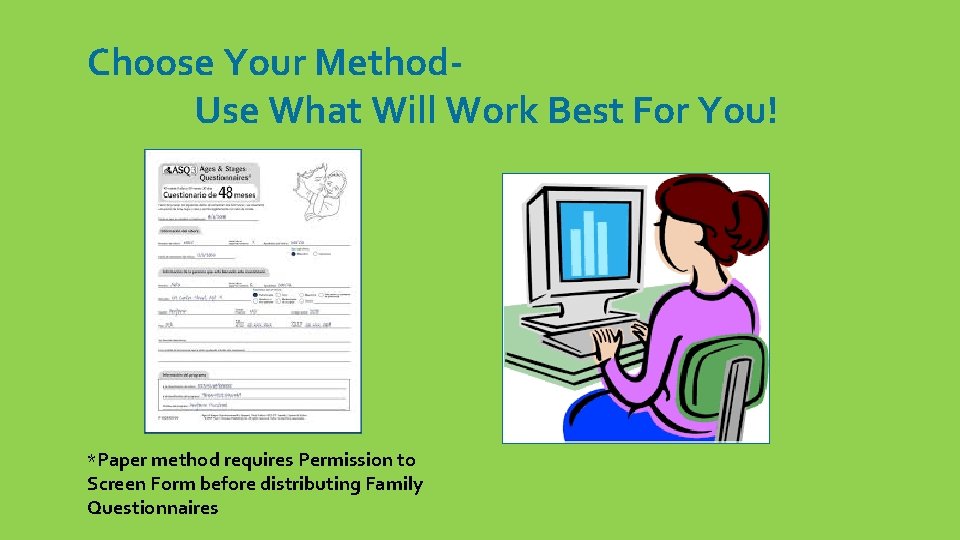
Choose Your Method. Use What Will Work Best For You! *Paper method requires Permission to Screen Form before distributing Family Questionnaires
Paper Method Select the Questionnaire Two Tools That Help You Choose the Correct Questionnaire • Quick Start Guide • ASQ Calculator – online/ or phone APP
Give the Questionnaire and Letter to the Parent to Complete and Return
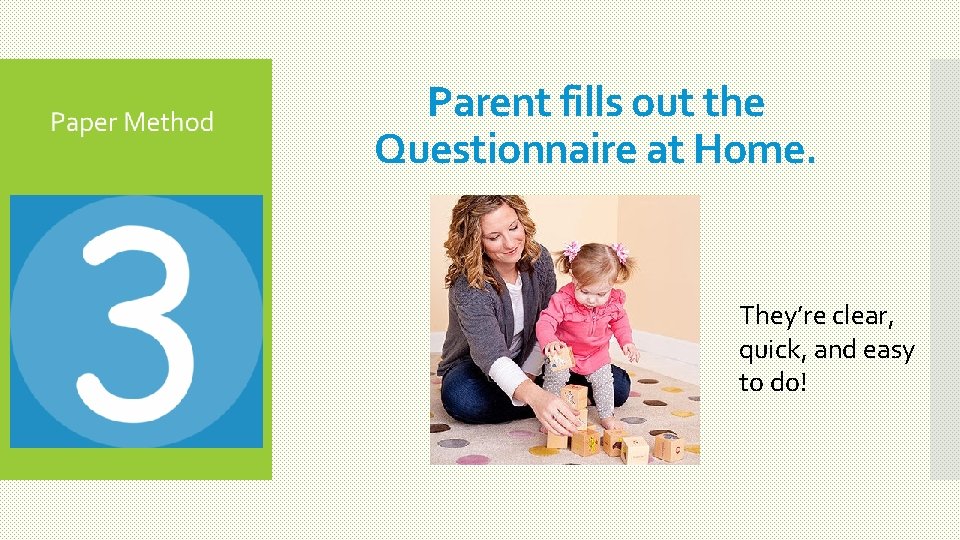
Parent fills out the Questionnaire at Home. They’re clear, quick, and easy to do!
Score the Questionnaire When the Parent Returns It Interpreting the Results

Share Results with the Parent(s)
Give Parents Fun Learning Activities to Do With Their Child & Help Boost a Child’s Development Between Screenings

BREAK AND REFLECTION
ASQ-3 Online Family Access A User-friendly Option For Online Questionnaire Completion Lets Your Program Set Up A Secure Website Where Parents Complete Questionnaires.
Five reasons to use ASQ Family Access 1. Convenient for parents 2. Saves time and money 3. Improves accuracy 4. Prevents scoring errors 5. Seamlessly integrates with ASQ Online
Parents Access Your Program’s Family Access Page Through Your Program’s Website Through Your Program’s Facebook Page Through the Coalition’s Website Through your programs URL
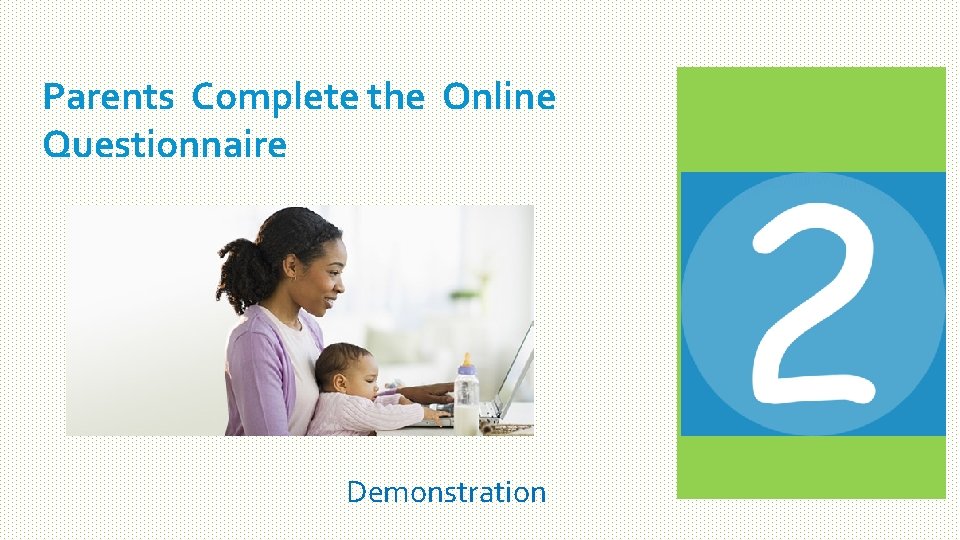
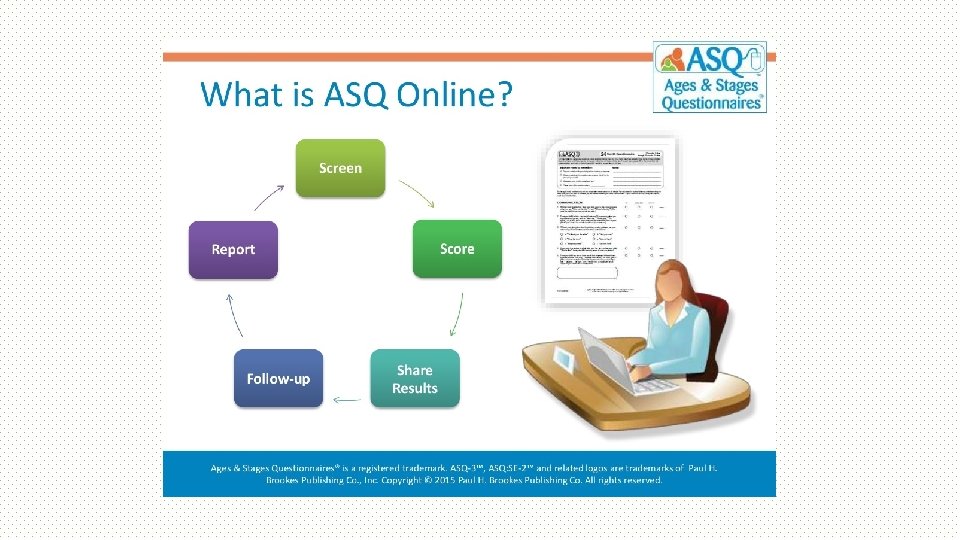
Parents Complete the Online Questionnaire Demonstration
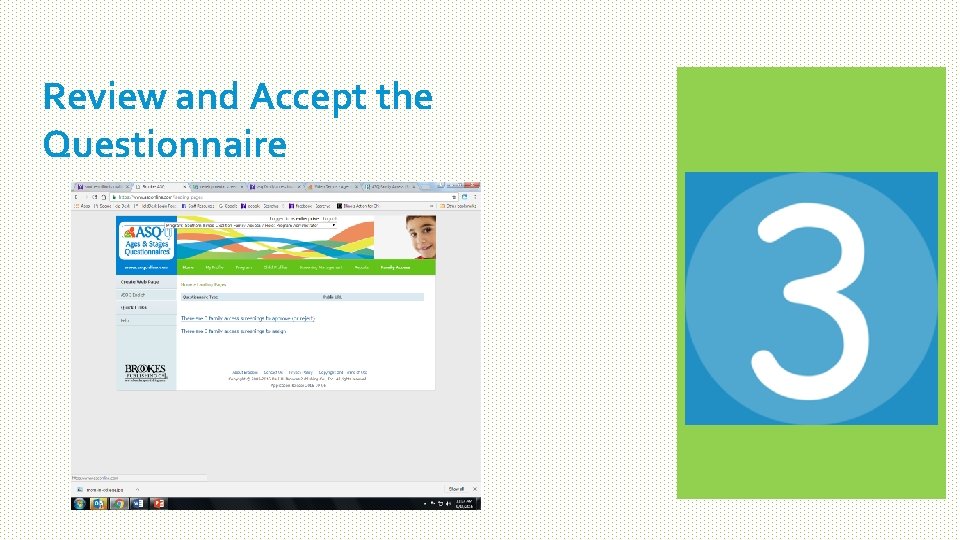
Review and Accept the Questionnaire
Interpret the Results • Scores Above Cutoff • Scores Close to Cutoff • Scores Below Cutoff Share the Results With the Parent(s) http: //agesandstages. com/free-resources/video-demos/
Give Parents Fun Learning Activities to Do With Their Child & Help Boost a Child’s Development Between Screenings
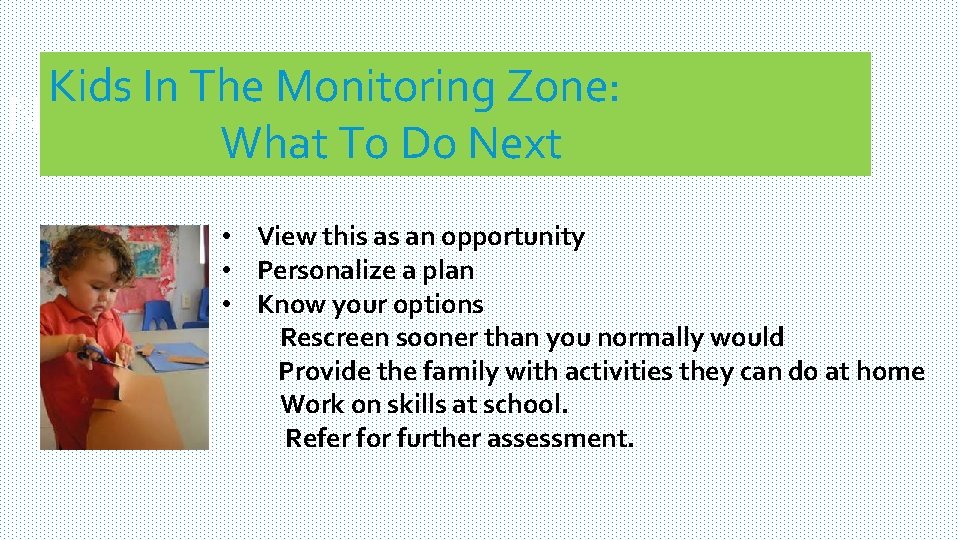
Kids In The Monitoring Zone: Next Steps What To Do Next • View this as an opportunity • Personalize a plan • Know your options Rescreen sooner than you normally would Provide the family with activities they can do at home Work on skills at school. Refer for further assessment.
When the Score Is Below the Cutoff Next Steps DO: D Set the stage for a successful conversation. Start with the observations, questions, or concerns of the child’s parent: . Put yourself in the parent’s shoes. Be supportive, not judgmental. Focus on milestones, absolute indicators, and the need to “rule out” anything serious. Refer parents and caregivers to other resources. . Emphasize the importance of early identification and intervention. Be confident that sharing your concerns is always the right thing to do. The hardest part is finding the right words and getting started. By sharing your concerns, you may help to validate what a parent is afraid or unable to express.
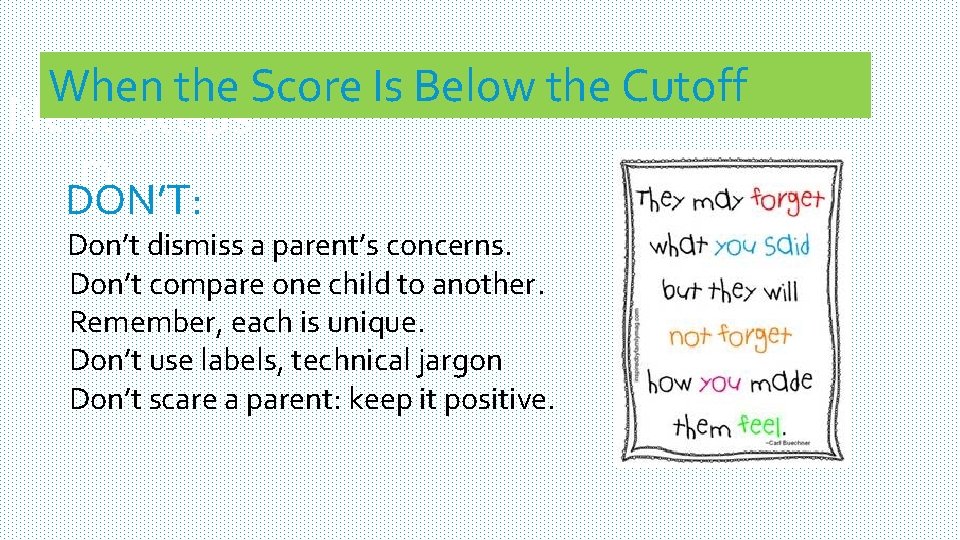
When the Score Is Below the Cutoff Next Steps D DON’T: Don’t dismiss a parent’s concerns. Don’t compare one child to another. Remember, each is unique. Don’t use labels, technical jargon Don’t scare a parent: keep it positive.
Resources - ASQ – Agesand. Stages. com - CCR&R Staff - Coalition website Other Questions? How Does My Program Get a FREE Laptop and Tablet?
- Slides: 26