
GETTING STARTED MAKING A WEB PAGE TEMPATE STEPS
GETTING STARTED: MAKING A WEB PAGE TEMPATE
STEPS IN CREATING A WEB PAGE TEMPLATE 1. Open a new file in a text editor • Notepad++ (on PCs), BBEdit (Mac) Bracket (both) • Note: the editor MUST be a simple text editor – MS Word, etc. won’t work because the files have all sorts of characters and extras the browser won’t understand 2. Add the basic html tags (see next ppt page) 3. Save the file as a. html file 4. 5. • Add the. html extension • In Notepad++, under Save file as, choose Hypertext Markup Language (html) View file: • Double-click on the saved file on your laptop and it will come up in your default browser • Or right-click (control-click) and select open in (your browser) Validate the file (that’s the next powerpoint) • And fixing problems… 2 -2
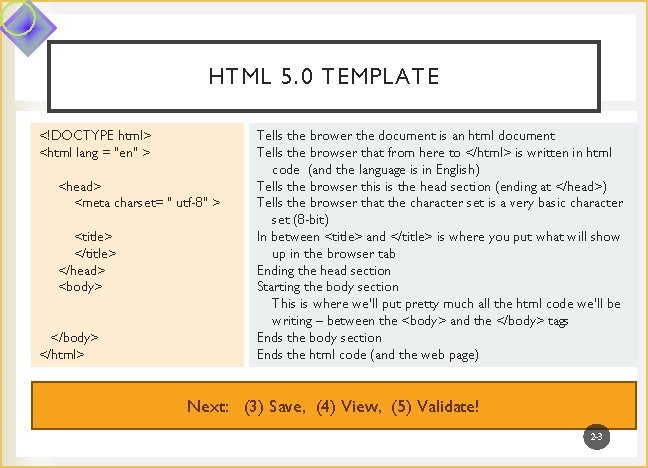
HTML 5. 0 TEMPLATE <!DOCTYPE html> <html lang = "en" > <head> <meta charset= " utf-8" > <title> </head> <body> </html> Tells the brower the document is an html document Tells the browser that from here to </html> is written in html code (and the language is in English) Tells the browser this is the head section (ending at </head>) Tells the browser that the character set is a very basic character set (8 -bit) In between <title> and </title> is where you put what will show up in the browser tab Ending the head section Starting the body section This is where we’ll put pretty much all the html code we’ll be writing – between the <body> and the </body> tags Ends the body section Ends the html code (and the web page) Next: (3) Save, (4) View, (5) Validate! 2 -3
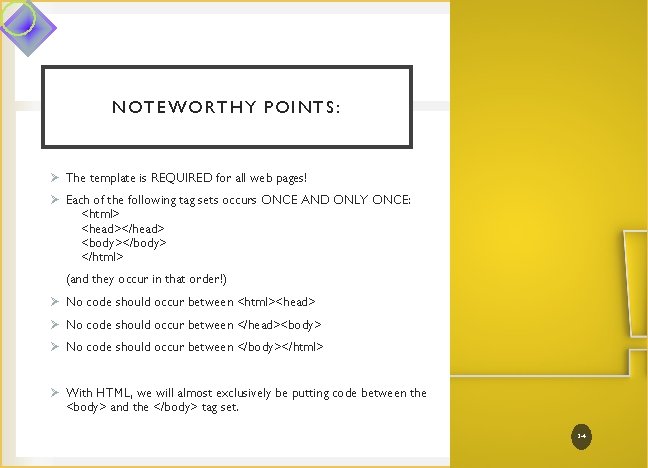
NOTEWORTHY POINTS: Ø The template is REQUIRED for all web pages! Ø Each of the following tag sets occurs ONCE AND ONLY ONCE: <html> <head></head> <body></body> </html> (and they occur in that order!) Ø No code should occur between <html><head> Ø No code should occur between </head><body> Ø No code should occur between </body></html> Ø With HTML, we will almost exclusively be putting code between the <body> and the </body> tag set. 2 -4
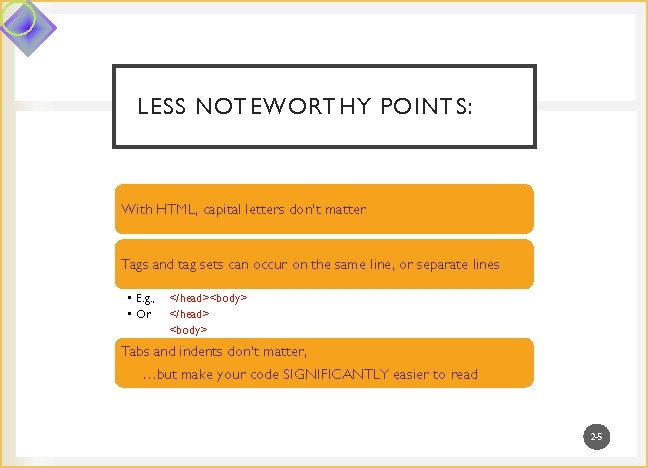
LESS NOTEWORTHY POINTS: With HTML, capital letters don’t matter Tags and tag sets can occur on the same line, or separate lines • E. g. , • Or </head><body> </head> <body> Tabs and indents don’t matter, …but make your code SIGNIFICANTLY easier to read 2 -5

TAKEAWAYS: • Create a PLAIN TEXT FILE • (MS word is not plain) • Every web page should have the base set of tags • Those base tags can be used as a web page template • The base tags occur once and only once in each web page • The base tags occur in a specific order • Tabs, spacing, capital letters don’t matter in html • Save web pages with the. html extension (and as a hypertext markup language file type in Notepad++ • To view, double-click on the saved file on your laptop, or right-click (control-click) and select open in (your browser) If one of the above steps isn’t working, see the next ppt for validating and fixing problems 2 -6
- Slides: 6