
Getting Rid of Customizations and Paper An Overhaul


- Slides: 73
Getting Rid of Customizations and Paper An Overhaul of the Graduation Business Process
Your Presenters Scott Johnson, Associate Registrar Jennifer Bonack, Graduation Examiner 17 years experience with People. Soft in SR and AA Modules at UW Madison and UW Oshkosh 10 months at UW Oshkosh, Lawrence University 2. 5 years, Michigan State 1 years, Illinois State 11 years Josh Becken 1½ years at UW Oshkosh, 3 years student employee in Registrars Office at UW Platteville
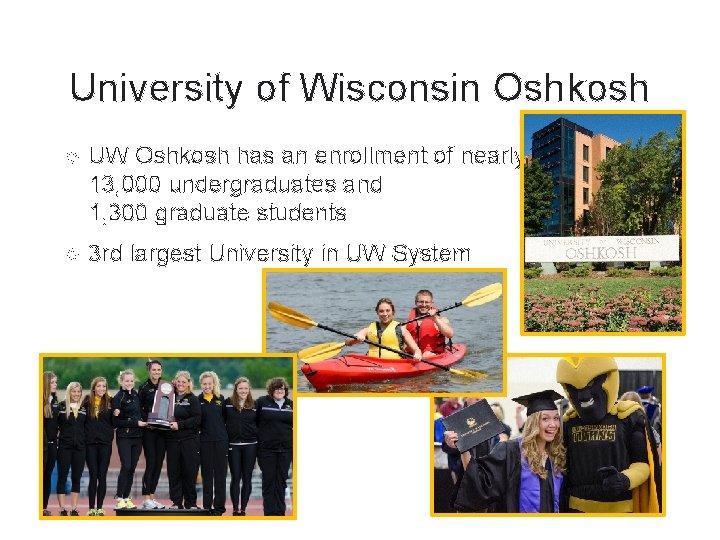
University of Wisconsin Oshkosh UW Oshkosh has an enrollment of nearly 13, 000 undergraduates and 1, 300 graduate students 3 rd largest University in UW System
UW Oshkosh & Oracle UW Oshkosh began using People. Soft in July 1999. We are now on People. Soft/Oracle 9. 0, Tools 8. 55. patched through Bundle 42 Currently using DARS degree audit. Transitioning to PS Academic Advisement in 2017. Looking to go to version 9. 2 in 2017
Brief Overview UW Oshkosh was exploring options to retire our paper graduation application and the customizations associated with it when between December 2014 and October 2015 all three of the Graduation Examiners for the University retired. This prompted us to move the exploration of the delivered to a fast track because with the retirement also came a restructuring of how graduation processing and degree audit maintenance are handled in the Registrar’s Office. This presentation will review how we used Common Attributed Framework, Com Gen, BI Publisher and other delivered tools to completely redo our graduation processing with an eye toward simplifying and allowing broader access for backup support. All the while staying one step ahead to make sure we were able to process our Spring 2016 graduates and all of the needed reports for Commencement.
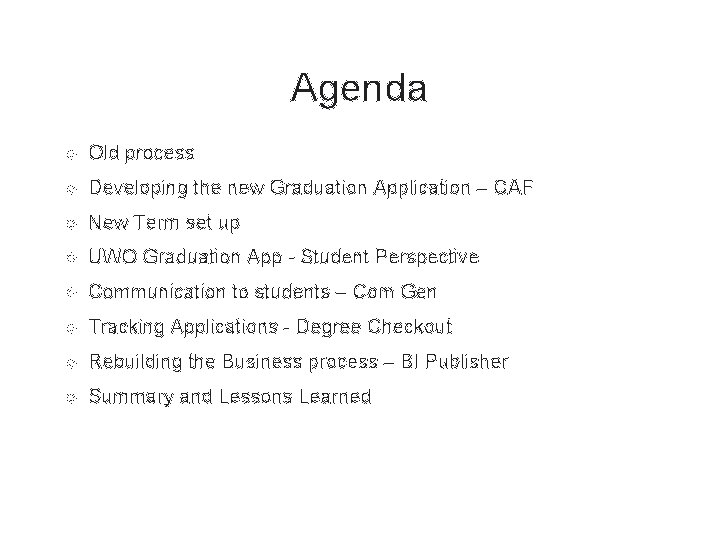
Agenda Old process Developing the new Graduation Application – CAF New Term set up UWO Graduation App - Student Perspective Communication to students – Com Gen Tracking Applications - Degree Checkout Rebuilding the Business process – BI Publisher Summary and Lessons Learned
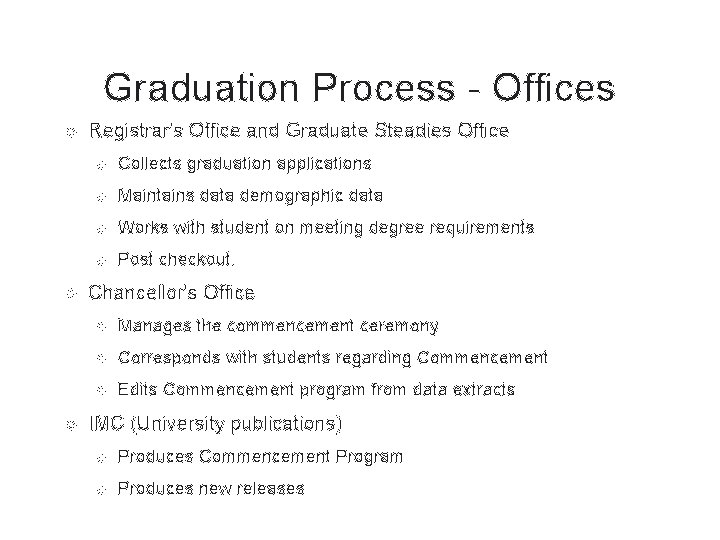
Graduation Process - Offices Registrar's Office and Graduate Steadies Office Collects graduation applications Maintains data demographic data Works with student on meeting degree requirements Post checkout. Chancellor's Office Manages the commencement ceremony Corresponds with students regarding Commencement Edits Commencement program from data extracts IMC (University publications) Produces Commencement Program Produces new releases
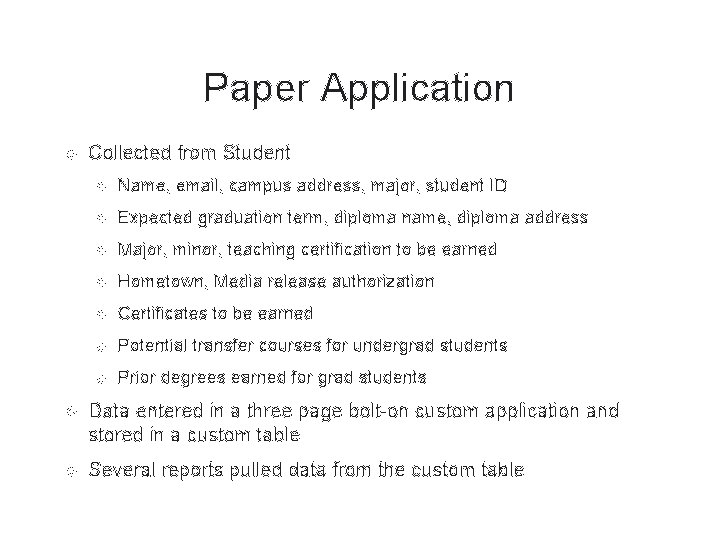
Paper Application Collected from Student Name, email, campus address, major, student ID Expected graduation term, diploma name, diploma address Major, minor, teaching certification to be earned Hometown, Media release authorization Certificates to be earned Potential transfer courses for undergrad students Prior degrees earned for grad students Data entered in a three page bolt-on custom application and stored in a custom table Several reports pulled data from the custom table
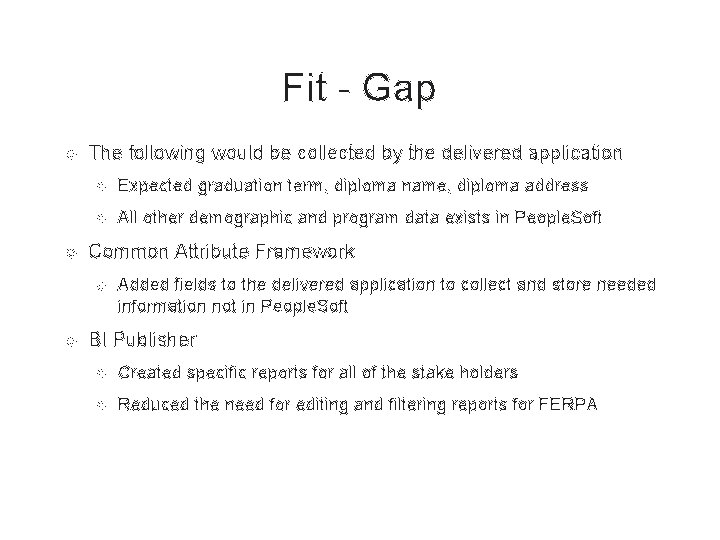
Fit - Gap The following would be collected by the delivered application Expected graduation term, diploma name, diploma address All other demographic and program data exists in People. Soft Common Attribute Framework Added fields to the delivered application to collect and store needed information not in People. Soft BI Publisher Created specific reports for all of the stake holders Reduced the need for editing and filtering reports for FERPA
Setting Up The Application
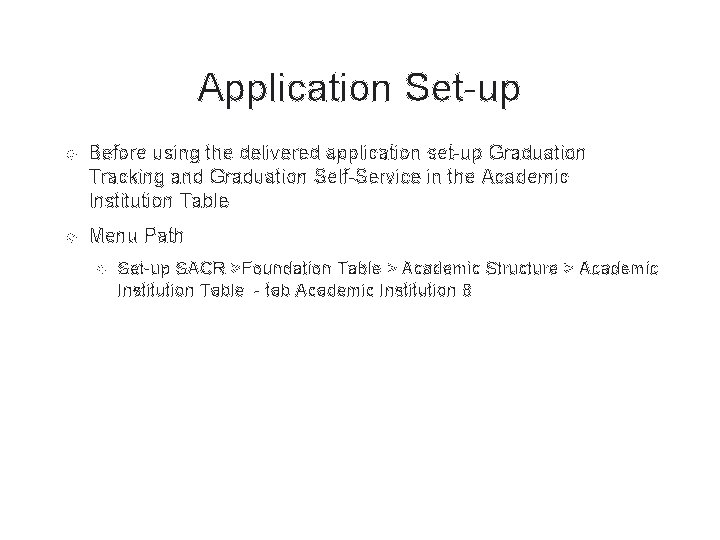
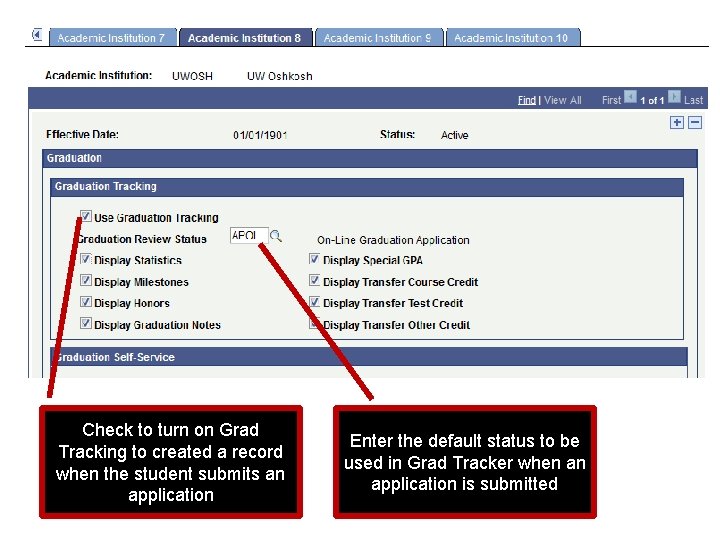
Application Set-up Before using the delivered application set-up Graduation Tracking and Graduation Self-Service in the Academic Institution Table Menu Path Set-up SACR >Foundation Table > Academic Structure > Academic Institution Table - tab Academic Institution 8
Check to turn on Grad Tracking to created a record when the student submits an application Enter the default status to be used in Grad Tracker when an application is submitted
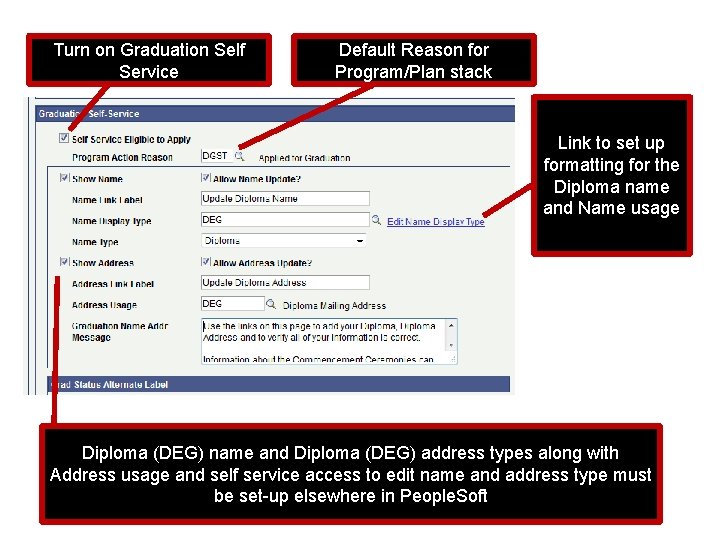
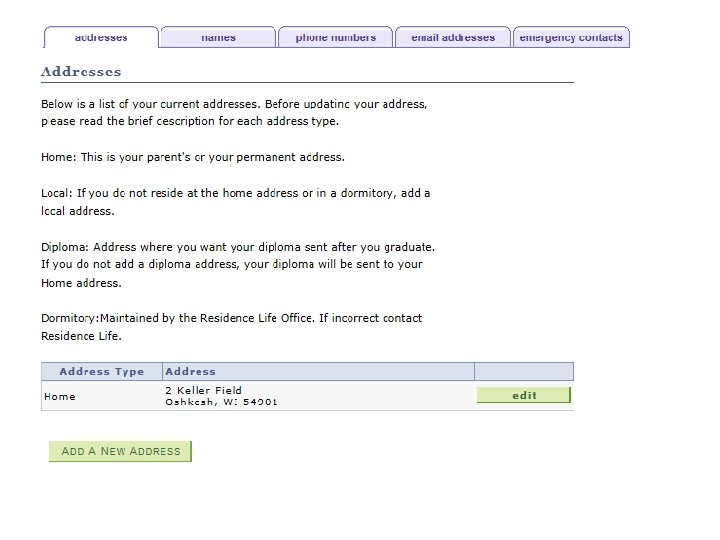
Turn on Graduation Self Service Default Reason for Program/Plan stack Link to set up formatting for the Diploma name and Name usage Diploma (DEG) name and Diploma (DEG) address types along with Address usage and self service access to edit name and address type must be set-up elsewhere in People. Soft
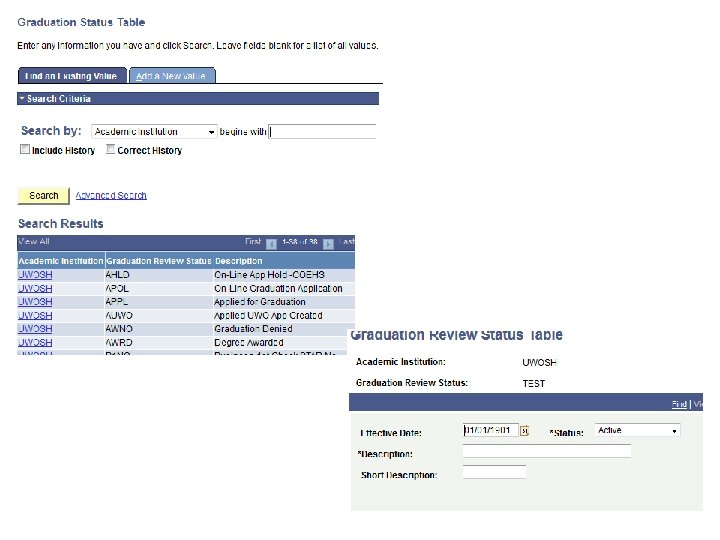
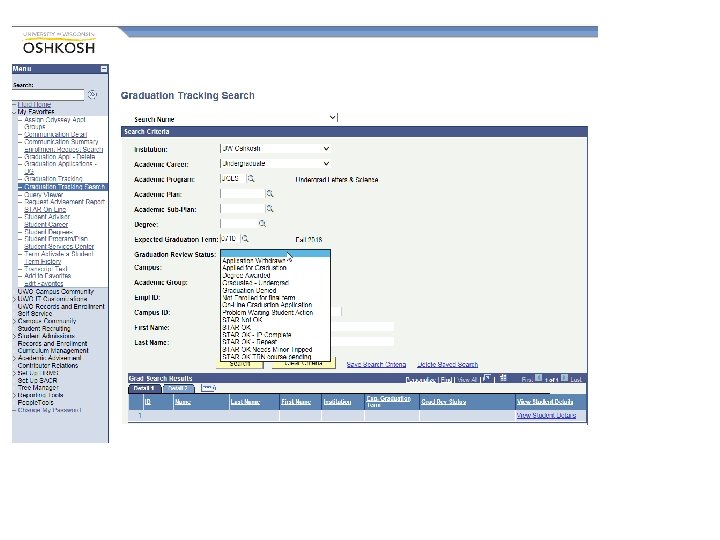
Graduation Status Set-up SACR > Product Related > Student Records >Graduation > Graduations Status Table Used to create status tags for Graduation Tracker
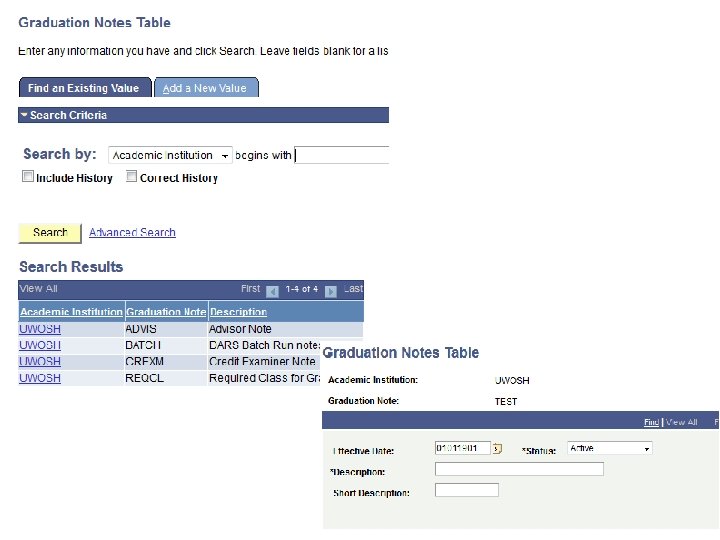
Set-up SACR > Product Related > Student Records >Graduation > Graduation Notes Create note categories for Advisor notes in Graduation Tracker
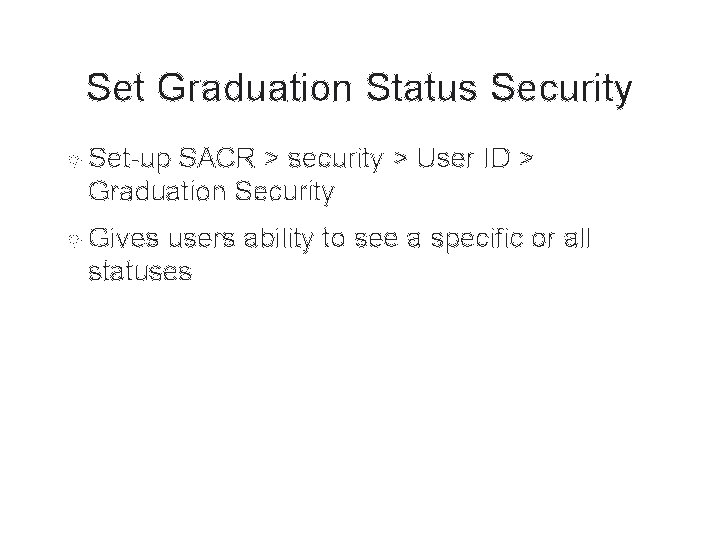
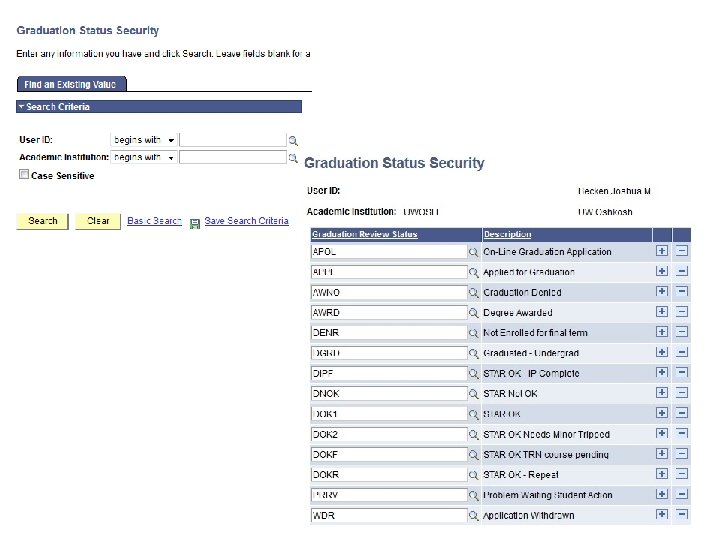
Set Graduation Status Security Set-up SACR > security > User ID > Graduation Security Gives users ability to see a specific or all statuses
Term Set-up
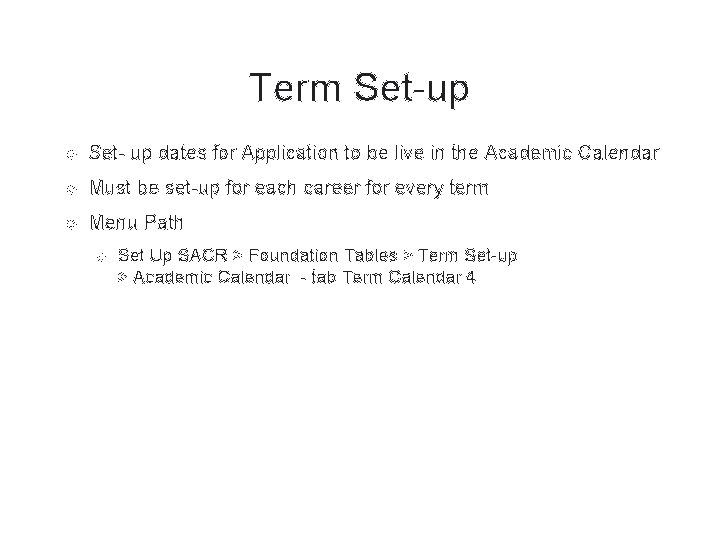
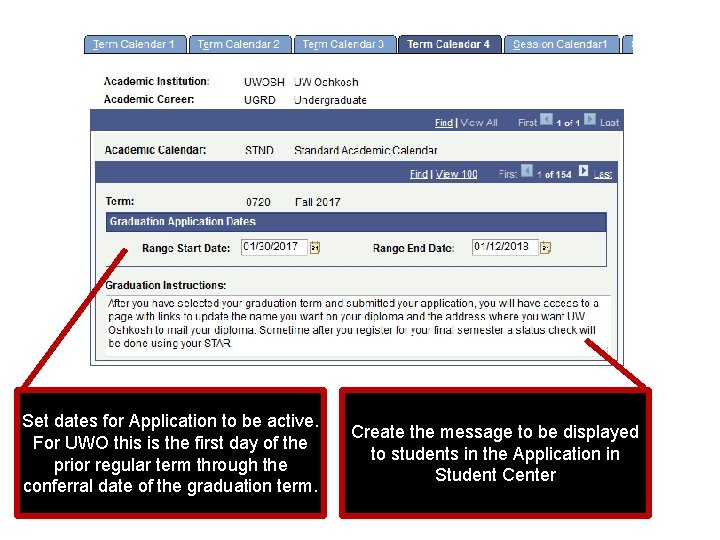
Term Set-up Set- up dates for Application to be live in the Academic Calendar Must be set-up for each career for every term Menu Path Set Up SACR > Foundation Tables > Term Set-up > Academic Calendar - tab Term Calendar 4
Set dates for Application to be active. For UWO this is the first day of the prior regular term through the conferral date of the graduation term. Create the message to be displayed to students in the Application in Student Center
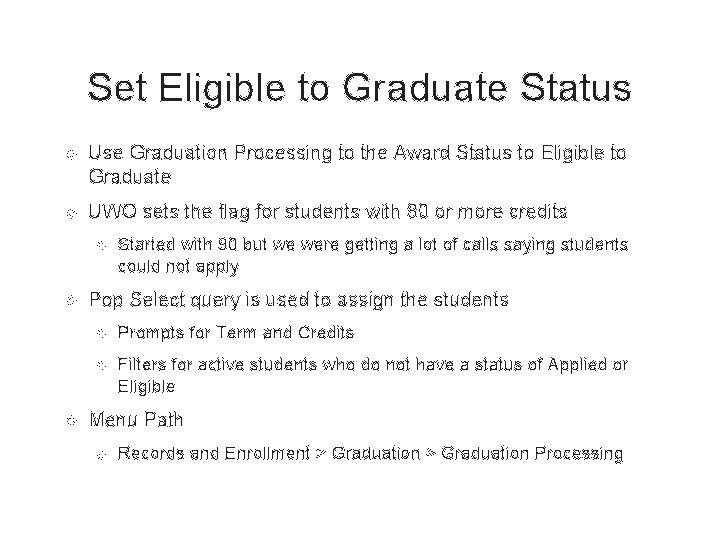
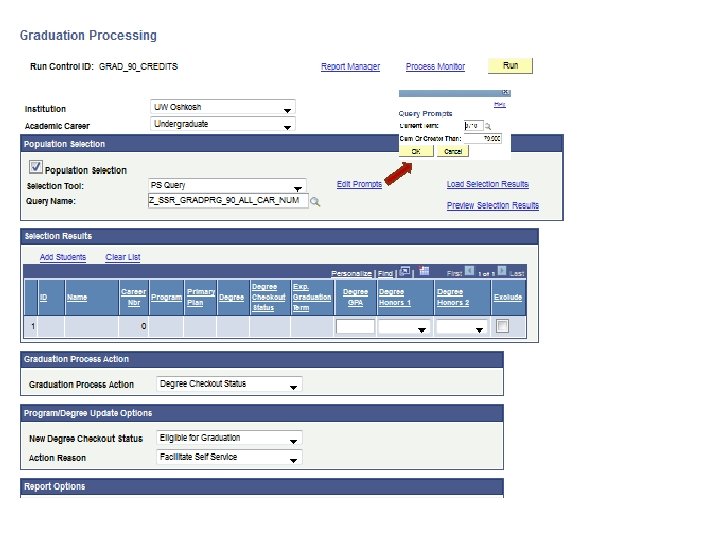
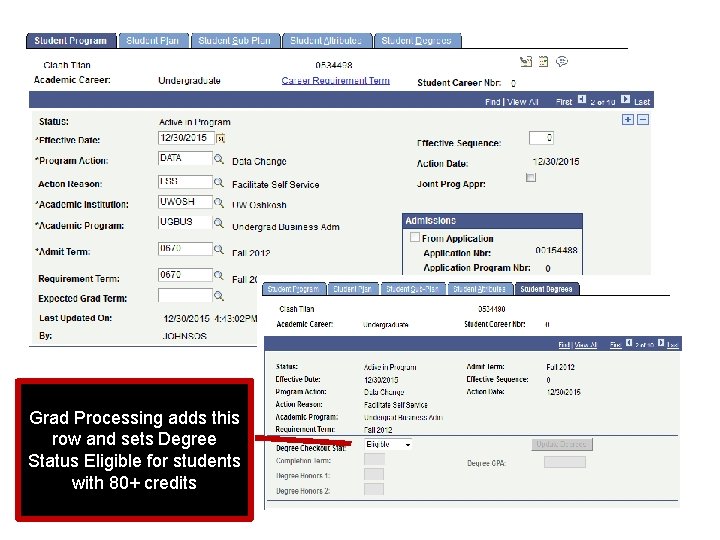
Set Eligible to Graduate Status Use Graduation Processing to the Award Status to Eligible to Graduate UWO sets the flag for students with 80 or more credits Started with 90 but we were getting a lot of calls saying students could not apply Pop Select query is used to assign the students Prompts for Term and Credits Filters for active students who do not have a status of Applied or Eligible Menu Path Records and Enrollment > Graduation Processing
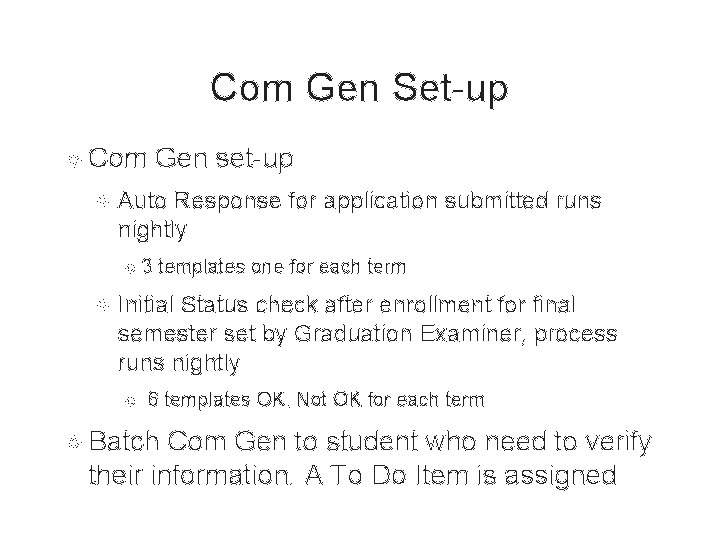
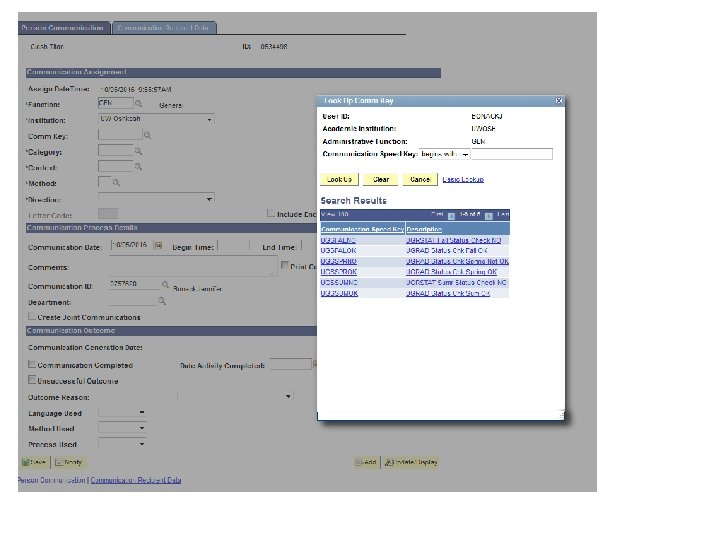
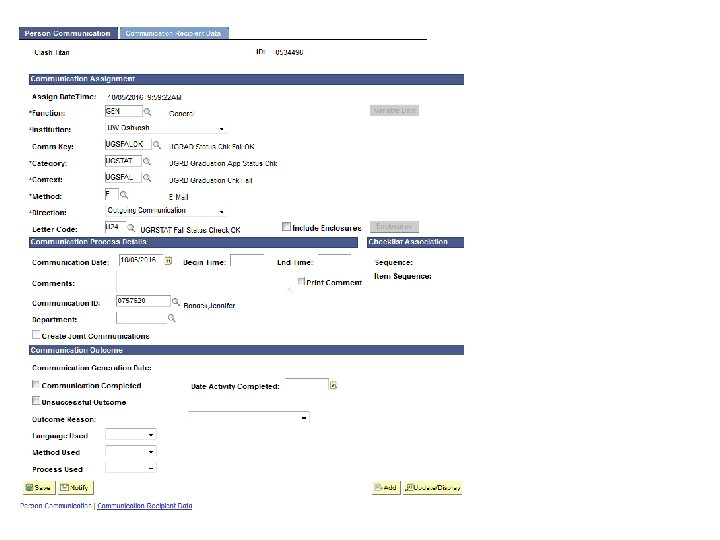
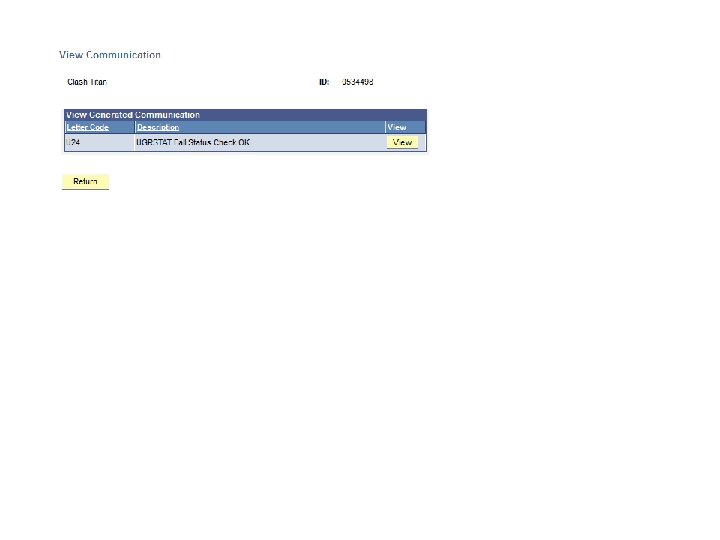
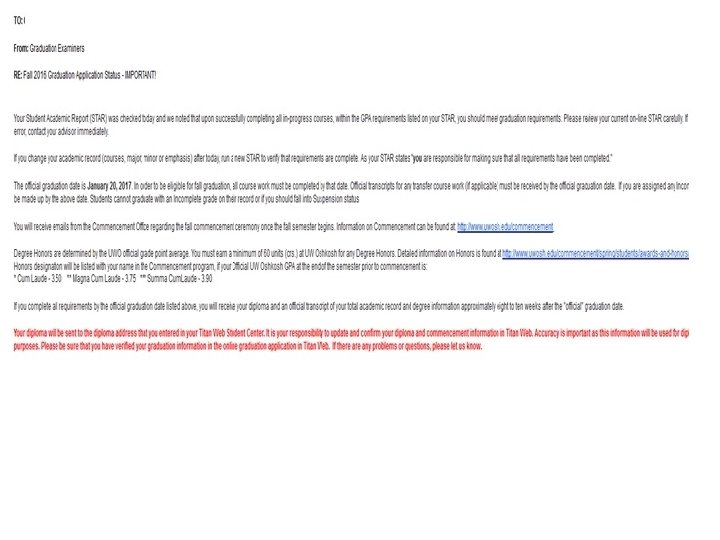
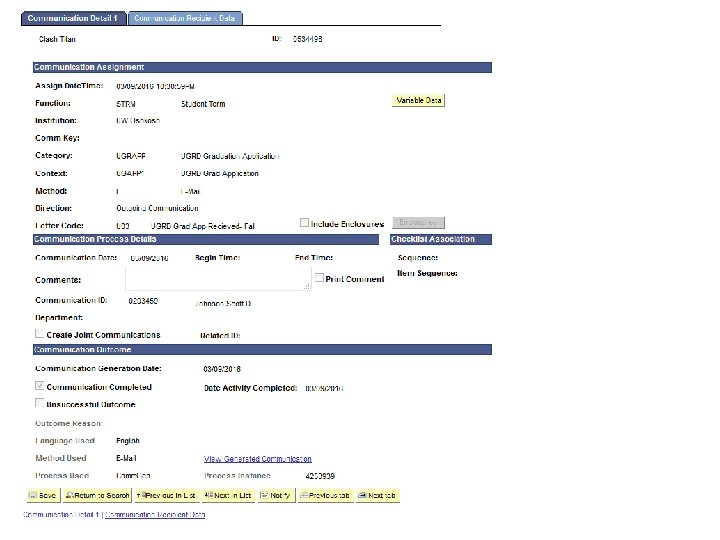
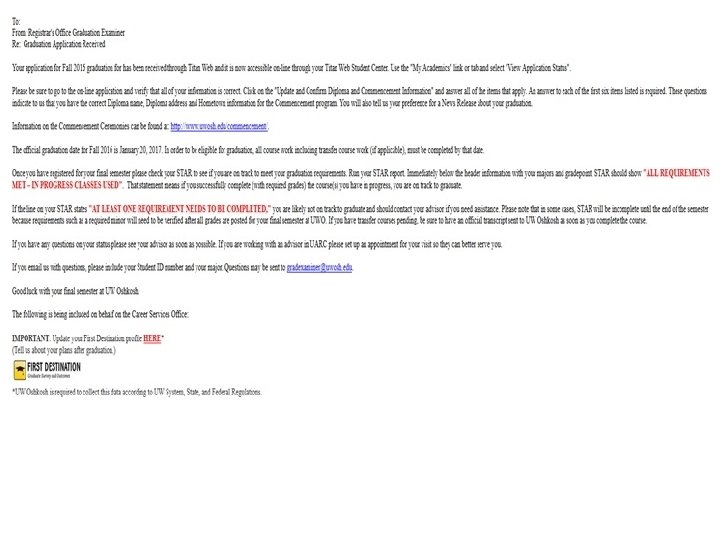
Com Gen Set-up Com Gen set-up Auto Response for application submitted runs nightly 3 templates one for each term Initial Status check after enrollment for final semester set by Graduation Examiner, process runs nightly 6 templates OK, Not OK for each term Batch Com Gen to student who need to verify their information. A To Do Item is assigned
The New Application Student Self Service View
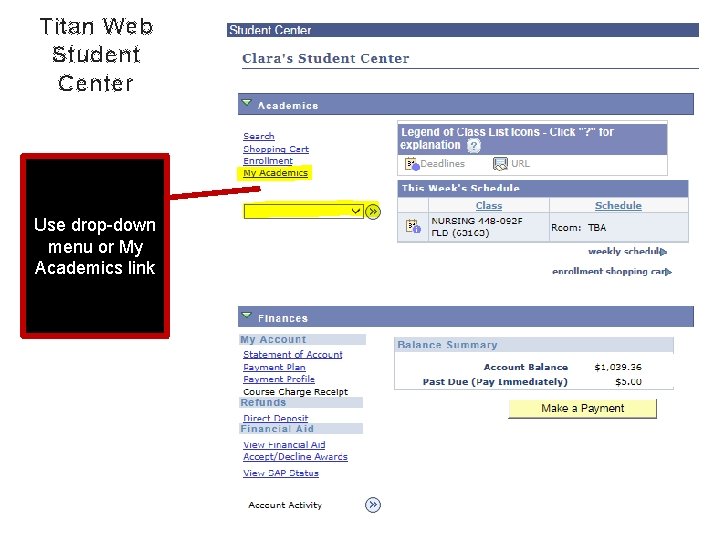
Titan Web Student Center Use drop-down menu or My Academics link
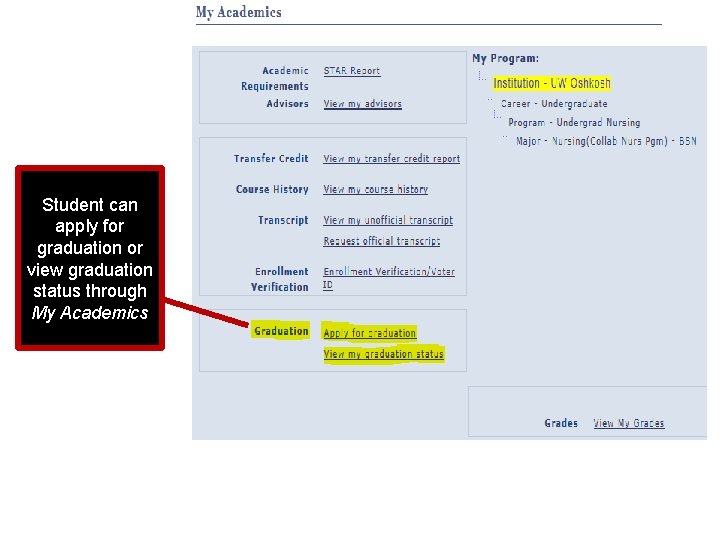
Student can apply for graduation or view graduation status through My Academics
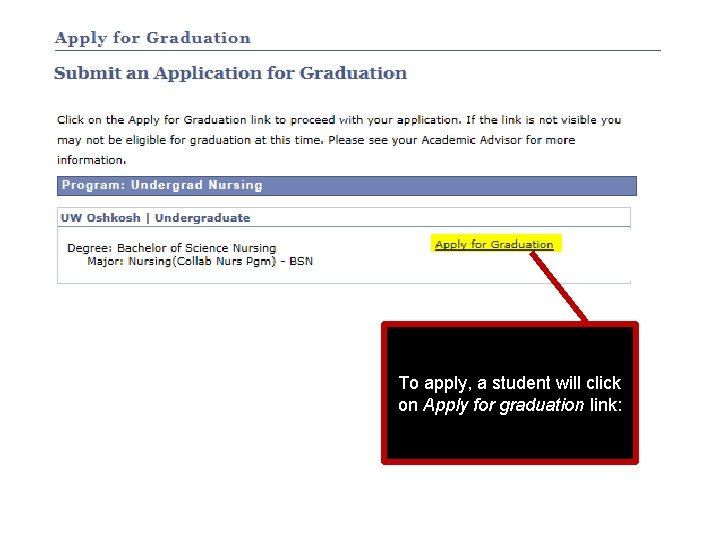
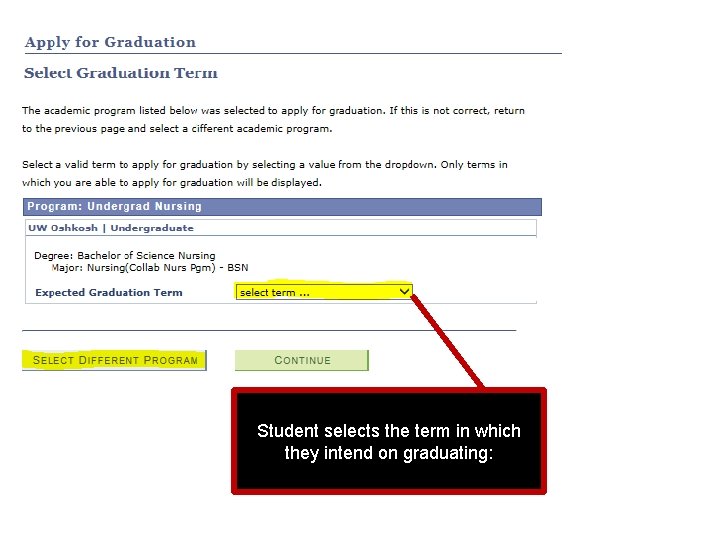
To apply, a student will click on Apply for graduation link:
Student selects the term in which they intend on graduating:
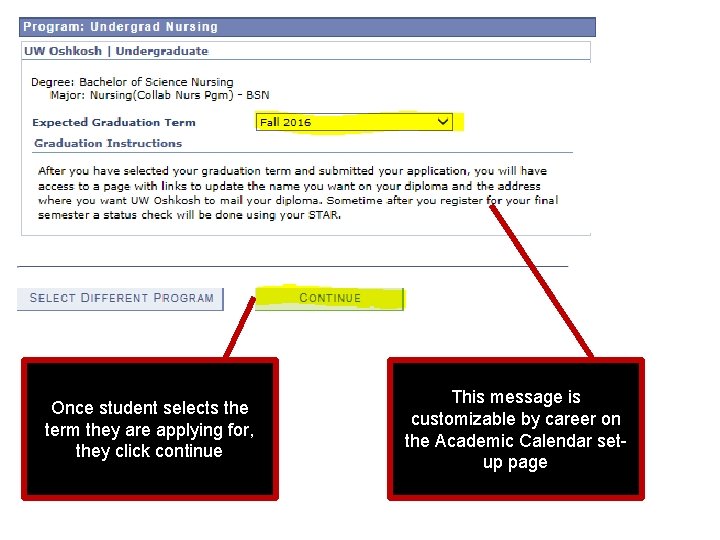
Once student selects the term they are applying for, they click continue This message is customizable by career on the Academic Calendar setup page
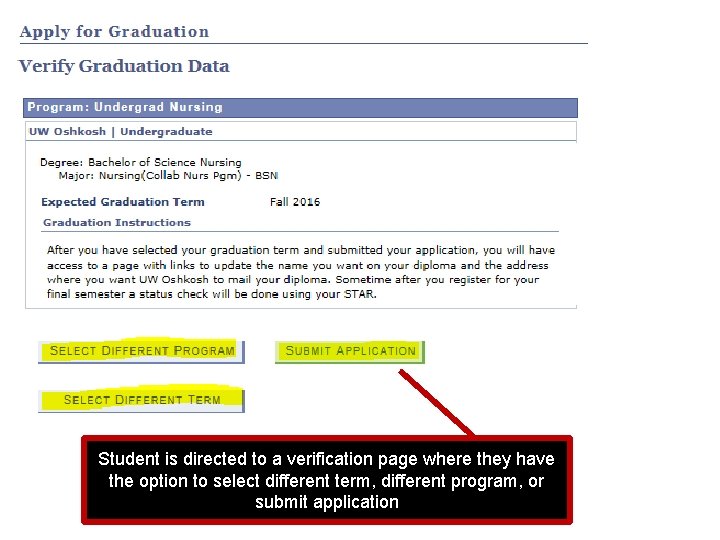
Student is directed to a verification page where they have the option to select different term, different program, or submit application
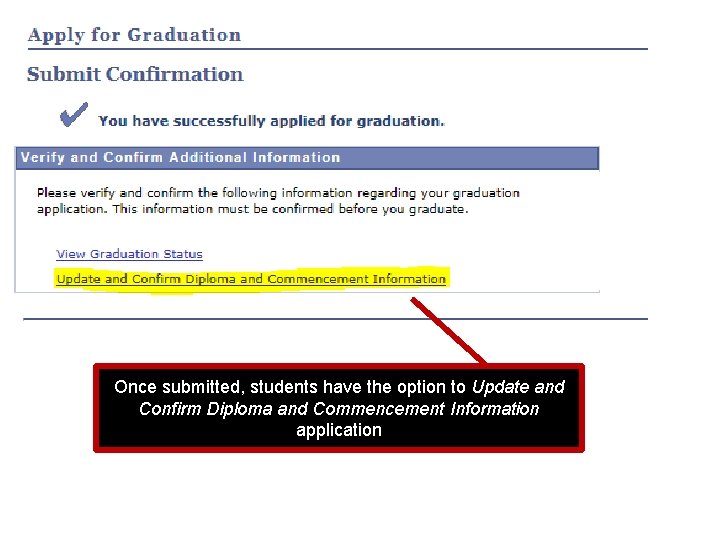
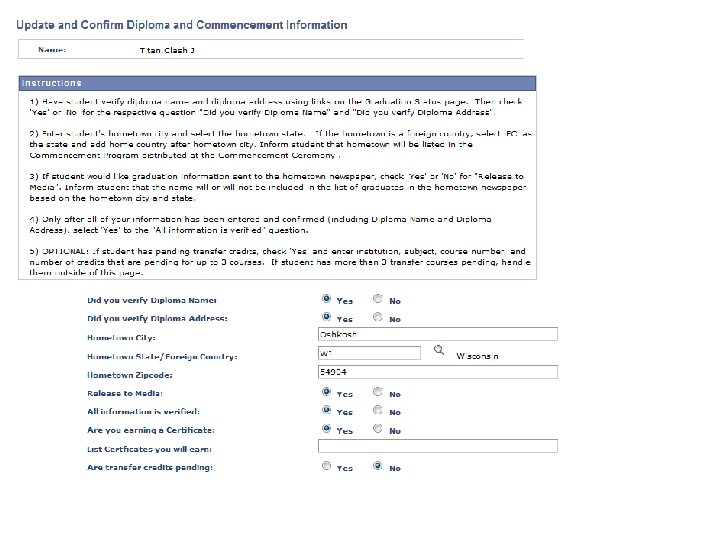
Once submitted, students have the option to Update and Confirm Diploma and Commencement Information application
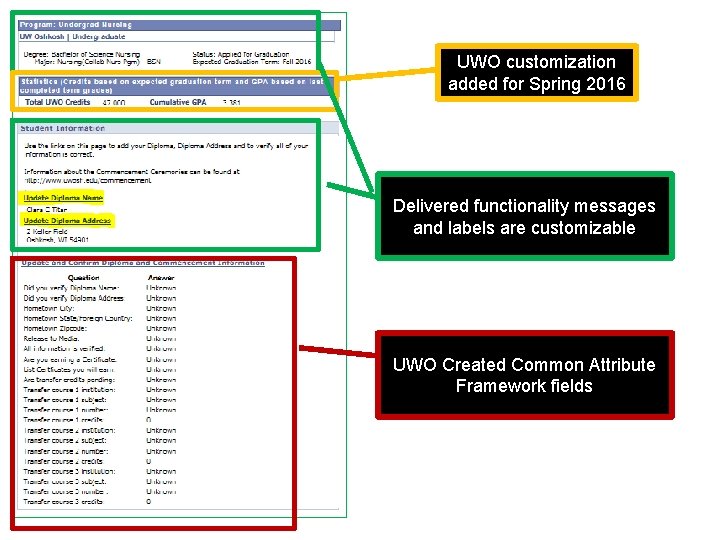
UWO customization added for Spring 2016 Delivered functionality messages and labels are customizable UWO Created Common Attribute Framework fields
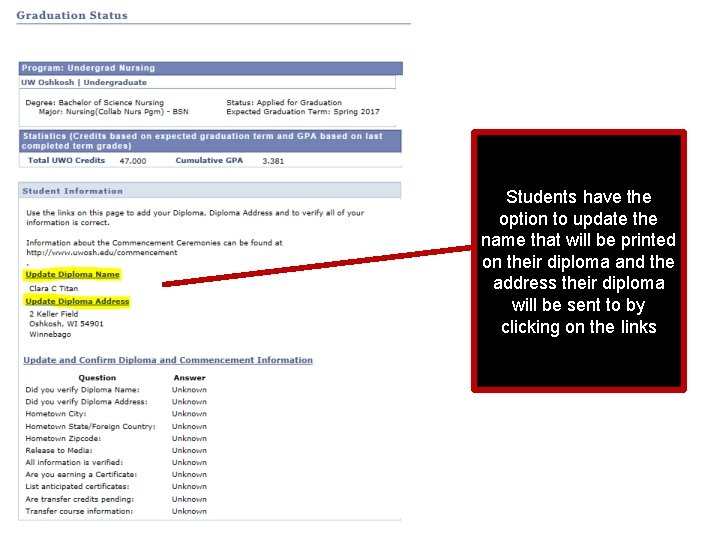
Students have the option to update the name that will be printed on their diploma and the address their diploma will be sent to by clicking on the links
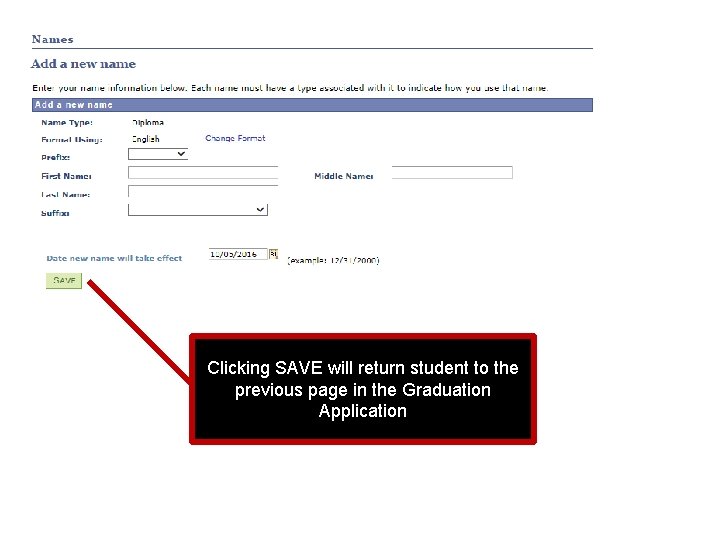
Clicking SAVE will return student to the previous page in the Graduation Application
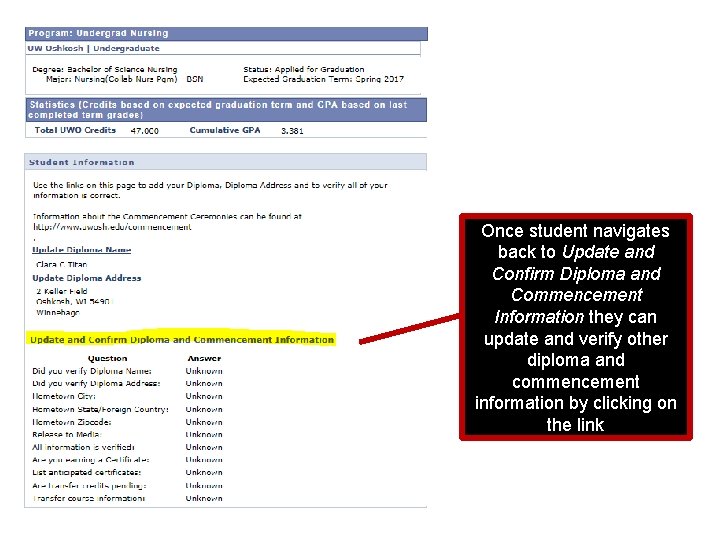
Once student navigates back to Update and Confirm Diploma and Commencement Information they can update and verify other diploma and commencement information by clicking on the link
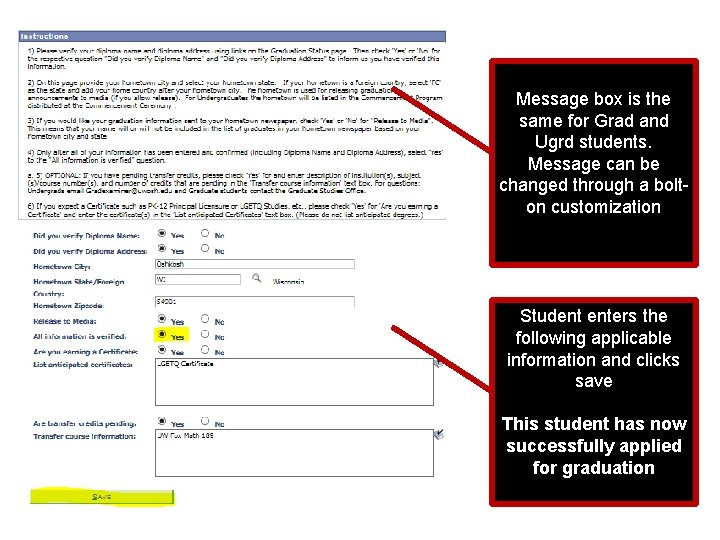
Message box is the same for Grad and Ugrd students. Message can be changed through a bolton customization Student enters the following applicable information and clicks save This student has now successfully applied for graduation
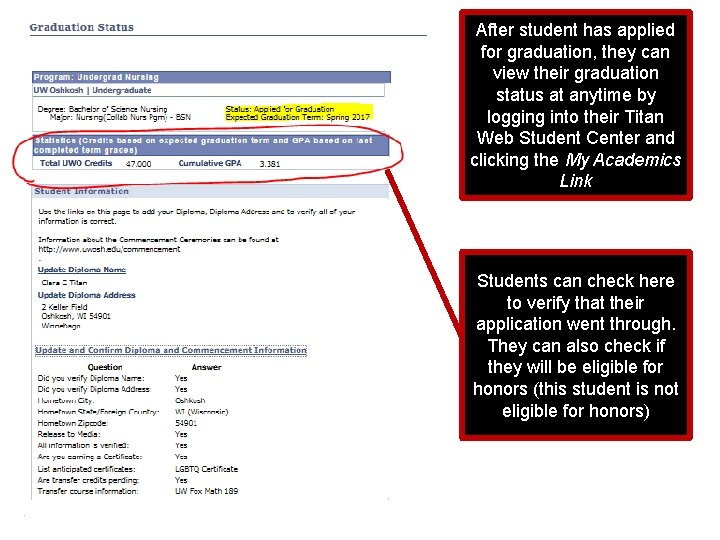
After student has applied for graduation, they can view their graduation status at anytime by logging into their Titan Web Student Center and clicking the My Academics Link Students can check here to verify that their application went through. They can also check if they will be eligible for honors (this student is not eligible for honors)
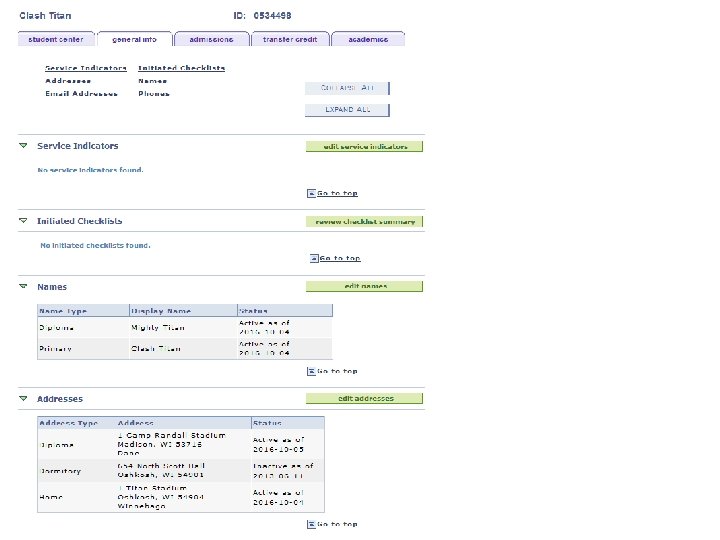
Administrator Access to Common Attribute Data
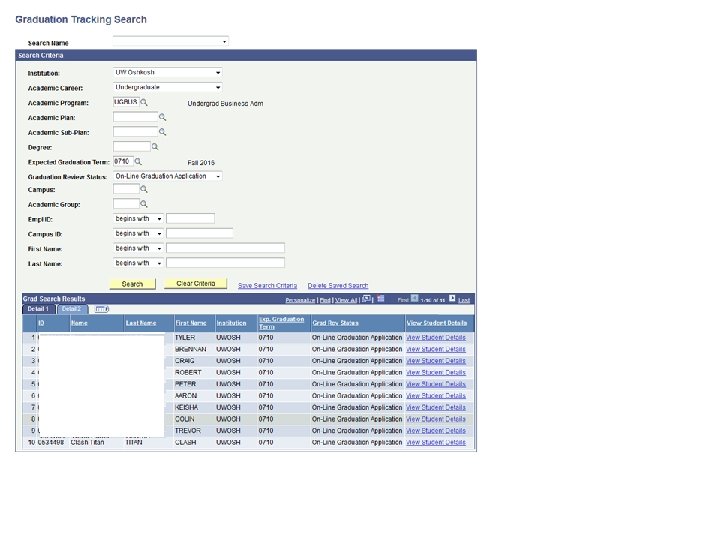
Graduation Tracking
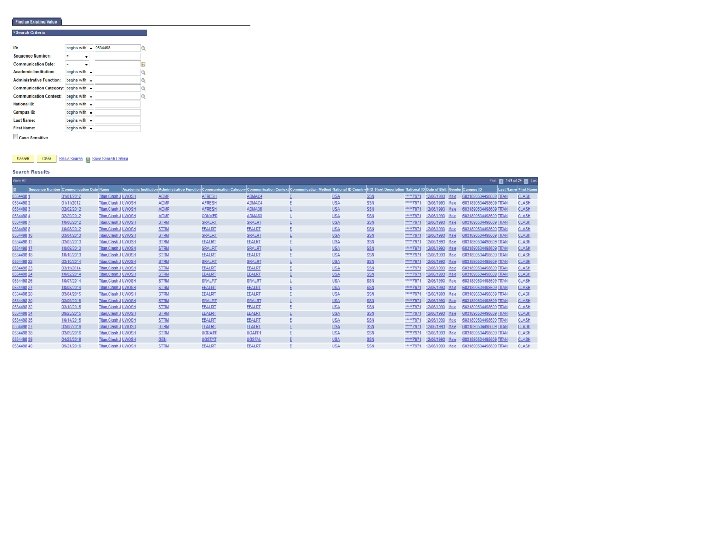
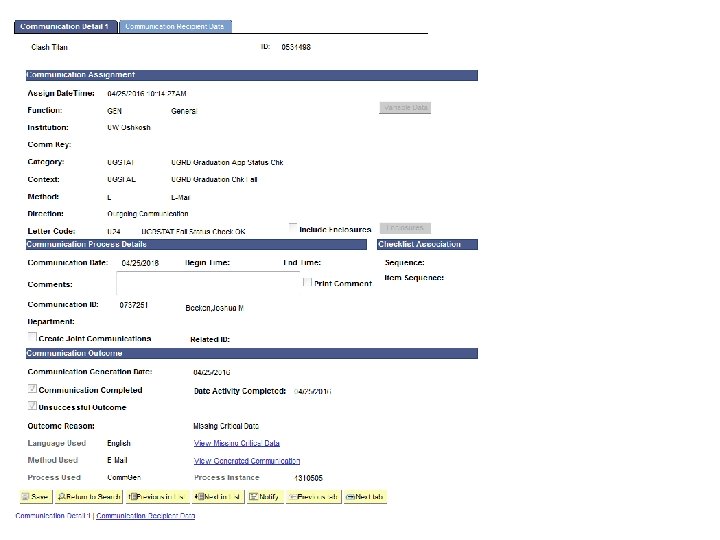
Tracking Communication to Students
Program Plan Stack Changes
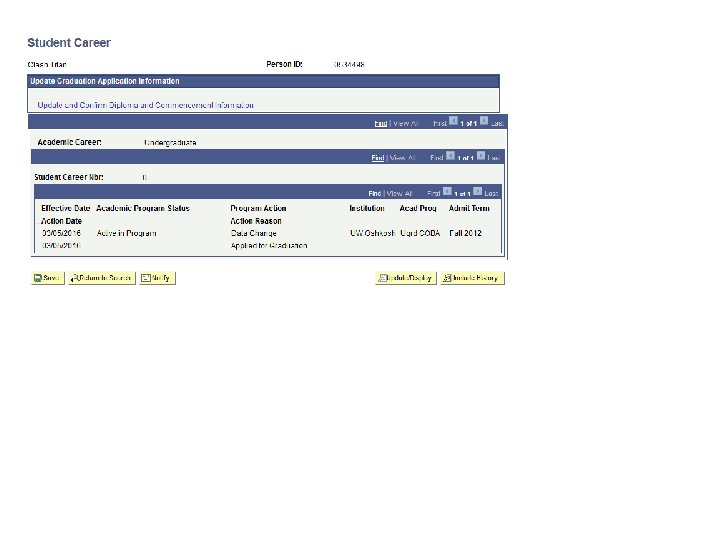
Grad Processing adds this row and sets Degree Status Eligible for students with 80+ credits
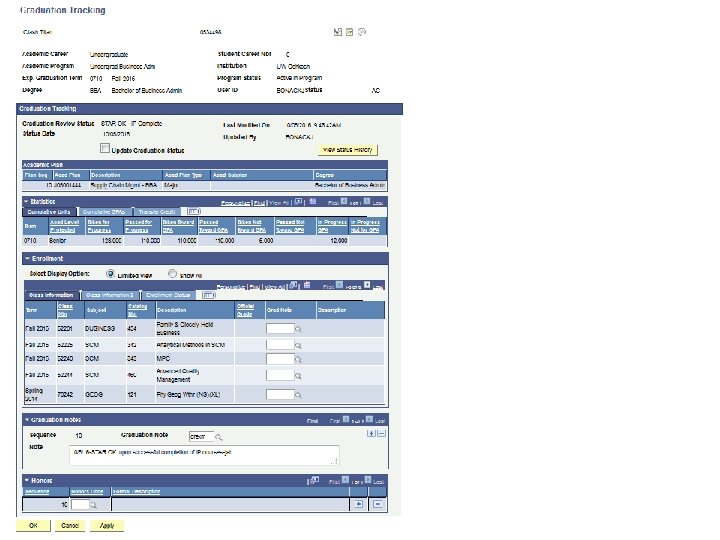
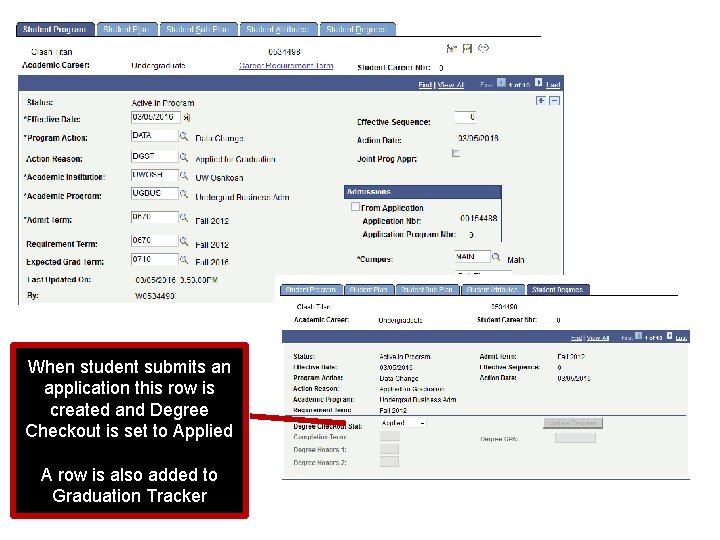
When student submits an application this row is created and Degree Checkout is set to Applied A row is also added to Graduation Tracker
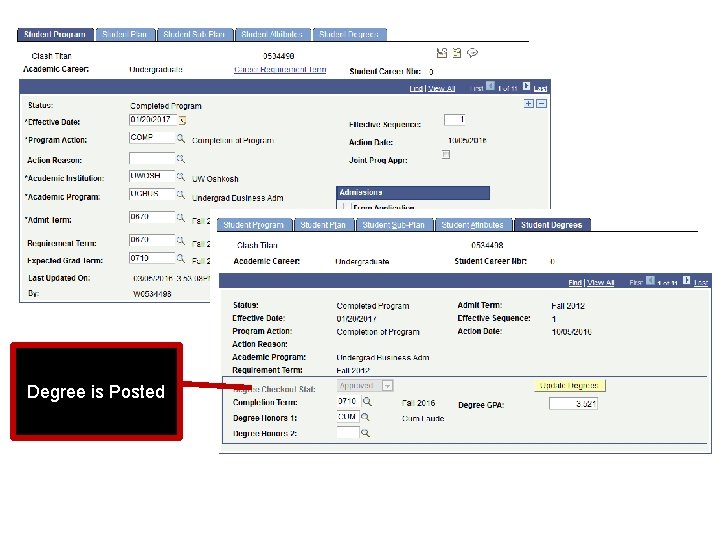
Degree is Posted
Managing Grad Tracker
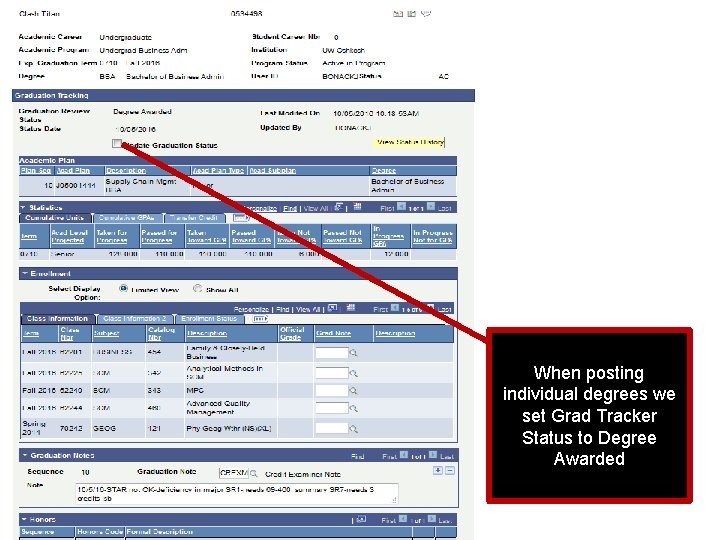
When posting individual degrees we set Grad Tracker Status to Degree Awarded
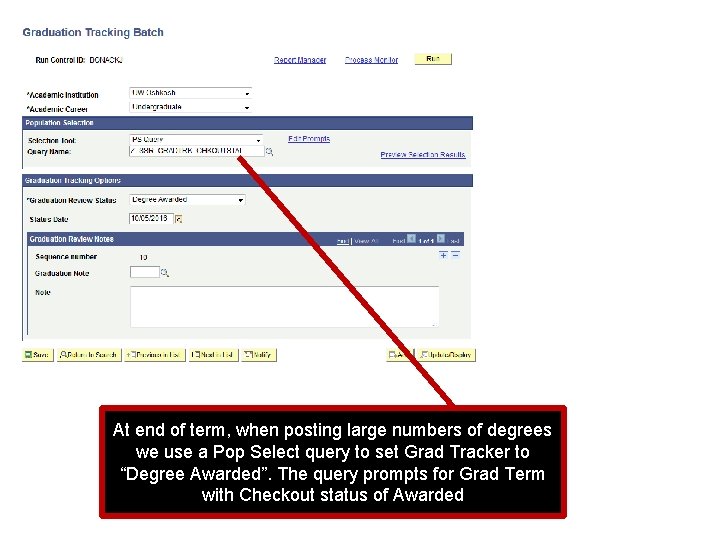
At end of term, when posting large numbers of degrees we use a Pop Select query to set Grad Tracker to “Degree Awarded”. The query prompts for Grad Term with Checkout status of Awarded
Reports
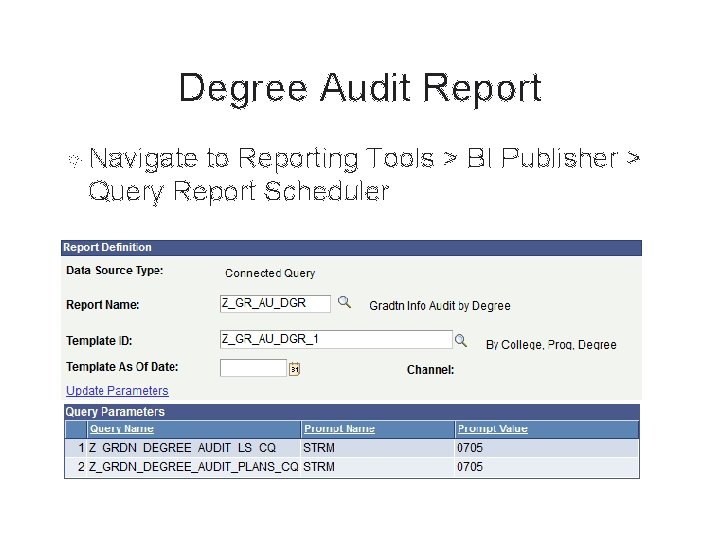
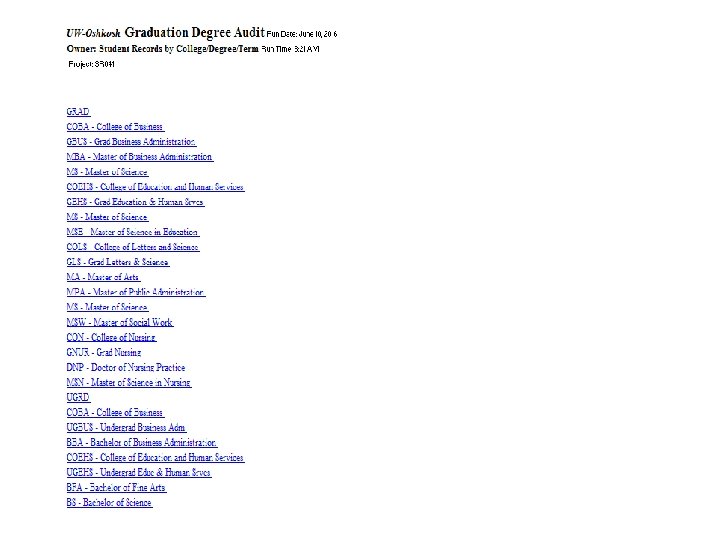
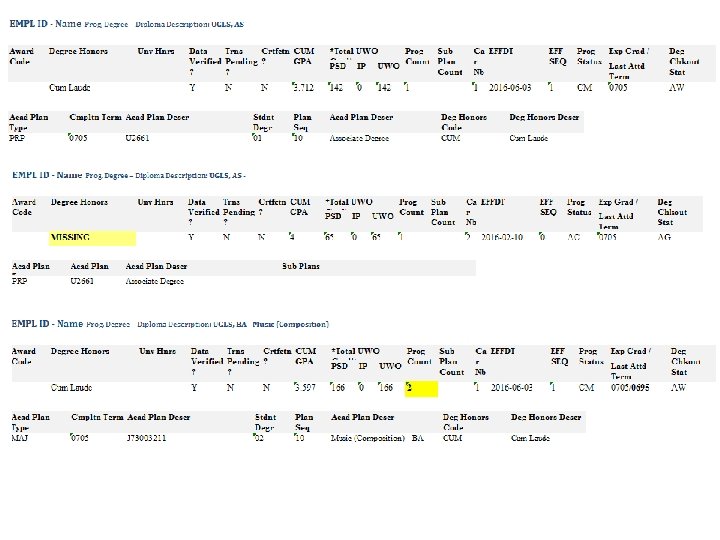
Degree Audit Report Navigate to Reporting Tools > BI Publisher > Query Report Scheduler
Success Points/Lessons Learned We managed to successfully graduate 1300 plus students for Spring 2016 Our Registrar no longer wakes up at night worried that she will have to explain why the Commencement Program book has a huge number of errors No students had Superman or Wonder Woman for their Degree Name
Success Points/Lessons Learned Registrar's Office has seen a major time savings Majority of work as shifted from three Graduation Examiners to two The Special Events and Publications staff has up to date formatted, targeted reports for communication to student and publications Reduced FERPA risk of releasing wrong information-
Success Points/Lessons Learned In a time of major staff changes we all had the opportunity to understand our roles in the overall graduation/commencement process Registrar’s Office will be send addition person to the Commencement ceremony to help with problems Found some communications errors to student that will be fixed
Success Points/Lessons Learned Don’t be afraid to ask “Why do we do this” “Because we have always done it that way” is not an acceptable answer Choose your battles Sometimes “Because we have always done it that way” is an acceptable answer (for now)
Access to a skilled PS developer for the real techie stuff Much of this is at the Funky tech level but its great to be able to have the developer help when needed We have a developer housed in the Registrar’s office