
Getting ready for the Sea DAS lab Jeremy
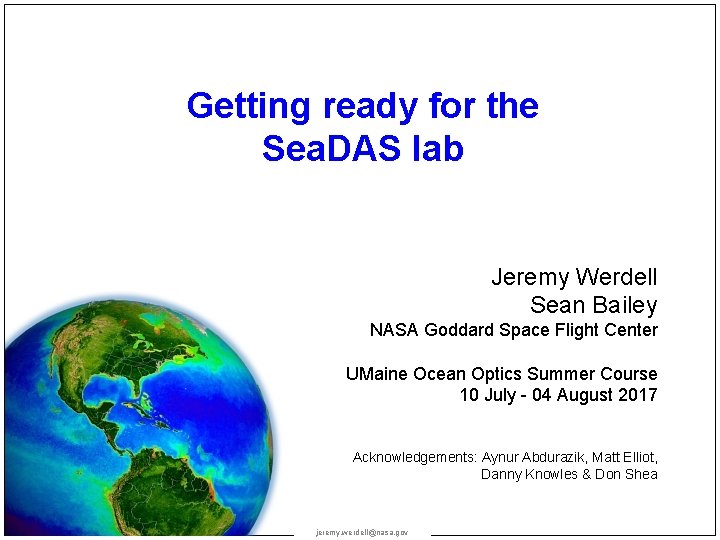
Getting ready for the Sea. DAS lab Jeremy Werdell Sean Bailey NASA Goddard Space Flight Center UMaine Ocean Optics Summer Course 10 July - 04 August 2017 Acknowledgements: Aynur Abdurazik, Matt Elliot, Danny Knowles & Don Shea jeremy. werdell@nasa. gov
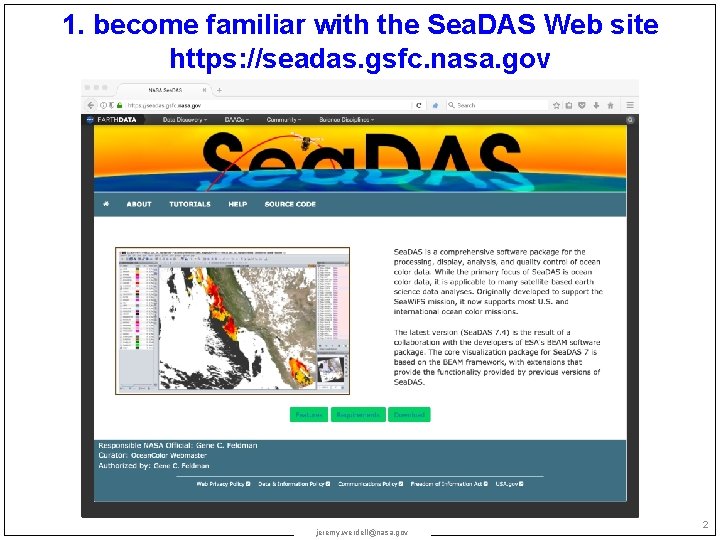
1. become familiar with the Sea. DAS Web site https: //seadas. gsfc. nasa. gov jeremy. werdell@nasa. gov 2
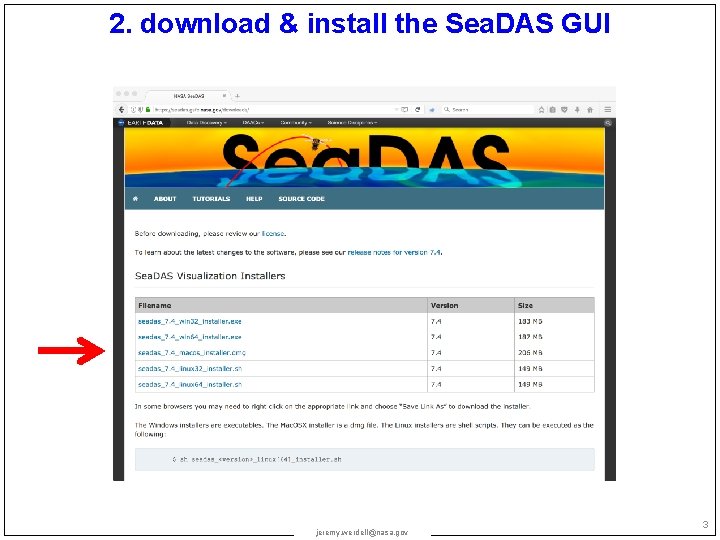
2. download & install the Sea. DAS GUI jeremy. werdell@nasa. gov 3
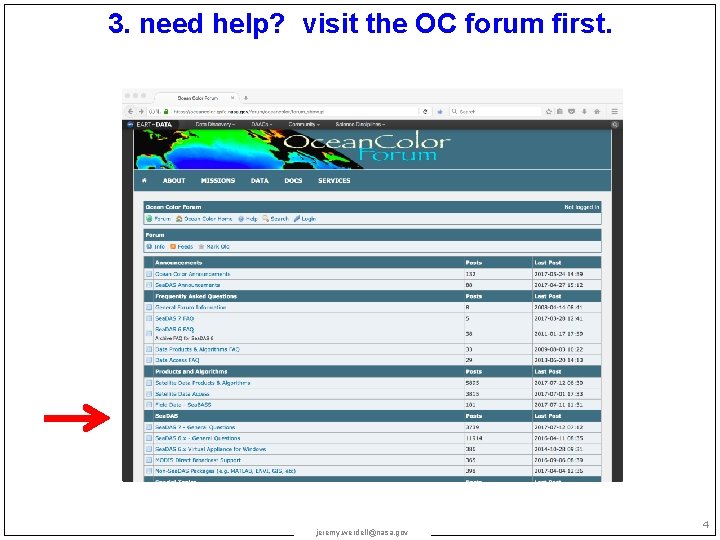
3. need help? visit the OC forum first. jeremy. werdell@nasa. gov 4
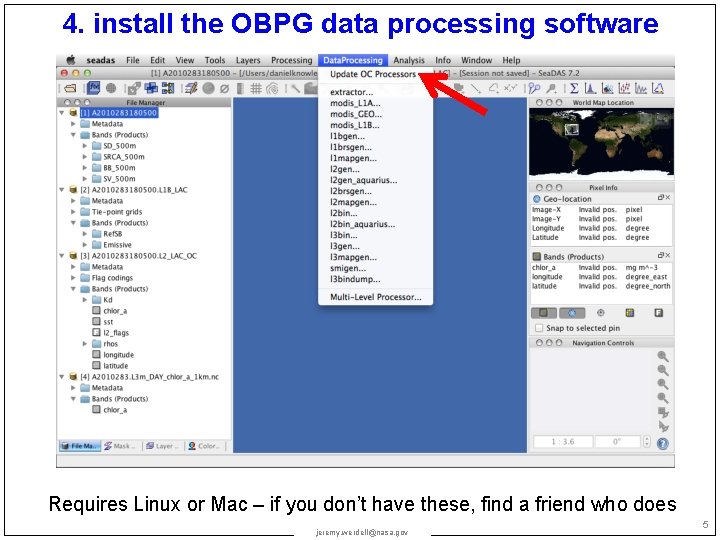
4. install the OBPG data processing software Requires Linux or Mac – if you don’t have these, find a friend who does jeremy. werdell@nasa. gov 5
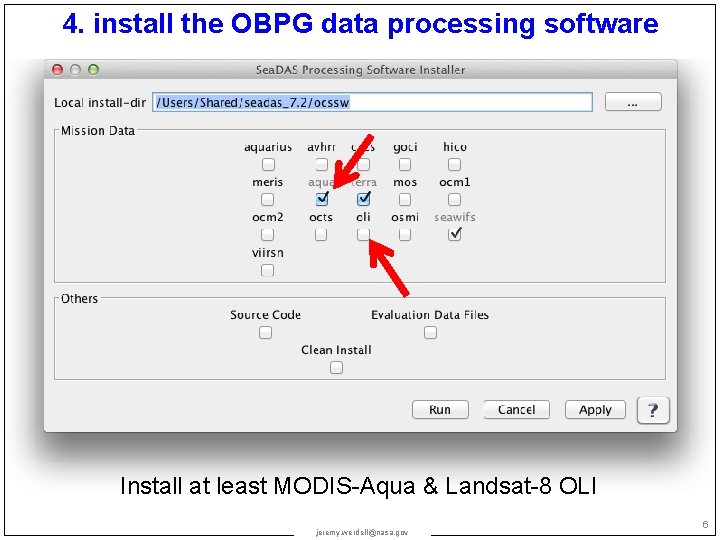
4. install the OBPG data processing software Install at least MODIS-Aqua & Landsat-8 OLI jeremy. werdell@nasa. gov 6
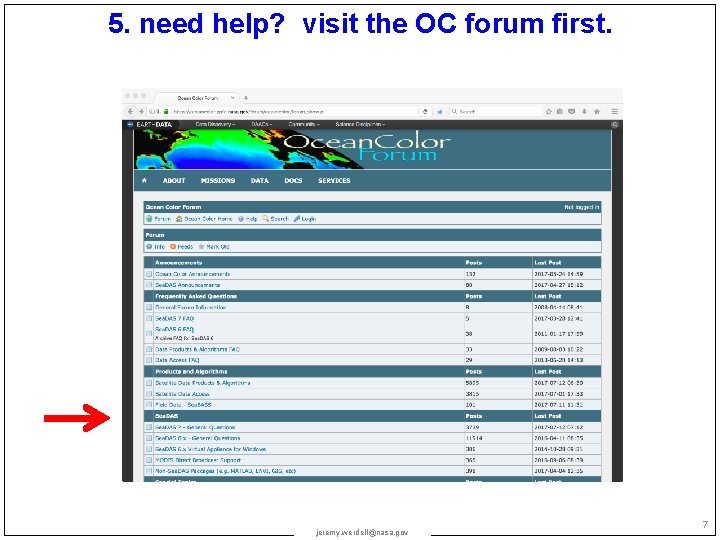
5. need help? visit the OC forum first. jeremy. werdell@nasa. gov 7
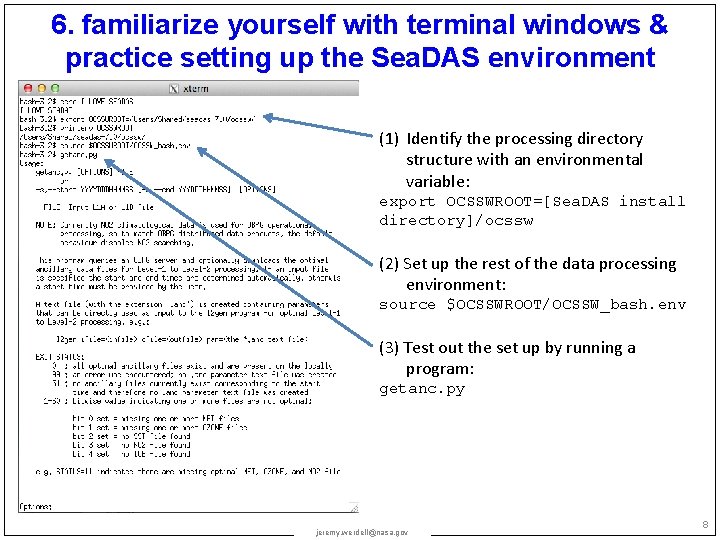
6. familiarize yourself with terminal windows & practice setting up the Sea. DAS environment (1) Identify the processing directory structure with an environmental variable: export OCSSWROOT=[Sea. DAS install directory]/ocssw (2) Set up the rest of the data processing environment: source $OCSSWROOT/OCSSW_bash. env (3) Test out the set up by running a program: getanc. py jeremy. werdell@nasa. gov 8
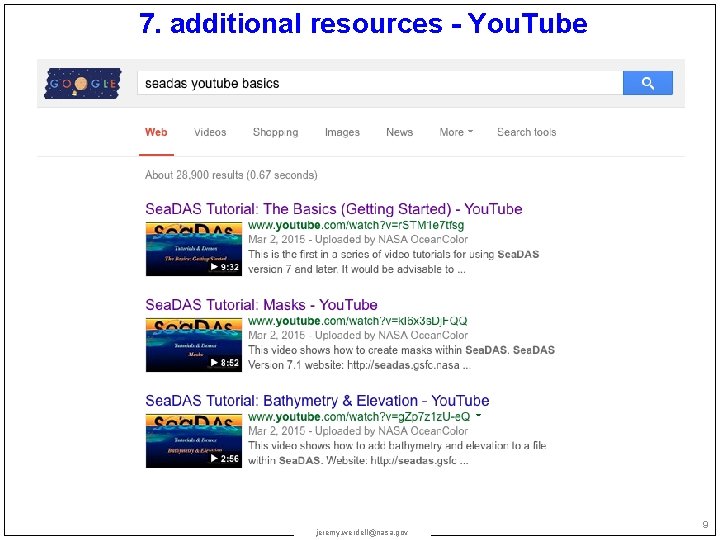
7. additional resources - You. Tube jeremy. werdell@nasa. gov 9
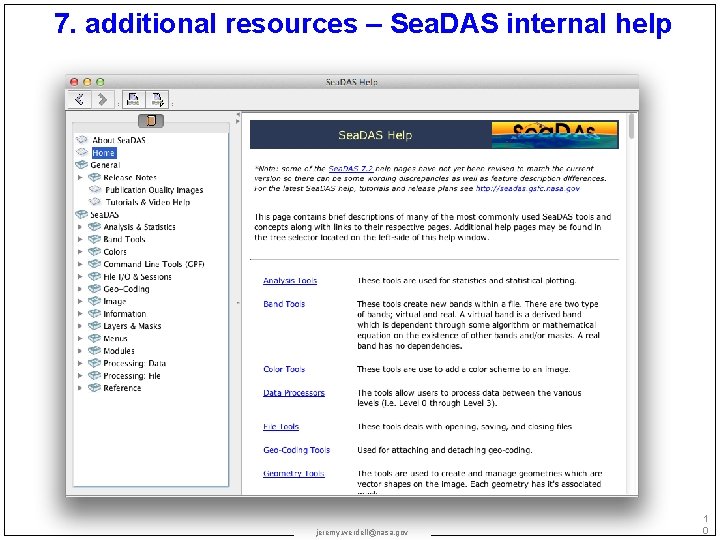
7. additional resources – Sea. DAS internal help jeremy. werdell@nasa. gov 1 0
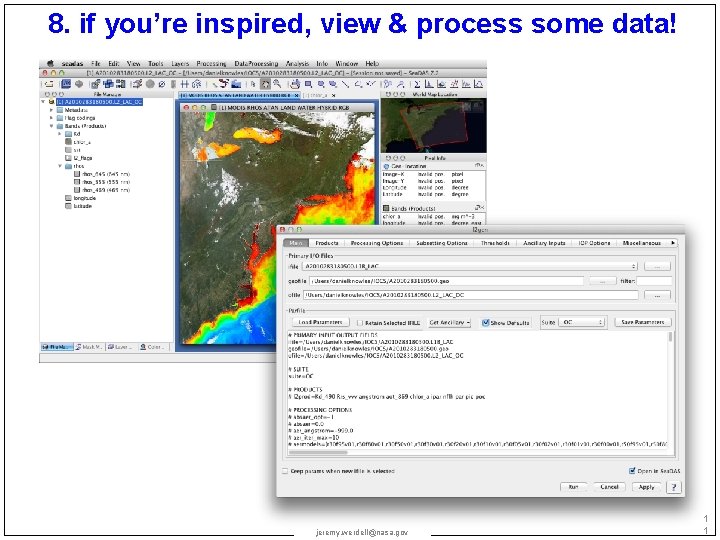
8. if you’re inspired, view & process some data! jeremy. werdell@nasa. gov 1 1
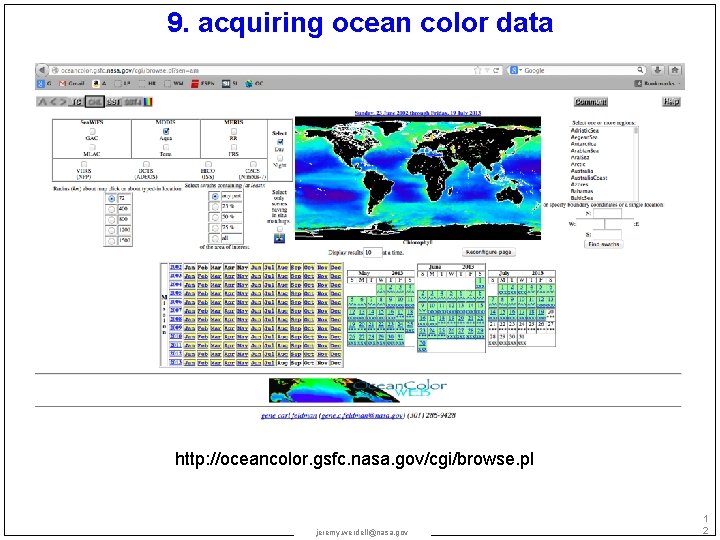
9. acquiring ocean color data http: //oceancolor. gsfc. nasa. gov/cgi/browse. pl jeremy. werdell@nasa. gov 1 2
- Slides: 12