
Getting Creative With Your Projector Benefits of using
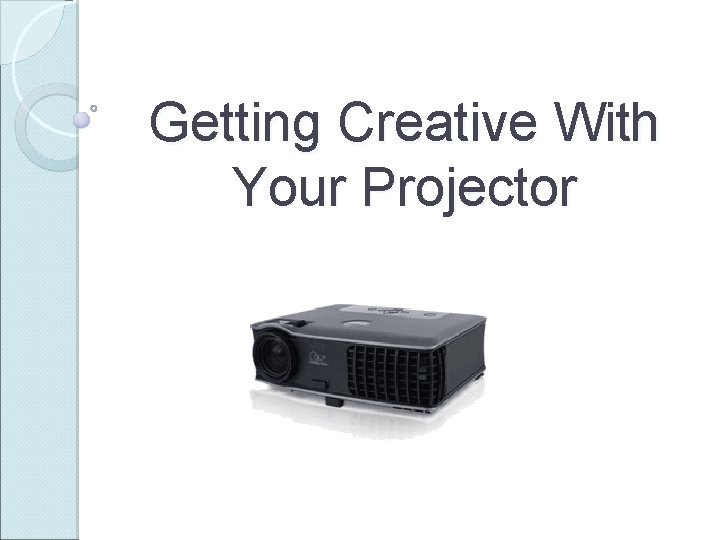
Getting Creative With Your Projector
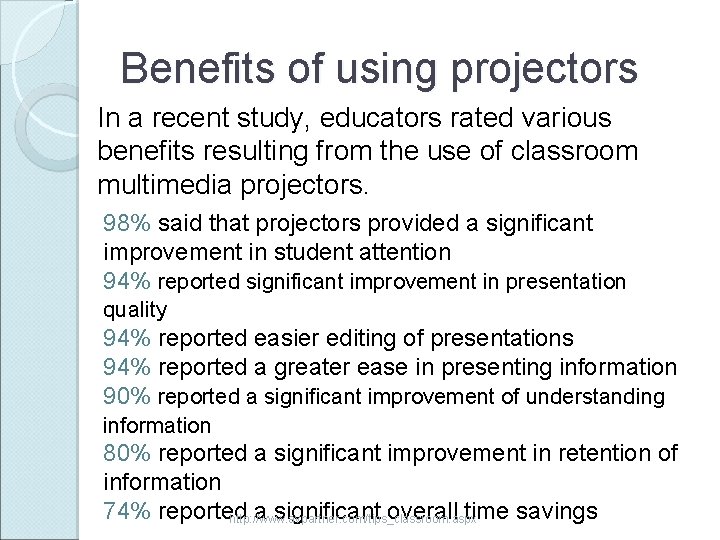
Benefits of using projectors In a recent study, educators rated various benefits resulting from the use of classroom multimedia projectors. 98% said that projectors provided a significant improvement in student attention 94% reported significant improvement in presentation quality 94% reported easier editing of presentations 94% reported a greater ease in presenting information 90% reported a significant improvement of understanding information 80% reported a significant improvement in retention of information 74% reported a significant overall time savings http: //www. avpartner. com/tips_classroom. aspx
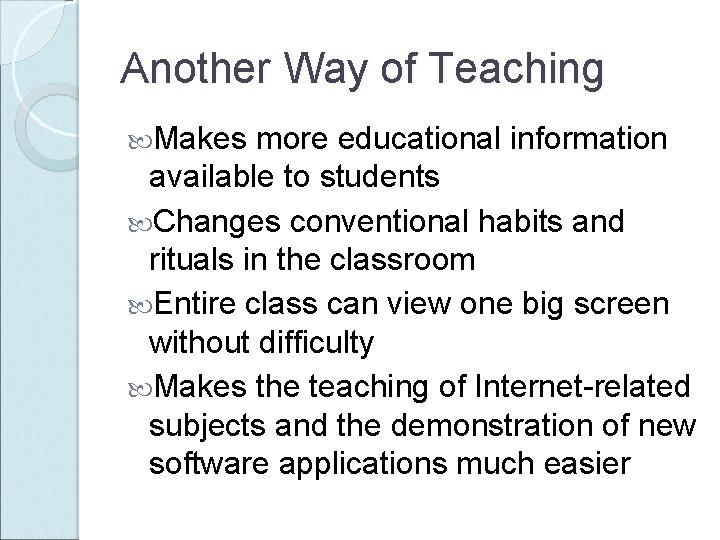
Another Way of Teaching Makes more educational information available to students Changes conventional habits and rituals in the classroom Entire class can view one big screen without difficulty Makes the teaching of Internet-related subjects and the demonstration of new software applications much easier
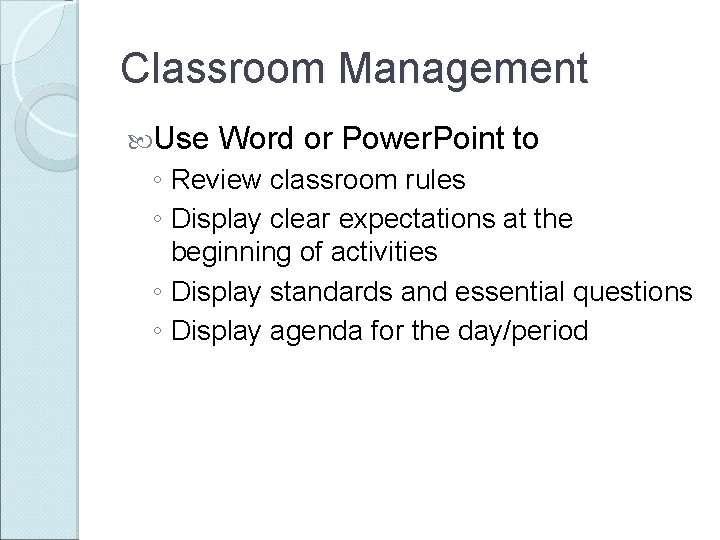
Classroom Management Use Word or Power. Point to ◦ Review classroom rules ◦ Display clear expectations at the beginning of activities ◦ Display standards and essential questions ◦ Display agenda for the day/period
Meetings Use Power. Point (auto advance) to display ◦ Back to School FAQs Lunch costs Homework expectations Textbook info Procedures Class rules Contact information ◦ Open House Student work Pictures Current topics of study
Meetings Faculty Meetings ◦ Agenda ◦ Pictures ◦ Minutes Professional Development ◦ Video ◦ Content
Projectors can be used in every subject area and grade level
Academic Rigor ( Principle of Learning) “As we focus on intellectual rigor with active use of knowledge, we need to transform our classrooms into inquiry zones. Our activities need to center on major concepts in our disciplines, and we need to model what inquiry looks like. Technology provides us with readily available tools on the internet--our classroom LCD projectors enable us to explore information collaboratively. ” http: //ci. mpls. k 12. mn. us/printview/Using_LCD_Projectors_Effectively_in_the_Classroom. html
Language Arts Display writing prompts Writing process DOL Ebooks Whole group instruction ◦ Odyssey ◦ Online activities
Math Online manipulatives ◦ National Library of Virtual Manipulatives Data collection and graphing with Microsoft Excel Online worksheets Problem of the day Online CRCT/GHGST/SAT practice
Math Manipulatives: Base Ten Blocks: ◦ http: //www. arcytech. org/java/b 10 blocks. html Clock: ◦ http: //www. oswego. org/ocsdweb/games/Class. Clock/clockres. html Number Line: ◦ http: //www. wmnet. org. uk/wmnet/custom/files_uploaded/uploade d_resources/853/numberlinev 2. swf ◦ http: //www. primaryonline. co. uk/sitetour/pol/findra. html Pattern Blocks: ◦ http: //www. arcytech. org/java/patterns_j. shtml ◦ http: //nlvm. usu. edu/en/nav/frames_asid_169_g_1_t_2. html Tangrams: ◦ http: //www. amblesideprimary. com/ambleweb/mentalmaths/tangr am. html Unifix Cubes ◦ http: //nlvm. usu. edu/en/nav/frames_asid_195_g_2_t_2. html? ope n=activities
Science Virtual dissections Enlarge photos of cells, animals, plants, etc. for detailed study. Web based animations to demonstrate cycles: ◦ ◦ ◦ The Cell Cycle The Carbon Cycle The Nitrogen Cycle The Rock Cycle The Water Cycle Video content, virtual tours
Science http: //www. froguts. com/flash_content/de mo/frog. html http: //www. google. com/sky/ http: //www. medtropolis. com/default. aspx http: //www. bbc. co. uk/schools/gcsebitesi ze/teachers/chemistry/activities. shtml http: //www. techtrekers. com/secsci. htm http: //www. pbs. org/teachers/mediainfusi on/2007/04/visual_media_in_the_scienc e_cl_1. html
Science Amazing Space Bio. Interactive Virtual Labs Click and Learn Bowman (Physics) Interactive Body Planet. Quest Shuttle Launch Simulation Interactive Mitosis Tutorial 3 -D Brain Anatomy Animated Guide to the Digestive System
Social Studies Geography – maps ◦ http: //maps. google. com/ ◦ http: //maps. live. com/ ◦ http: //plasma. nationalgeographic. com/ma pmachine/ Virtual tours/Scavenger Hunts Video content Online newspapers
Social Studies Cleopatra The Greeks History. Wired Millenium: A 1000 Years of History Secrets of the Lost Ark
The Arts http: //artsedge. kennedy- center. org/explore/lll. cfm (all Arts) http: //www. readwritethink. org/student _mat/student_material. asp? id=12 (Drama) http: //www. artsconnected. org/ (Art)
PE Skills demonstrations (video clips) Discovery Streaming (videos) Orienteering Scavenger Hunt Use Power. Point to display instructions for centers/activities/etc. PE/Health websites
Foreign Language Online Quizzes ◦ Vocabulary ◦ Content in another language Movies/clips with target language spoken Use Power. Point to create games to reinforce vocabulary Whole group activities with interactive software
ESOL Content Quizzes in Spanish: http: //www. thatquiz. org/tq/index. html Using Power. Point for ESL Teaching Slang, Idioms, and More Discovery Streaming videos
Something for everyone Present content using Power. Point with ◦ ◦ Text Graphics Video Audio Review content for tests and quizzes ◦ Power. Point presentations and games Discovery Education Streaming – videos, maps, and other content Activity Timer ◦ http: //office. microsoft. com/enus/templates/results. aspx? qu=powerpoint+activity+ti mer&av=TPL 000 ◦ www. bes. fayette. k 12. il. us/techws/Timers/timers 2. ppt
Something for everyone Graphic Organizers – fill in on whiteboard CRCT/GHSGT Practice Web research/scavenger hunts Sponge activities Microsoft Office Applications: http: //www. microsoft. com/education/les sonplans. mspx
Virtual Tours Use Virtual Tours to: ◦ Visit the Smithsonian ◦ See the pandas at the Atlanta Zoo ◦ Explore a space shuttle ◦ Explore the US Capitol Find “virtual tours” using a search engine. Be sure to include the type of tour your are looking for.
Scanned Items Scan worksheets into your copier and email to yourself as PDF files. ◦ Review for a test ◦ Complete worksheet as a class ◦ Discuss answers together after individuals complete worksheets. Scan rubrics, exemplary work samples, etc.
Power. Point Presentations Power. Point is one of the most powerful tools you can use with your projector ◦ Teacher “notes” during lectures ◦ Student textual/visual aid during oral presentations ◦ Quizzes/Reviews
Power. Point falls under the category of visual aid -- with aid being the operative word. Teach students how to use this software within the context of good speaking skills. Eye contact, expression, and gestures are still important. Flying bullet points won't make up for a boring delivery or lack of content.
Presentation Considerations Can it be read from the back row? ◦ Use a minimum of 24 pt font ◦ Bullet points are best Use sans-serif fonts ◦ Fonts without “tails” are easier to read Color choice ◦ Estimated that ¼ are color blind ◦ Use high contrast, easy to see colors ◦ Color may differ from what you see on the computer monitor Graphics ◦ Must ENHANCE content
According to research… Having related pictures in your presentation is neither beneficial nor harmful to the students’ enjoyment or learning of the material. (Bartsch & Cobern) Unrelated pictures in a presentation, however, have a negative effect on students’ enjoyment and the learning of the material. (Bartsch & Cobern) A picture may be worth a thousand words, but when you use an unrelated picture those thousand words drown out what you are trying to say.
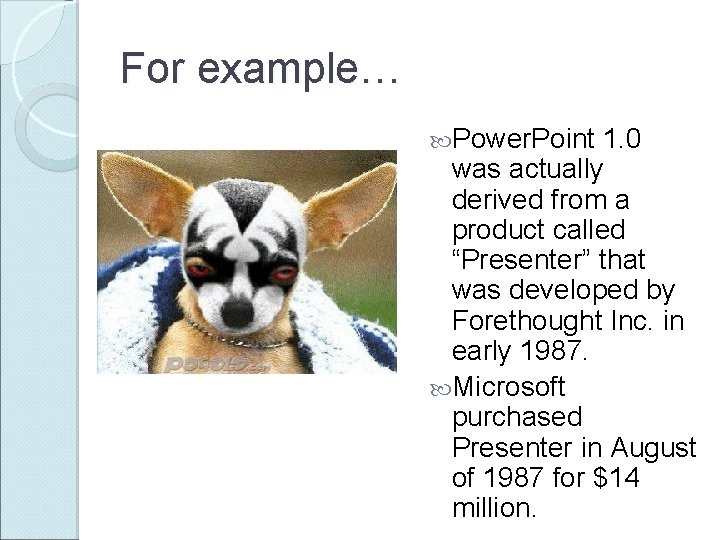
For example… Power. Point 1. 0 was actually derived from a product called “Presenter” that was developed by Forethought Inc. in early 1987. Microsoft purchased Presenter in August of 1987 for $14 million.
How much did Microsoft pay for Presenter? Will you be able to answer this question in an hour? Will you remember the Chihuahua dressed as Gene Simmons from KISS in an hour? The slide entertains, but fails to teach. Lesson learned: Use graphics wisely!
It’s Your Turn… During your next team meeting, share ways you are planning to use your projector that have not been discussed.
Resources http: //ci. mpls. k 12. mn. us/printview/Using_LCD_Pr ojectors_Effectively_in_the_Classroom. html http: //www. presentersuniversity. com/ http: //coe. sdsu. edu/eet/articles/projectors/ http: //ci. mpls. k 12. mn. us/Data. Projectors. html http: //my. uen. org/c/portal/layout? p_l_id=PUB. 20 918. 7 http: //www. edzone. net/~mwestern/tutorials. html http: //www. educationworld. com/a_tech/archives/ curr. shtml http: //www. educationworld. com/a_tech/columnists/johnson 00 3. shtml
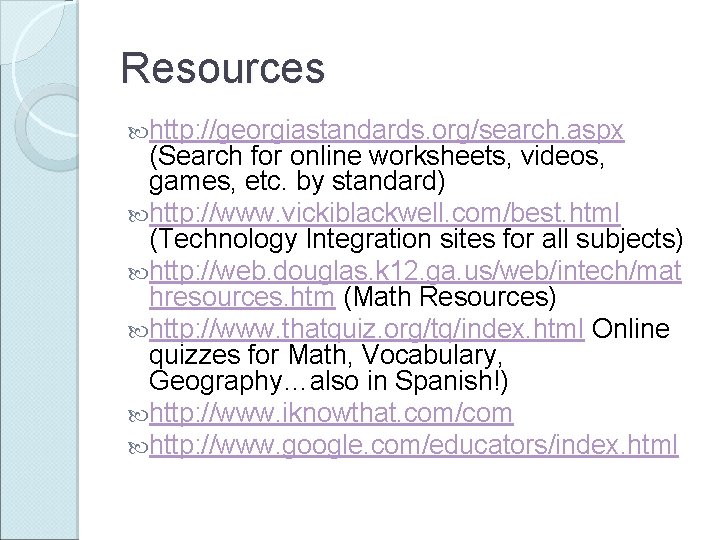
Resources http: //georgiastandards. org/search. aspx (Search for online worksheets, videos, games, etc. by standard) http: //www. vickiblackwell. com/best. html (Technology Integration sites for all subjects) http: //web. douglas. k 12. ga. us/web/intech/mat hresources. htm (Math Resources) http: //www. thatquiz. org/tq/index. html Online quizzes for Math, Vocabulary, Geography…also in Spanish!) http: //www. iknowthat. com/com http: //www. google. com/educators/index. html
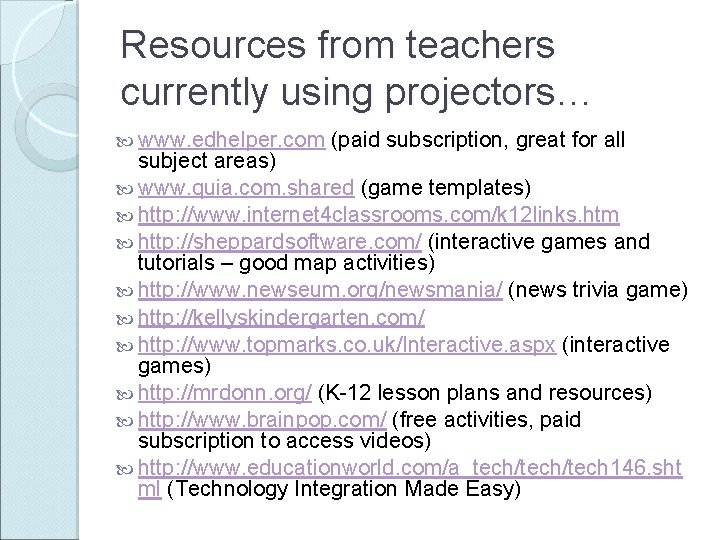
Resources from teachers currently using projectors… www. edhelper. com (paid subscription, great for all subject areas) www. quia. com. shared (game templates) http: //www. internet 4 classrooms. com/k 12 links. htm http: //sheppardsoftware. com/ (interactive games and tutorials – good map activities) http: //www. newseum. org/newsmania/ (news trivia game) http: //kellyskindergarten. com/ http: //www. topmarks. co. uk/Interactive. aspx (interactive games) http: //mrdonn. org/ (K-12 lesson plans and resources) http: //www. brainpop. com/ (free activities, paid subscription to access videos) http: //www. educationworld. com/a_tech/tech 146. sht ml (Technology Integration Made Easy)
- Slides: 34