
Geoprocessing Sample Tools for Lidar Data Management Clayton


- Slides: 15
Geoprocessing Sample Tools for Lidar Data Management Clayton Crawford, Esri
Content • Discuss and demonstrate 3 D Sample Tools for lidar data management • Implemented as custom GP tools • Prototypes and utilities • Often make their way into shipping product • Available for download • Easy to install and use
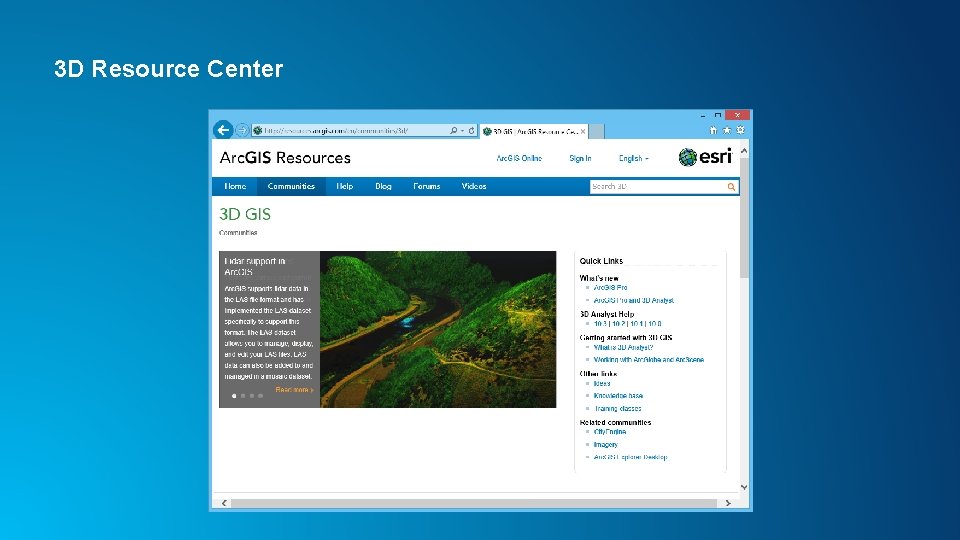
3 D Resource Center
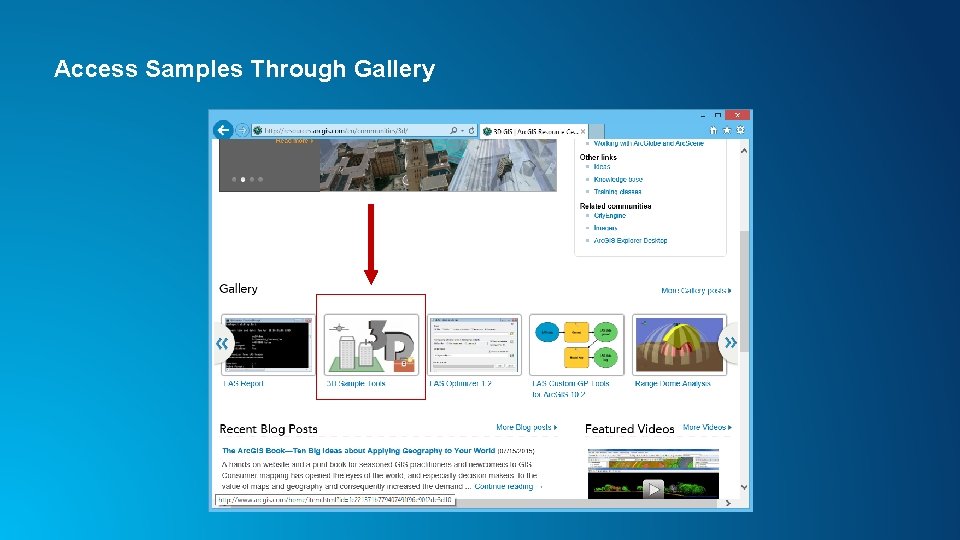
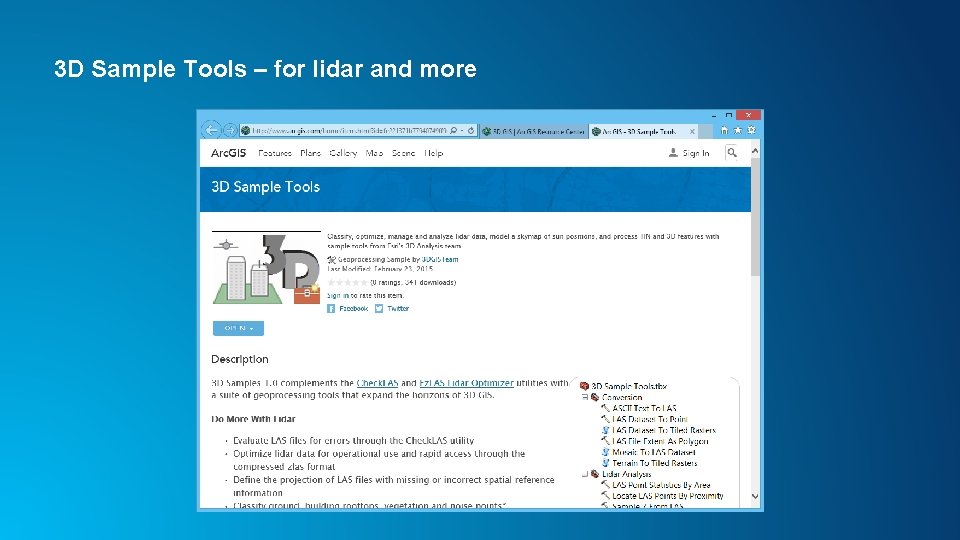
Access Samples Through Gallery
3 D Sample Tools – for lidar and more
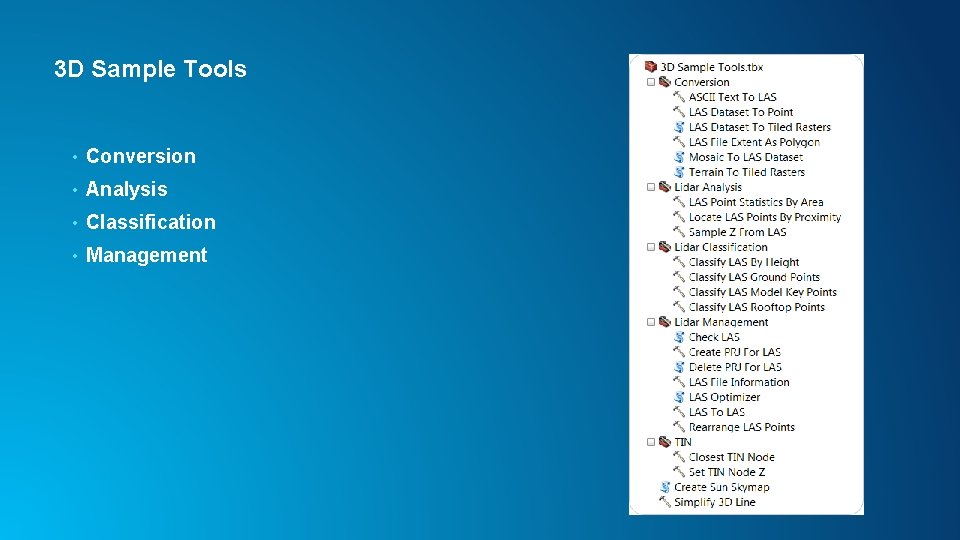
3 D Sample Tools • Conversion • Analysis • Classification • Management
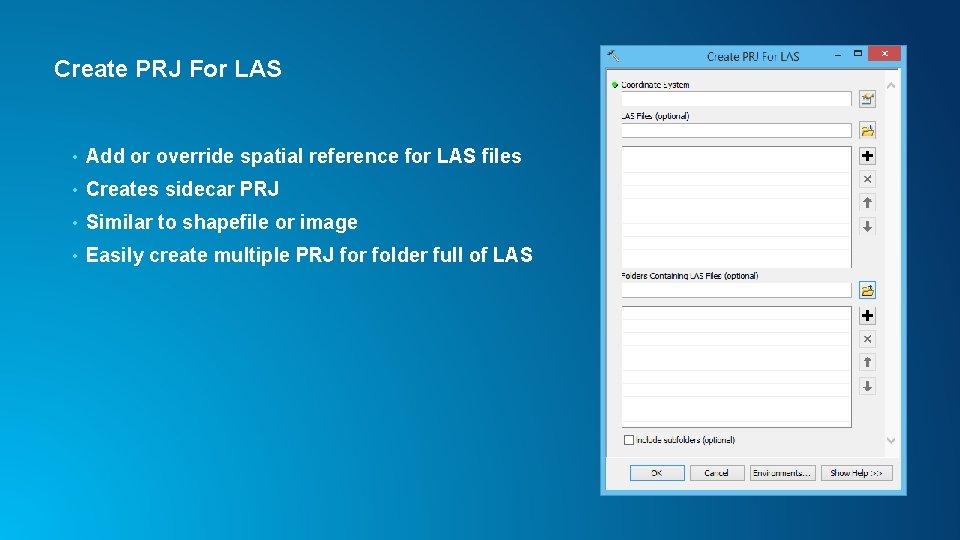
Create PRJ For LAS • Add or override spatial reference for LAS files • Creates sidecar PRJ • Similar to shapefile or image • Easily create multiple PRJ for folder full of LAS
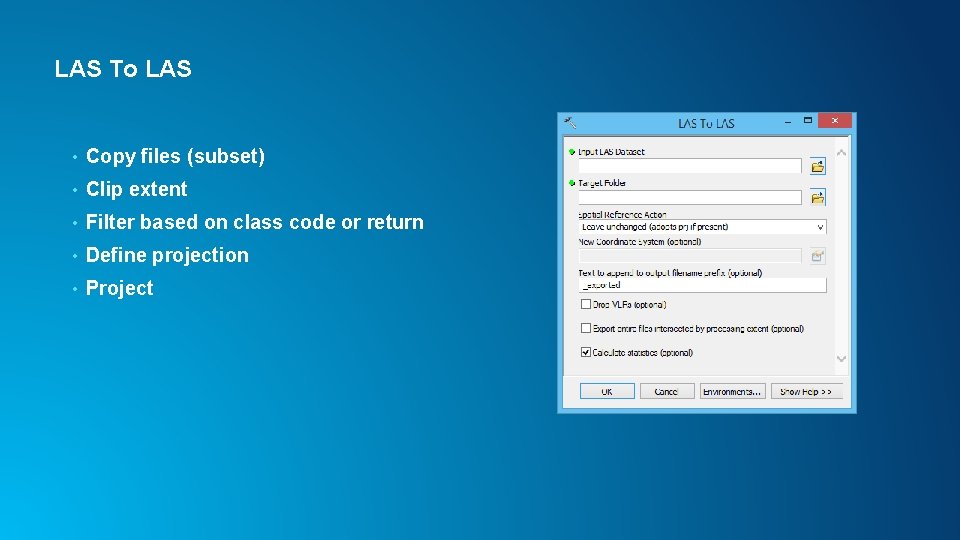
LAS To LAS • Copy files (subset) • Clip extent • Filter based on class code or return • Define projection • Project
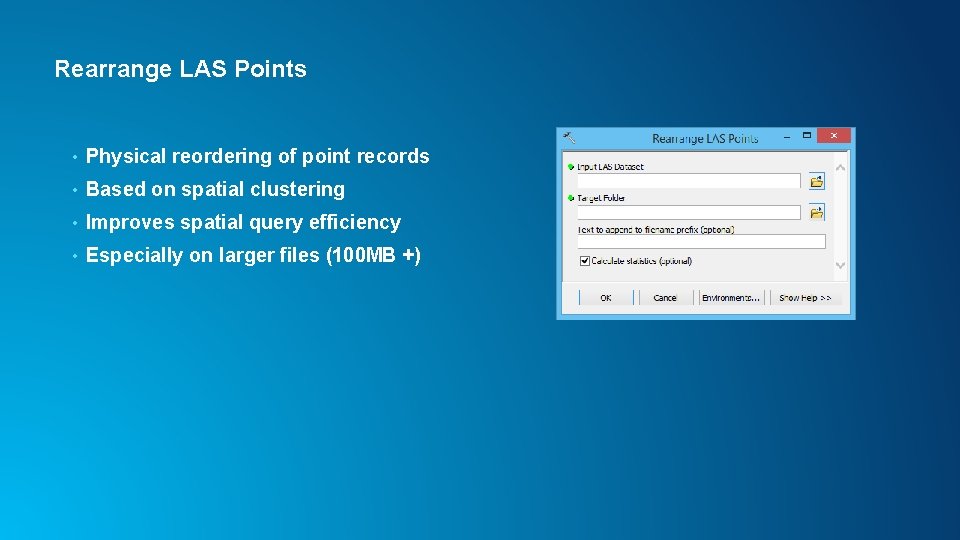
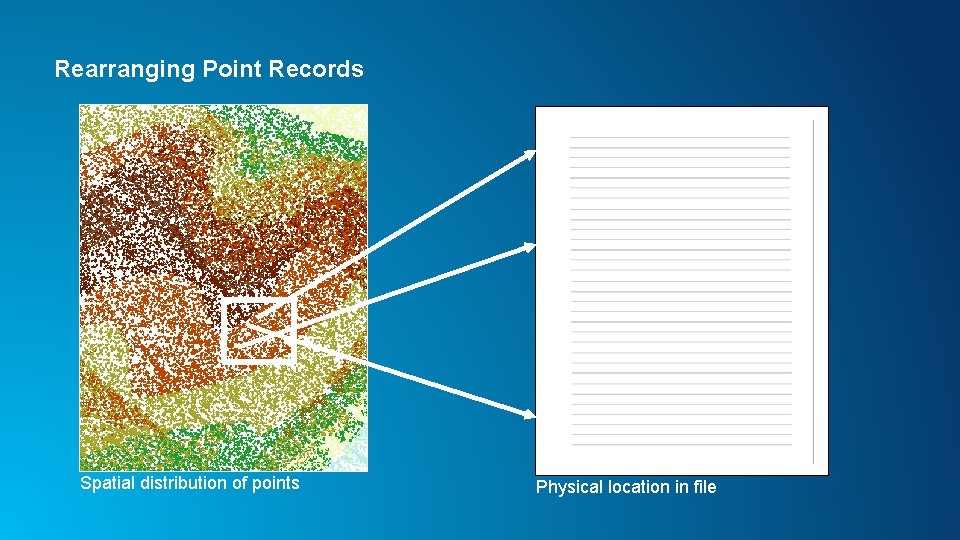
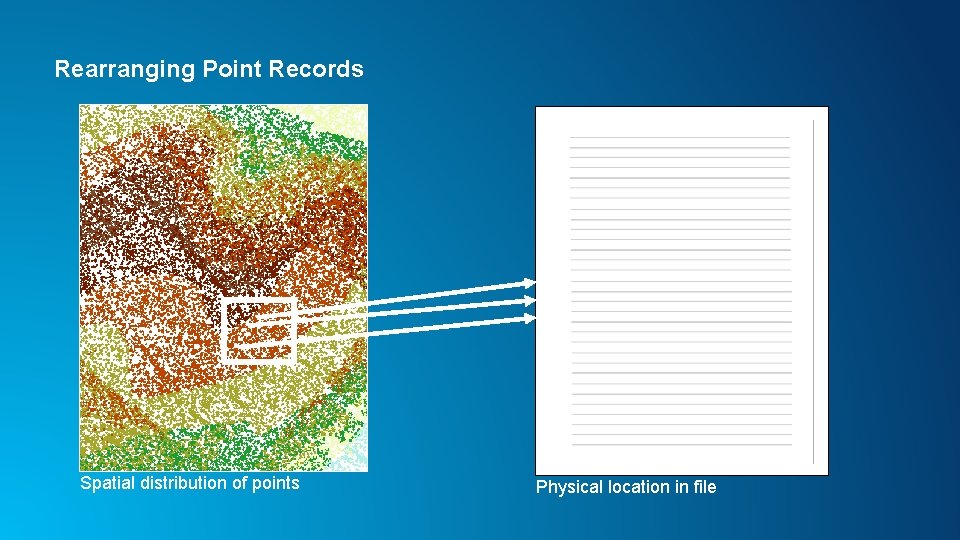
Rearrange LAS Points • Physical reordering of point records • Based on spatial clustering • Improves spatial query efficiency • Especially on larger files (100 MB +)
Rearranging Point Records Spatial distribution of points Physical location in file
Rearranging Point Records Spatial distribution of points Physical location in file
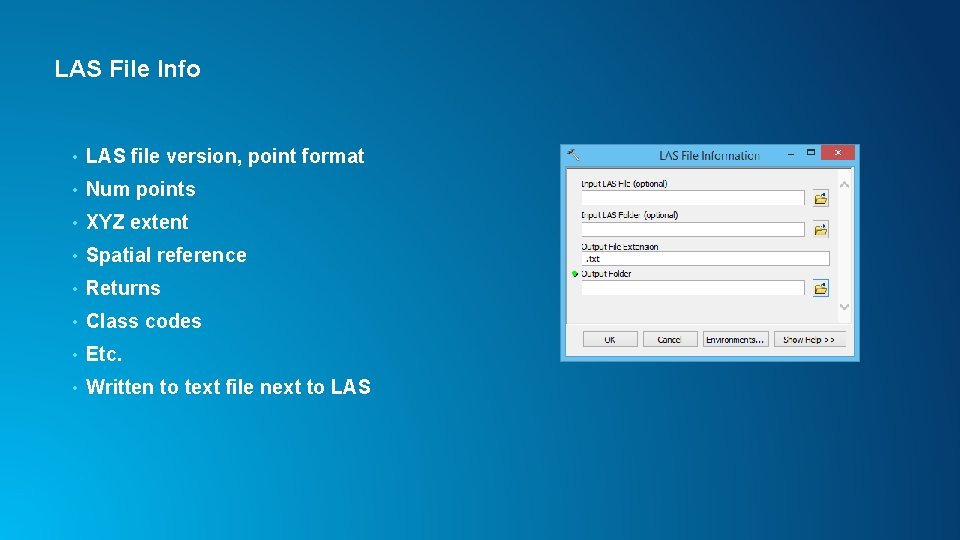
LAS File Info • LAS file version, point format • Num points • XYZ extent • Spatial reference • Returns • Class codes • Etc. • Written to text file next to LAS
Updates in Pro and other Arc. GIS Apps • Create PRJ For LAS is option on Create LAS Dataset tool • LAS To LAS is available as Extract LAS - Enhanced to support irregular clip boundary polygon • Rearrange LAS is option on Extract LAS tool • Classify LAS By Height, Locate LAS By Proximity, LAS Point Statistics By Area added to Pro 1. 0 and Arc. GIS 10. 3. 1 • Ground classification coming in Pro 1. 2 and Arc. GIS 10. 4
Thank You! Clayton Crawford ccrawford@esri. com