
Geoprocessing Sample Tools for Lidar Clayton Crawford Content




- Slides: 16
Geoprocessing Sample Tools for Lidar Clayton Crawford
Content • Discuss and demonstrate 3 D Sample Tools for lidar • Implemented as custom GP tools • Prototypes and utilities • Often make their way into shipping product • Available for download • Easy to install and use
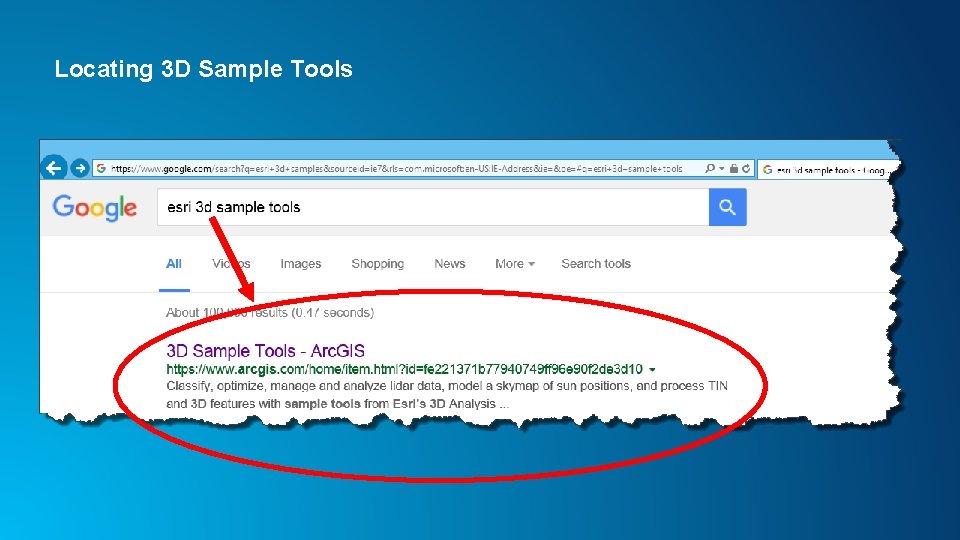
Locating 3 D Sample Tools
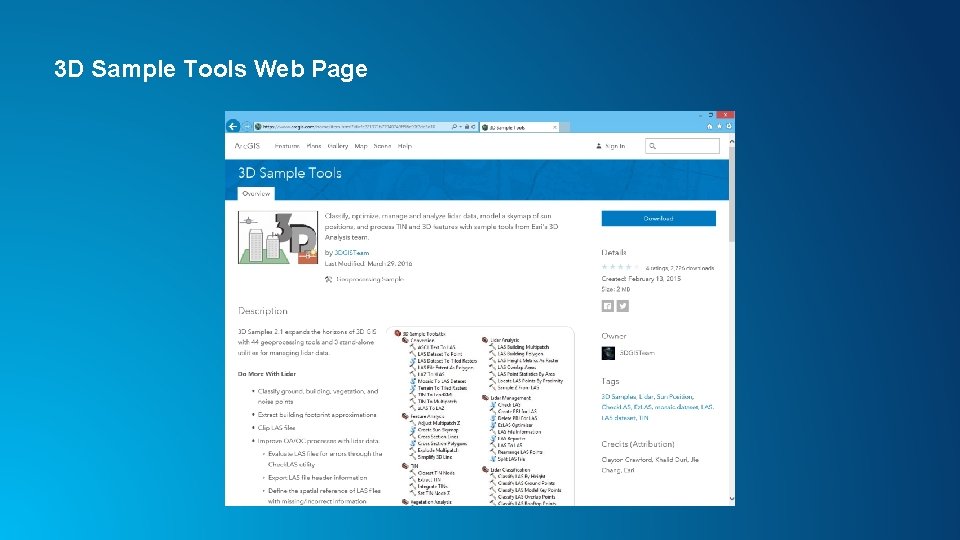
3 D Sample Tools Web Page
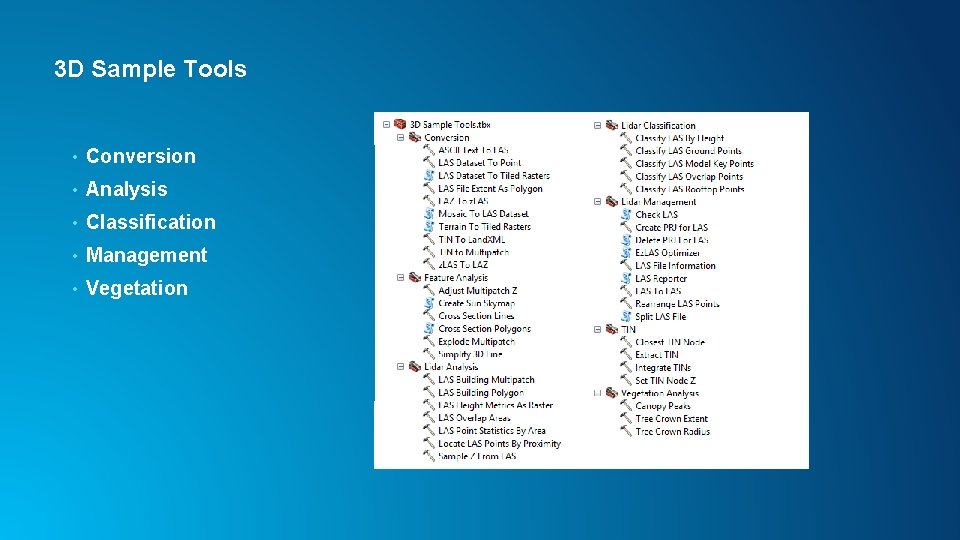
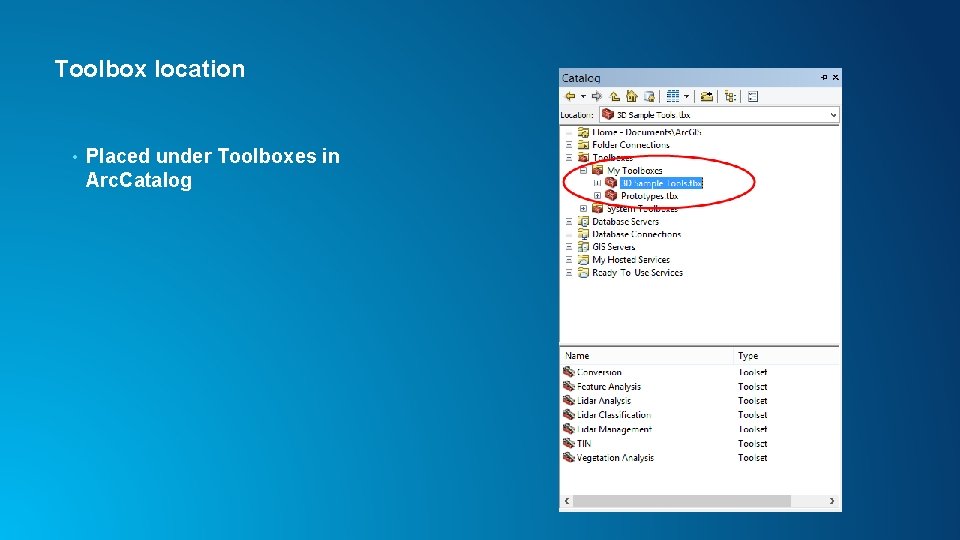
3 D Sample Tools • Conversion • Analysis • Classification • Management • Vegetation
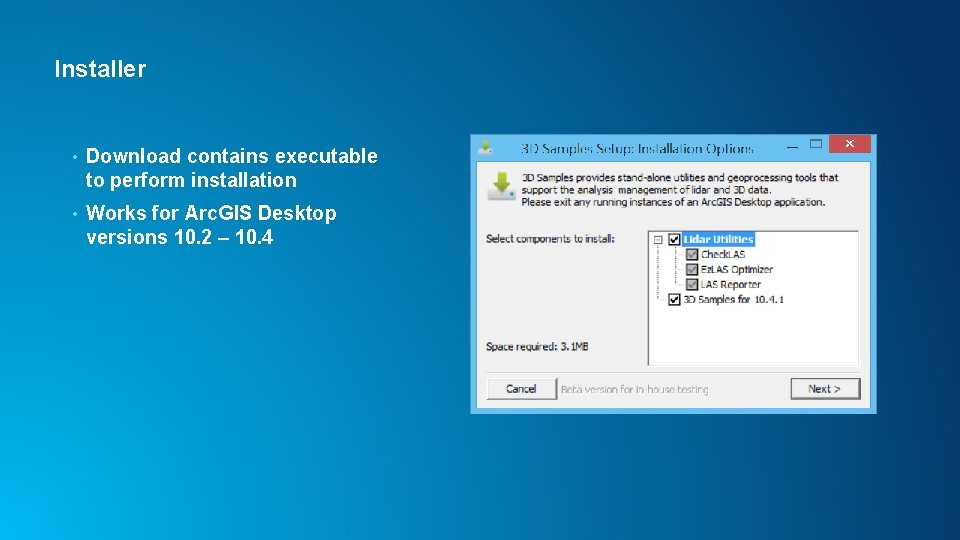
Installer • Download contains executable to perform installation • Works for Arc. GIS Desktop versions 10. 2 – 10. 4
Toolbox location • Placed under Toolboxes in Arc. Catalog
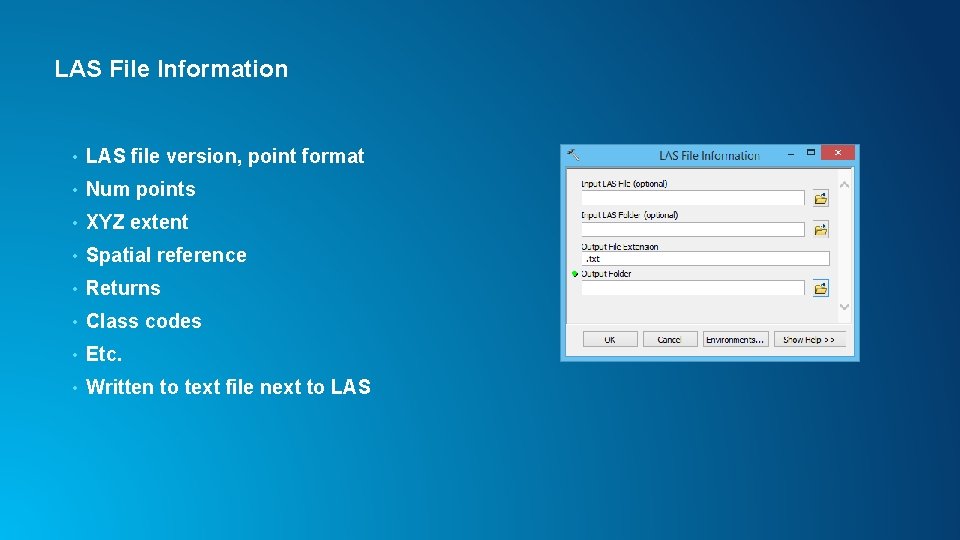
LAS File Information • LAS file version, point format • Num points • XYZ extent • Spatial reference • Returns • Class codes • Etc. • Written to text file next to LAS
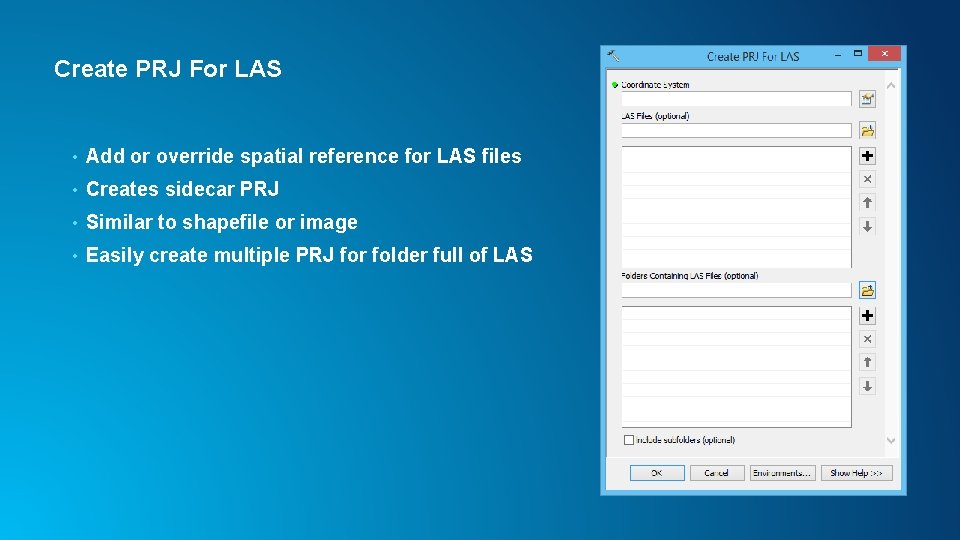
Create PRJ For LAS • Add or override spatial reference for LAS files • Creates sidecar PRJ • Similar to shapefile or image • Easily create multiple PRJ for folder full of LAS
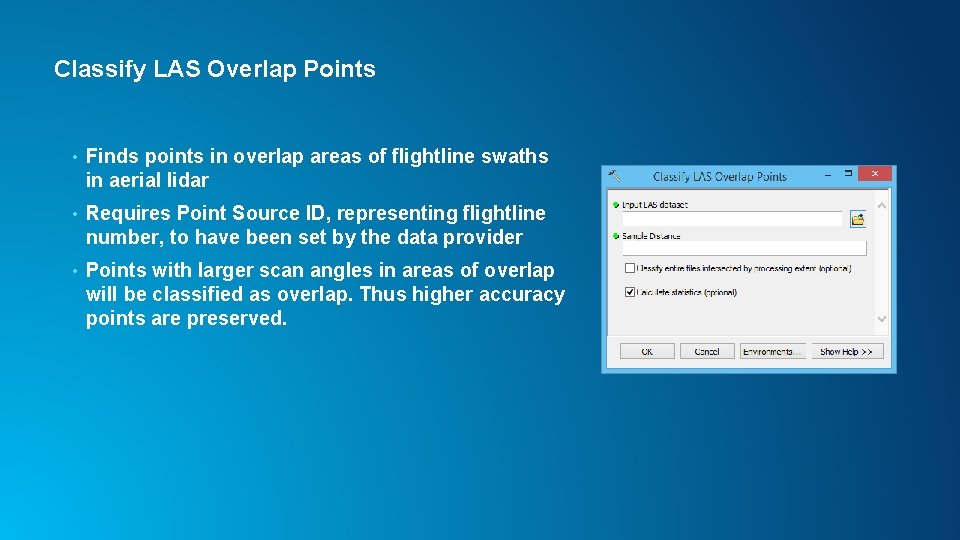
Classify LAS Overlap Points • Finds points in overlap areas of flightline swaths in aerial lidar • Requires Point Source ID, representing flightline number, to have been set by the data provider • Points with larger scan angles in areas of overlap will be classified as overlap. Thus higher accuracy points are preserved.
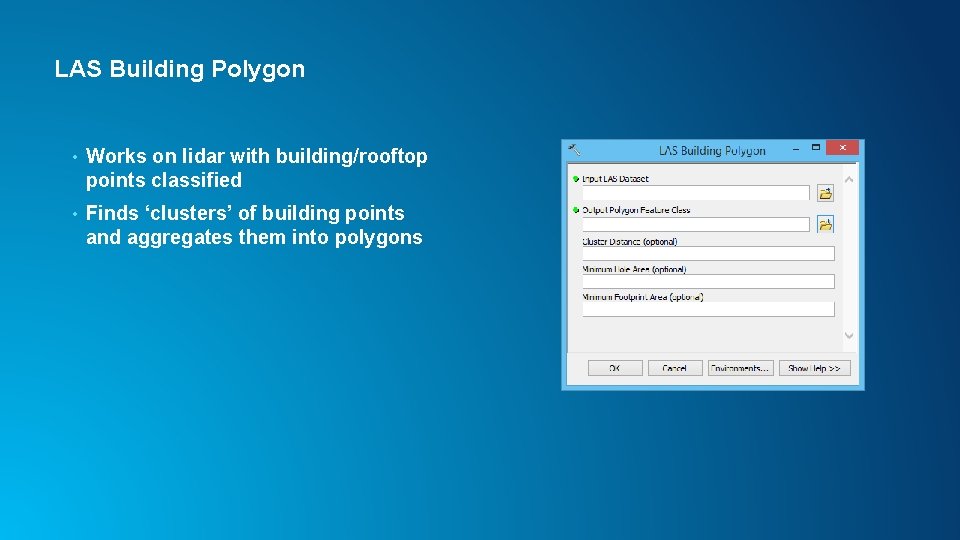
LAS Building Polygon • Works on lidar with building/rooftop points classified • Finds ‘clusters’ of building points and aggregates them into polygons
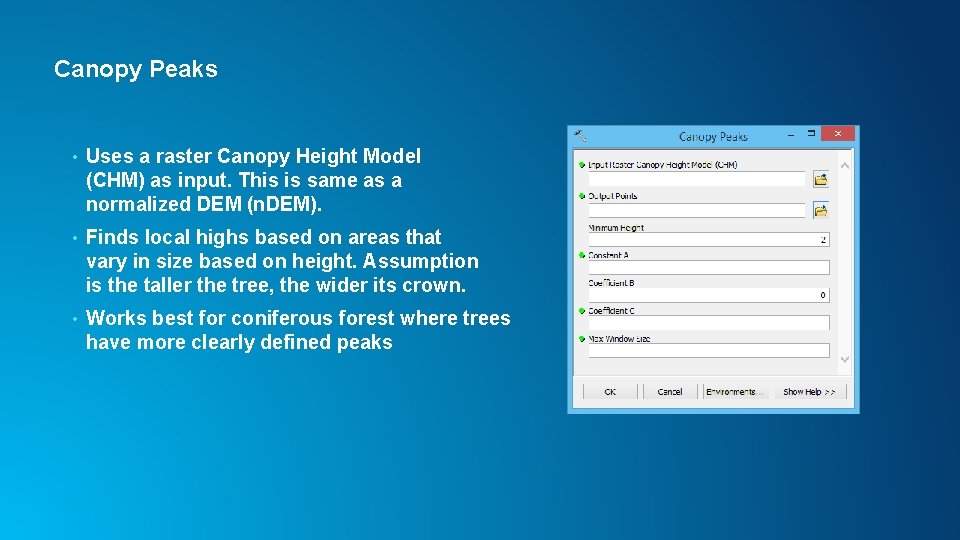
Canopy Peaks • Uses a raster Canopy Height Model (CHM) as input. This is same as a normalized DEM (n. DEM). • Finds local highs based on areas that vary in size based on height. Assumption is the taller the tree, the wider its crown. • Works best for coniferous forest where trees have more clearly defined peaks
Updates in Pro and other Arc. GIS Apps • Create PRJ For LAS is option on Create LAS Dataset tool • LAS To LAS is available as Extract LAS - Enhanced to support irregular clip boundary polygon • Rearrange LAS is option on Extract LAS tool • Classify LAS By Height, Locate LAS By Proximity, LAS Point Statistics By Area added to Pro 1. 0 and Arc. GIS 10. 3. 1 • Classify LAS Ground in Pro 1. 2 and Arc. GIS 10. 4
Thank You! Clayton Crawford ccrawford@esri. com
Please take our Survey Your feedback allows us to help maintain high standards and to help presenters Find your event in the Esri Events App Find the session you want to review Scroll down to the bottom of the session Answer survey questions and submit