
Geo FEST tutorial What is Geo FEST Geophysical
- Slides: 26
Geo. FEST tutorial • What is Geo. FEST? – Geophysical Finite Element Simulation Tool – Geo. FEST solves solid mechanics forward models with these characteristics: • • 2 -D or 3 -D irregular domains 1 -D, 2 -D or 3 -D displacement fields Static elastic or time-evolving viscoelastic problems Driven by faults, boundary conditions or distributed loads – Geo. FEST runs in a variety of computing environments: • UNIX workstations (including LINUX, Mac OS X, etc. ) • Web portal environment • Parallel cluster/supercomputer environment
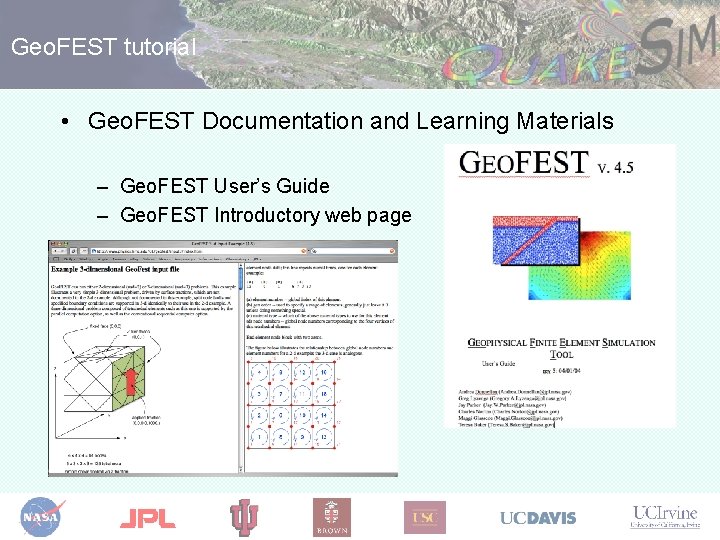
Geo. FEST tutorial • Geo. FEST Documentation and Learning Materials – Geo. FEST User’s Guide – Geo. FEST Introductory web page
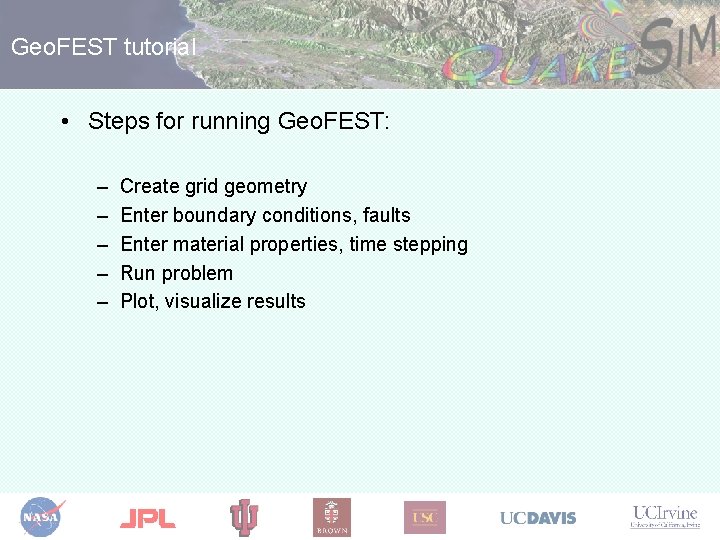
Geo. FEST tutorial • Steps for running Geo. FEST: – – – Create grid geometry Enter boundary conditions, faults Enter material properties, time stepping Run problem Plot, visualize results
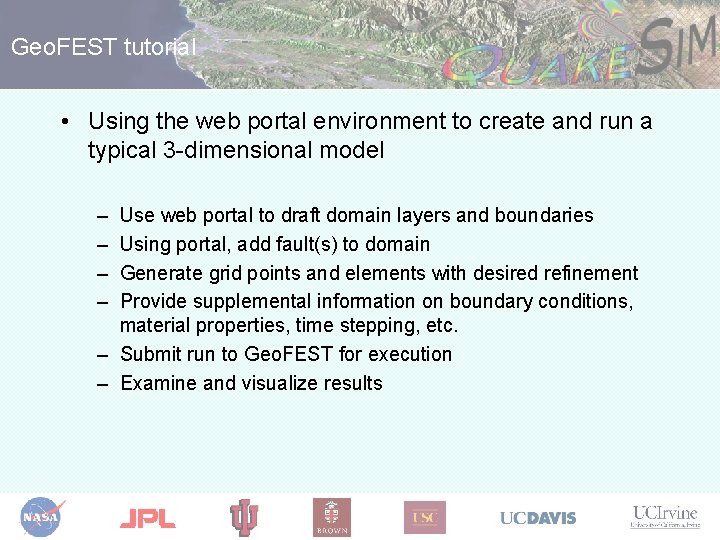
Geo. FEST tutorial • Using the web portal environment to create and run a typical 3 -dimensional model – – Use web portal to draft domain layers and boundaries Using portal, add fault(s) to domain Generate grid points and elements with desired refinement Provide supplemental information on boundary conditions, material properties, time stepping, etc. – Submit run to Geo. FEST for execution – Examine and visualize results
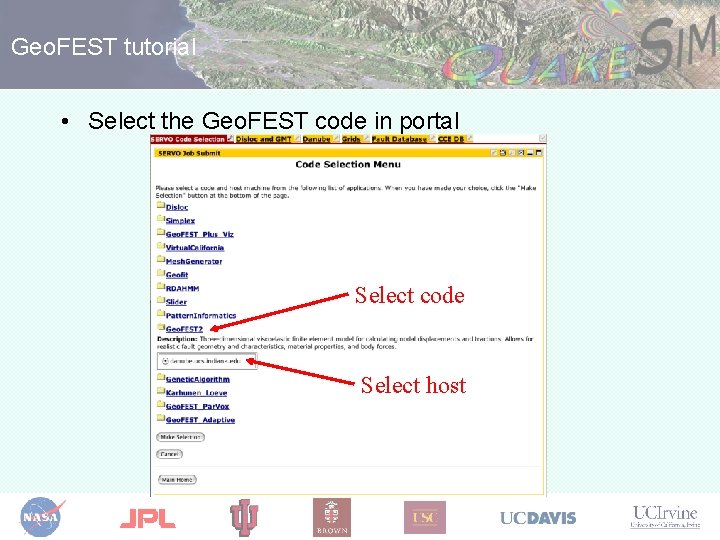
Geo. FEST tutorial • Select the Geo. FEST code in portal Select code Select host
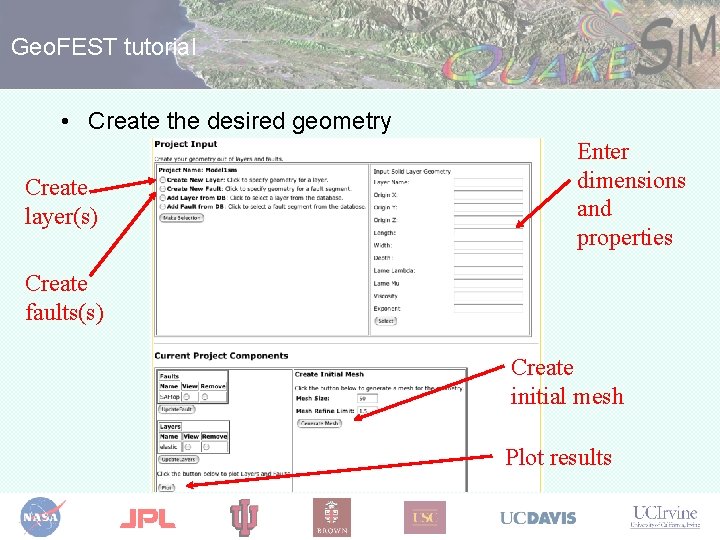
Geo. FEST tutorial • Create the desired geometry Create layer(s) Enter dimensions and properties Create faults(s) Create initial mesh Plot results
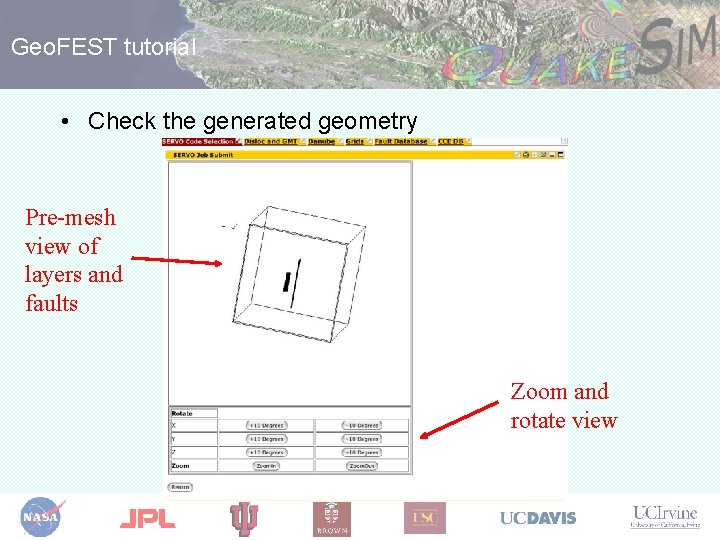
Geo. FEST tutorial • Check the generated geometry Pre-mesh view of layers and faults Zoom and rotate view
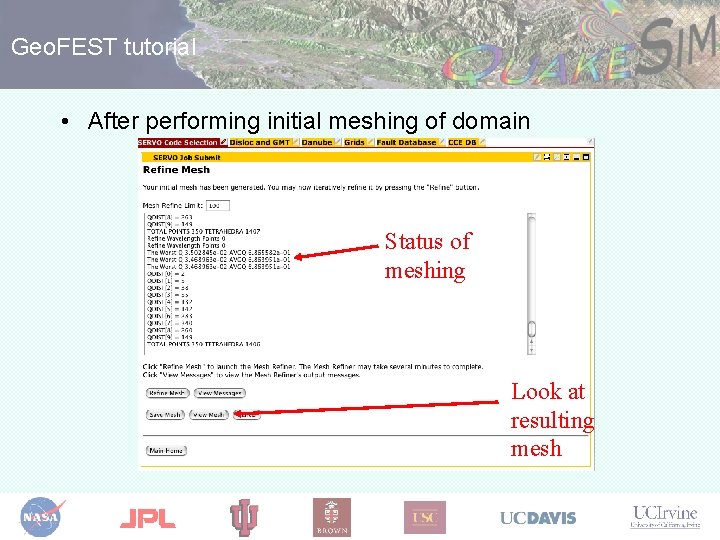
Geo. FEST tutorial • After performing initial meshing of domain Status of meshing Look at resulting mesh
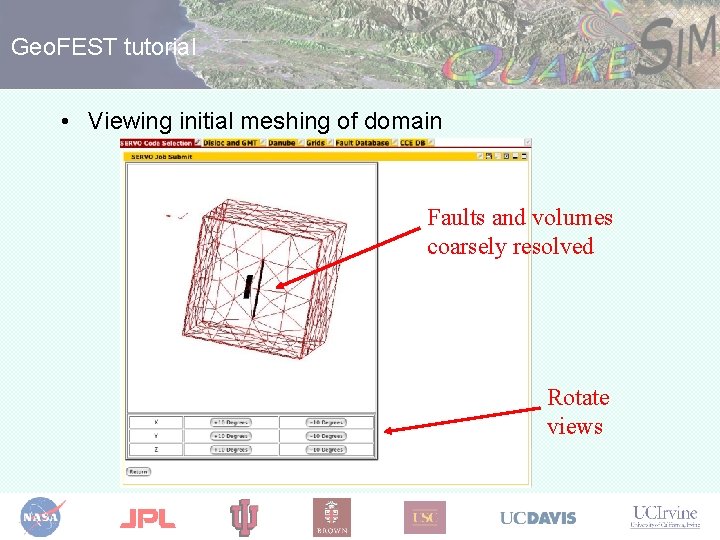
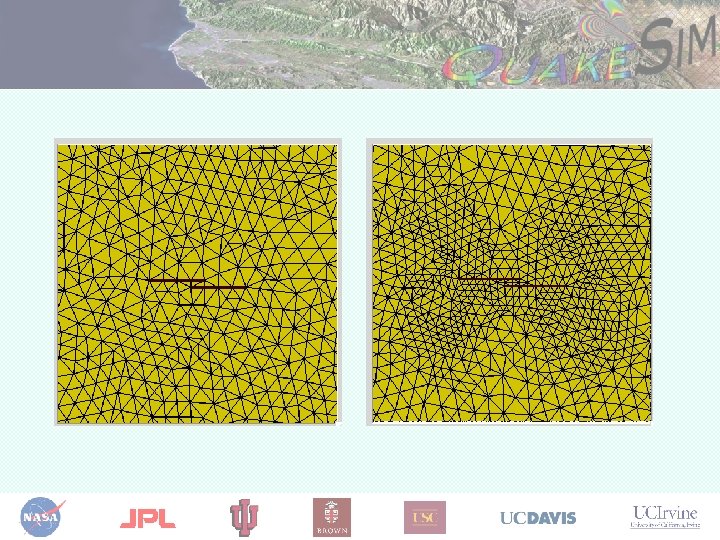
Geo. FEST tutorial • Viewing initial meshing of domain Faults and volumes coarsely resolved Rotate views
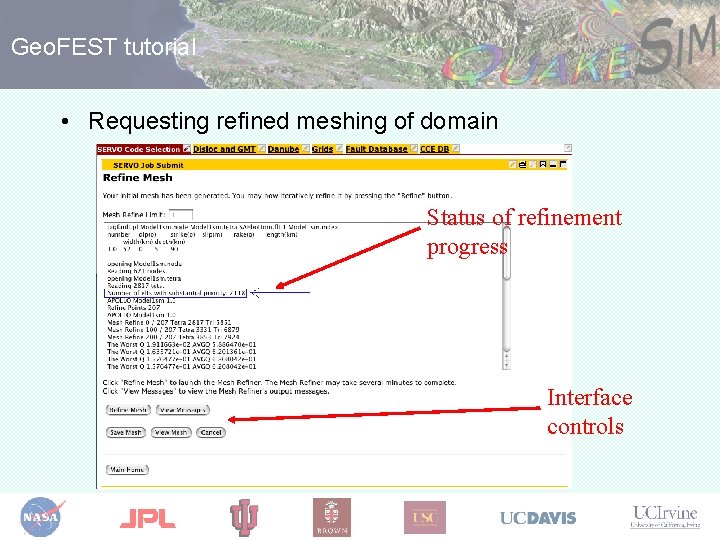
Geo. FEST tutorial • Requesting refined meshing of domain Status of refinement progress Interface controls
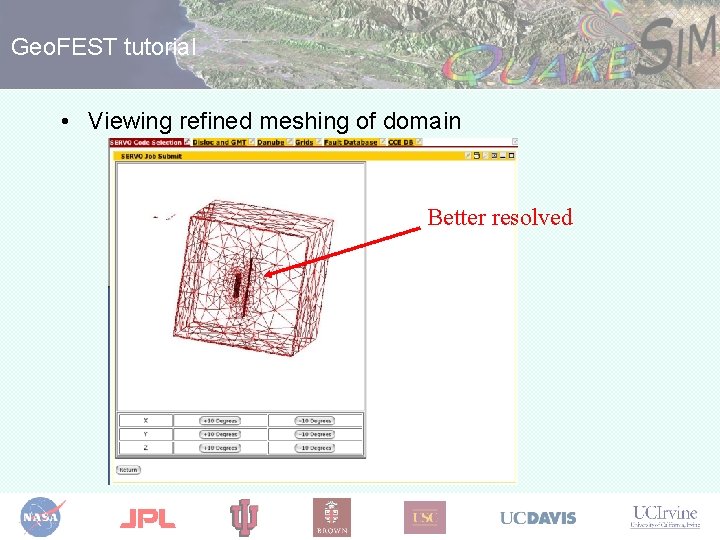
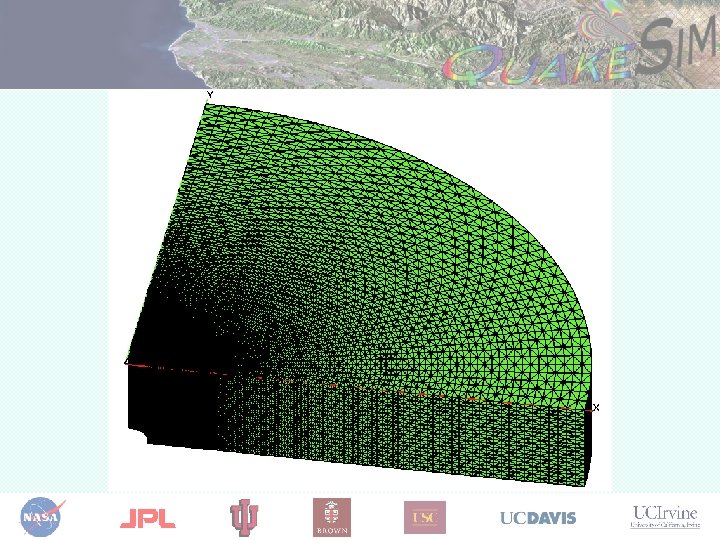
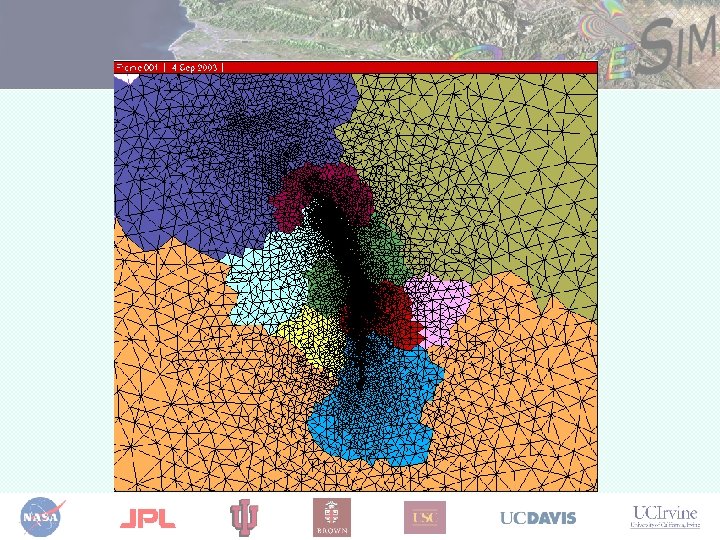
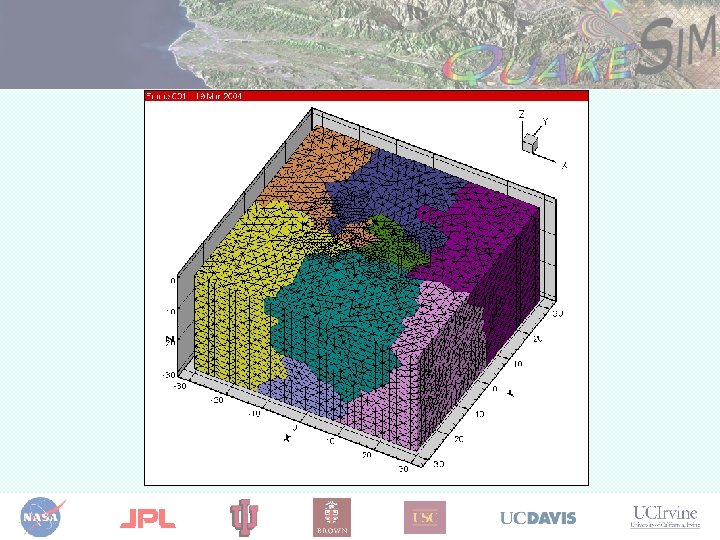
Geo. FEST tutorial • Viewing refined meshing of domain Better resolved
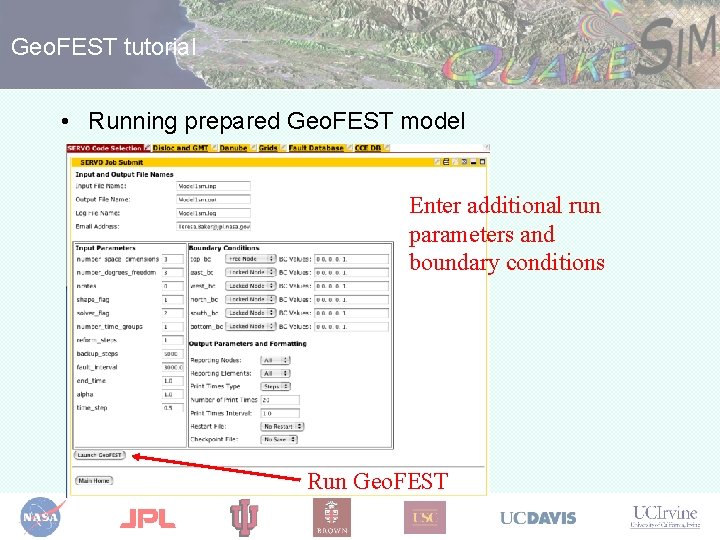
Geo. FEST tutorial • Running prepared Geo. FEST model Enter additional run parameters and boundary conditions Run Geo. FEST
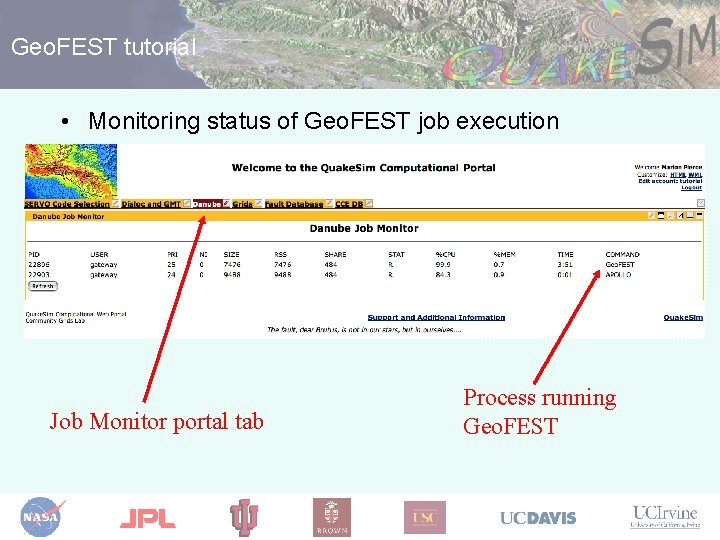
Geo. FEST tutorial • Monitoring status of Geo. FEST job execution Job Monitor portal tab Process running Geo. FEST
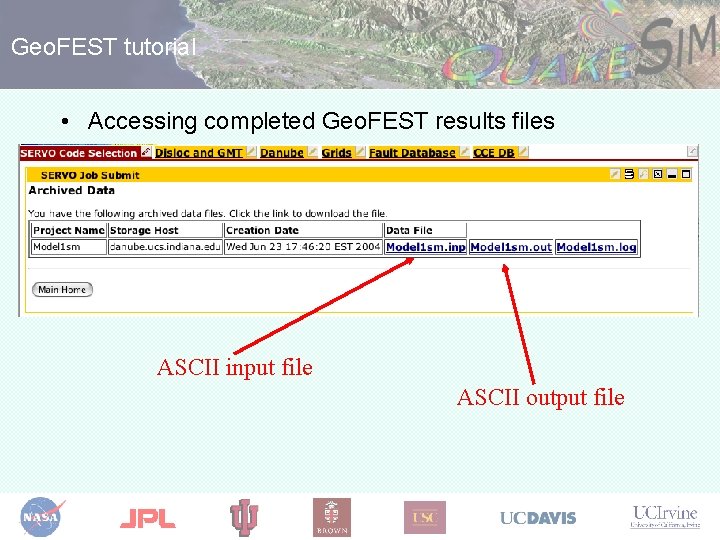
Geo. FEST tutorial • Accessing completed Geo. FEST results files ASCII input file ASCII output file
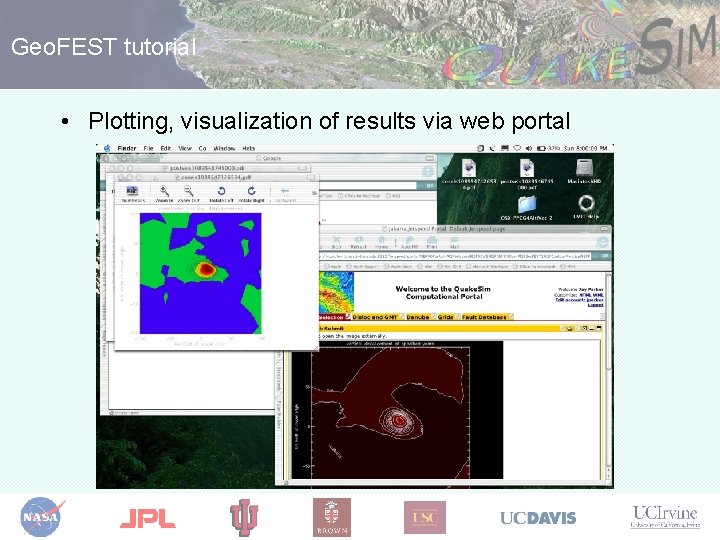
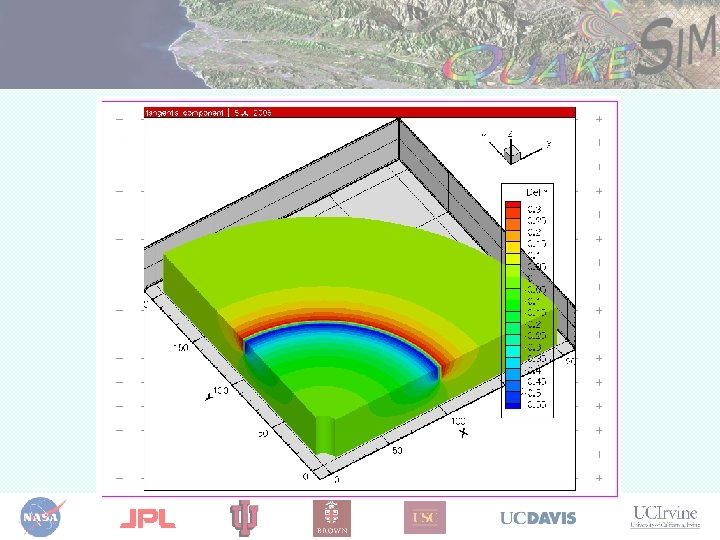
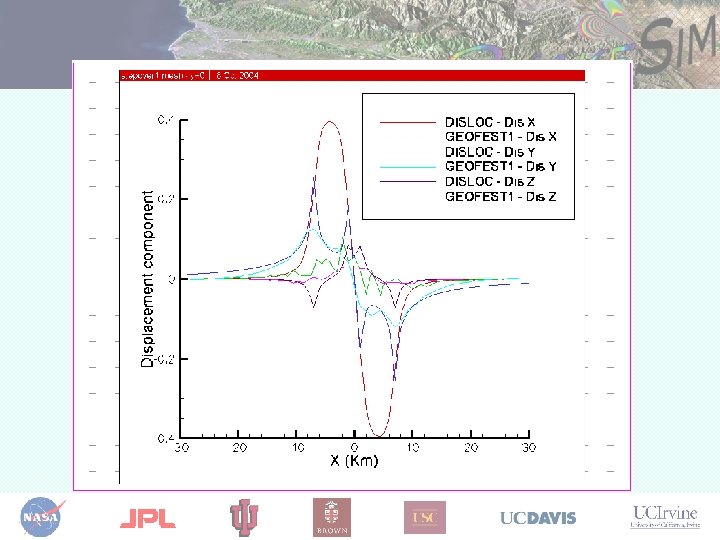
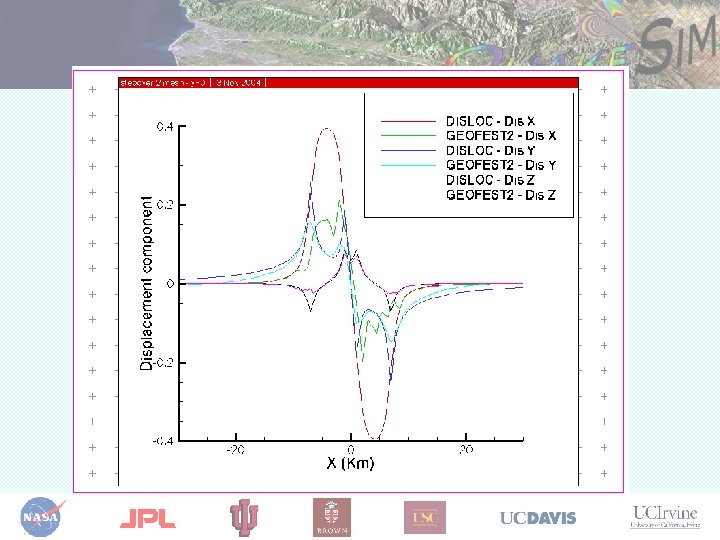
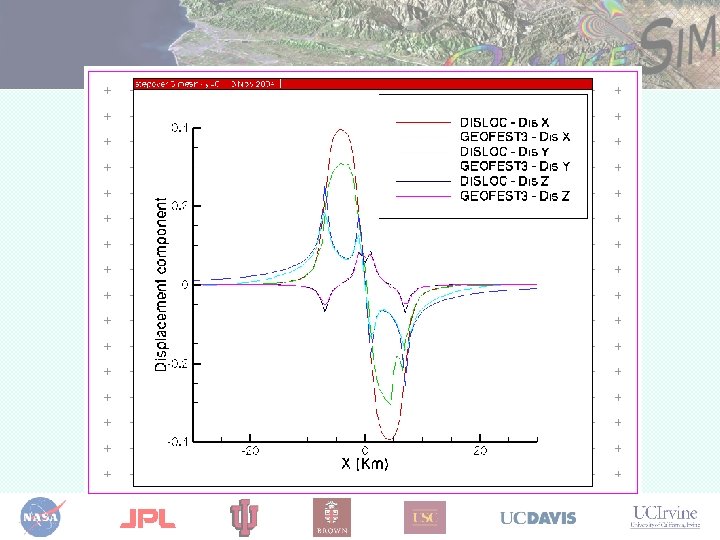
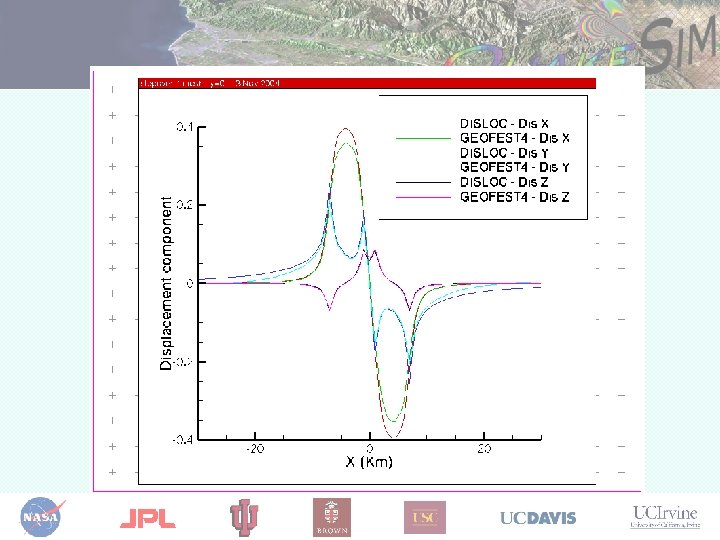
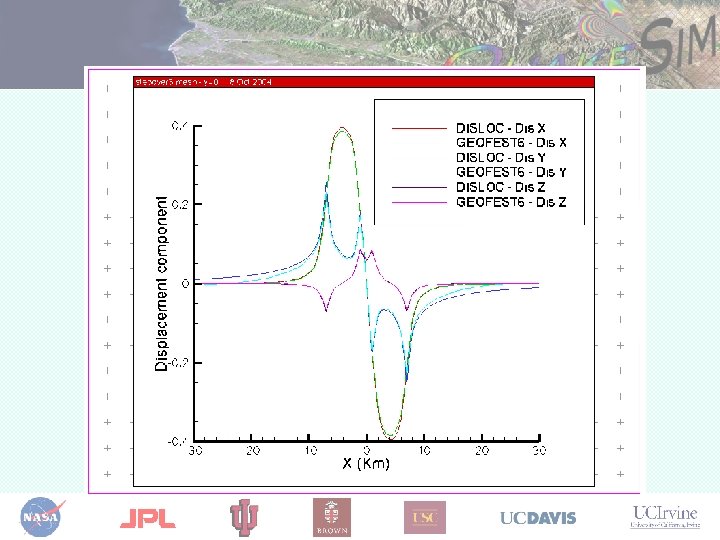
Geo. FEST tutorial • Plotting, visualization of results via web portal
Questions? Greg Lyzenga (Gregory. A. Lyzenga@jpl. nasa. gov) Jay Parker (Jay. W. Parker@jpl. nasa. gov) Marlon Pierce (mpierce@cs. indiana. edu) Supported by the Computational Technologies Program of NASA's Earth Science Technology Office