
Generic Interfaces for Managing Web Data Oleg Burlaca
Generic Interfaces for Managing Web Data Oleg Burlaca Institute of Mathematics and Computer Science Academy of Sciences of Moldova oburlaca@neonet. md
61% of companies who have already deployed Web content management software still rely on manual processes to update their sites. Users would like: 1. Smaller and less complex systems 2. Documentation should provide concrete ideas for how to structure project and make maximum use of features 3. Scalable user interface: features can be removed/added as required 4. Better UI for content creation and management of workflow. "Web Content Management: Covering the Essentials, Avoiding Overspending", Jupiter Research 2003, http: //www. jupiterresearch. com
Major problems when designing for or implementing content management software 1. Commercial software too expensive and required too much time to implement 2. Difficult to integrate with other systems 3. Determining requirements 4. Migrating old content 5. Training authors and editors “The Problems with CMS”, January 2003 The Asilomar Institute for Information Architecture (AIf. IA) http: //aifia. org/pg/the_problems_with_cms. php
Questions 1. How to view data from different angles and provide facilities to navigate deep hierarchies ? 2. How to provide an intuitively clear and convenient way to manage entity multirelations ? 3. How to tie a generic UI to the application logic ?
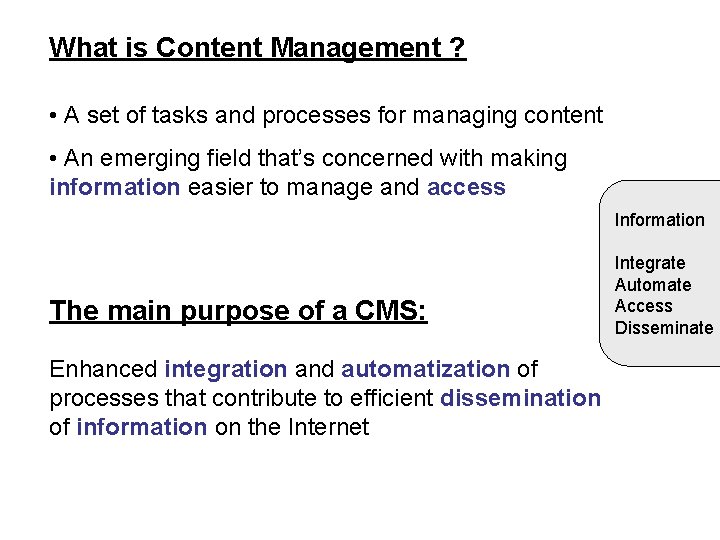
What is Content Management ? • A set of tasks and processes for managing content • An emerging field that’s concerned with making information easier to manage and access Information The main purpose of a CMS: Enhanced integration and automatization of processes that contribute to efficient dissemination of information on the Internet Integrate Automate Access Disseminate

Generic User Interfaces Advantages: • Reduced development time • Scalability • No hand coding • Less testing • Consistent look and feel Standardization Disadvantages: • The existence of rules • Additional DB overhead • Ascetic look • Troublesome accomplishment of specific tasks Less training
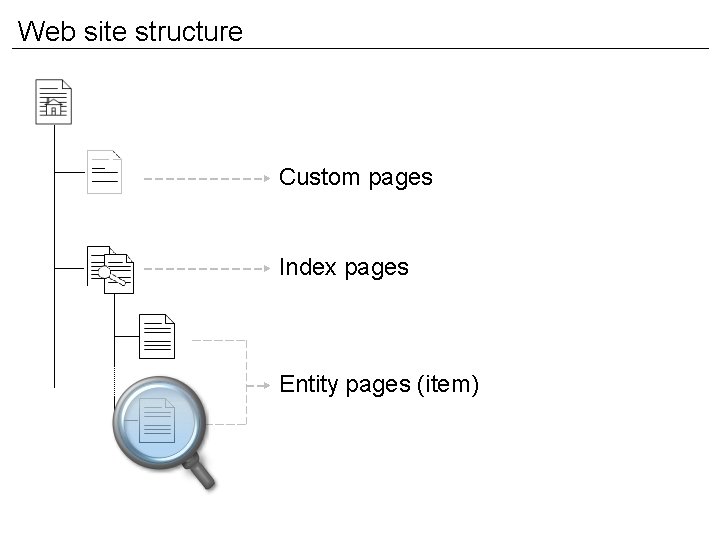
Web site structure Custom pages Index pages Entity pages (item)
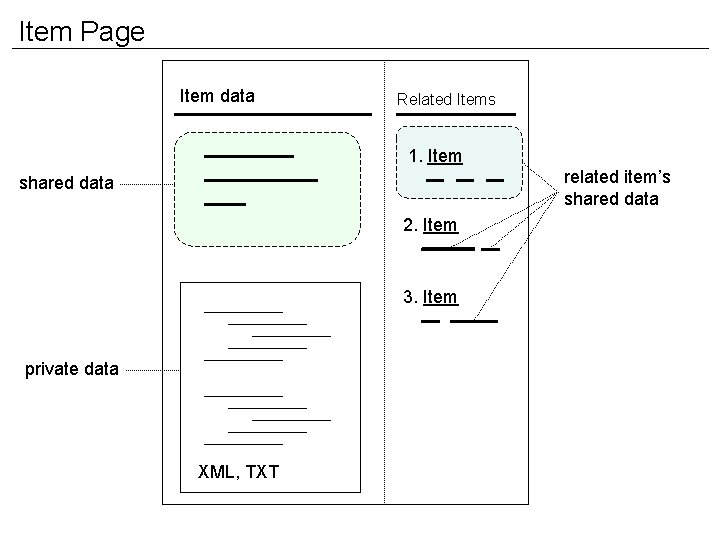
Item Page Item data Related Items 1. Item related item’s shared data 2. Item 3. Item private data XML, TXT
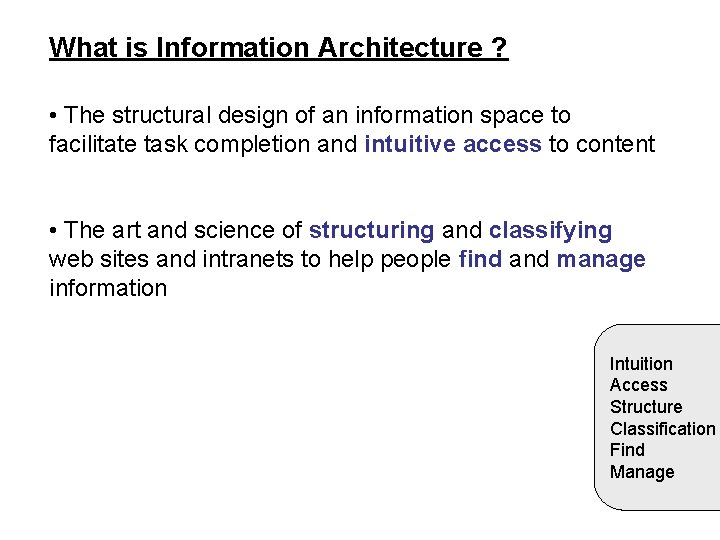
What is Information Architecture ? • The structural design of an information space to facilitate task completion and intuitive access to content • The art and science of structuring and classifying web sites and intranets to help people find and manage information Intuition Access Structure Classification Find Manage
Entity type definition • Visual appearance • Database fields and associated editors • Relationship specification • Events
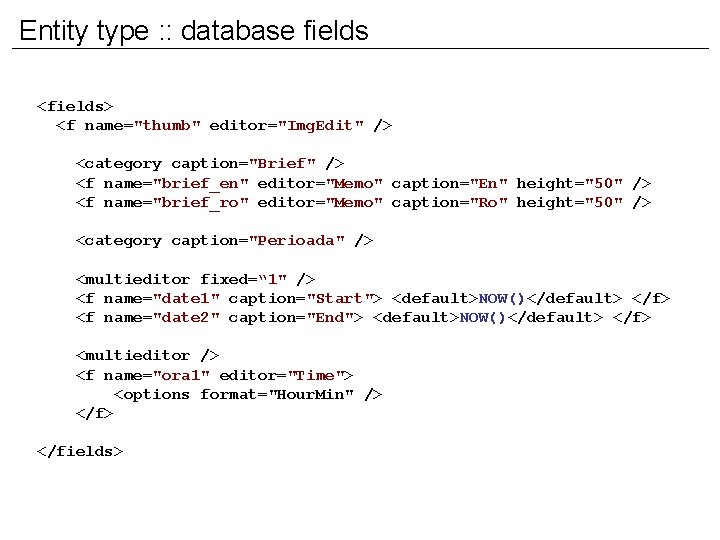
Entity type : : database fields <fields> <f name="thumb" editor="Img. Edit" /> <category caption="Brief" /> <f name="brief_en" editor="Memo" caption="En" height="50" /> <f name="brief_ro" editor="Memo" caption="Ro" height="50" /> <category caption="Perioada" /> <multieditor fixed=“ 1" /> <f name="date 1" caption="Start"> <default>NOW()</default> </f> <f name="date 2" caption="End"> <default>NOW()</default> </f> <multieditor /> <f name="ora 1" editor="Time"> <options format="Hour. Min" /> </fields>
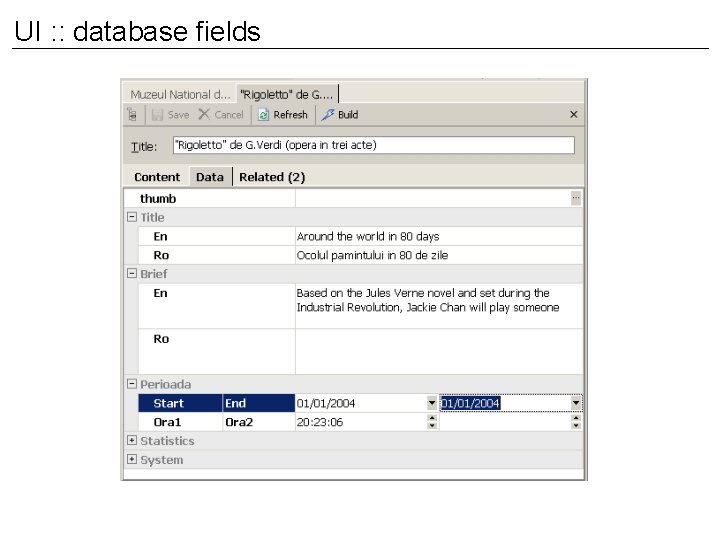
UI : : database fields
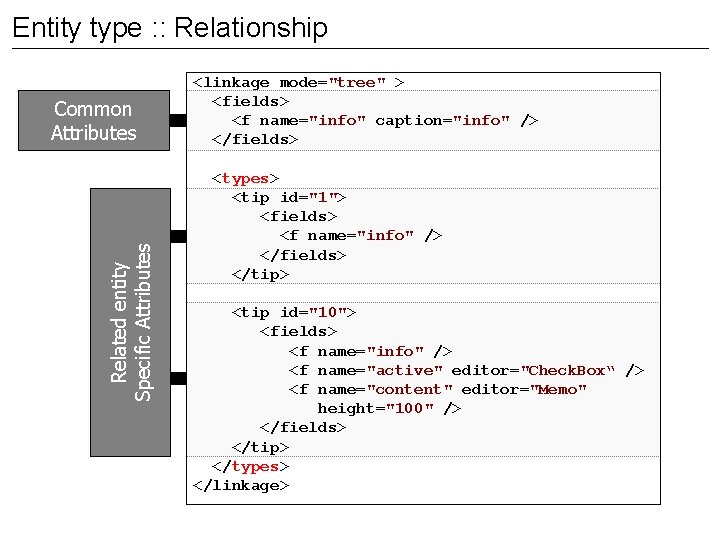
Entity type : : Relationship Related entity Specific Attributes Common Attributes <linkage mode="tree" > <fields> <f name="info" caption="info" /> </fields> <types> <tip id="1"> <fields> <f name="info" /> </fields> </tip> <tip id="10"> <fields> <f name="info" /> <f name="active" editor="Check. Box“ /> <f name="content" editor="Memo" height="100" /> </fields> </tip> </types> </linkage>
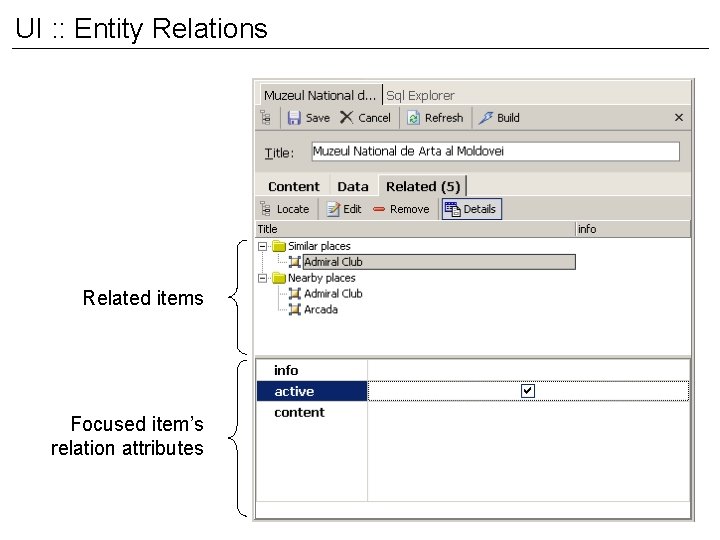
UI : : Entity Relations Related items Focused item’s relation attributes
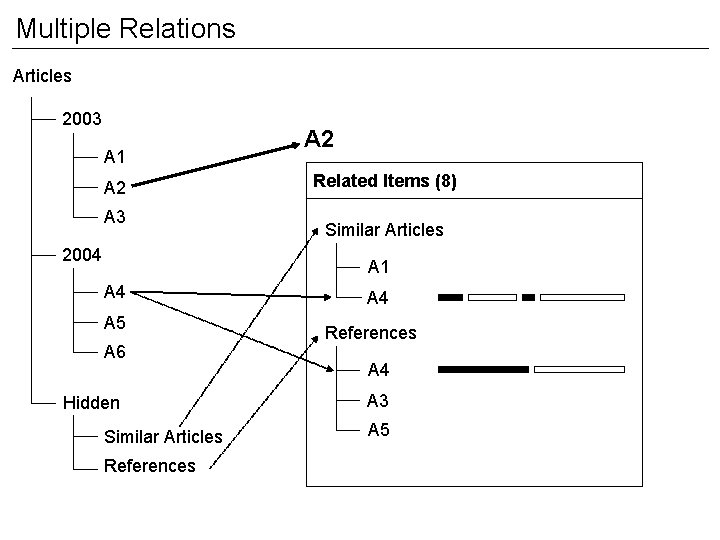
Multiple Relations Articles 2003 A 1 A 2 A 3 2004 A 2 Related Items (8) Similar Articles A 1 A 4 A 5 A 6 Hidden Similar Articles References A 4 A 3 A 5
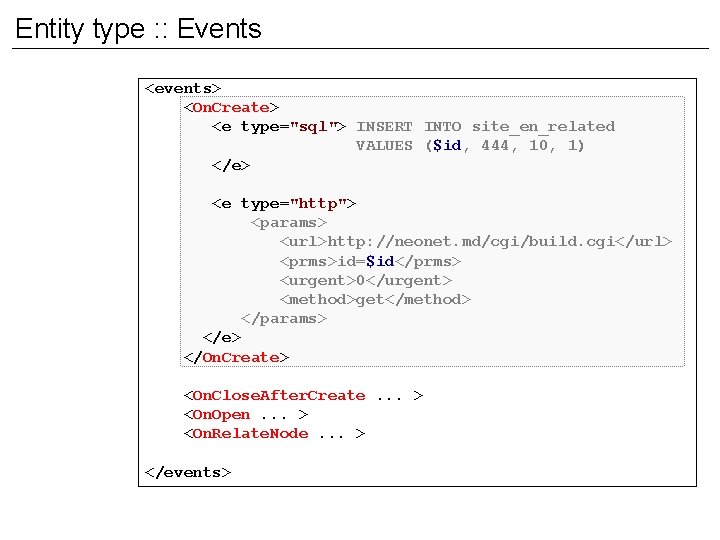
Entity type : : Events <events> <On. Create> <e type="sql"> INSERT INTO site_en_related VALUES ($id, 444, 10, 1) </e> <e type="http"> <params> <url>http: //neonet. md/cgi/build. cgi</url> <prms>id=$id</prms> <urgent>0</urgent> <method>get</method> </params> </e> </On. Create> <On. Close. After. Create. . . > <On. Open. . . > <On. Relate. Node. . . > </events>
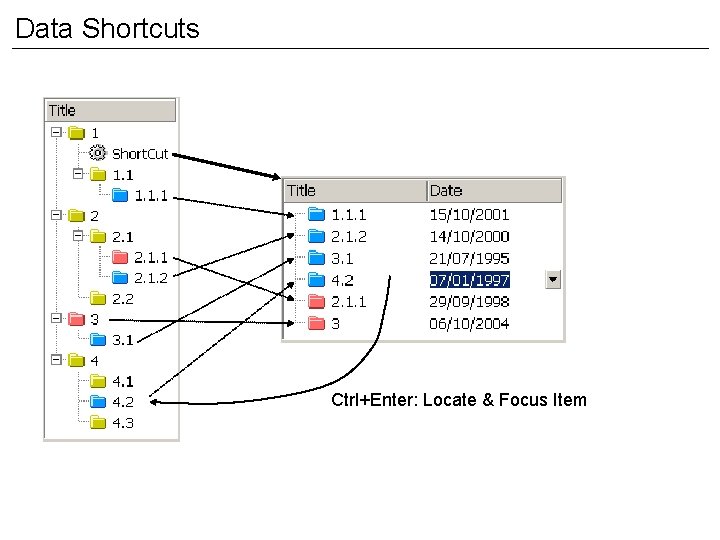
Data Shortcuts Ctrl+Enter: Locate & Focus Item
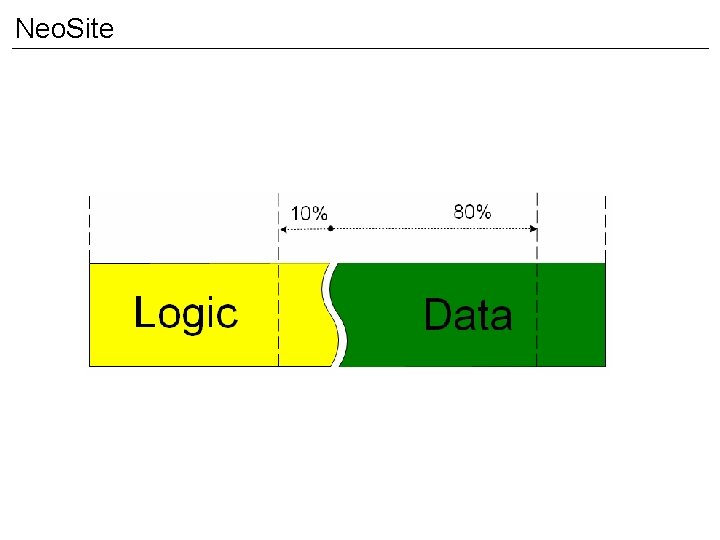
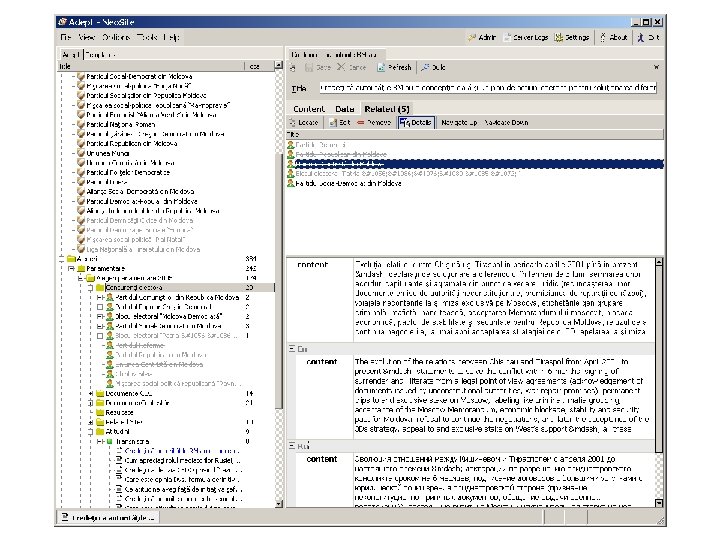
Neo. Site
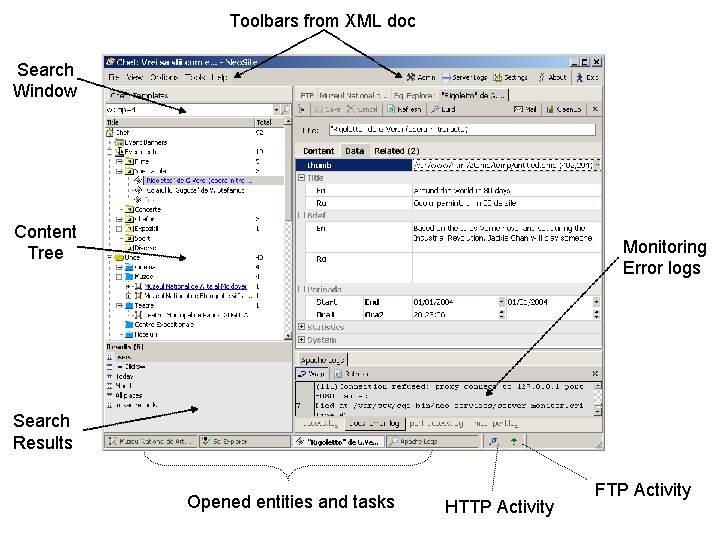
Toolbars from XML doc Search Window Content Tree Monitoring Error logs Search Results Opened entities and tasks HTTP Activity FTP Activity
Experience www. patria. md www. tehnomarket. md www. e-democracy. md www. monument. md russiannet. org www. press. mednet. md www. stats. mednet. md www. csa. acad. md www. pll. md www. profitclub. md http: //baraka. neonet. md
Conclusions • Develop primitive UI elements but not complex, customized interfaces • Provide context to manage content • Use well established interface patterns Questions • How to manage n-ary relations ?
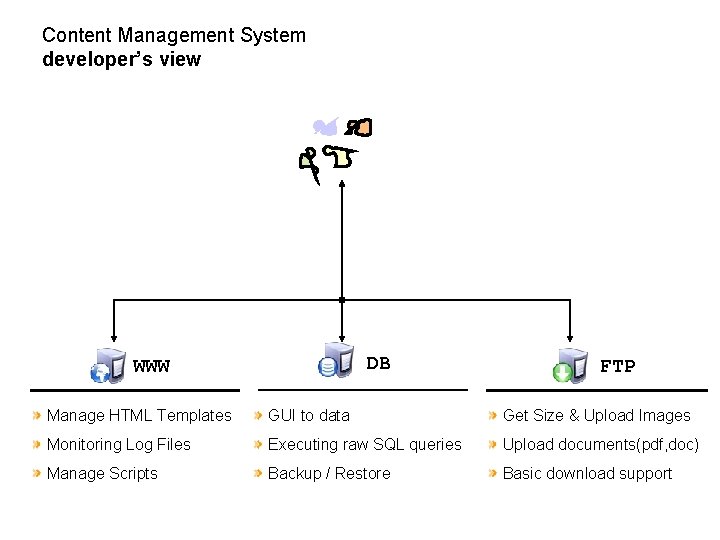
Content Management System developer’s view DB WWW FTP Manage HTML Templates GUI to data Get Size & Upload Images Monitoring Log Files Executing raw SQL queries Upload documents(pdf, doc) Manage Scripts Backup / Restore Basic download support
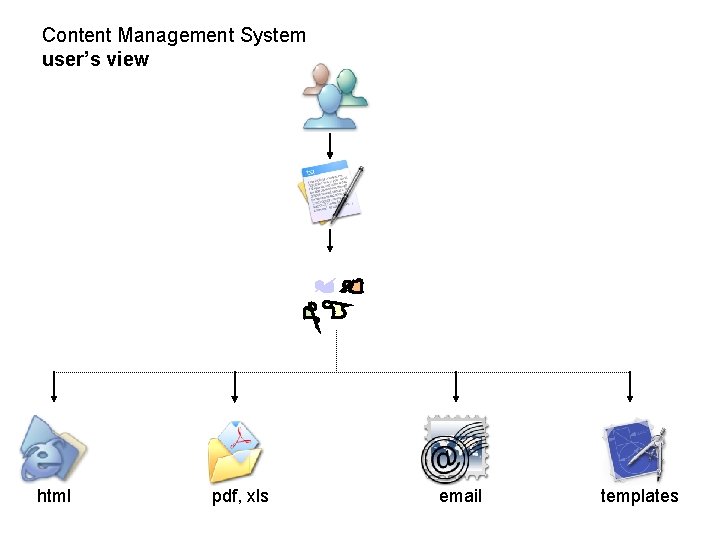
Content Management System user’s view html pdf, xls email templates
- Slides: 24