
Generation Why How Generation Data Sets Can Help
- Slides: 15
Generation Why: How Generation Data Sets Can Help Lisa Eckler, Lisa Eckler Consulting
Introduction q We tend to work with many data sets q It’s wise to keep back-ups of our data sets q It’s good practice to validate our data (or coding changes) by comparing to older versions
Generation Data Sets q Definition: one in a related series of SAS data sets in a single library, sharing a single name data set name, distinguished by a version number q The series may also be described as a Generation Group
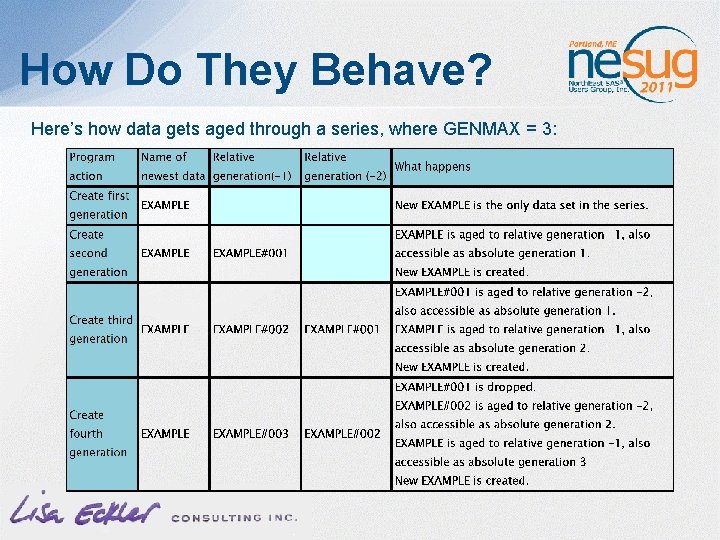
How Do They Behave? Here’s how data gets aged through a series, where GENMAX = 3:
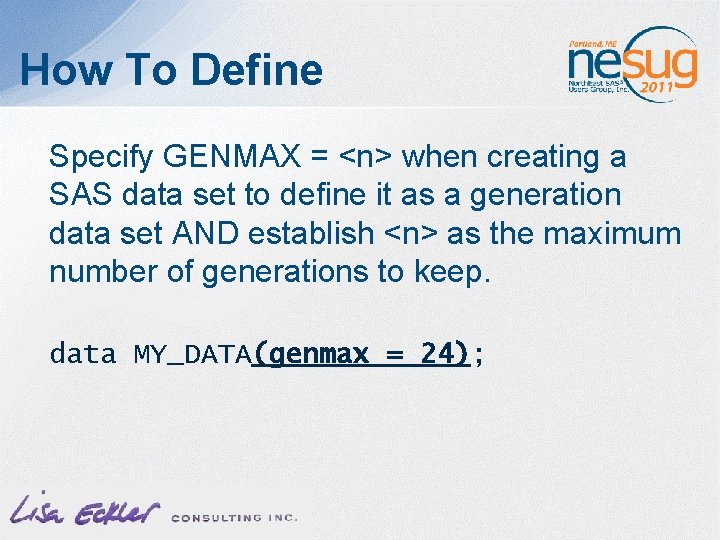
How To Define Specify GENMAX = <n> when creating a SAS data set to define it as a generation data set AND establish <n> as the maximum number of generations to keep. data MY_DATA(genmax = 24);
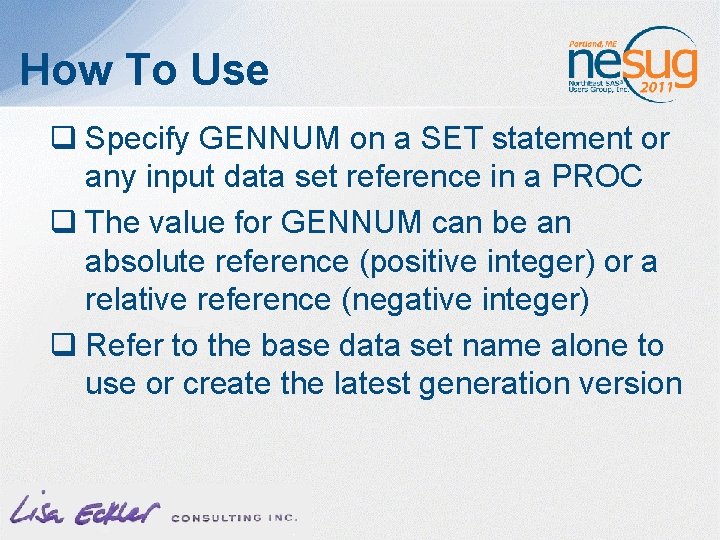
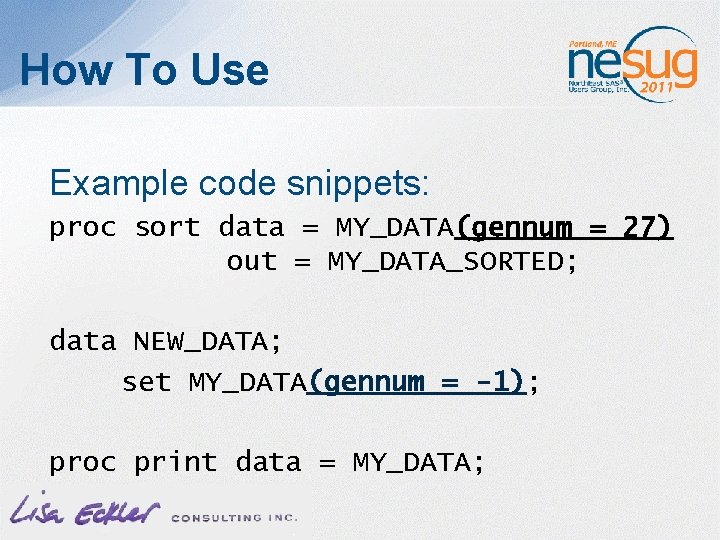
How To Use q Specify GENNUM on a SET statement or any input data set reference in a PROC q The value for GENNUM can be an absolute reference (positive integer) or a relative reference (negative integer) q Refer to the base data set name alone to use or create the latest generation version
How To Use Example code snippets: proc sort data = MY_DATA(gennum = 27) out = MY_DATA_SORTED; data NEW_DATA; set MY_DATA(gennum = -1); proc print data = MY_DATA;
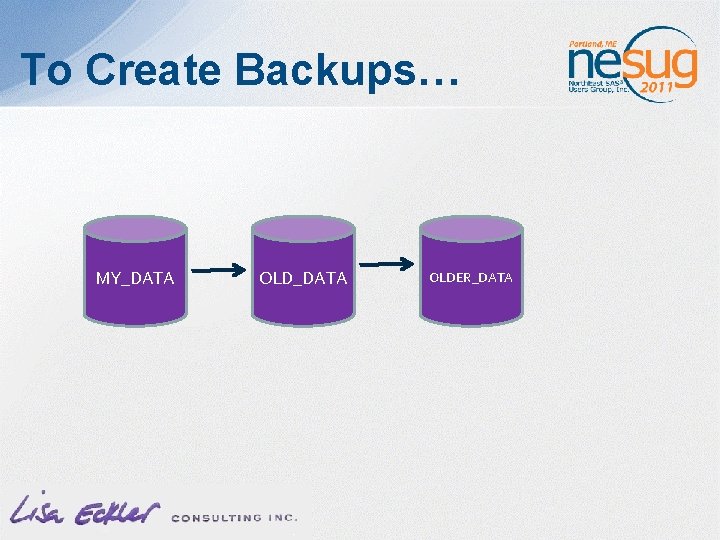
To Create Backups… MY_DATA OLDER_DATA
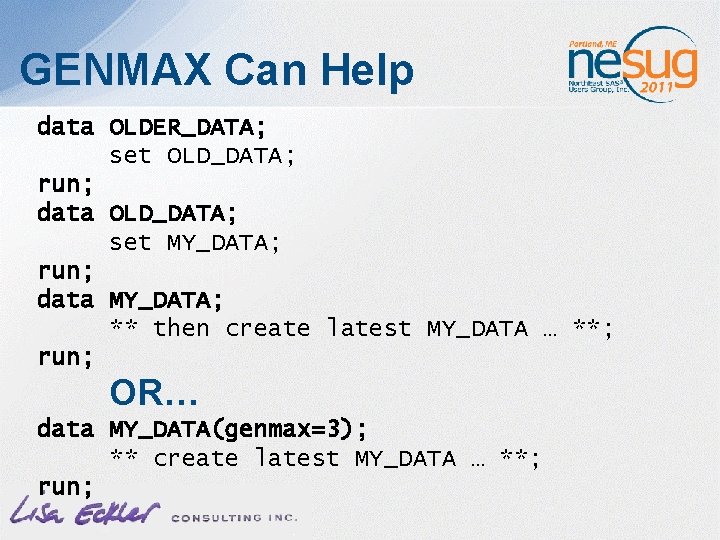
GENMAX Can Help data OLDER_DATA; set OLD_DATA; run; data OLD_DATA; set MY_DATA; run; data MY_DATA; ** then create latest MY_DATA … **; run; OR… data MY_DATA(genmax=3); ** create latest MY_DATA … **; run;
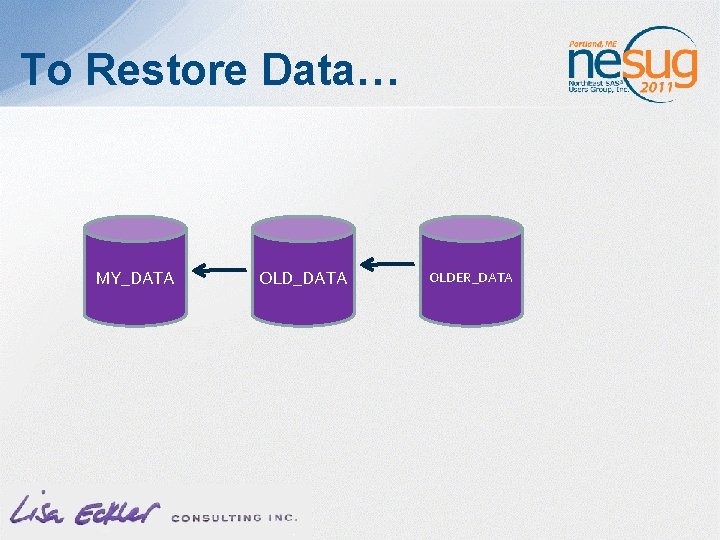
To Restore Data… MY_DATA OLDER_DATA
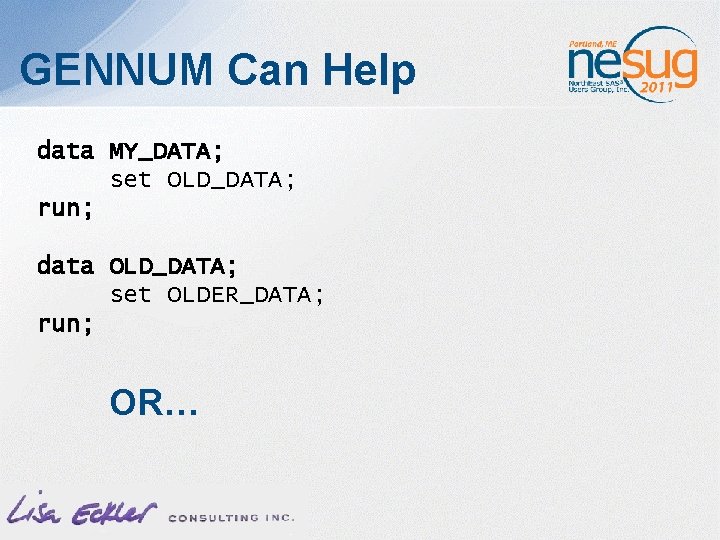
GENNUM Can Help data MY_DATA; set OLD_DATA; run; data OLD_DATA; set OLDER_DATA; run; OR…
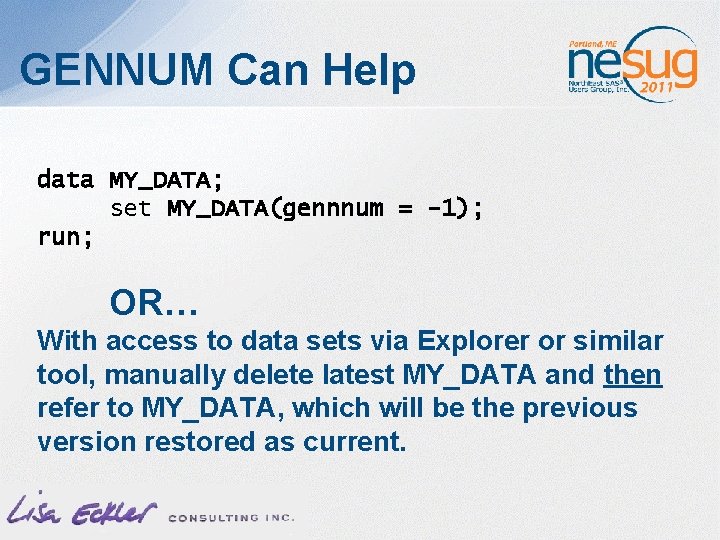
GENNUM Can Help data MY_DATA; set MY_DATA(gennnum = -1); run; OR… With access to data sets via Explorer or similar tool, manually delete latest MY_DATA and then refer to MY_DATA, which will be the previous version restored as current.
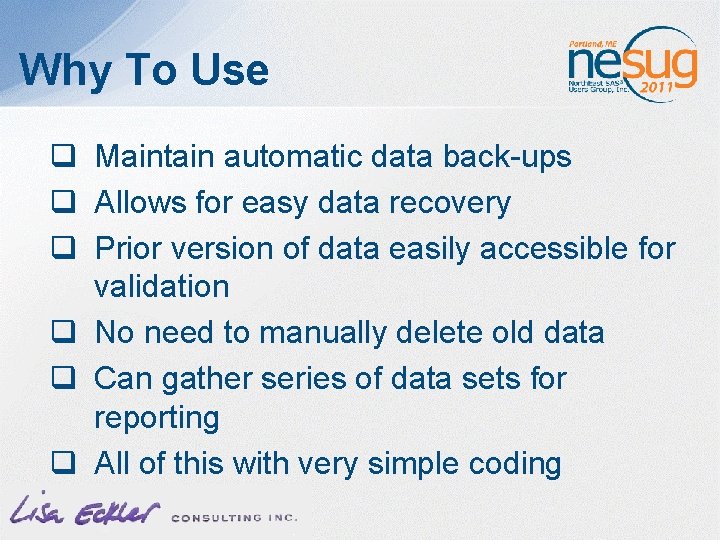
Why To Use q Maintain automatic data back-ups q Allows for easy data recovery q Prior version of data easily accessible for validation q No need to manually delete old data q Can gather series of data sets for reporting q All of this with very simple coding
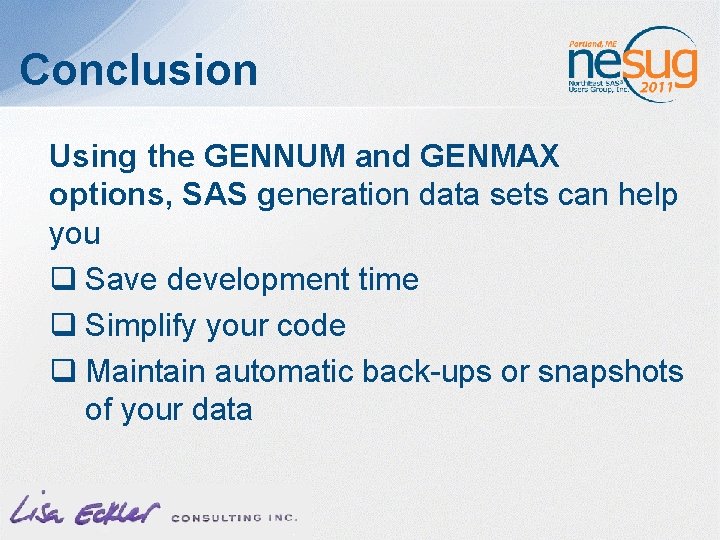
Conclusion Using the GENNUM and GENMAX options, SAS generation data sets can help you q Save development time q Simplify your code q Maintain automatic back-ups or snapshots of your data
Thank You! If you have questions or comments… lisa. eckler@sympatico. ca