
General Rules When completing a flight plan the
- Slides: 28
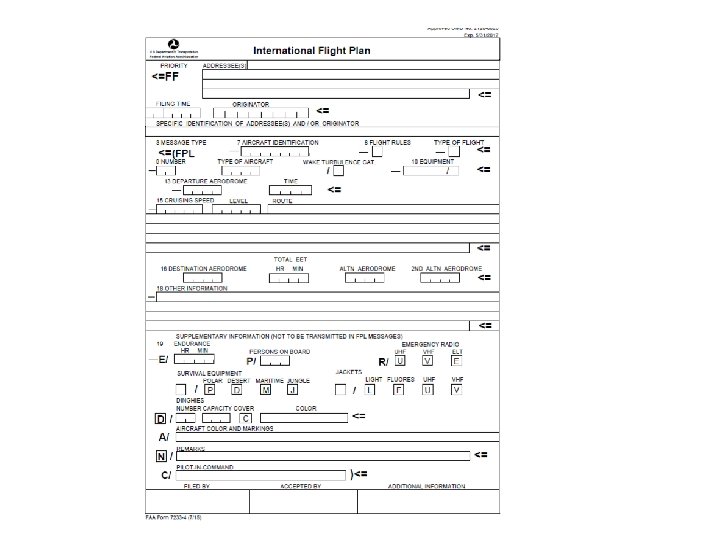
General Rules • When completing a flight plan the following rules apply: • Use capital letters, one letter in each space of the field (unless field are not divided into spaces) • Adhere to the prescribed formats and manner of specifying data • Data should only be inserted only in the fields and spaces provided • Where excess space is available, leave unused spaces blank • All times should be clock times in 4 figures UTC (e. g. , 1800, 0930, etc. ) • Special characters may not be used in ICAO remarks: the forward slash “/”, the dash “-“, and the left and right parentheses “(” and “)” • The item numbers on the form are not consecutive (they correspond to item order in standard ATS messages) • Items preceding item 7 are to be completed by ATC and COM services • Items 7 to 18 should be completed by you • Item 19 completion is to facilitate alerting of Search and Rescue
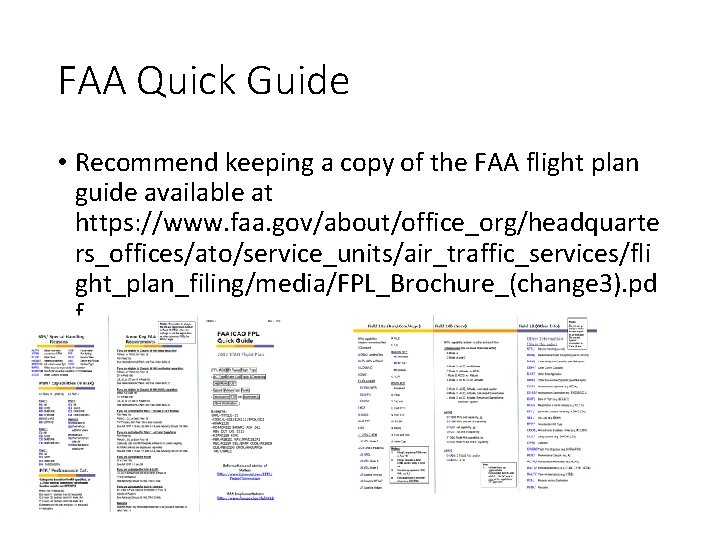
FAA Quick Guide • Recommend keeping a copy of the FAA flight plan guide available at https: //www. faa. gov/about/office_org/headquarte rs_offices/ato/service_units/air_traffic_services/fli ght_plan_filing/media/FPL_Brochure_(change 3). pd f
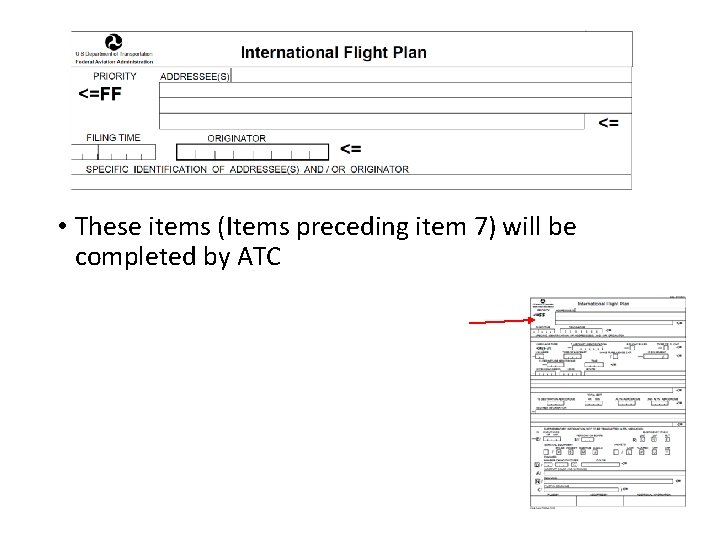
• These items (Items preceding item 7) will be completed by ATC
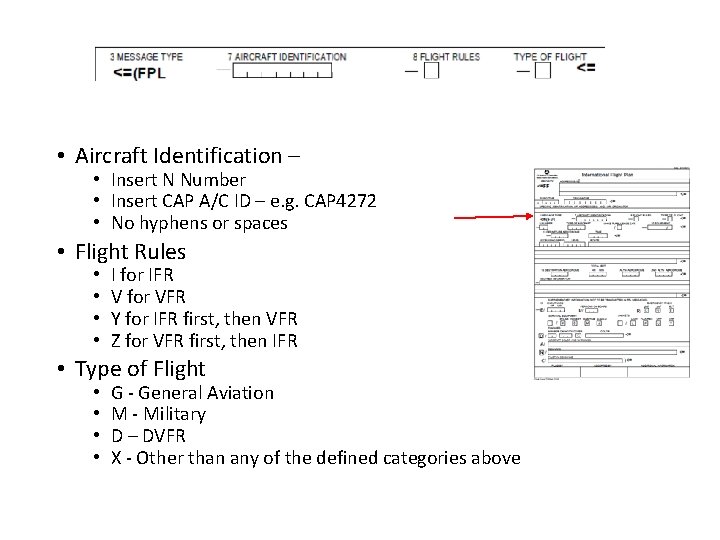
• Aircraft Identification – • Insert N Number • Insert CAP A/C ID – e. g. CAP 4272 • No hyphens or spaces • Flight Rules • • I for IFR V for VFR Y for IFR first, then VFR Z for VFR first, then IFR • Type of Flight • • G - General Aviation M - Military D – DVFR X - Other than any of the defined categories above
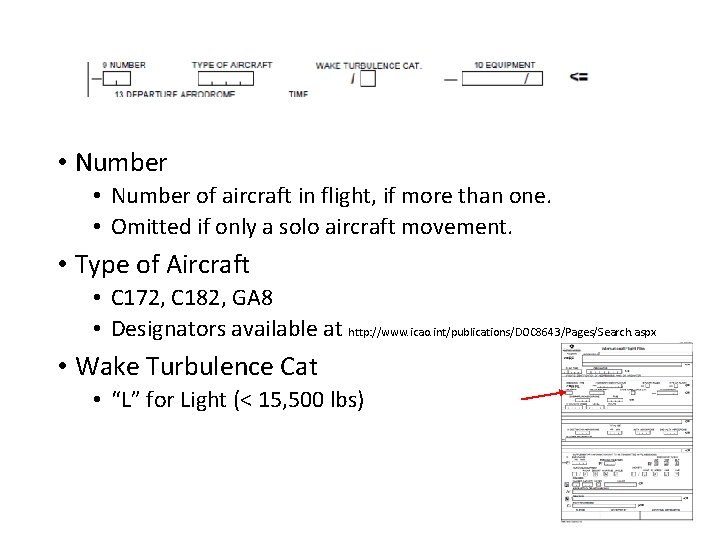
• Number of aircraft in flight, if more than one. • Omitted if only a solo aircraft movement. • Type of Aircraft • C 172, C 182, GA 8 • Designators available at http: //www. icao. int/publications/DOC 8643/Pages/Search. aspx • Wake Turbulence Cat • “L” for Light (< 15, 500 lbs)
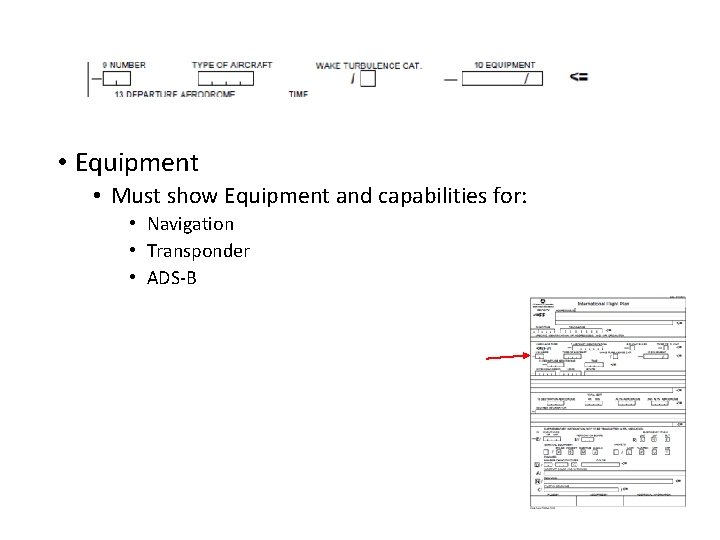
• Equipment • Must show Equipment and capabilities for: • Navigation • Transponder • ADS-B
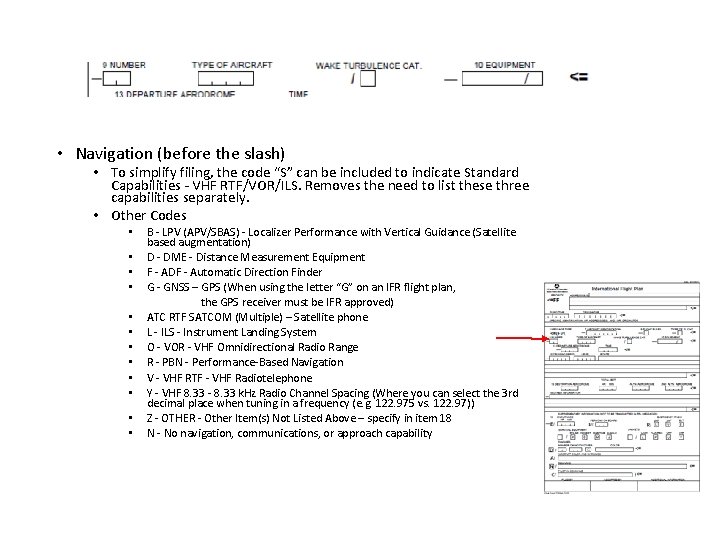
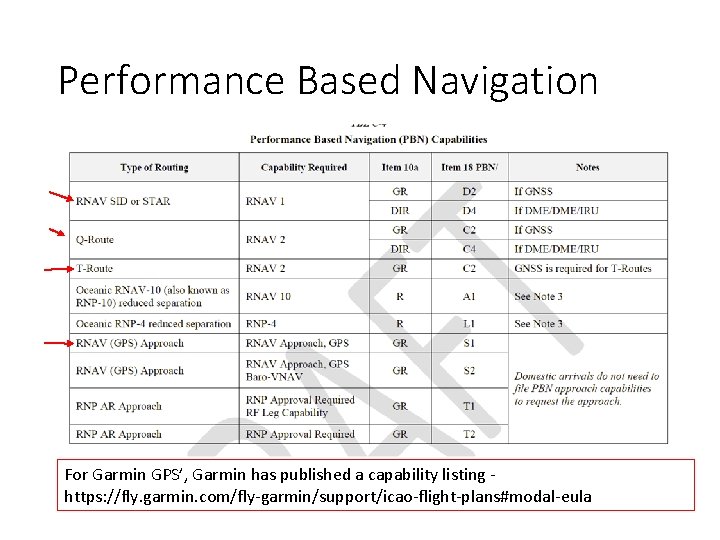
• Navigation (before the slash) • To simplify filing, the code “S” can be included to indicate Standard Capabilities - VHF RTF/VOR/ILS. Removes the need to list these three capabilities separately. • Other Codes • • • B - LPV (APV/SBAS) - Localizer Performance with Vertical Guidance (Satellite based augmentation) D - DME - Distance Measurement Equipment F - ADF - Automatic Direction Finder G - GNSS – GPS (When using the letter “G” on an IFR flight plan, the GPS receiver must be IFR approved) ATC RTF SATCOM (Multiple) – Satellite phone L - ILS - Instrument Landing System O - VOR - VHF Omnidirectional Radio Range R - PBN - Performance-Based Navigation V - VHF RTF - VHF Radiotelephone Y - VHF 8. 33 - 8. 33 k. Hz Radio Channel Spacing (Where you can select the 3 rd decimal place when tuning in a frequency (e. g. 122. 975 vs. 122. 97)) Z - OTHER - Other Item(s) Not Listed Above – specify in item 18 N - No navigation, communications, or approach capability
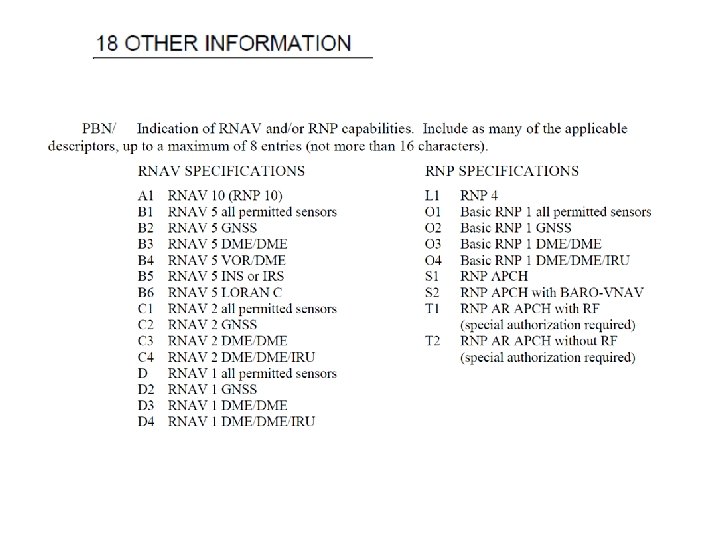
Performance Based Navigation For Garmin GPS’, Garmin has published a capability listing https: //fly. garmin. com/fly-garmin/support/icao-flight-plans#modal-eula
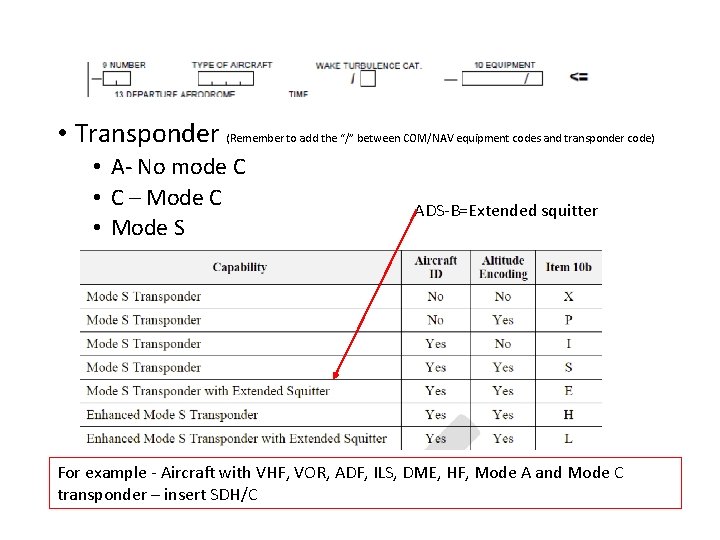
• Transponder (Remember to add the “/” between COM/NAV equipment codes and transponder code) • A- No mode C • C – Mode C • Mode S ADS-B=Extended squitter For example - Aircraft with VHF, VOR, ADF, ILS, DME, HF, Mode A and Mode C transponder – insert SDH/C
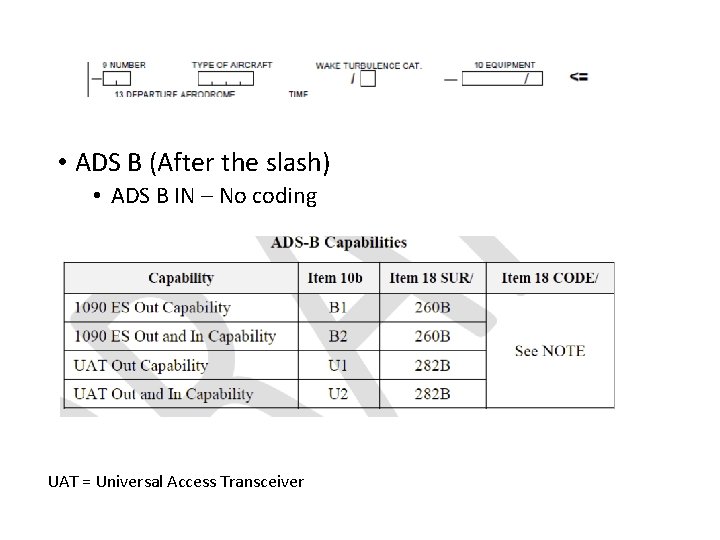
• ADS B (After the slash) • ADS B IN – No coding UAT = Universal Access Transceiver
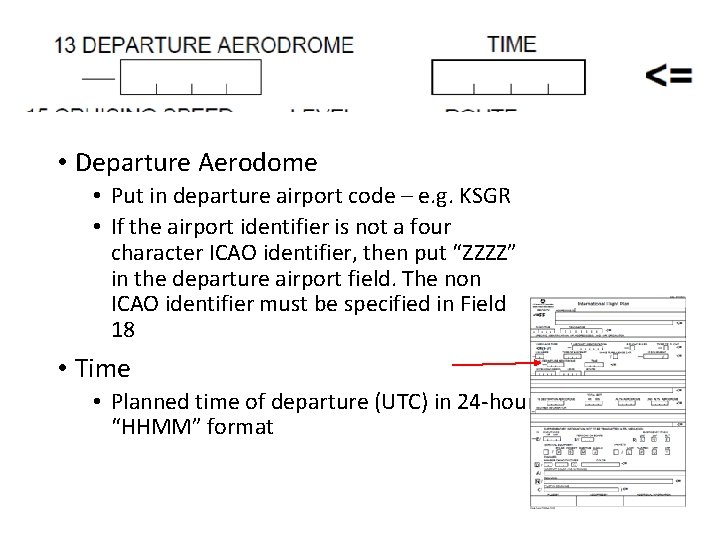
• Departure Aerodome • Put in departure airport code – e. g. KSGR • If the airport identifier is not a four character ICAO identifier, then put “ZZZZ” in the departure airport field. The non ICAO identifier must be specified in Field 18 • Time • Planned time of departure (UTC) in 24 -hour “HHMM” format
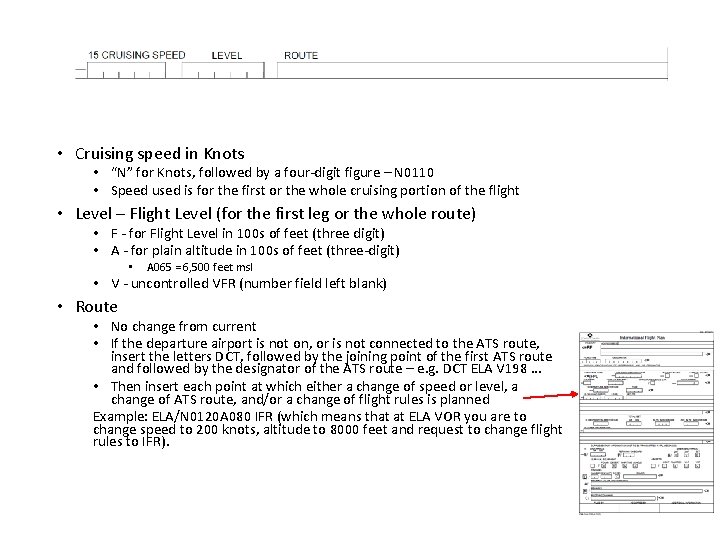
• Cruising speed in Knots • “N” for Knots, followed by a four-digit figure – N 0110 • Speed used is for the first or the whole cruising portion of the flight • Level – Flight Level (for the first leg or the whole route) • F - for Flight Level in 100 s of feet (three digit) • A - for plain altitude in 100 s of feet (three-digit) • A 065 = 6, 500 feet msl • V - uncontrolled VFR (number field left blank) • Route • No change from current • If the departure airport is not on, or is not connected to the ATS route, insert the letters DCT, followed by the joining point of the first ATS route and followed by the designator of the ATS route – e. g. DCT ELA V 198 … • Then insert each point at which either a change of speed or level, a change of ATS route, and/or a change of flight rules is planned Example: ELA/N 0120 A 080 IFR (which means that at ELA VOR you are to change speed to 200 knots, altitude to 8000 feet and request to change flight rules to IFR).
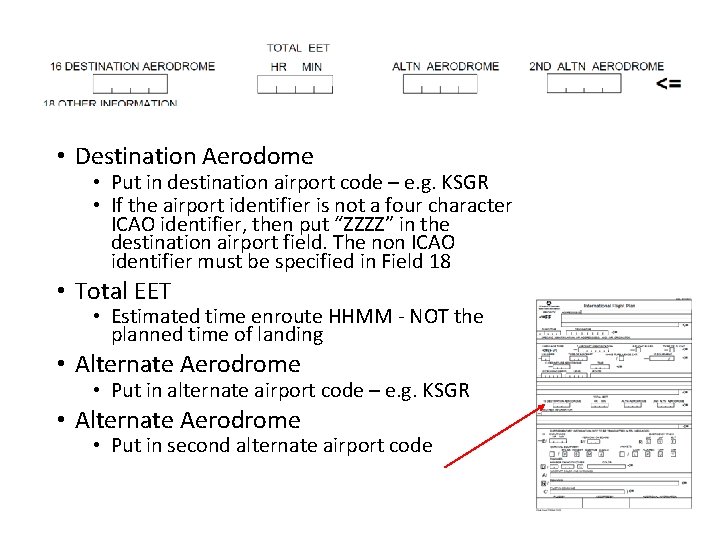
• Destination Aerodome • Put in destination airport code – e. g. KSGR • If the airport identifier is not a four character ICAO identifier, then put “ZZZZ” in the destination airport field. The non ICAO identifier must be specified in Field 18 • Total EET • Estimated time enroute HHMM - NOT the planned time of landing • Alternate Aerodrome • Put in alternate airport code – e. g. KSGR • Alternate Aerodrome • Put in second alternate airport code
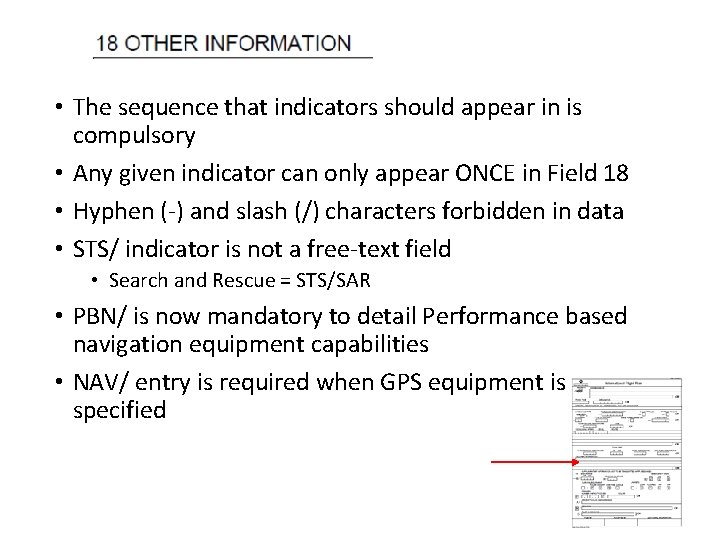
• The sequence that indicators should appear in is compulsory • Any given indicator can only appear ONCE in Field 18 • Hyphen (-) and slash (/) characters forbidden in data • STS/ indicator is not a free-text field • Search and Rescue = STS/SAR • PBN/ is now mandatory to detail Performance based navigation equipment capabilities • NAV/ entry is required when GPS equipment is specified
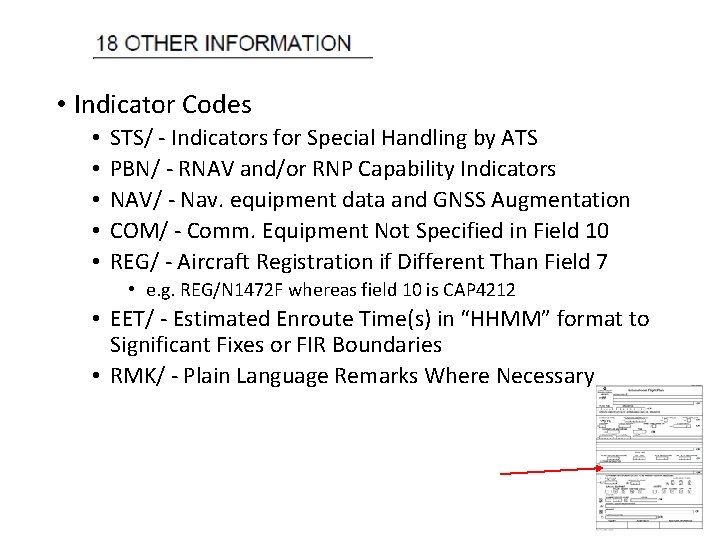
• Indicator Codes • • • STS/ - Indicators for Special Handling by ATS PBN/ - RNAV and/or RNP Capability Indicators NAV/ - Nav. equipment data and GNSS Augmentation COM/ - Comm. Equipment Not Specified in Field 10 REG/ - Aircraft Registration if Different Than Field 7 • e. g. REG/N 1472 F whereas field 10 is CAP 4212 • EET/ - Estimated Enroute Time(s) in “HHMM” format to Significant Fixes or FIR Boundaries • RMK/ - Plain Language Remarks Where Necessary
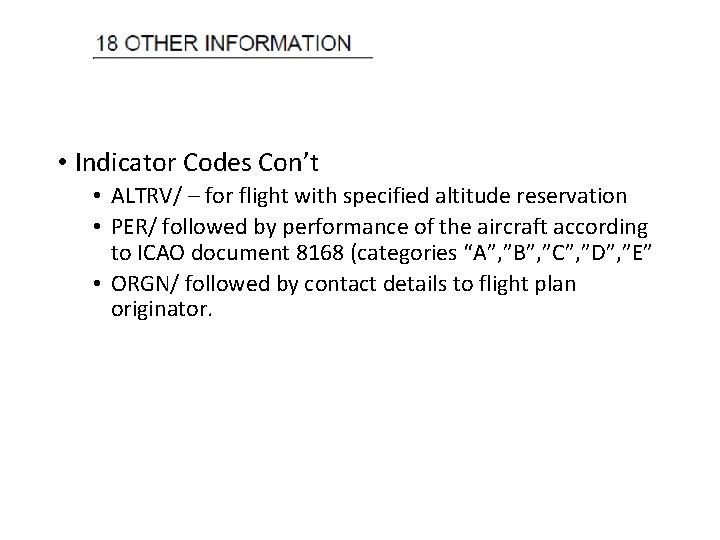
• Indicator Codes Con’t • ALTRV/ – for flight with specified altitude reservation • PER/ followed by performance of the aircraft according to ICAO document 8168 (categories “A”, ”B”, ”C”, ”D”, ”E” • ORGN/ followed by contact details to flight plan originator.
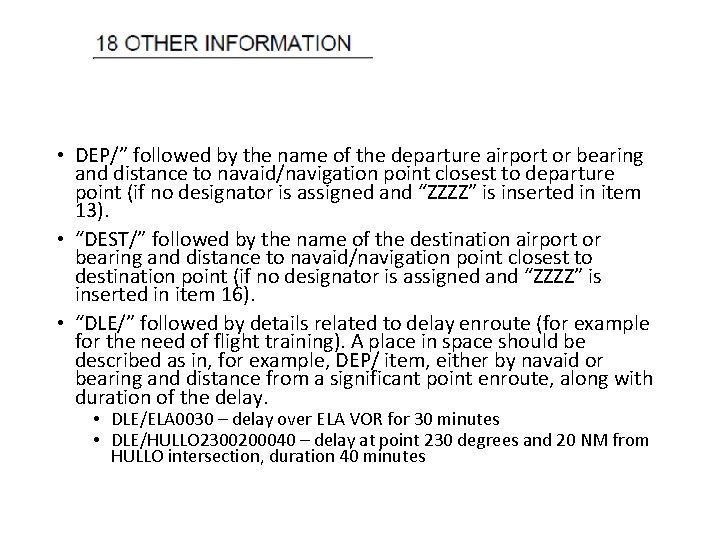
• DEP/” followed by the name of the departure airport or bearing and distance to navaid/navigation point closest to departure point (if no designator is assigned and “ZZZZ” is inserted in item 13). • “DEST/” followed by the name of the destination airport or bearing and distance to navaid/navigation point closest to destination point (if no designator is assigned and “ZZZZ” is inserted in item 16). • “DLE/” followed by details related to delay enroute (for example for the need of flight training). A place in space should be described as in, for example, DEP/ item, either by navaid or bearing and distance from a significant point enroute, along with duration of the delay. • DLE/ELA 0030 – delay over ELA VOR for 30 minutes • DLE/HULLO 2300200040 – delay at point 230 degrees and 20 NM from HULLO intersection, duration 40 minutes
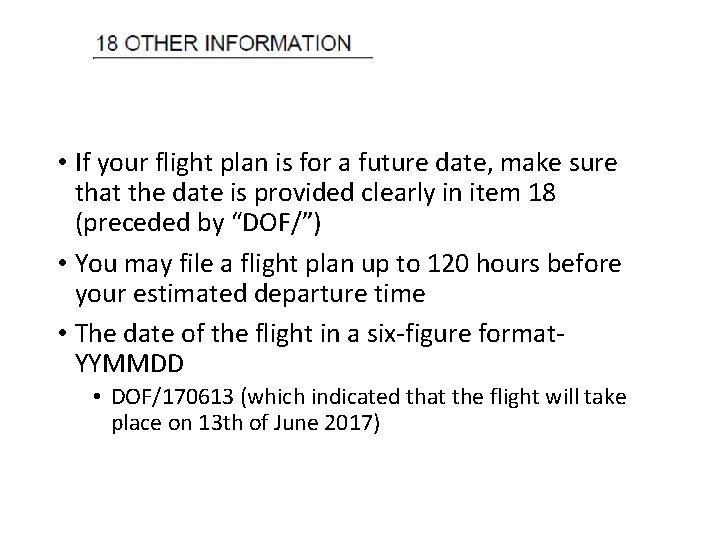
• If your flight plan is for a future date, make sure that the date is provided clearly in item 18 (preceded by “DOF/”) • You may file a flight plan up to 120 hours before your estimated departure time • The date of the flight in a six-figure format. YYMMDD • DOF/170613 (which indicated that the flight will take place on 13 th of June 2017)
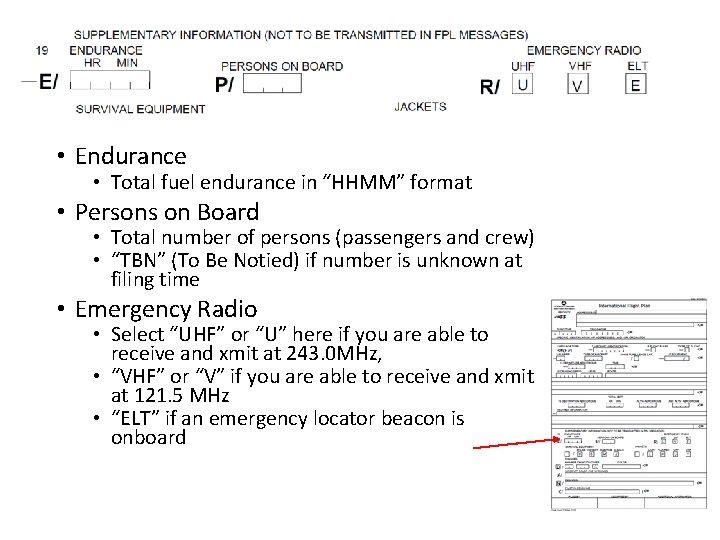
• Endurance • Total fuel endurance in “HHMM” format • Persons on Board • Total number of persons (passengers and crew) • “TBN” (To Be Notied) if number is unknown at filing time • Emergency Radio • Select “UHF” or “U” here if you are able to receive and xmit at 243. 0 MHz, • “VHF” or “V” if you are able to receive and xmit at 121. 5 MHz • “ELT” if an emergency locator beacon is onboard
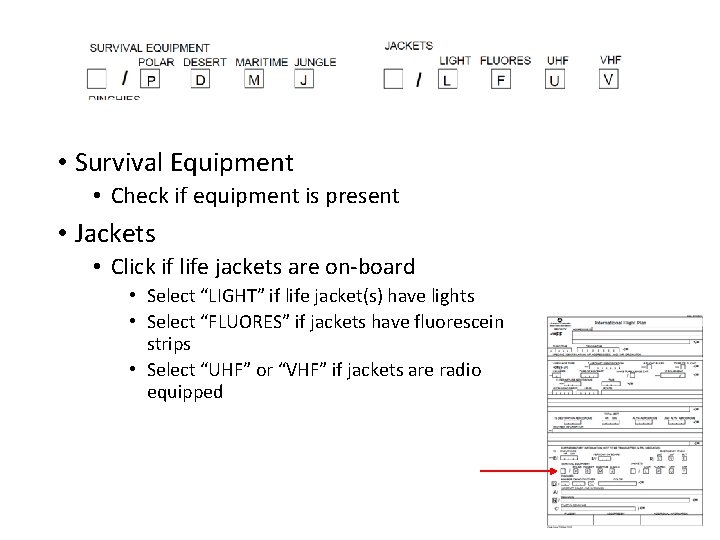
• Survival Equipment • Check if equipment is present • Jackets • Click if life jackets are on-board • Select “LIGHT” if life jacket(s) have lights • Select “FLUORES” if jackets have fluorescein strips • Select “UHF” or “VHF” if jackets are radio equipped
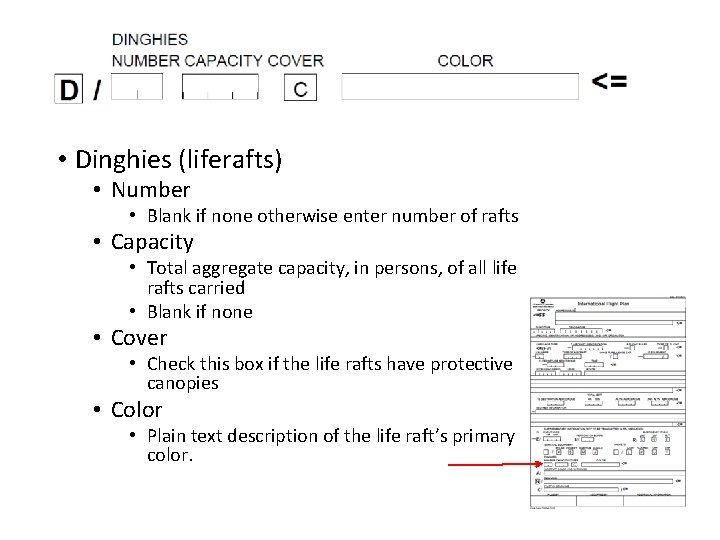
• Dinghies (liferafts) • Number • Blank if none otherwise enter number of rafts • Capacity • Total aggregate capacity, in persons, of all life rafts carried • Blank if none • Cover • Check this box if the life rafts have protective canopies • Color • Plain text description of the life raft’s primary color.
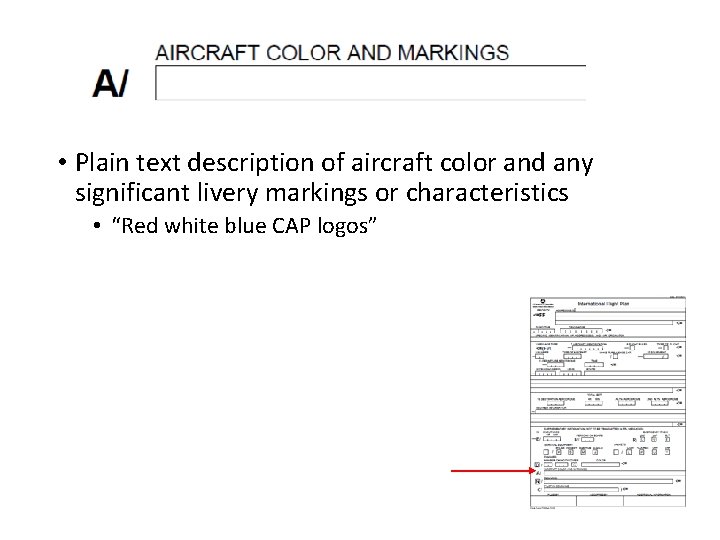
• Plain text description of aircraft color and any significant livery markings or characteristics • “Red white blue CAP logos”
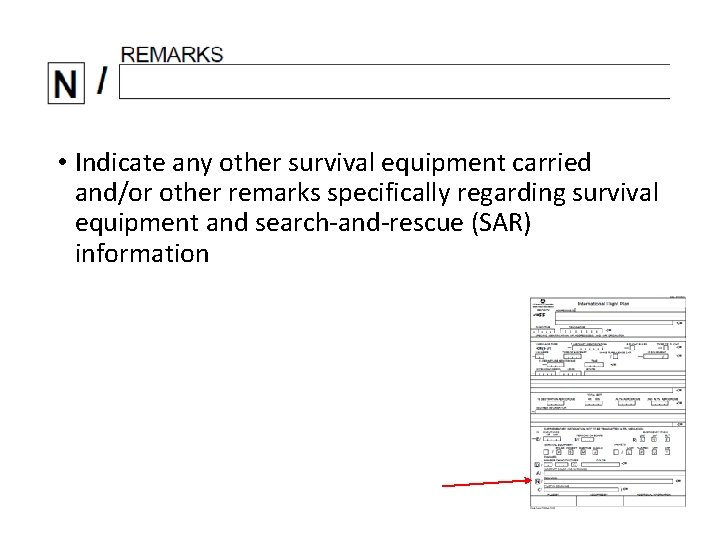
• Indicate any other survival equipment carried and/or other remarks specifically regarding survival equipment and search-and-rescue (SAR) information
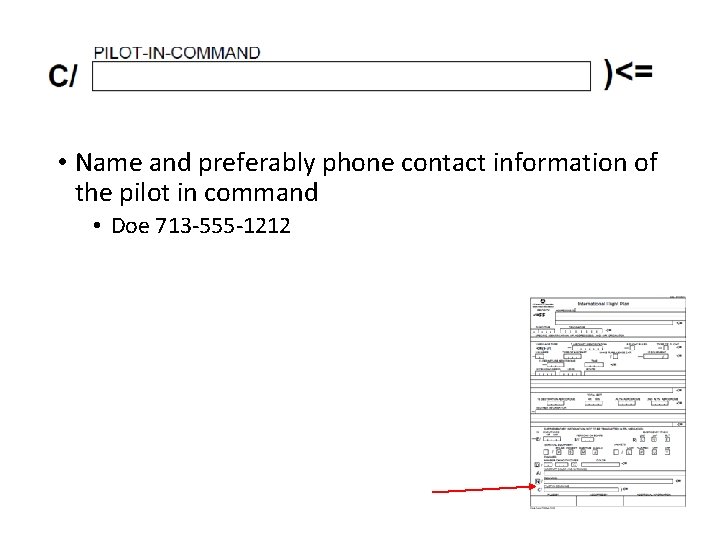
• Name and preferably phone contact information of the pilot in command • Doe 713 -555 -1212
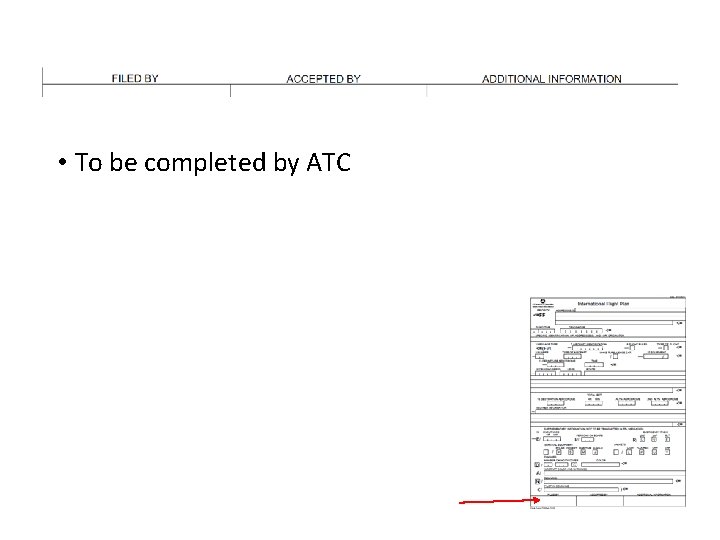
• To be completed by ATC
Questions • For more information see https: //www. capmembers. com/media/cms/N 7110 _95688 ABC 3 F 815. pdf - Air Traffic Organization Policy - N JO 7110. 601