
GDT Inspection in Spatial Analyzer Jeremy Winn Application
- Slides: 53
GD&T Inspection in Spatial. Analyzer Jeremy Winn Application Engineer New River Kinematics Philip Wilson Application Engineer New River Kinematics
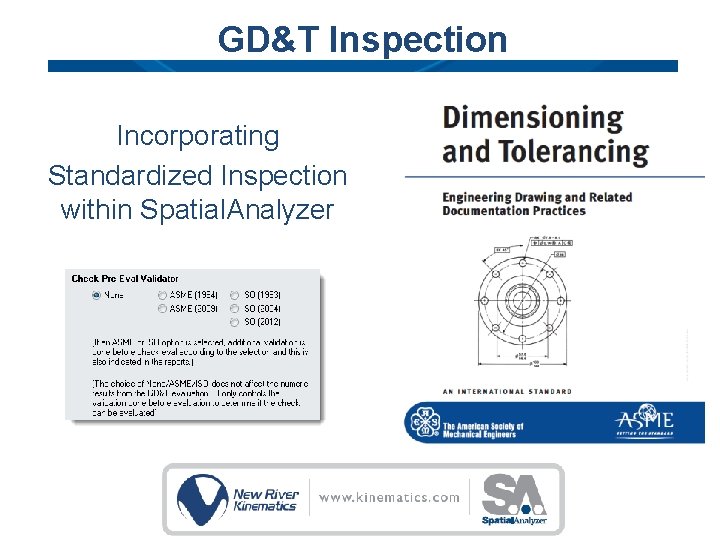
GD&T Inspection Incorporating Standardized Inspection within Spatial. Analyzer
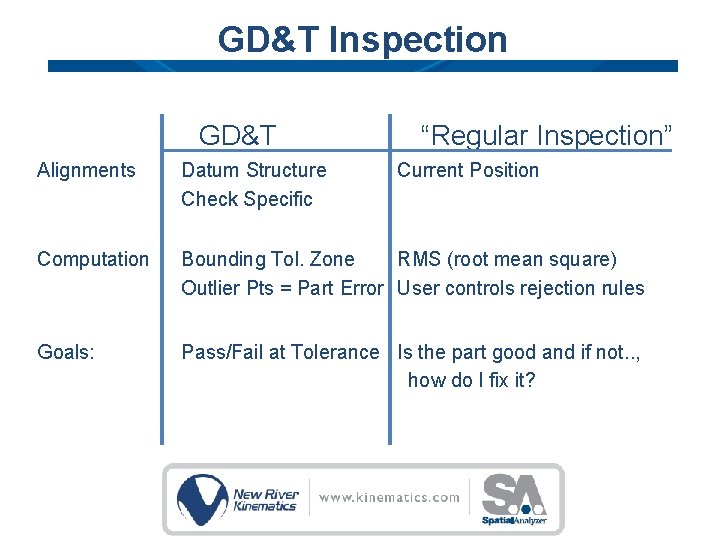
GD&T Inspection GD&T “Regular Inspection” Alignments Datum Structure Check Specific Current Position Computation Bounding Tol. Zone RMS (root mean square) Outlier Pts = Part Error User controls rejection rules Goals: Pass/Fail at Tolerance Is the part good and if not. . , how do I fix it?
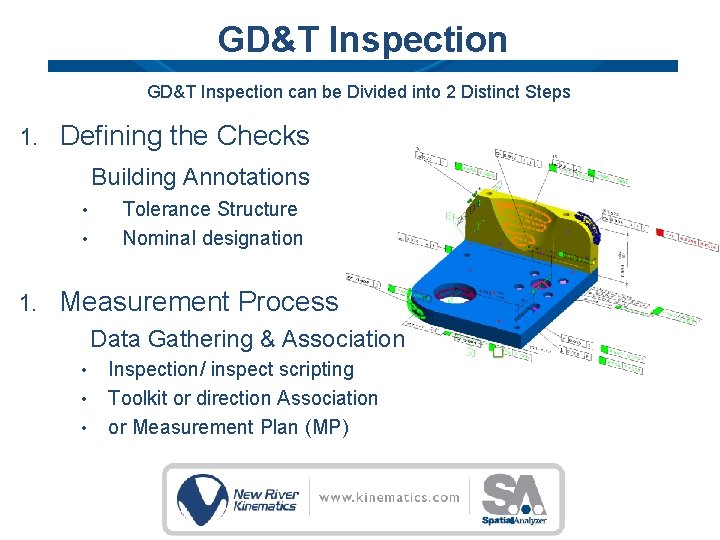
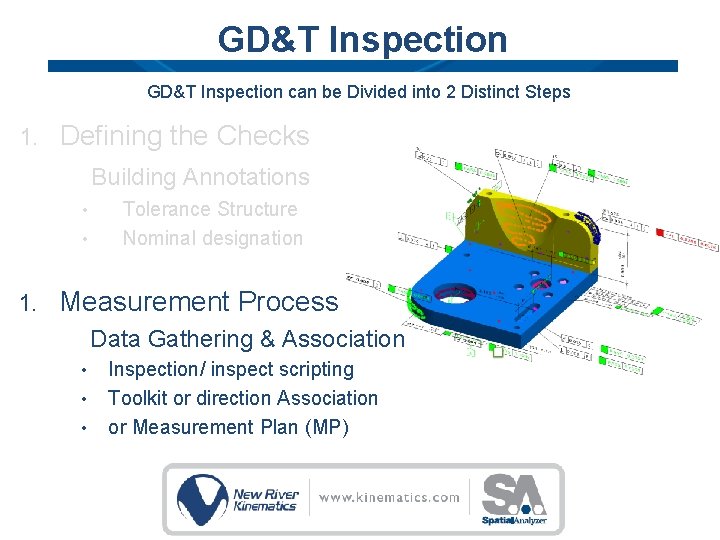
GD&T Inspection can be Divided into 2 Distinct Steps 1. Defining the Checks Building Annotations • • 1. Tolerance Structure Nominal designation Measurement Process Data Gathering & Association • • • Inspection/ inspect scripting Toolkit or direction Association or Measurement Plan (MP)
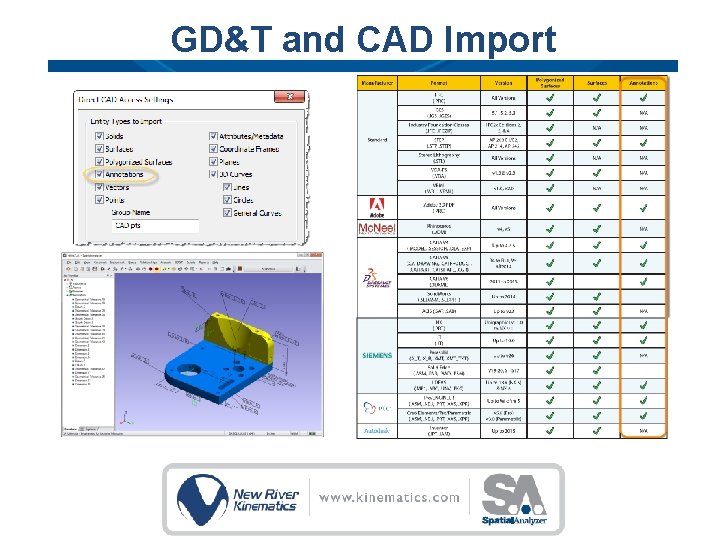
GD&T and CAD Import
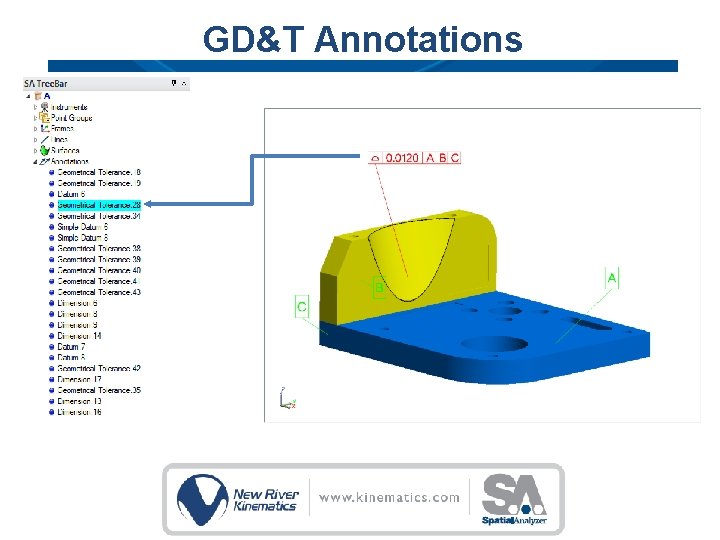
GD&T Annotations
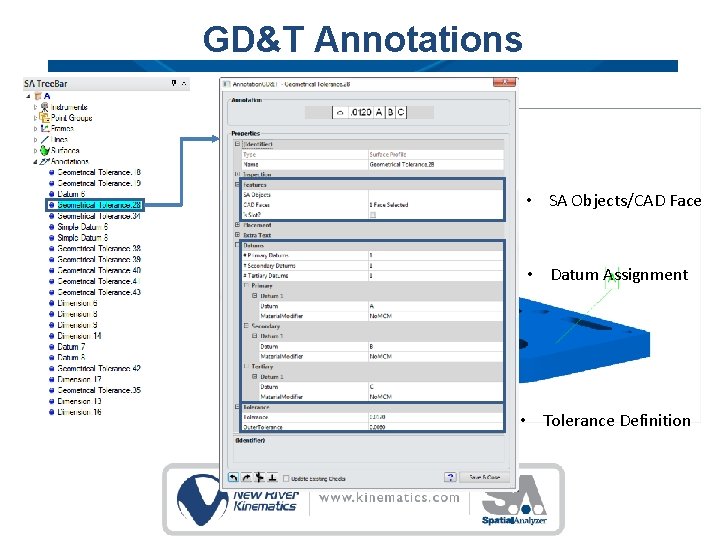
GD&T Annotations • SA Objects/CAD Face • Datum Assignment • Tolerance Definition
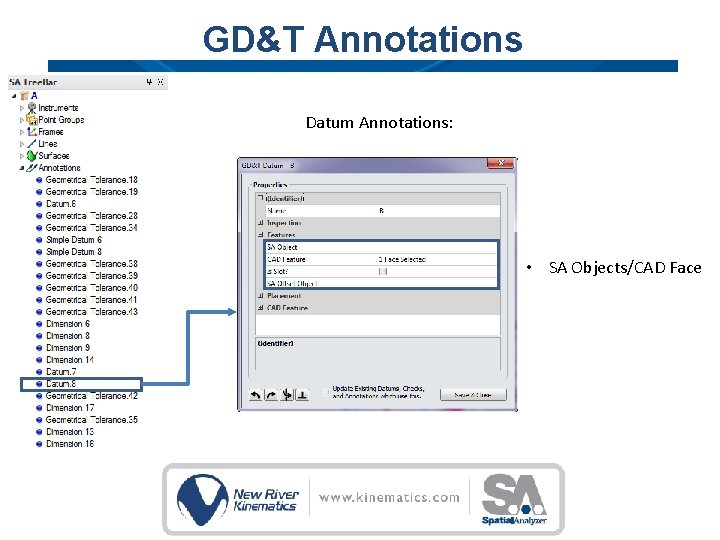
GD&T Annotations Datum Annotations: • SA Objects/CAD Face
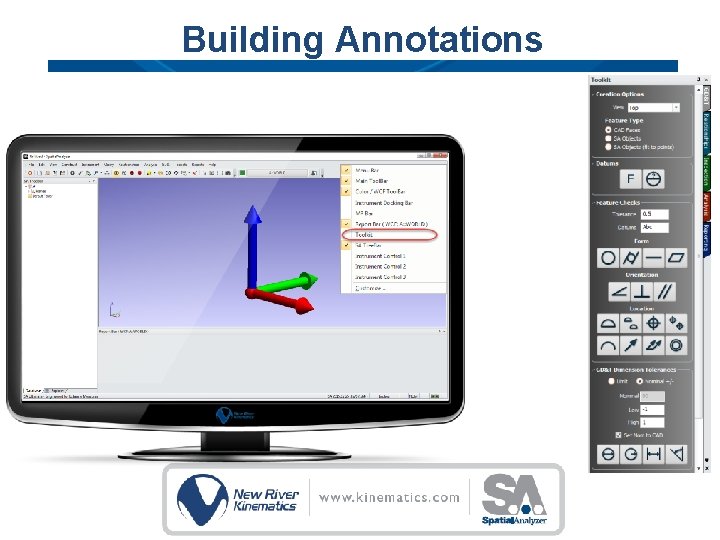
Building Annotations
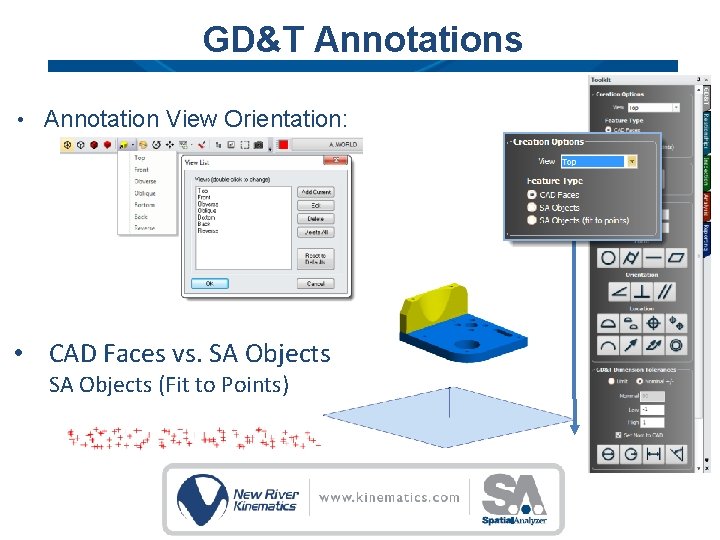
GD&T Annotations • Annotation View Orientation: • CAD Faces vs. SA Objects (Fit to Points)
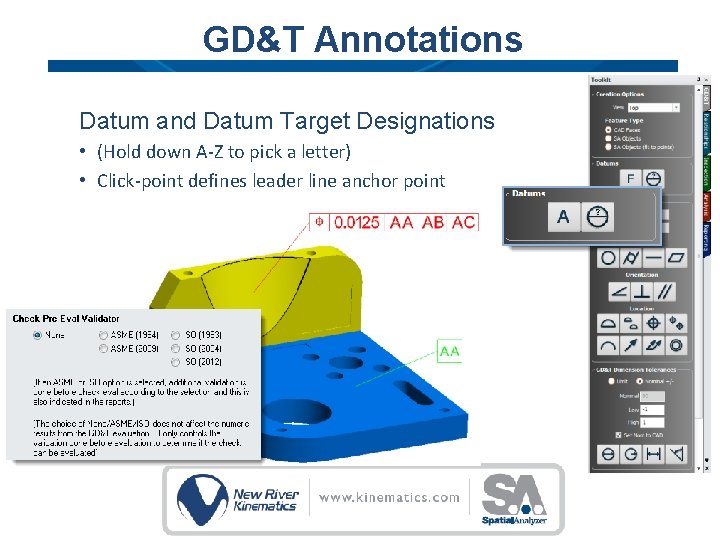
GD&T Annotations Datum and Datum Target Designations • (Hold down A-Z to pick a letter) • Click-point defines leader line anchor point
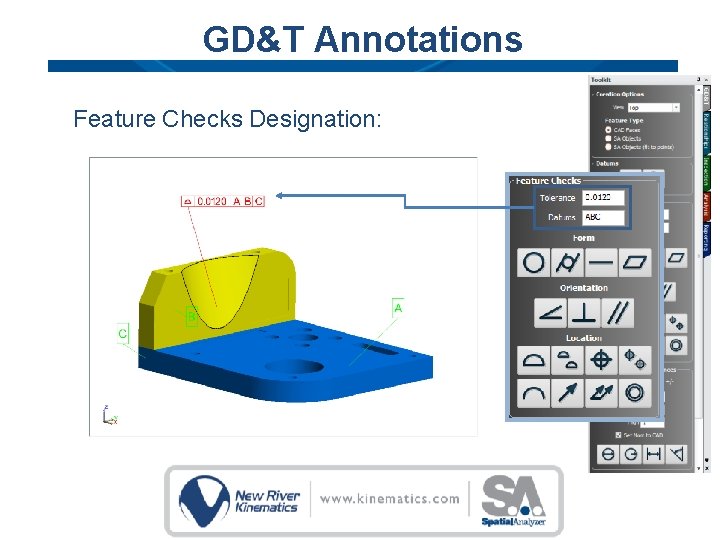
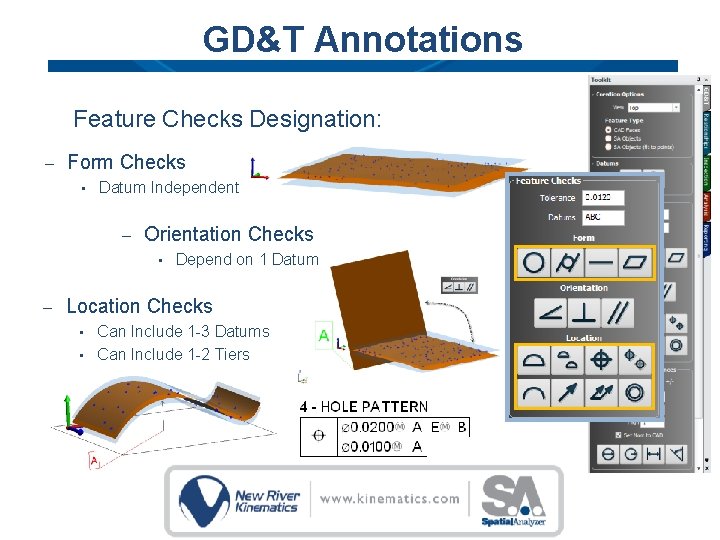
GD&T Annotations Feature Checks Designation:
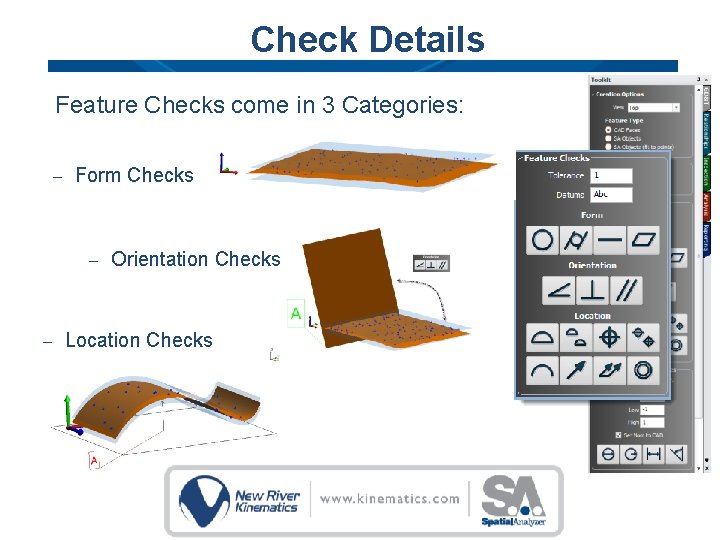
GD&T Annotations Feature Checks Designation: – Form Checks • Datum Independent – Orientation Checks • – Depend on 1 Datum Location Checks Can Include 1 -3 Datums • Can Include 1 -2 Tiers •
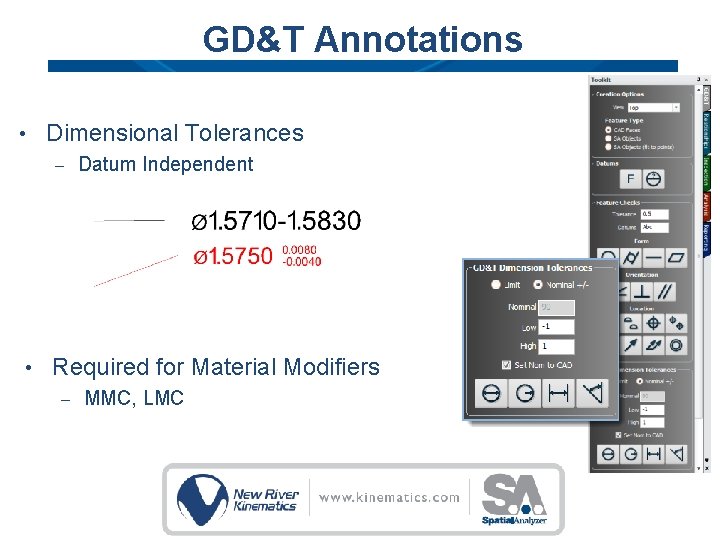
GD&T Annotations • Dimensional Tolerances – • Datum Independent Required for Material Modifiers – MMC, LMC
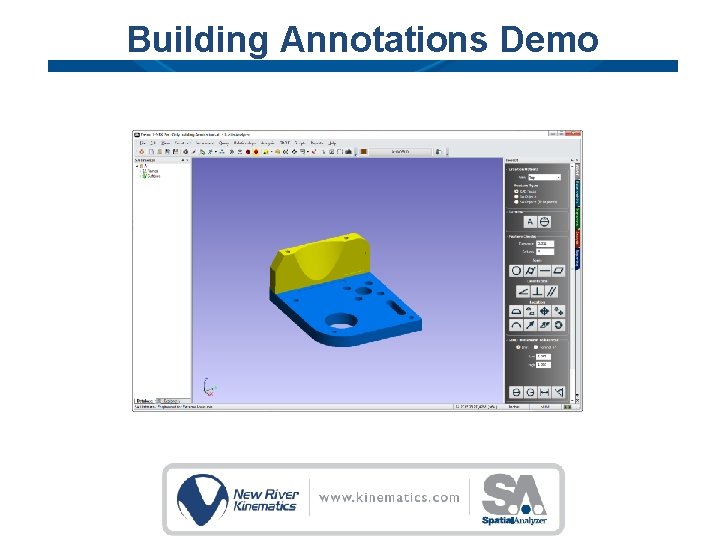
Building Annotations Demo
GD&T Inspection can be Divided into 2 Distinct Steps 1. Defining the Checks Building Annotations • • 1. Tolerance Structure Nominal designation Measurement Process Data Gathering & Association • • • Inspection/ inspect scripting Toolkit or direction Association or Measurement Plan (MP)
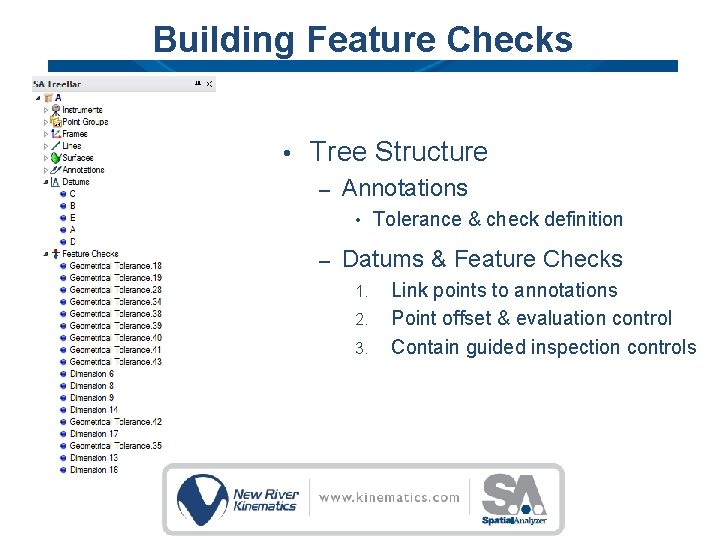
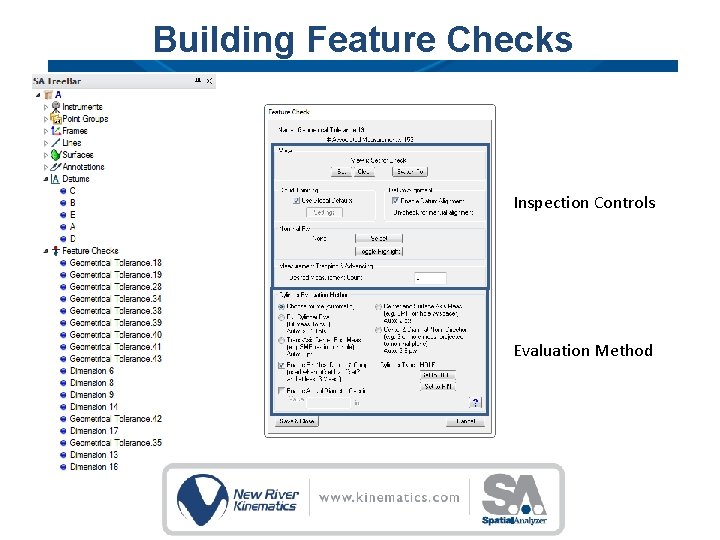
Building Feature Checks • Tree Structure – Annotations • – Tolerance & check definition Datums & Feature Checks 1. 2. 3. Link points to annotations Point offset & evaluation control Contain guided inspection controls
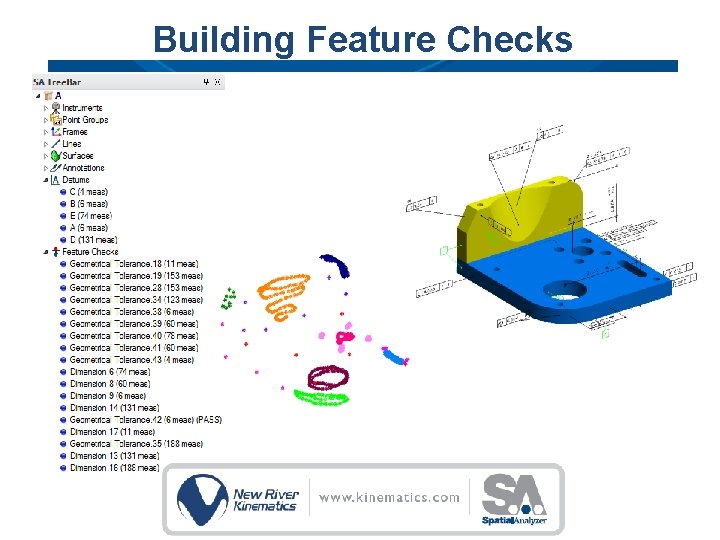
Building Feature Checks
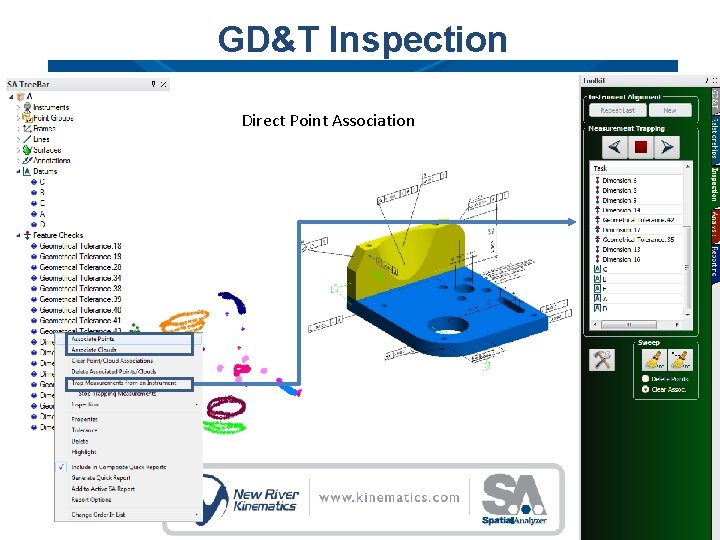
GD&T Inspection Direct Point Association
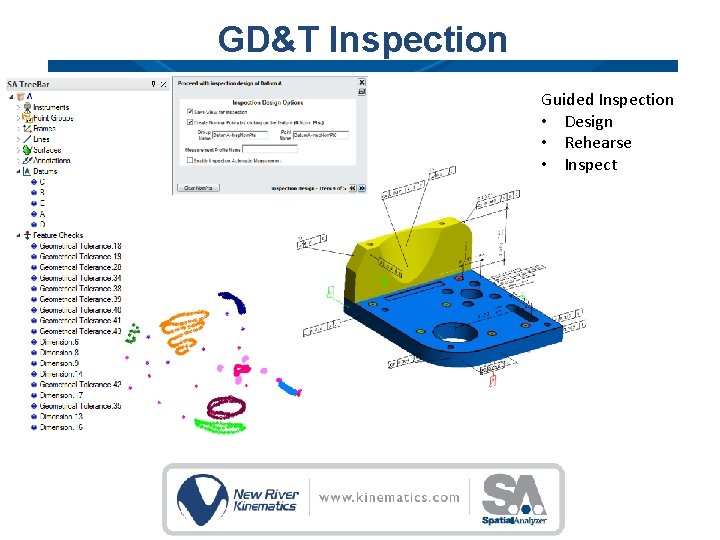
GD&T Inspection Guided Inspection • Design • Rehearse • Inspect
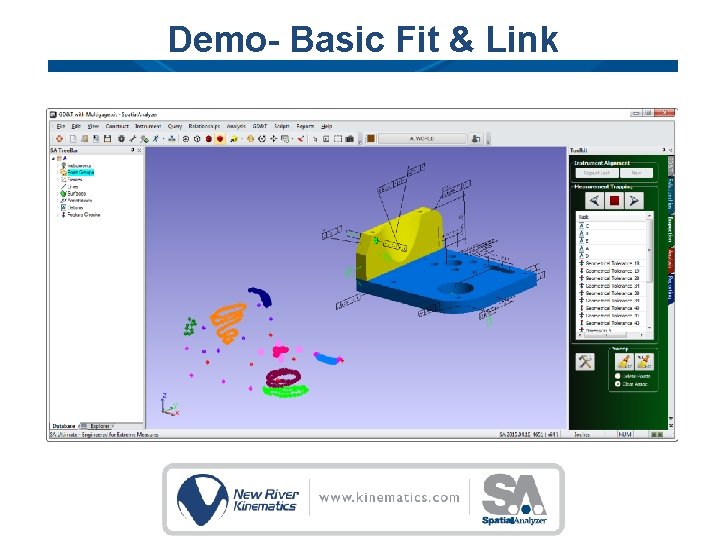
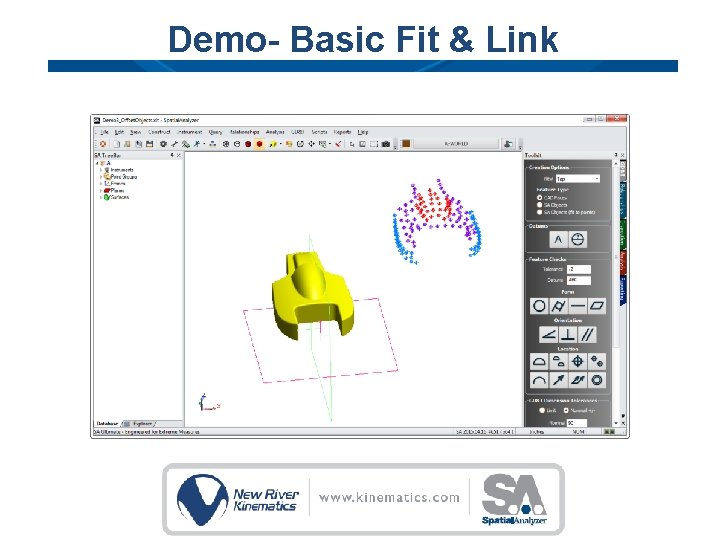
Demo- Basic Fit & Link
Check Details Feature Checks come in 3 Categories: – Form Checks – – Orientation Checks Location Checks
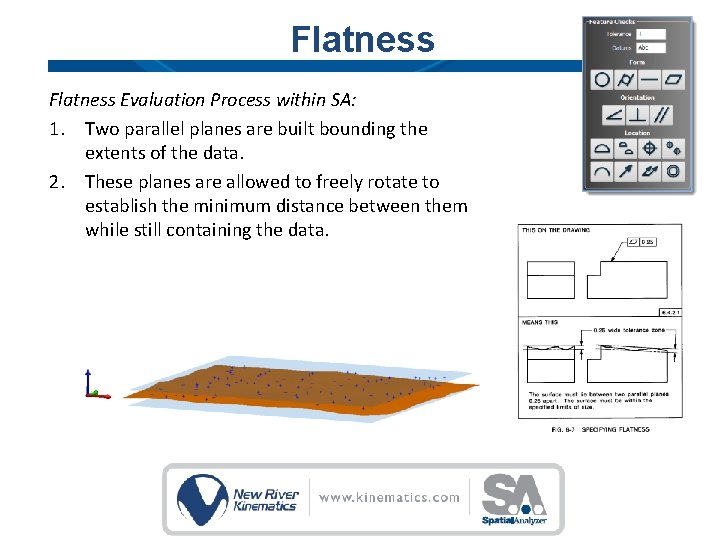
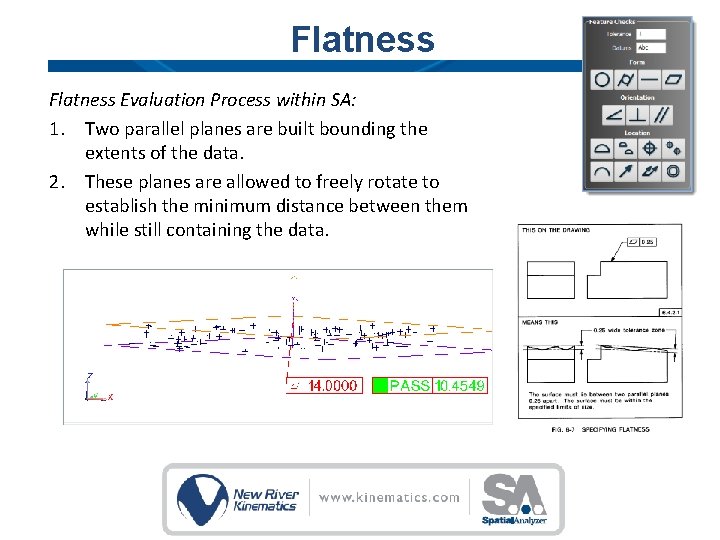
Flatness Evaluation Process within SA: 1. Two parallel planes are built bounding the extents of the data. 2. These planes are allowed to freely rotate to establish the minimum distance between them while still containing the data.
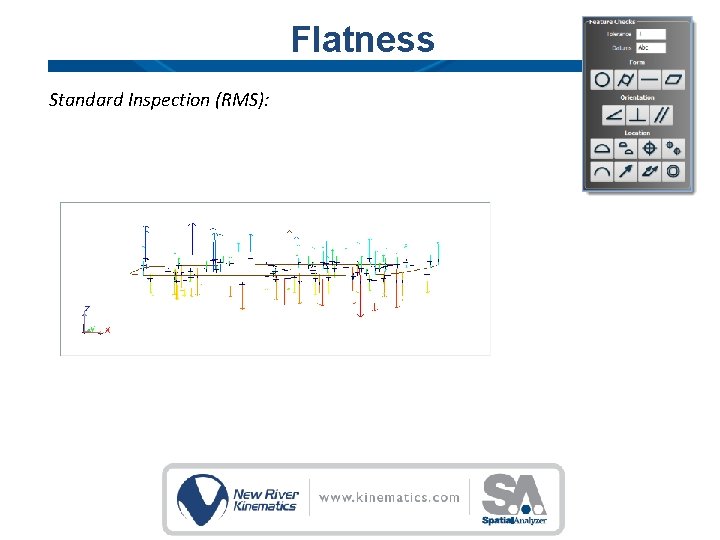
Flatness Standard Inspection (RMS):
Flatness Evaluation Process within SA: 1. Two parallel planes are built bounding the extents of the data. 2. These planes are allowed to freely rotate to establish the minimum distance between them while still containing the data.
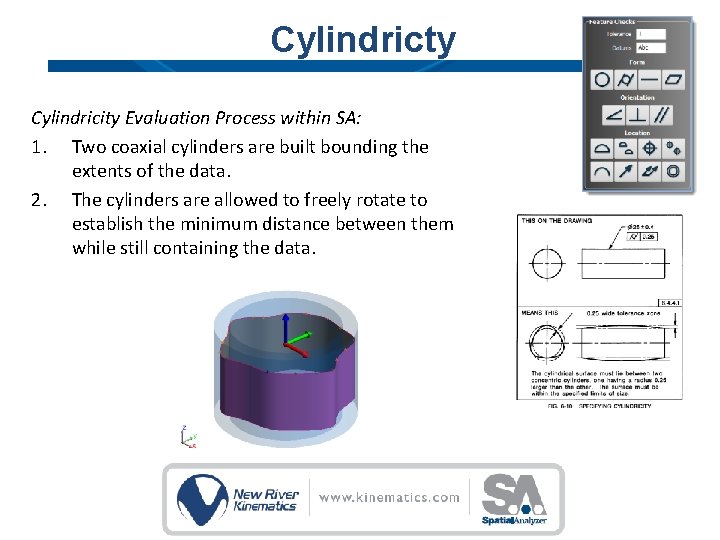
Cylindricty Cylindricity Evaluation Process within SA: 1. Two coaxial cylinders are built bounding the extents of the data. 2. The cylinders are allowed to freely rotate to establish the minimum distance between them while still containing the data.
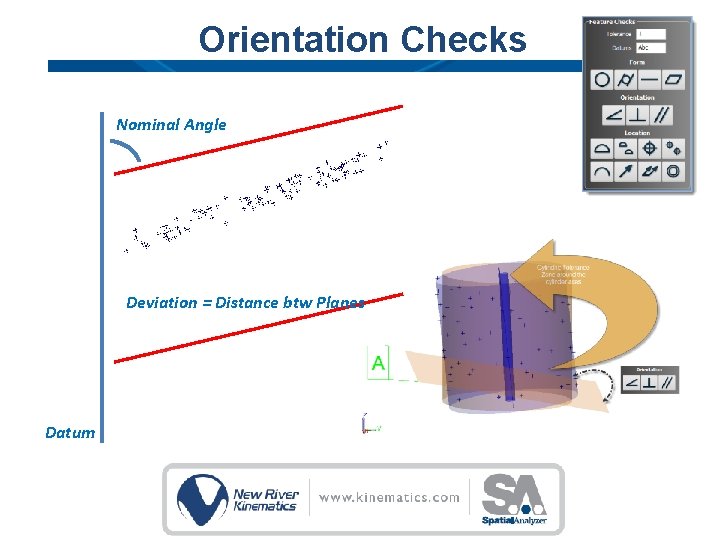
Orientation Checks Nominal Angle Deviation = Distance btw Planes Datum
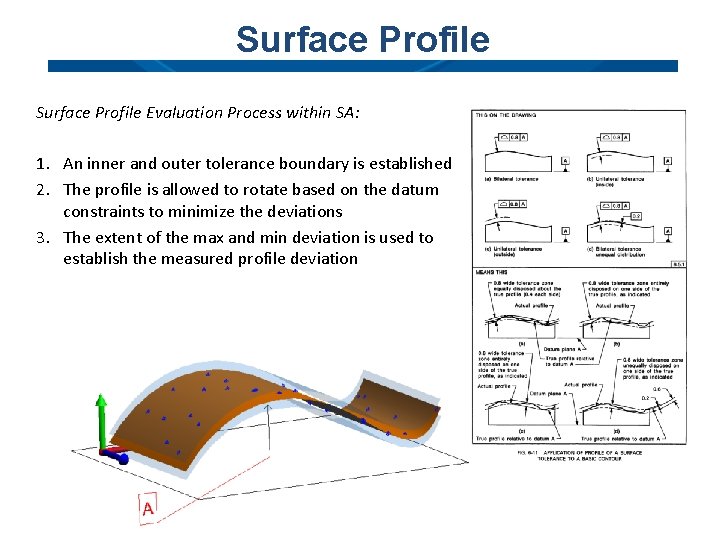
Surface Profile Evaluation Process within SA: 1. An inner and outer tolerance boundary is established 2. The profile is allowed to rotate based on the datum constraints to minimize the deviations 3. The extent of the max and min deviation is used to establish the measured profile deviation
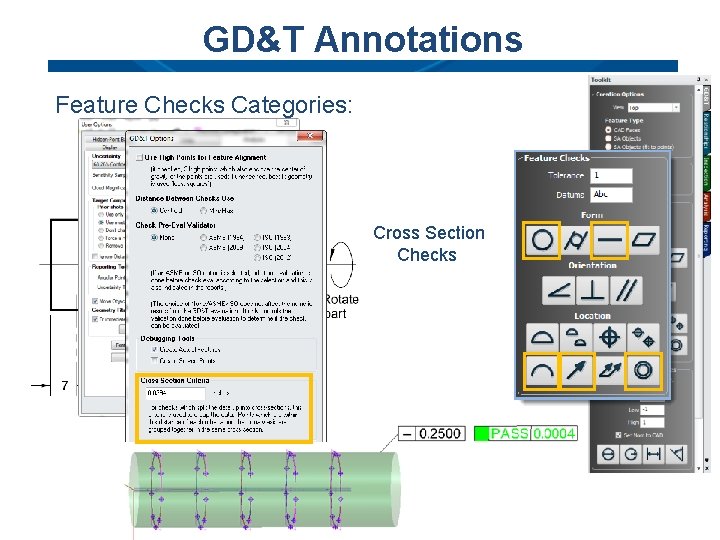
GD&T Annotations Feature Checks Categories: Cross Section Checks
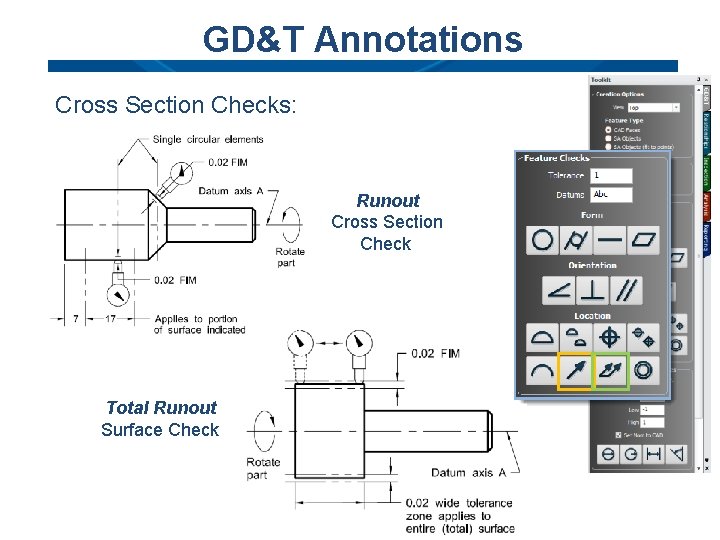
GD&T Annotations Cross Section Checks: Runout Cross Section Check Total Runout Surface Check
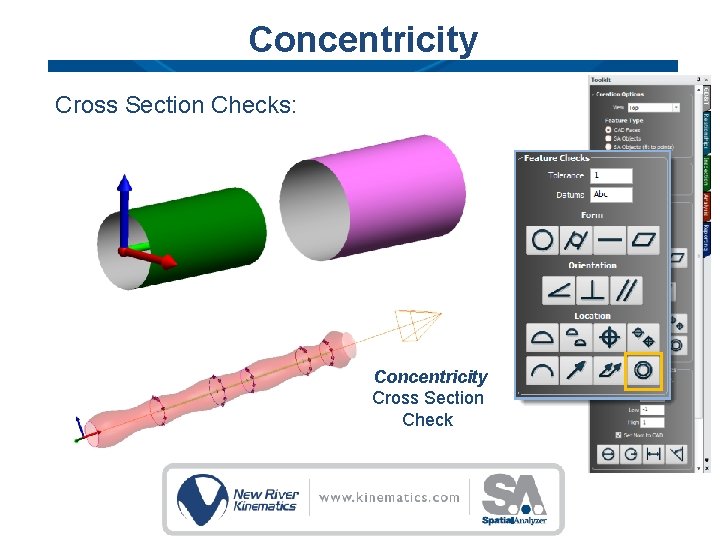
Concentricity Cross Section Checks: Concentricity Cross Section Check
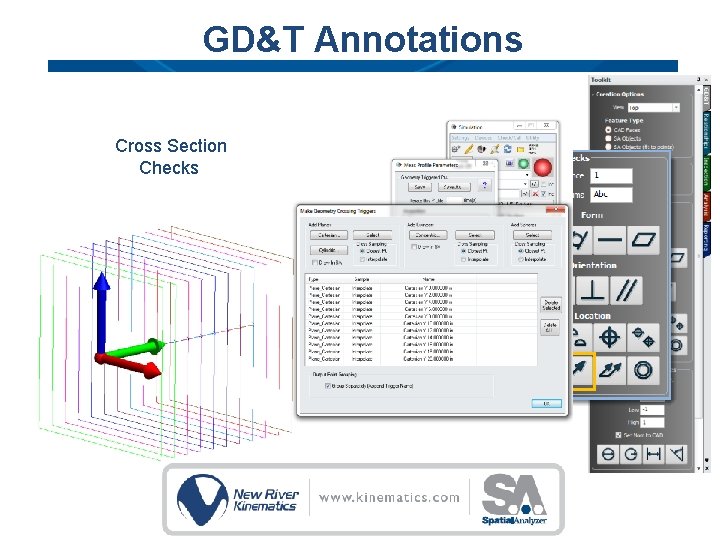
GD&T Annotations Cross Section Checks
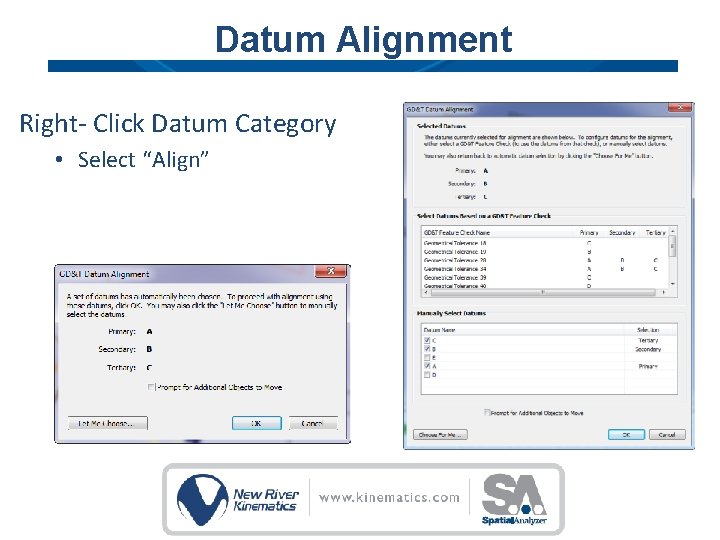
Datum Alignment Right- Click Datum Category • Select “Align”
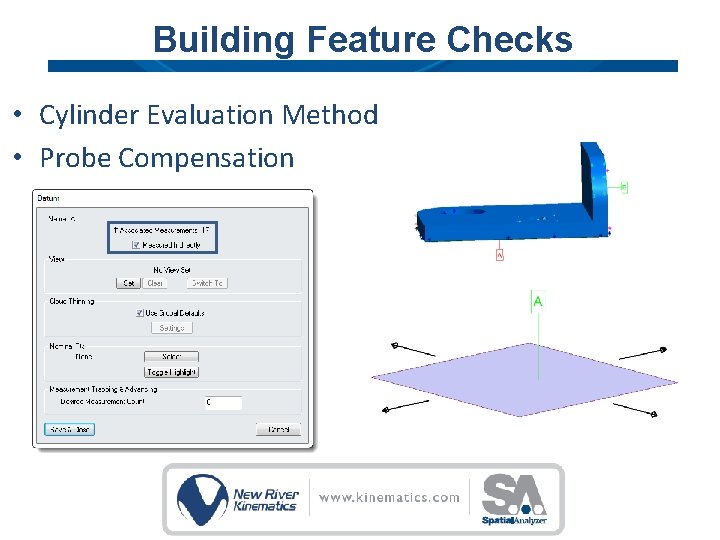
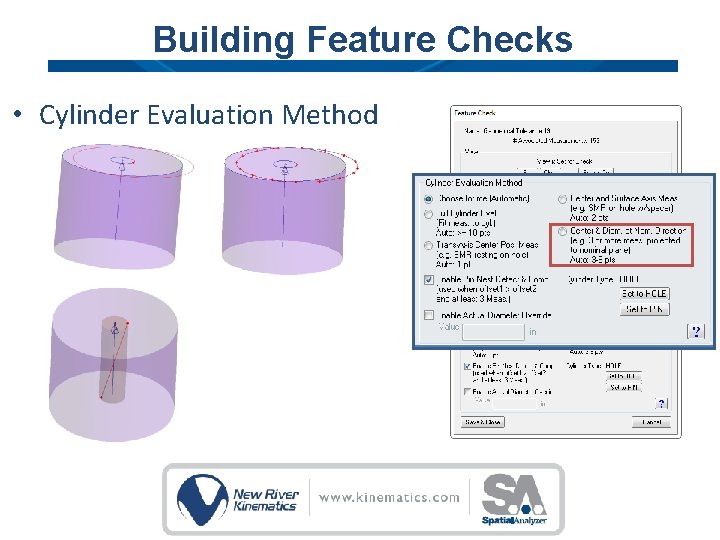
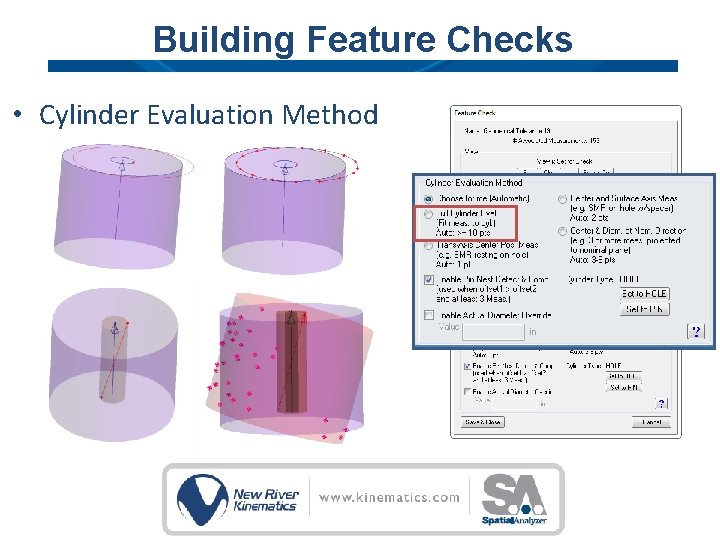
Building Feature Checks • Cylinder Evaluation Method • Probe Compensation
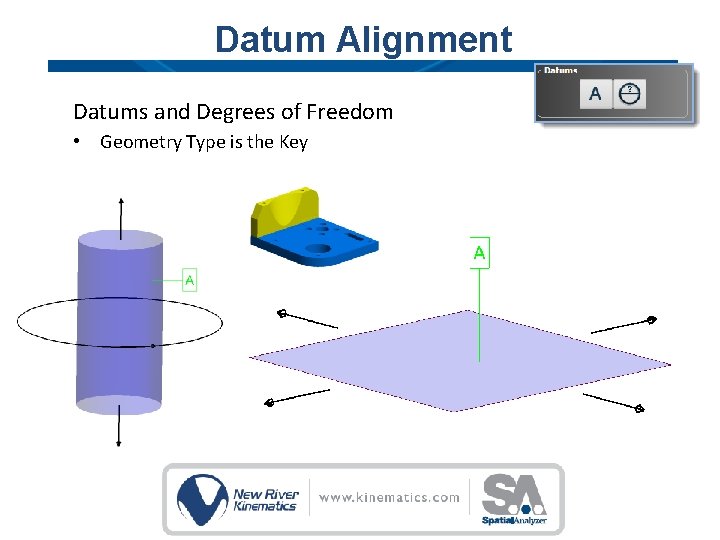
Datum Alignment Datums and Degrees of Freedom • Geometry Type is the Key
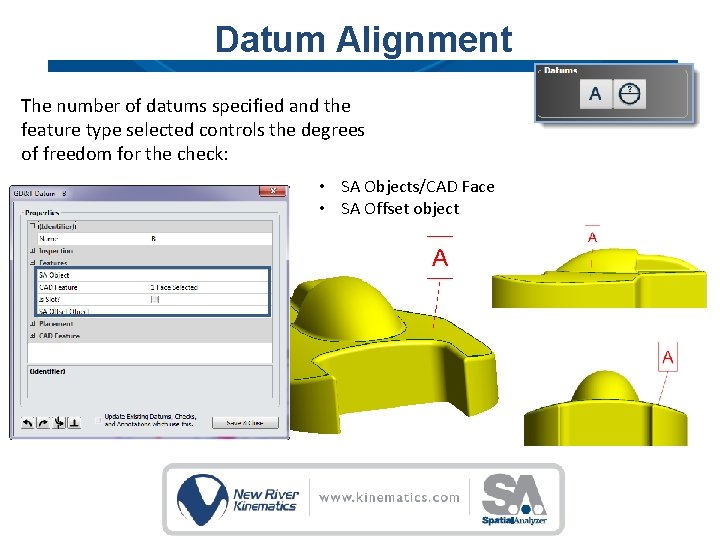
Datum Alignment The number of datums specified and the feature type selected controls the degrees of freedom for the check: • SA Objects/CAD Face • SA Offset object
Demo- Basic Fit & Link
Building Feature Checks Inspection Controls Evaluation Method
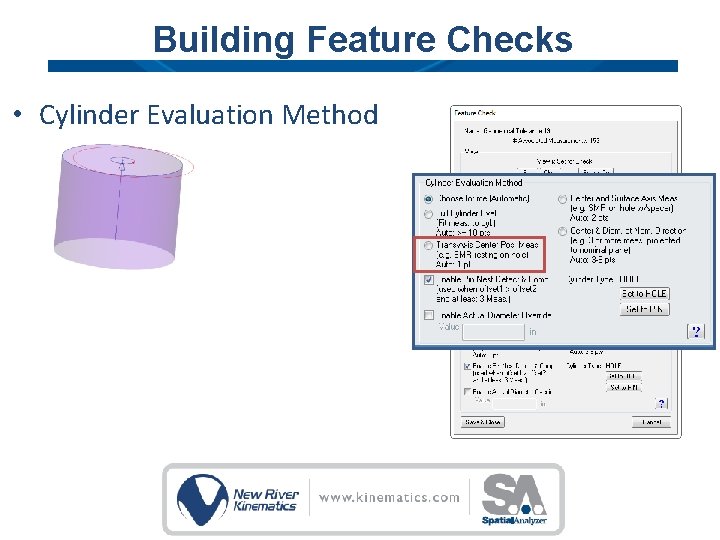
Building Feature Checks • Cylinder Evaluation Method
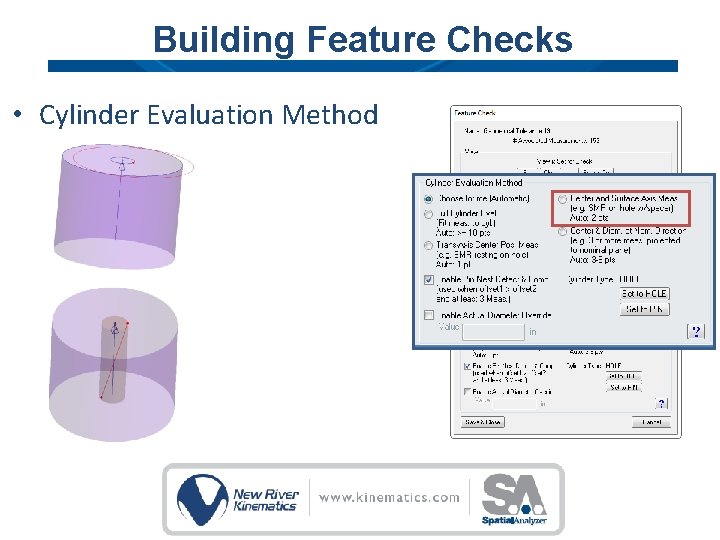
Building Feature Checks • Cylinder Evaluation Method
Building Feature Checks • Cylinder Evaluation Method
Building Feature Checks • Cylinder Evaluation Method
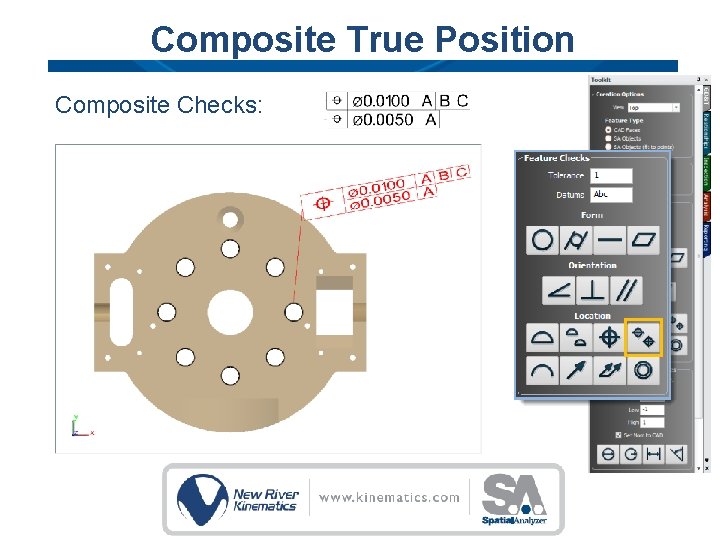
Composite True Position Composite Checks:
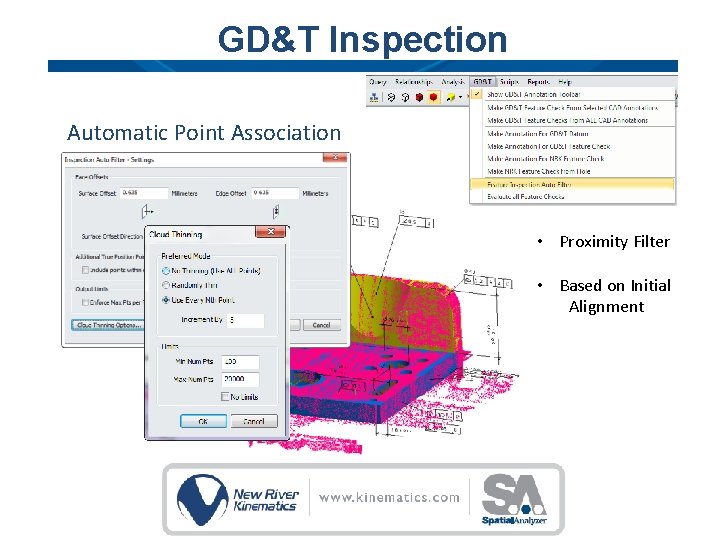
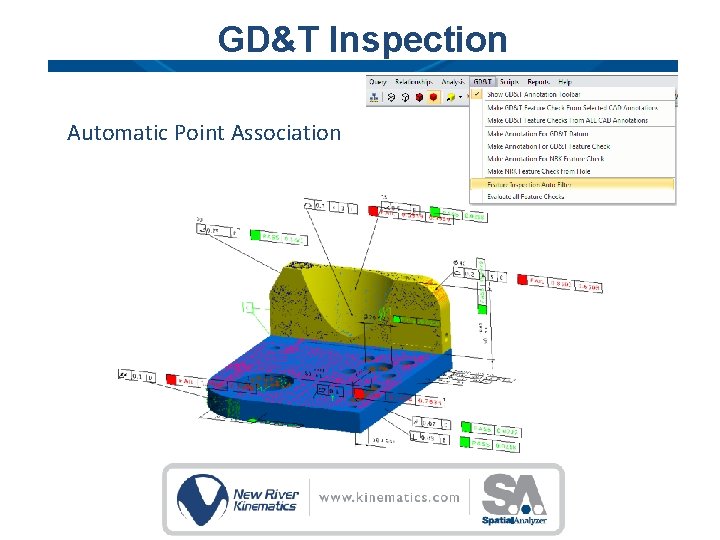
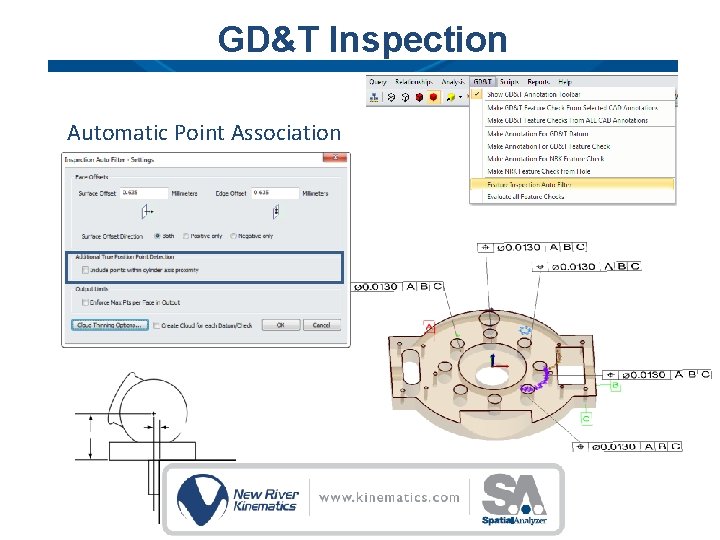
GD&T Inspection Automatic Point Association • Proximity Filter • Based on Initial Alignment
GD&T Inspection Automatic Point Association
GD&T Inspection Automatic Point Association
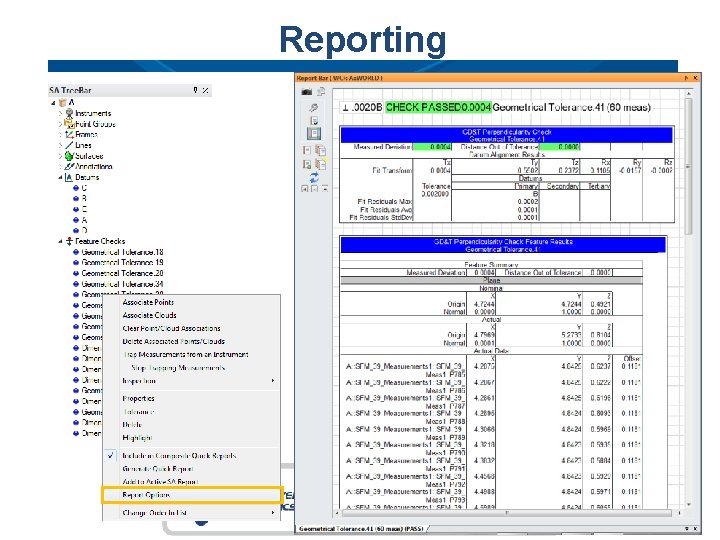
Reporting
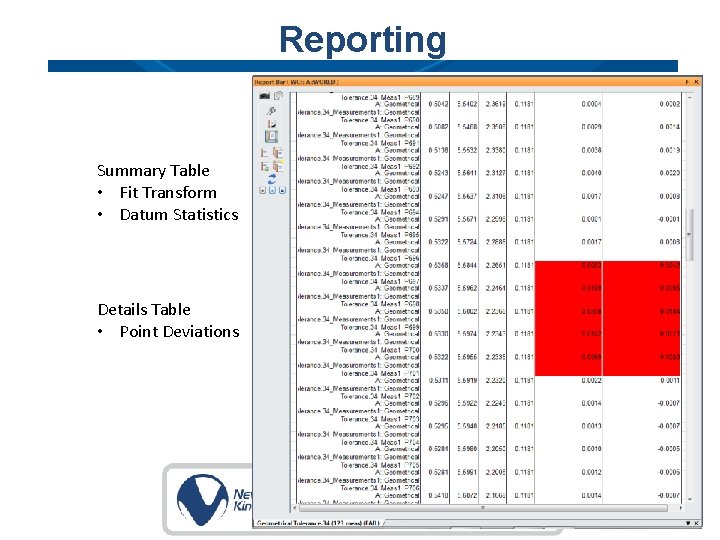
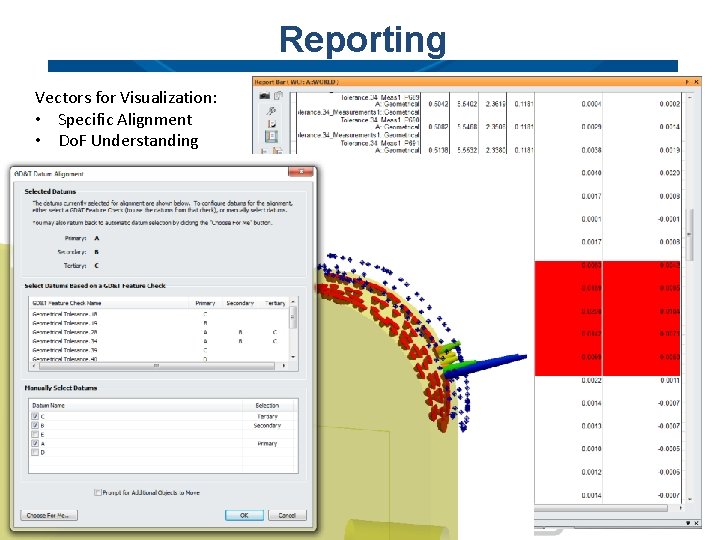
Reporting Summary Table • Fit Transform • Datum Statistics Details Table • Point Deviations
Reporting Vectors for Visualization: • Specific Alignment • Do. F Understanding
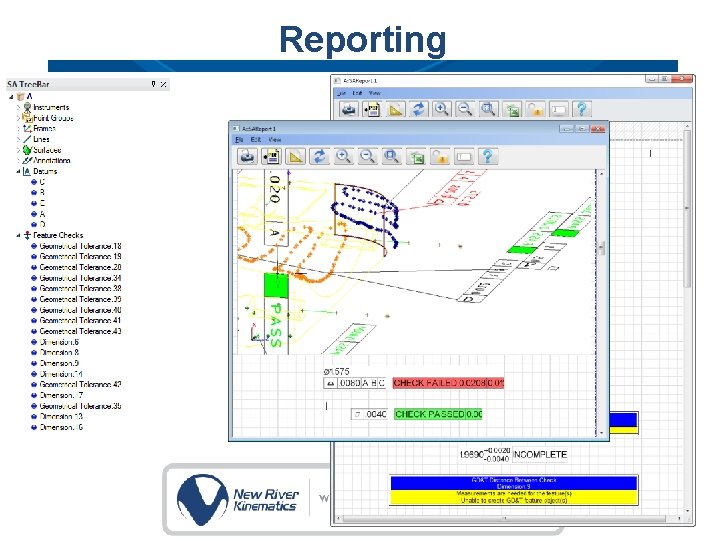
Reporting
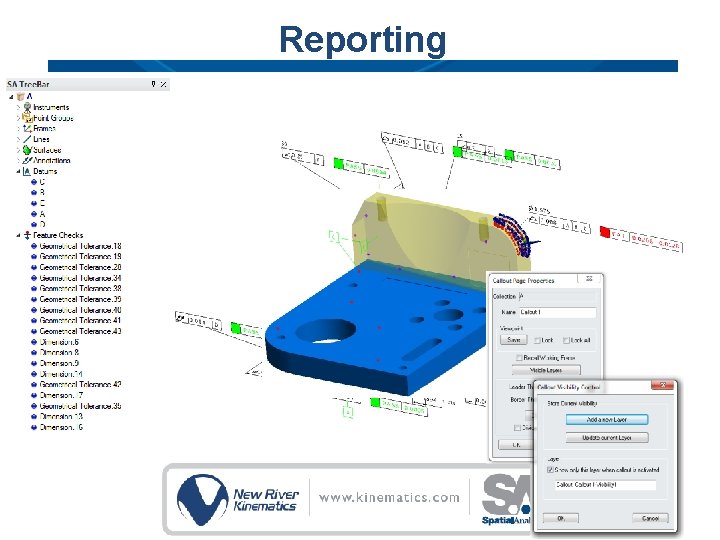
Reporting
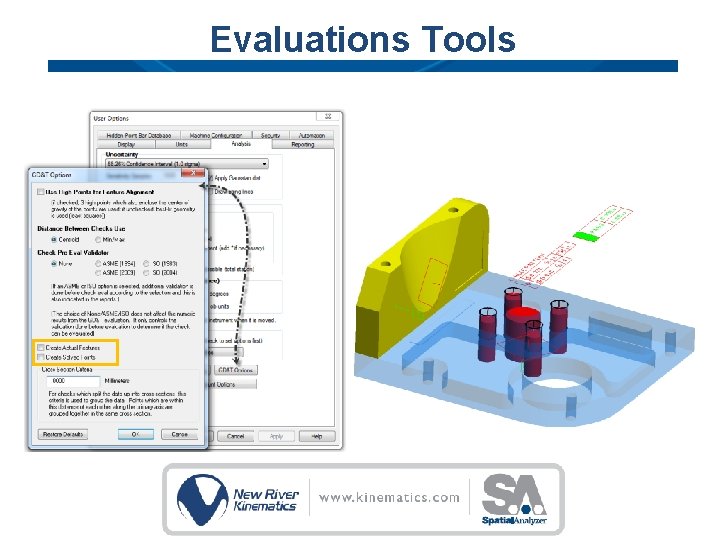
Evaluations Tools
Thank You