
GCSE ICT Unit 2 Multimedia and Games Technology

- Slides: 19
GCSE ICT – Unit 2 Multimedia and Games Technology GCSE ICT Task 1: Developing a Multimedia Website Gerard Duffy Principal Moderator Geoff Ewart Anita Mc. Ginn Peter Mitchell Assistant Principal Moderators
Scenario (Reviewed annually) Jeanie is starting a new web design business. Jeanie has just qualified from Art College and has a friend Sam who has a degree in web design. They have decided to call the new business ‘e-art’. The business will provide customers with personally designed websites, including logos, graphics, multimedia and other advanced features. Jeanie wants to develop a website to advertise her business. The website should: • advertise the business • include samples of all the services they have to offer; and • include a facility for new customers to make contact, leave their details or get an online quote.
Activity 1 a – Website planning • The target audience and their requirements – Who will view the site – Who will use the site – What information will they need
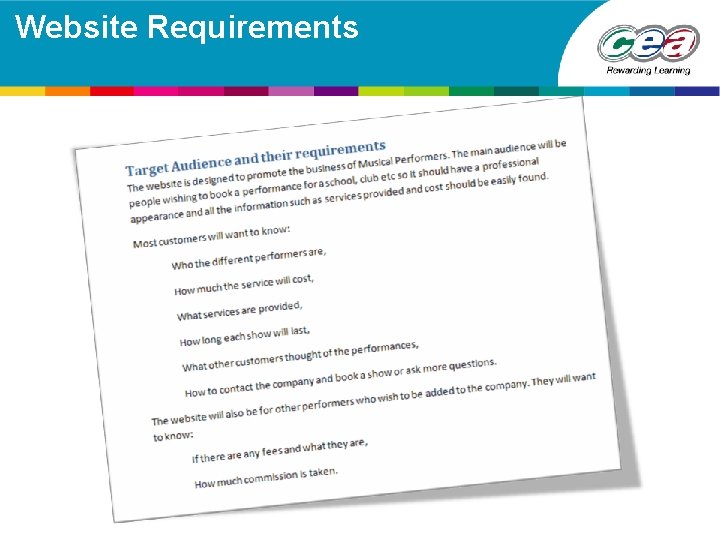
Website Requirements
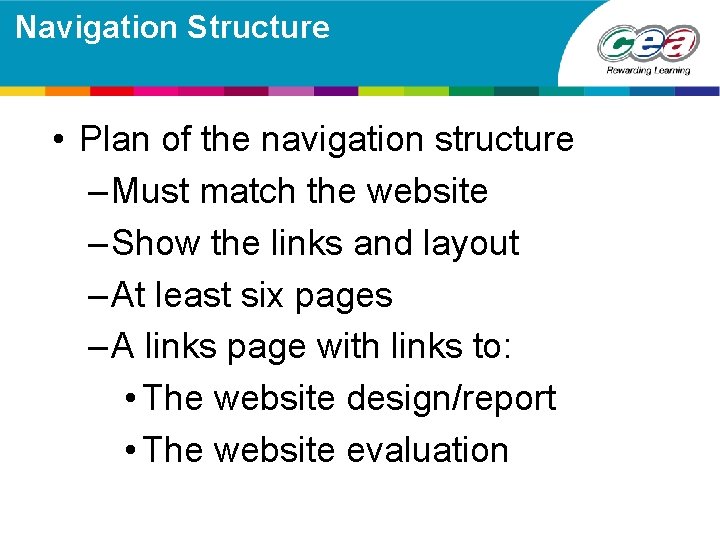
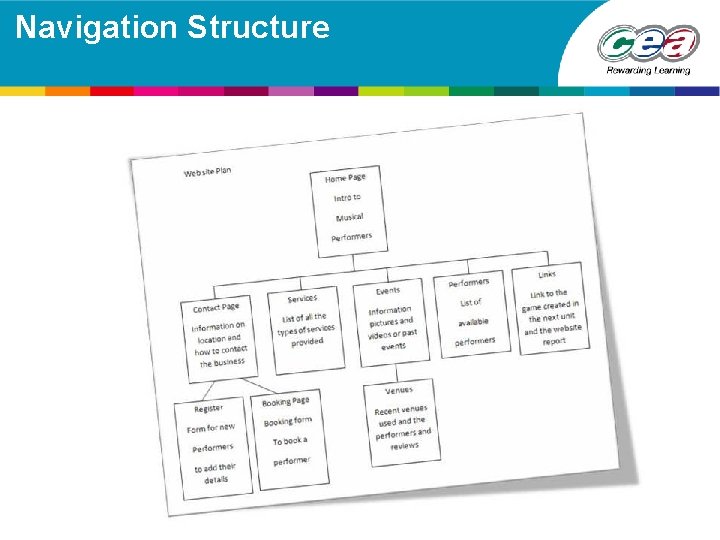
Navigation Structure • Plan of the navigation structure – Must match the website – Show the links and layout – At least six pages – A links page with links to: • The website design/report • The website evaluation
Navigation Structure
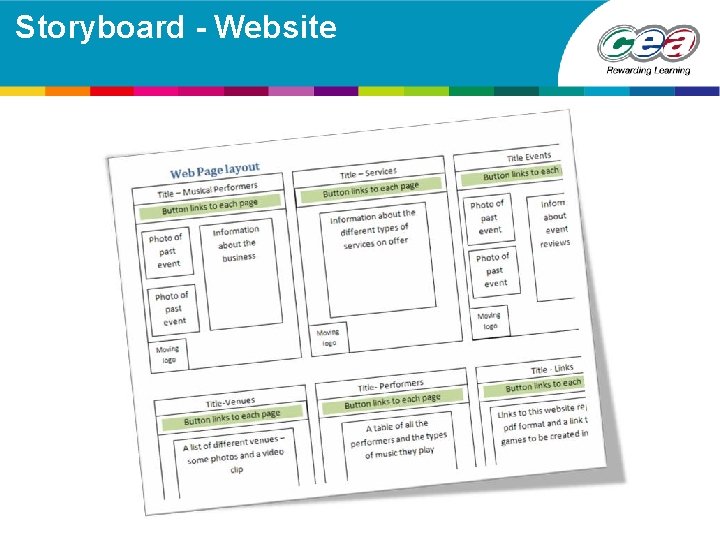
Storyboard • Website layout plan • Position of digital assets – Buttons – Graphics – Video – Other features
Storyboard - Website
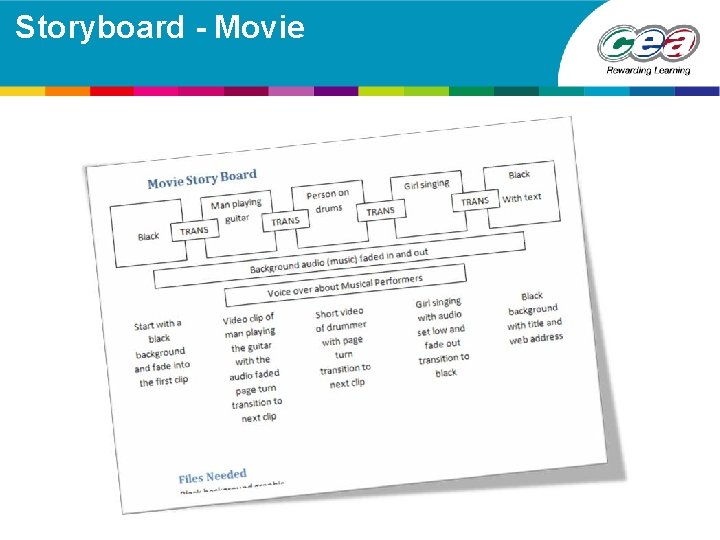
Storyboard - Movie • Storyboard for video – video clips used – graphics – text – audio
Storyboard - Movie
Activity 1 b – Website creation and multimedia elements • Digital Assets: • graphics • sound • animation • video
Multimedia Assets • Graphics: image manipulation software – create and edit digital images (at least one original) – show evidence • special effects • integration of images • integration of text
Multimedia Assets
Multimedia Assets • Moving Images: animation and video – animation does not have to be original – video to be less than 20 seconds – video must be based on original captured video or still images saved as video format (with at least one original image)
Multimedia Assets Video Removed Sample video clip Eg Windows Movie Maker
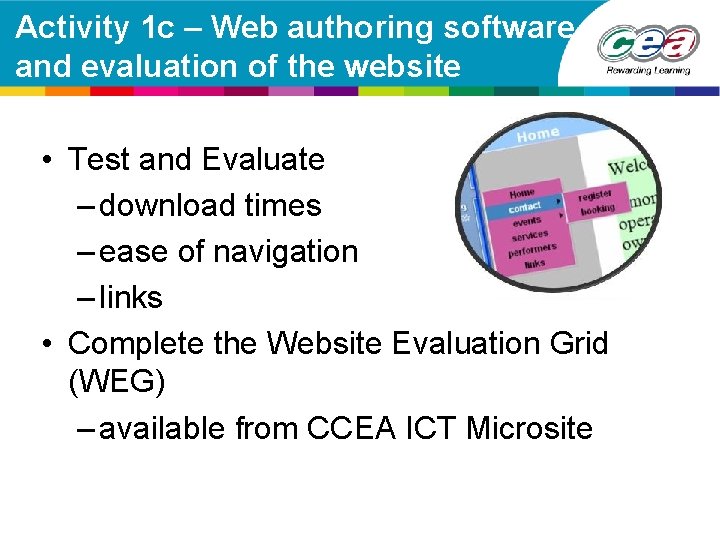
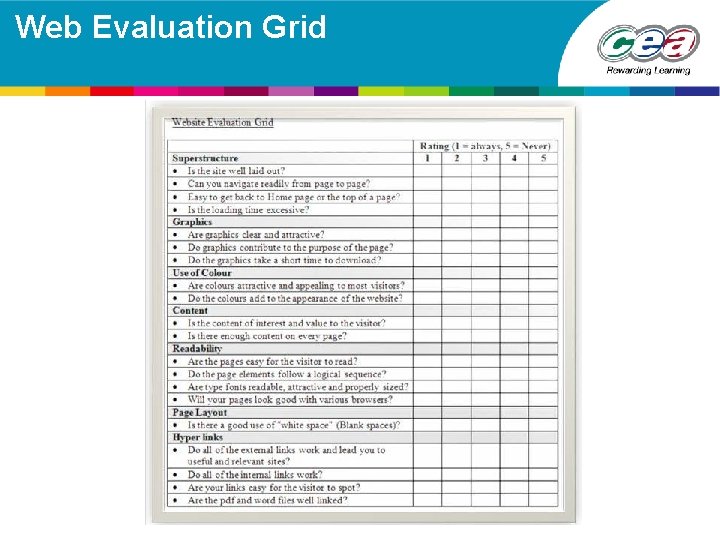
Activity 1 c – Web authoring software and evaluation of the website • Test and Evaluate – download times – ease of navigation – links • Complete the Website Evaluation Grid (WEG) – available from CCEA ICT Microsite
Web Evaluation Grid