
GCSE ICT Unit 1 2 GCSE ICT Unit

- Slides: 23
GCSE ICT – Unit 1 & 2 GCSE ICT Unit 1 & 2 Agreement Trials October 2013
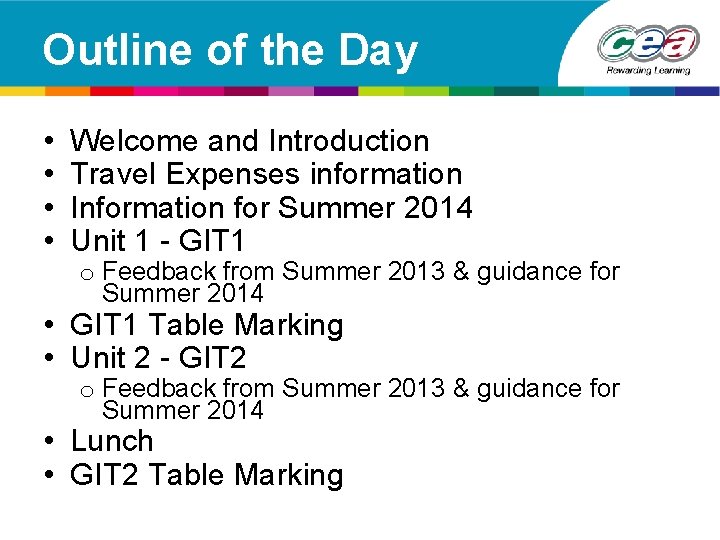
Outline of the Day • • Welcome and Introduction Travel Expenses information Information for Summer 2014 Unit 1 - GIT 1 o Feedback from Summer 2013 & guidance for Summer 2014 • GIT 1 Table Marking • Unit 2 - GIT 2 o Feedback from Summer 2013 & guidance for Summer 2014 • Lunch • GIT 2 Table Marking
Travel Expenses Information • Attendees at CCEA agreement trials are entitled to be reimbursed for their travel expenses • The process by which this happens has changed slightly because of the introduction of changes linked to autoenrolment (intro of workplace pensions for all) • CCEA are required to provide real time information (RTI) to HMRC about all payments made, including travel expenses • To allow for this to happen all attendees are required to complete a Personal Data Form • Payments due to you cannot be processed until you have completed the Personal Data Form • The Personal Data Form can be completed by visiting http: //www. ccea. org. uk/autoenrolment
Information for Summer 2014 • Tasks based on Actors Associates (GIT 1) and E-Art (GIT 2) are no longer valid • All submissions for both GIT 1 and GIT 2 must be based on the Tanya’s Travels scenarios • The Tanya’s Travels tasks have been available for download from the ICT microsite since June 2012 • Please be aware that new tasks means grade boundaries may change in Summer 2014 • Please note that all controlled assessment submissions must now be made in May of each year following withdrawal of the January series
Unit 1 (GIT 1) Tools and Applications
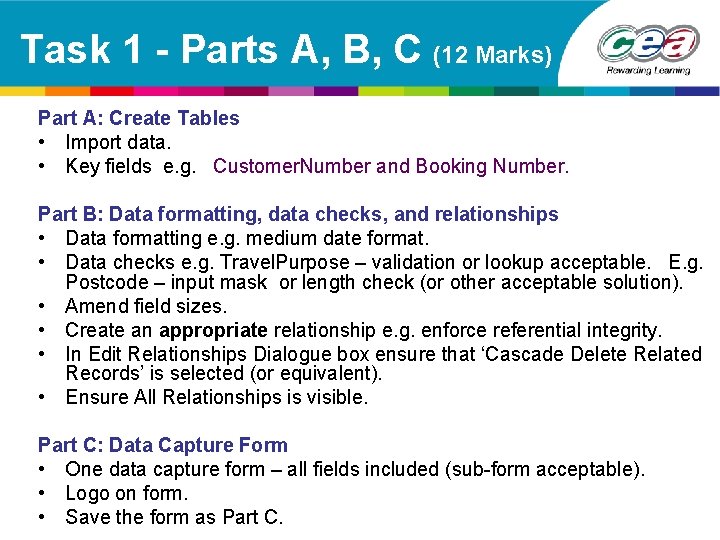
Task 1 - Parts A, B, C (12 Marks) Part A: Create Tables • Import data. • Key fields e. g. Customer. Number and Booking Number. Part B: Data formatting, data checks, and relationships • Data formatting e. g. medium date format. • Data checks e. g. Travel. Purpose – validation or lookup acceptable. E. g. Postcode – input mask or length check (or other acceptable solution). • Amend field sizes. • Create an appropriate relationship e. g. enforce referential integrity. • In Edit Relationships Dialogue box ensure that ‘Cascade Delete Related Records’ is selected (or equivalent). • Ensure All Relationships is visible. Part C: Data Capture Form • One data capture form – all fields included (sub-form acceptable). • Logo on form. • Save the form as Part C.
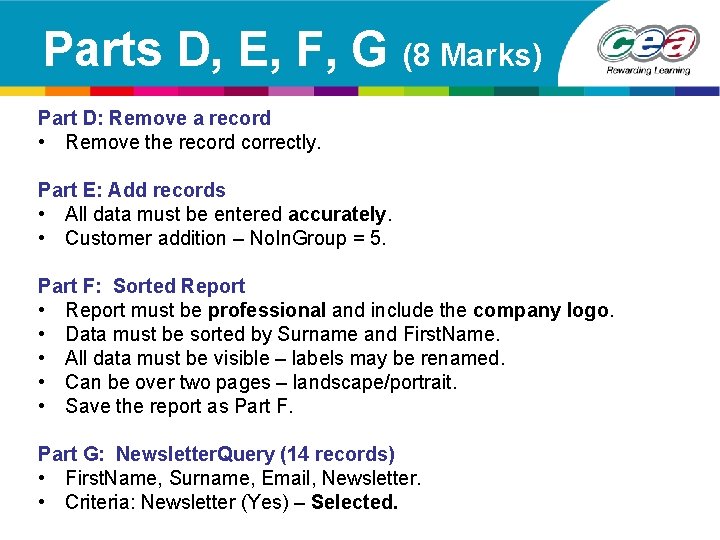
Parts D, E, F, G (8 Marks) Part D: Remove a record • Remove the record correctly. Part E: Add records • All data must be entered accurately. • Customer addition – No. In. Group = 5. Part F: Sorted Report • Report must be professional and include the company logo. • Data must be sorted by Surname and First. Name. • All data must be visible – labels may be renamed. • Can be over two pages – landscape/portrait. • Save the report as Part F. Part G: Newsletter. Query (14 records) • First. Name, Surname, Email, Newsletter. • Criteria: Newsletter (Yes) – Selected.
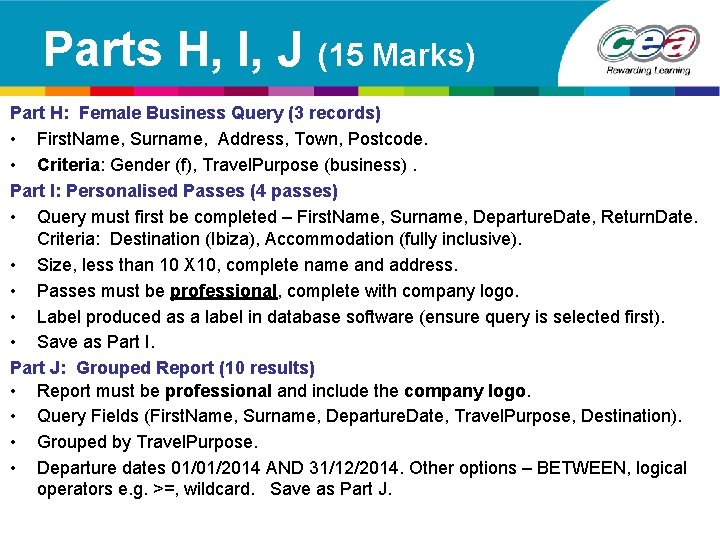
Parts H, I, J (15 Marks) Part H: Female Business Query (3 records) • First. Name, Surname, Address, Town, Postcode. • Criteria: Gender (f), Travel. Purpose (business). Part I: Personalised Passes (4 passes) • Query must first be completed – First. Name, Surname, Departure. Date, Return. Date. Criteria: Destination (Ibiza), Accommodation (fully inclusive). • Size, less than 10 X 10, complete name and address. • Passes must be professional, complete with company logo. • Label produced as a label in database software (ensure query is selected first). • Save as Part I. Part J: Grouped Report (10 results) • Report must be professional and include the company logo. • Query Fields (First. Name, Surname, Departure. Date, Travel. Purpose, Destination). • Grouped by Travel. Purpose. • Departure dates 01/01/2014 AND 31/12/2014. Other options – BETWEEN, logical operators e. g. >=, wildcard. Save as Part J.
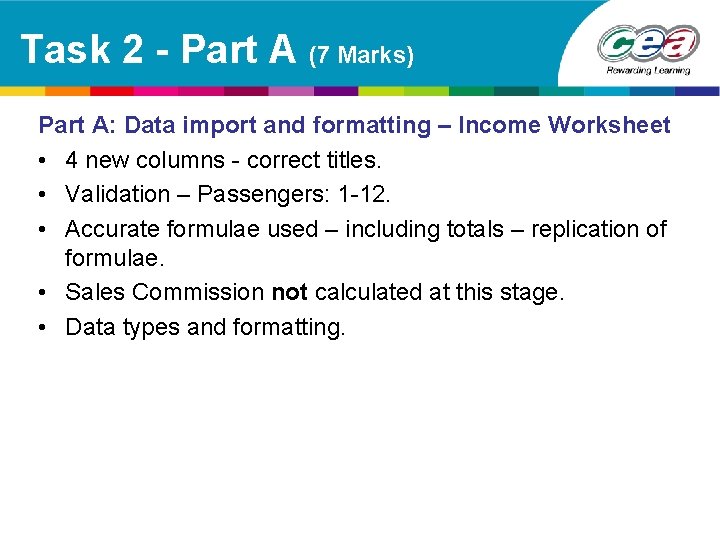
Task 2 - Part A (7 Marks) Part A: Data import and formatting – Income Worksheet • 4 new columns - correct titles. • Validation – Passengers: 1 -12. • Accurate formulae used – including totals – replication of formulae. • Sales Commission not calculated at this stage. • Data types and formatting.
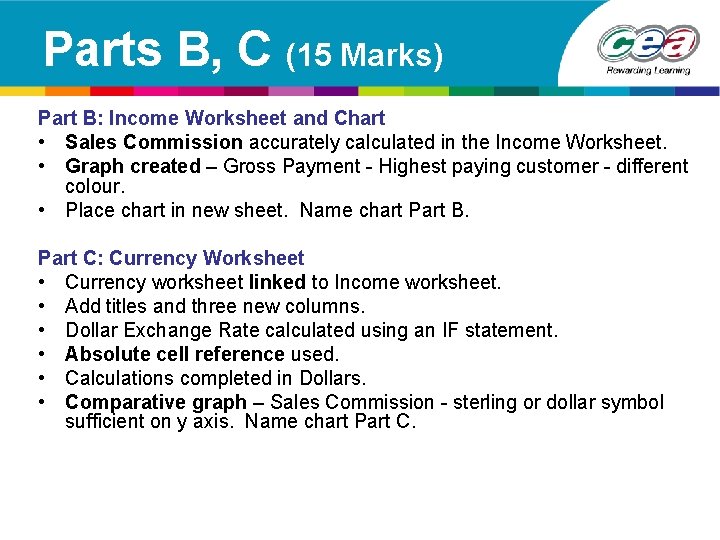
Parts B, C (15 Marks) Part B: Income Worksheet and Chart • Sales Commission accurately calculated in the Income Worksheet. • Graph created – Gross Payment - Highest paying customer - different colour. • Place chart in new sheet. Name chart Part B. Part C: Currency Worksheet • Currency worksheet linked to Income worksheet. • Add titles and three new columns. • Dollar Exchange Rate calculated using an IF statement. • Absolute cell reference used. • Calculations completed in Dollars. • Comparative graph – Sales Commission - sterling or dollar symbol sufficient on y axis. Name chart Part C.
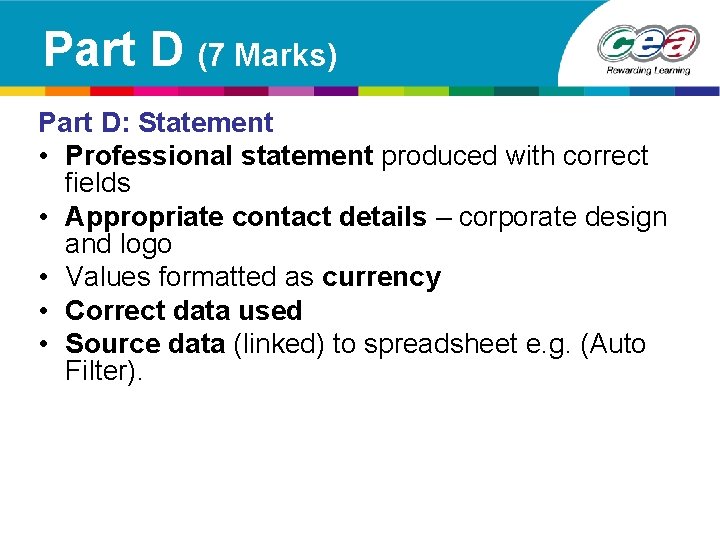
Part D (7 Marks) Part D: Statement • Professional statement produced with correct fields • Appropriate contact details – corporate design and logo • Values formatted as currency • Correct data used • Source data (linked) to spreadsheet e. g. (Auto Filter).
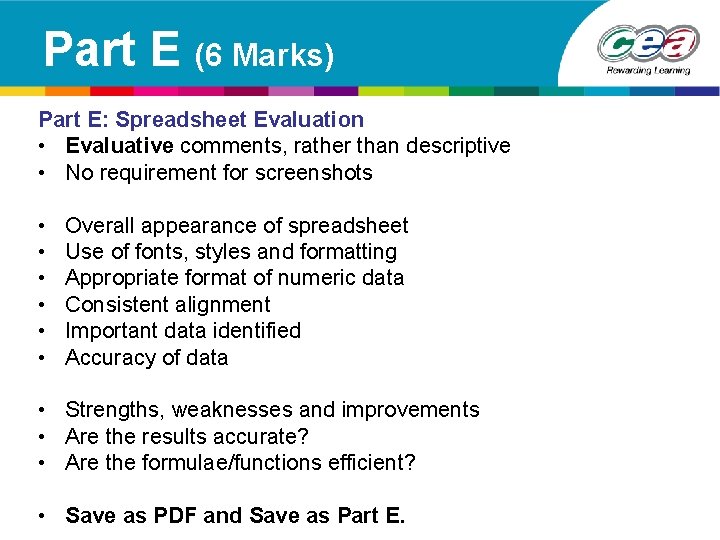
Part E (6 Marks) Part E: Spreadsheet Evaluation • Evaluative comments, rather than descriptive • No requirement for screenshots • • • Overall appearance of spreadsheet Use of fonts, styles and formatting Appropriate format of numeric data Consistent alignment Important data identified Accuracy of data • Strengths, weaknesses and improvements • Are the results accurate? • Are the formulae/functions efficient? • Save as PDF and Save as Part E.
Task 3 - Part A (8 Marks) Part A: Presentation Storyboards • 6 -8 slides • Detailed storyboards with slide titles • Location of all digital media included • Third party implementation • Specialist terms – understanding
Part B (16 Marks) Part B: Presentation • Presentation should demonstrate excellent form and style appropriate to the purpose of the presentation (e. g. Master slide/design templates) • Logo must be included • Information added from previous tasks/storyboard • Advanced features e. g. appropriate navigation buttons, slide transition, custom animation, etc.
Part C (6 Marks) Part C: Presentation Evaluation • Presentation Evaluation Grid completed – Available from microsite • Evaluative comments - Strengths, weaknesses, improvements – Slide design – Content – Graphics – Use of colour – Special effects – Navigation/hyperlinks • Only submit the pdf version for moderation • Save as Part C
Unit 2 (GIT 2) Using Multimedia & Games Technology
Task 1 (Website) - Part A (9 Marks) Part A: Website planning • Target audience and requirements • Navigation structure/sitemap • Website layout (storyboard) – 6 pages – position and function of digital assets • Video storyboard • Linked from website as a PDF Consider • • Completion of each element Quality of each element Plan of 6 pages How it matches the finished product?
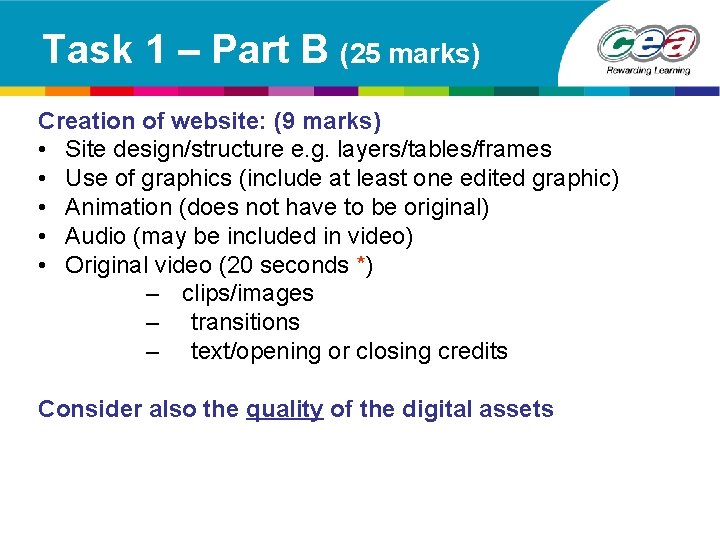
Task 1 – Part B (25 marks) Creation of website: (9 marks) • Site design/structure e. g. layers/tables/frames • Use of graphics (include at least one edited graphic) • Animation (does not have to be original) • Audio (may be included in video) • Original video (20 seconds *) – clips/images – transitions – text/opening or closing credits Consider also the quality of the digital assets
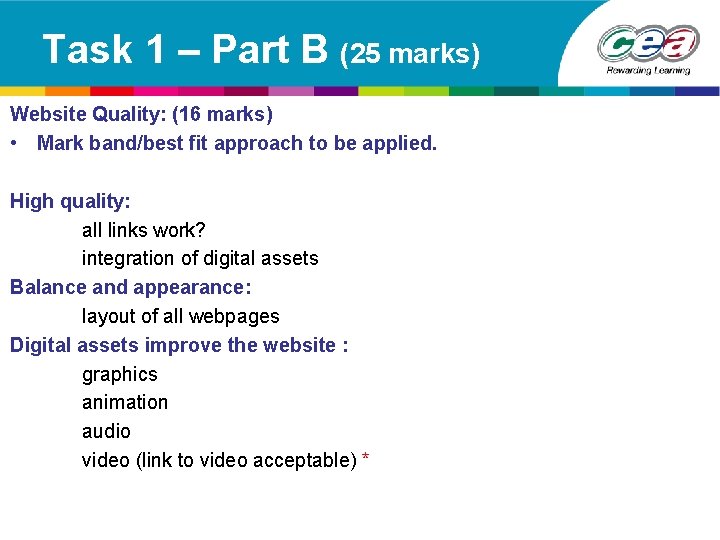
Task 1 – Part B (25 marks) Website Quality: (16 marks) • Mark band/best fit approach to be applied. High quality: all links work? integration of digital assets Balance and appearance: layout of all webpages Digital assets improve the website : graphics animation audio video (link to video acceptable) *
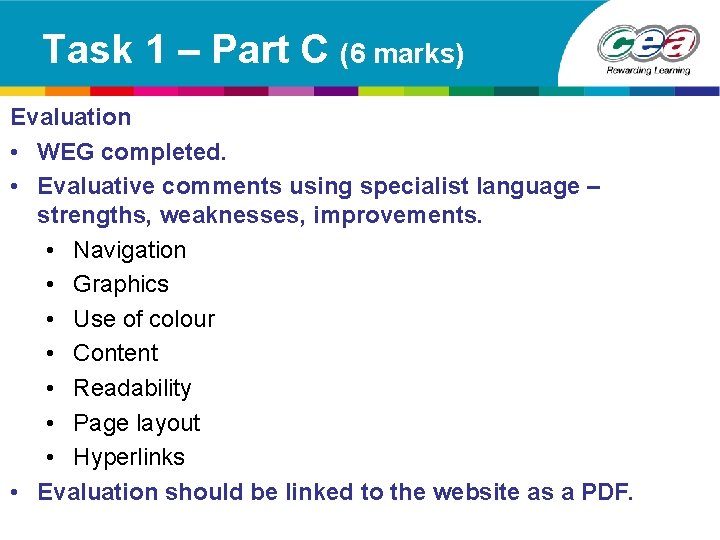
Task 1 – Part C (6 marks) Evaluation • WEG completed. • Evaluative comments using specialist language – strengths, weaknesses, improvements. • Navigation • Graphics • Use of colour • Content • Readability • Page layout • Hyperlinks • Evaluation should be linked to the website as a PDF.
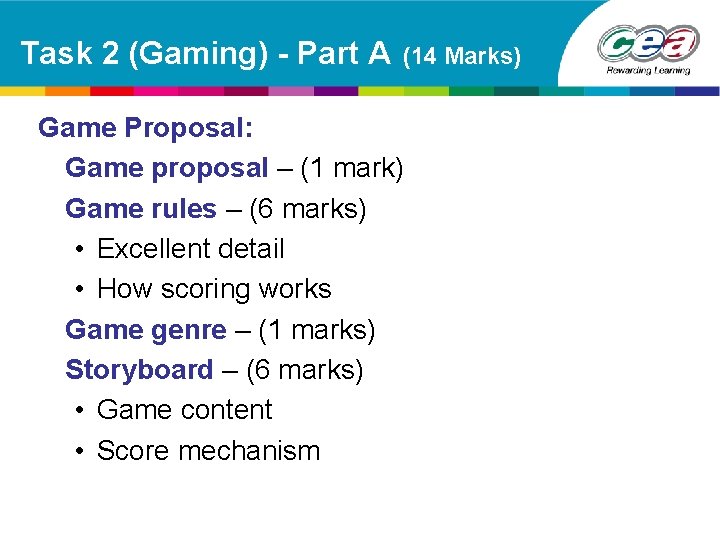
Task 2 (Gaming) - Part A (14 Marks) Game Proposal: Game proposal – (1 mark) Game rules – (6 marks) • Excellent detail • How scoring works Game genre – (1 marks) Storyboard – (6 marks) • Game content • Score mechanism
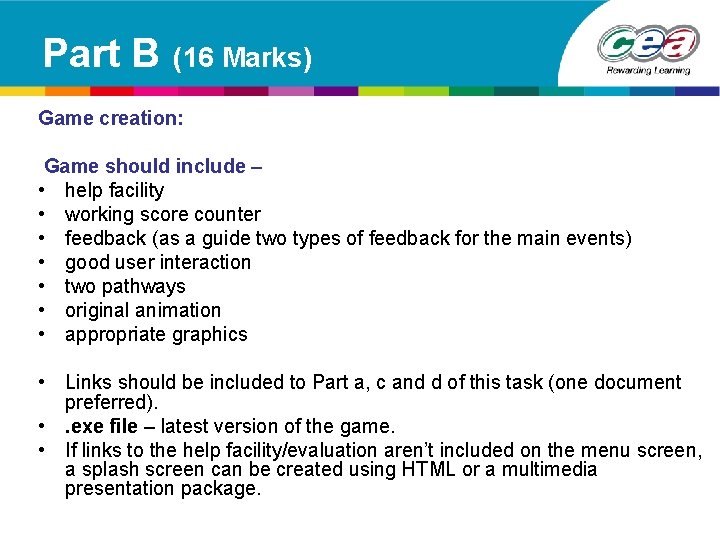
Part B (16 Marks) Game creation: Game should include – • help facility • working score counter • feedback (as a guide two types of feedback for the main events) • good user interaction • two pathways • original animation • appropriate graphics • Links should be included to Part a, c and d of this task (one document preferred). • . exe file – latest version of the game. • If links to the help facility/evaluation aren’t included on the menu screen, a splash screen can be created using HTML or a multimedia presentation package.
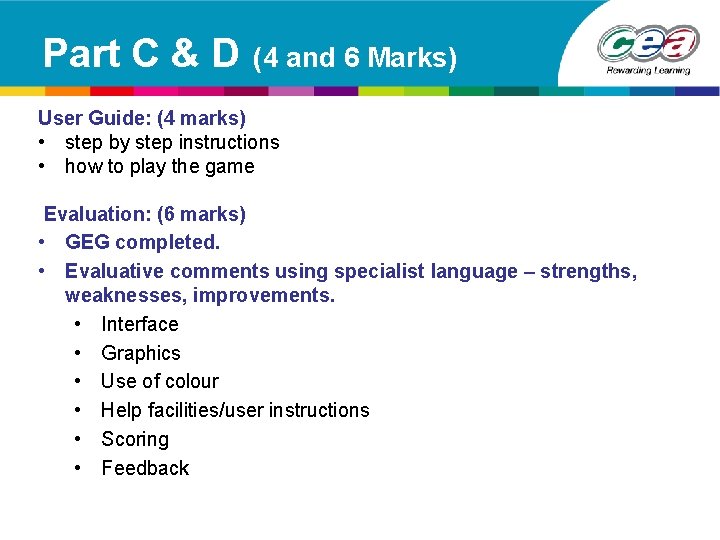
Part C & D (4 and 6 Marks) User Guide: (4 marks) • step by step instructions • how to play the game Evaluation: (6 marks) • GEG completed. • Evaluative comments using specialist language – strengths, weaknesses, improvements. • Interface • Graphics • Use of colour • Help facilities/user instructions • Scoring • Feedback