
GCSE COMPUTER SCIENCE Communication The Internet and the
- Slides: 17
GCSE COMPUTER SCIENCE Communication The Internet and the WWW
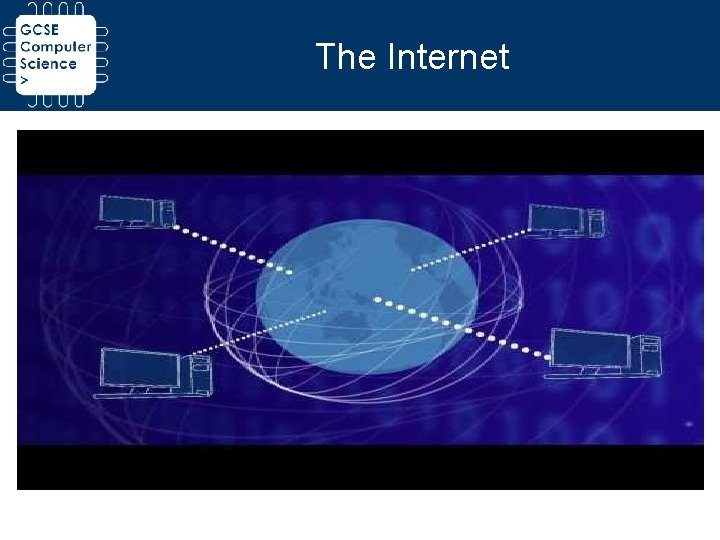
The Internet
IP Addresses Each device connected to the internet is assigned an IP address. An IP address identifies a computer to a network. IP addresses play an important role in routing packets around a network. Each packet carries the IP address of the sending device and the IP address of the receiving devices. Unlike a MAC address, an IP address is not pre-set. There are two types of IP address; IPv 4 and IPv 6. You can calculate the total number of addresses that IPv 4 can provide using 2^32.
Activity 1 Use internet research to help you complete this table: Question What is an IP address? How does an IP address differ from a MAC address? What is the difference between IPv 4 and IPv 6? Give an example of an IPv 4 IP address. Answer
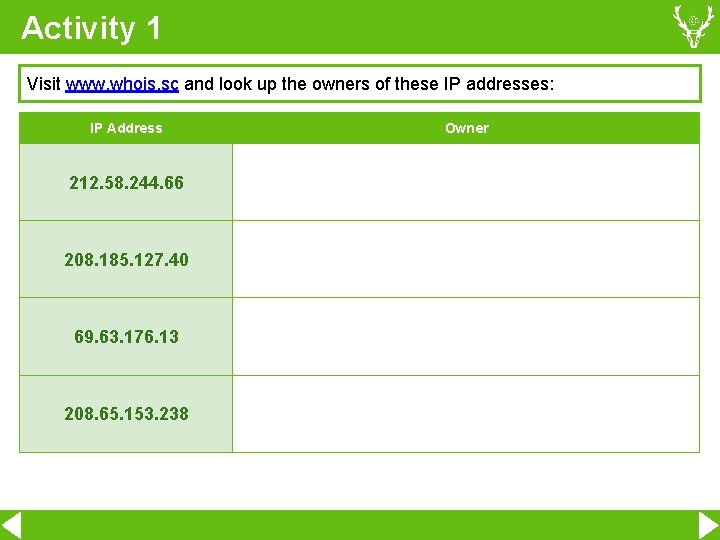
Activity 1 Visit www. whois. sc and look up the owners of these IP addresses: IP Address 212. 58. 244. 66 208. 185. 127. 40 69. 63. 176. 13 208. 65. 153. 238 Owner
DNS The Domain Name System (DNS) is designed to match up a userfriendly domain name like ‘facebook. com’ to an IP address. A device can send a request to the DNS server for an address and the DNS server will reply with an IP address. The device can then use this IP address as their destination.
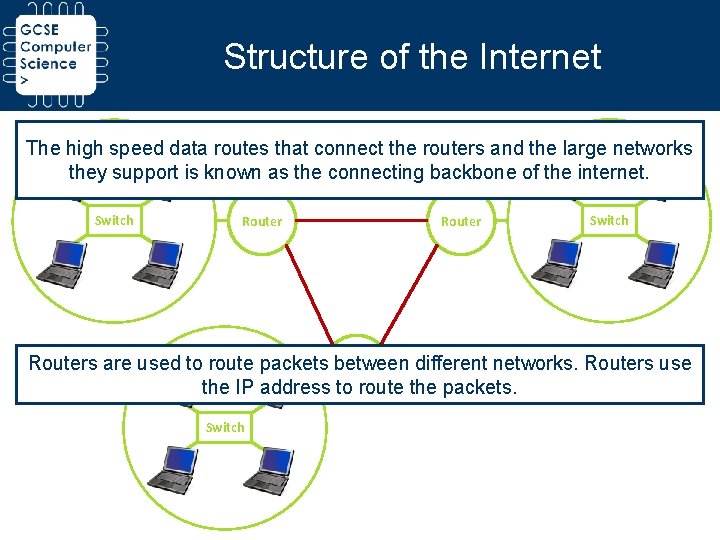
Structure of the Internet The high speed data routes that connect the routers and the large networks they support is known as the connecting backbone of the internet. Switch Routers are used to route packets between different networks. Routers use Router the IP address to route the packets. Switch
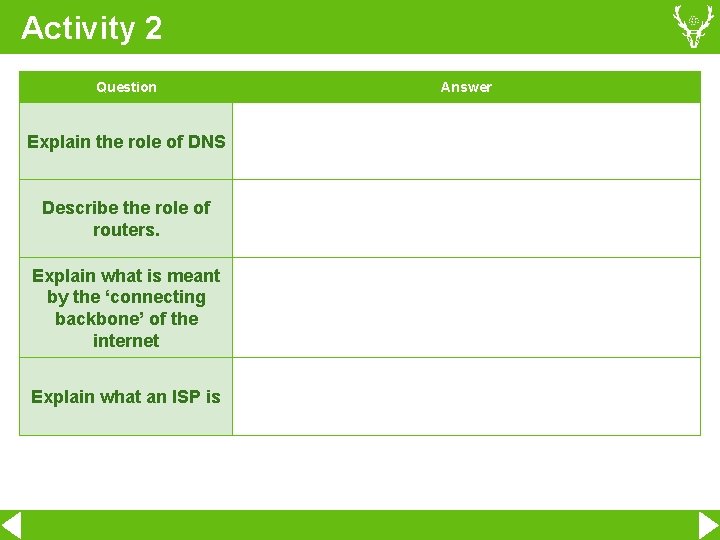
Activity 2 Question Explain the role of DNS Describe the role of routers. Explain what is meant by the ‘connecting backbone’ of the internet Explain what an ISP is Answer
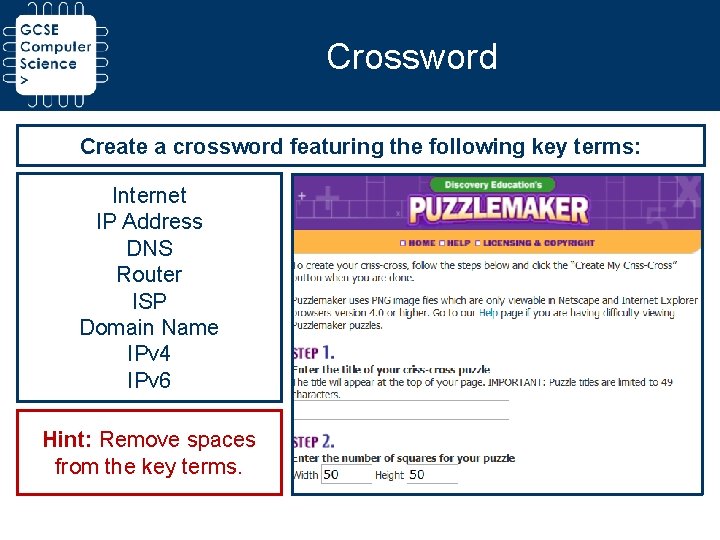
Crossword Create a crossword featuring the following key terms: Internet IP Address DNS Router ISP Domain Name IPv 4 IPv 6 Hint: Remove spaces from the key terms.
World Wide Web The World Wide Web (WWW) refers to the huge collection of documents, written in HTML (Hyper Text Markup Language) that can be accessed using the internet. A web browser allows a user to view the web pages and navigate between them using hyperlinks.
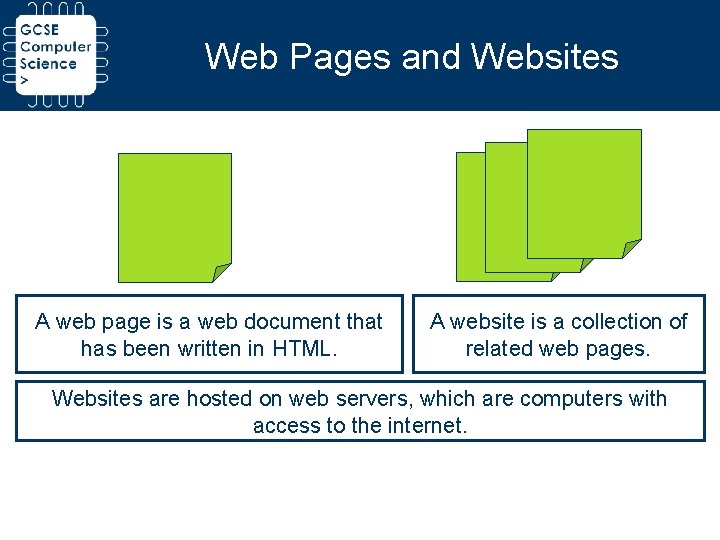
Web Pages and Websites A web page is a web document that has been written in HTML. A website is a collection of related web pages. Websites are hosted on web servers, which are computers with access to the internet.
URLs A website is addressed using a URL (Uniform Resource Locator), or web page address. A URL uniquely addresses a particular web page. URLs have the following structure: protocol: //domain name/path name of the document http: //www. haydonschool. com/about-us
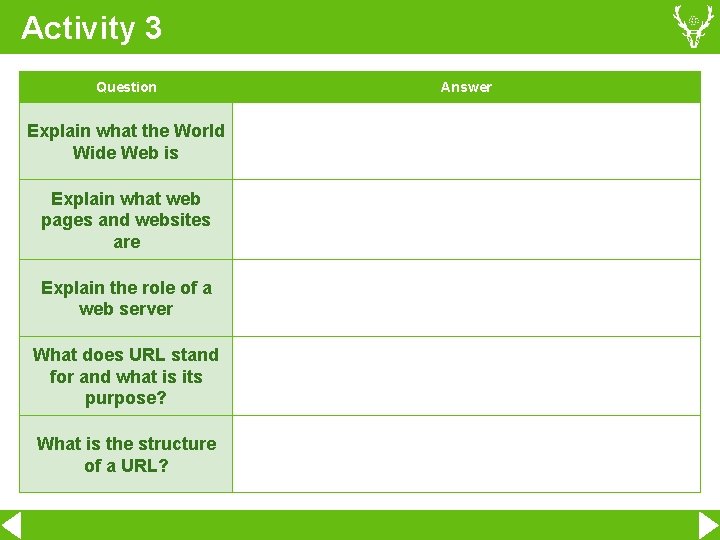
Activity 3 Question Explain what the World Wide Web is Explain what web pages and websites are Explain the role of a web server What does URL stand for and what is its purpose? What is the structure of a URL? Answer
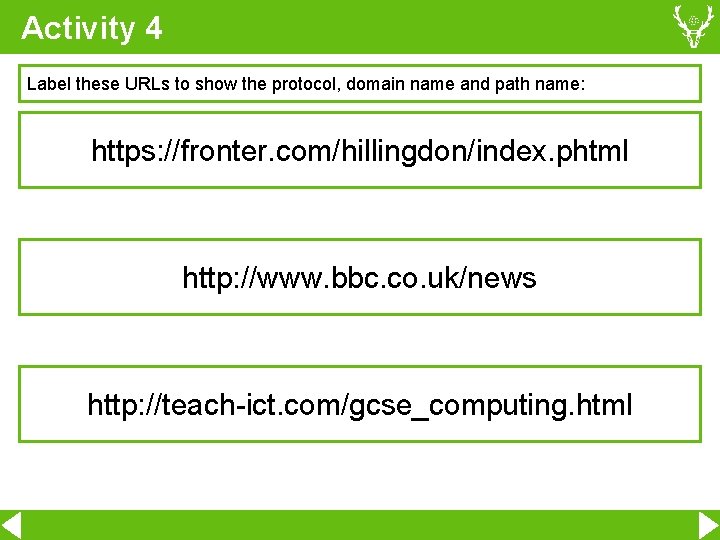
Activity 4 Label these URLs to show the protocol, domain name and path name: https: //fronter. com/hillingdon/index. phtml http: //www. bbc. co. uk/news http: //teach-ict. com/gcse_computing. html
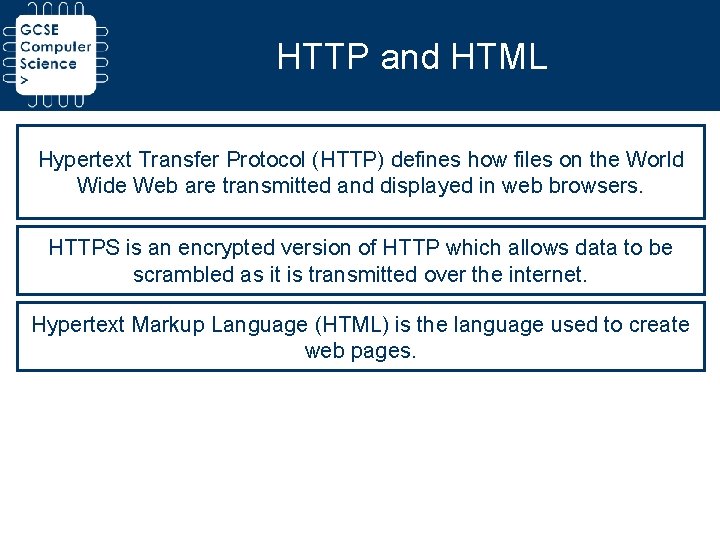
HTTP and HTML Hypertext Transfer Protocol (HTTP) defines how files on the World Wide Web are transmitted and displayed in web browsers. HTTPS is an encrypted version of HTTP which allows data to be scrambled as it is transmitted over the internet. Hypertext Markup Language (HTML) is the language used to create web pages.
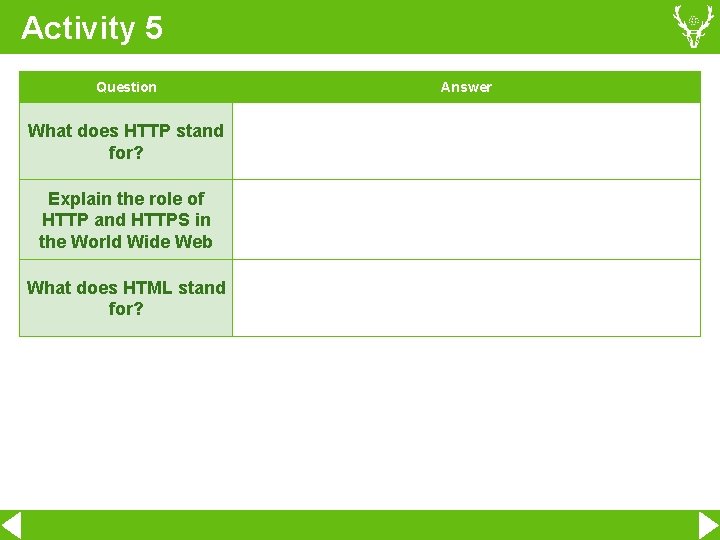
Activity 5 Question What does HTTP stand for? Explain the role of HTTP and HTTPS in the World Wide Web What does HTML stand for? Answer
Leaflet Design an A 5 leaflet using Publisher that explains how the Internet and the WWW work.