
GCSE COMPUTER SCIENCE Communication Networks Activity 1 A

- Slides: 19
GCSE COMPUTER SCIENCE Communication Networks
Activity 1 A network is a group of computers and other devices connected together. Come up with a list of activities that computer networks make possible. Activities
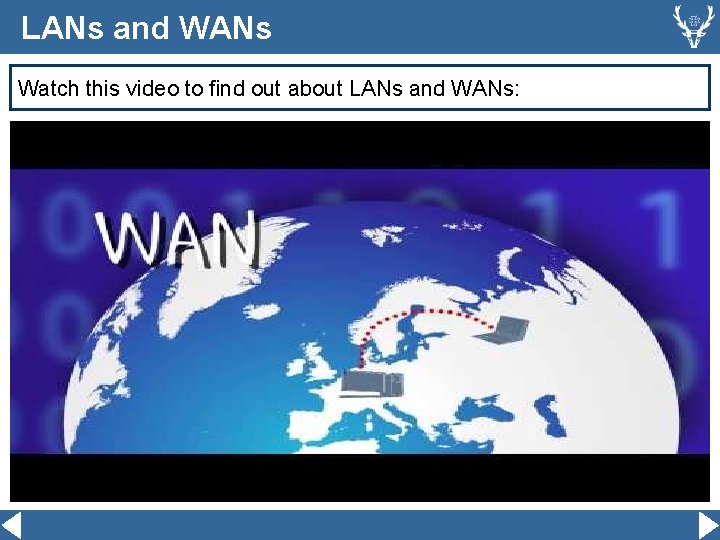
LANs and WANs Watch this video to find out about LANs and WANs:
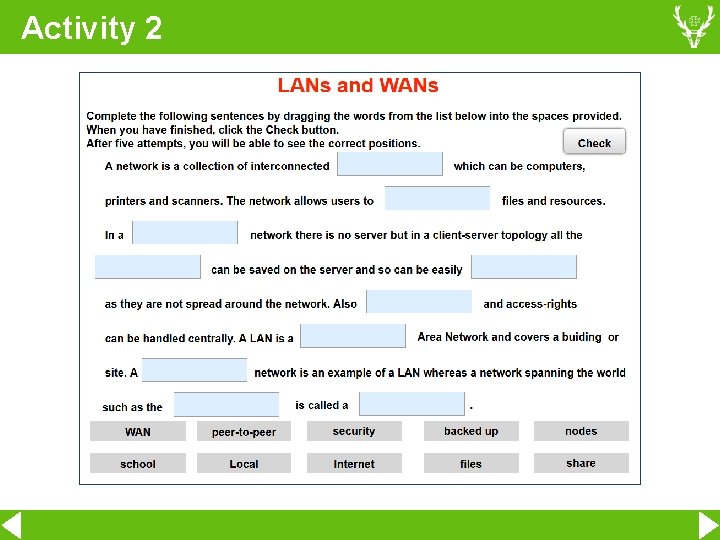
Activity 2
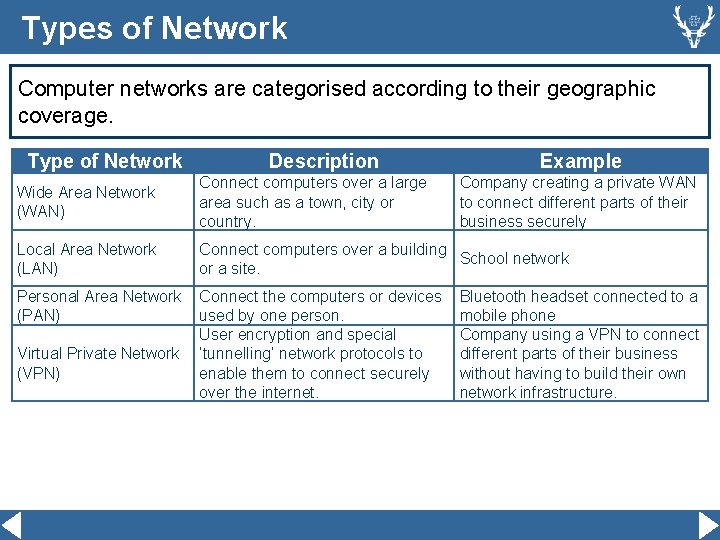
Types of Network Computer networks are categorised according to their geographic coverage. Type of Network Description Example Wide Area Network (WAN) Connect computers over a large area such as a town, city or country. Local Area Network (LAN) Connect computers over a building School network or a site. Personal Area Network (PAN) Connect the computers or devices used by one person. User encryption and special ‘tunnelling’ network protocols to enable them to connect securely over the internet. Virtual Private Network (VPN) Company creating a private WAN to connect different parts of their business securely Bluetooth headset connected to a mobile phone Company using a VPN to connect different parts of their business without having to build their own network infrastructure.
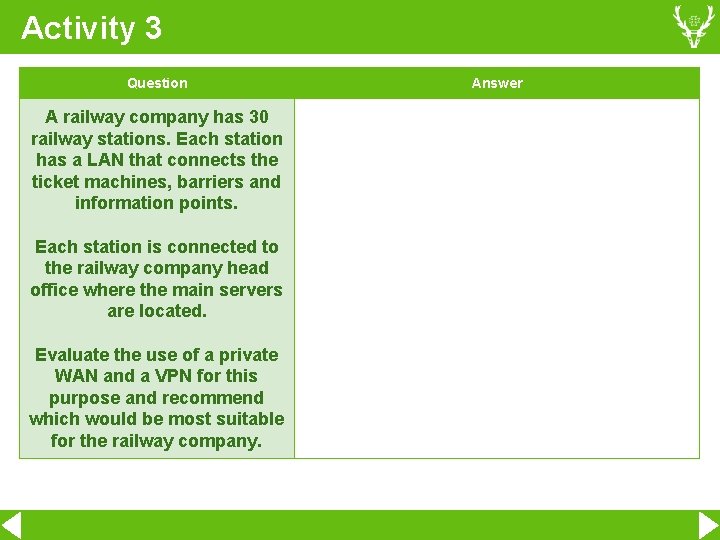
Activity 3 Question A railway company has 30 railway stations. Each station has a LAN that connects the ticket machines, barriers and information points. Each station is connected to the railway company head office where the main servers are located. Evaluate the use of a private WAN and a VPN for this purpose and recommend which would be most suitable for the railway company. Answer
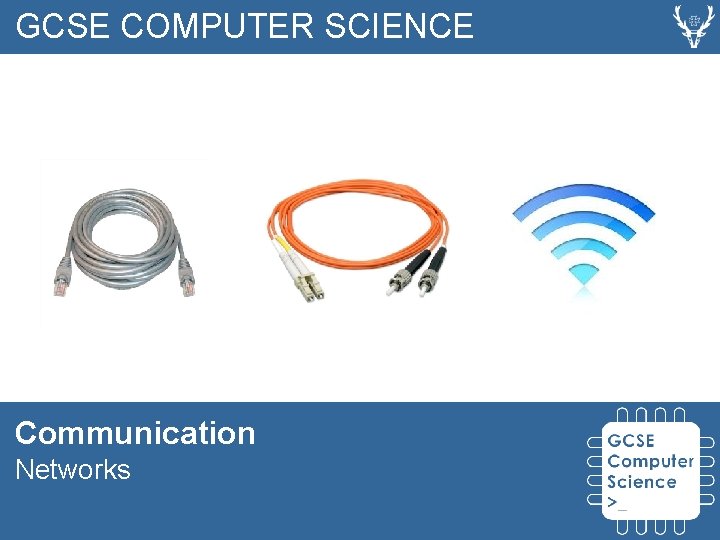
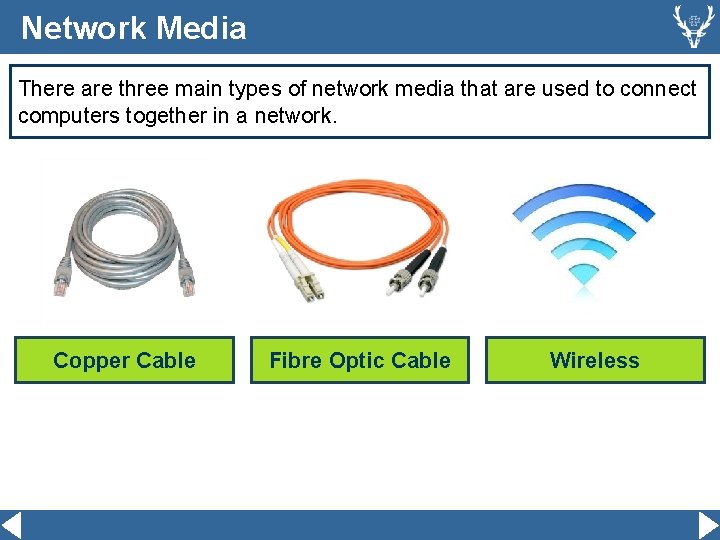
Network Media There are three main types of network media that are used to connect computers together in a network. Copper Cable Fibre Optic Cable Wireless
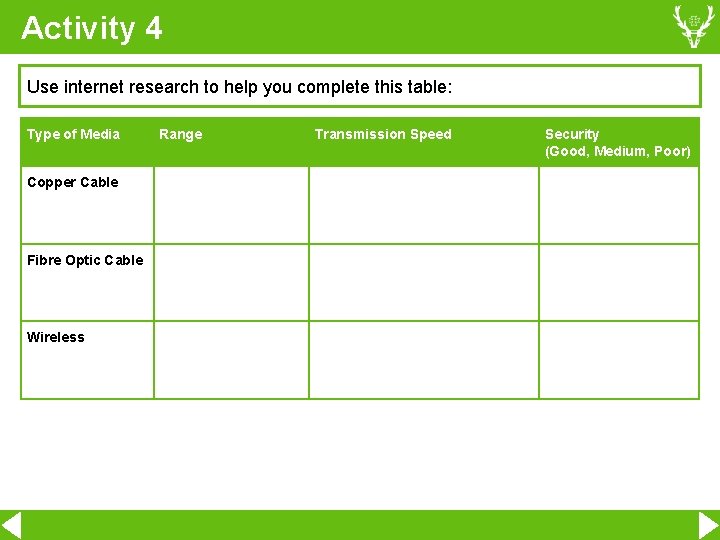
Activity 4 Use internet research to help you complete this table: Type of Media Copper Cable Fibre Optic Cable Wireless Range Transmission Speed Security (Good, Medium, Poor)
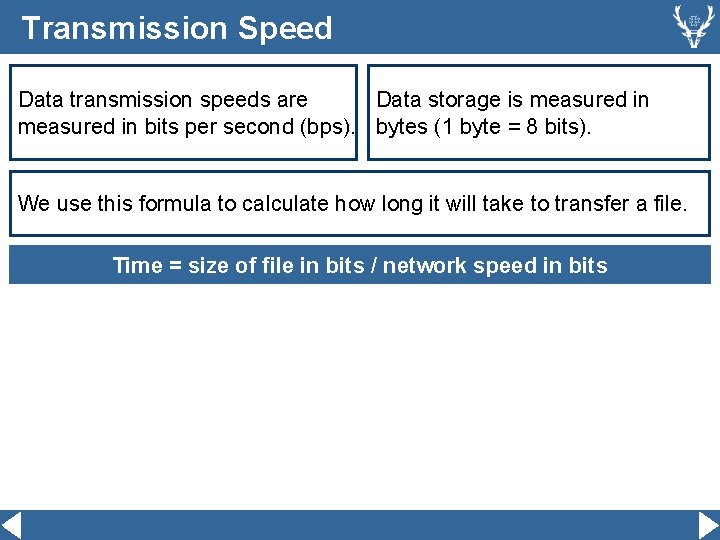
Transmission Speed Data transmission speeds are Data storage is measured in bits per second (bps). bytes (1 byte = 8 bits). We use this formula to calculate how long it will take to transfer a file. Time = size of file in bits / network speed in bits
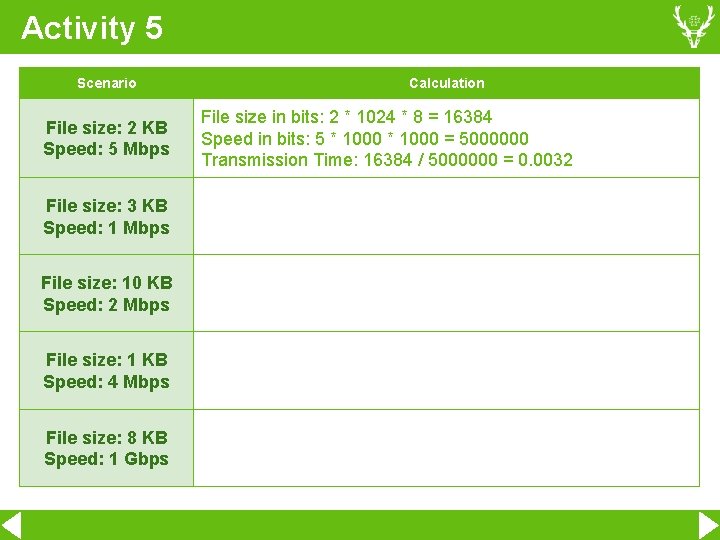
Activity 5 Scenario File size: 2 KB Speed: 5 Mbps File size: 3 KB Speed: 1 Mbps File size: 10 KB Speed: 2 Mbps File size: 1 KB Speed: 4 Mbps File size: 8 KB Speed: 1 Gbps Calculation File size in bits: 2 * 1024 * 8 = 16384 Speed in bits: 5 * 1000 = 5000000 Transmission Time: 16384 / 5000000 = 0. 0032
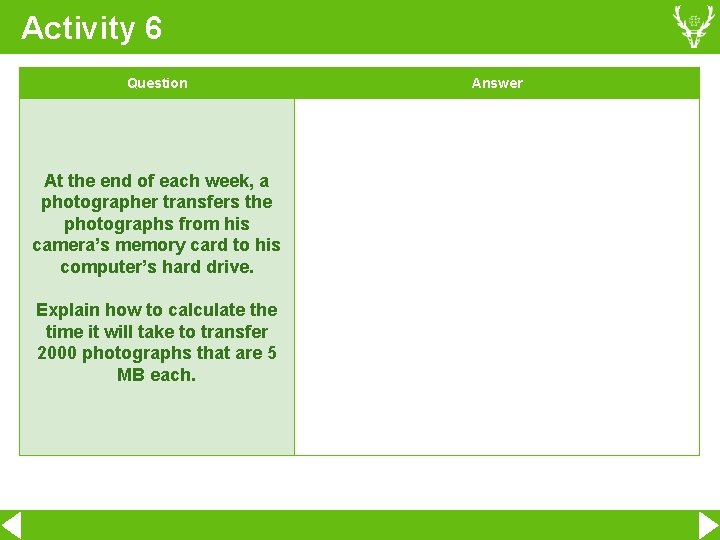
Activity 6 Question At the end of each week, a photographer transfers the photographs from his camera’s memory card to his computer’s hard drive. Explain how to calculate the time it will take to transfer 2000 photographs that are 5 MB each. Answer
Activity 7 Develop a Python program that takes a file size in KB and a network speed in Mbps and output the time it would take to transfer the file.
Networking Addressing Watch this video to find out about network addressing:
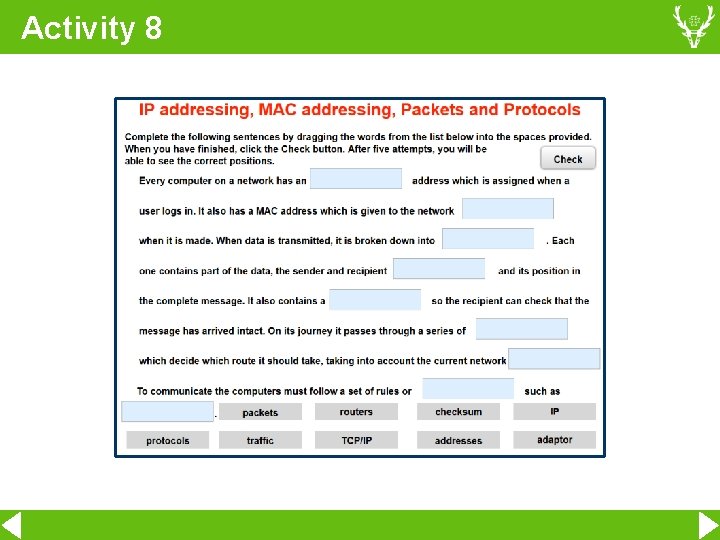
Activity 8
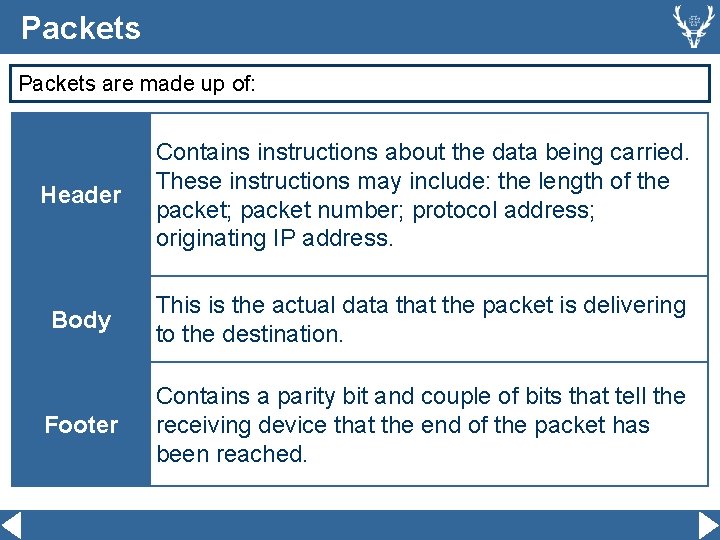
Packets are made up of: Header Contains instructions about the data being carried. These instructions may include: the length of the packet; packet number; protocol address; originating IP address. Body This is the actual data that the packet is delivering to the destination. Footer Contains a parity bit and couple of bits that tell the receiving device that the end of the packet has been reached.
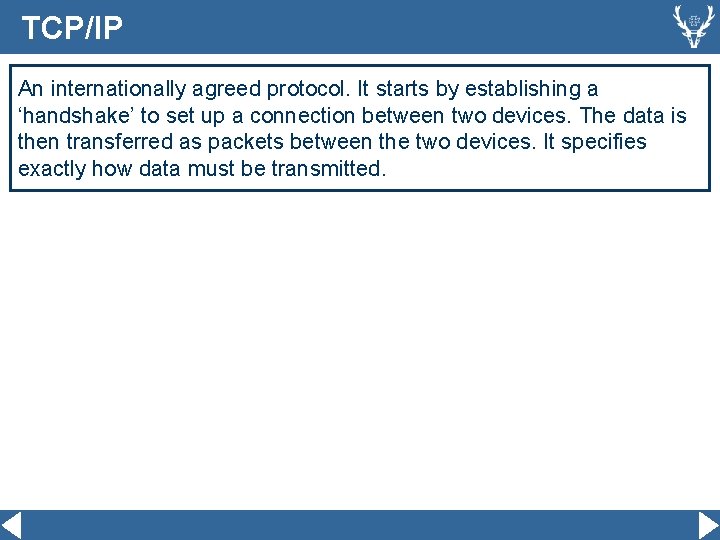
TCP/IP An internationally agreed protocol. It starts by establishing a ‘handshake’ to set up a connection between two devices. The data is then transferred as packets between the two devices. It specifies exactly how data must be transmitted.
MAC Addresses Like a house, every device on a network needs a unique address to ensure that data reaches the correct destination. A MAC address is a unique number written into the network card, composed of six pairs of hexadecimal characters. 00: 10: 5 A: 44: 12: B 5 Find the MAC address of your (or your friend’s) phone. Android: Choose Settings then About phone then hardware information. i. Phone: Choose Settings then General then About (the MAC address is called the Wi-Fi Address).
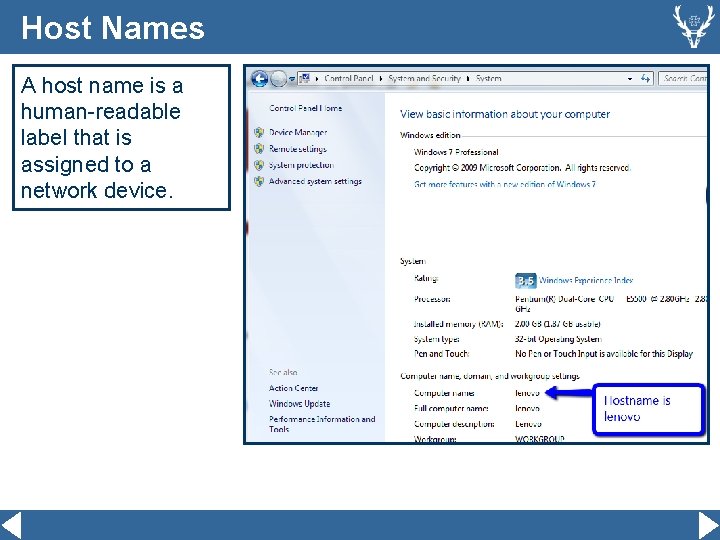
Host Names A host name is a human-readable label that is assigned to a network device.
Activity 9 Develop a Python programme that asks the users five multiple choice questions about this topic and outputs a score.