
GCSE AQA Graphics Making and Making Log Things
- Slides: 9
GCSE AQA Graphics Making and Making Log
Things to note • At the end of each lesson record what you have done. • Your teacher will take photos of the main points – You can also take photos and screenshots as you go through yourself • You are marked on quality of outcome & quality checks
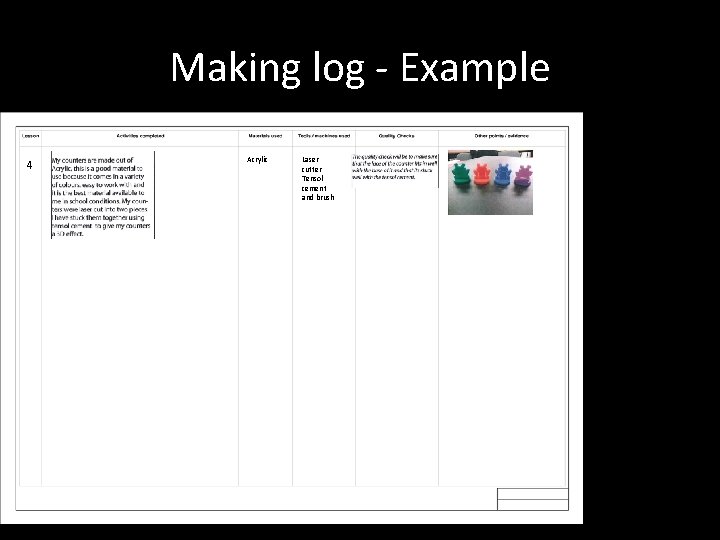
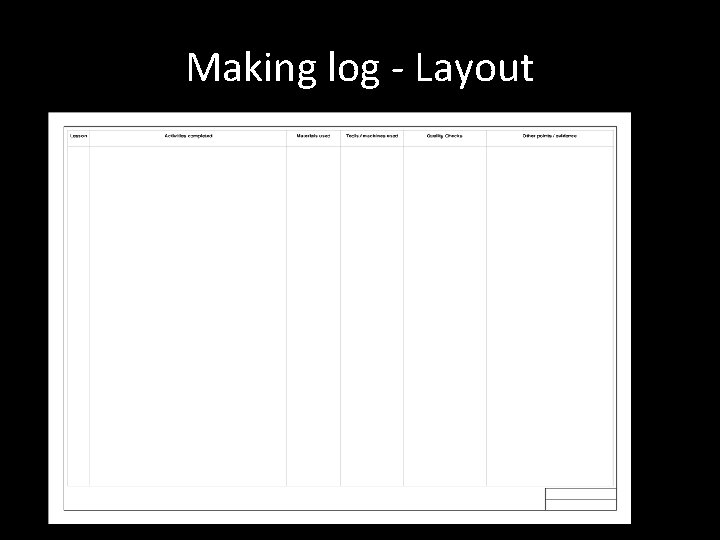
Making Log • A step by step log • Photos / screen shots • Describe in as much detail as you can, what you did (use technical language as much as possible) • Evidence and explain in full QUALITY CHECKS.
Making log - Example 4 Acrylic Laser cutter Tensol cement and brush
What To Include • A photo/screen shot at each stage • A detailed description – Include tools, equipment and materials – Possible hazards and how you have avoided them • Quality checks – How was accuracy achieved? – What did you do to check the quality – Evidence (photo / explain)
Quality Control Quality control is a specialised type of system control designed to check that a product meets the design specification and quality. Before making a product, the designer decides what quality checks are needed and when they should be carried out. • A high-quality product will: – meet the specification – function correctly – be free of defects – satisfy customer requirements
Quality Control • Quality control checklist: – does the product meet all aspects of the specification? – is the text accurate, spelt correctly, with correct grammar and layout? – have the correct shades of colours been used? – are the registration marks correct and do they line up? – have correct desktop publishing (DTP) layout templates been used? – are measurements within the tolerances specified? – do parts fit accurately and neatly? – does the product work properly and as intended?
Mark Scheme • Selected and used appropriate tools, materials and/or technologies including, where appropriate, CAM correctly, skillfully and safely • Quality controls are evident throughout the project and it is clear how accuracy has been achieved.
Making log - Layout 1