
GAMES DEVELOPMENT 2 PYTHON SCRIPTING CO 3301 Week
![PYTHON: LISTS Lists, indexing and slicing fruit print = ["plum", "pear", "apple", "banana", "fig"]](https://slidetodoc.com/presentation_image_h/f937956c79ae440ba1393f6c7240e3d8/image-8.jpg "PYTHON: LISTS Lists, indexing and slicing fruit print = [\"plum\", \"pear\", \"apple\", \"banana\", \"fig\"]")
- Slides: 19
GAMES DEVELOPMENT 2 PYTHON SCRIPTING CO 3301 Week 5
CONTENTS 1. Why Scripting 2. Scripting Considerations 3. Scripting Languages 4. Python: Language Overview
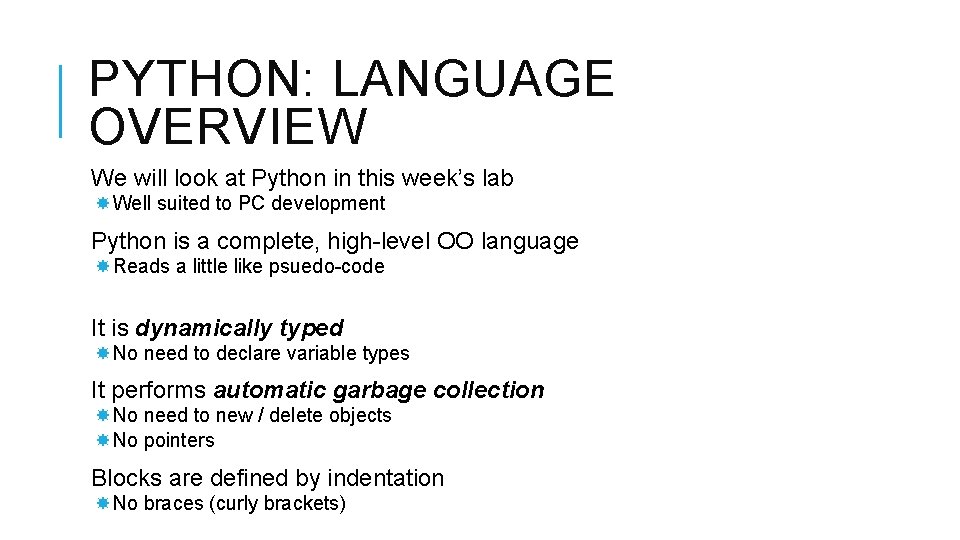
PYTHON: LANGUAGE OVERVIEW We will look at Python in this week’s lab Well suited to PC development Python is a complete, high-level OO language Reads a little like psuedo-code It is dynamically typed No need to declare variable types It performs automatic garbage collection No need to new / delete objects No pointers Blocks are defined by indentation No braces (curly brackets)
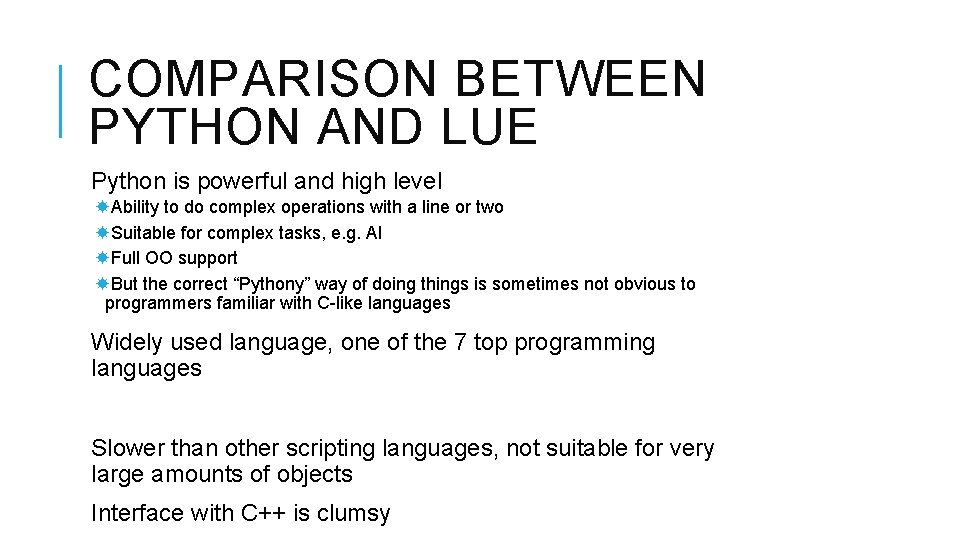
COMPARISON BETWEEN PYTHON AND LUE Python is powerful and high level Ability to do complex operations with a line or two Suitable for complex tasks, e. g. AI Full OO support But the correct “Pythony” way of doing things is sometimes not obvious to programmers familiar with C-like languages Widely used language, one of the 7 top programming languages Slower than other scripting languages, not suitable for very large amounts of objects Interface with C++ is clumsy
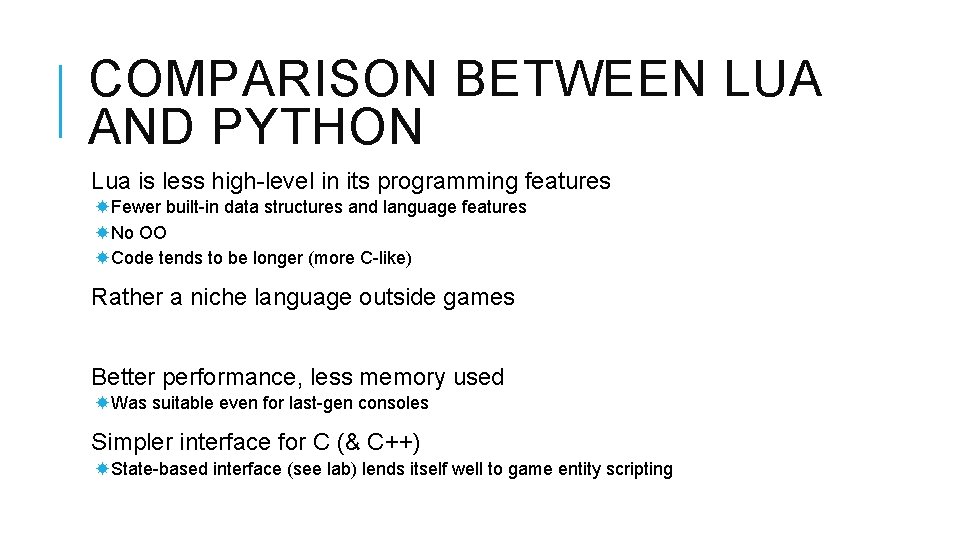
COMPARISON BETWEEN LUA AND PYTHON Lua is less high-level in its programming features Fewer built-in data structures and language features No OO Code tends to be longer (more C-like) Rather a niche language outside games Better performance, less memory used Was suitable even for last-gen consoles Simpler interface for C (& C++) State-based interface (see lab) lends itself well to game entity scripting
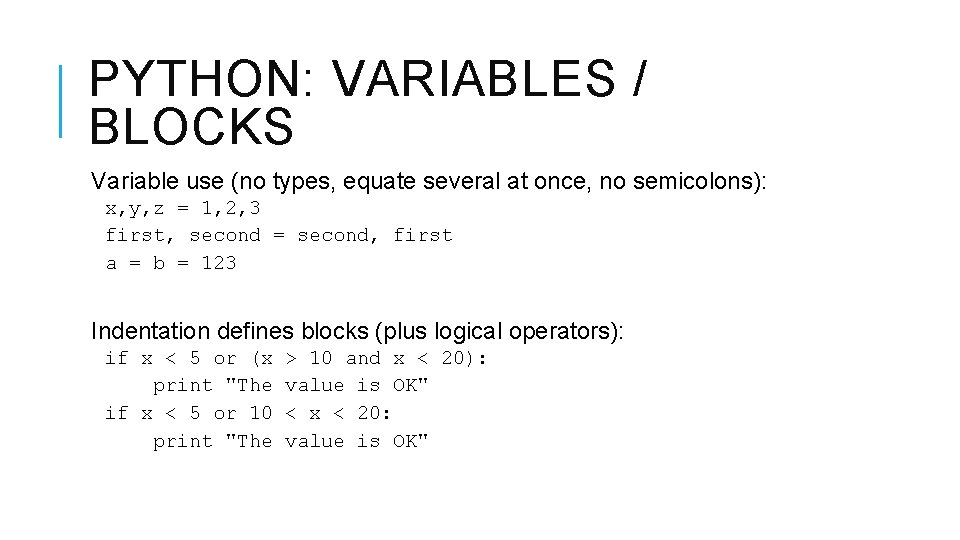
PYTHON: VARIABLES / BLOCKS Variable use (no types, equate several at once, no semicolons): x, y, z = 1, 2, 3 first, second = second, first a = b = 123 Indentation defines blocks (plus logical operators): if x < 5 or (x print "The if x < 5 or 10 print "The > 10 and x < 20): value is OK" < x < 20: value is OK"
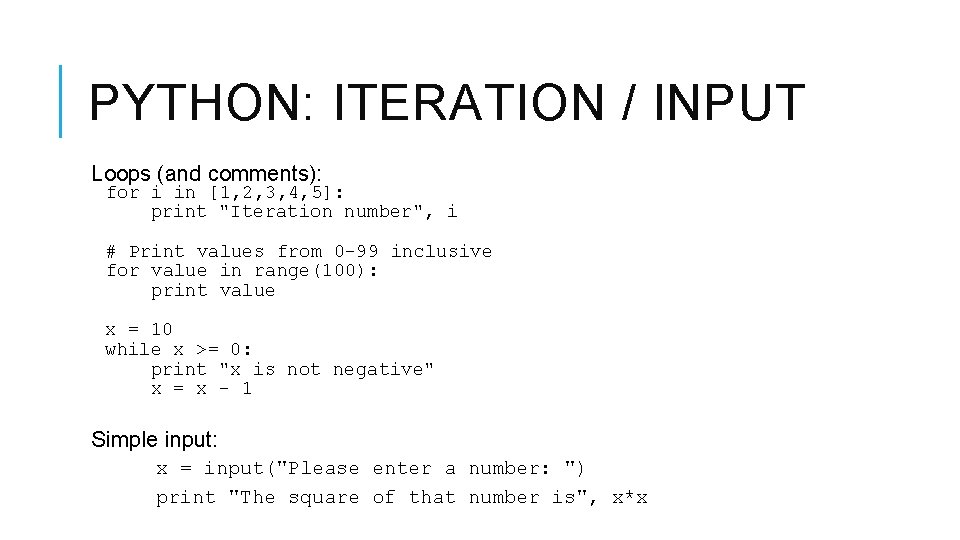
PYTHON: ITERATION / INPUT Loops (and comments): for i in [1, 2, 3, 4, 5]: print "Iteration number", i # Print values from 0 -99 inclusive for value in range(100): print value x = 10 while x >= 0: print "x is not negative" x = x – 1 Simple input: x = input("Please enter a number: ") print "The square of that number is", x*x
PYTHON: LISTS Lists, indexing and slicing fruit print = ["plum", "pear", "apple", "banana", "fig"] fruit[2], fruit[0] # Prints "apple plum" fruit[-2] # Prints "banana" (counts from end) len(fruit) # Prints "5" # Slicing is selecting sections of a list # Note: 1 st example excludes last index in range print fruit[1: 3] # Prints "pear apple" print fruit[: 3] # Prints "plum pear apple" print fruit[3: ] # Prints "banana fig" Strings can be treated as read-only lists x = "apple" print x[3] # Prints "l" x[0] = "e" # Error
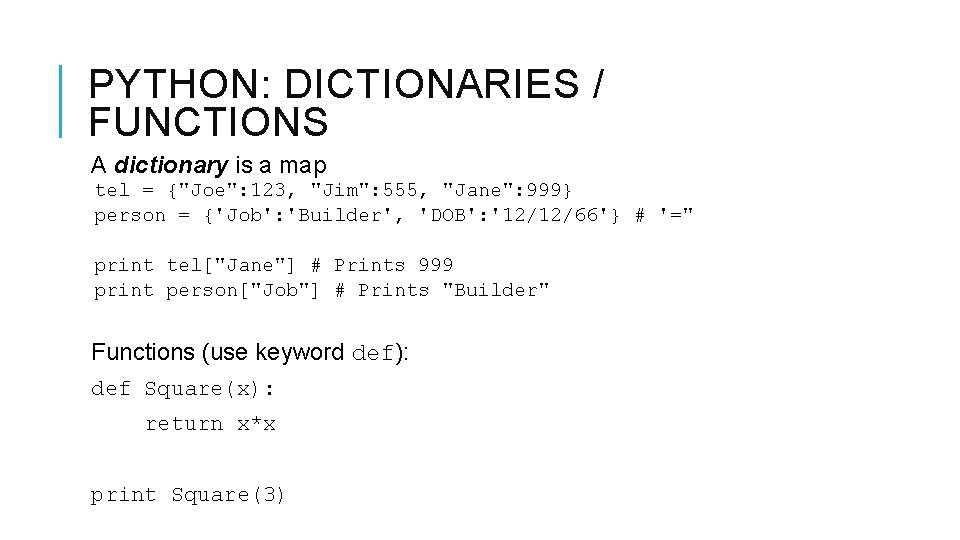
PYTHON: DICTIONARIES / FUNCTIONS A dictionary is a map tel = {"Joe": 123, "Jim": 555, "Jane": 999} person = {'Job': 'Builder', 'DOB': '12/12/66'} # '=" print tel["Jane"] # Prints 999 print person["Job"] # Prints "Builder" Functions (use keyword def): def Square(x): return x*x print Square(3)
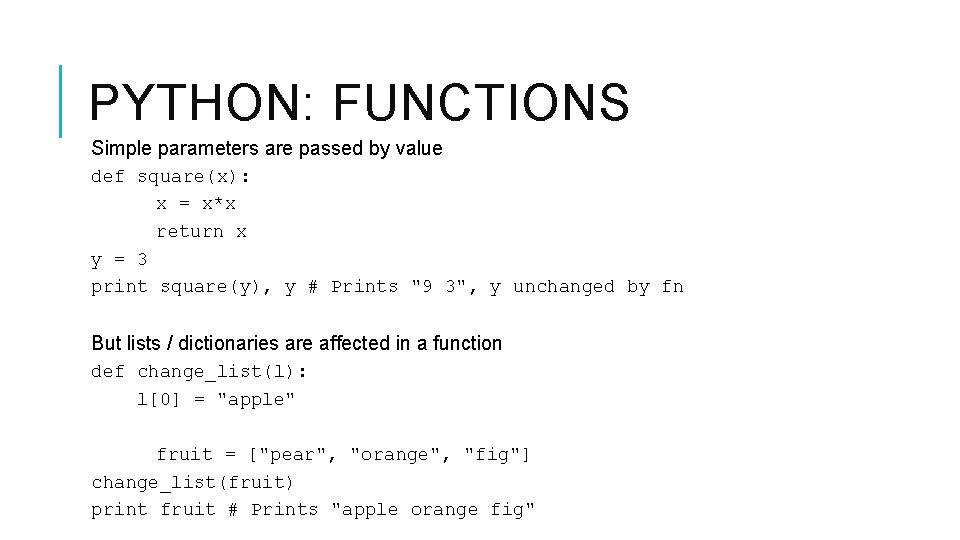
PYTHON: FUNCTIONS Simple parameters are passed by value def square(x): x = x*x return x y = 3 print square(y), y # Prints "9 3", y unchanged by fn But lists / dictionaries are affected in a function def change_list(l): l[0] = "apple" fruit = ["pear", "orange", "fig"] change_list(fruit) print fruit # Prints "apple orange fig"
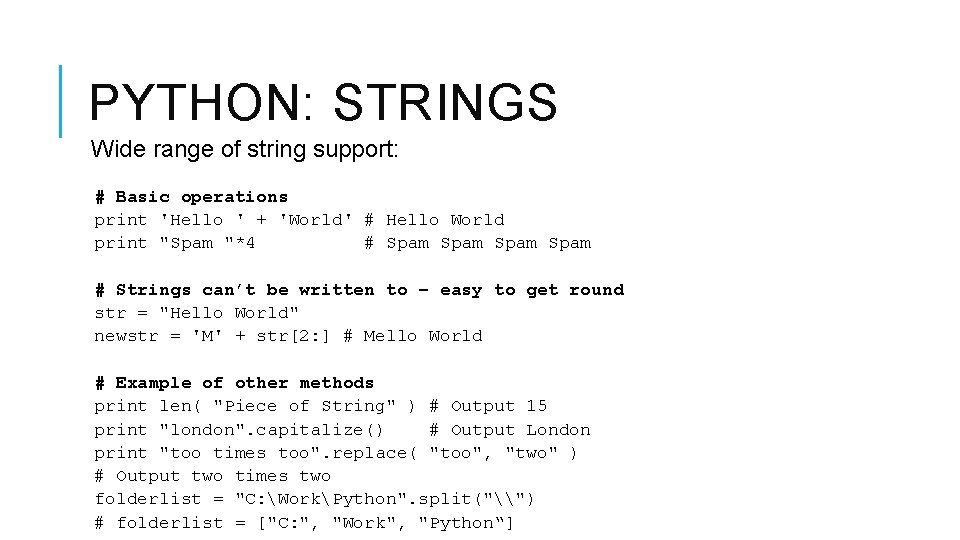
PYTHON: STRINGS Wide range of string support: # Basic operations print 'Hello ' + 'World' # Hello World print "Spam "*4 # Spam # Strings can’t be written to – easy to get round str = "Hello World" newstr = 'M' + str[2: ] # Mello World # Example of other methods print len( "Piece of String" ) # Output 15 print "london". capitalize() # Output London print "too times too". replace( "too", "two" ) # Output two times two folderlist = "C: WorkPython". split("\") # folderlist = ["C: ", "Work", "Python“]
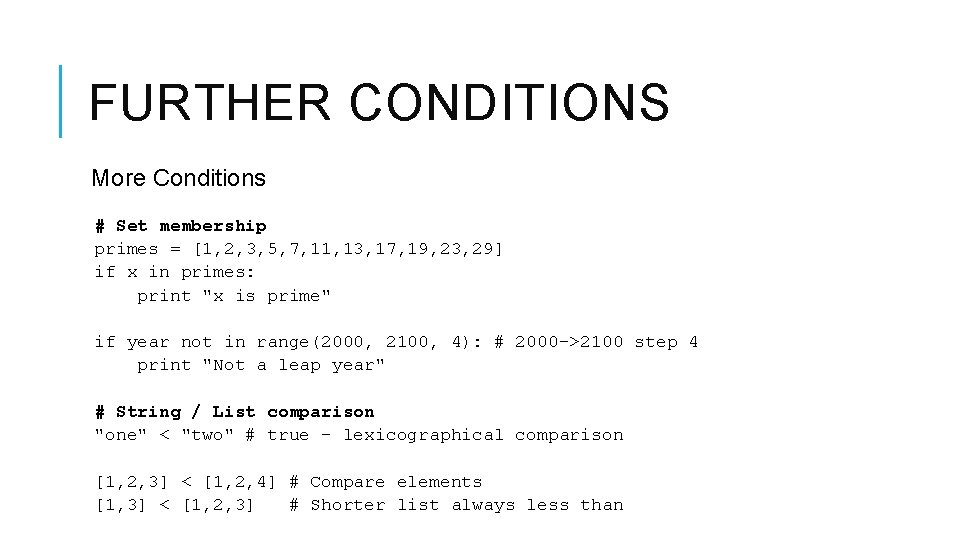
FURTHER CONDITIONS More Conditions # Set membership primes = [1, 2, 3, 5, 7, 11, 13, 17, 19, 23, 29] if x in primes: print "x is prime" if year not in range(2000, 2100, 4): # 2000 ->2100 step 4 print "Not a leap year" # String / List comparison "one" < "two" # true – lexicographical comparison [1, 2, 3] < [1, 2, 4] # Compare elements [1, 3] < [1, 2, 3] # Shorter list always less than
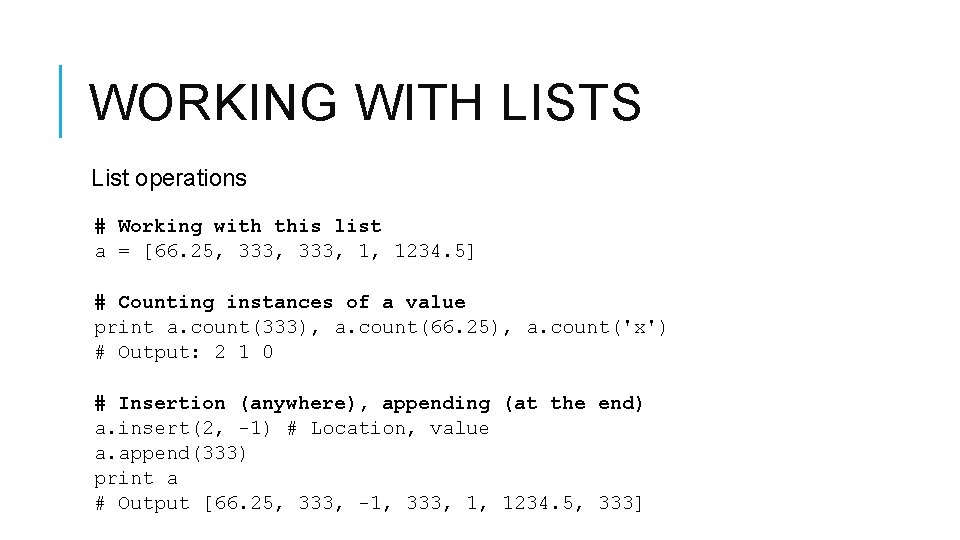
WORKING WITH LISTS List operations # Working with this list a = [66. 25, 333, 1, 1234. 5] # Counting instances of a value print a. count(333), a. count(66. 25), a. count('x') # Output: 2 1 0 # Insertion (anywhere), appending (at the end) a. insert(2, -1) # Location, value a. append(333) print a # Output [66. 25, 333, -1, 333, 1, 1234. 5, 333]
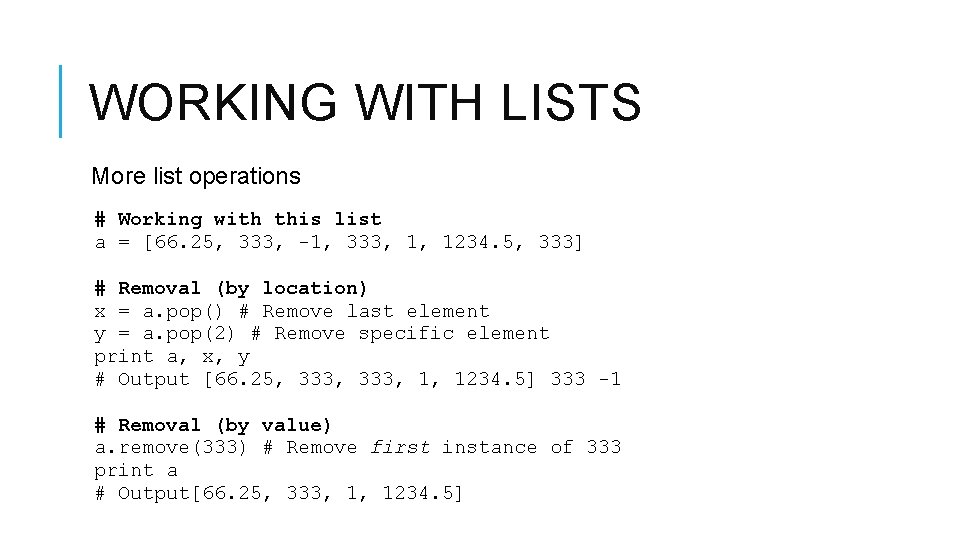
WORKING WITH LISTS More list operations # Working with this list a = [66. 25, 333, -1, 333, 1, 1234. 5, 333] # Removal (by location) x = a. pop() # Remove last element y = a. pop(2) # Remove specific element print a, x, y # Output [66. 25, 333, 1, 1234. 5] 333 -1 # Removal (by value) a. remove(333) # Remove first instance of 333 print a # Output[66. 25, 333, 1, 1234. 5]
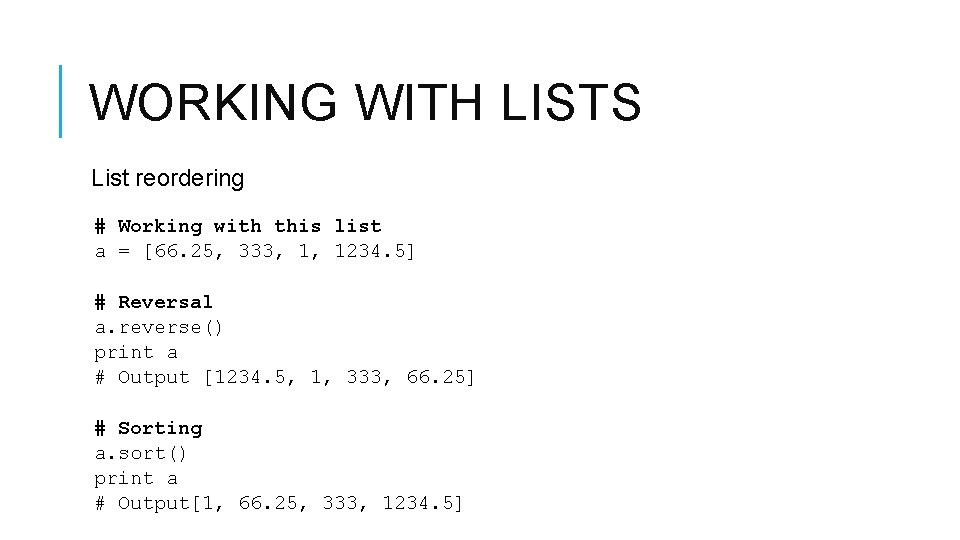
WORKING WITH LISTS List reordering # Working with this list a = [66. 25, 333, 1, 1234. 5] # Reversal a. reverse() print a # Output [1234. 5, 1, 333, 66. 25] # Sorting a. sort() print a # Output[1, 66. 25, 333, 1234. 5]
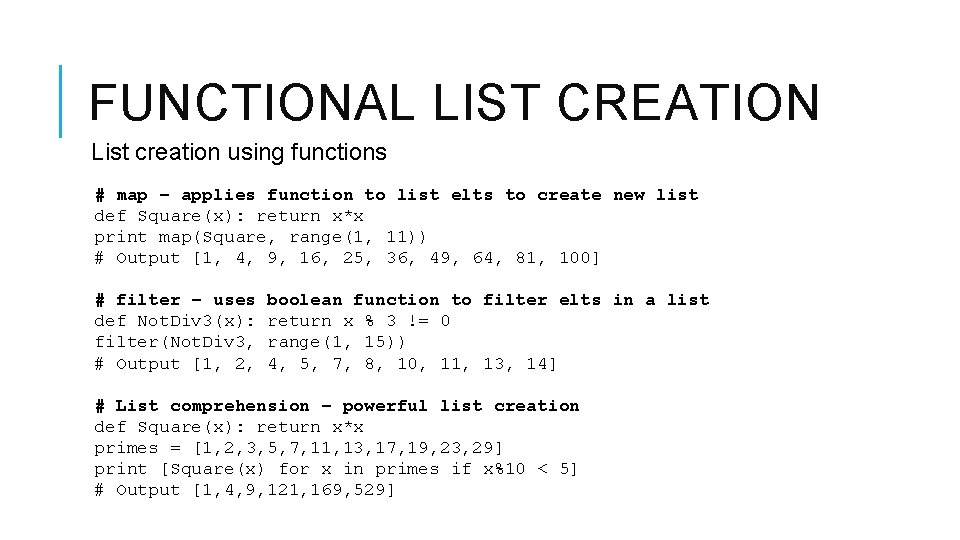
FUNCTIONAL LIST CREATION List creation using functions # map – applies function to list elts to create new list def Square(x): return x*x print map(Square, range(1, 11)) # Output [1, 4, 9, 16, 25, 36, 49, 64, 81, 100] # filter – uses def Not. Div 3(x): filter(Not. Div 3, # Output [1, 2, boolean function to filter elts in a list return x % 3 != 0 range(1, 15)) 4, 5, 7, 8, 10, 11, 13, 14] # List comprehension – powerful list creation def Square(x): return x*x primes = [1, 2, 3, 5, 7, 11, 13, 17, 19, 23, 29] print [Square(x) for x in primes if x%10 < 5] # Output [1, 4, 9, 121, 169, 529]
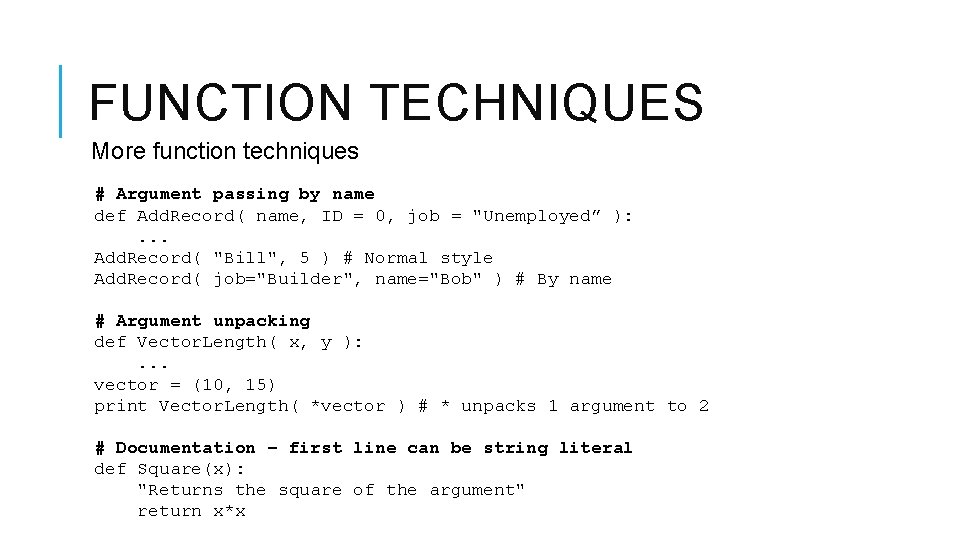
FUNCTION TECHNIQUES More function techniques # Argument passing by name def Add. Record( name, ID = 0, job = "Unemployed” ): . . . Add. Record( "Bill", 5 ) # Normal style Add. Record( job="Builder", name="Bob" ) # By name # Argument unpacking def Vector. Length( x, y ): . . . vector = (10, 15) print Vector. Length( *vector ) # * unpacks 1 argument to 2 # Documentation – first line can be string literal def Square(x): "Returns the square of the argument" return x*x
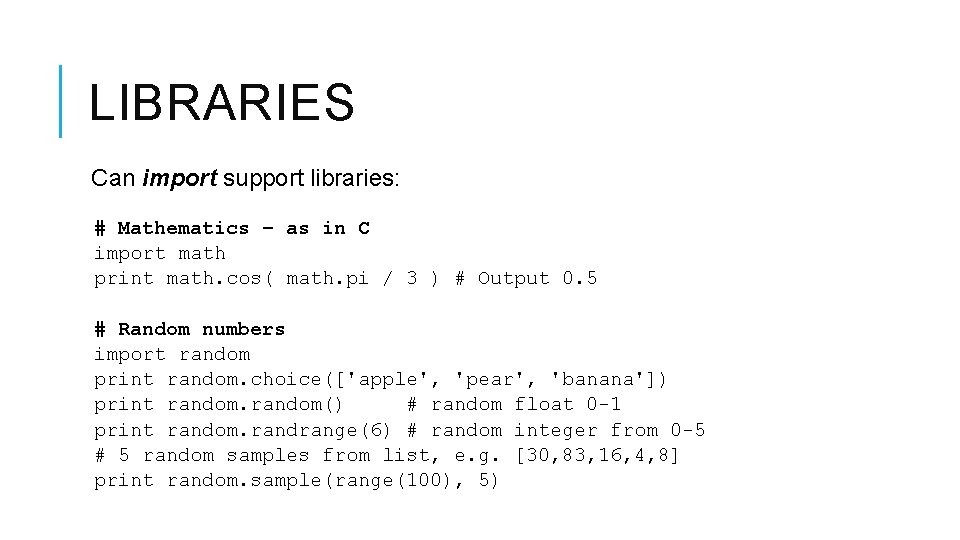
LIBRARIES Can import support libraries: # Mathematics – as in C import math print math. cos( math. pi / 3 ) # Output 0. 5 # Random numbers import random print random. choice(['apple', 'pear', 'banana']) print random() # random float 0 -1 print random. randrange(6) # random integer from 0 -5 # 5 random samples from list, e. g. [30, 83, 16, 4, 8] print random. sample(range(100), 5)
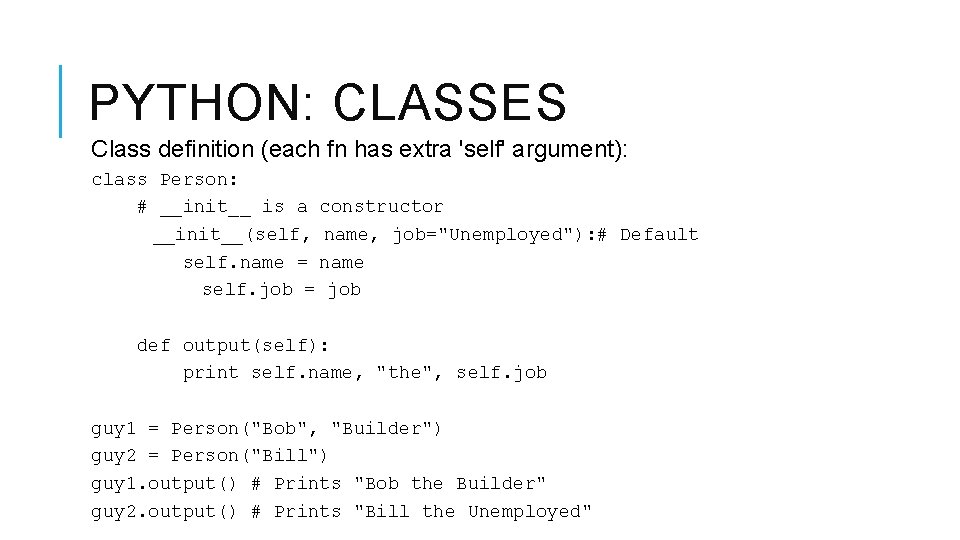
PYTHON: CLASSES Class definition (each fn has extra 'self' argument): class Person: # __init__ is a constructor __init__(self, name, job="Unemployed"): # Default self. name = name self. job = job def output(self): print self. name, "the", self. job guy 1 = Person("Bob", "Builder") guy 2 = Person("Bill") guy 1. output() # Prints "Bob the Builder" guy 2. output() # Prints "Bill the Unemployed"