
Game Programming Algorithms and Techniques Chapter 11 Scripting
![Regular Expressions, Cont'd § [] operator means “any character within the brackets. ” §](https://slidetodoc.com/presentation_image_h2/90044106ff6c48069c03df995cb3be6b/image-20.jpg "Regular Expressions, Cont'd § [] operator means “any character within the brackets. ” §")
![BNF Syntax <integer> : : == [0 -9]+ <expression> : : == <expression> "+"](https://slidetodoc.com/presentation_image_h2/90044106ff6c48069c03df995cb3be6b/image-25.jpg "BNF Syntax <integer> : : == [0 -9]+ <expression> : : == <expression> \"+\"")
- Slides: 35
Game Programming Algorithms and Techniques Chapter 11 Scripting Languages and Data Formats
Chapter 11 Objectives § § § Scripting Languages – Learn the tradeoffs of using scripts – Look at different types of scripting languages, including Lua, Unreal. Script, and visual scripting languages Implementing a Scripting Language – Learn about the different phases to compiling/interpreting a scripting language: tokenization, syntax analysis, and code generation/execution Data Formats – Tradeoffs between binary or text-based formats – Look at some sample text formats: INI, XML, and JSON
Evolution of Programming Languages § Early games were written 100% in assembly for performance reasons. § As computers became more powerful, high-level languages such as C/C++ became practical to use. § In modern games, it has become viable to use even higher-level scripting languages for gameplay logic.
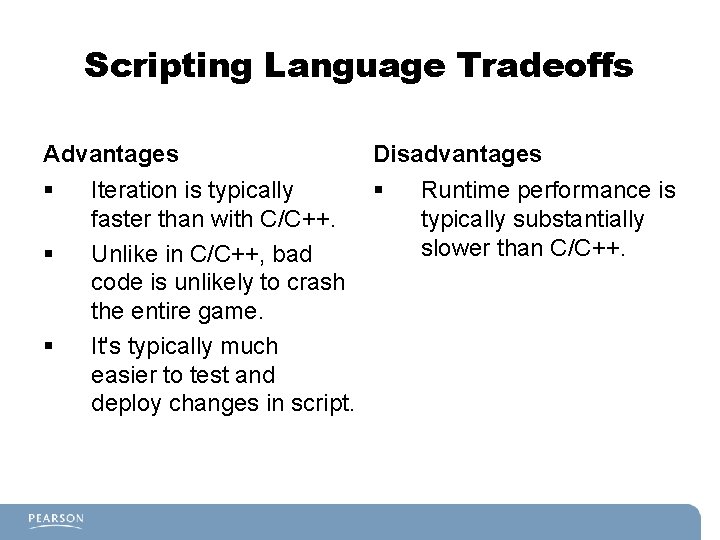
Scripting Language Tradeoffs Advantages § § § Disadvantages Iteration is typically § faster than with C/C++. Unlike in C/C++, bad code is unlikely to crash the entire game. It's typically much easier to test and deploy changes in script. Runtime performance is typically substantially slower than C/C++.
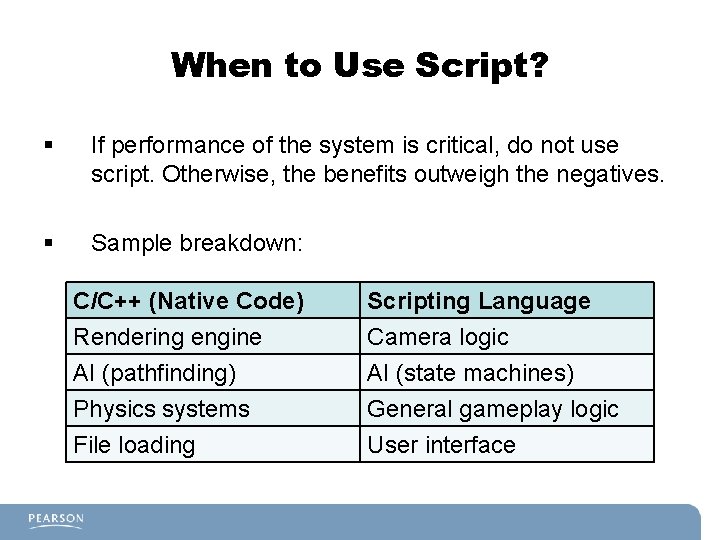
When to Use Script? § If performance of the system is critical, do not use script. Otherwise, the benefits outweigh the negatives. § Sample breakdown: C/C++ (Native Code) Rendering engine AI (pathfinding) Physics systems Scripting Language Camera logic AI (state machines) General gameplay logic File loading User interface
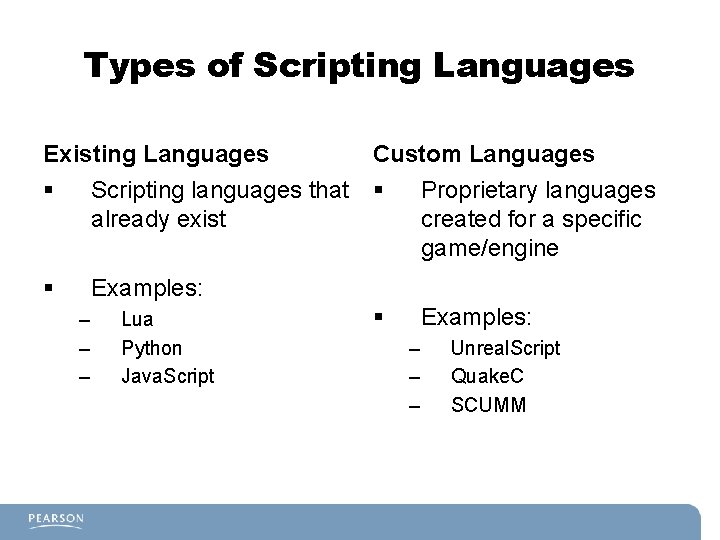
Types of Scripting Languages Existing Languages Custom Languages § Scripting languages that already exist § Proprietary languages created for a specific game/engine § Examples: – – – Lua Python Java. Script – – – Unreal. Script Quake. C SCUMM
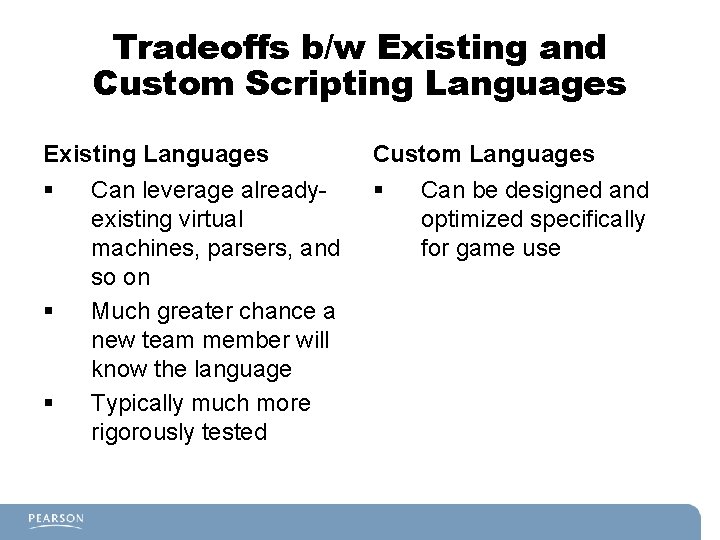
Tradeoffs b/w Existing and Custom Scripting Languages Existing Languages Custom Languages § § Can leverage alreadyexisting virtual machines, parsers, and so on Much greater chance a new team member will know the language Typically much more rigorously tested Can be designed and optimized specifically for game use
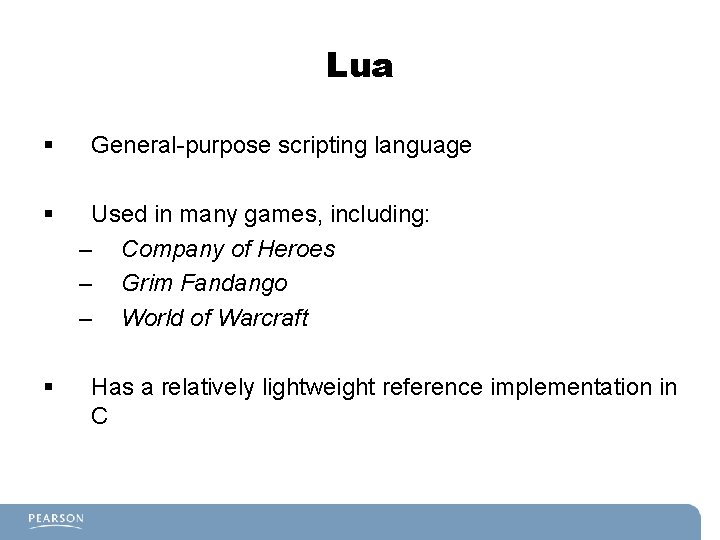
Lua § § § General-purpose scripting language Used in many games, including: – Company of Heroes – Grim Fandango – World of Warcraft Has a relatively lightweight reference implementation in C
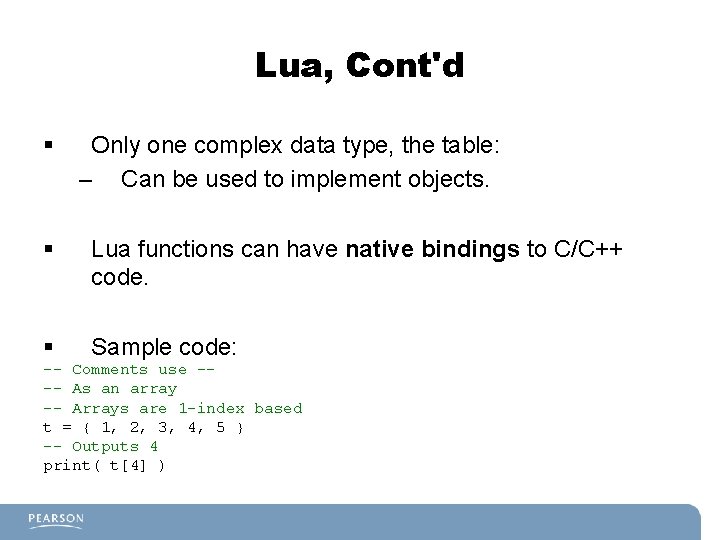
Lua, Cont'd § Only one complex data type, the table: – Can be used to implement objects. § Lua functions can have native bindings to C/C++ code. § Sample code: -- Comments use --- As an array -- Arrays are 1 -index based t = { 1, 2, 3, 4, 5 } -- Outputs 4 print( t[4] )
Unreal. Script § Object-oriented language designed specifically for Unreal engine. § Language is compiled into byte code. § Syntax is pretty similar to C++/Java. § Has game-specific constructs, such as support for states.
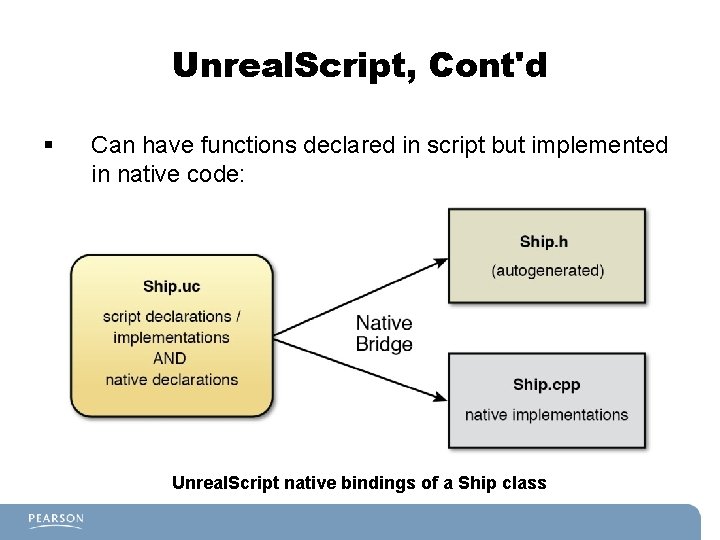
Unreal. Script, Cont'd § Can have functions declared in script but implemented in native code: Unreal. Script native bindings of a Ship class
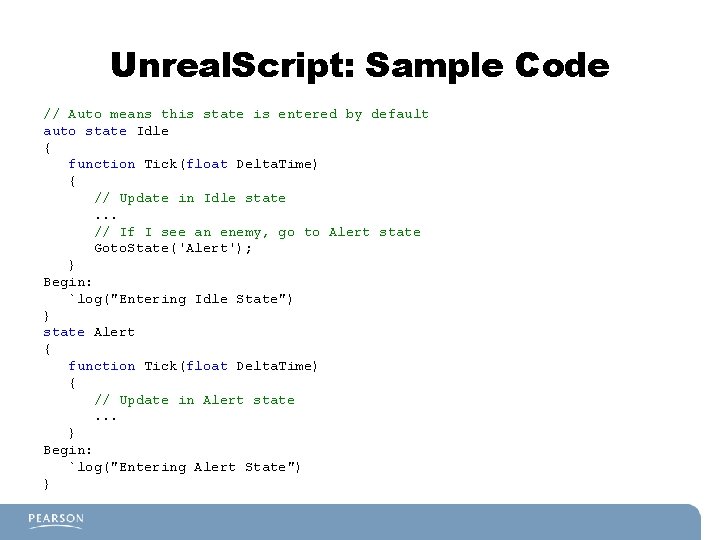
Unreal. Script: Sample Code // Auto means this state is entered by default auto state Idle { function Tick(float Delta. Time) { // Update in Idle state. . . // If I see an enemy, go to Alert state Goto. State('Alert'); } Begin: `log("Entering Idle State") } state Alert { function Tick(float Delta. Time) { // Update in Alert state. . . } Begin: `log("Entering Alert State") }
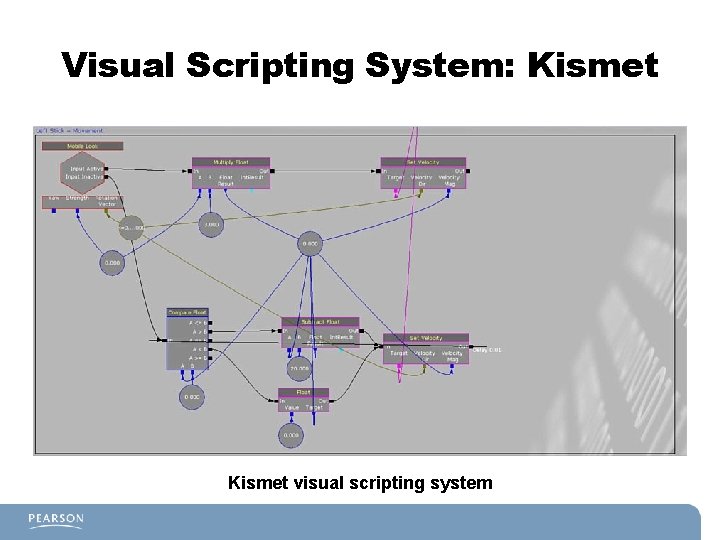
Visual Scripting System § Flowchart-like scripting system § Generally used for level scripting § Makes it simple to hook up events, such as having enemies spawn when the player opens a door
Visual Scripting System: Kismet visual scripting system
Implementing a Scripting Language § Language creation/compiler theory is a huge sub-field of computer science. § Important to understand at least the basics of how a compiler/language works. § Three main stages: – Tokenization – Syntax analysis – Code generation
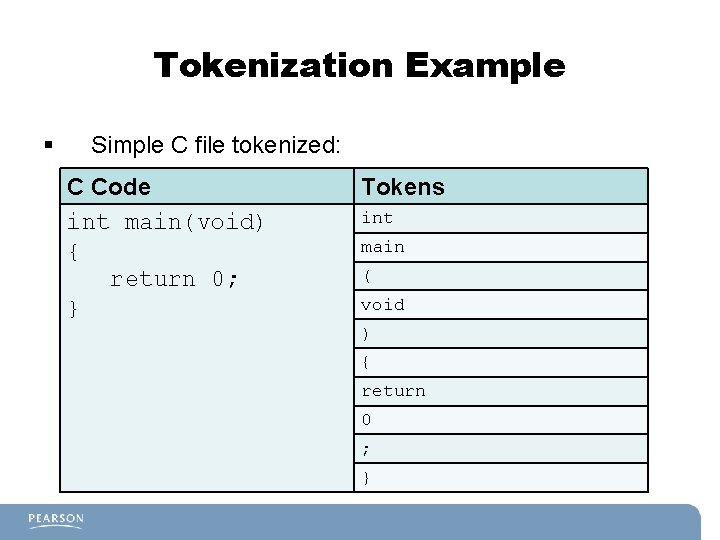
Tokenization § Take the input stream of text and break it down into tokens such as identifiers, keywords, operators, and symbols. § Also called lexical analysis. § Writing a custom tokenizer is error-prone: – Should use a tool such as flex, which generates a tokenizer based on matching rules
Tokenization Example § Simple C file tokenized: C Code int main(void) { return 0; } Tokens int main ( void ) { return 0 ; }
Regular Expressions § Parser-generators such as flex use regular expressions to define the matching rules. § Regular expressions (regex) have many uses beyond tokenization. § Poorly standardized; different environments may have different rules for regular expressions.
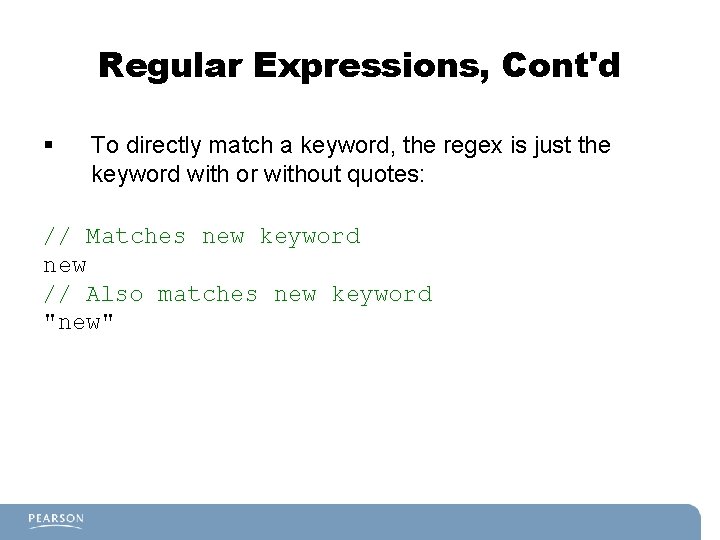
Regular Expressions, Cont'd § To directly match a keyword, the regex is just the keyword with or without quotes: // Matches new keyword new // Also matches new keyword "new"
Regular Expressions, Cont'd § [] operator means “any character within the brackets. ” § Use a hyphen to specify any characters within a range: // Matches a[abc]c // Matches a[a-z]c // You can // Matches a[a-z. A-Z]c aac, abc, or acc aac, abc, acc, . . . , azc combine multiple ranges. . . above as well as a. Ac, . . . , a. Zc
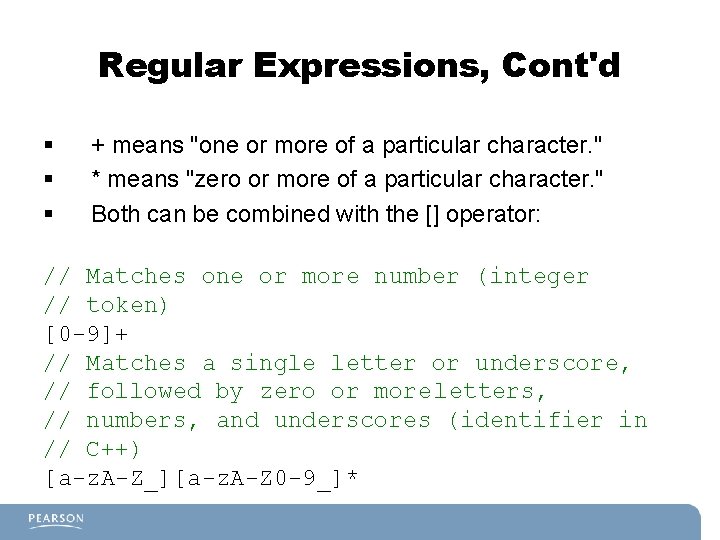
Regular Expressions, Cont'd § § § + means "one or more of a particular character. " * means "zero or more of a particular character. " Both can be combined with the [] operator: // Matches one or more number (integer // token) [0 -9]+ // Matches a single letter or underscore, // followed by zero or more letters, // numbers, and underscores (identifier in // C++) [a-z. A-Z_][a-z. A-Z 0 -9_]*
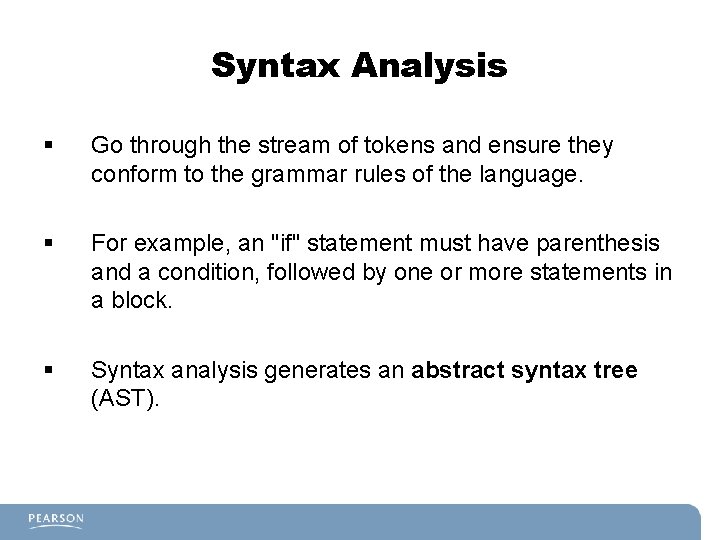
Syntax Analysis § Go through the stream of tokens and ensure they conform to the grammar rules of the language. § For example, an "if" statement must have parenthesis and a condition, followed by one or more statements in a block. § Syntax analysis generates an abstract syntax tree (AST).
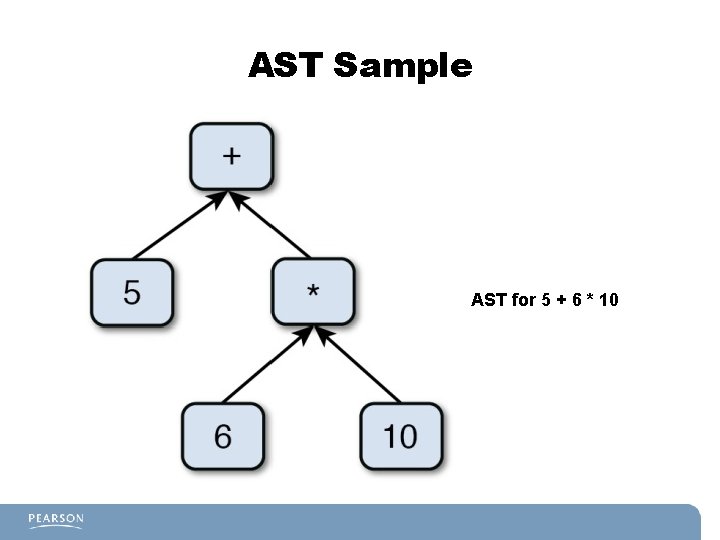
AST Sample AST for 5 + 6 * 10
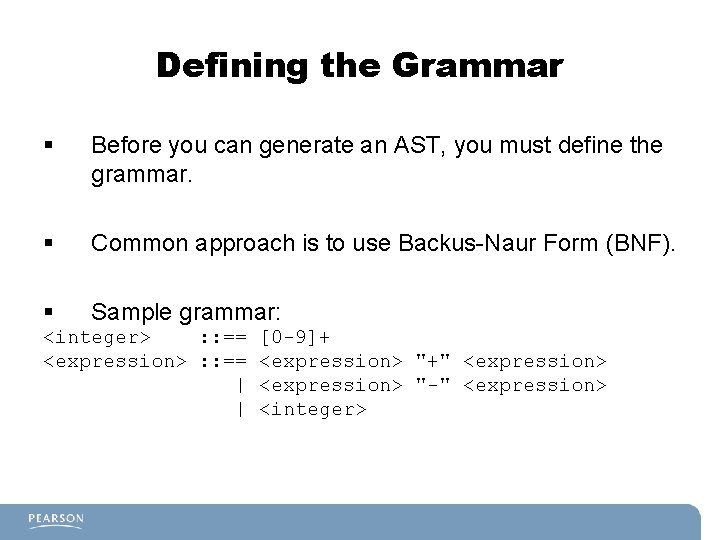
Defining the Grammar § Before you can generate an AST, you must define the grammar. § Common approach is to use Backus-Naur Form (BNF). § Sample grammar: <integer> : : == [0 -9]+ <expression> : : == <expression> "+" <expression> | <expression> "-" <expression> | <integer>
BNF Syntax <integer> : : == [0 -9]+ <expression> : : == <expression> "+" <expression> | <expression> "-" <expression> | <integer> § § : : == operator means "is defined as. " | operator means "or. " <> used to denote grammar rules. The above means that an expression can be: – An expression plus an expression – An expression minus an expression – An integer
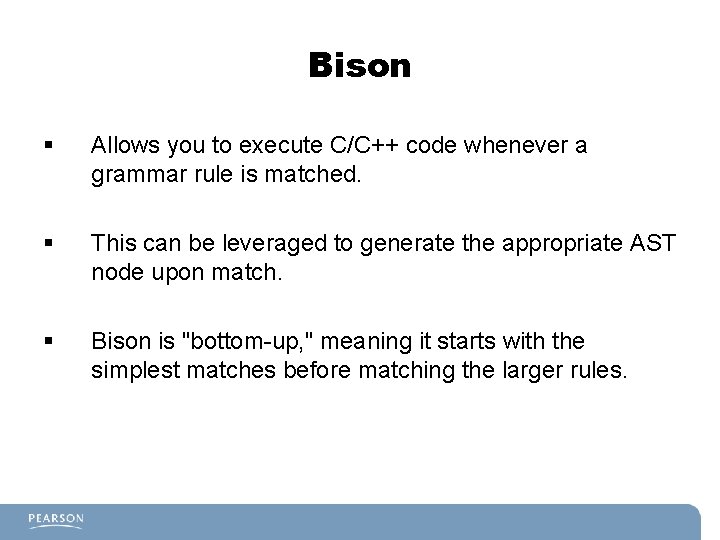
Bison § Allows you to execute C/C++ code whenever a grammar rule is matched. § This can be leveraged to generate the appropriate AST node upon match. § Bison is "bottom-up, " meaning it starts with the simplest matches before matching the larger rules.
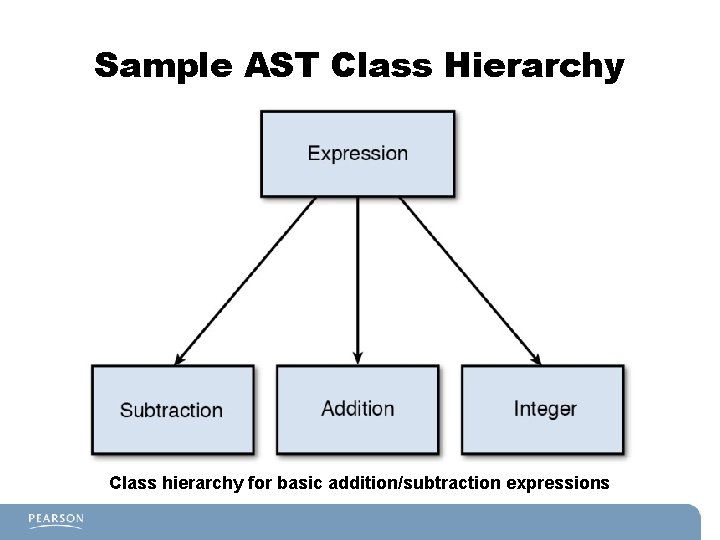
Sample AST Class Hierarchy Class hierarchy for basic addition/subtraction expressions
Code Execution/Generation § § Traverse the AST with a post-order traversal. Then either: – Run the code (approach used for interpreted language). – Generate assembly/byte code for execution at a later time.
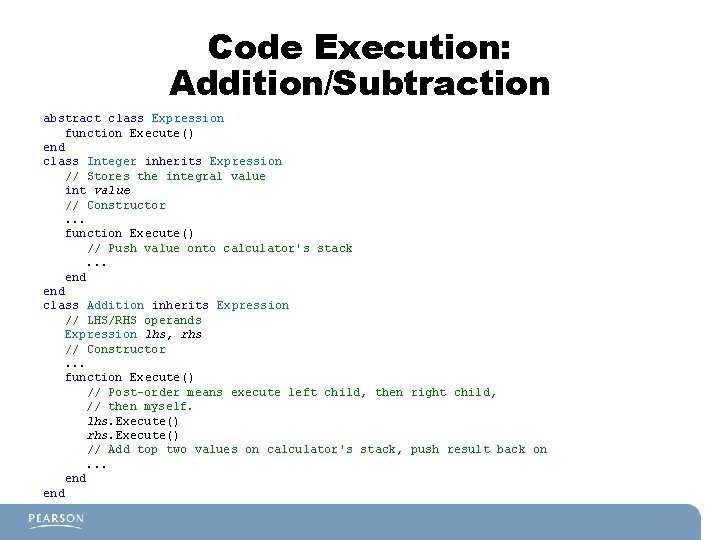
Code Execution: Addition/Subtraction abstract class Expression function Execute() end class Integer inherits Expression // Stores the integral value int value // Constructor. . . function Execute() // Push value onto calculator's stack. . . end class Addition inherits Expression // LHS/RHS operands Expression lhs, rhs // Constructor. . . function Execute() // Post-order means execute left child, then right child, // then myself. lhs. Execute() rhs. Execute() // Add top two values on calculator's stack, push result back on. . . end
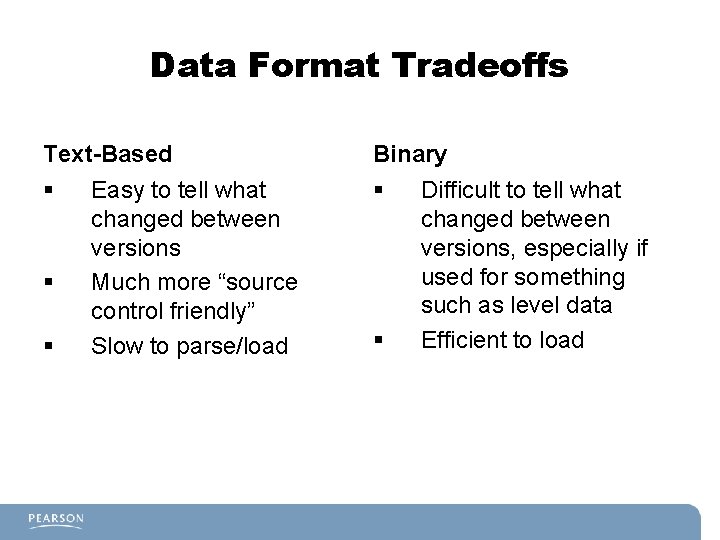
Data Formats § How data, such as level information, game objects in the world, and so on, is stored § Can use a binary format – Contains data that's mostly unreadable by a human – Example: PNG § Or can use a text-based file that contains standard characters – Example: XML
Data Format Tradeoffs Text-Based Binary § § Easy to tell what changed between versions Much more “source control friendly” Slow to parse/load § Difficult to tell what changed between versions, especially if used for something such as level data Efficient to load
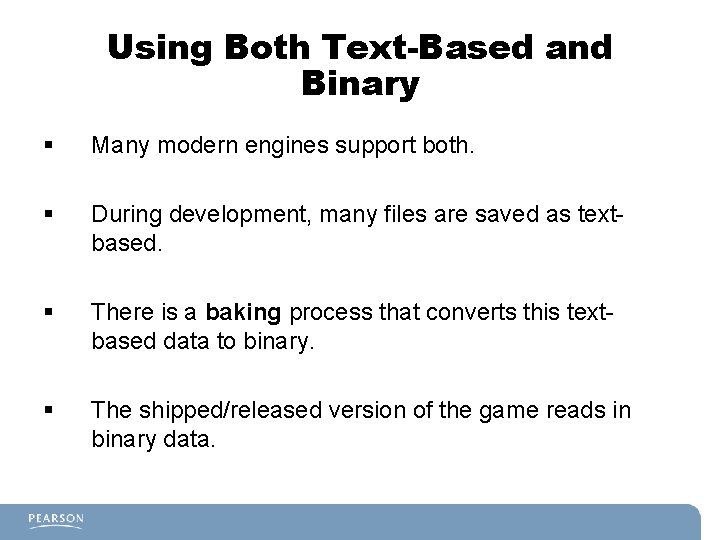
Using Both Text-Based and Binary § Many modern engines support both. § During development, many files are saved as textbased. § There is a baking process that converts this textbased data to binary. § The shipped/released version of the game reads in binary data.
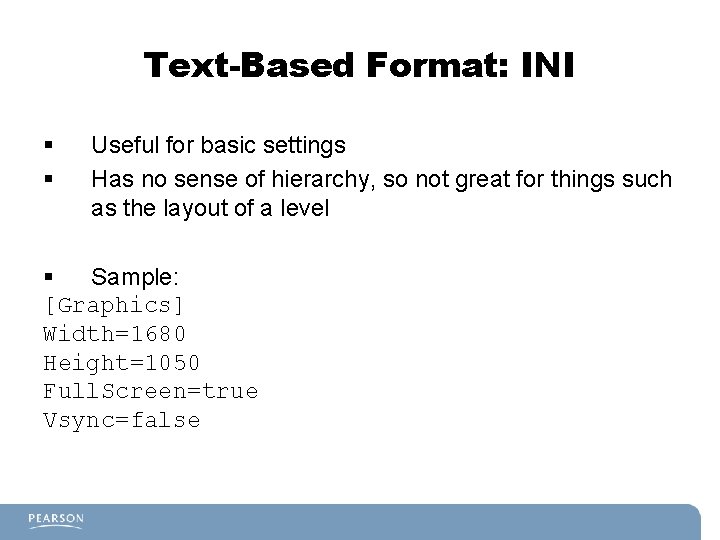
Text-Based Format: INI § § Useful for basic settings Has no sense of hierarchy, so not great for things such as the layout of a level § Sample: [Graphics] Width=1680 Height=1050 Full. Screen=true Vsync=false
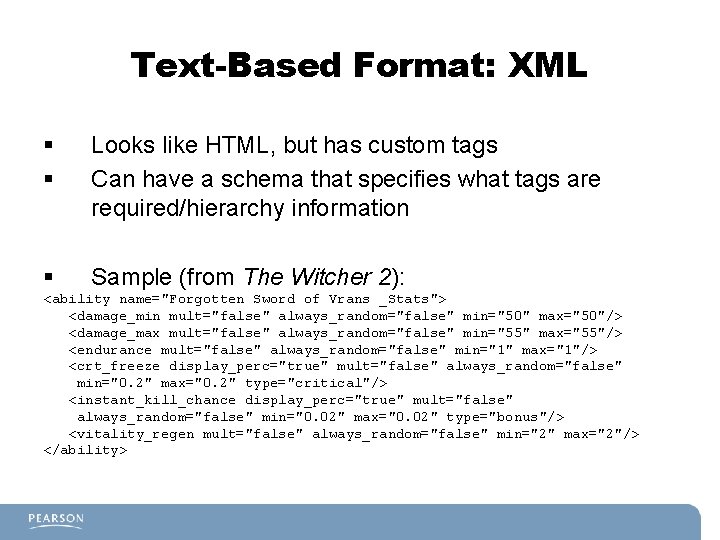
Text-Based Format: XML § § Looks like HTML, but has custom tags Can have a schema that specifies what tags are required/hierarchy information § Sample (from The Witcher 2): <ability name="Forgotten Sword of Vrans _Stats"> <damage_min mult="false" always_random="false" min="50" max="50"/> <damage_max mult="false" always_random="false" min="55" max="55"/> <endurance mult="false" always_random="false" min="1" max="1"/> <crt_freeze display_perc="true" mult="false" always_random="false" min="0. 2" max="0. 2" type="critical"/> <instant_kill_chance display_perc="true" mult="false" always_random="false" min="0. 02" max="0. 02" type="bonus"/> <vitality_regen mult="false" always_random="false" min="2" max="2"/> </ability>
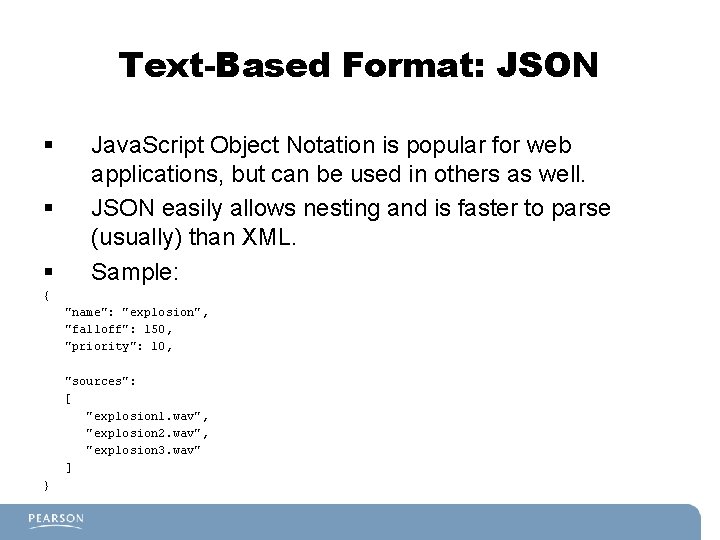
Text-Based Format: JSON § § § Java. Script Object Notation is popular for web applications, but can be used in others as well. JSON easily allows nesting and is faster to parse (usually) than XML. Sample: { "name": "explosion", "falloff": 150, "priority": 10, "sources": [ "explosion 1. wav", "explosion 2. wav", "explosion 3. wav" ] }