
Game Control Sensing and Variables Learning Objective Learn
Game Control Sensing and Variables
Learning Objective • “Learn how to sense events and keep score”. • Write this Learning Objective onto Page 1 of your workbook. Game Control 30 November 2020
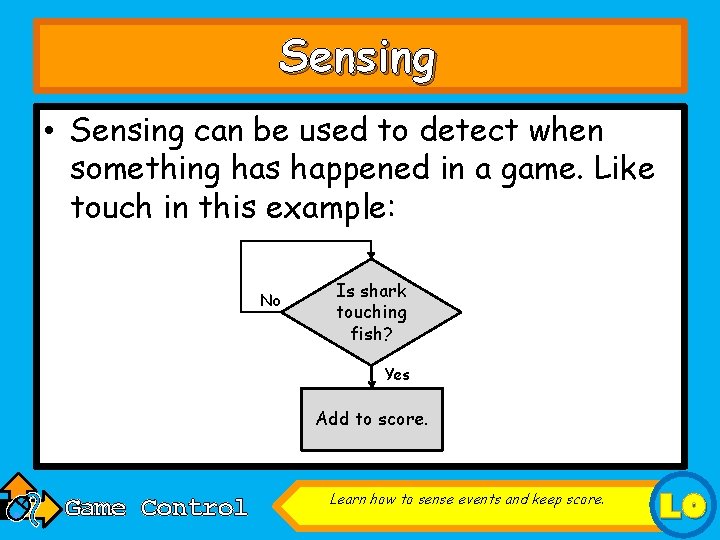
Sensing • Sensing can be used to detect when something has happened in a game. Like touch in this example: No Is shark touching fish? Yes Add to score. Game Control Learn how to sense events and keep score. LO
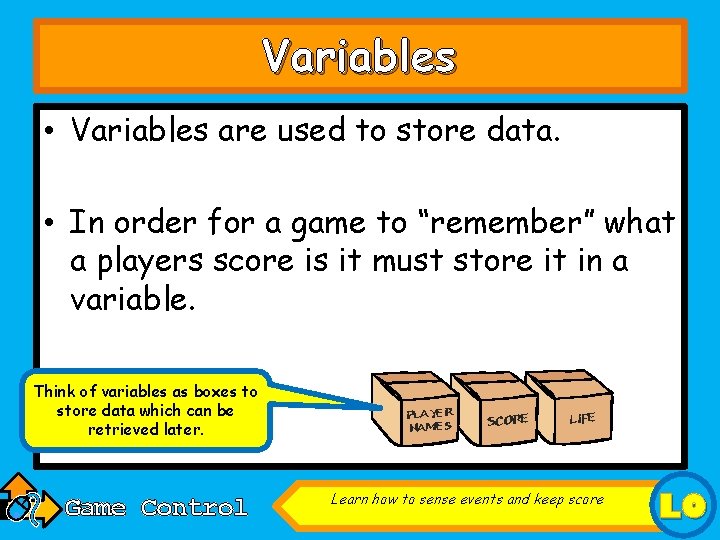
Variables • Variables are used to store data. • In order for a game to “remember” what a players score is it must store it in a variable. Think of variables as boxes to store data which can be retrieved later. Game Control PLAYER NAMES SCORE LIFE Learn how to sense events and keep score LO
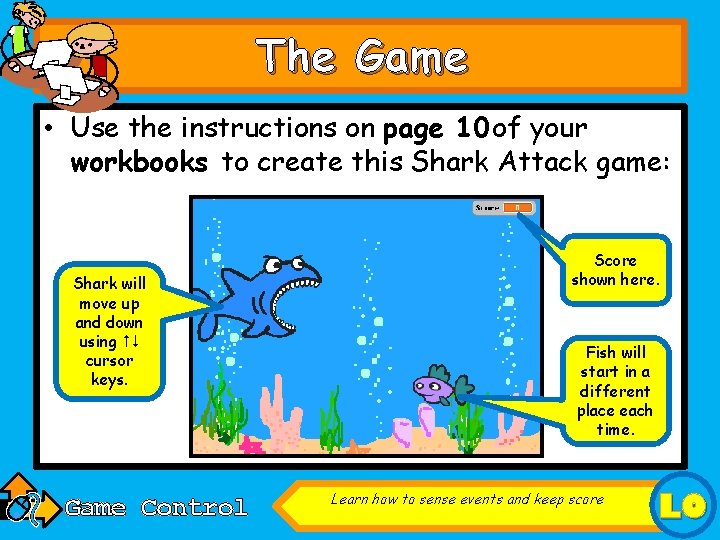
The Game • Use the instructions on page 10 of your workbooks to create this Shark Attack game: Shark will move up and down using cursor keys. Game Control Score shown here. Fish will start in a different place each time. Learn how to sense events and keep score LO
Extension Task • Make your game better by adding some more features: – Change the sharks costume so it closes it’s mouth to eat the fish. – Add a GAME OVER stage to be displayed if the fish doesn’t get eaten. Game Control Learn how to sense events and keep score LO
Learning Objective • “Learn how to sense events and keep score”. • Put or onto your Self Assessment page to show whether or not you have achieved today’s learning objective. Game Control 30 November 2020
What can you remember? • What do X and Y mean when talking about the position of a sprite? • What is a variable used for? • What does broadcast mean? Game Control Learn how to sense events and keep score LO
- Slides: 8