
Game Control Loopy Motion Control Learning Objective Learn
Game Control Loopy Motion Control
Learning Objective • “Learn how to control sprites and create a loop in Scratch”. • Write this Learning Objective onto Page 1 of your workbook. Game Control 20 May 2021
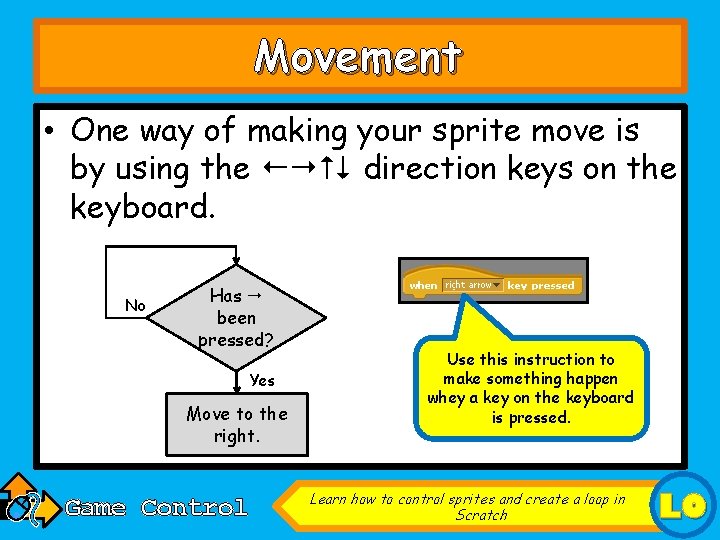
Movement • One way of making your sprite move is by using the direction keys on the keyboard. No Has been pressed? Yes Move to the right. Game Control Use this instruction to make something happen whey a key on the keyboard is pressed. Learn how to control sprites and create a loop in Scratch LO
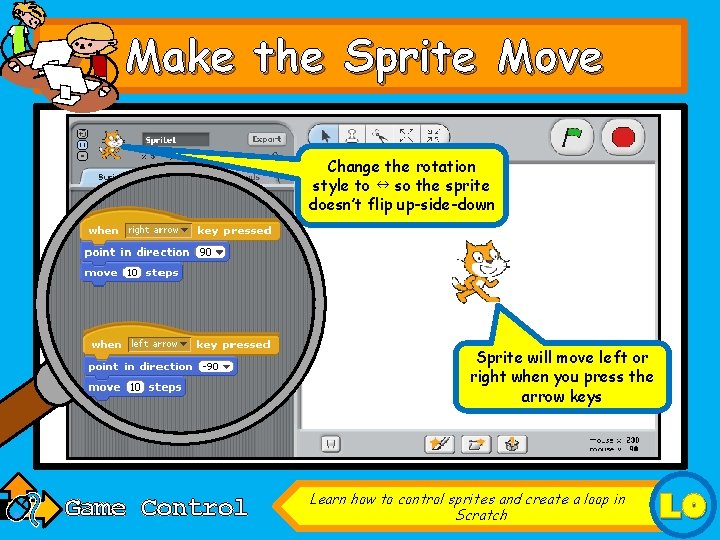
Make the Sprite Move Change the rotation style to so the sprite doesn’t flip up-side-down Sprite will move left or right when you press the arrow keys Game Control Learn how to control sprites and create a loop in Scratch LO
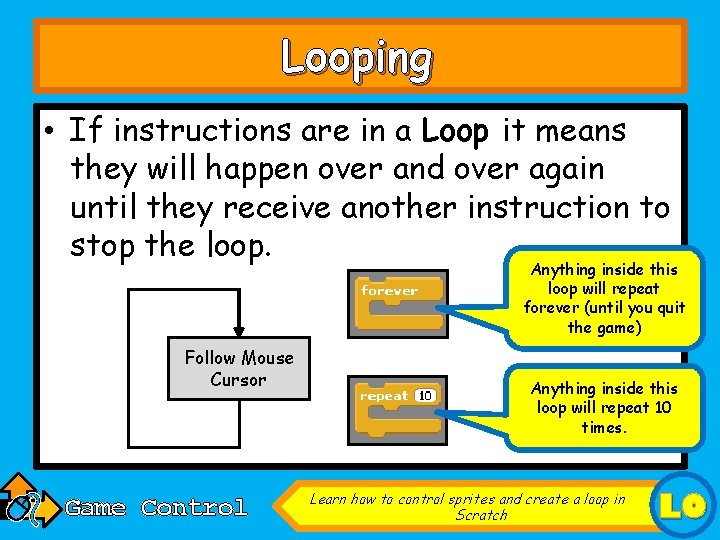
Looping • If instructions are in a Loop it means they will happen over and over again until they receive another instruction to stop the loop. Anything inside this loop will repeat forever (until you quit the game) Follow Mouse Cursor Game Control Anything inside this loop will repeat 10 times. Learn how to control sprites and create a loop in Scratch LO

Follow the mouse • Save the project you have just made. • Create a New scratch project. • Delete by right-clicking on it and selecting “Delete”. • Now choose a new sprite from file and find this one: Game Control Learn how to control sprites and create a loop in Scratch LO
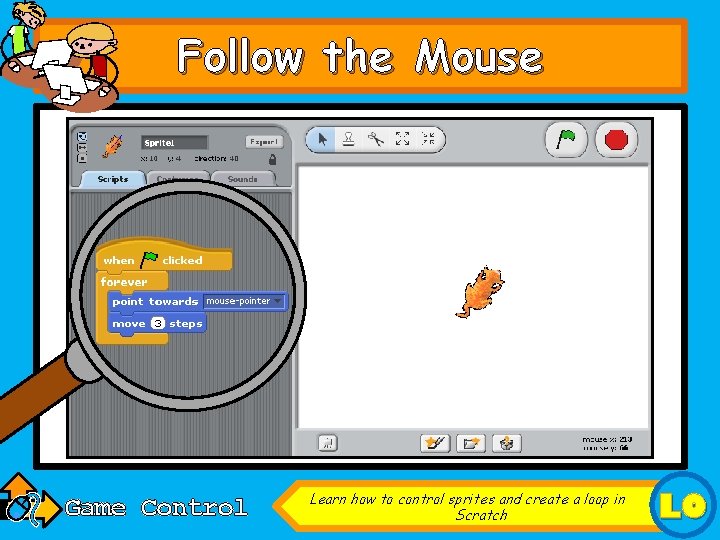
Follow the Mouse Game Control Learn how to control sprites and create a loop in Scratch LO
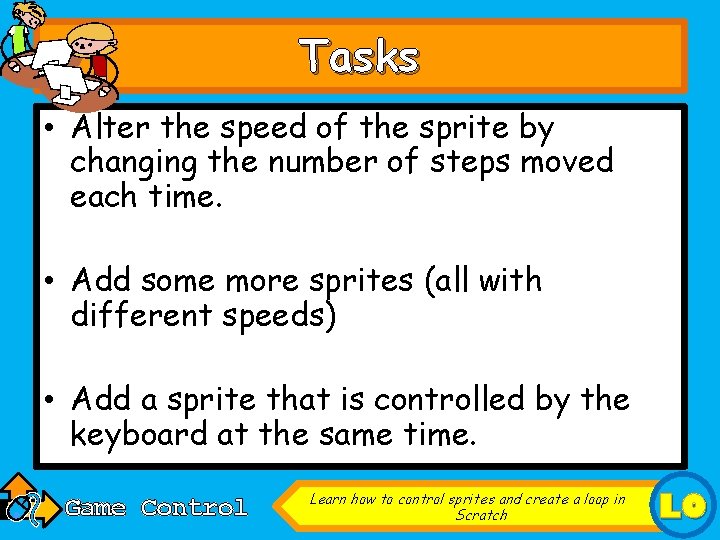
Tasks • Alter the speed of the sprite by changing the number of steps moved each time. • Add some more sprites (all with different speeds) • Add a sprite that is controlled by the keyboard at the same time. Game Control Learn how to control sprites and create a loop in Scratch LO
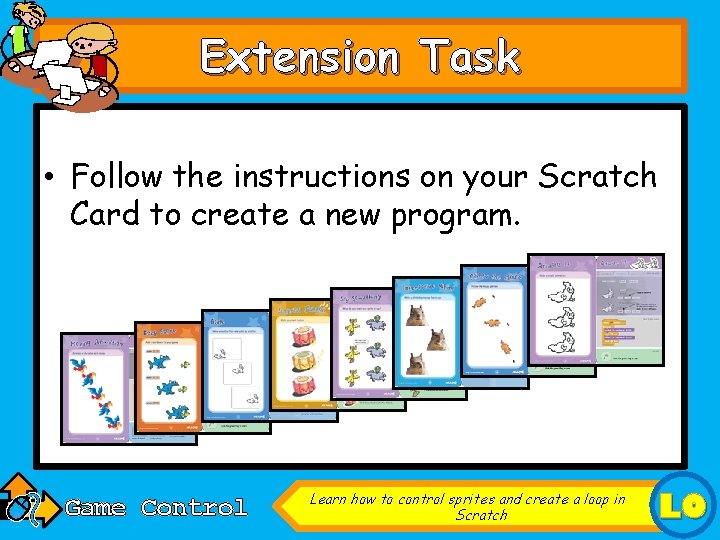
Extension Task • Follow the instructions on your Scratch Card to create a new program. Game Control Learn how to control sprites and create a loop in Scratch LO
Learning Objective • “Learn how to control sprites and create a loop in Scratch”. • Put or onto your Self Assessment page to show whether or not you have achieved today’s learning objective. Game Control 20 May 2021
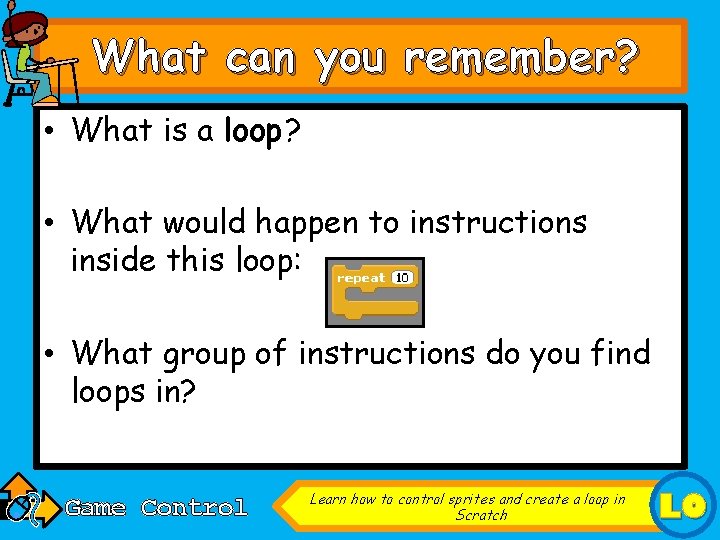
What can you remember? • What is a loop? • What would happen to instructions inside this loop: • What group of instructions do you find loops in? Game Control Learn how to control sprites and create a loop in Scratch LO
- Slides: 11