
Game Art Sound Sound Midi files Musical Instrument
- Slides: 7
Game Art & Sound
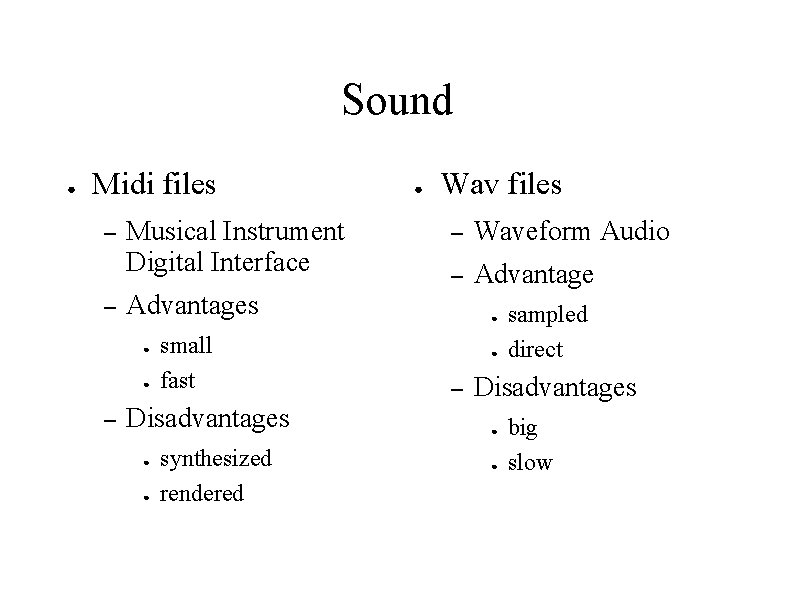
Sound ● Midi files – – Musical Instrument Digital Interface Wav files – Waveform Audio – Advantages ● ● – ● small fast Disadvantages ● ● synthesized rendered ● ● – sampled direct Disadvantages ● ● big slow
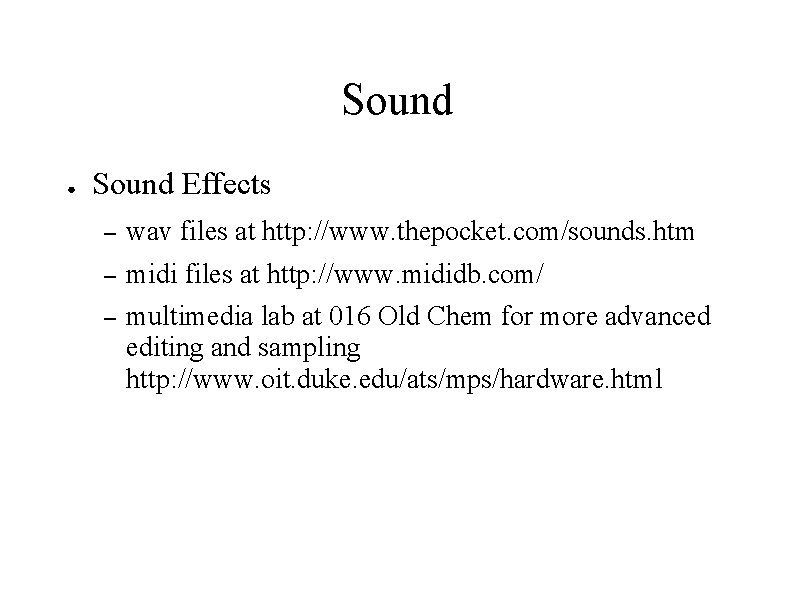
Sound ● Sound Effects – wav files at http: //www. thepocket. com/sounds. htm – midi files at http: //www. mididb. com/ – multimedia lab at 016 Old Chem for more advanced editing and sampling http: //www. oit. duke. edu/ats/mps/hardware. html
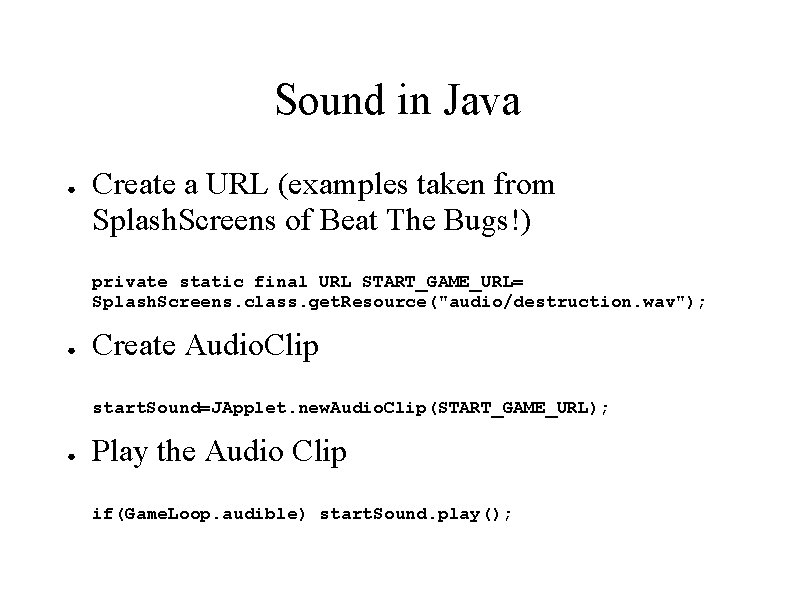
Sound in Java ● Create a URL (examples taken from Splash. Screens of Beat The Bugs!) private static final URL START_GAME_URL= Splash. Screens. class. get. Resource("audio/destruction. wav"); ● Create Audio. Clip start. Sound=JApplet. new. Audio. Clip(START_GAME_URL); ● Play the Audio Clip if(Game. Loop. audible) start. Sound. play();
Sound in Java ● ● Create only as many Audio. Clips as you'd like to play at once. Replay rather than recreate Audio. Clips. Use the loop methods of Audio. Clip to repeat a clip continously, and stop to terminate the playing clip. Be sure to check Game. Loop. audible Use the get. Resource method in order to generate the URL. This will make sound (images) work on your applet by loading the files from the jar.
Game Art ● ● ● Use Paint or a similar application to draw your own images. Extend Sprite and make a custom shape for fast sprites (Image. Sprites take longer). Transparency makes Image. Sprites really come alive. – Crop out portions of the image to be transparent by ● ● ● painting a uniform color on what is to become transparent save the image as a gif use Trans. Web http: //www. mit. edu/transweb. html
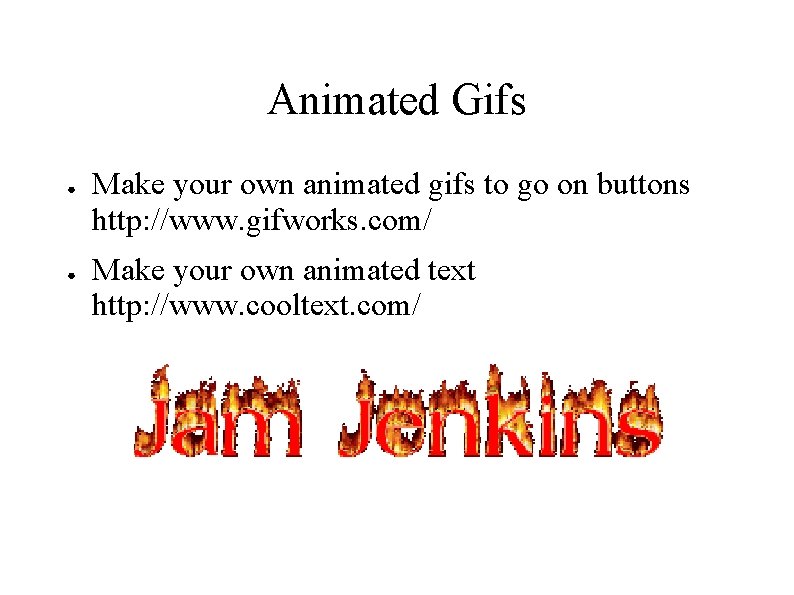
Animated Gifs ● ● Make your own animated gifs to go on buttons http: //www. gifworks. com/ Make your own animated text http: //www. cooltext. com/