
G 53 OPS Operating Systems Graham Kendall File



- Slides: 37
G 53 OPS Operating Systems Graham Kendall File Systems
G 53 OPS File Systems Why Use Files? • It allows data to be stored between processes • It allows us to store large volumes of data • Allows more than one process to access the data at the same time
G 53 OPS File Systems File Naming - 1 • Different operating systems have different file naming conventions • MS-DOS only allows an eight character filename (and a three character extension) • This limitation also applies to Windows 3. 1
G 53 OPS File Systems File Naming - 2 • Windows 95 and Windows NT allow filenames up to 255 characters (although the full path name is only allowed to be a maximum of 260 characters).
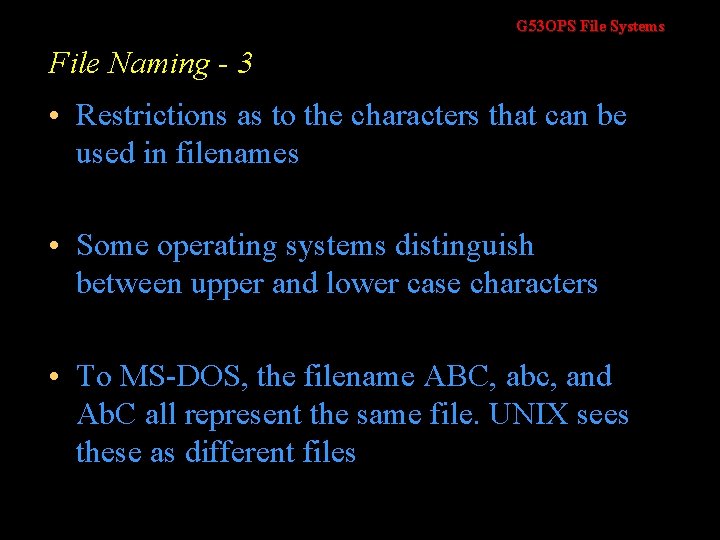
G 53 OPS File Systems File Naming - 3 • Restrictions as to the characters that can be used in filenames • Some operating systems distinguish between upper and lower case characters • To MS-DOS, the filename ABC, abc, and Ab. C all represent the same file. UNIX sees these as different files
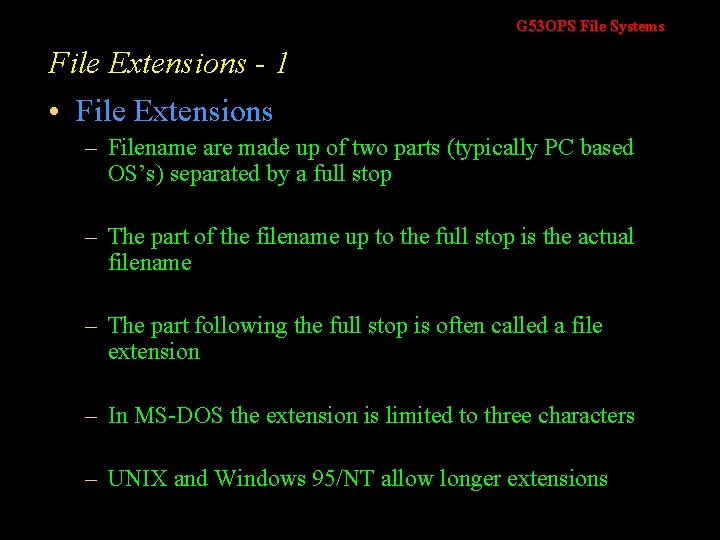
G 53 OPS File Systems File Extensions - 1 • File Extensions – Filename are made up of two parts (typically PC based OS’s) separated by a full stop – The part of the filename up to the full stop is the actual filename – The part following the full stop is often called a file extension – In MS-DOS the extension is limited to three characters – UNIX and Windows 95/NT allow longer extensions
G 53 OPS File Systems File Extensions - 2 • File Extensions – Used to tell the operating system what type of data the file contains – It associates the file with a certain application – Using tools provided with the operating system the user is able to change the file associations – UNIX allows a file to have more than one extension associated with it
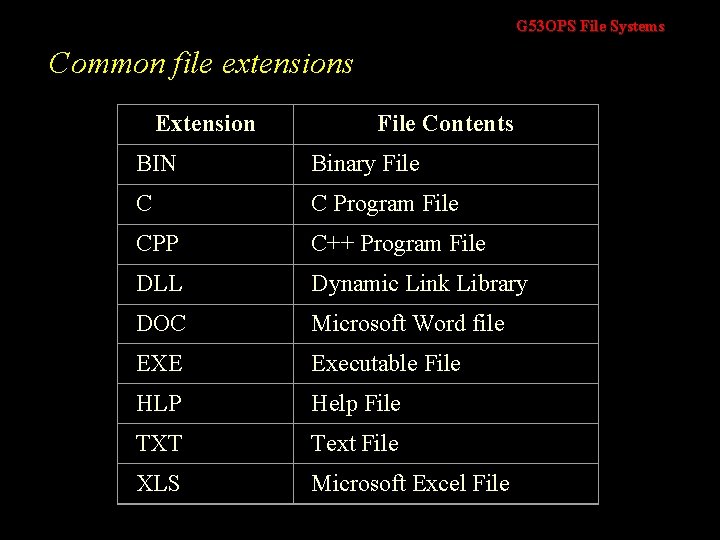
G 53 OPS File Systems Common file extensions Extension File Contents BIN Binary File C C Program File CPP C++ Program File DLL Dynamic Link Library DOC Microsoft Word file EXE Executable File HLP Help File TXT Text File XLS Microsoft Excel File
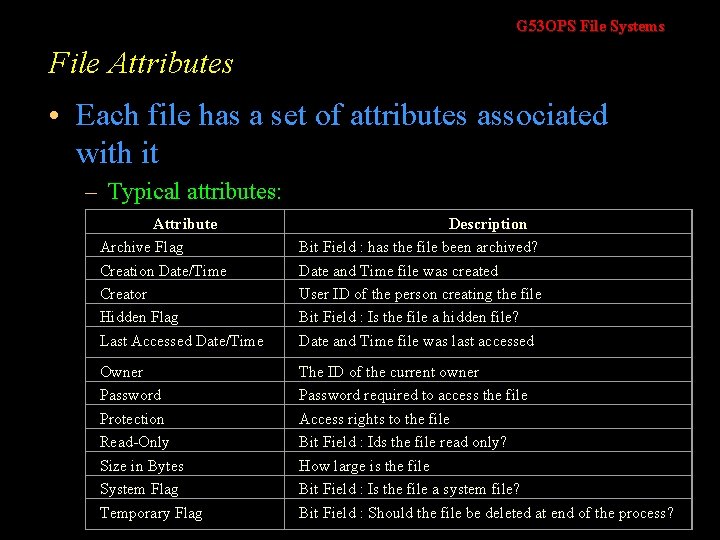
G 53 OPS File Systems File Attributes • Each file has a set of attributes associated with it – Typical attributes: Attribute Archive Flag Creation Date/Time Creator Hidden Flag Last Accessed Date/Time Description Bit Field : has the file been archived? Date and Time file was created User ID of the person creating the file Bit Field : Is the file a hidden file? Date and Time file was last accessed Owner Password Protection Read-Only Size in Bytes System Flag Temporary Flag The ID of the current owner Password required to access the file Access rights to the file Bit Field : Ids the file read only? How large is the file Bit Field : Is the file a system file? Bit Field : Should the file be deleted at end of the process?
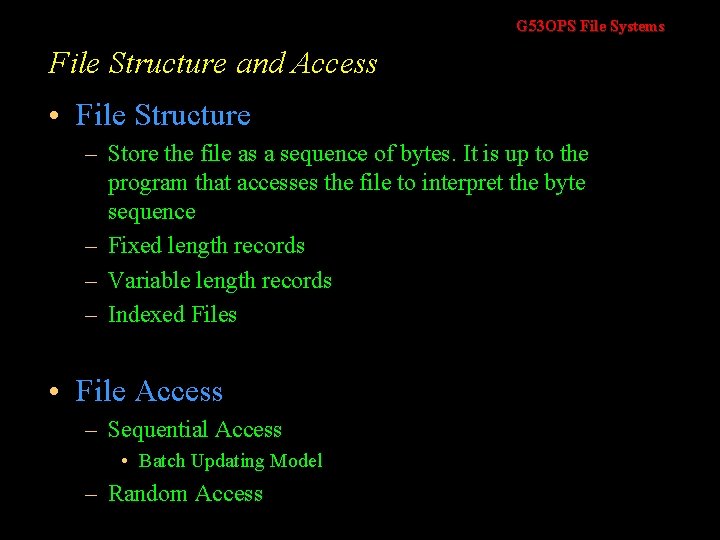
G 53 OPS File Systems File Structure and Access • File Structure – Store the file as a sequence of bytes. It is up to the program that accesses the file to interpret the byte sequence – Fixed length records – Variable length records – Indexed Files • File Access – Sequential Access • Batch Updating Model – Random Access
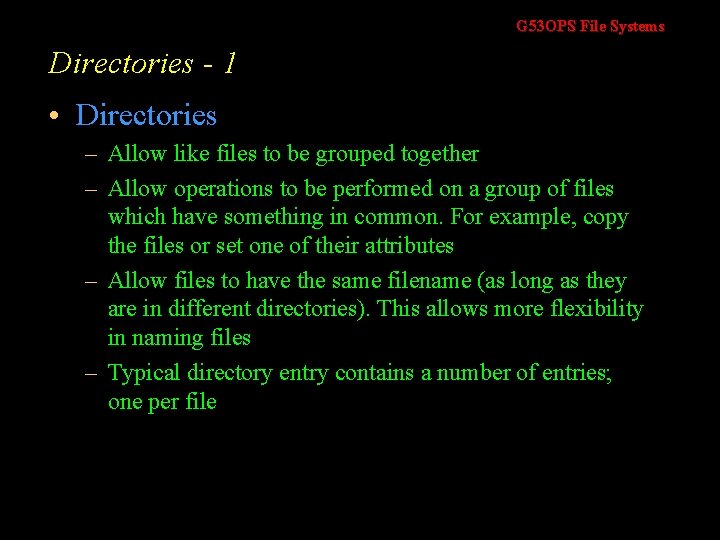
G 53 OPS File Systems Directories - 1 • Directories – Allow like files to be grouped together – Allow operations to be performed on a group of files which have something in common. For example, copy the files or set one of their attributes – Allow files to have the same filename (as long as they are in different directories). This allows more flexibility in naming files – Typical directory entry contains a number of entries; one per file
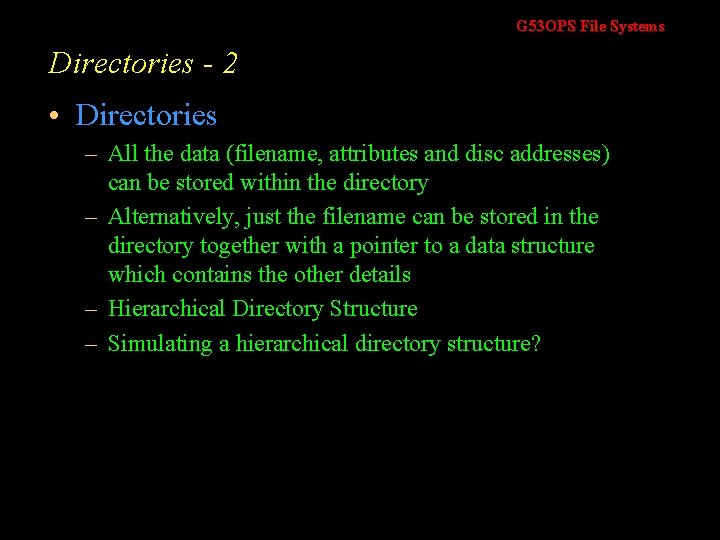
G 53 OPS File Systems Directories - 2 • Directories – All the data (filename, attributes and disc addresses) can be stored within the directory – Alternatively, just the filename can be stored in the directory together with a pointer to a data structure which contains the other details – Hierarchical Directory Structure – Simulating a hierarchical directory structure?
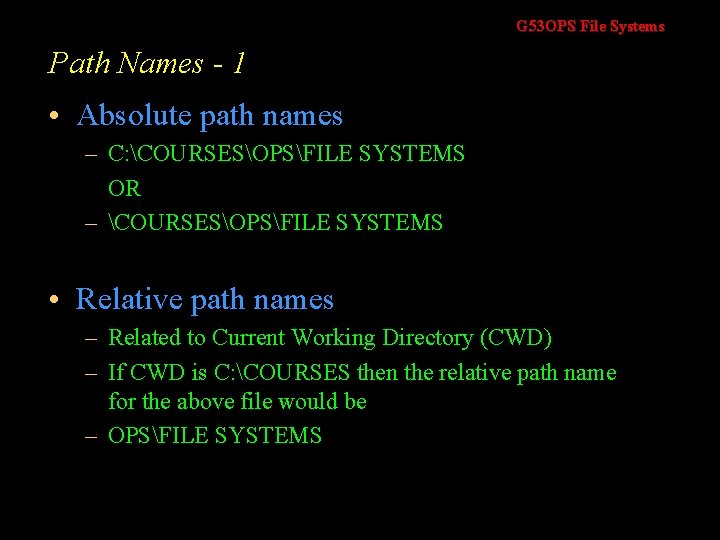
G 53 OPS File Systems Path Names - 1 • Absolute path names – C: COURSESOPSFILE SYSTEMS OR – COURSESOPSFILE SYSTEMS • Relative path names – Related to Current Working Directory (CWD) – If CWD is C: COURSES then the relative path name for the above file would be – OPSFILE SYSTEMS
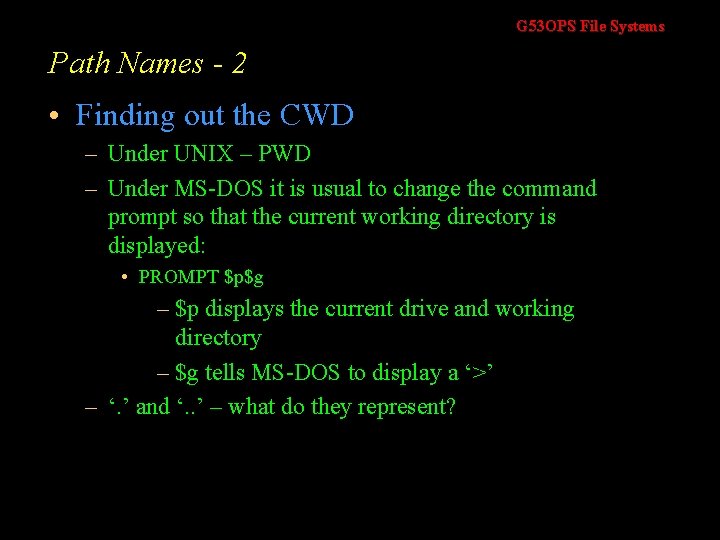
G 53 OPS File Systems Path Names - 2 • Finding out the CWD – Under UNIX – PWD – Under MS-DOS it is usual to change the command prompt so that the current working directory is displayed: • PROMPT $p$g – $p displays the current drive and working directory – $g tells MS-DOS to display a ‘>’ – ‘. ’ and ‘. . ’ – what do they represent?
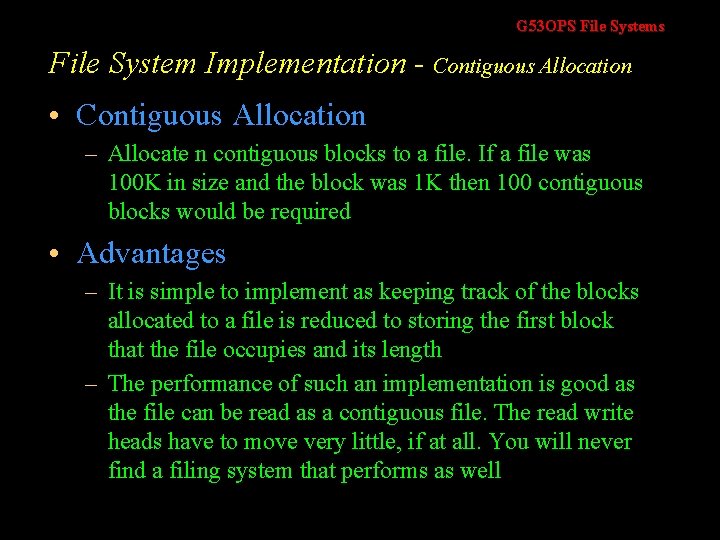
G 53 OPS File Systems File System Implementation - Contiguous Allocation • Contiguous Allocation – Allocate n contiguous blocks to a file. If a file was 100 K in size and the block was 1 K then 100 contiguous blocks would be required • Advantages – It is simple to implement as keeping track of the blocks allocated to a file is reduced to storing the first block that the file occupies and its length – The performance of such an implementation is good as the file can be read as a contiguous file. The read write heads have to move very little, if at all. You will never find a filing system that performs as well
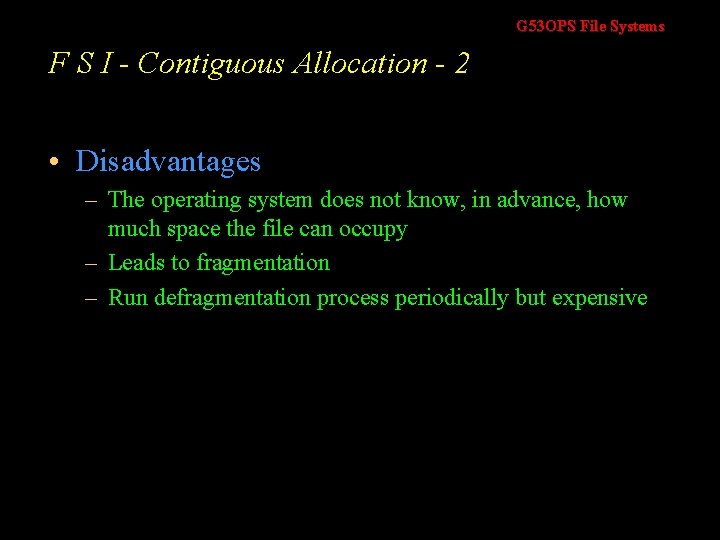
G 53 OPS File Systems F S I - Contiguous Allocation - 2 • Disadvantages – The operating system does not know, in advance, how much space the file can occupy – Leads to fragmentation – Run defragmentation process periodically but expensive
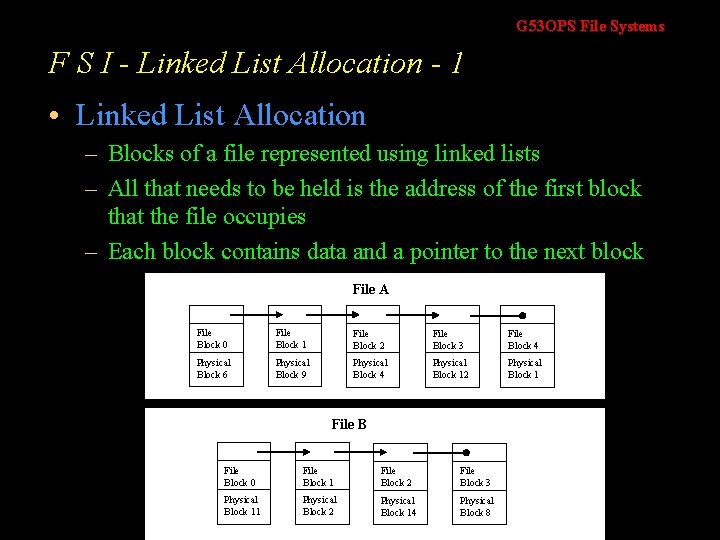
G 53 OPS File Systems F S I - Linked List Allocation - 1 • Linked List Allocation – Blocks of a file represented using linked lists – All that needs to be held is the address of the first block that the file occupies – Each block contains data and a pointer to the next block File A File Block 0 File Block 1 File Block 2 File Block 3 File Block 4 Physical Block 6 Physical Block 9 Physical Block 4 Physical Block 12 Physical Block 1 File Block 0 File Block 1 File Block 2 File Block 3 Physical Block 11 Physical Block 2 Physical Block 14 Physical Block 8
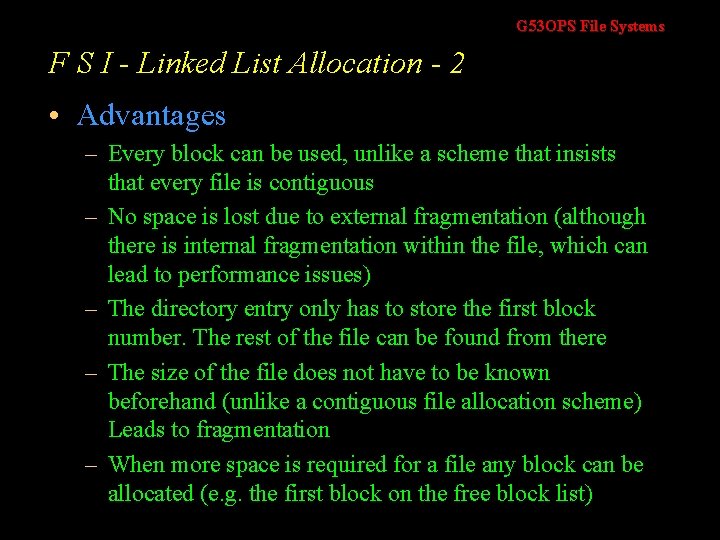
G 53 OPS File Systems F S I - Linked List Allocation - 2 • Advantages – Every block can be used, unlike a scheme that insists that every file is contiguous – No space is lost due to external fragmentation (although there is internal fragmentation within the file, which can lead to performance issues) – The directory entry only has to store the first block number. The rest of the file can be found from there – The size of the file does not have to be known beforehand (unlike a contiguous file allocation scheme) Leads to fragmentation – When more space is required for a file any block can be allocated (e. g. the first block on the free block list)
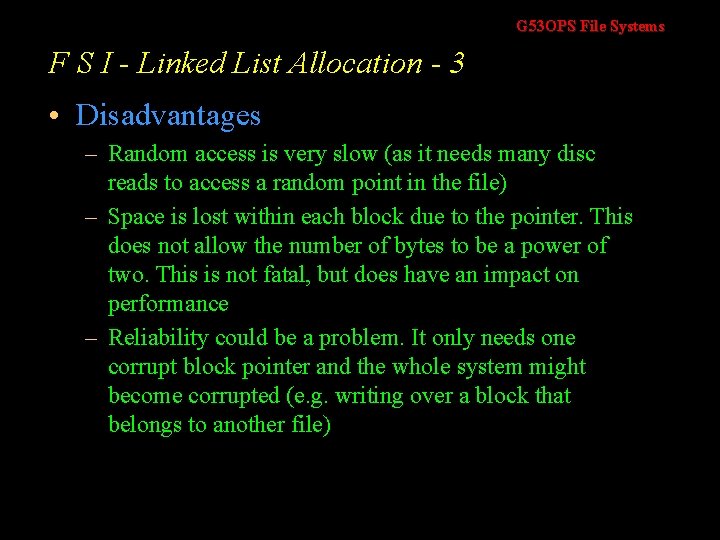
G 53 OPS File Systems F S I - Linked List Allocation - 3 • Disadvantages – Random access is very slow (as it needs many disc reads to access a random point in the file) – Space is lost within each block due to the pointer. This does not allow the number of bytes to be a power of two. This is not fatal, but does have an impact on performance – Reliability could be a problem. It only needs one corrupt block pointer and the whole system might become corrupted (e. g. writing over a block that belongs to another file)
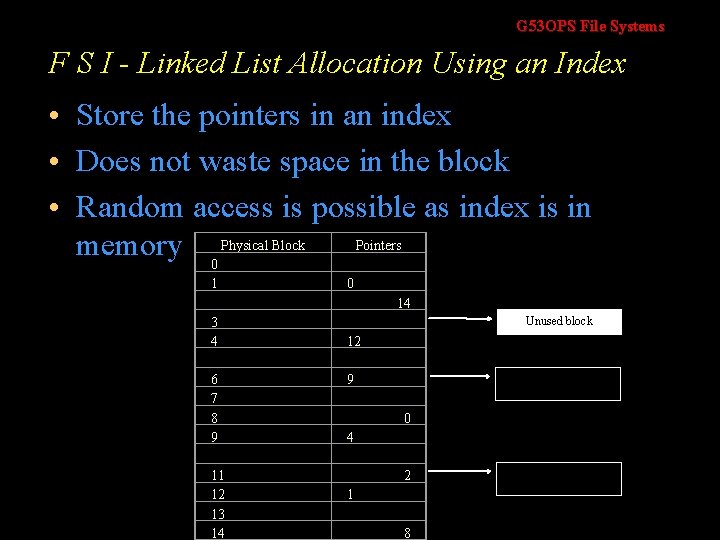
G 53 OPS File Systems F S I - Linked List Allocation Using an Index • Store the pointers in an index • Does not waste space in the block • Random access is possible as index is in Pointers memory 0 Physical Block 1 3 4 0 14 Unused block 12 6 7 8 9 11 12 13 14 9 File A starts here 0 4 2 1 8 File B starts here
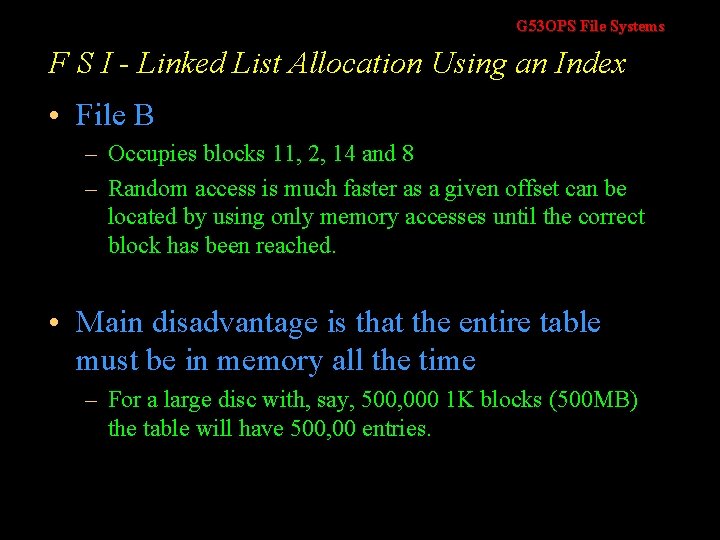
G 53 OPS File Systems F S I - Linked List Allocation Using an Index • File B – Occupies blocks 11, 2, 14 and 8 – Random access is much faster as a given offset can be located by using only memory accesses until the correct block has been reached. • Main disadvantage is that the entire table must be in memory all the time – For a large disc with, say, 500, 000 1 K blocks (500 MB) the table will have 500, 00 entries.
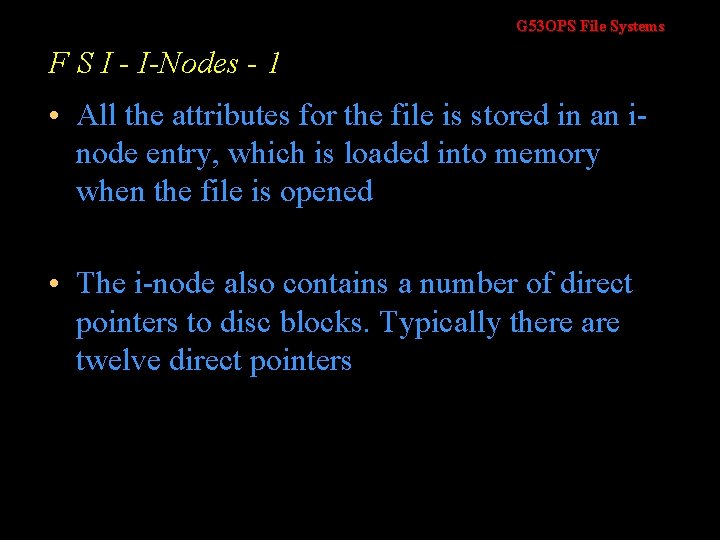
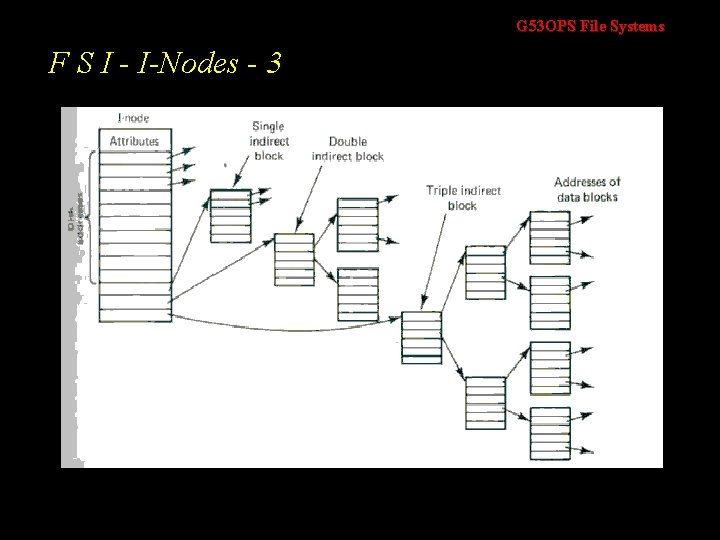
G 53 OPS File Systems F S I - I-Nodes - 1 • All the attributes for the file is stored in an inode entry, which is loaded into memory when the file is opened • The i-node also contains a number of direct pointers to disc blocks. Typically there are twelve direct pointers
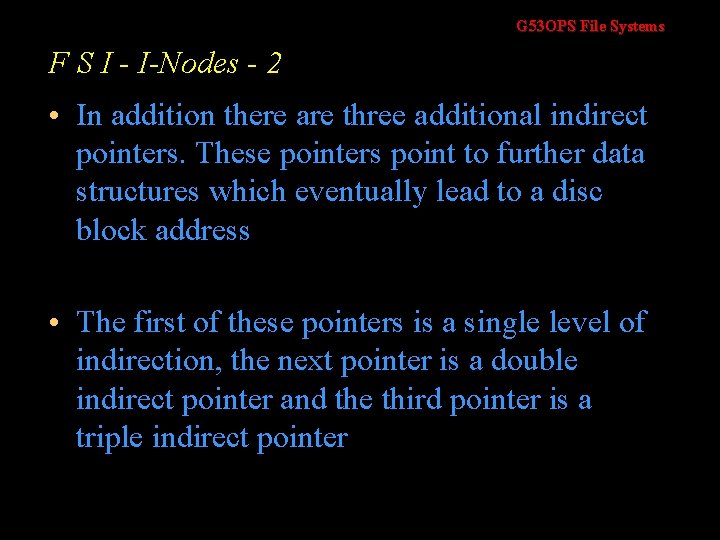
G 53 OPS File Systems F S I - I-Nodes - 2 • In addition there are three additional indirect pointers. These pointers point to further data structures which eventually lead to a disc block address • The first of these pointers is a single level of indirection, the next pointer is a double indirect pointer and the third pointer is a triple indirect pointer
G 53 OPS File Systems F S I - I-Nodes - 3
G 53 OPS File Systems F S I - Implementing Directories - 1 • The ASCII path name is used to locate the correct directory entry • The directory entry contains all the information needed • Example – For a contiguous allocation scheme the directory entry will contain the first disc block. The same is true for linked list allocations – For an i-node implementation the directory entry contains the i-node number
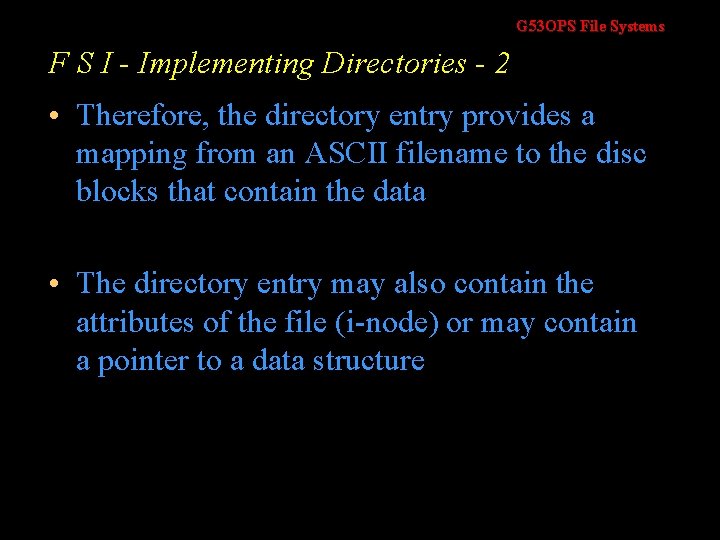
G 53 OPS File Systems F S I - Implementing Directories - 2 • Therefore, the directory entry provides a mapping from an ASCII filename to the disc blocks that contain the data • The directory entry may also contain the attributes of the file (i-node) or may contain a pointer to a data structure
G 53 OPS File Systems F S I - Implementing Directories - 3 • MS-DOS – Under MS-DOS a directory entry is 32 bytes long. It is split as follows Bytes 8 Filen ame 3 1 Extension Attributes 10 2 Reser ved Time Date 2 2 4 First Block Number Size
G 53 OPS File Systems F S I - Implementing Directories - 4 • UNIX – A typical UNIX system directory entry just contains an i-node number and a filename. Unlike MS-DOS, all its attributes are stored in the i-node so there is no need to hold this information in the directory entry Bytes 2 i-node number 14 Filename • How is an i-node located from its number? – All the i-nodes have a fixed location on the disc so locating and i-node is a very simple (and fast) function.
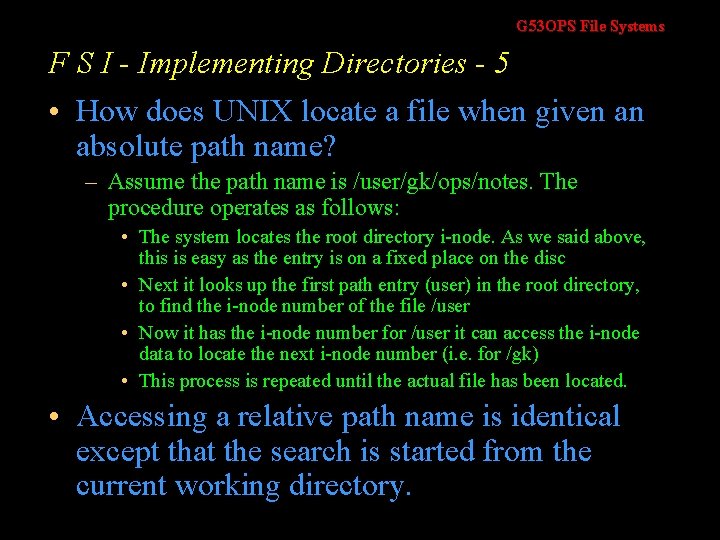
G 53 OPS File Systems F S I - Implementing Directories - 5 • How does UNIX locate a file when given an absolute path name? – Assume the path name is /user/gk/ops/notes. The procedure operates as follows: • The system locates the root directory i-node. As we said above, this is easy as the entry is on a fixed place on the disc • Next it looks up the first path entry (user) in the root directory, to find the i-node number of the file /user • Now it has the i-node number for /user it can access the i-node data to locate the next i-node number (i. e. for /gk) • This process is repeated until the actual file has been located. • Accessing a relative path name is identical except that the search is started from the current working directory.
G 53 OPS File Systems Disk Space Management - Block Size • Whatever block size we choose then every file must occupy this amount of space as a minimum • If we choose a large allocation unit, such as a cylinder then even a 1 K file will occupy a cylinder • Choosing a small allocation size (of say 1 K) means that files will occupy many blocks which results in more time accessing the file as more blocks have to be located and accessed • There is a compromise between a block size, fast access and wasted space. The usual compromise is to use a block size of 512 bytes, 1 K bytes or 2 K bytes
G 53 OPS File Systems D S M - Tracking Free Blocks - Linked List • Some of the free blocks (which are no longer be free!) hold disc block numbers that are free • The blocks that contain the free block numbers are linked together so we end up with a linked list of free blocks
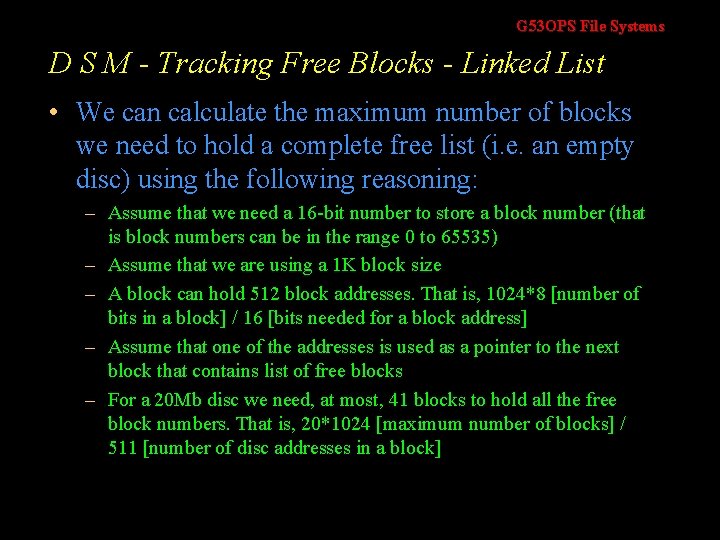
G 53 OPS File Systems D S M - Tracking Free Blocks - Linked List • We can calculate the maximum number of blocks we need to hold a complete free list (i. e. an empty disc) using the following reasoning: – Assume that we need a 16 -bit number to store a block number (that is block numbers can be in the range 0 to 65535) – Assume that we are using a 1 K block size – A block can hold 512 block addresses. That is, 1024*8 [number of bits in a block] / 16 [bits needed for a block address] – Assume that one of the addresses is used as a pointer to the next block that contains list of free blocks – For a 20 Mb disc we need, at most, 41 blocks to hold all the free block numbers. That is, 20*1024 [maximum number of blocks] / 511 [number of disc addresses in a block]
G 53 OPS File Systems D S M - Tracking Free Blocks – Bit Map • A bit map is used to keep track of the free blocks – That is, there is a bit for each block on the disc – If the bit is 1 then the block is free. If the bit is zero, the block is in use – To put it another way, a disc with n blocks requires a bit map with n entries • The directory entry may also contain the attributes of the file (i-node) or may contain a pointer to a data structure
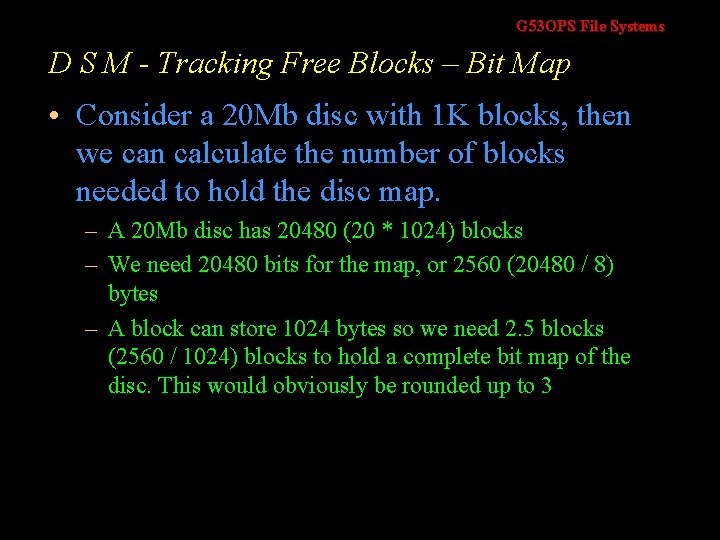
G 53 OPS File Systems D S M - Tracking Free Blocks – Bit Map • Consider a 20 Mb disc with 1 K blocks, then we can calculate the number of blocks needed to hold the disc map. – A 20 Mb disc has 20480 (20 * 1024) blocks – We need 20480 bits for the map, or 2560 (20480 / 8) bytes – A block can store 1024 bytes so we need 2. 5 blocks (2560 / 1024) blocks to hold a complete bit map of the disc. This would obviously be rounded up to 3
G 53 OPS File Systems D S M - Tracking Free Blocks – Comparison • Generally, bit maps requires a lesser number of blocks than a linked list • Only when the disc is nearly full does the linked list implementation need fewer blocks • Spreadsheet available
G 53 OPS File Systems F S I - Implementing Directories - 2 • Advantage of Linked List Over Bit Map – When only a small amount of memory can be given over to keeping track of free blocks – Assume, the operating system can only allow one block to be held in memory and that the disc is nearly full – Using a bit map scheme, there is a good chance that the free block list will indicate that every block is being used – This means a disc access must be done in order to get the next part of the bit map – With a linked list scheme, once a block containing pointers of free blocks has been brought into memory then we will be able to allocate 511 blocks before doing another disc access.
G 53 OPS Operating Systems Graham Kendall End of File Systems