
Fundamental Programming Testing Fundamental Programming 310201 1 Review
- Slides: 58
Fundamental Programming Testing Fundamental Programming 310201 1
Review · our goal : we aim to develop simple designs that work, and that do what users want · programmers spend 75% of the time maintaining existing programs · in lectures, we’ve mentioned a number of principles and practices that can help us to achieve this goal… Fundamental Programming 310201 2
Design Principles · design principles introduced in lectures: · keep it simple · take care when selecting variable names · use comments to describe your designs · use sub-programs to simplify a design · test logic using tracing and walkthroughs · produce test cases while developing designs · validate user input Fundamental Programming 310201 3
Good Coding Practices · some good coding practices introduced: · declare each variable on a new line · initialise variables · indent if-blocks, else-blocks and while-blocks · align braces · use comments to explain logic · use test cases to verify the program’s logic · using tracing and walkthroughs to find bugs Fundamental Programming 310201 4
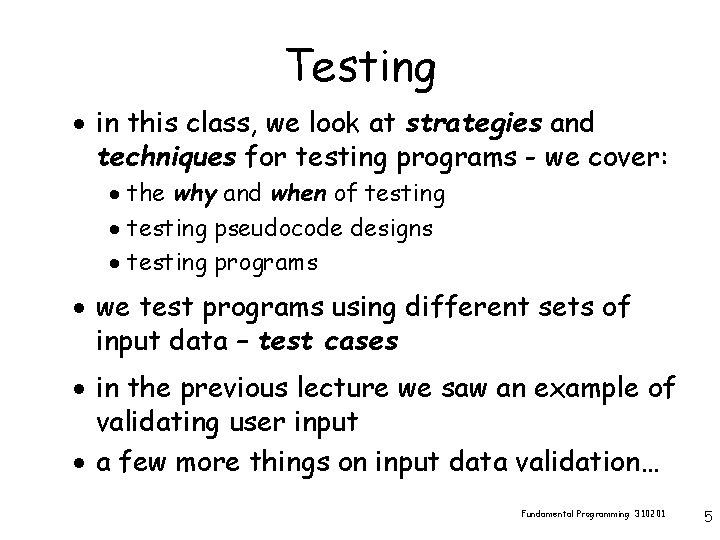
Testing · in this class, we look at strategies and techniques for testing programs - we cover: · the why and when of testing · testing pseudocode designs · testing programs · we test programs using different sets of input data – test cases · in the previous lecture we saw an example of validating user input · a few more things on input data validation… Fundamental Programming 310201 5
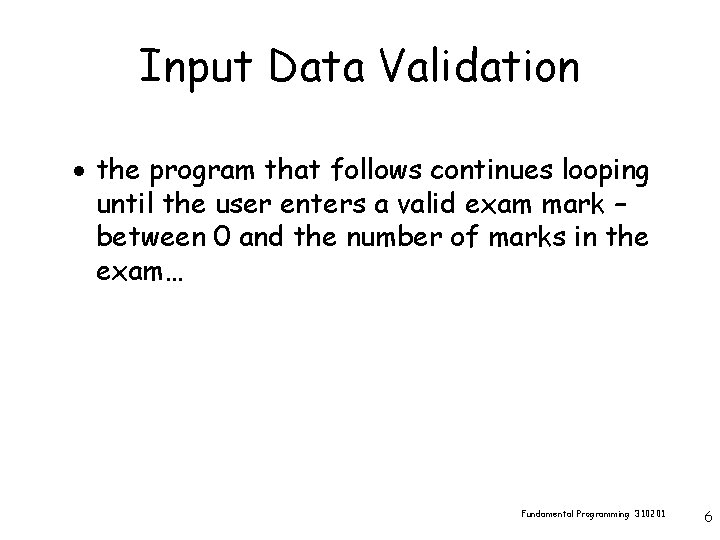
Input Data Validation · the program that follows continues looping until the user enters a valid exam mark – between 0 and the number of marks in the exam… Fundamental Programming 310201 6
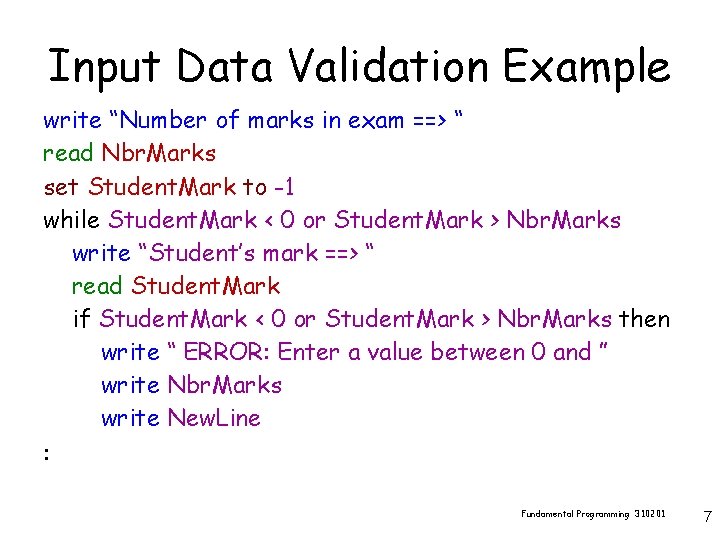
Input Data Validation Example write “Number of marks in exam ==> “ read Nbr. Marks set Student. Mark to -1 while Student. Mark < 0 or Student. Mark > Nbr. Marks write “Student’s mark ==> “ read Student. Mark if Student. Mark < 0 or Student. Mark > Nbr. Marks then write “ ERROR: Enter a value between 0 and ” write Nbr. Marks write New. Line : Fundamental Programming 310201 7
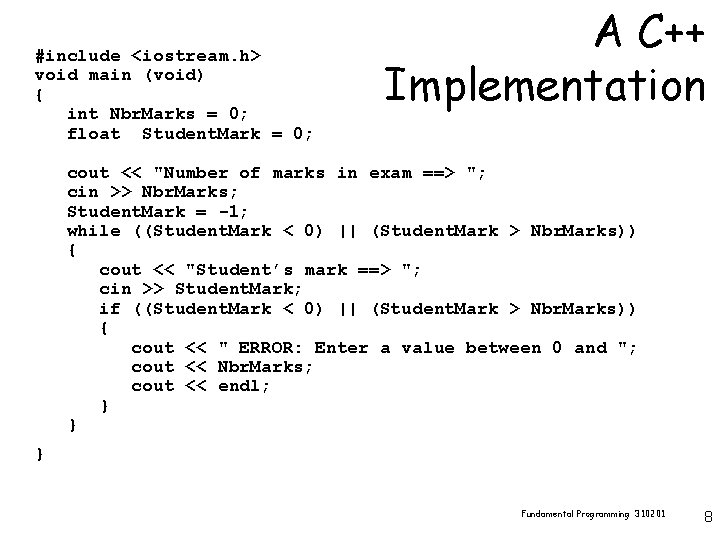
#include <iostream. h> void main (void) { int Nbr. Marks = 0; float Student. Mark = 0; A C++ Implementation cout << "Number of marks in exam ==> "; cin >> Nbr. Marks; Student. Mark = -1; while ((Student. Mark < 0) || (Student. Mark > Nbr. Marks)) { cout << "Student’s mark ==> "; cin >> Student. Mark; if ((Student. Mark < 0) || (Student. Mark > Nbr. Marks)) { cout << " ERROR: Enter a value between 0 and "; cout << Nbr. Marks; cout << endl; } } } Fundamental Programming 310201 8
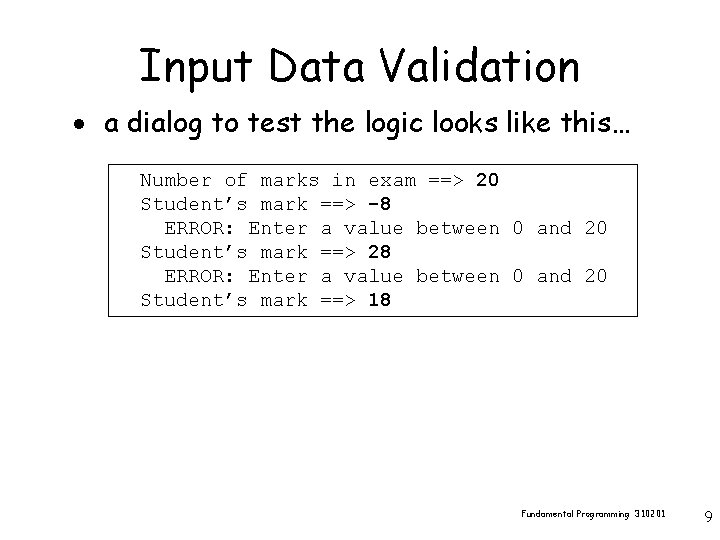
Input Data Validation · a dialog to test the logic looks like this… Number of marks in exam ==> 20 Student’s mark ==> -8 ERROR: Enter a value between 0 and 20 Student’s mark ==> 28 ERROR: Enter a value between 0 and 20 Student’s mark ==> 18 Fundamental Programming 310201 9
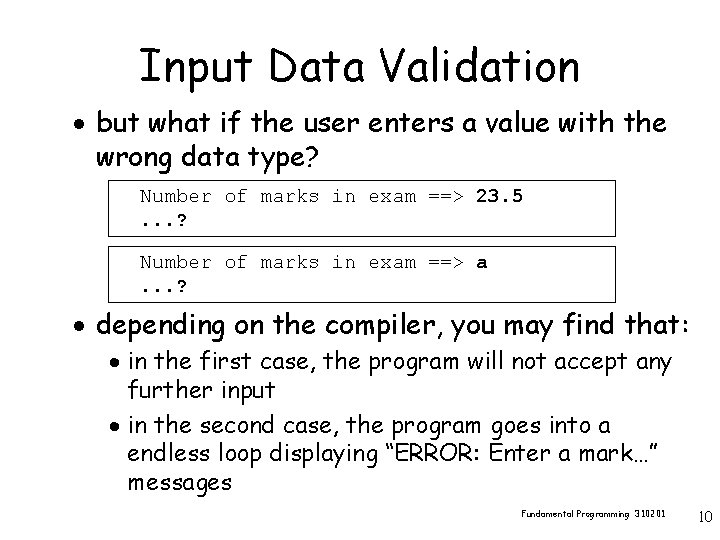
Input Data Validation · but what if the user enters a value with the wrong data type? Number of marks in exam ==> 23. 5. . . ? Number of marks in exam ==> a. . . ? · depending on the compiler, you may find that: · in the first case, the program will not accept any further input · in the second case, the program goes into a endless loop displaying “ERROR: Enter a mark…” messages Fundamental Programming 310201 10
Input Data Validation · it is possible to add code to guard against the user entering the wrong data type · this is a technical issue that is of no interest in this course · in this course, we will always assume that the user enters a value of the required type · do not waste time trying to develop code that will handle incorrect data types · all of the testing performed in this course will involve values of the correct type Fundamental Programming 310201 11
Why Test Designs? · on some systems (collections of inter-related programs), up to 50% of the development costs are spent on testing the system - why? · the reliability of some systems can be a matter of life-and-death - examples: space systems, military systems, medical systems · reliability of commercial and administrative systems can be costly in terms of: direct loss (incorrect invoicing), development costs, system acceptance, legal fees, damaged reputation…etc Fundamental Programming 310201 12
When To Test Designs? · it is a mistake to leave testing to last · testing is a cultural thing - one needs to be committed to building reliable programs · we can: · test design specifications · test pseudocode designs · test programs · test documentation · in this course, we are mainly concerned with testing pseudocode designs and programs Fundamental Programming 310201 13
Testing Pseudocode Designs · we test that a design can deal with the full range of cases it is expected to handle · a test case consists of a set of data inputs · test cases most likely to expose errors in the design tend to lie at the edge of the range of possible input values Fundamental Programming 310201 14
Tracing For Logic Errors · in the handout for this lecture you will find a pseudocode design for a program to to obtain the lowest & highest mark in a set of marks · this design has logic errors - one is reasonable easy to find - one is more subtle · trace the logic in the design – see if you can find the logic errors in five minutes Fundamental Programming 310201 15
Activity Break Fundamental Programming 310201 16
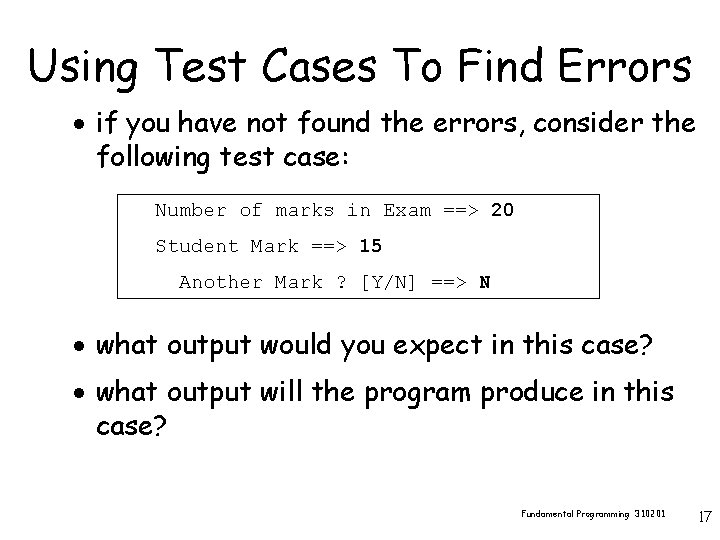
Using Test Cases To Find Errors · if you have not found the errors, consider the following test case: Number of marks in Exam ==> 20 Student Mark ==> 15 Another Mark ? [Y/N] ==> N · what output would you expect in this case? · what output will the program produce in this case? Fundamental Programming 310201 17
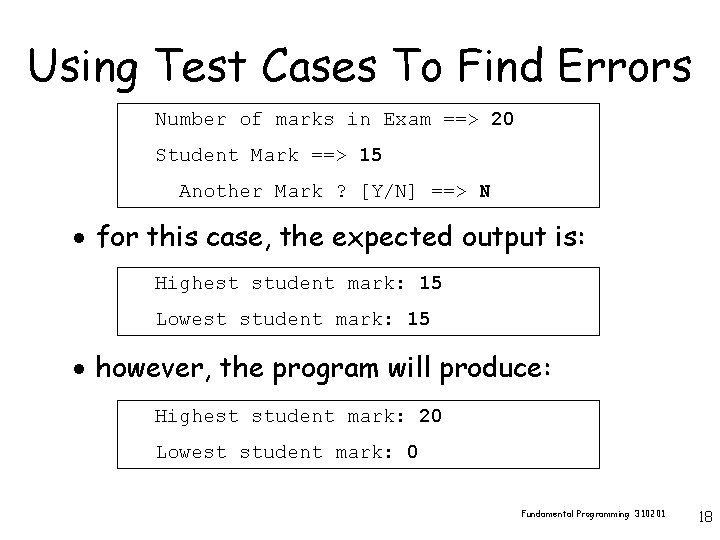
Using Test Cases To Find Errors Number of marks in Exam ==> 20 Student Mark ==> 15 Another Mark ? [Y/N] ==> N · for this case, the expected output is: Highest student mark: 15 Lowest student mark: 15 · however, the program will produce: Highest student mark: 20 Lowest student mark: 0 Fundamental Programming 310201 18
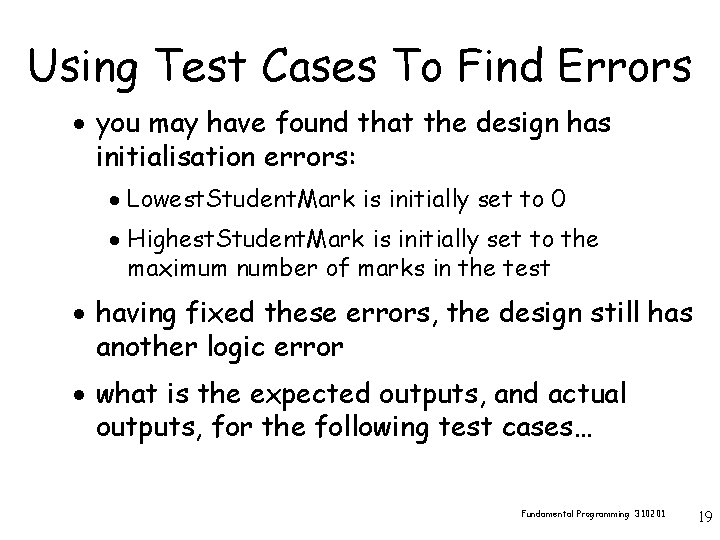
Using Test Cases To Find Errors · you may have found that the design has initialisation errors: · Lowest. Student. Mark is initially set to 0 · Highest. Student. Mark is initially set to the maximum number of marks in the test · having fixed these errors, the design still has another logic error · what is the expected outputs, and actual outputs, for the following test cases… Fundamental Programming 310201 19
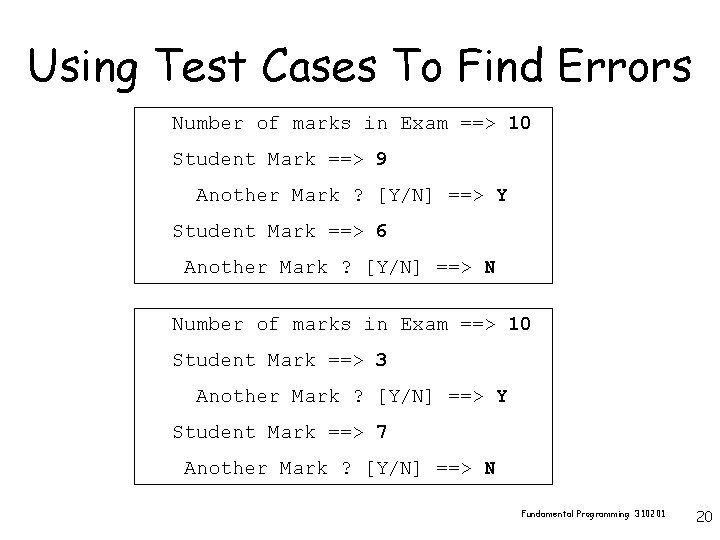
Using Test Cases To Find Errors Number of marks in Exam ==> 10 Student Mark ==> 9 Another Mark ? [Y/N] ==> Y Student Mark ==> 6 Another Mark ? [Y/N] ==> N Number of marks in Exam ==> 10 Student Mark ==> 3 Another Mark ? [Y/N] ==> Y Student Mark ==> 7 Another Mark ? [Y/N] ==> N Fundamental Programming 310201 20
Activity Break Fundamental Programming 310201 21
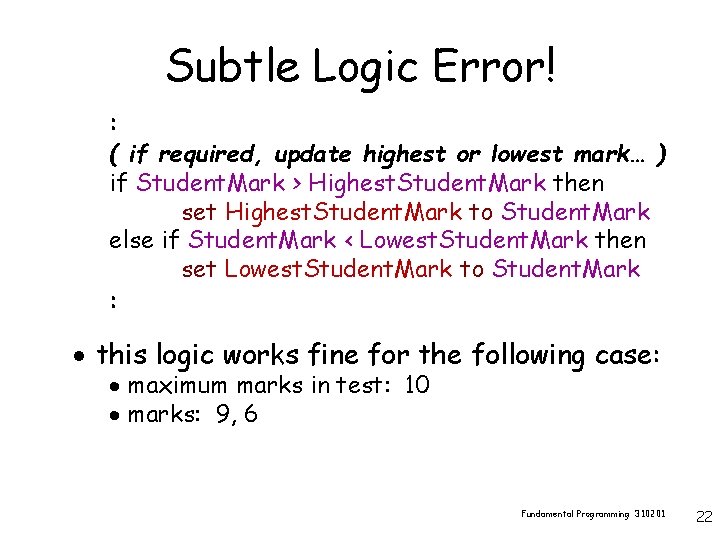
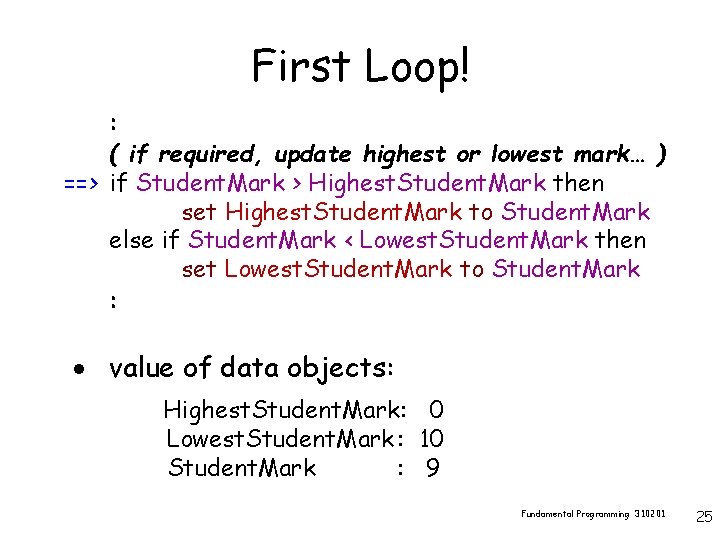
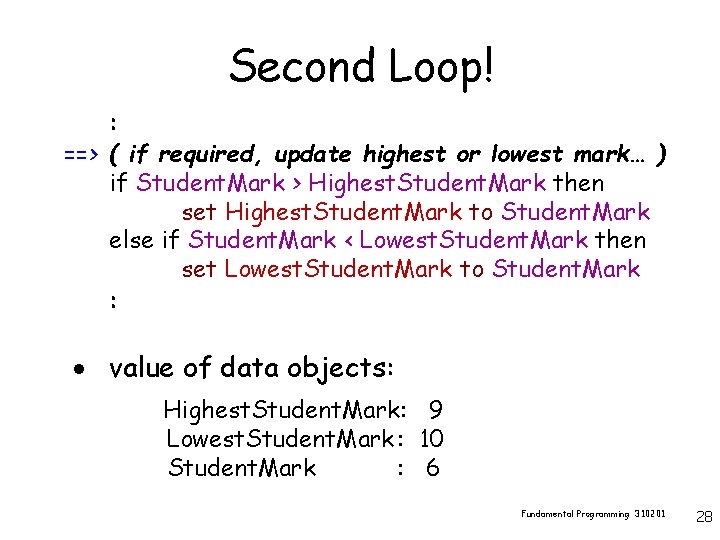
Subtle Logic Error! : ( if required, update highest or lowest mark… ) if Student. Mark > Highest. Student. Mark then set Highest. Student. Mark to Student. Mark else if Student. Mark < Lowest. Student. Mark then set Lowest. Student. Mark to Student. Mark : · this logic works fine for the following case: · maximum marks in test: 10 · marks: 9, 6 Fundamental Programming 310201 22
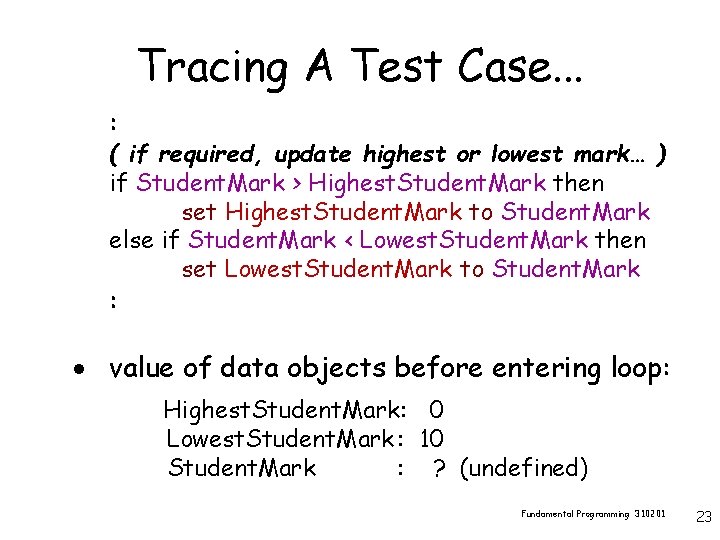
Tracing A Test Case. . . : ( if required, update highest or lowest mark… ) if Student. Mark > Highest. Student. Mark then set Highest. Student. Mark to Student. Mark else if Student. Mark < Lowest. Student. Mark then set Lowest. Student. Mark to Student. Mark : · value of data objects before entering loop: Highest. Student. Mark: 0 Lowest. Student. Mark : 10 Student. Mark : ? (undefined) Fundamental Programming 310201 23
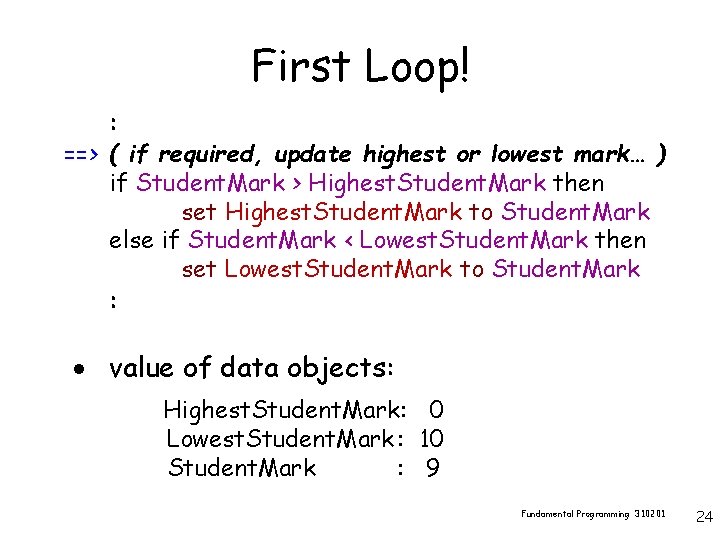
First Loop! : ==> ( if required, update highest or lowest mark… ) if Student. Mark > Highest. Student. Mark then set Highest. Student. Mark to Student. Mark else if Student. Mark < Lowest. Student. Mark then set Lowest. Student. Mark to Student. Mark : · value of data objects: Highest. Student. Mark: 0 Lowest. Student. Mark : 10 Student. Mark : 9 Fundamental Programming 310201 24
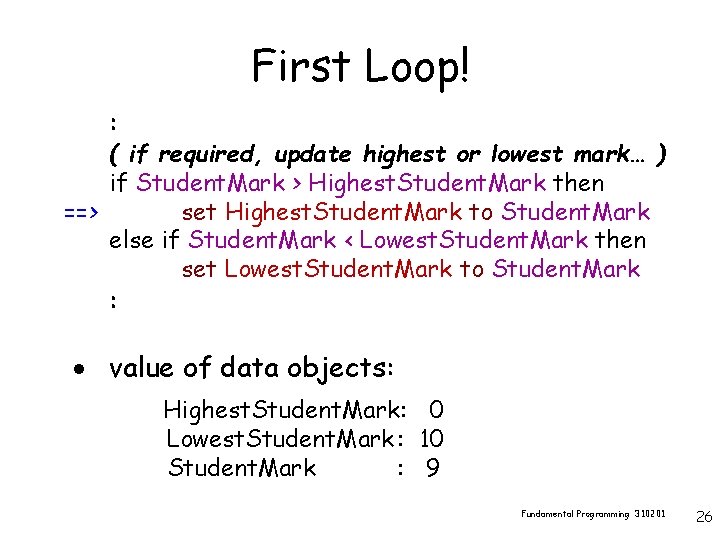
First Loop! : ( if required, update highest or lowest mark… ) ==> if Student. Mark > Highest. Student. Mark then set Highest. Student. Mark to Student. Mark else if Student. Mark < Lowest. Student. Mark then set Lowest. Student. Mark to Student. Mark : · value of data objects: Highest. Student. Mark: 0 Lowest. Student. Mark : 10 Student. Mark : 9 Fundamental Programming 310201 25
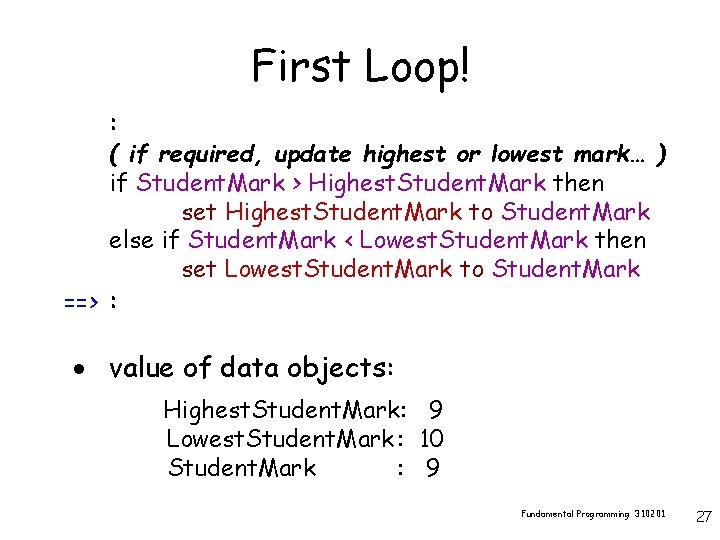
First Loop! : ( if required, update highest or lowest mark… ) if Student. Mark > Highest. Student. Mark then ==> set Highest. Student. Mark to Student. Mark else if Student. Mark < Lowest. Student. Mark then set Lowest. Student. Mark to Student. Mark : · value of data objects: Highest. Student. Mark: 0 Lowest. Student. Mark : 10 Student. Mark : 9 Fundamental Programming 310201 26
First Loop! : ( if required, update highest or lowest mark… ) if Student. Mark > Highest. Student. Mark then set Highest. Student. Mark to Student. Mark else if Student. Mark < Lowest. Student. Mark then set Lowest. Student. Mark to Student. Mark ==> : · value of data objects: Highest. Student. Mark: 9 Lowest. Student. Mark : 10 Student. Mark : 9 Fundamental Programming 310201 27
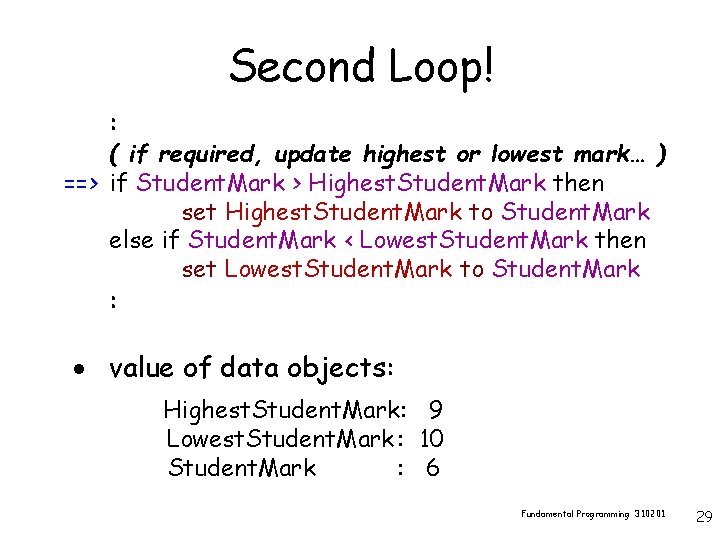
Second Loop! : ==> ( if required, update highest or lowest mark… ) if Student. Mark > Highest. Student. Mark then set Highest. Student. Mark to Student. Mark else if Student. Mark < Lowest. Student. Mark then set Lowest. Student. Mark to Student. Mark : · value of data objects: Highest. Student. Mark: 9 Lowest. Student. Mark : 10 Student. Mark : 6 Fundamental Programming 310201 28
Second Loop! : ( if required, update highest or lowest mark… ) ==> if Student. Mark > Highest. Student. Mark then set Highest. Student. Mark to Student. Mark else if Student. Mark < Lowest. Student. Mark then set Lowest. Student. Mark to Student. Mark : · value of data objects: Highest. Student. Mark: 9 Lowest. Student. Mark : 10 Student. Mark : 6 Fundamental Programming 310201 29
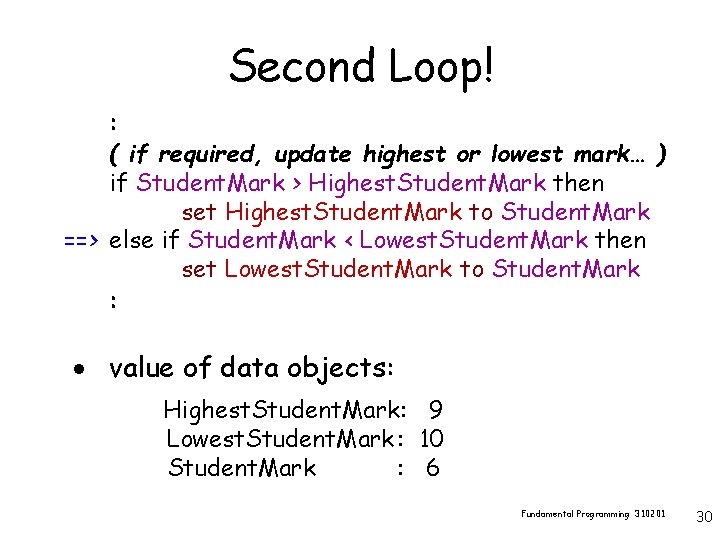
Second Loop! : ( if required, update highest or lowest mark… ) if Student. Mark > Highest. Student. Mark then set Highest. Student. Mark to Student. Mark ==> else if Student. Mark < Lowest. Student. Mark then set Lowest. Student. Mark to Student. Mark : · value of data objects: Highest. Student. Mark: 9 Lowest. Student. Mark : 10 Student. Mark : 6 Fundamental Programming 310201 30
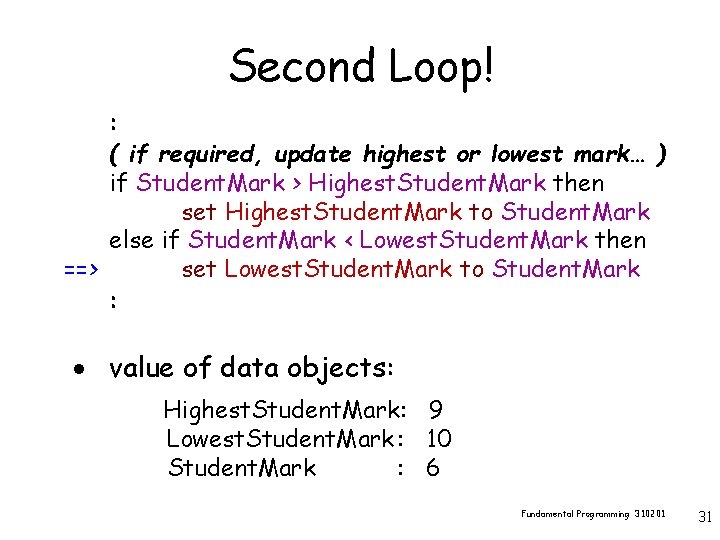
Second Loop! : ( if required, update highest or lowest mark… ) if Student. Mark > Highest. Student. Mark then set Highest. Student. Mark to Student. Mark else if Student. Mark < Lowest. Student. Mark then ==> set Lowest. Student. Mark to Student. Mark : · value of data objects: Highest. Student. Mark: 9 Lowest. Student. Mark : 10 Student. Mark : 6 Fundamental Programming 310201 31
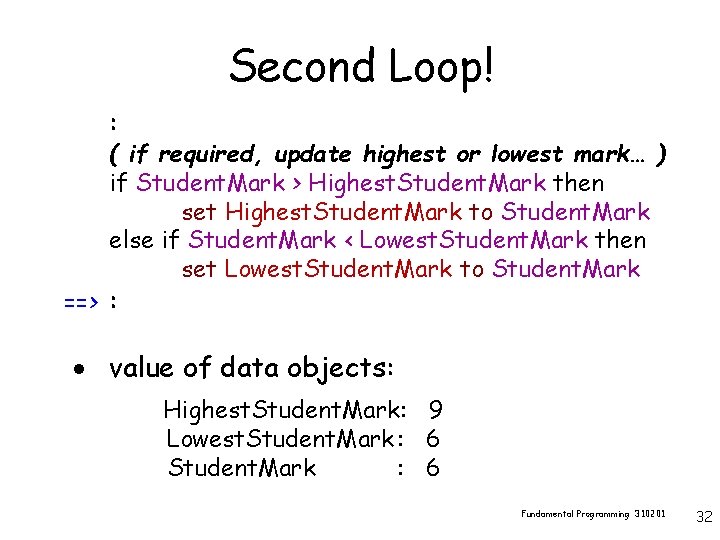
Second Loop! : ( if required, update highest or lowest mark… ) if Student. Mark > Highest. Student. Mark then set Highest. Student. Mark to Student. Mark else if Student. Mark < Lowest. Student. Mark then set Lowest. Student. Mark to Student. Mark ==> : · value of data objects: Highest. Student. Mark: 9 Lowest. Student. Mark : 6 Fundamental Programming 310201 32
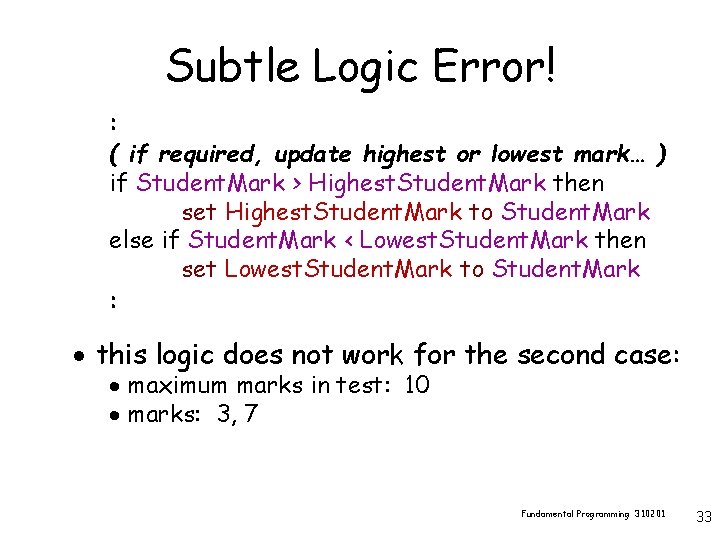
Subtle Logic Error! : ( if required, update highest or lowest mark… ) if Student. Mark > Highest. Student. Mark then set Highest. Student. Mark to Student. Mark else if Student. Mark < Lowest. Student. Mark then set Lowest. Student. Mark to Student. Mark : · this logic does not work for the second case: · maximum marks in test: 10 · marks: 3, 7 Fundamental Programming 310201 33
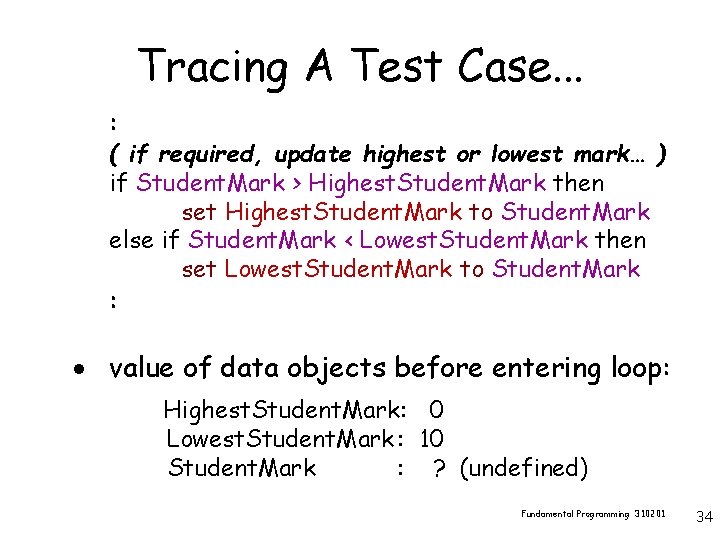
Tracing A Test Case. . . : ( if required, update highest or lowest mark… ) if Student. Mark > Highest. Student. Mark then set Highest. Student. Mark to Student. Mark else if Student. Mark < Lowest. Student. Mark then set Lowest. Student. Mark to Student. Mark : · value of data objects before entering loop: Highest. Student. Mark: 0 Lowest. Student. Mark : 10 Student. Mark : ? (undefined) Fundamental Programming 310201 34
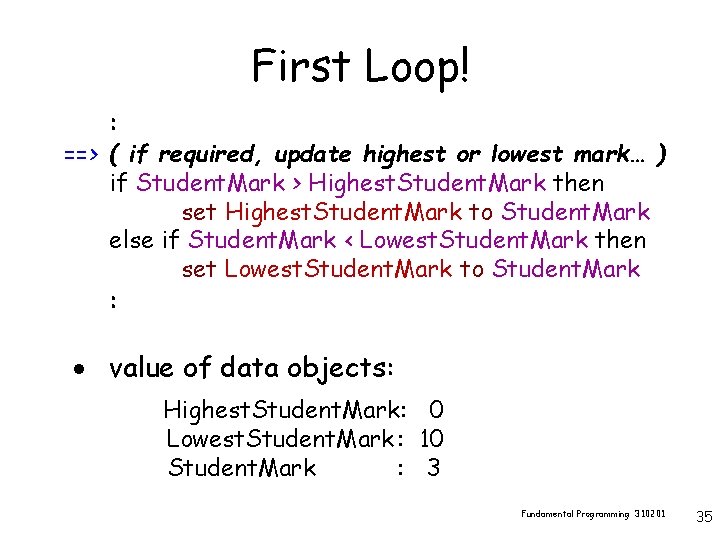
First Loop! : ==> ( if required, update highest or lowest mark… ) if Student. Mark > Highest. Student. Mark then set Highest. Student. Mark to Student. Mark else if Student. Mark < Lowest. Student. Mark then set Lowest. Student. Mark to Student. Mark : · value of data objects: Highest. Student. Mark: 0 Lowest. Student. Mark : 10 Student. Mark : 3 Fundamental Programming 310201 35
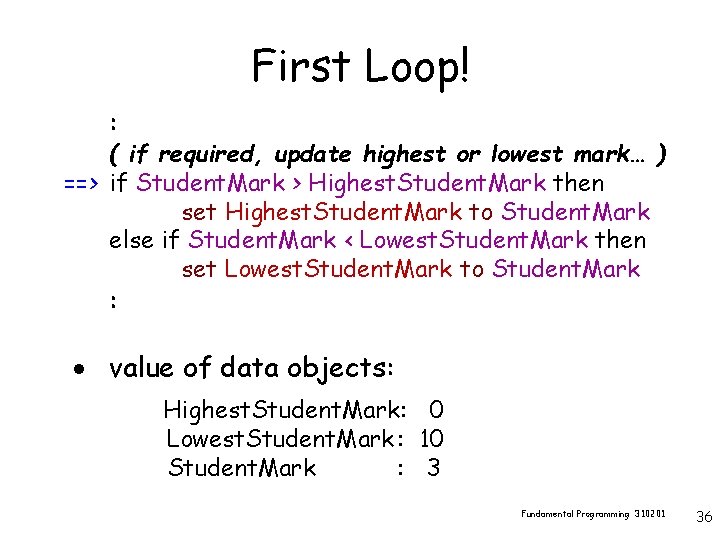
First Loop! : ( if required, update highest or lowest mark… ) ==> if Student. Mark > Highest. Student. Mark then set Highest. Student. Mark to Student. Mark else if Student. Mark < Lowest. Student. Mark then set Lowest. Student. Mark to Student. Mark : · value of data objects: Highest. Student. Mark: 0 Lowest. Student. Mark : 10 Student. Mark : 3 Fundamental Programming 310201 36
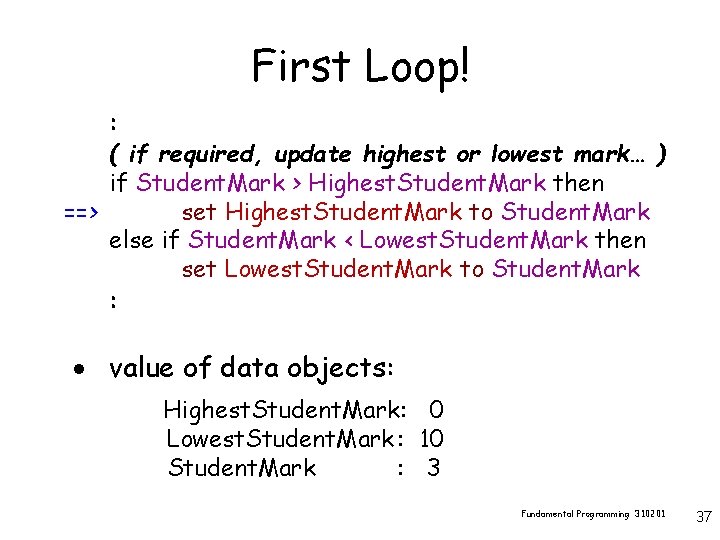
First Loop! : ( if required, update highest or lowest mark… ) if Student. Mark > Highest. Student. Mark then ==> set Highest. Student. Mark to Student. Mark else if Student. Mark < Lowest. Student. Mark then set Lowest. Student. Mark to Student. Mark : · value of data objects: Highest. Student. Mark: 0 Lowest. Student. Mark : 10 Student. Mark : 3 Fundamental Programming 310201 37
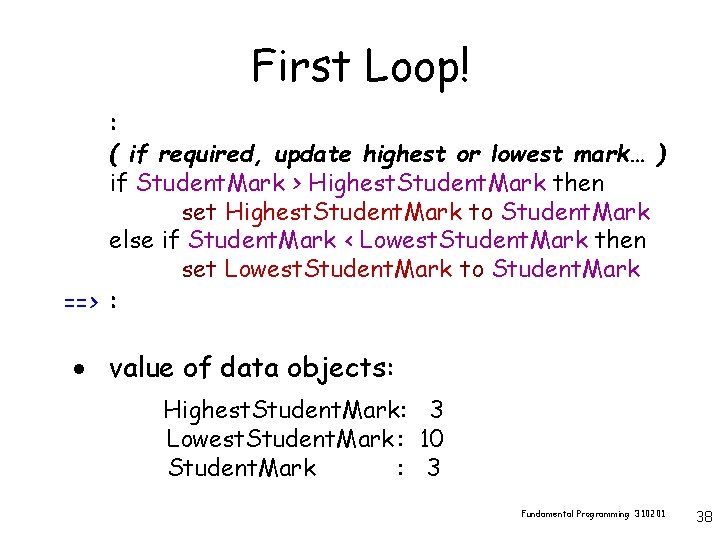
First Loop! : ( if required, update highest or lowest mark… ) if Student. Mark > Highest. Student. Mark then set Highest. Student. Mark to Student. Mark else if Student. Mark < Lowest. Student. Mark then set Lowest. Student. Mark to Student. Mark ==> : · value of data objects: Highest. Student. Mark: 3 Lowest. Student. Mark : 10 Student. Mark : 3 Fundamental Programming 310201 38
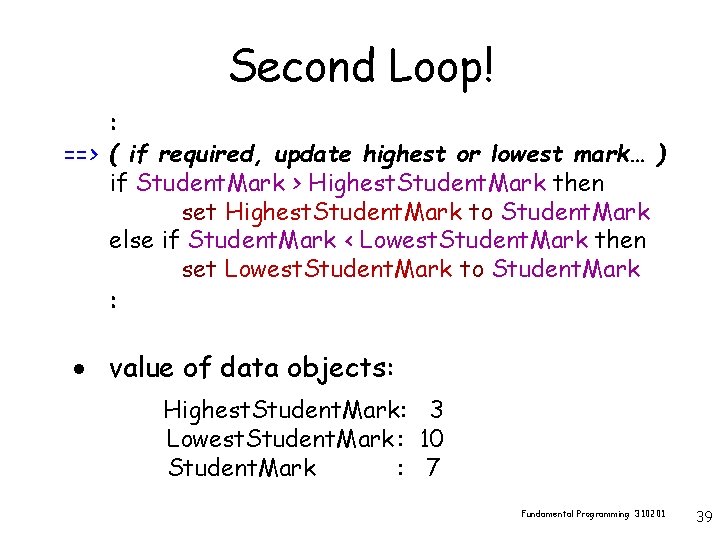
Second Loop! : ==> ( if required, update highest or lowest mark… ) if Student. Mark > Highest. Student. Mark then set Highest. Student. Mark to Student. Mark else if Student. Mark < Lowest. Student. Mark then set Lowest. Student. Mark to Student. Mark : · value of data objects: Highest. Student. Mark: 3 Lowest. Student. Mark : 10 Student. Mark : 7 Fundamental Programming 310201 39
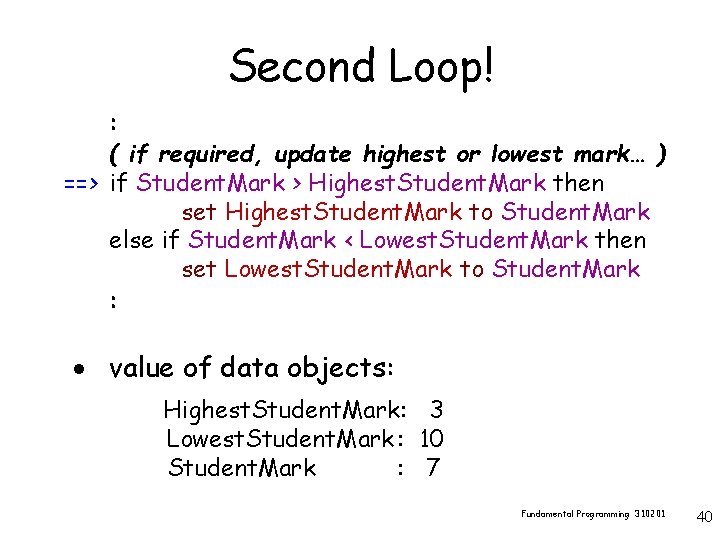
Second Loop! : ( if required, update highest or lowest mark… ) ==> if Student. Mark > Highest. Student. Mark then set Highest. Student. Mark to Student. Mark else if Student. Mark < Lowest. Student. Mark then set Lowest. Student. Mark to Student. Mark : · value of data objects: Highest. Student. Mark: 3 Lowest. Student. Mark : 10 Student. Mark : 7 Fundamental Programming 310201 40
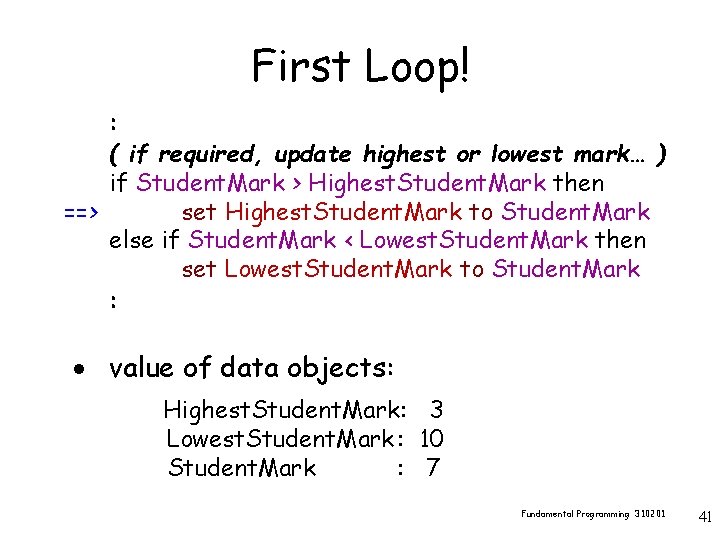
First Loop! : ( if required, update highest or lowest mark… ) if Student. Mark > Highest. Student. Mark then ==> set Highest. Student. Mark to Student. Mark else if Student. Mark < Lowest. Student. Mark then set Lowest. Student. Mark to Student. Mark : · value of data objects: Highest. Student. Mark: 3 Lowest. Student. Mark : 10 Student. Mark : 7 Fundamental Programming 310201 41
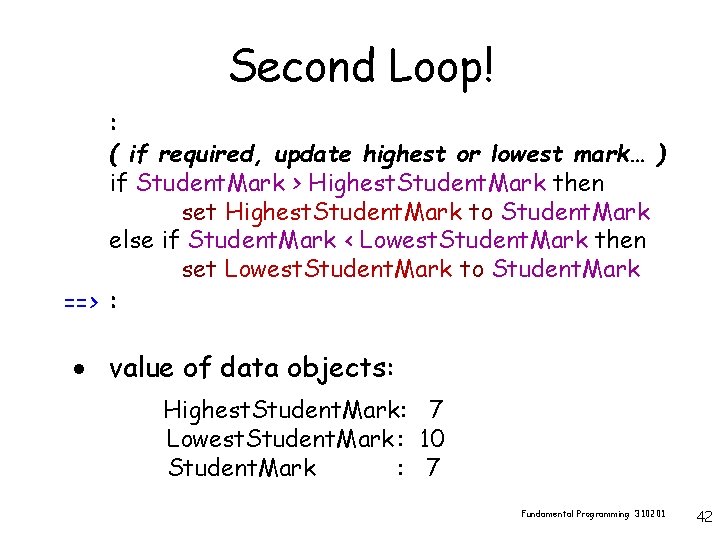
Second Loop! : ( if required, update highest or lowest mark… ) if Student. Mark > Highest. Student. Mark then set Highest. Student. Mark to Student. Mark else if Student. Mark < Lowest. Student. Mark then set Lowest. Student. Mark to Student. Mark ==> : · value of data objects: Highest. Student. Mark: 7 Lowest. Student. Mark : 10 Student. Mark : 7 Fundamental Programming 310201 42
Subtle Logic Error! · if time, take another couple of minutes to fix the problem… Fundamental Programming 310201 43
Activity Break Fundamental Programming 310201 44
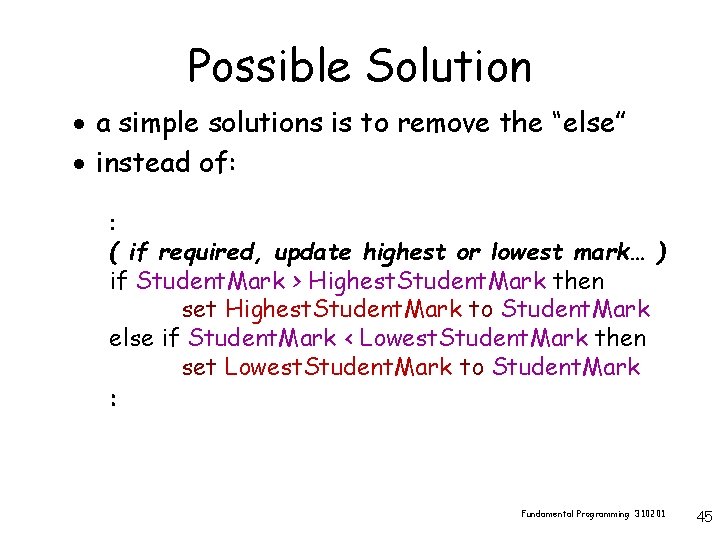
Possible Solution · a simple solutions is to remove the “else” · instead of: : ( if required, update highest or lowest mark… ) if Student. Mark > Highest. Student. Mark then set Highest. Student. Mark to Student. Mark else if Student. Mark < Lowest. Student. Mark then set Lowest. Student. Mark to Student. Mark : Fundamental Programming 310201 45
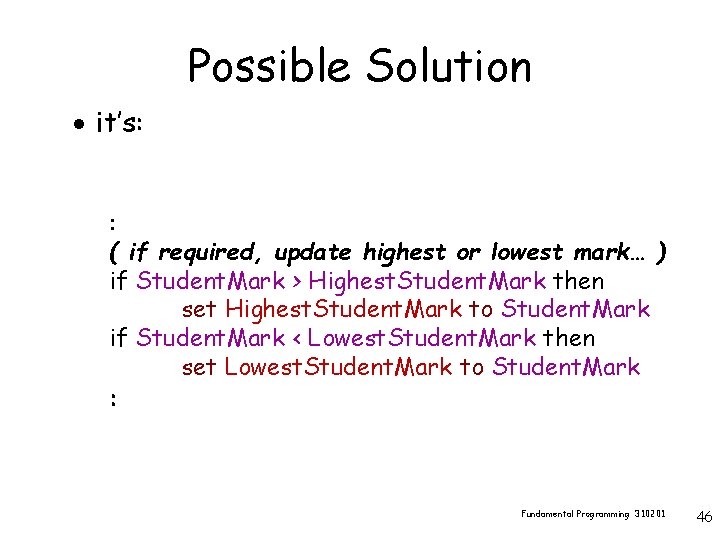
Possible Solution · it’s: : ( if required, update highest or lowest mark… ) if Student. Mark > Highest. Student. Mark then set Highest. Student. Mark to Student. Mark if Student. Mark < Lowest. Student. Mark then set Lowest. Student. Mark to Student. Mark : Fundamental Programming 310201 46
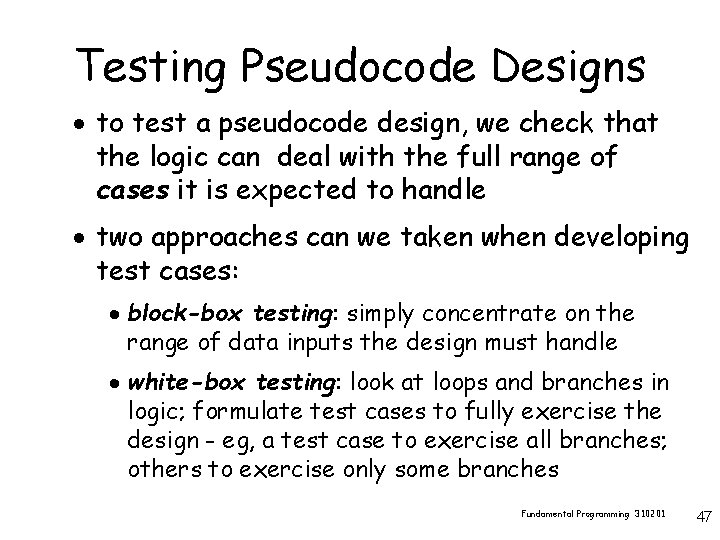
Testing Pseudocode Designs · to test a pseudocode design, we check that the logic can deal with the full range of cases it is expected to handle · two approaches can we taken when developing test cases: · block-box testing: simply concentrate on the range of data inputs the design must handle · white-box testing: look at loops and branches in logic; formulate test cases to fully exercise the design - eg, a test case to exercise all branches; others to exercise only some branches Fundamental Programming 310201 47
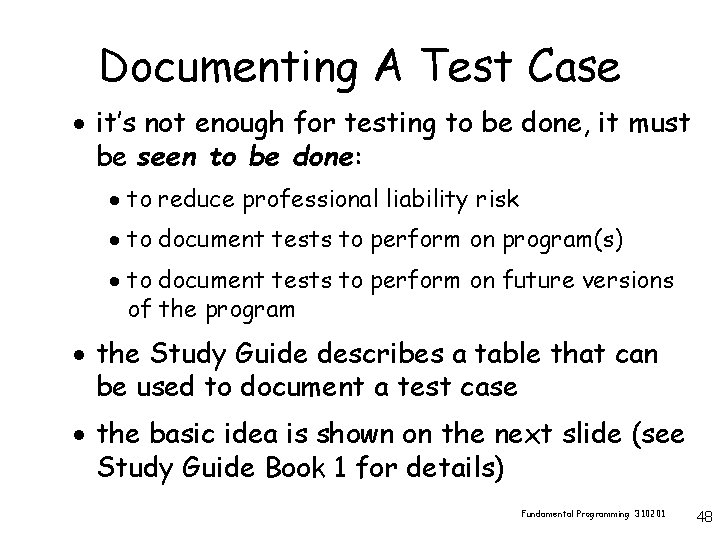
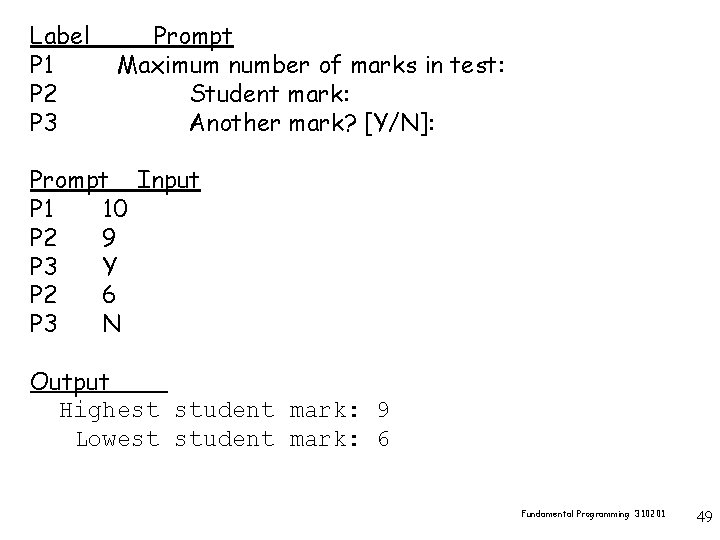
Documenting A Test Case · it’s not enough for testing to be done, it must be seen to be done: · to reduce professional liability risk · to document tests to perform on program(s) · to document tests to perform on future versions of the program · the Study Guide describes a table that can be used to document a test case · the basic idea is shown on the next slide (see Study Guide Book 1 for details) Fundamental Programming 310201 48
Label P 1 P 2 P 3 Prompt Maximum number of marks in test: Student mark: Another mark? [Y/N]: Prompt Input P 1 10 P 2 9 P 3 Y P 2 6 P 3 N Output Highest student mark: 9 Lowest student mark: 6 Fundamental Programming 310201 49
Testing Pseudocode Designs · there’s an even simpler, cost-effective way to test a design - a walk-through · a walk-through is similar to a trace, but it is a less-formal way of following a design’s logic · a walk-through of the logic is presented to a group of peers (fellow-developers/students): · very effective ! · highly recommended ! Fundamental Programming 310201 50
Testing Programs · when developing a program, there are four types of error you will encounter: · syntax - programming language grammar error · linker - error linking machine code components · logic - false reasoning about the task · run-time – errors when running the program (e. g. , a division by 0) · only logic errors arise in pseudocode designs · syntax and linker errors are relatively easy to resolve Fundamental Programming 310201 51
Testing Programs · some techniques to test programs are: · walk-throughs - same as for pseudocode designs · unit testing · validation testing · system testing · final acceptance of the program is through a formal acceptance test in which the client performs tests and signs a document to testify to the correctness of the program Fundamental Programming 310201 52
Unit Testing · test distinct parts of a program/system – e. g. a get valid student ID sub-program · a test harness (special testing program) is developed to exercise the unit · testing can be automated - a series of inputs, and expected outputs, can be stored in files; files can be extended to add new test cases · user input can by simulated by the harness · the harness can be used to test future versions of the unit Fundamental Programming 310201 53
Validation Testing · all testing described so far is verification testing - testing that we have built the program right ; in validation testing, we test we have built the right program · beta testing is one style of validation testing; the program is released to users for testing; alpha testing is in-house testing · useability testing is another form of validation testing - bring users into labs and observing the way they use the program Fundamental Programming 310201 54
System Testing · tests that are of little interest to users · the focus of interest here is the robustness, stability and performance of the system: · recovery (from a failure) testing · security testing (against unauthorised access) · stress testing (heavy data or usage loads) · performance testing (test response times) · configuration testing (new operating system, say) Fundamental Programming 310201 55
Debugging Programs · we mention debugging here simply because it is an important technique for detecting and removing bugs (logic and run-time errors) · the debugger in a development environment allows us to: · trace a program - line by line · set breakpoints · examine the value of variables · set watches on variables · evaluate expressions Fundamental Programming 310201 56
Summary · programs are tested using test cases · walk-throughs can be very cost-effective · unit testing is the process of testing subprograms - it can be automated · verification testing tests that we build the system right · validation testing tests that we build the right system Fundamental Programming 310201 57
Summary · during system testing we test robustness, stability and performance of a system · debugging is the process of detecting and removing bugs Fundamental Programming 310201 58