
Functions 110 178 Computer Programming 178 110 Computer
- Slides: 69
Functions 110 178 Computer Programming 178 110 Computer Programming
Top-down design using Functions • A program was produced which entered the hours worked an hourly rate of pay for an employee and output the employee's total wage. • This could be expanded so that a user could enter this data for several employees in turn and get their wages output. • A suitable algorithmic description for such a program might be: 178 110 Computer Programming 2
Top-down design using Functions repeat enter hours worked and hourly rate. produce wage. prompt user `any more data? ' read reply until reply is no 178 110 Computer Programming 3
Top-down design using Functions • Since an algorithm has already been produced which outputs the wage given the hours worked and the hourly rate the description of this could now be used as the expansion of produce wage. • This re-use of an algorithm from a previous program saves time in developing an algorithm again and if the algorithm has been previously tested and verified to be correct also reduces the chances of error. • The best mechanism for this re-use of an algorithm is to incorporate it into a function. 178 110 Computer Programming 4
Top-down design using Functions • The function is given a name and is supplied with the input parameters (or arguments) of the problem and returns the results as output parameters. • Thus the description for the calculation of the wage could be placed in a function called, say, calcwage. • This function would take the hours worked and the hourly rate as input parameters and would return the wage as output. • This function is then called to produce the wage when values are available for the hours worked and the hourly rate. • The algorithm above could then be written: 178 110 Computer Programming 5
Top-down design using Functions repeat Enter hours worked and hourly rate. Call the function calcwage(hours, rate, wage). print out wage. prompt user `any more data? ' read reply. until reply is no. 178 110 Computer Programming 6
The need for functions • A rationale for the use of functions has been given above. • Basically they save work in that having solved a problem once it need not be solved again if there exists a function to solve the problem given the particular parameters for this instance of the problem. • In addition the function can be comprehensively tested and hence a possible source of error is eliminated in future programs. 178 110 Computer Programming 7
These reasons are now expanded upon: (1( • When solving large problems it is usually necessary to split the problem down into a series of sub-problems, which in turn may be split into further sub-problems etc. • This is usually called a top-down approach. • This process continues until problems become of such a size that they can be solved by a single programmer. • This top-down approach is essential if the work has to be shared out between a team of programmers, each programmer ending up with a specification for a part of the system which is to be written as a function (or functions). • While writing a single function the programmer is able to concentrate on the solution of this one problem only and is thus more likely to be able to solve the problem and make less errors. • This function can now be tested on its own for correctness. 178 110 Computer Programming 8
These reasons are now expanded upon: (2( • In a particular organisation or industry it may be found that in carrying out the top-down approach in 1 some tasks occur very frequently. • For example the operation of sorting a file of data into some order occurs frequently in dataprocessing applications. • Thus a library of such commonly used functions can be built up and re-used in many different programs. • This obviously saves much work and cuts down errors if such functions have already been well tested. 178 110 Computer Programming 9
These reasons are now expanded upon: (3( • There are many very specialised problem areas, not every programmer can know every area. • For example many programmers working in scientific applications will frequently use mathematical function routines like sine and cosine, but would have no idea how to write such routines. • Similarly a programmer working in commercial applications might know very little about how an efficient sorting routine can be implemented. • However a specialist can write such routines, place them in a public library of functions and all programmers can benefit from this expertise by being able to use these efficient and well tested functions. 178 110 Computer Programming 10
The mathematical function library in C ++ Some of the mathematical functions available in the C++ mathematics library are listed below. acos(x) inverse cosine, -1 <= x <= +1, returns value in radians in range 0 to PI asin(x) inverse sine, -1 <= x <= +1, returns value in radians in range 0 to PI atan(x) inverse tangent, returns value in radians in range -PI/2 to PI/2 cos(x) returns cosine of x, x in radians sin(x) returns sine of x, x in radians tan(x) returns tangent of x, x in radians exp(x) exponential function, e to power x log(x) natural log of x (base e), x > 0 sqrt(x) square root of x, x >= 0 fabs(x) absolute value of x floor(x) largest integer not greater than x ceil(x) smallest integer not less than x 178 110 Computer Programming 11
The mathematical function library in C++ • In all these functions the parameter x is a floating point value. • The x is used as a formal parameter, that is it is used to denote that a parameter is required and to allow the effect of the function to be described. • When the function is called then this formal parameter is replaced by an actual parameter. • The actual parameter can be a constant, a variable or an expression. • An expression may include a call of another function. 178 110 Computer Programming 12
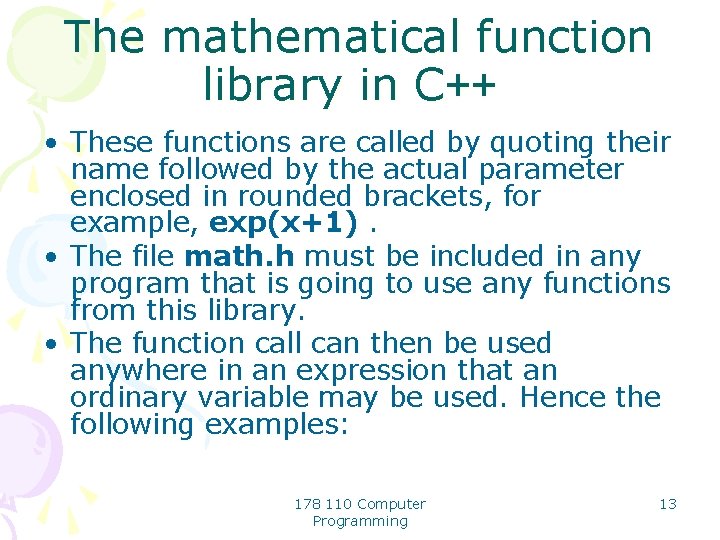
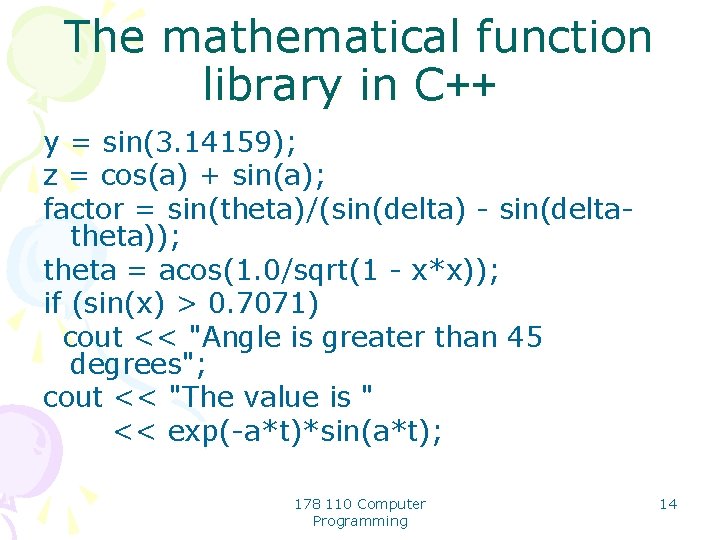
The mathematical function library in C++ • These functions are called by quoting their name followed by the actual parameter enclosed in rounded brackets, for example, exp(x+1). • The file math. h must be included in any program that is going to use any functions from this library. • The function call can then be used anywhere in an expression that an ordinary variable may be used. Hence the following examples: 178 110 Computer Programming 13
The mathematical function library in C++ y = sin(3. 14159); z = cos(a) + sin(a); factor = sin(theta)/(sin(delta) - sin(deltatheta)); theta = acos(1. 0/sqrt(1 - x*x)); if (sin(x) > 0. 7071) cout << "Angle is greater than 45 degrees"; cout << "The value is " << exp(-a*t)*sin(a*t); 178 110 Computer Programming 14
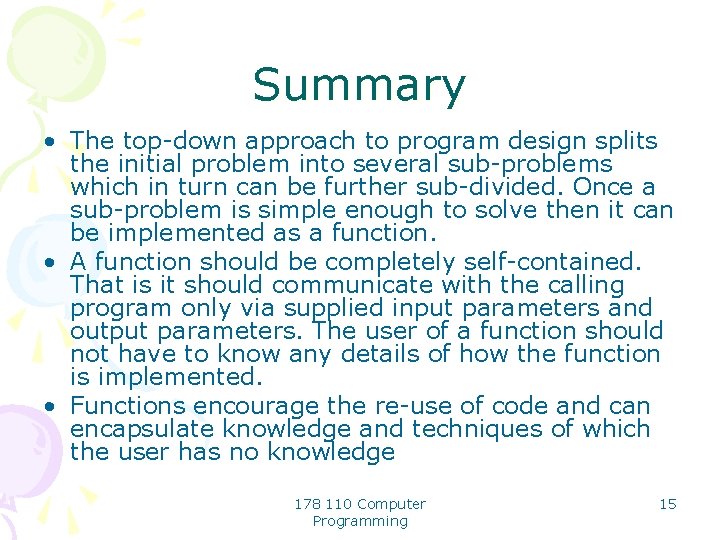
Summary • The top-down approach to program design splits the initial problem into several sub-problems which in turn can be further sub-divided. Once a sub-problem is simple enough to solve then it can be implemented as a function. • A function should be completely self-contained. That is it should communicate with the calling program only via supplied input parameters and output parameters. The user of a function should not have to know any details of how the function is implemented. • Functions encourage the re-use of code and can encapsulate knowledge and techniques of which the user has no knowledge 178 110 Computer Programming 15
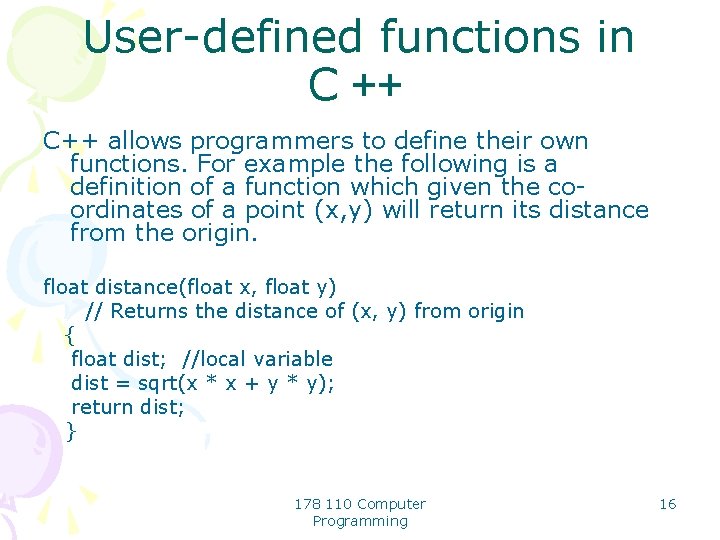
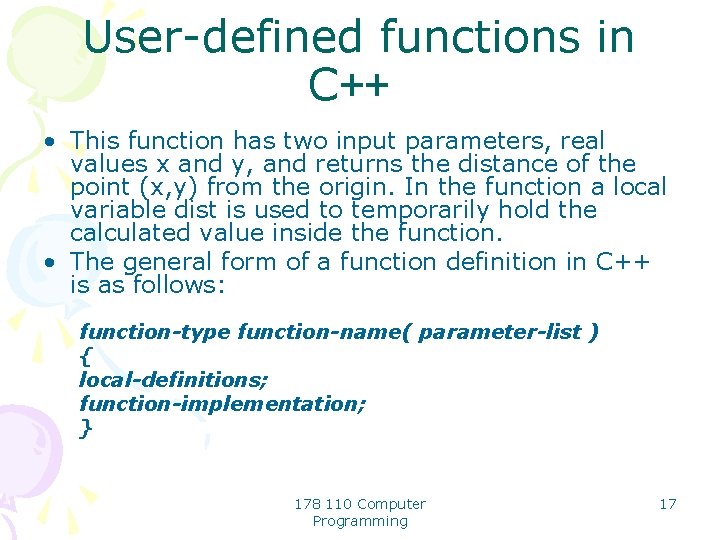
User-defined functions in C ++ C++ allows programmers to define their own functions. For example the following is a definition of a function which given the coordinates of a point (x, y) will return its distance from the origin. float distance(float x, float y) // Returns the distance of (x, y) from origin { float dist; //local variable dist = sqrt(x * x + y * y); return dist; } 178 110 Computer Programming 16
User-defined functions in C++ • This function has two input parameters, real values x and y, and returns the distance of the point (x, y) from the origin. In the function a local variable dist is used to temporarily hold the calculated value inside the function. • The general form of a function definition in C++ is as follows: function-type function-name( parameter-list ) { local-definitions; function-implementation; } 178 110 Computer Programming 17
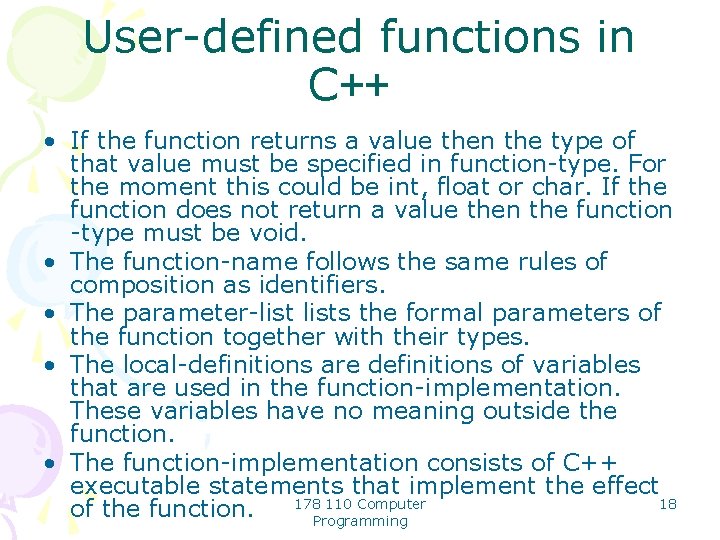
User-defined functions in C++ • If the function returns a value then the type of that value must be specified in function-type. For the moment this could be int, float or char. If the function does not return a value then the function -type must be void. • The function-name follows the same rules of composition as identifiers. • The parameter-lists the formal parameters of the function together with their types. • The local-definitions are definitions of variables that are used in the function-implementation. These variables have no meaning outside the function. • The function-implementation consists of C++ executable statements that implement the effect 18 178 110 Computer of the function. Programming
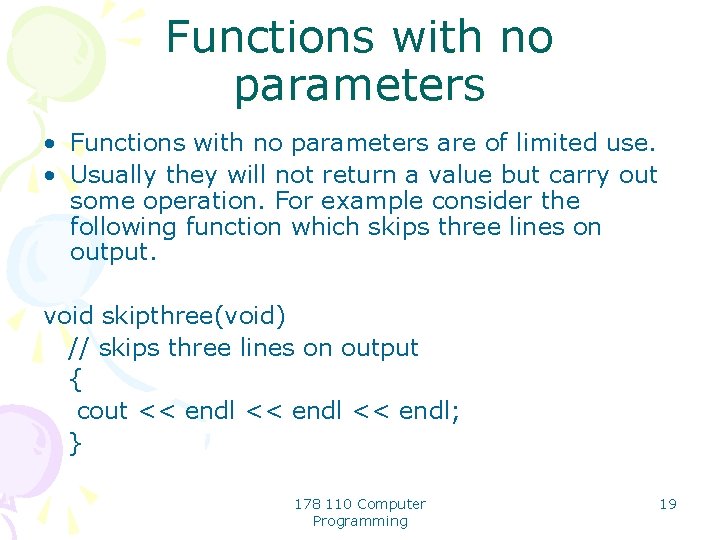
Functions with no parameters • Functions with no parameters are of limited use. • Usually they will not return a value but carry out some operation. For example consider the following function which skips three lines on output. void skipthree(void) // skips three lines on output { cout << endl; } 178 110 Computer Programming 19
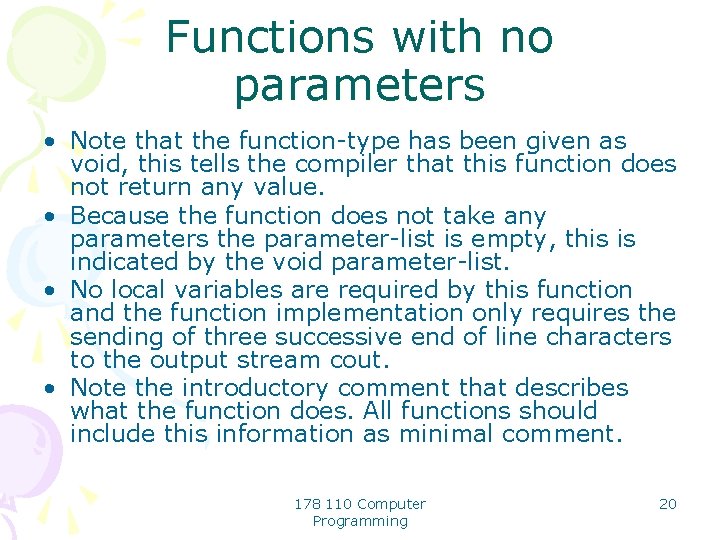
Functions with no parameters • Note that the function-type has been given as void, this tells the compiler that this function does not return any value. • Because the function does not take any parameters the parameter-list is empty, this is indicated by the void parameter-list. • No local variables are required by this function and the function implementation only requires the sending of three successive end of line characters to the output stream cout. • Note the introductory comment that describes what the function does. All functions should include this information as minimal comment. 178 110 Computer Programming 20
Functions with no parameters • Since this function does not return a value it cannot be used in an expression and is called by treating it as a statement as follows: skipthree(); • Even though there are no parameters the empty parameter list () must be inserted. 178 110 Computer Programming 21
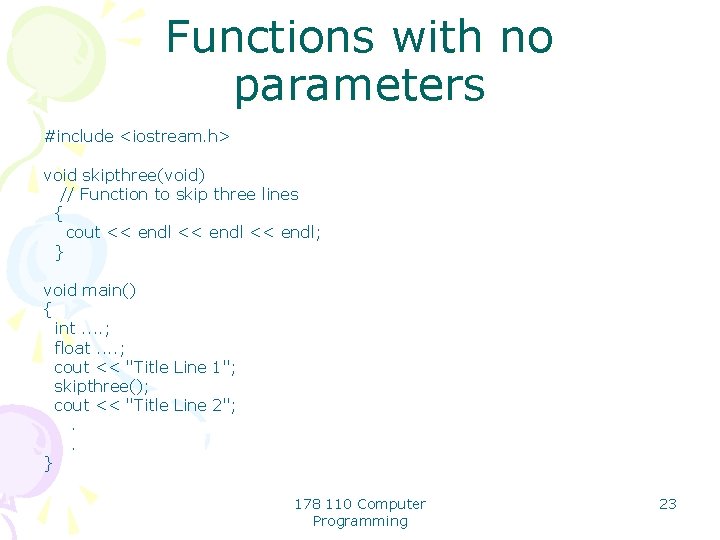
Functions with no parameters • When a function is called the C++ compiler must insert appropriate instructions into the object code to arrange to pass the actual parameter values to the function code and to obtain any values returned by the function. • To do this correctly the compiler must know the types of all parameters and the type of any return value. • Thus before processing the call of a function it must already know how the function is defined. • This can be done by defining any functions that are used in the main program before the main program, for example the function skipthree could be incorporated in a program as follows: 178 110 Computer Programming 22
Functions with no parameters #include <iostream. h> void skipthree(void) // Function to skip three lines { cout << endl; } void main() { int. . ; float. . ; cout << "Title Line 1"; skipthree(); cout << "Title Line 2"; . . } 178 110 Computer Programming 23
Functions with no parameters • However this has disadvantages, namely: • The main program tends to convey much more information of use in understanding the program than do individual functions. So it is better if the main program comes first. However this means that the compiler meets the call of a function before it meets the definition of the function. • If using functions from a library of functions then the main program is linked with the pre-compiled object code of the functions. Thus while compiling the main program on its own the compiler has no knowledge of the function definitions. 178 110 Computer Programming 24
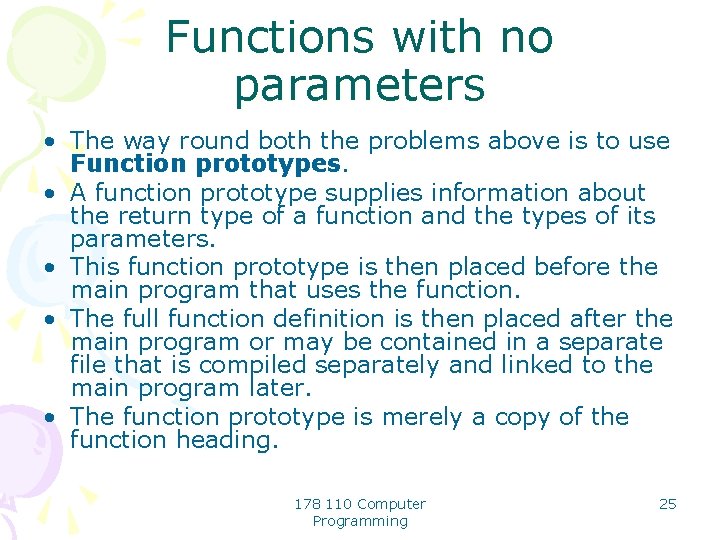
Functions with no parameters • The way round both the problems above is to use Function prototypes. • A function prototype supplies information about the return type of a function and the types of its parameters. • This function prototype is then placed before the main program that uses the function. • The full function definition is then placed after the main program or may be contained in a separate file that is compiled separately and linked to the main program later. • The function prototype is merely a copy of the function heading. 178 110 Computer Programming 25
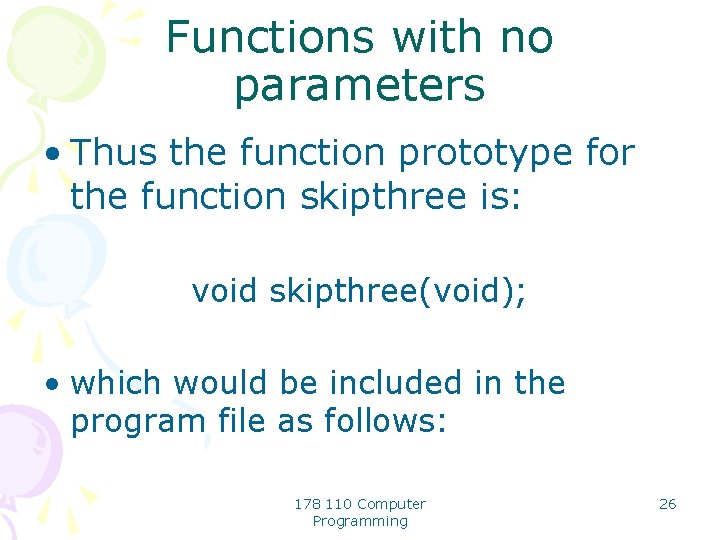
Functions with no parameters • Thus the function prototype for the function skipthree is: void skipthree(void); • which would be included in the program file as follows: 178 110 Computer Programming 26
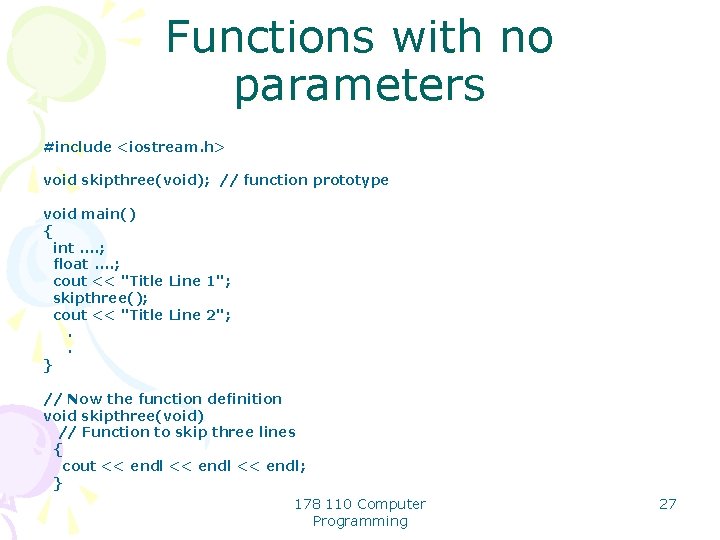
Functions with no parameters #include <iostream. h> void skipthree(void); // function prototype void main() { int. . ; float. . ; cout << "Title Line 1"; skipthree(); cout << "Title Line 2"; . . } // Now the function definition void skipthree(void) // Function to skip three lines { cout << endl; } 178 110 Computer Programming 27
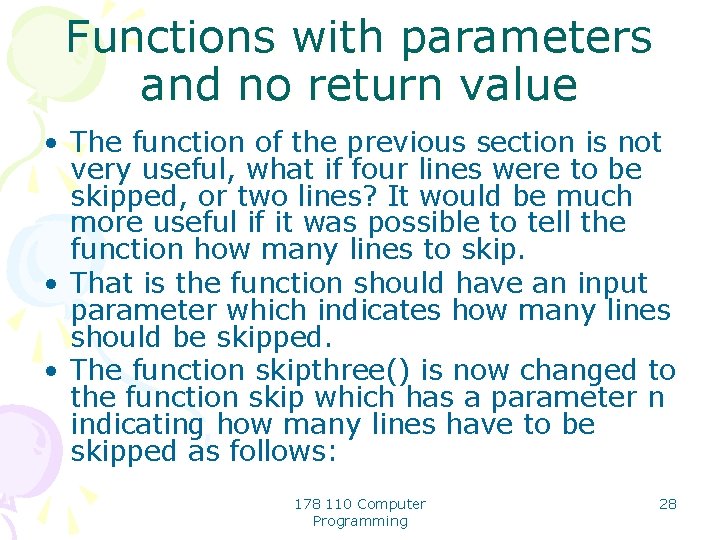
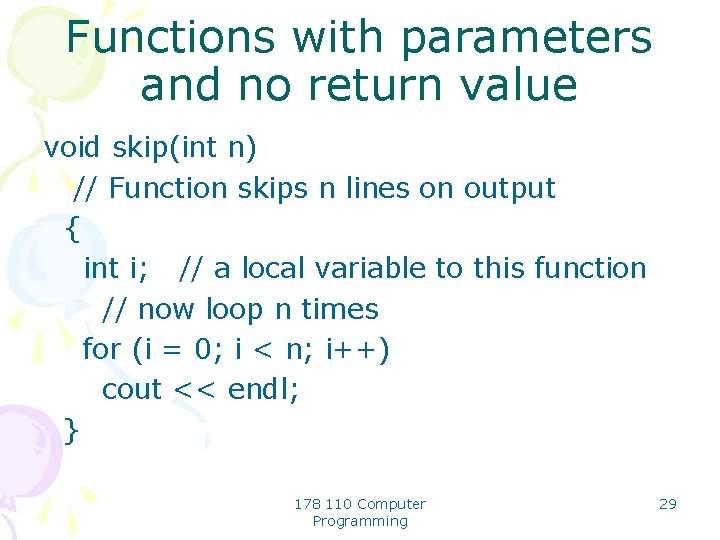
Functions with parameters and no return value • The function of the previous section is not very useful, what if four lines were to be skipped, or two lines? It would be much more useful if it was possible to tell the function how many lines to skip. • That is the function should have an input parameter which indicates how many lines should be skipped. • The function skipthree() is now changed to the function skip which has a parameter n indicating how many lines have to be skipped as follows: 178 110 Computer Programming 28
Functions with parameters and no return value void skip(int n) // Function skips n lines on output { int i; // a local variable to this function // now loop n times for (i = 0; i < n; i++) cout << endl; } 178 110 Computer Programming 29
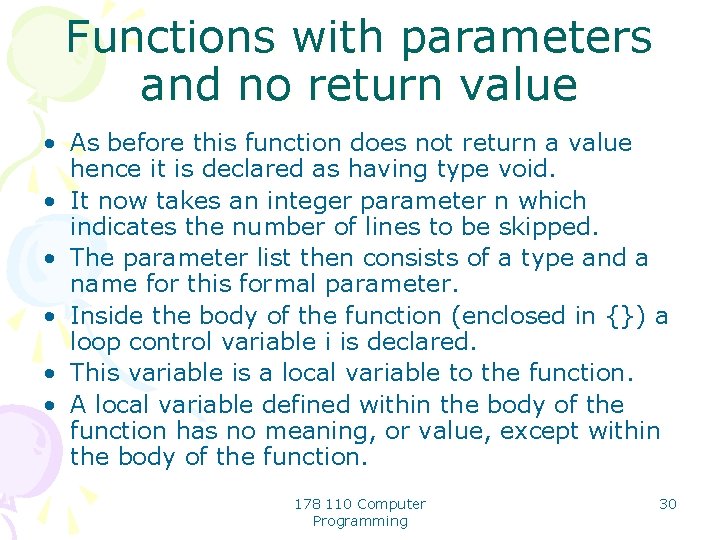
Functions with parameters and no return value • As before this function does not return a value hence it is declared as having type void. • It now takes an integer parameter n which indicates the number of lines to be skipped. • The parameter list then consists of a type and a name for this formal parameter. • Inside the body of the function (enclosed in {}) a loop control variable i is declared. • This variable is a local variable to the function. • A local variable defined within the body of the function has no meaning, or value, except within the body of the function. 178 110 Computer Programming 30
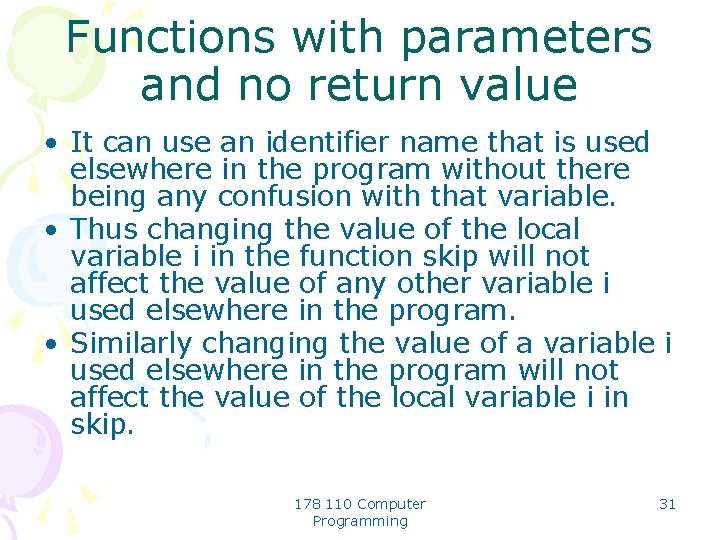
Functions with parameters and no return value • It can use an identifier name that is used elsewhere in the program without there being any confusion with that variable. • Thus changing the value of the local variable i in the function skip will not affect the value of any other variable i used elsewhere in the program. • Similarly changing the value of a variable i used elsewhere in the program will not affect the value of the local variable i in skip. 178 110 Computer Programming 31
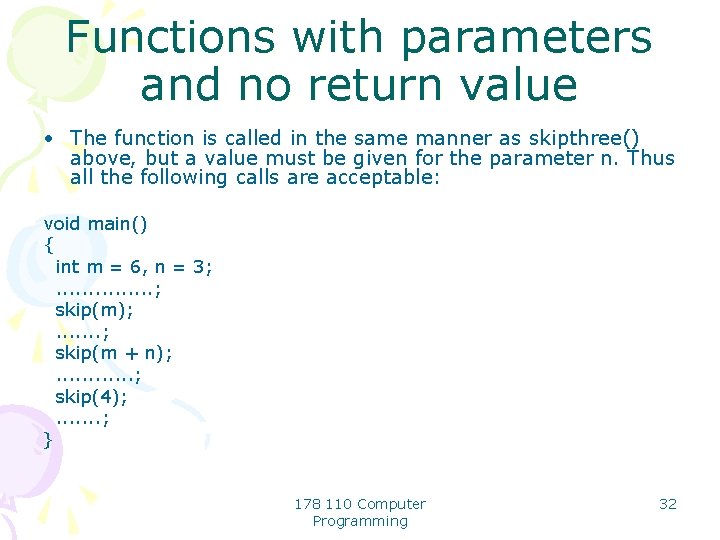
Functions with parameters and no return value • The function is called in the same manner as skipthree() above, but a value must be given for the parameter n. Thus all the following calls are acceptable: void main() { int m = 6, n = 3; . . . . ; skip(m); . . . . ; skip(m + n); . . . ; skip(4); . . . . ; } 178 110 Computer Programming 32
Functions with parameters and no return value • however the call: skip (4. 0); • would not be acceptable because the actual parameter type must match the formal parameter type given in the definition of the function. 178 110 Computer Programming 33
Functions with parameters and no return value • In writing the function prototype for a function with parameters it is not necessary to detail the formal names given to the parameters of the function, only their types. • Thus a suitable function prototype for the parameterised version of skip would be: void skip(int); // function prototype 178 110 Computer Programming 34
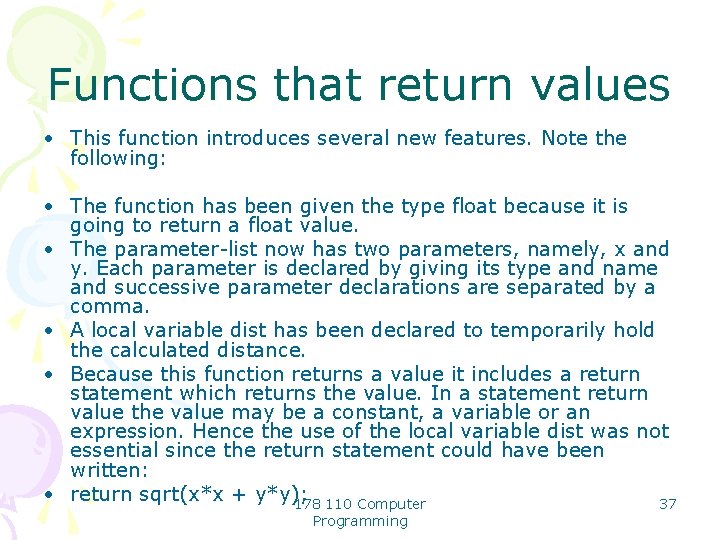
Functions that return values • One of the most useful forms of function is one that returns a value that is a function of its parameters. • In this case the type given to the function is that of the value to be returned. • Thus consider the function, previously considered, which given the co-ordinates of a point (x, y) will return its distance from the origin: float distance(float x, float y) // Returns the distance of (x, y) from origin { float dist; //local variable dist = sqrt(x * x + y * y); return dist; } 178 110 Computer Programming 35
Functions that return values • The function prototype for this function is: float distance(float, float); // function prototype 178 110 Computer Programming 36
Functions that return values • This function introduces several new features. Note the following: • The function has been given the type float because it is going to return a float value. • The parameter-list now has two parameters, namely, x and y. Each parameter is declared by giving its type and name and successive parameter declarations are separated by a comma. • A local variable dist has been declared to temporarily hold the calculated distance. • Because this function returns a value it includes a return statement which returns the value. In a statement return value the value may be a constant, a variable or an expression. Hence the use of the local variable dist was not essential since the return statement could have been written: • return sqrt(x*x + y*y); 37 178 110 Computer Programming
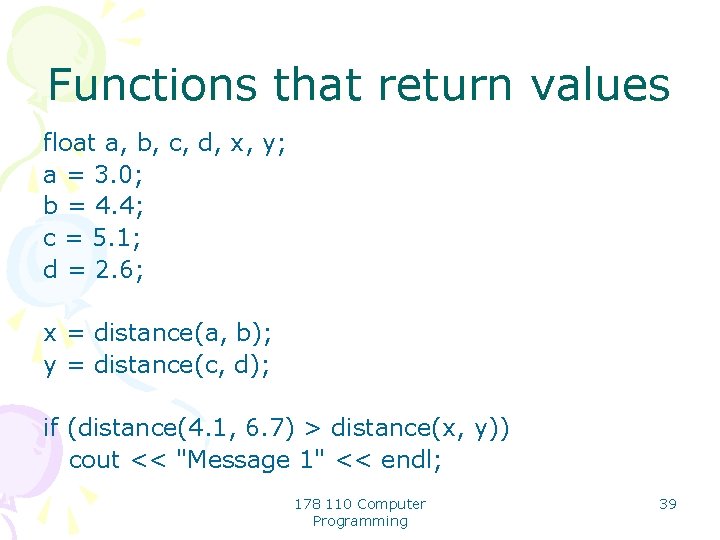
Functions that return values • When the function is called the formal parameters x and y are replaced by actual parameters of type float and in the same order, i. e. the x co-ordinate first. Since the function returns a value it can only be used in an expression. • Hence the following examples of the use of the above function in a program in which it is declared: 178 110 Computer Programming 38
Functions that return values float a, b, c, d, x, y; a = 3. 0; b = 4. 4; c = 5. 1; d = 2. 6; x = distance(a, b); y = distance(c, d); if (distance(4. 1, 6. 7) > distance(x, y)) cout << "Message 1" << endl; 178 110 Computer Programming 39
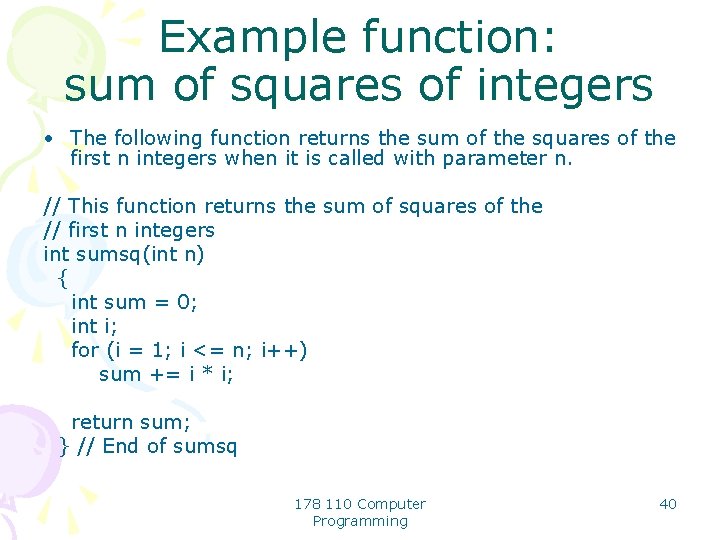
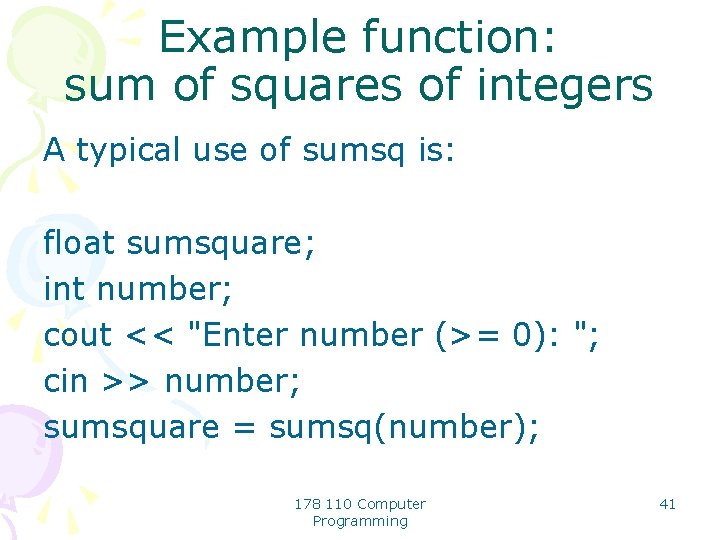
Example function: sum of squares of integers • The following function returns the sum of the squares of the first n integers when it is called with parameter n. // This function returns the sum of squares of the // first n integers int sumsq(int n) { int sum = 0; int i; for (i = 1; i <= n; i++) sum += i * i; return sum; } // End of sumsq 178 110 Computer Programming 40
Example function: sum of squares of integers A typical use of sumsq is: float sumsquare; int number; cout << "Enter number (>= 0): "; cin >> number; sumsquare = sumsq(number); 178 110 Computer Programming 41
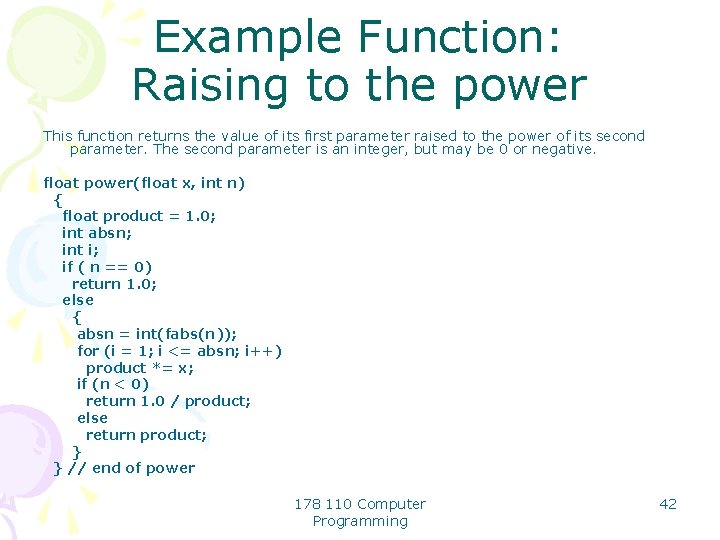
Example Function: Raising to the power This function returns the value of its first parameter raised to the power of its second parameter. The second parameter is an integer, but may be 0 or negative. float power(float x, int n) { float product = 1. 0; int absn; int i; if ( n == 0) return 1. 0; else { absn = int(fabs(n)); for (i = 1; i <= absn; i++) product *= x; if (n < 0) return 1. 0 / product; else return product; } } // end of power 178 110 Computer Programming 42
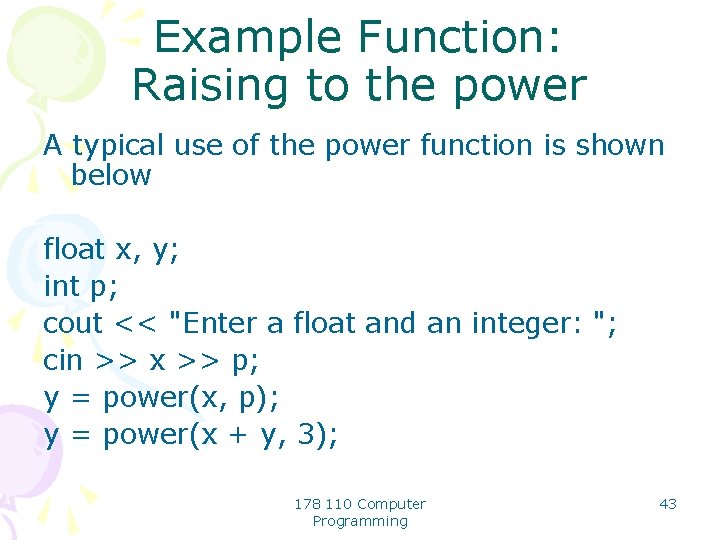
Example Function: Raising to the power A typical use of the power function is shown below float x, y; int p; cout << "Enter a float and an integer: "; cin >> x >> p; y = power(x, p); y = power(x + y, 3); 178 110 Computer Programming 43
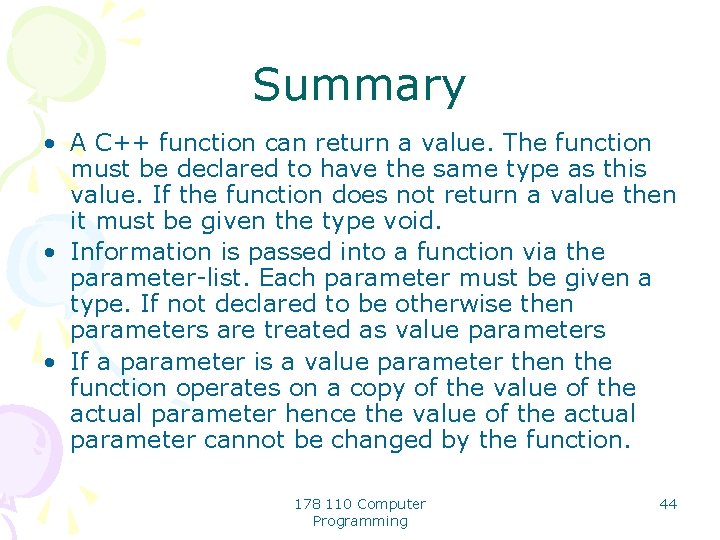
Summary • A C++ function can return a value. The function must be declared to have the same type as this value. If the function does not return a value then it must be given the type void. • Information is passed into a function via the parameter-list. Each parameter must be given a type. If not declared to be otherwise then parameters are treated as value parameters • If a parameter is a value parameter then the function operates on a copy of the value of the actual parameter hence the value of the actual parameter cannot be changed by the function. 178 110 Computer Programming 44
Summary • A function prototype provides information to the compiler about the return type of a function and the types of its parameters. The function prototype must appear in the program before the function is used. • Any variable declared inside a function is local to that function and has existence and meaning only inside the function. Hence it can use an identifier already used in the main program or in any other function without any confusion with that identifier. 178 110 Computer Programming 45
Further User-defined functions in C++ • In previous Lesson all function parameters were input-only parameters and thus were implemented as call-by value parameters. • The only method used to return information to the calling program was by the function returning a single value. • Frequently it is necessary to write functions that return more than one value • For example a function that took a sum of money in pence might have to return the equivalent sum in pounds and pence. 178 110 Computer Programming 46
Further User-defined functions in C++ • To allow information to be returned to the calling program C++ allows information to be returned by parameters. • As explained in previous Lesson this cannot be done by the use of call-by-value parameters. • To allow a parameter to return a value it must be declared to be a call-byreference parameter. 178 110 Computer Programming 47
Call-by-reference parameters • Values cannot be returned to the calling program via call-by-value parameters because the function only operates on a copy of the value of the parameters, not on the actual parameter itself. • If it is required to return a value by a parameter then the address of the actual parameter used in the function call must be passed to the function. 178 110 Computer Programming 48
Call-by-reference parameters • The function can then use this address to access the actual parameter in its own space in the calling program and change it if required. • Thus what we are passing is a reference to the parameter. • Hence call-by-reference parameters. 178 110 Computer Programming 49
Call-by-reference parameters • To indicate that a parameter is called by reference an & is placed after the type in the parameter list. • Any change that is made to that parameter in the function body will then be reflected in its value in the calling program. 178 110 Computer Programming 50
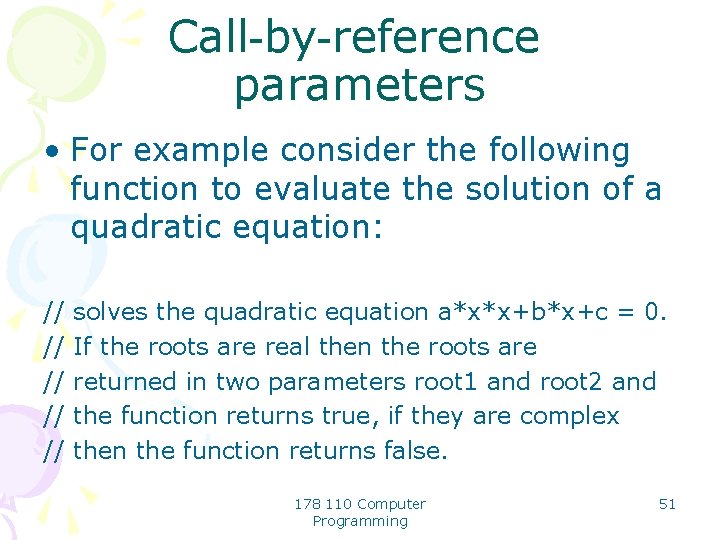
Call-by-reference parameters • For example consider the following function to evaluate the solution of a quadratic equation: // // // solves the quadratic equation a*x*x+b*x+c = 0. If the roots are real then the roots are returned in two parameters root 1 and root 2 and the function returns true, if they are complex then the function returns false. 178 110 Computer Programming 51
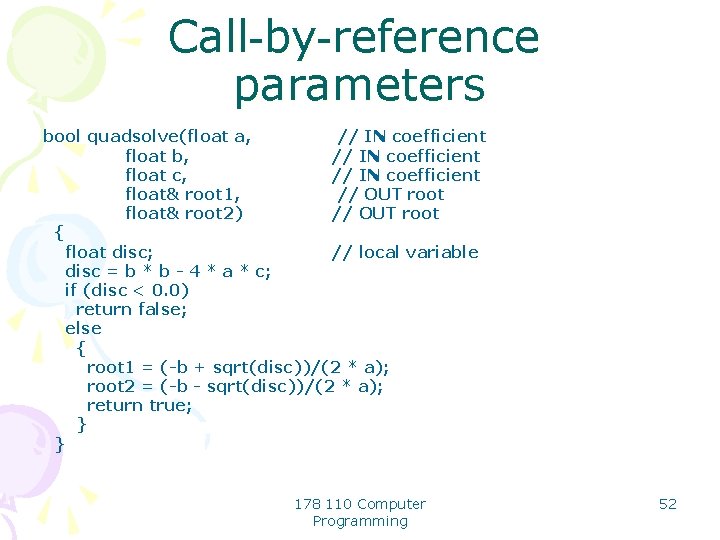
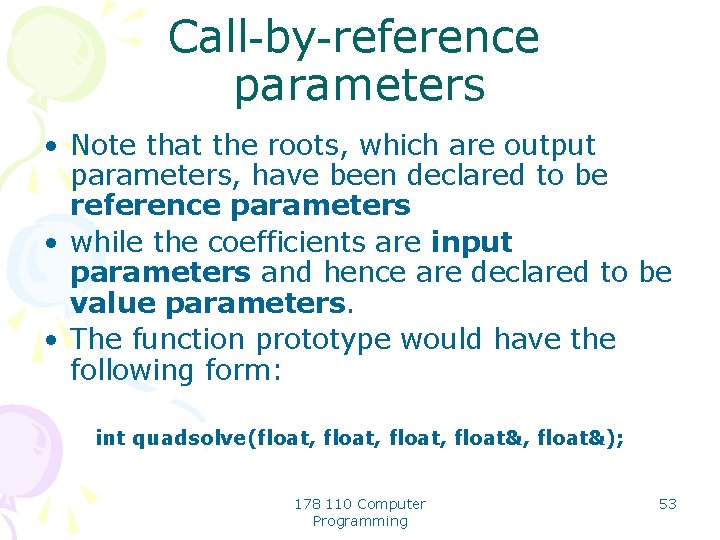
Call-by-reference parameters bool quadsolve(float a, // IN coefficient float b, // IN coefficient float c, // IN coefficient float& root 1, // OUT root float& root 2) // OUT root { float disc; // local variable disc = b * b - 4 * a * c; if (disc < 0. 0) return false; else { root 1 = (-b + sqrt(disc))/(2 * a); root 2 = (-b - sqrt(disc))/(2 * a); return true; } } 178 110 Computer Programming 52
Call-by-reference parameters • Note that the roots, which are output parameters, have been declared to be reference parameters • while the coefficients are input parameters and hence are declared to be value parameters. • The function prototype would have the following form: int quadsolve(float, float&); 178 110 Computer Programming 53
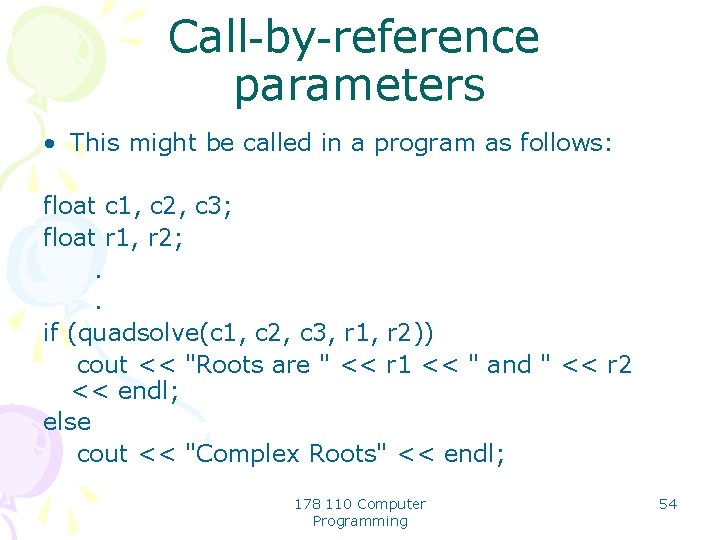
Call-by-reference parameters • This might be called in a program as follows: float c 1, c 2, c 3; float r 1, r 2; . . if (quadsolve(c 1, c 2, c 3, r 1, r 2)) cout << "Roots are " << r 1 << " and " << r 2 << endl; else cout << "Complex Roots" << endl; 178 110 Computer Programming 54
Call-by-reference parameters • Note how the return value has been used to discriminate between the situation where the roots are real and are found in the two output parameters and the case where the roots are complex and no values for the roots are returned. 178 110 Computer Programming 55
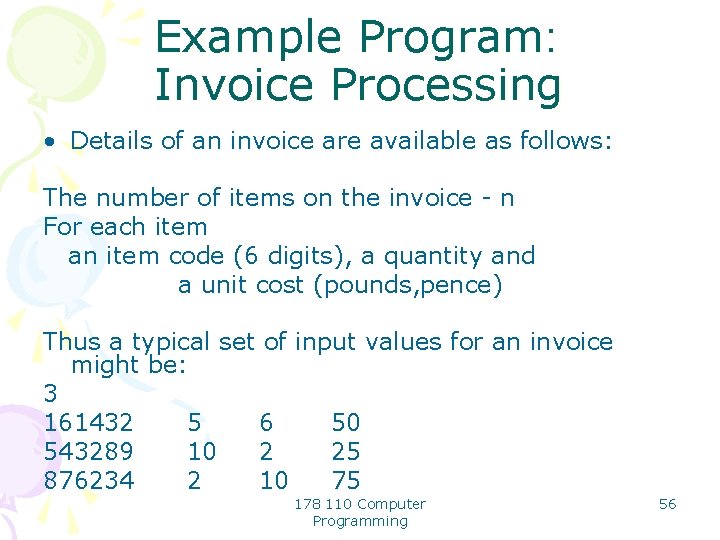
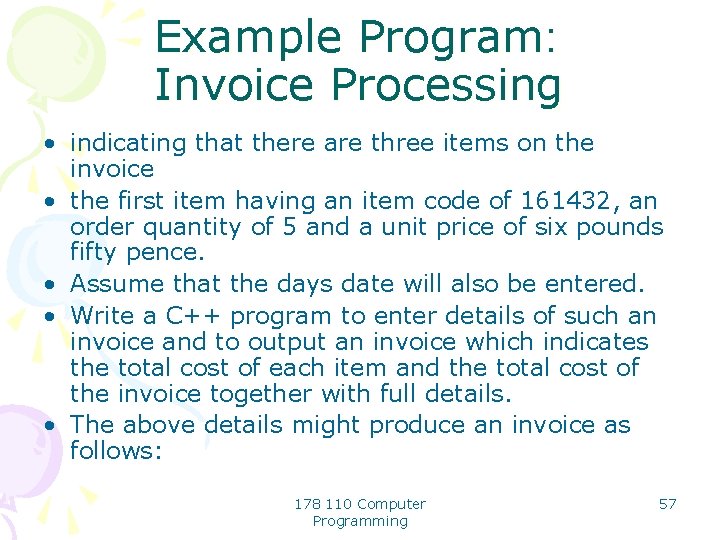
Example Program: Invoice Processing • Details of an invoice are available as follows: The number of items on the invoice - n For each item an item code (6 digits), a quantity and a unit cost (pounds, pence) Thus a typical set of input values for an invoice might be: 3 161432 5 6 50 543289 10 2 25 876234 2 10 75 178 110 Computer Programming 56
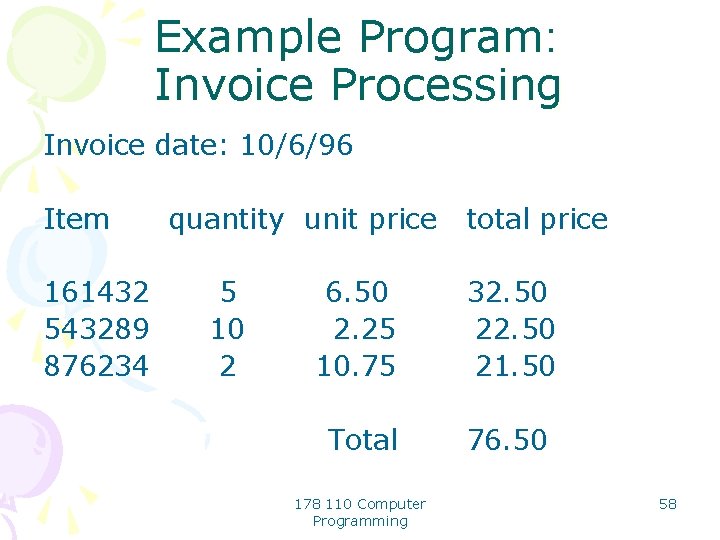
Example Program: Invoice Processing • indicating that there are three items on the invoice • the first item having an item code of 161432, an order quantity of 5 and a unit price of six pounds fifty pence. • Assume that the days date will also be entered. • Write a C++ program to enter details of such an invoice and to output an invoice which indicates the total cost of each item and the total cost of the invoice together with full details. • The above details might produce an invoice as follows: 178 110 Computer Programming 57
Example Program: Invoice Processing Invoice date: 10/6/96 Item 161432 543289 876234 quantity unit price 5 10 2 total price 6. 50 2. 25 10. 75 32. 50 21. 50 Total 76. 50 178 110 Computer Programming 58
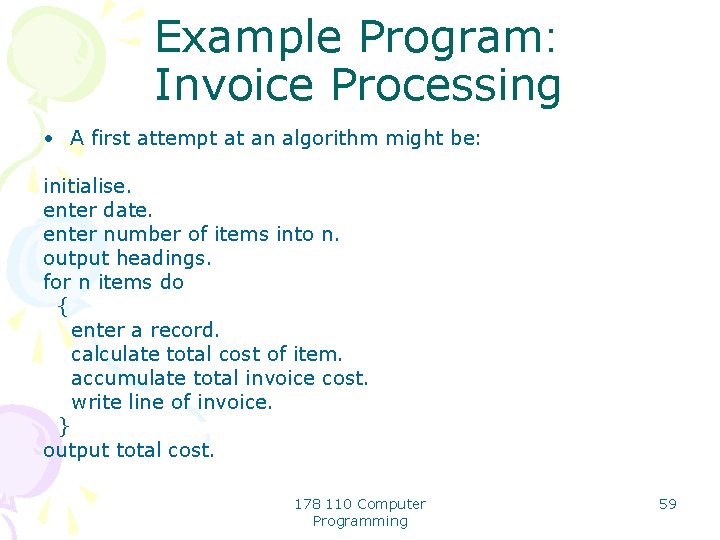
Example Program: Invoice Processing • A first attempt at an algorithm might be: initialise. enter date. enter number of items into n. output headings. for n items do { enter a record. calculate total cost of item. accumulate total invoice cost. write line of invoice. } output total cost. 178 110 Computer Programming 59
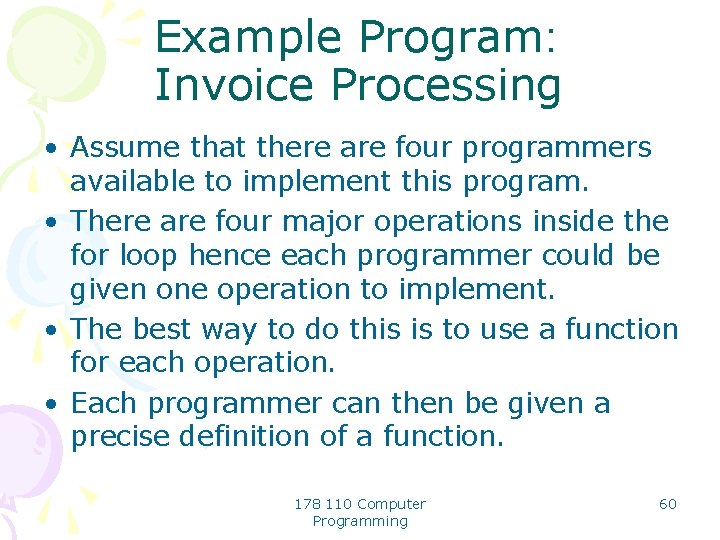
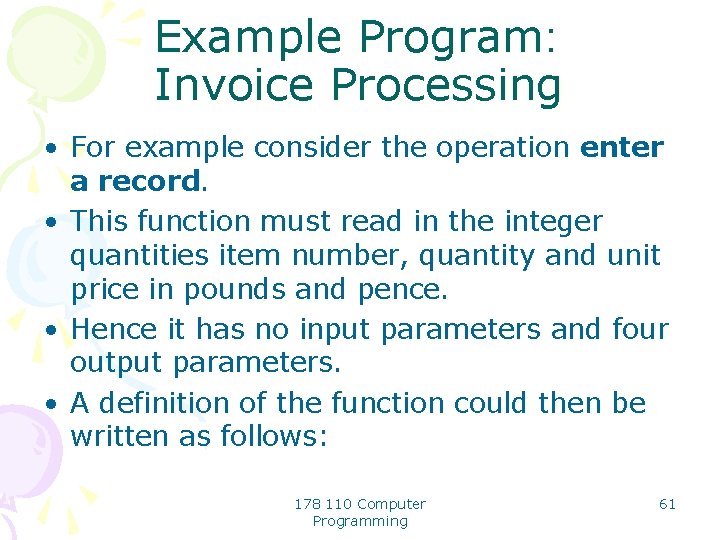
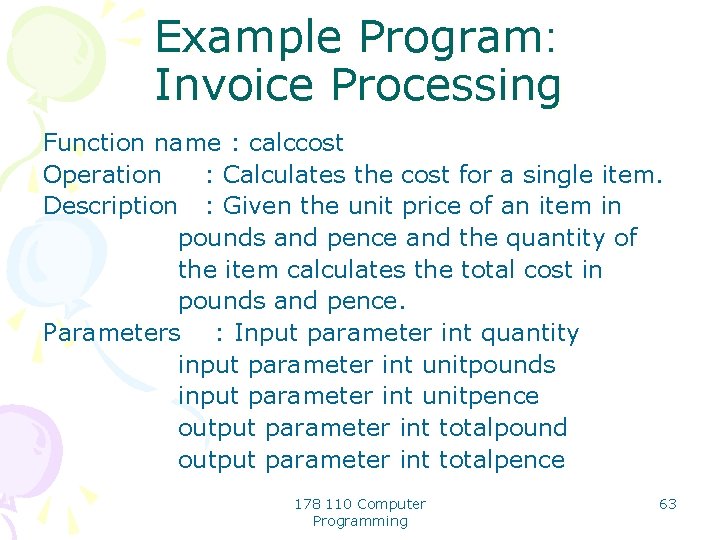
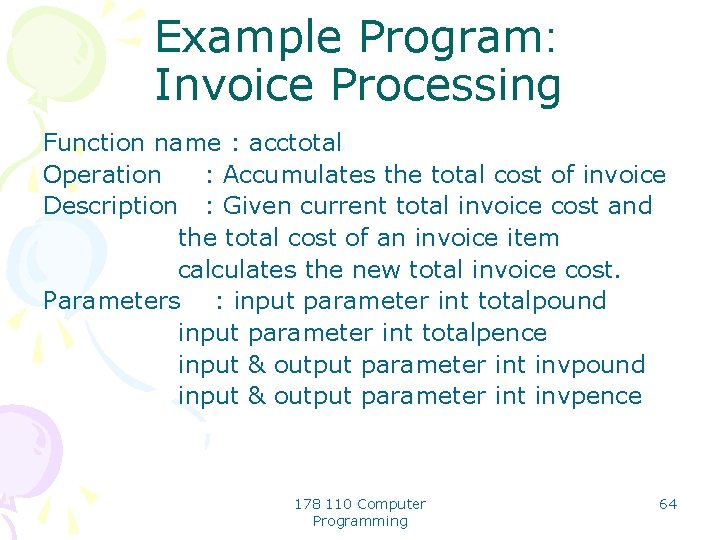
Example Program: Invoice Processing • Assume that there are four programmers available to implement this program. • There are four major operations inside the for loop hence each programmer could be given one operation to implement. • The best way to do this is to use a function for each operation. • Each programmer can then be given a precise definition of a function. 178 110 Computer Programming 60
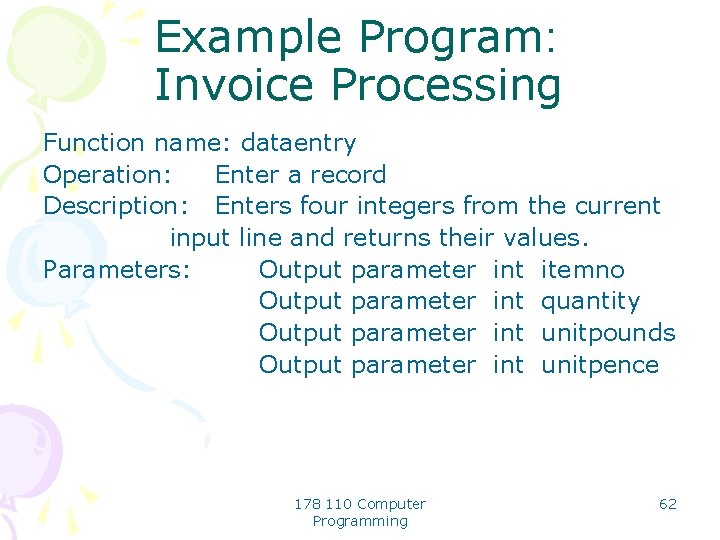
Example Program: Invoice Processing • For example consider the operation enter a record. • This function must read in the integer quantities item number, quantity and unit price in pounds and pence. • Hence it has no input parameters and four output parameters. • A definition of the function could then be written as follows: 178 110 Computer Programming 61
Example Program: Invoice Processing Function name: dataentry Operation: Enter a record Description: Enters four integers from the current input line and returns their values. Parameters: Output parameter int itemno Output parameter int quantity Output parameter int unitpounds Output parameter int unitpence 178 110 Computer Programming 62
Example Program: Invoice Processing Function name : calccost Operation : Calculates the cost for a single item. Description : Given the unit price of an item in pounds and pence and the quantity of the item calculates the total cost in pounds and pence. Parameters : Input parameter int quantity input parameter int unitpounds input parameter int unitpence output parameter int totalpound output parameter int totalpence 178 110 Computer Programming 63
Example Program: Invoice Processing Function name : acctotal Operation : Accumulates the total cost of invoice Description : Given current total invoice cost and the total cost of an invoice item calculates the new total invoice cost. Parameters : input parameter int totalpound input parameter int totalpence input & output parameter int invpound input & output parameter int invpence 178 110 Computer Programming 64
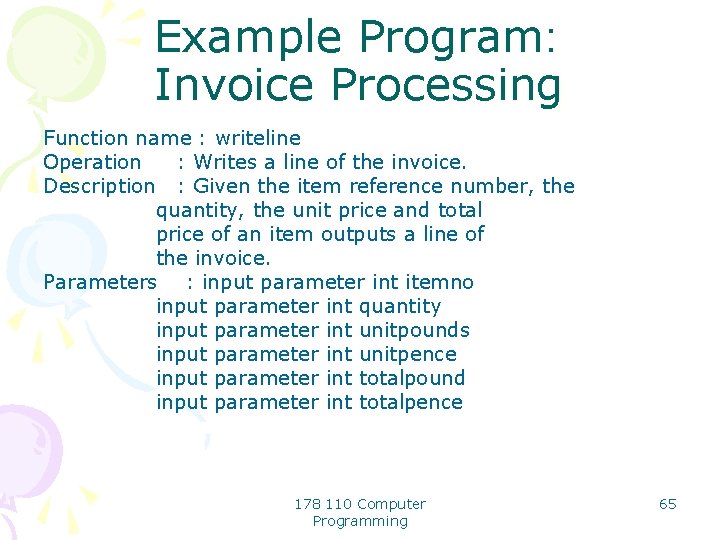
Example Program: Invoice Processing Function name : writeline Operation : Writes a line of the invoice. Description : Given the item reference number, the quantity, the unit price and total price of an item outputs a line of the invoice. Parameters : input parameter int itemno input parameter int quantity input parameter int unitpounds input parameter int unitpence input parameter int totalpound input parameter int totalpence 178 110 Computer Programming 65
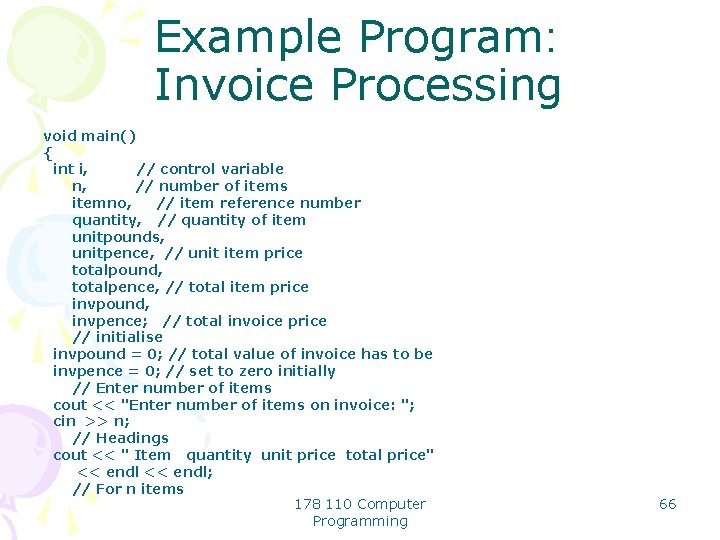
Example Program: Invoice Processing void main() { int i, // control variable n, // number of items itemno, // item reference number quantity, // quantity of item unitpounds, unitpence, // unit item price totalpound, totalpence, // total item price invpound, invpence; // total invoice price // initialise invpound = 0; // total value of invoice has to be invpence = 0; // set to zero initially // Enter number of items cout << "Enter number of items on invoice: "; cin >> n; // Headings cout << " Item quantity unit price total price" << endl; // For n items 178 110 Computer Programming 66
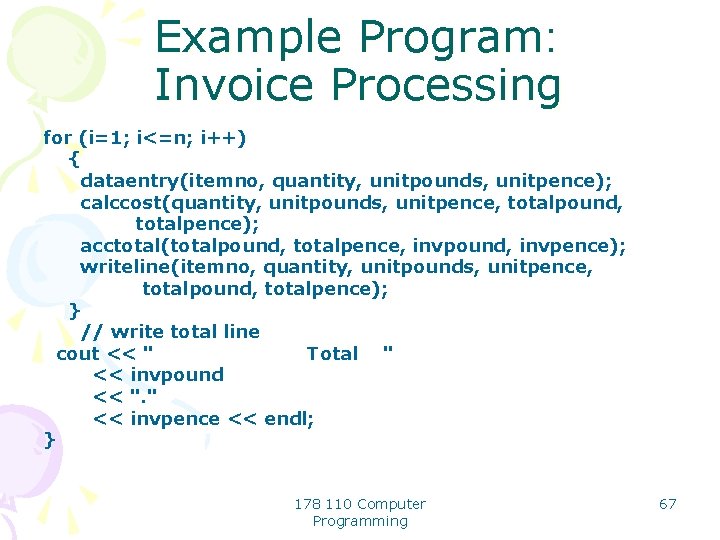
Example Program: Invoice Processing for (i=1; i<=n; i++) { dataentry(itemno, quantity, unitpounds, unitpence); calccost(quantity, unitpounds, unitpence, totalpound, totalpence); acctotal(totalpound, totalpence, invpound, invpence); writeline(itemno, quantity, unitpounds, unitpence, totalpound, totalpence); } // write total line cout << " Total " << invpound << ". " << invpence << endl; } 178 110 Computer Programming 67
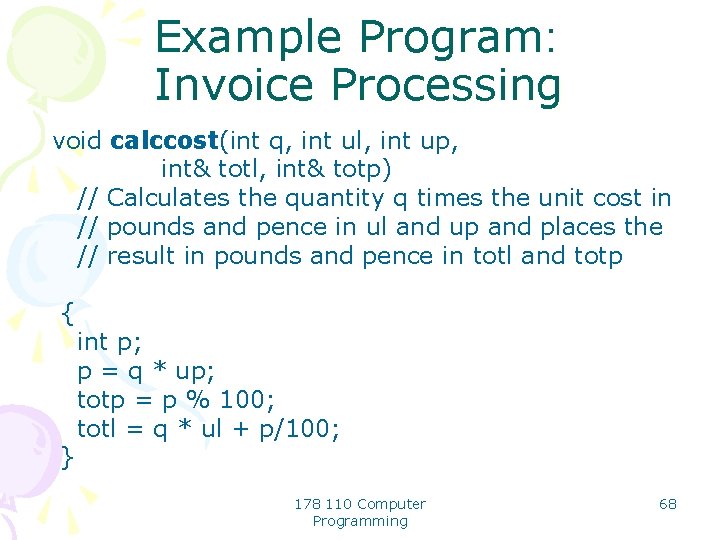
Example Program: Invoice Processing void calccost(int q, int ul, int up, int& totl, int& totp) // Calculates the quantity q times the unit cost in // pounds and pence in ul and up and places the // result in pounds and pence in totl and totp { } int p; p = q * up; totp = p % 100; totl = q * ul + p/100; 178 110 Computer Programming 68
Summary • Information is passed back from the function via reference parameters in the parameter-list. • A parameter is declared to be a reference parameter by appending & to its type. • In this case the address of the actual parameter is passed to the function and the function uses this address to access the actual parameter value and can change the value. • Hence information can be passed back to the calling program. 178 110 Computer Programming 69