
Function The Wind Chill Project Write a program

- Slides: 10
Function
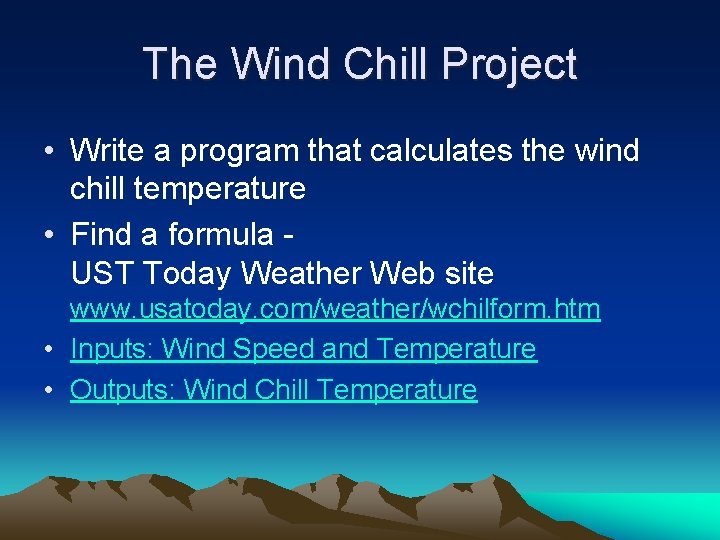
The Wind Chill Project • Write a program that calculates the wind chill temperature • Find a formula UST Today Weather Web site www. usatoday. com/weather/wchilform. htm • Inputs: Wind Speed and Temperature • Outputs: Wind Chill Temperature
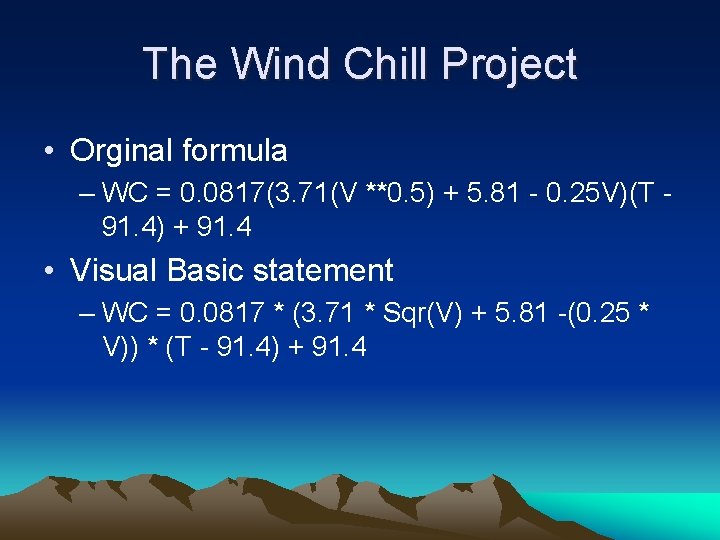
The Wind Chill Project • Orginal formula – WC = 0. 0817(3. 71(V **0. 5) + 5. 81 - 0. 25 V)(T 91. 4) + 91. 4 • Visual Basic statement – WC = 0. 0817 * (3. 71 * Sqr(V) + 5. 81 -(0. 25 * V)) * (T - 91. 4) + 91. 4
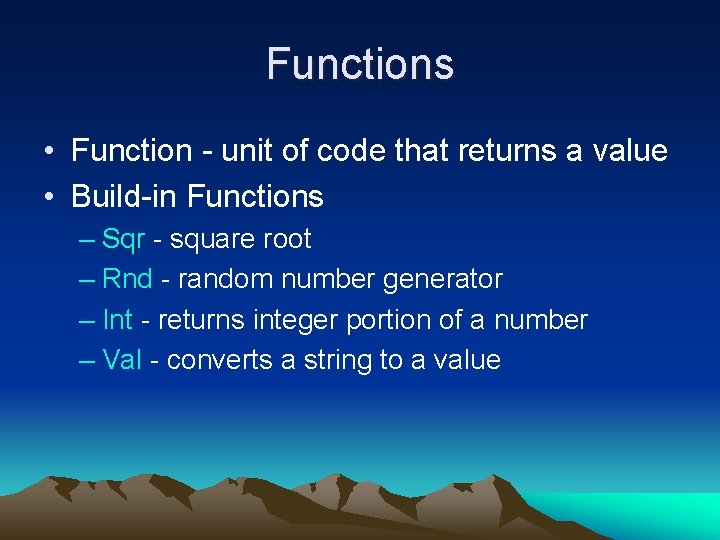
Functions • Function - unit of code that returns a value • Build-in Functions – Sqr - square root – Rnd - random number generator – Int - returns integer portion of a number – Val - converts a string to a value
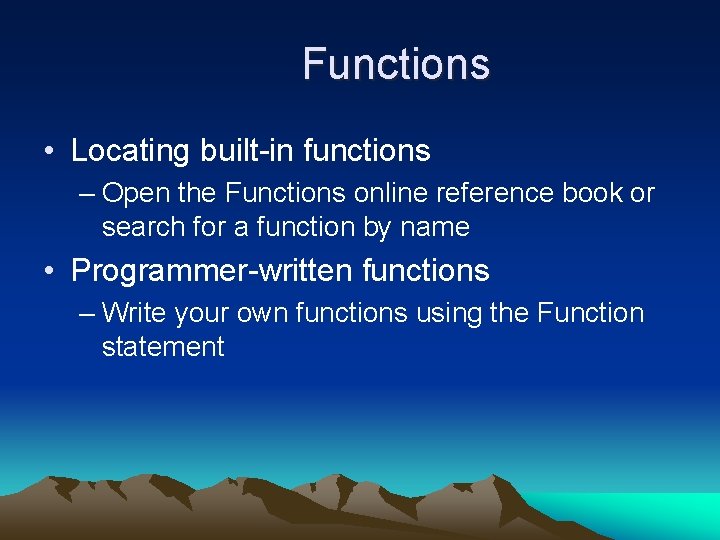
Functions • Locating built-in functions – Open the Functions online reference book or search for a function by name • Programmer-written functions – Write your own functions using the Function statement
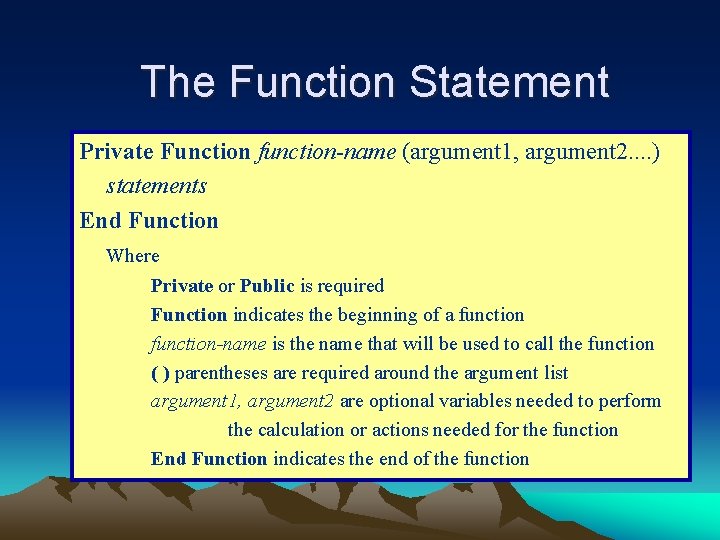
The Function Statement Private Function function-name (argument 1, argument 2. . ) statements End Function Where Private or Public is required Function indicates the beginning of a function-name is the name that will be used to call the function ( ) parentheses are required around the argument list argument 1, argument 2 are optional variables needed to perform the calculation or actions needed for the function End Function indicates the end of the function
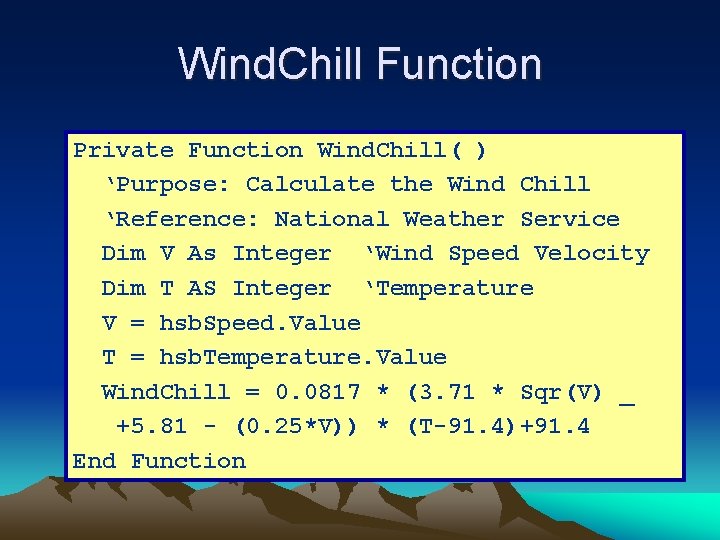
Wind. Chill Function Private Function Wind. Chill( ) ‘Purpose: Calculate the Wind Chill ‘Reference: National Weather Service Dim V As Integer ‘Wind Speed Velocity Dim T AS Integer ‘Temperature V = hsb. Speed. Value T = hsb. Temperature. Value Wind. Chill = 0. 0817 * (3. 71 * Sqr(V) _ +5. 81 - (0. 25*V)) * (T-91. 4)+91. 4 End Function
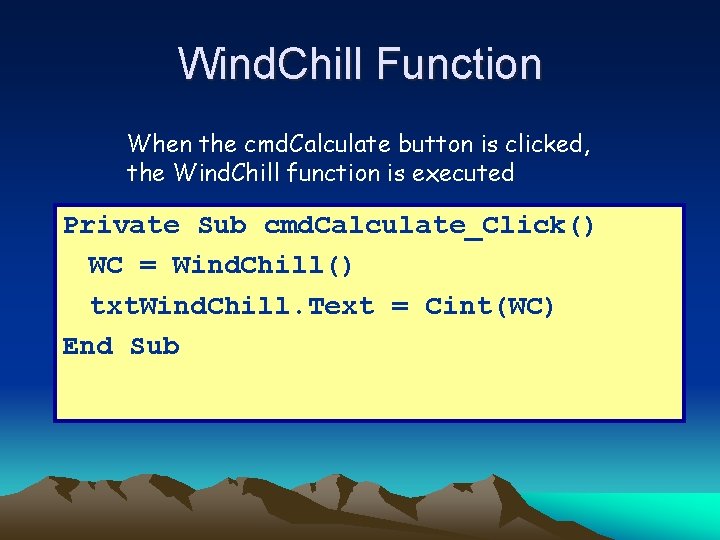
Wind. Chill Function When the cmd. Calculate button is clicked, the Wind. Chill function is executed Private Sub cmd. Calculate_Click() WC = Wind. Chill() txt. Wind. Chill. Text = Cint(WC) End Sub
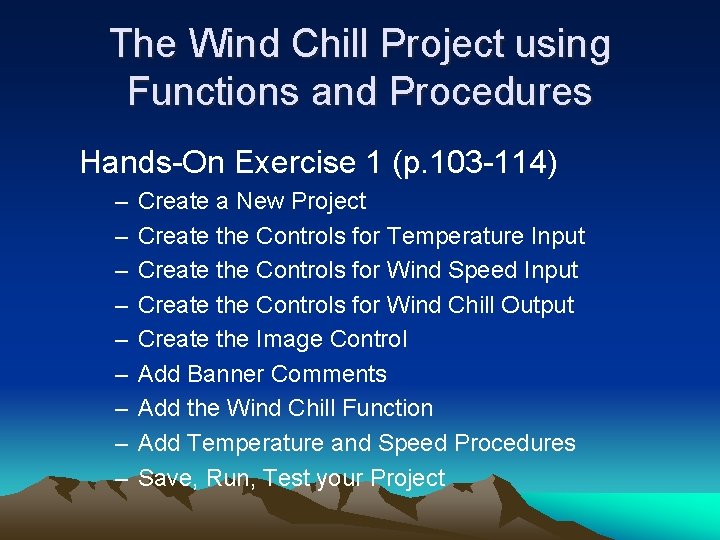
The Wind Chill Project using Functions and Procedures Hands-On Exercise 1 (p. 103 -114) – – – – – Create a New Project Create the Controls for Temperature Input Create the Controls for Wind Speed Input Create the Controls for Wind Chill Output Create the Image Control Add Banner Comments Add the Wind Chill Function Add Temperature and Speed Procedures Save, Run, Test your Project
End of Lecture