
function A function is a collection of statements
- Slides: 31
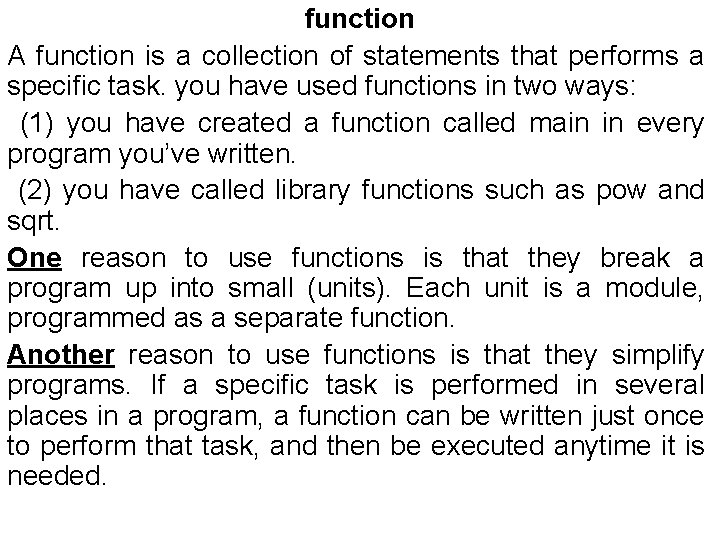
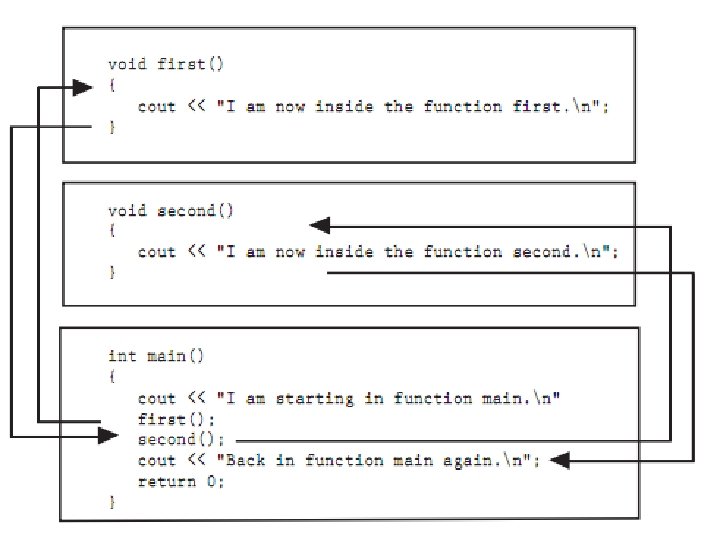
function A function is a collection of statements that performs a specific task. you have used functions in two ways: (1) you have created a function called main in every program you’ve written. (2) you have called library functions such as pow and sqrt. One reason to use functions is that they break a program up into small (units). Each unit is a module, programmed as a separate function. Another reason to use functions is that they simplify programs. If a specific task is performed in several places in a program, a function can be written just once to perform that task, and then be executed anytime it is needed.
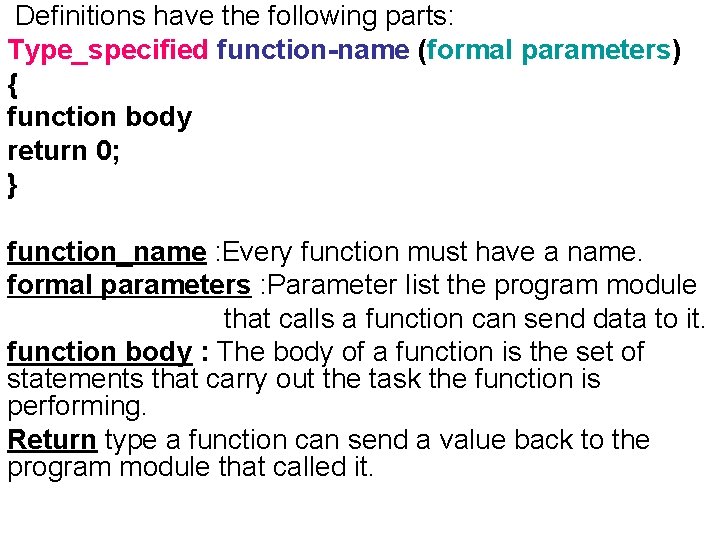
Definitions have the following parts: Type_specified function-name (formal parameters) { function body return 0; } function_name : Every function must have a name. formal parameters : Parameter list the program module that calls a function can send data to it. function body : The body of a function is the set of statements that carry out the task the function is performing. Return type a function can send a value back to the program module that called it.
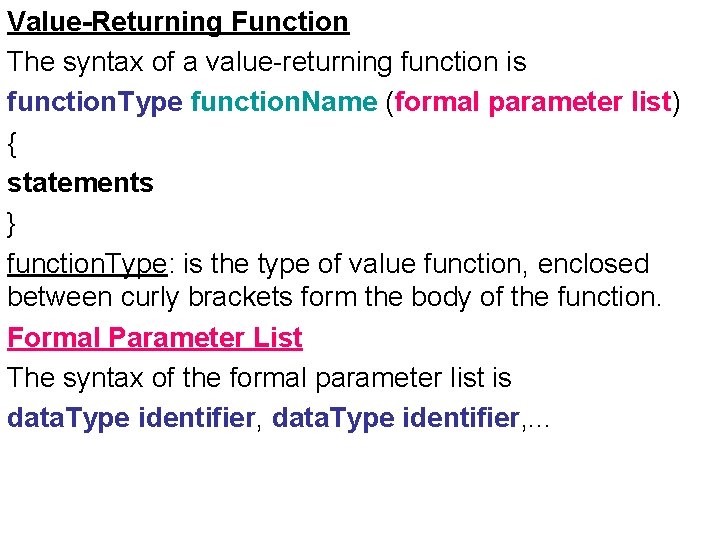
Value-Returning Function The syntax of a value-returning function is function. Type function. Name (formal parameter list) { statements } function. Type: is the type of value function, enclosed between curly brackets form the body of the function. Formal Parameter List The syntax of the formal parameter list is data. Type identifier, . . .
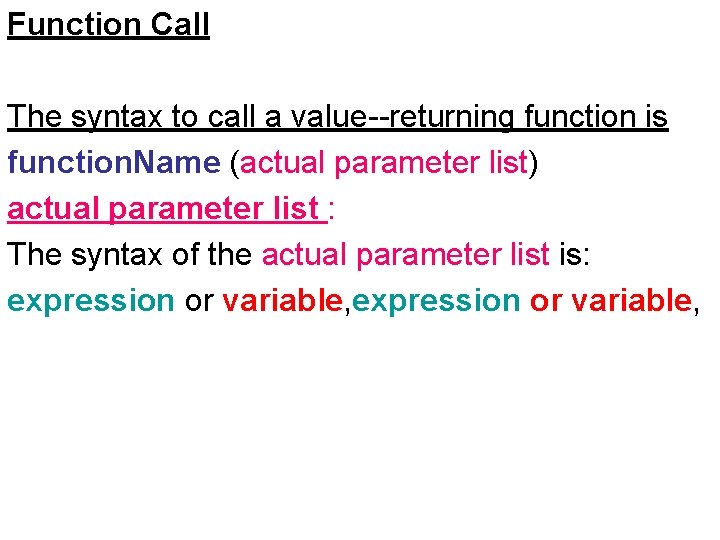
Function Call The syntax to call a value--returning function is function. Name (actual parameter list) actual parameter list : The syntax of the actual parameter list is: expression or variable,
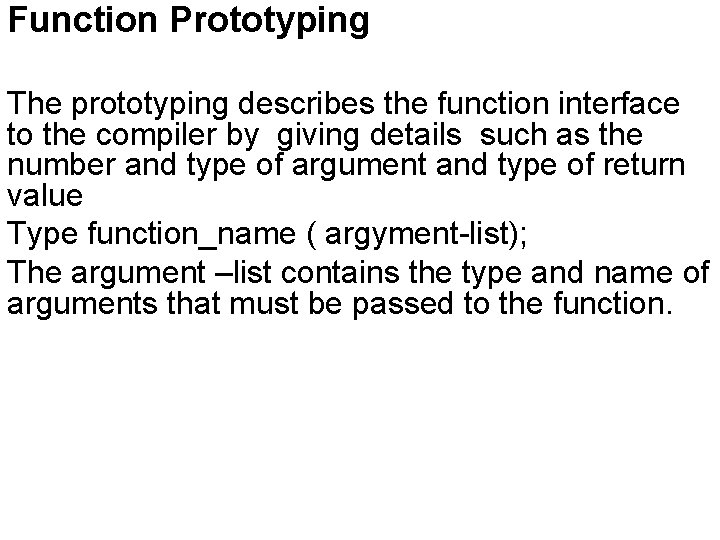
Function Prototyping The prototyping describes the function interface to the compiler by giving details such as the number and type of argument and type of return value Type function_name ( argyment-list); The argument –list contains the type and name of arguments that must be passed to the function.
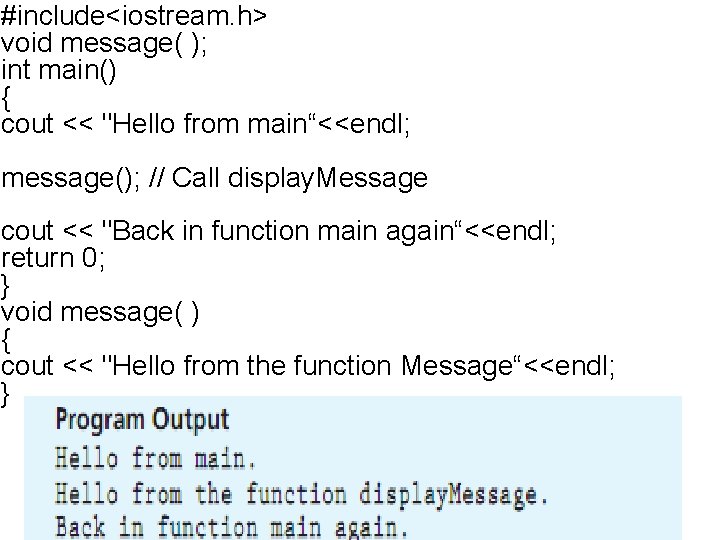
#include<iostream. h> void message( ); int main() { cout << "Hello from main“<<endl; message(); // Call display. Message cout << "Back in function main again“<<endl; return 0; } void message( ) { cout << "Hello from the function Message“<<endl; }
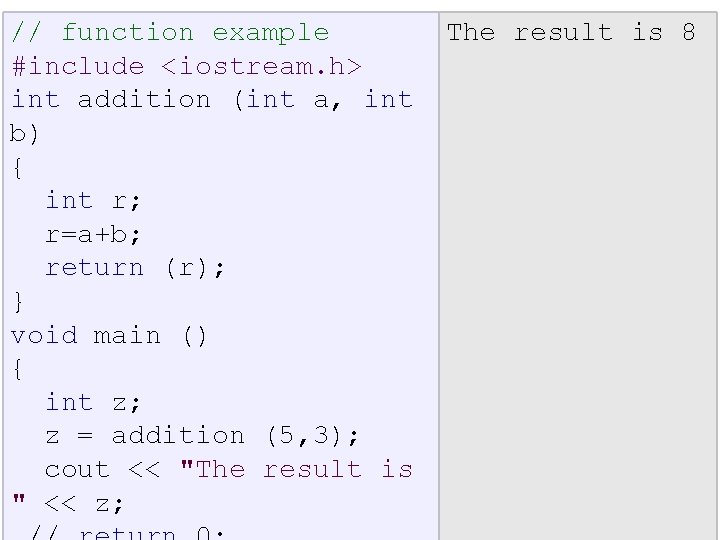
// function example #include <iostream. h> int addition (int a, int b) { int r; r=a+b; return (r); } void main () { int z; z = addition (5, 3); cout << "The result is " << z; The result is 8
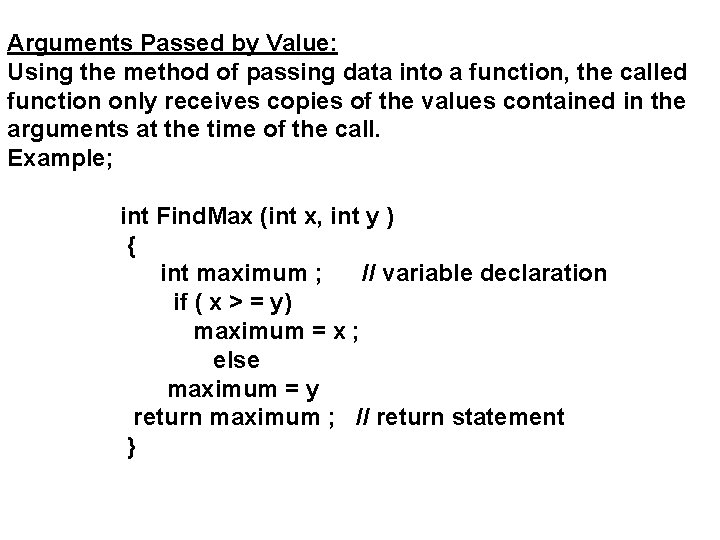
Arguments Passed by Value: Using the method of passing data into a function, the called function only receives copies of the values contained in the arguments at the time of the call. Example; int Find. Max (int x, int y ) { int maximum ; // variable declaration if ( x > = y) maximum = x ; else maximum = y return maximum ; // return statement }
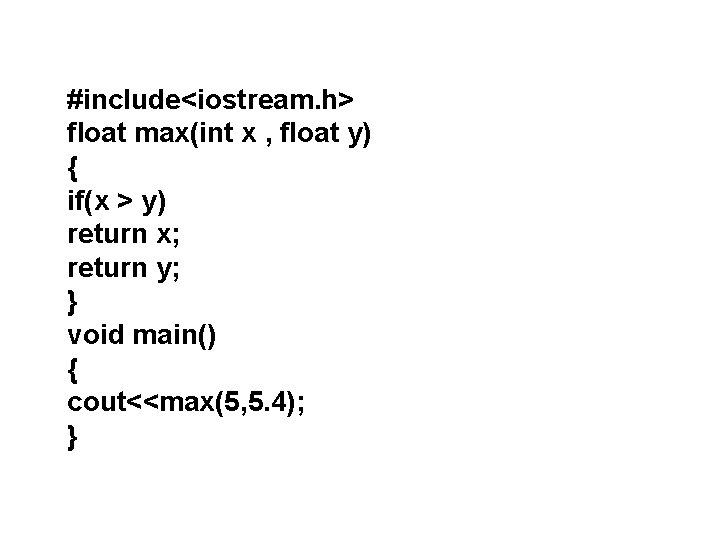
#include<iostream. h> float max(int x , float y) { if(x > y) return x; return y; } void main() { cout<<max(5, 5. 4); }
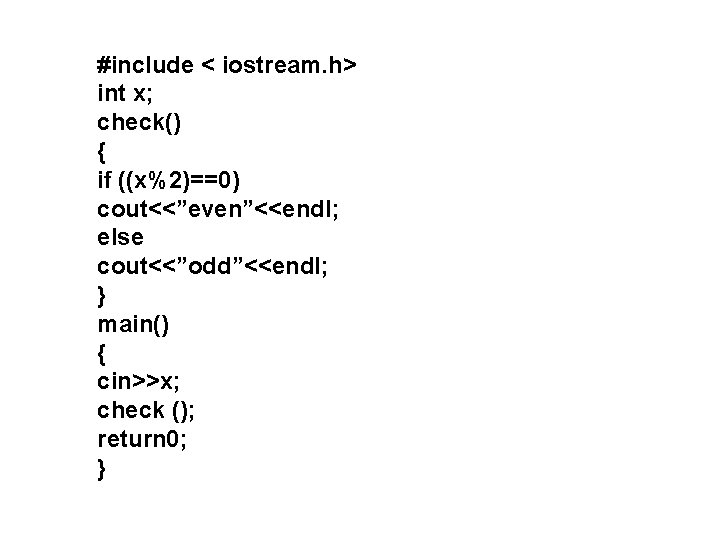
#include < iostream. h> int x; check() { if ((x%2)==0) cout<<”even”<<endl; else cout<<”odd”<<endl; } main() { cin>>x; check (); return 0; }
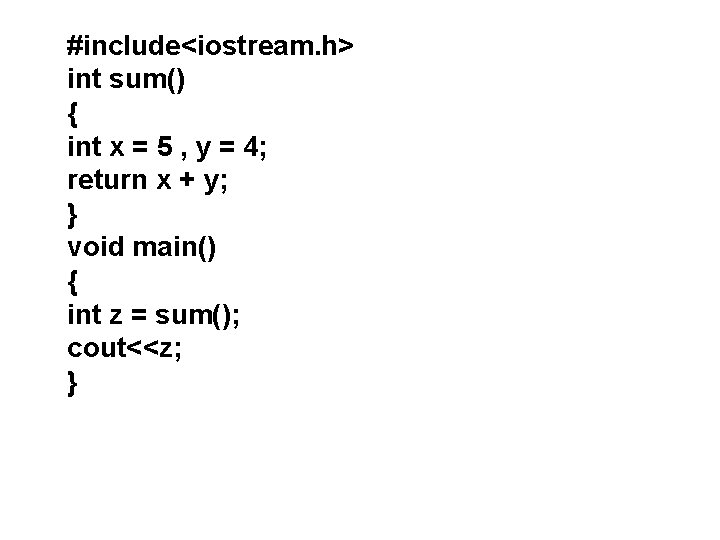
#include<iostream. h> int sum() { int x = 5 , y = 4; return x + y; } void main() { int z = sum(); cout<<z; }
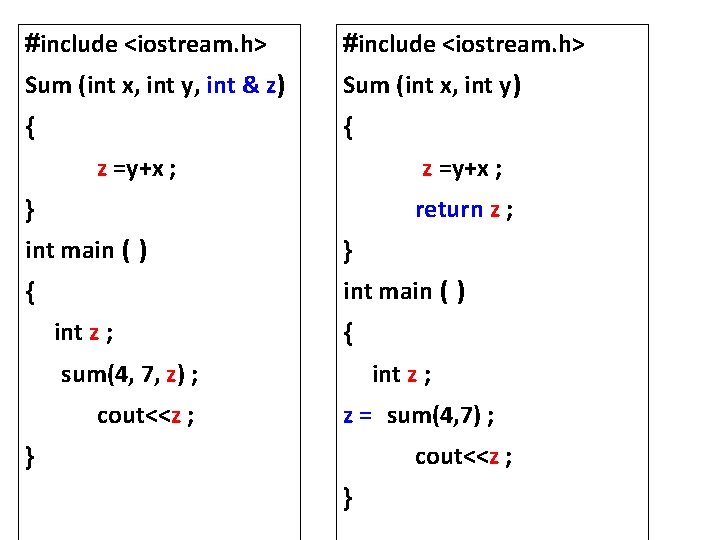
#include <iostream. h> Sum (int x, int y, int & z) Sum (int x, int y) { { z =y+x ; return z ; } int main ( ) } { int main ( ) int z ; { sum(4, 7, z) ; cout<<z ; int z ; z = sum(4, 7) ; cout<<z ; } }
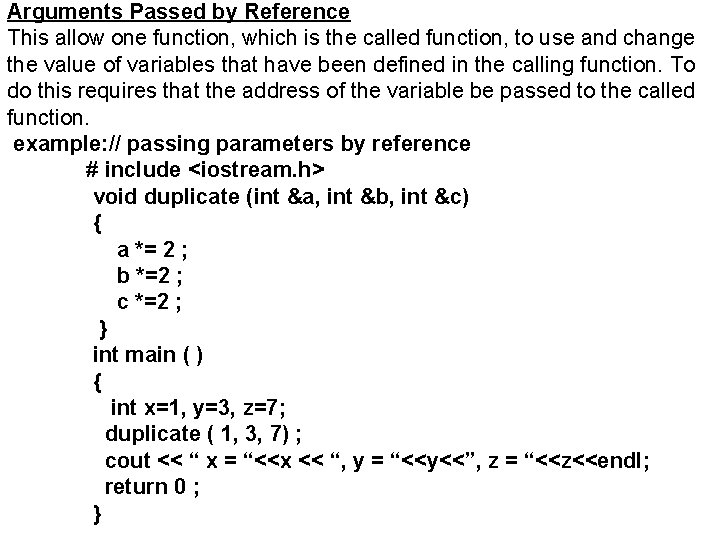
Arguments Passed by Reference This allow one function, which is the called function, to use and change the value of variables that have been defined in the calling function. To do this requires that the address of the variable be passed to the called function. example: // passing parameters by reference # include <iostream. h> void duplicate (int &a, int &b, int &c) { a *= 2 ; b *=2 ; c *=2 ; } int main ( ) { int x=1, y=3, z=7; duplicate ( 1, 3, 7) ; cout << “ x = “<<x << “, y = “<<y<<”, z = “<<z<<endl; return 0 ; }
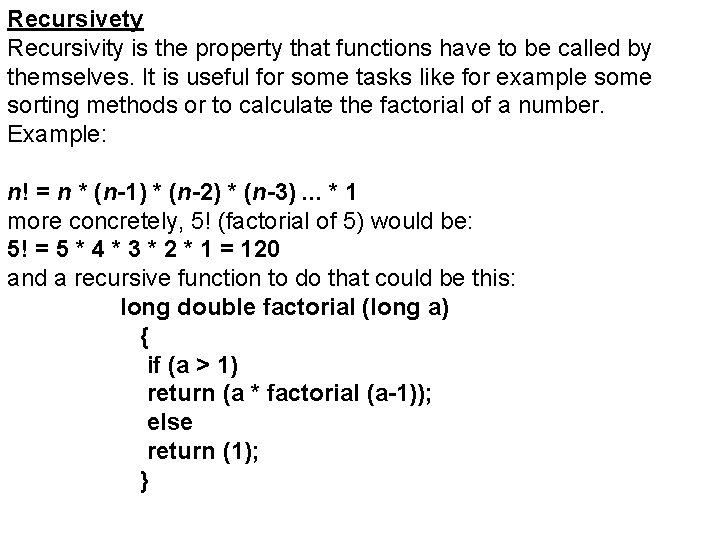
Recursivety Recursivity is the property that functions have to be called by themselves. It is useful for some tasks like for example some sorting methods or to calculate the factorial of a number. Example: n! = n * (n-1) * (n-2) * (n-3). . . * 1 more concretely, 5! (factorial of 5) would be: 5! = 5 * 4 * 3 * 2 * 1 = 120 and a recursive function to do that could be this: long double factorial (long a) { if (a > 1) return (a * factorial (a-1)); else return (1); }
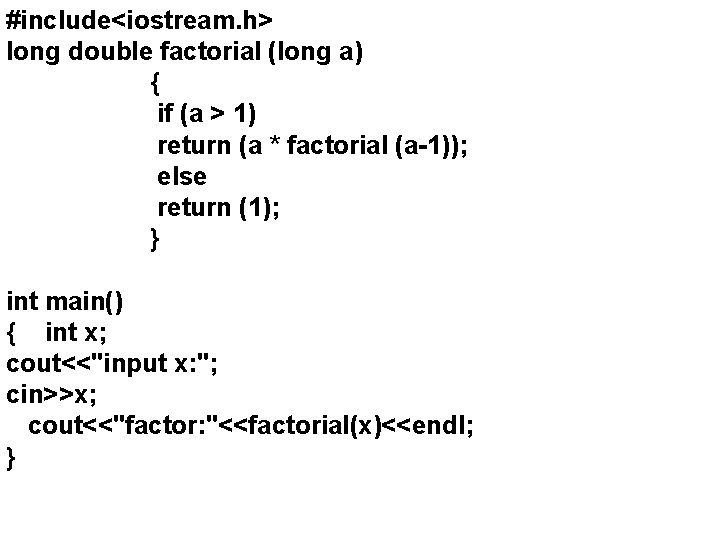
#include<iostream. h> long double factorial (long a) { if (a > 1) return (a * factorial (a-1)); else return (1); } int main() { int x; cout<<"input x: "; cin>>x; cout<<"factor: "<<factorial(x)<<endl; }
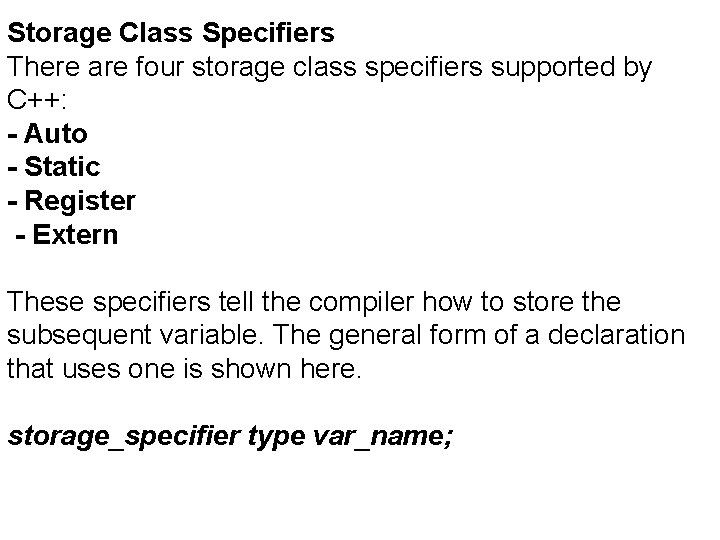
Storage Class Specifiers There are four storage class specifiers supported by C++: - Auto - Static - Register - Extern These specifiers tell the compiler how to store the subsequent variable. The general form of a declaration that uses one is shown here. storage_specifier type var_name;
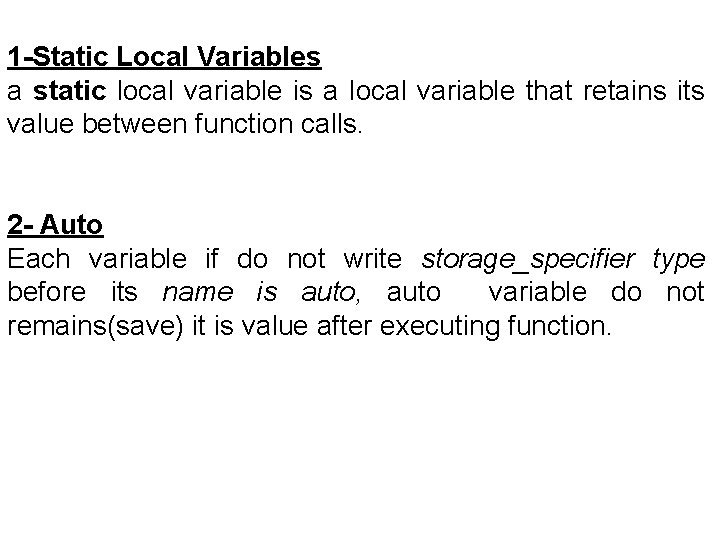
1 -Static Local Variables a static local variable is a local variable that retains its value between function calls. 2 - Auto Each variable if do not write storage_specifier type before its name is auto, auto variable do not remains(save) it is value after executing function.
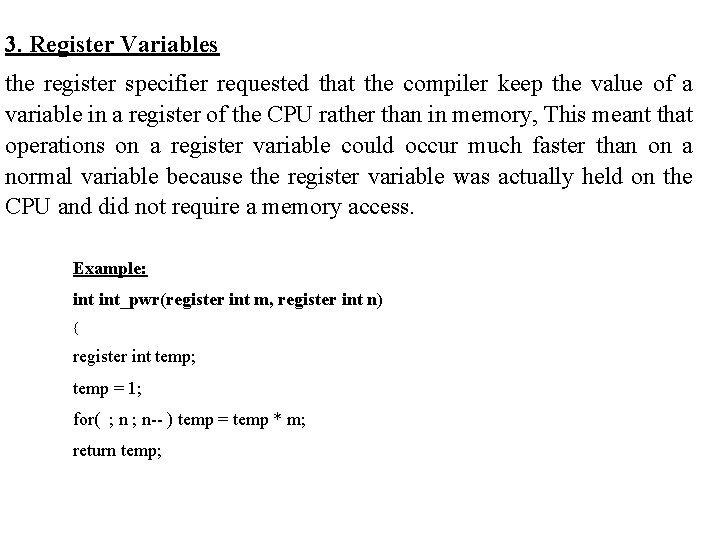
3. Register Variables the register specifier requested that the compiler keep the value of a variable in a register of the CPU rather than in memory, This meant that operations on a register variable could occur much faster than on a normal variable because the register variable was actually held on the CPU and did not require a memory access. Example: int_pwr(register int m, register int n) { register int temp; temp = 1; for( ; n-- ) temp = temp * m; return temp;
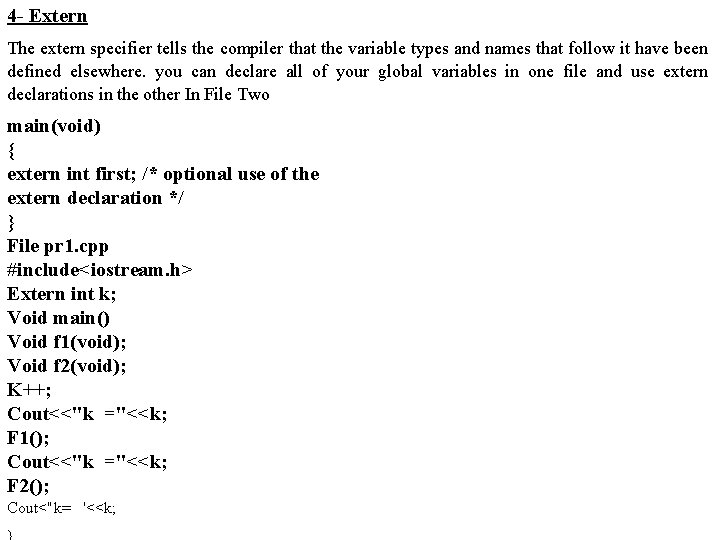
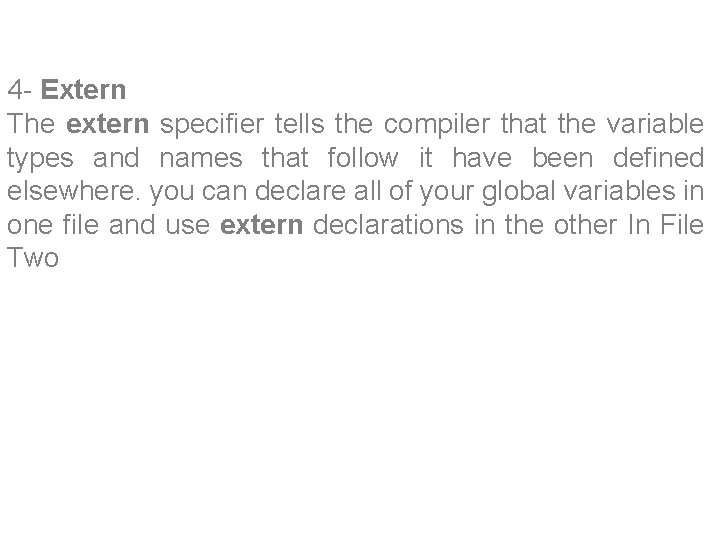
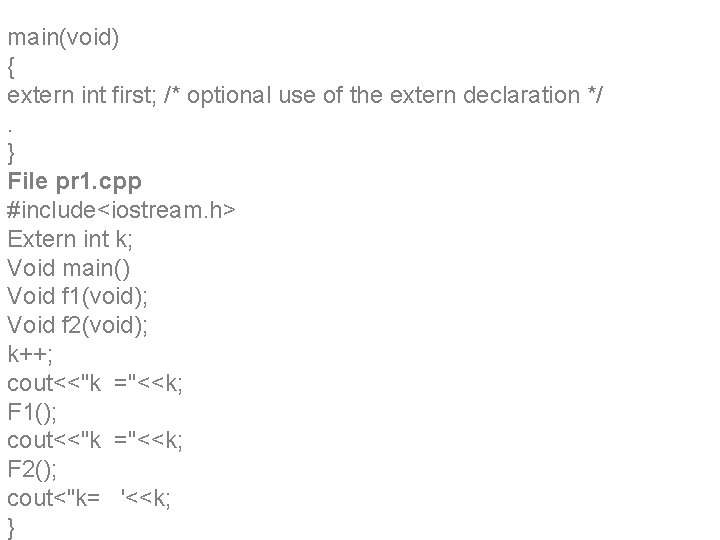
4 - Extern The extern specifier tells the compiler that the variable types and names that follow it have been defined elsewhere. you can declare all of your global variables in one file and use extern declarations in the other In File Two main(void) { extern int first; /* optional use of the extern declaration */ } File pr 1. cpp #include<iostream. h> Extern int k; Void main() Void f 1(void); Void f 2(void); K++; Cout<<"k ="<<k; F 1(); Cout<<"k ="<<k; F 2(); Cout<"k= '<<k;
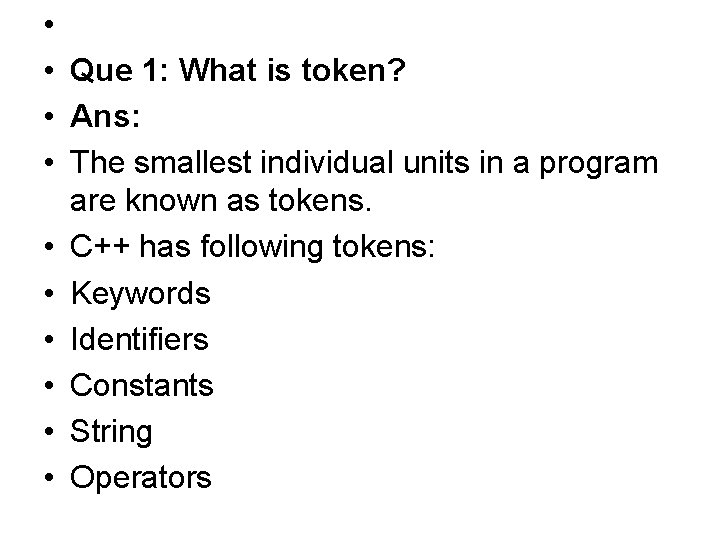
• • Que 1: What is token? • Ans: • The smallest individual units in a program are known as tokens. • C++ has following tokens: • Keywords • Identifiers • Constants • String • Operators
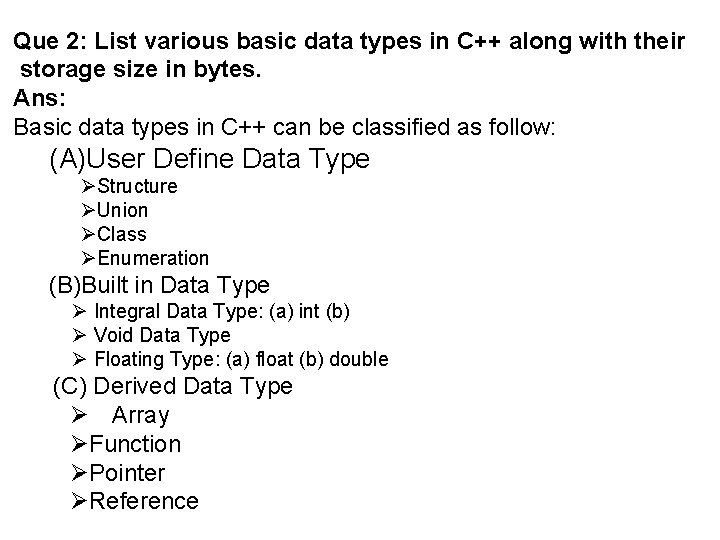
Que 2: List various basic data types in C++ along with their storage size in bytes. Ans: Basic data types in C++ can be classified as follow: (A)User Define Data Type Structure Union Class Enumeration (B)Built in Data Type Integral Data Type: (a) int (b) Void Data Type Floating Type: (a) float (b) double (C) Derived Data Type Array Function Pointer Reference
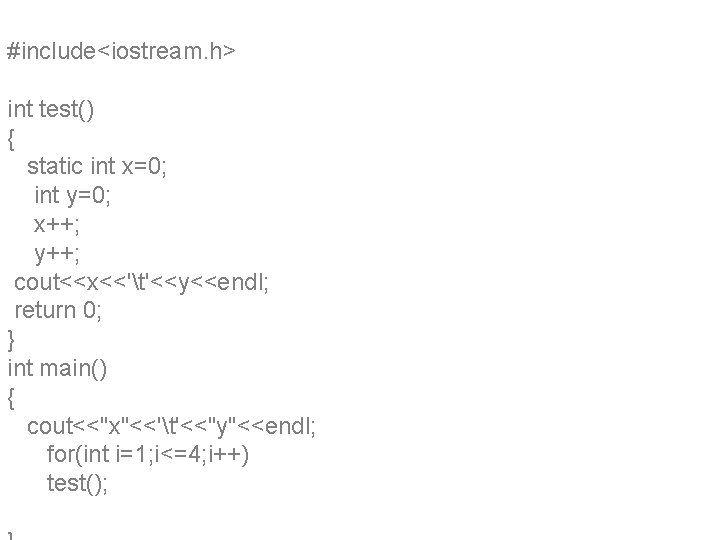
#include<iostream. h> int test() { static int x=0; int y=0; x++; y++; cout<<x<<'t'<<y<<endl; return 0; } int main() { cout<<"x"<<'t'<<"y"<<endl; for(int i=1; i<=4; i++) test();
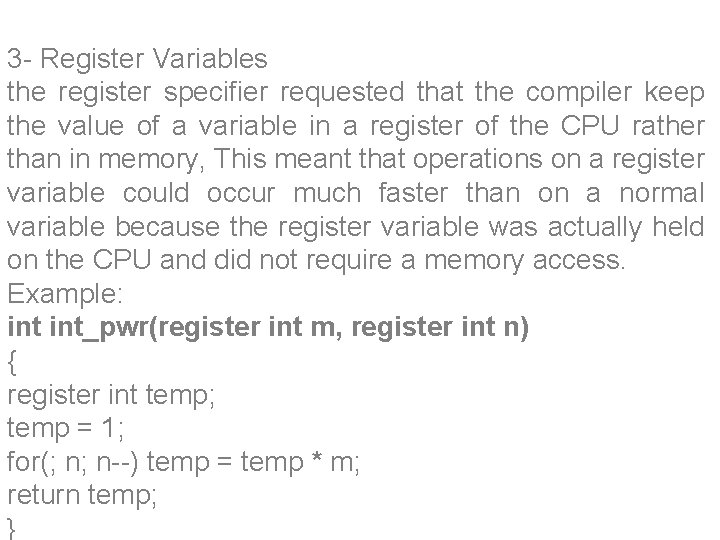
3 - Register Variables the register specifier requested that the compiler keep the value of a variable in a register of the CPU rather than in memory, This meant that operations on a register variable could occur much faster than on a normal variable because the register variable was actually held on the CPU and did not require a memory access. Example: int_pwr(register int m, register int n) { register int temp; temp = 1; for(; n; n--) temp = temp * m; return temp; }
4 - Extern The extern specifier tells the compiler that the variable types and names that follow it have been defined elsewhere. you can declare all of your global variables in one file and use extern declarations in the other In File Two
main(void) { extern int first; /* optional use of the extern declaration */. } File pr 1. cpp #include<iostream. h> Extern int k; Void main() Void f 1(void); Void f 2(void); k++; cout<<"k ="<<k; F 1(); cout<<"k ="<<k; F 2(); cout<"k= '<<k; }
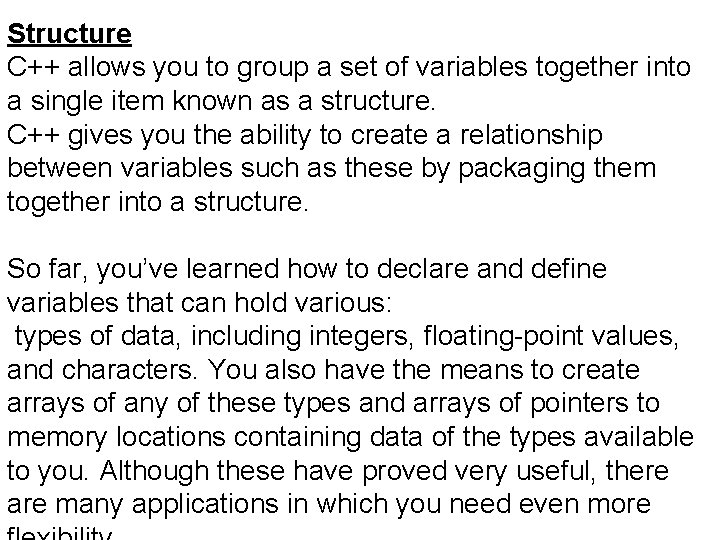
Structure C++ allows you to group a set of variables together into a single item known as a structure. C++ gives you the ability to create a relationship between variables such as these by packaging them together into a structure. So far, you’ve learned how to declare and define variables that can hold various: types of data, including integers, floating-point values, and characters. You also have the means to create arrays of any of these types and arrays of pointers to memory locations containing data of the types available to you. Although these have proved very useful, there are many applications in which you need even more
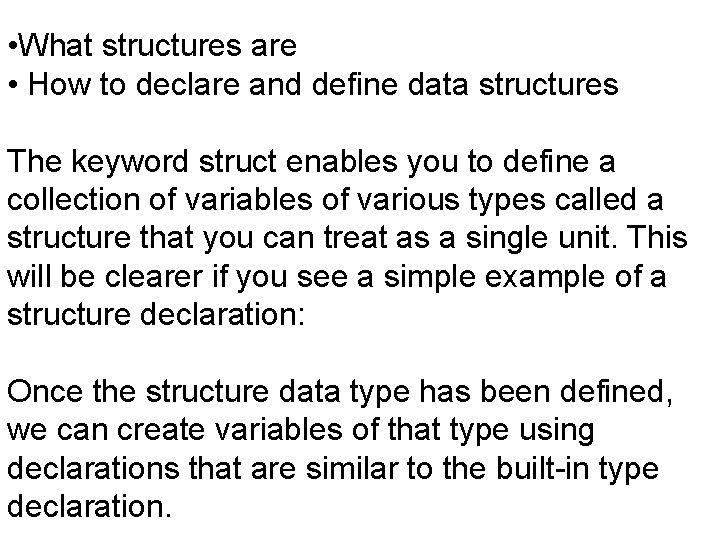
• What structures are • How to declare and define data structures The keyword struct enables you to define a collection of variables of various types called a structure that you can treat as a single unit. This will be clearer if you see a simple example of a structure declaration: Once the structure data type has been defined, we can create variables of that type using declarations that are similar to the built-in type declaration.
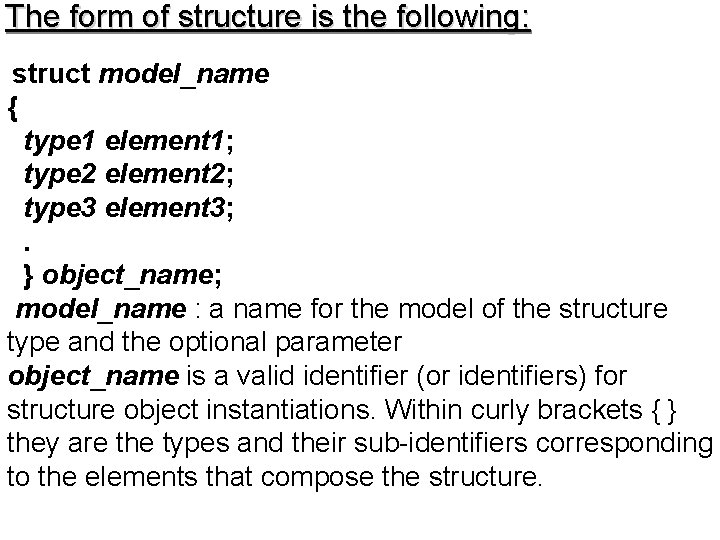
The form of structure is the following: struct model_name { type 1 element 1; type 2 element 2; type 3 element 3; . } object_name; model_name : a name for the model of the structure type and the optional parameter object_name is a valid identifier (or identifiers) for structure object instantiations. Within curly brackets { } they are the types and their sub-identifiers corresponding to the elements that compose the structure.
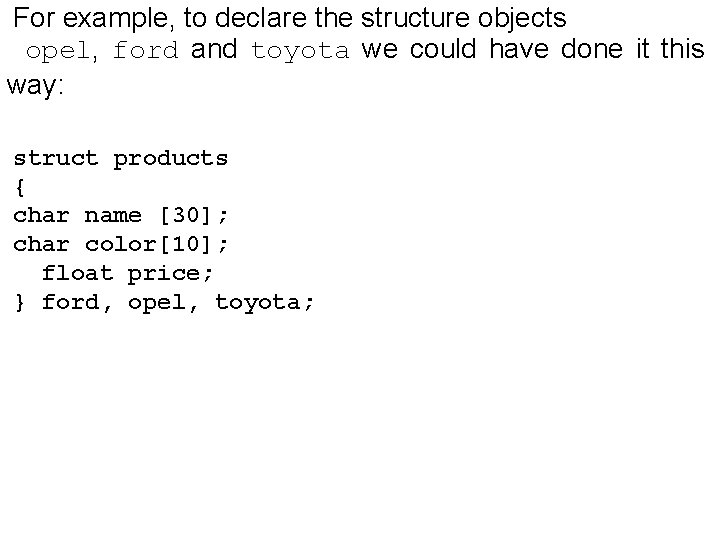
For example, to declare the structure objects opel, ford and toyota we could have done it this way: struct products { char name [30]; char color[10]; float price; } ford, opel, toyota;
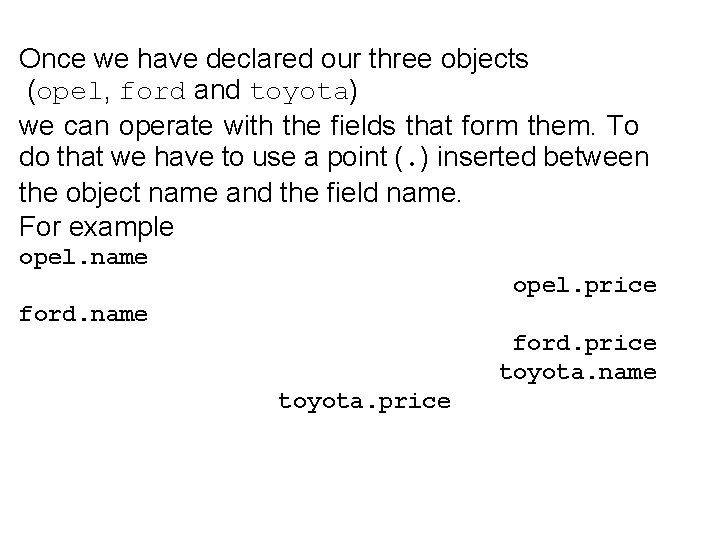
Once we have declared our three objects (opel, ford and toyota) we can operate with the fields that form them. To do that we have to use a point (. ) inserted between the object name and the field name. For example opel. name opel. price ford. name ford. price toyota. name toyota. price