
FRONTLINE ENERGY INC WebBased Land Data System Demonstration
FRONTLINE ENERGY, INC. Web-Based Land Data System Demonstration Tour Click Anywhere to Advance to the Next Slide: Login Page
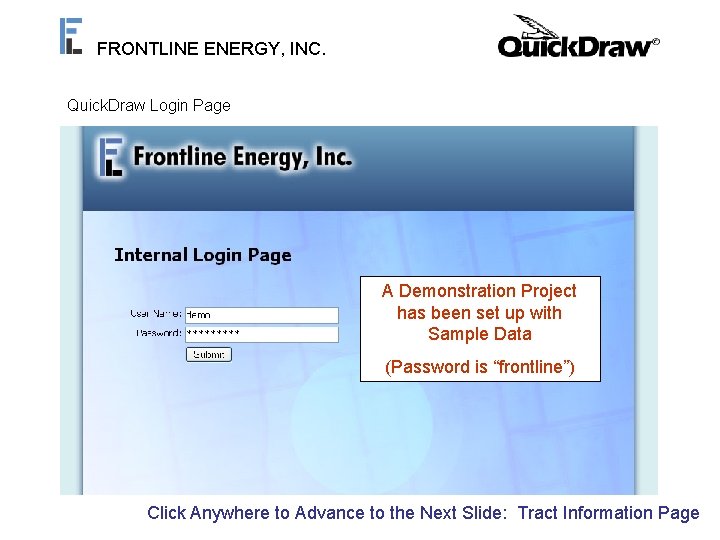
FRONTLINE ENERGY, INC. Quick. Draw Login Page A Demonstration Project has been set up with Sample Data (Password is “frontline”) Click Anywhere to Advance to the Next Slide: Tract Information Page
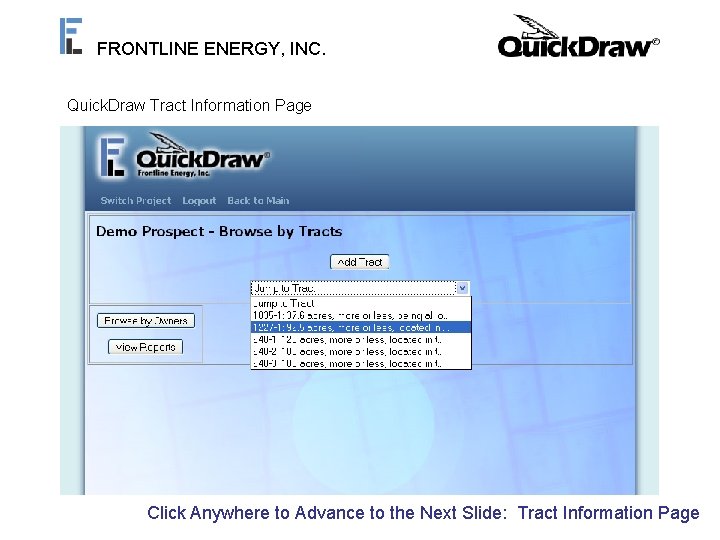
FRONTLINE ENERGY, INC. Quick. Draw Tract Information Page The “Jump to Tract” Box The “Add Tract” Button Allows the User to Select a Allows the User to Enter Tract to View From a List Tract Information for a of Existing Tracts New Tract Click Anywhere to Advance to the Next Slide: Tract Information Page
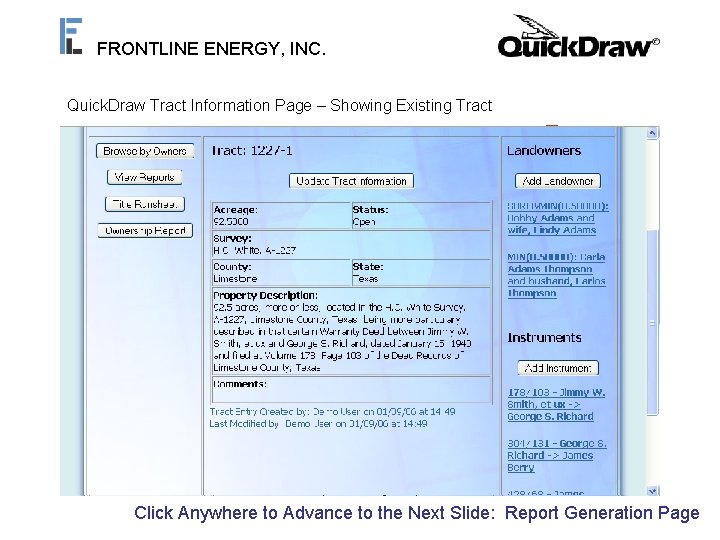
FRONTLINE ENERGY, INC. Quick. Draw Tract Information Page – Showing Existing Tract Custom Reports such as this Ownership Report can be Landowners Associated Generated Using Tract with this Tract Canand be Ownership Information Added/Edited Here Chain of Title Instruments Associated with this Tract Can be Added/Edited Here Click Anywhere to Advance to the Next Slide: Report Generation Page
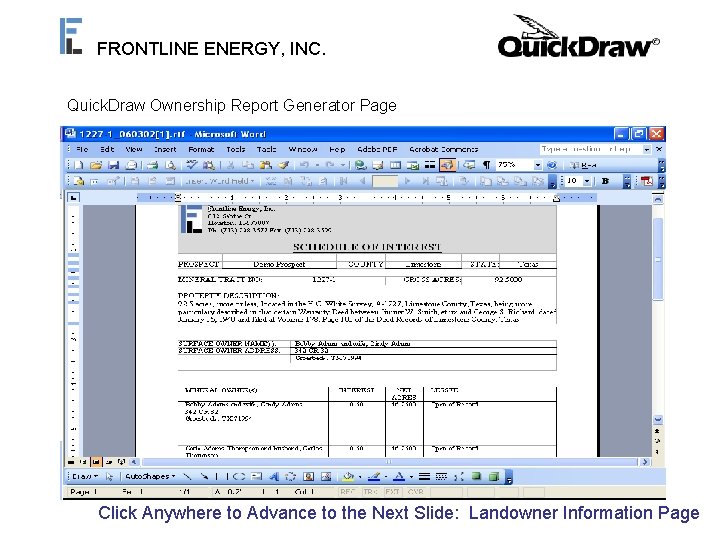
FRONTLINE ENERGY, INC. Quick. Draw Ownership Report Generator Page When Prompted, Click “Open” to View the Generated. Clicking this Button Ownership Report will Generate an Ownership Report An Editable Ownership Report in RTF Format is Generated and Opened in a Word Window to be Printed or Saved Click Anywhere to Advance to the Next Slide: Landowner Information Page
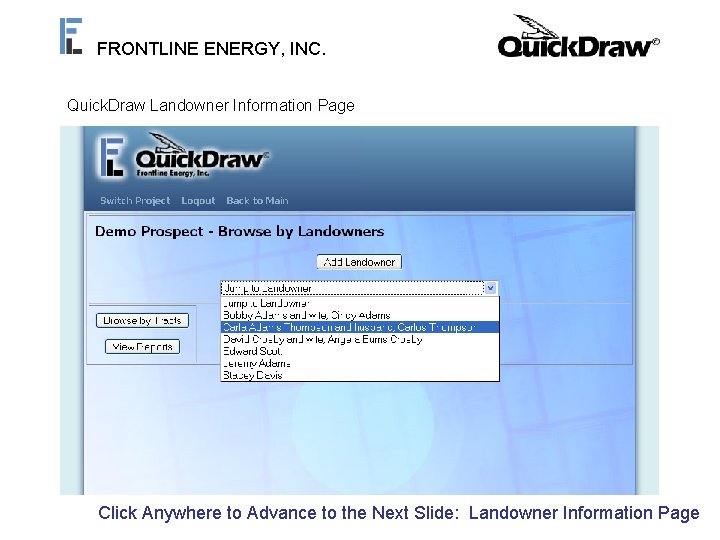
FRONTLINE ENERGY, INC. Quick. Draw Landowner Information Page From the Tract Information Page, You Can Click “Browse by Owners” to Browse the Database by Owner Instead of by Tract Once at the Landowner Information Page, You Can Add or Browse Landowners Just Like in the Tract Information Page Click Anywhere to Advance to the Next Slide: Landowner Information Page
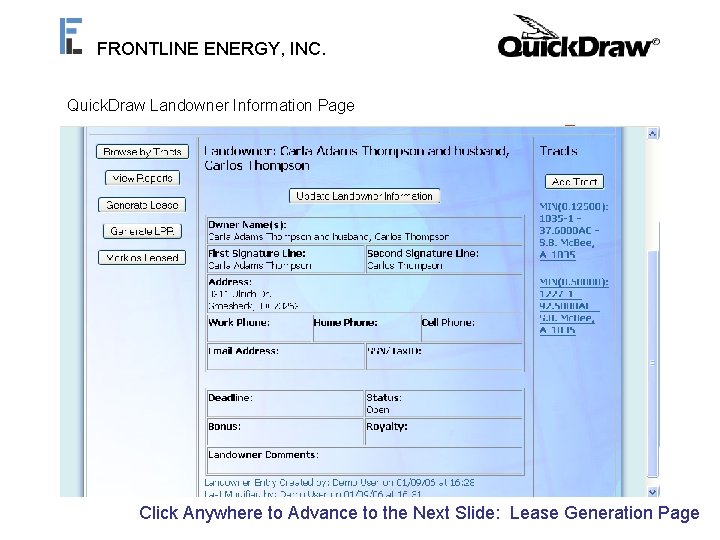
FRONTLINE ENERGY, INC. Quick. Draw Landowner Information Page Custom Leases can be Generated Using Landowner and Tract Information Tracts Associated with this Landowner can be Added or Accessed Using This Sidebar Click Anywhere to Advance to the Next Slide: Lease Generation Page
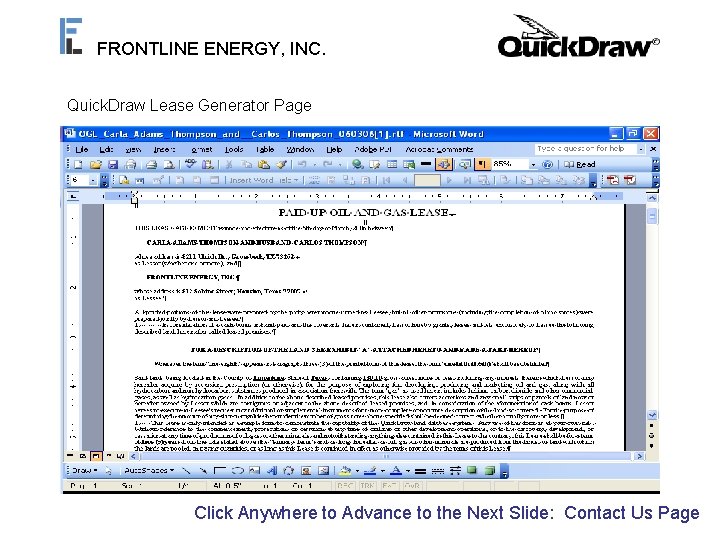
FRONTLINE ENERGY, INC. Quick. Draw Lease Generator Page Once You Have Selected Your Amendments, You Can Click “Generate Lease” The Generated Lease is Opened In Word as an RTF File for Further Editing/Customization When Prompted, Choose “Open”Custom to View Amendments and Edit the and Various Generated Lease In. In Word Fields can be Selected Addition to the Information Already Being Used From the Database Click Anywhere to Advance to the Next Slide: Contact Us Page
FRONTLINE ENERGY, INC. Feel Free to Log In to Our Demo Project to Experience Quick. Draw with Some Sample Project Data. Please Contact our Main Office if You Would Like More Information Regarding Frontline Energy or Our Quick. Draw Land Data System. Frontline Energy, Inc. 812 Sabine Street Houston, TX 77007 Phone: 713 -228 -3577 Fax: 713 -228 -3599 comments@frontlineenergy. com
- Slides: 9