
Frontiers in Interaction The Power of Multimodal Standards
- Slides: 27
Frontiers in Interaction The Power of Multimodal Standards Deborah Dahl Principal, Conversational Technologies Chair, W 3 C Multimodal Interaction Working Group Voice. Search 2009 March 2 -4 San Diego, California Conversational Technologies www. conversational-technologies. com
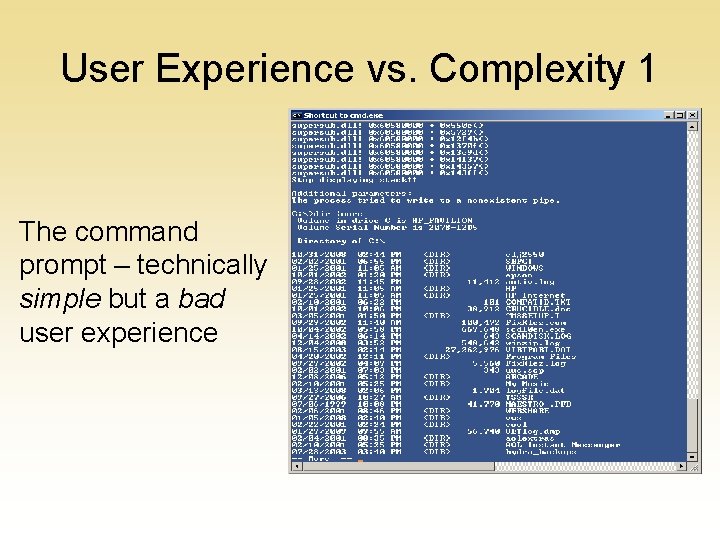
User Experience vs. Complexity 1 The command prompt – technically simple but a bad user experience
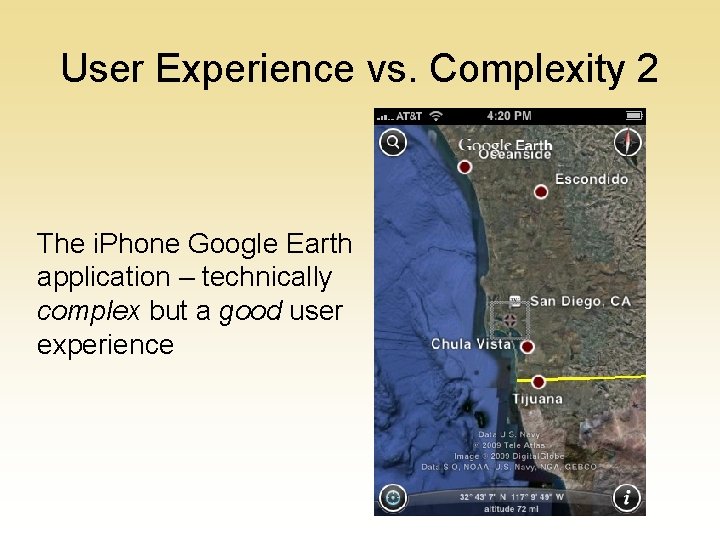
User Experience vs. Complexity 2 The i. Phone Google Earth application – technically complex but a good user experience
As the user experience becomes more natural and intuitive, the more complex the supporting technology becomes
Multimodality offers an opportunity for a more natural user experience, but …
There a lot of technologies involved in multimodal applications!
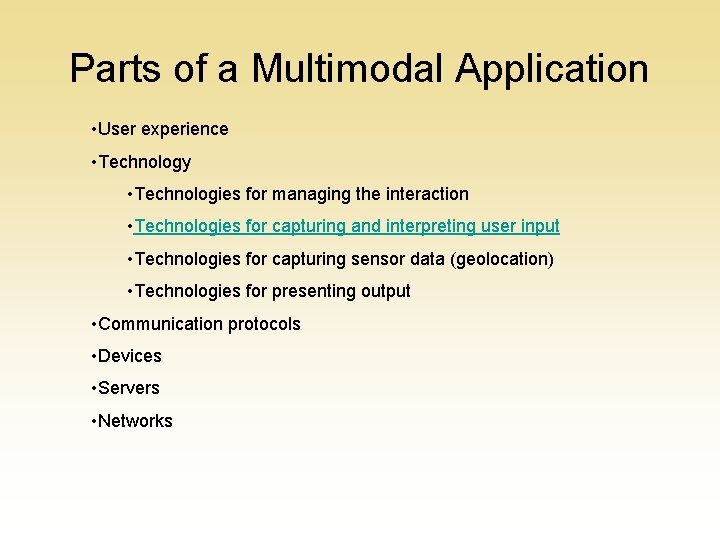
Parts of a Multimodal Application • User experience • Technology • Technologies for managing the interaction • Technologies for capturing and interpreting user input • Technologies for capturing sensor data (geolocation) • Technologies for presenting output • Communication protocols • Devices • Servers • Networks
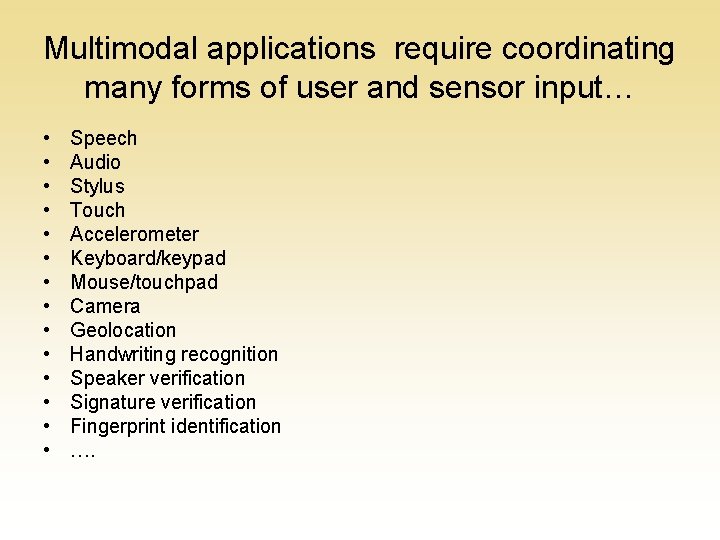
Multimodal applications require coordinating many forms of user and sensor input… • • • • Speech Audio Stylus Touch Accelerometer Keyboard/keypad Mouse/touchpad Camera Geolocation Handwriting recognition Speaker verification Signature verification Fingerprint identification ….
…while presenting the user with a natural and usable interface
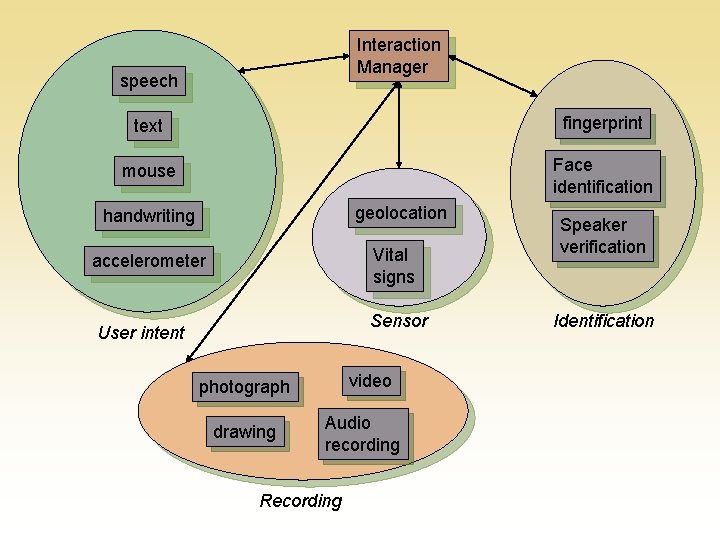
A multimodal application can include many kinds of input, used for many purposes
Interaction Manager speech text fingerprint mouse Face identification geolocation handwriting Vital signs accelerometer Sensor User intent video photograph drawing Audio recording Recording Speaker verification Identification
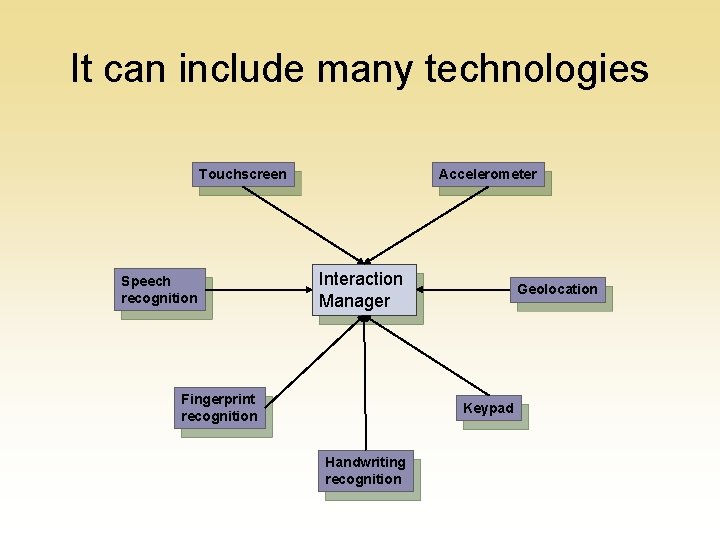
It can include many technologies Touchscreen Speech recognition Accelerometer Interaction Manager Fingerprint recognition Geolocation Keypad Handwriting recognition
Getting everything to work together is complicated.
One way to make things easier is to represent the same information from different modalities in the same format.
We need a common language for representing the same information from different modalities.
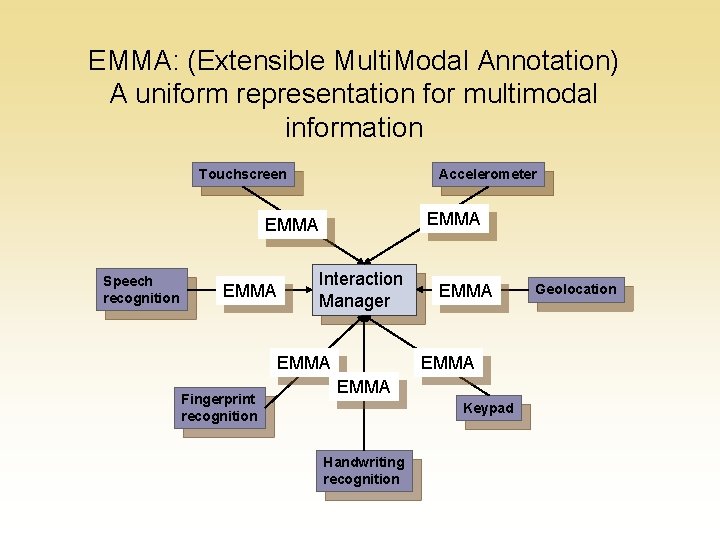
EMMA: (Extensible Multi. Modal Annotation) A uniform representation for multimodal information Touchscreen Accelerometer EMMA Speech recognition EMMA Interaction Manager EMMA Fingerprint recognition EMMA Keypad Handwriting recognition Geolocation
EMMA can represent many types of information because it includes both general annotations as well as application-specific semantics
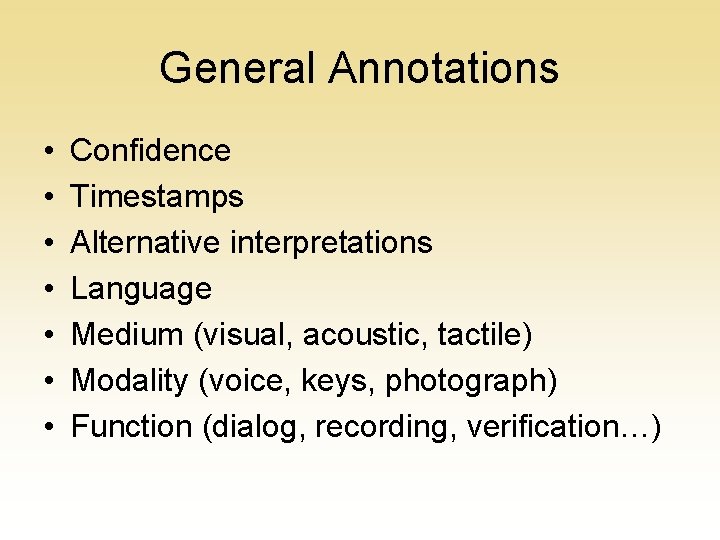
General Annotations • • Confidence Timestamps Alternative interpretations Language Medium (visual, acoustic, tactile) Modality (voice, keys, photograph) Function (dialog, recording, verification…)
Representing user intent
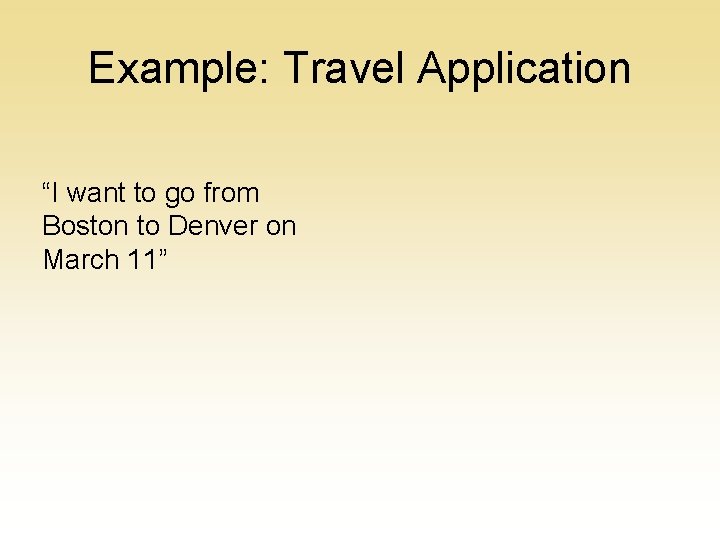
Example: Travel Application “I want to go from Boston to Denver on March 11”
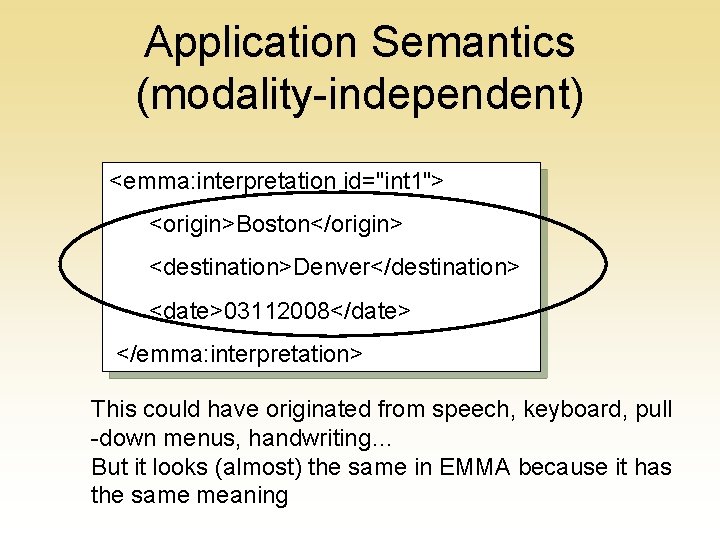
Application Semantics (modality-independent) <emma: interpretation id="int 1"> <origin>Boston</origin> <destination>Denver</destination> <date>03112008</date> </emma: interpretation> This could have originated from speech, keyboard, pull -down menus, handwriting… But it looks (almost) the same in EMMA because it has the same meaning
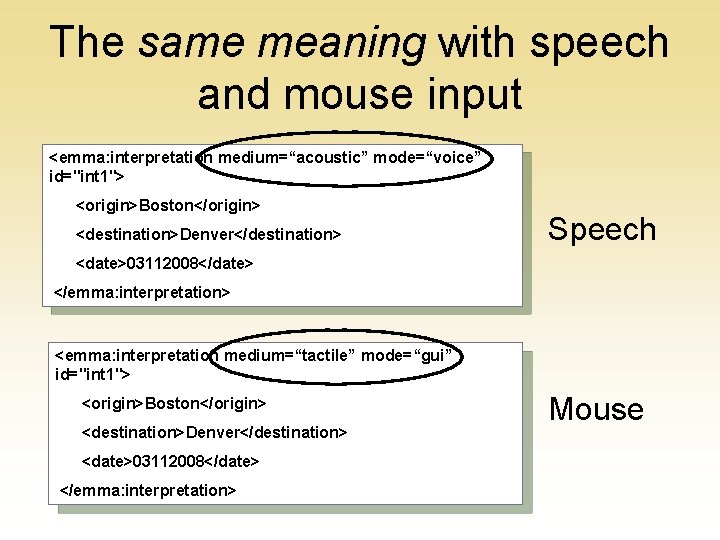
The same meaning with speech and mouse input <emma: interpretation medium=“acoustic” mode=“voice” id="int 1"> <origin>Boston</origin> <destination>Denver</destination> Speech <date>03112008</date> </emma: interpretation> <emma: interpretation medium=“tactile” mode=“gui” id="int 1"> <origin>Boston</origin> <destination>Denver</destination> <date>03112008</date> </emma: interpretation> Mouse
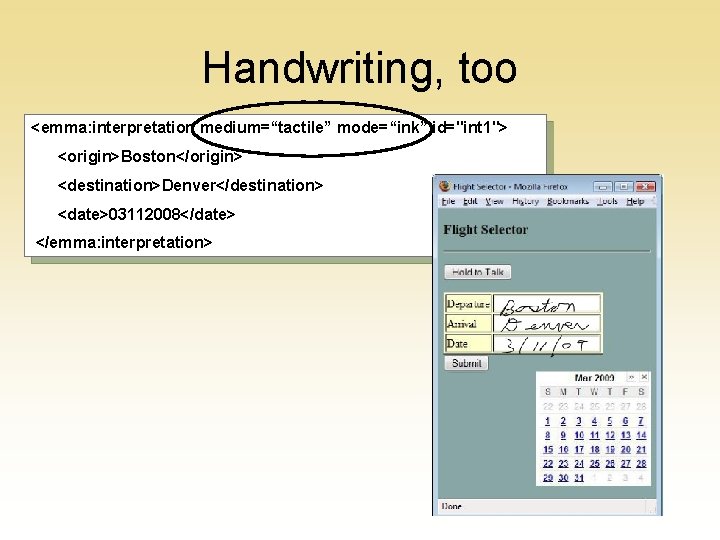
Handwriting, too <emma: interpretation medium=“tactile” mode=“ink” id="int 1"> <origin>Boston</origin> <destination>Denver</destination> <date>03112008</date> </emma: interpretation>
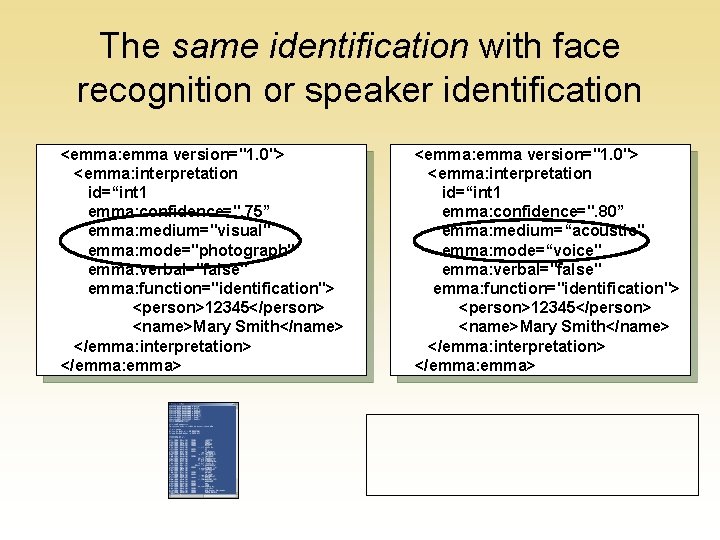
Identifying users -- biometrics
The same identification with face recognition or speaker identification <emma: emma version="1. 0"> <emma: interpretation id=“int 1 emma: confidence=". 75” emma: medium="visual" emma: mode="photograph" emma: verbal="false" emma: function="identification"> <person>12345</person> <name>Mary Smith</name> </emma: interpretation> </emma: emma> <emma: emma version="1. 0"> <emma: interpretation id=“int 1 emma: confidence=". 80” emma: medium=“acoustic" emma: mode=“voice" emma: verbal="false" emma: function="identification"> <person>12345</person> <name>Mary Smith</name> </emma: interpretation> </emma: emma>
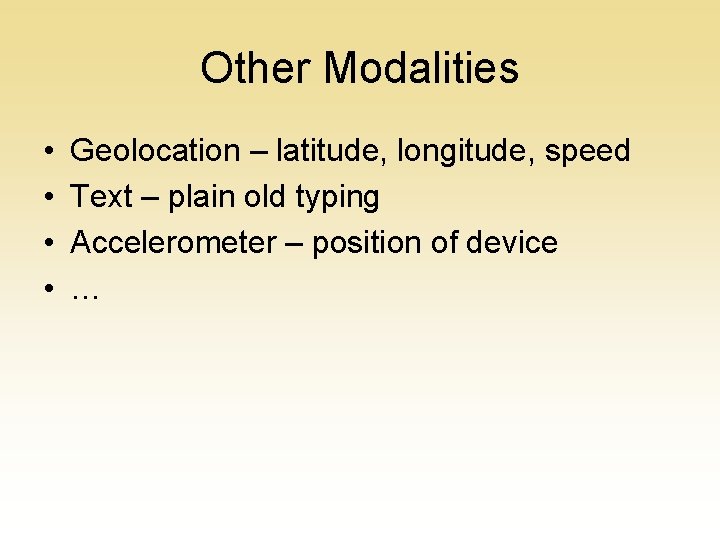
Other Modalities • • Geolocation – latitude, longitude, speed Text – plain old typing Accelerometer – position of device …
More Information • The specification: http: //www. w 3. org/TR/emma/ • The Multimodal Interaction Working Group: http: //www. w 3. org/2002/mmi/ • An open source implementation: http: //sourceforge. net/projects/nlworkbench/